
Edge computing networks live under tight constraints: limited rack space, aggressive thermal budgets, and strict latency targets. This article helps network engineers and field technicians understand how DAC cables behave inside edge switching designs, when they beat fiber, and what to verify during commissioning. You will get practical selection criteria, real troubleshooting patterns, and an ROI view that matches what procurement and operations teams care about.
Why DAC cables matter in edge computing designs
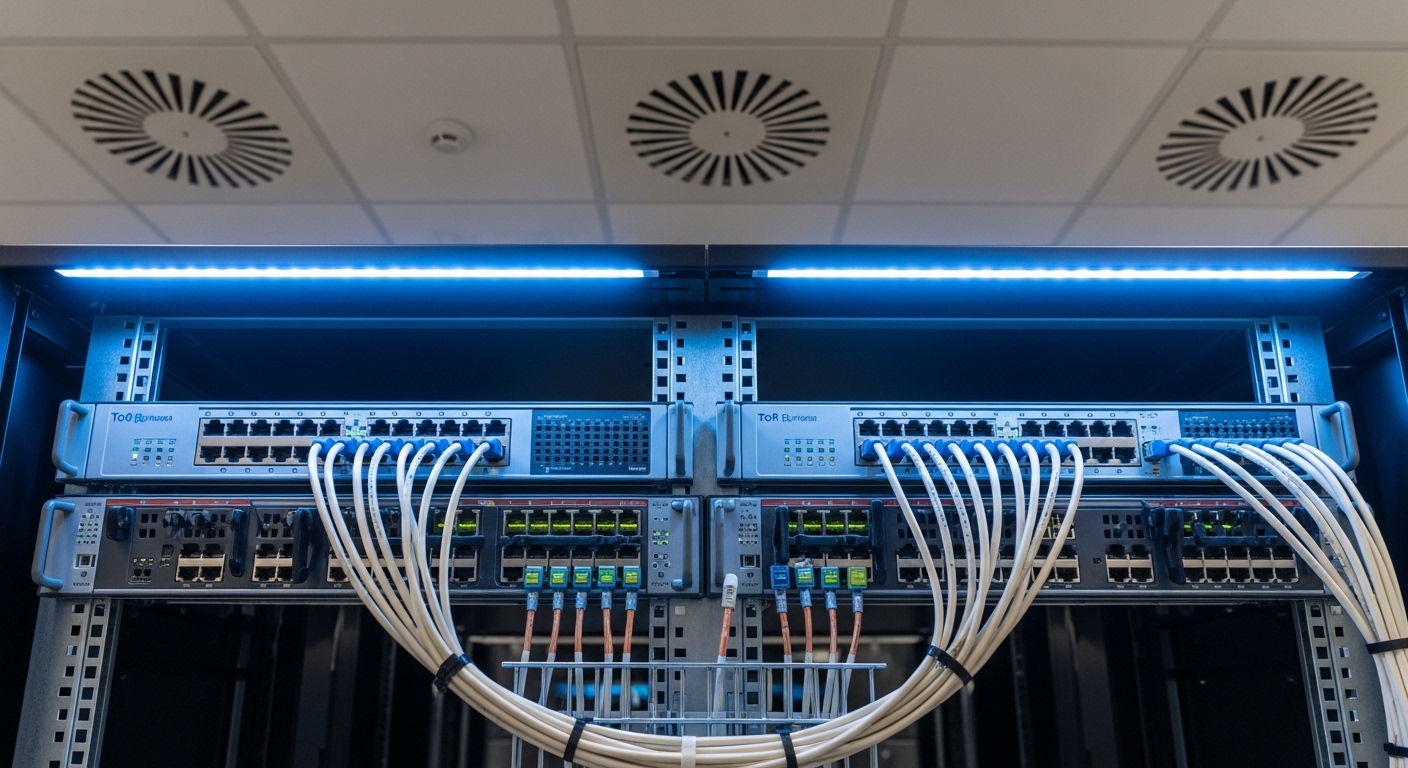
At the edge, you often connect ToR switches to nearby aggregation, compute nodes, or storage controllers over short distances where fiber adds cost and handling overhead. DAC cables (Direct Attach Copper) provide a compact copper link using the same electrical signaling concept as short-reach optics, but without the active optical components. In practice, that means simpler bill of materials, lower power draw per port, and faster physical deployment during site turns.
In a typical edge deployment, you may run 10G, 25G, or 100G Ethernet between switches and servers within 1 to 10 meters, often through patch panels, top-of-rack cable managers, and pre-terminated pathways. Modern switch ports expecting SFP+ or SFP28 style electrical interfaces can accept specific DAC cable types, but only if the optics profile and power class align. The IEEE Ethernet PHY behavior is standardized at the link layer, while the exact module signaling and management details come from vendor implementation and module standards referenced in product datasheets and compliance notes. [Source: IEEE 802.3-2022] IEEE 802.3-2022
DAC vs fiber in the real world: specs that decide
The key trade is not just reach; it is also power, connectorization, and how each medium responds to installation variability. Copper DAC is sensitive to bend radius, cable routing, and link training behavior, while fiber is more forgiving mechanically but adds transceiver cost and cleaning discipline. When you are designing for edge constraints, you can often standardize on DAC for intra-rack and short inter-rack links, then use fiber for anything that exceeds the copper reach budget.
Below is a comparison engineers use when selecting between common copper DAC and short-reach fiber transceivers for 10G and 25G edge links.
| Parameter | 10G SFP+ DAC cable | 25G SFP28 DAC cable | 10G SFP+ SR over fiber | 25G SFP28 SR over fiber |
|---|---|---|---|---|
| Typical wavelength | N/A (copper electrical) | N/A (copper electrical) | 850 nm | 850 nm |
| Typical reach | 1 m to 7 m (model dependent) | 1 m to 5 m (model dependent) | 300 m to 400 m on OM3/OM4 | 70 m to 100 m on OM4 (varies by spec) |
| Connector style | SFP+ or SFP28 plug ends | SFP28 plug ends | LC duplex | LC duplex |
| Link power impact | Often lower than optics | Often lower than optics | Transceiver power per port | Transceiver power per port |
| Temperature range | Typically vendor datasheet class (often 0 to 70 C) | Typically vendor datasheet class (often 0 to 70 C) | Depends on optics class (often 0 to 70 C) | Depends on optics class (often 0 to 70 C) |
| Installation sensitivity | High: bend radius and routing matter | High: cable management is critical | Medium: fiber handling and cleaning | Medium: fiber handling and cleaning |
In edge stacks, you will see copper DAC part numbers and vendor ecosystems like Cisco SFP-10G-SR is optics, but the copper equivalents are DAC assemblies; likewise Finisar and FS.com list both optics and copper DAC options with explicit reach and temperature classes. For example, FS.com sells 10G and 25G DAC cables with specified lengths and compatibility notes, such as FS.com SFP-10GSR-85 (optics) versus copper DAC listings that specify SFP+ or SFP28 form factors and reach limits. Always validate the exact DAC SKU against your switch transceiver compatibility matrix, even when the data rate and form factor match. [Source: vendor datasheets and switch compatibility guides]
Selection criteria checklist for DAC cables at the edge
When I spec DAC cables for an edge rollout, I treat it like an RF-like signal integrity decision, not a “plug and play” accessory. The ordering below reflects what field teams actually run into during bring-up and what procurement asks for during standardization.
- Distance budget: match the DAC length to the measured path, including slack and cable manager routing. Do not assume the shortest physical distance equals electrical budget.
- Switch port type and speed: confirm SFP+ vs SFP28 vs QSFP28 electrical expectations, including breakout modes and oversubscription impacts.
- Vendor compatibility and DOM support: some DAC cables include digital optical monitoring-like data even for copper; others provide minimal fields. Verify what your switch expects for link management and telemetry.
- Power and thermal class: confirm the module power class and operating temperature range for the enclosure. Edge cabinets can exceed 40 C quickly during fan failures.
- Budget and risk of lock-in: OEM DAC cables may cost more but reduce compatibility churn. Third-party DAC can work reliably, but plan for a controlled pilot batch and a known-good spare.
- Connector and strain relief: check latch design and whether the cable assembly tolerates repeated maintenance cycles without looseness.
Pro Tip: In commissioning, run a “wiggle test” with the link up: gently reseat the DAC and observe link stability counters. Many edge outages trace back to marginal connector contact caused by cable manager tension, not by the switch port itself.
Common pitfalls and troubleshooting in the field
DAC cable failures are usually deterministic once you know the patterns. Here are the most frequent mistakes I have seen during edge turn-ups, with root causes and fixes.
Link comes up intermittently after cable routing changes
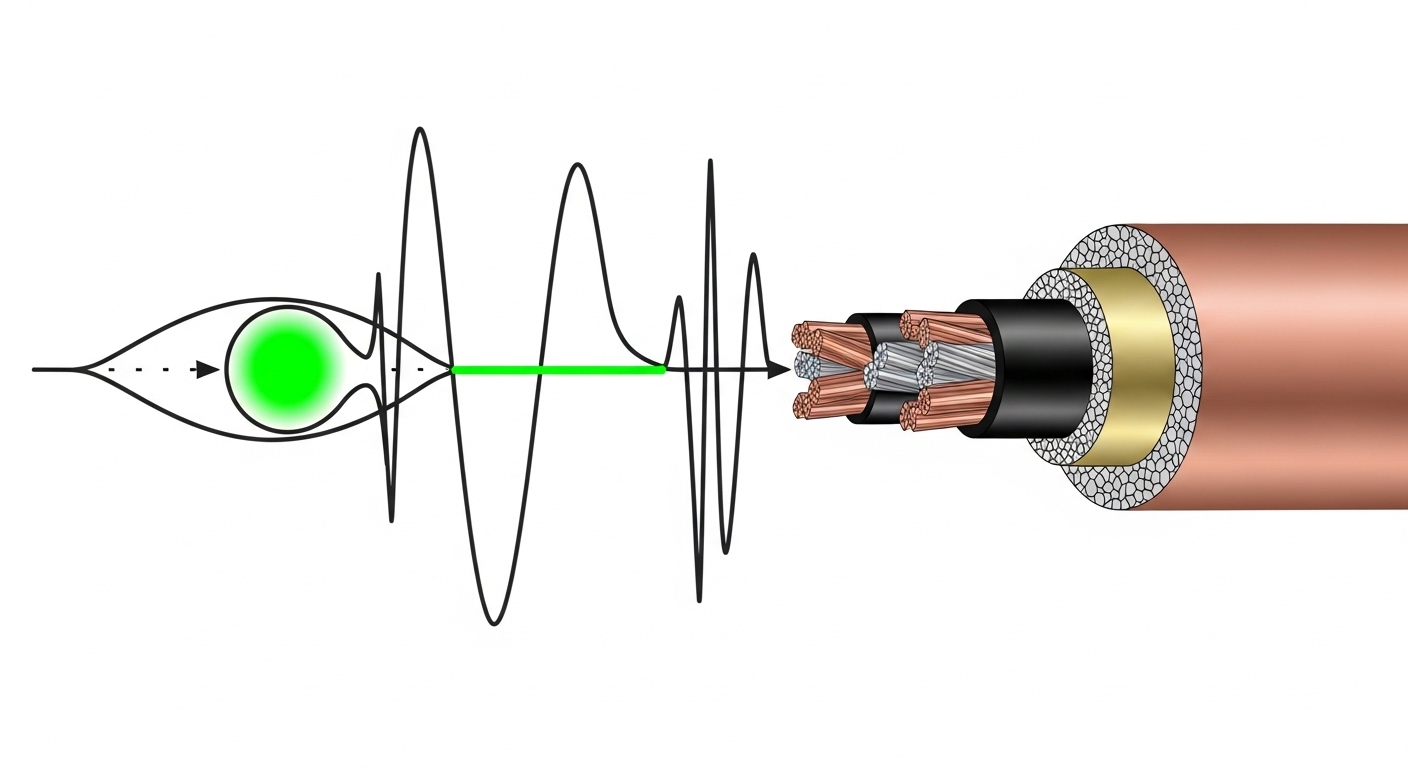
Root cause: Excessive bend radius or tight cable ties deform the jacket and degrade signal integrity. Copper links can show flapping during link training retries.
Solution: Re-route with a larger bend radius, reduce bundle tightness, and avoid sharp transitions at cabinet doors. If your DAC datasheet specifies a minimum bend radius, follow it explicitly.
Port shows “unsupported module” or remains down
Root cause: A DAC cable form factor or electrical profile does not match the switch’s transceiver expectations (for example, using the wrong generation DAC for SFP28 vs SFP+). Some switches also enforce vendor ID checks.
Solution: Verify the port type, speed mode, and the DAC SKU compatibility matrix. Keep a known-good OEM spare for the first week of staging.
High error counters even when the link is stable
Root cause: Unsuitable length, marginal contact, or EMI coupling from nearby power cabling. Edge racks sometimes place DC power busbars within a few centimeters of cable trays.
Solution: Reseat connectors, shorten the effective run if possible, and separate copper runs from high-current cabling. Monitor CRC/FCS errors and interface error-disabled events during traffic tests.
Cost and ROI: when DAC cables beat optics
In edge sites, ROI comes from both upfront cost and operational stability. Copper DAC assemblies often cost less than a transceiver plus fiber patch hardware for short distances, and they reduce power per port compared to active optics in many designs. However, DAC has a shorter reach ceiling, so the ROI only holds when your distance plan stays within the rated length.
Typical street pricing varies by generation and vendor, but as a planning range: short-reach 10G DAC cables may land roughly in the tens of dollars per cable, while 25G DAC can be higher depending on length and compatibility. OEM optics are often costlier than third-party, but third-party DAC can still be cost-effective if you pilot with a compatibility test and maintain a spare. TCO also includes failure handling: if you have higher field swap frequency due to connector wear, the “cheap cable” can become expensive in labor hours.

FAQ
Can DAC cables be used for edge links between switches?
Yes, for short distances where your interconnect budget fits the DAC length rating. I often use DAC between ToR switches or between a ToR and an edge aggregation device when the run is within a few meters and cable routing is controlled.
Do DAC cables support monitoring like optics DOM?
Some DAC assemblies provide digital monitoring fields, but support is not universal. Check your switch documentation and the exact DAC datasheet for what the platform reads and how telemetry is exposed.
What is the biggest reason DAC links fail at install time?
Most failures come from installation geometry: excessive bends, tight bundling, or connector misalignment under mechanical tension. Treat cable management as part of signal integrity, not as a post-install cleanup task.
When should I switch from DAC cables to fiber?
When the required reach exceeds copper limits, when routing forces risky bends, or when you need cleaner long-term maintenance separation. Fiber SR transceivers with LC connectors are usually the safer approach for longer or more dynamic pathways.
Are third-party DAC cables reliable for edge deployments?
They can be, but reliability depends on compatibility with your switch platform and stable manufacturing tolerances. Run a pilot batch, log link errors under load, and keep an OEM spare for the first rollout wave to reduce downtime risk.
How do I validate DAC cables before going live?
Stage the cables, bring links up, and generate traffic while monitoring CRC/FCS errors and interface flaps. Then perform a gentle reseat and cable re-route check to catch marginal contacts early.
If you want a parallel approach for the fiber side of the same edge design, see [[LINK:fiber optic transceivers
