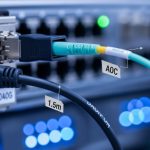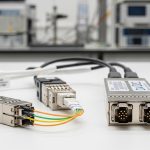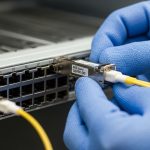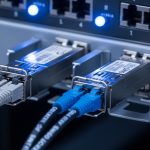
If you are running growth inside an SMB network, 400G can feel like a budget trap: optics are pricey, compatibility is picky, and a bad choice can strand ports. This article walks through practical deployment strategies for 400G transceivers that prioritize cost efficiency without gambling on reach or vendor lock-in. It is aimed at network engineers and IT managers planning leaf-spine upgrades, high-throughput backbone, or server refresh cycles.
Why 400G choices swing your total cost of ownership
At 400G, the optics decision is not only “which module works,” it is “which module keeps ports lit at the lowest lifecycle cost.” In real deployments, the big cost drivers are: module unit price, installation labor, downtime risk, and the fiber plant you already have. For example, switching from 100G to 400G often coincides with higher port utilization targets, so you cannot afford margin errors on link budget or temperature.
From an engineering perspective, 400G Ethernet is typically implemented using either coherent optics (for longer distances) or short-reach optics (for data center spans). In many SMB leaf-spine designs, short-reach is the default because the optics can be cheaper and power-efficient while meeting the required reach. The IEEE 802.3 family defines the Ethernet PHY behavior, while module vendors publish optics parameters and compliance notes in their datasheets. For standards context, see [Source: IEEE 802.3]. IEEE 802.3 standard page
400G optics options SMBs actually use (SR vs LR vs ER)
Most SMBs deploying 400G for data center growth start with short-reach (SR) optics when the fiber is already multimode or when the distance is within a few hundred meters. If your backbone crosses longer corridors or you have single-mode fiber already in place, you may choose long-reach (LR) or extended reach (ER) options. The cost efficiency angle is: pick the cheapest optics that still meets your actual distance, connector type, and optical budget.
| Spec | 400G SR (Example: 400GBASE-SR8) | 400G LR (Example: 400GBASE-LR4) | Typical Connector |
|---|---|---|---|
| Wavelength | ~850 nm (MMF) | ~1310 nm (SMF) | LC duplex |
| Reach target | Up to ~100 m (MMF) | Up to ~10 km (SMF) | LC |
| Data rate | 400 Gb/s | 400 Gb/s | Per IEEE PHY |
| DOM / Diagnostics | Common: yes (I2C, temp, bias) | Common: yes | Vendor dependent |
| Operating temp | Commercial commonly 0 to 70 C | Varies by grade | Check datasheet |
| Module form factor | QSFP-DD or OSFP (varies) | QSFP-DD or CFP2/CFP4 (varies) | Vendor-specific |
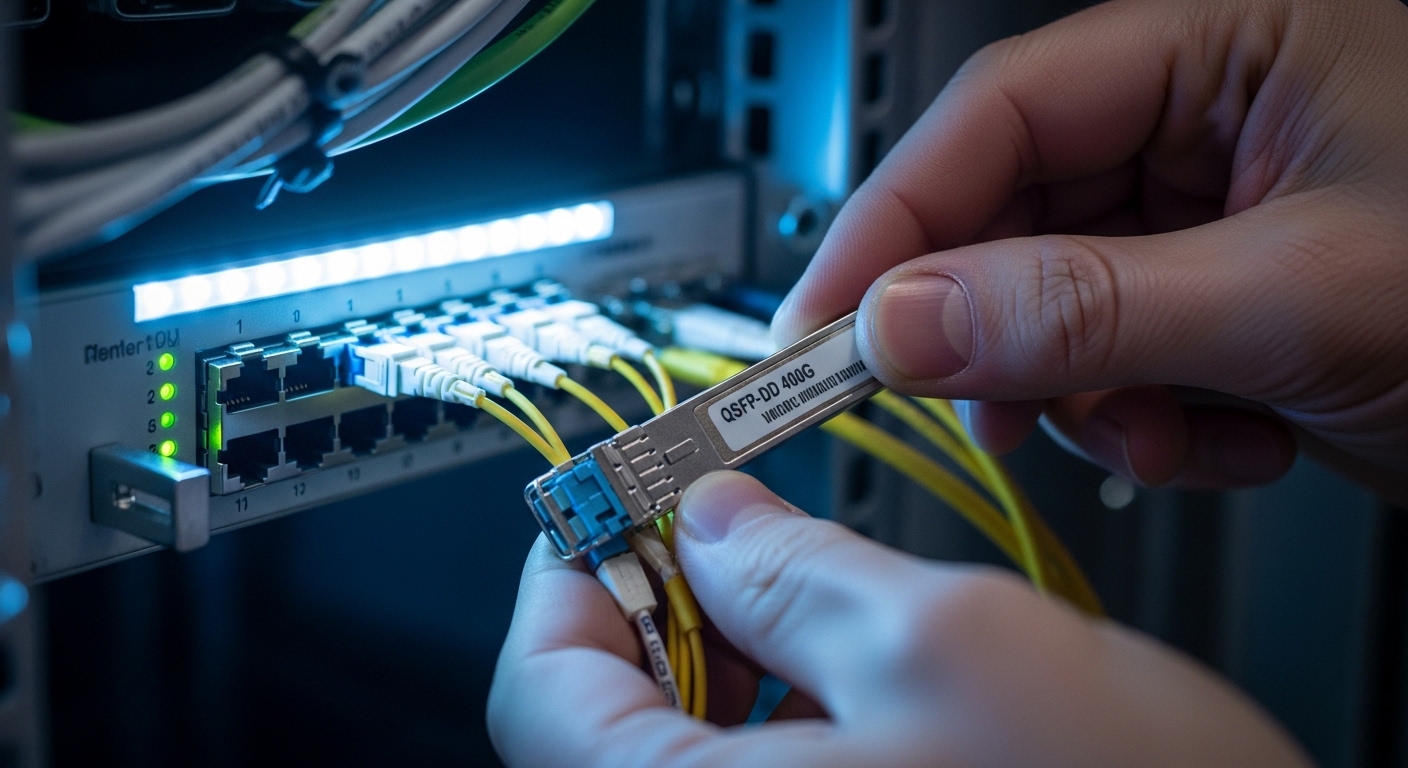
In practice, you will see many SMB builds using QSFP-DD for 400G SR/LR in modern switches, but the exact supported transceiver list is what matters. Always cross-check your switch vendor’s “supported optics” matrix and firmware release notes before ordering. Vendors publish compatibility guidance in their transceiver interoperability notes; ignoring it is a fast path to link flaps.
Deployment strategy that protects cost efficiency during growth
Here is a pattern that works well for SMBs scaling from 1G/10G to high-throughput 400G uplinks: phase the upgrade so you do not replace the whole fiber plant or all optics at once. Start with the highest utilization links, validate link stability in a controlled window, then expand. If you are using a leaf-spine topology, a common approach is to upgrade spine uplinks first because they concentrate traffic and reduce the number of “unknowns.”
Real-world scenario: In a 3-tier data center leaf-spine topology with 48-port ToR switches, an SMB might plan to add 400G uplinks to two spine pairs. Suppose each ToR has four 400G uplinks and there are 12 ToR switches. That is 12 x 4 = 48 ports of 400G to light up. If the distances are 60 to 120 meters over OM4 multimode with LC trunks and you are using QSFP-DD 400GBASE-SR8-class optics, you can stay in the SR budget zone and avoid single-mode rewiring. You validate with a staged rollout: 4 ports per ToR first, then expand after error counters remain stable for 72 hours under peak load.
Pro Tip: Before you buy, verify your fiber plant class (OM4 vs OM5) and measure actual end-to-end loss with an optical power meter or OTDR. Many “it should work” SR assumptions fail because patch panel cleaning, connector contamination, or aging jumpers add unexpected dB, and 400G is less forgiving than older 10G links.
Selection checklist: the order engineers should decide in
If your goal is cost efficiency, you need a repeatable decision flow that prevents expensive rework. Use this ordered checklist:
- Distance and fiber type first: pick SR vs LR based on measured span length and OM/SM availability, not just what the cable label says.
- Switch compatibility second: confirm the exact transceiver part numbers supported by your switch model and firmware version. Many “works in lab” optics fail in production due to vendor-specific module requirements. optics-compatibility-checklist
- Connector and polarity mapping: ensure LC duplex/wiring polarity is consistent with your patching layout to avoid silent bit errors.
- DOM support: require diagnostics so you can monitor temperature, bias current, and optical power trends for predictive maintenance.
- Operating temperature and airflow: check the module grade (commercial vs industrial) against your rack ambient and airflow path.
- Vendor lock-in risk: if you buy OEM only, you may pay a premium later; if you buy third-party, confirm interoperability and warranty terms.
Common pitfalls and troubleshooting tips (what goes wrong in SMB rollouts)
Even careful planners hit failure modes at 400G. Here are the ones I see most often, with root cause and fixes:
-
Pitfall: link comes up then flaps under load
Root cause: insufficient optical power margin from dirty connectors or higher-than-expected insertion loss in patch panels.
Fix: clean LC ends with proper lint-free wipes and alcohol designed for fiber, then re-test with a light source/power meter. If needed, re-terminate or replace jumpers. -
Pitfall: “unsupported transceiver” or module not recognized
Root cause: switch firmware or transceiver EEPROM/ID fields do not match the vendor’s acceptance list.
Fix: update switch firmware to the version recommended for your optics, or use a transceiver explicitly listed for your switch model. Validate with vendor interoperability notes before scaling. -
Pitfall: high CRC or FEC-related errors right after installation
Root cause: polarity mismatch, swapped duplex fibers, or damage during cable routing.
Fix: confirm transmit/receive pairing, re-patch to the correct polarity, inspect fiber for microbends, and check if the switch reports FEC mode changes. -
Pitfall: thermal throttling or early module degradation
Root cause: blocked airflow behind the cage, insufficient rack cooling, or using commercial-grade modules in hot ambient zones.
Fix: measure rack inlet temperature, add baffles if missing, and consider higher-grade optics where the vendor specifies it.
Cost & ROI note: where the savings really come from
In many SMBs, OEM 400G optics can cost notably more per module than reputable third-party options, but the savings only matter if you avoid rework. A realistic budgeting range (varies by market and volume) might look like hundreds to over a thousand USD per module for short-reach 400G, with long-reach typically higher. TCO is also shaped by failure rates and downtime: if a module causes a maintenance event, the labor and outage cost can erase any purchase price advantage.
For cost efficiency, I usually recommend a hybrid approach: buy from a supplier with clear return/RMA terms, confirm compatibility in writing, and keep a small spare pool sized to your maintenance window. Also factor power: 400G optics typically draw more than 10G optics, but SR modules can still be power-competitive versus higher-reach coherent gear, especially when your spans stay short.
FAQ
What optics should an SMB pick for cost efficiency in a data center?
Usually start with 400G SR if your measured distances fit the reach and you have suitable multimode fiber. If you already run single-mode across longer spans, LR can be more practical than trying to stretch SR beyond margin.
How do I avoid buying optics that my switch rejects?
Check the switch vendor’s supported optics list for your exact model and firmware version. If you are considering third-party modules, request written confirmation of compatibility and test a small batch before scaling.
Do I need DOM diagnostics for 400G?
DOM is strongly recommended because it gives you visibility into optics health (temperature, bias, and received power trends). That helps you catch degradation early and supports maintenance planning, which improves cost efficiency.
What is the biggest reason SR links fail at 400G?
Most failures trace back to insufficient optical margin from fiber plant issues: dirty connectors, damaged patch cords, or worse-than-expected insertion loss. Clean and measure before you assume the module is defective.
Should I plan for spares when deploying 400G?
Yes. For cost efficiency, keep spares sized to your outage tolerance and maintenance window, and store them in stable conditions. A spare can prevent a multi-hour incident from turning into a multi-day delay.
Is it worth upgrading firmware before installing new optics?
Often yes, but only to the version your vendor recommends for the transceiver type. Firmware changes can affect module acceptance behavior and error handling, so align with vendor release notes.
Bottom line: maximize cost efficiency by choosing the cheapest optics that meet your measured distance, then protect compatibility with firmware and diagnostics. Next step: run an optics compatibility check against your switch model using optics-compatibility-checklist.
Author bio: I have deployed 10G to 400G optics in leaf-spine and campus backbones, including fiber acceptance testing with OTDR and live error-counter validation. I write from field experience, focusing on interoperability, operational limits, and measurable TCO outcomes