
Enterprise teams often standardize on 10G or 25G fiber, then discover that the “same looking” SFP optics behave very differently once racks, patch panels, and distance planning enter the picture. This article helps network engineers and field technicians choose between SFP-SR and SFP-LR by comparing wavelength, reach, typical power, connector, and operational limits. You will also get a practical selection checklist, troubleshooting patterns, and a realistic cost and failure-rate view for day two operations.
What changes between SFP-SR and SFP-LR in real networks
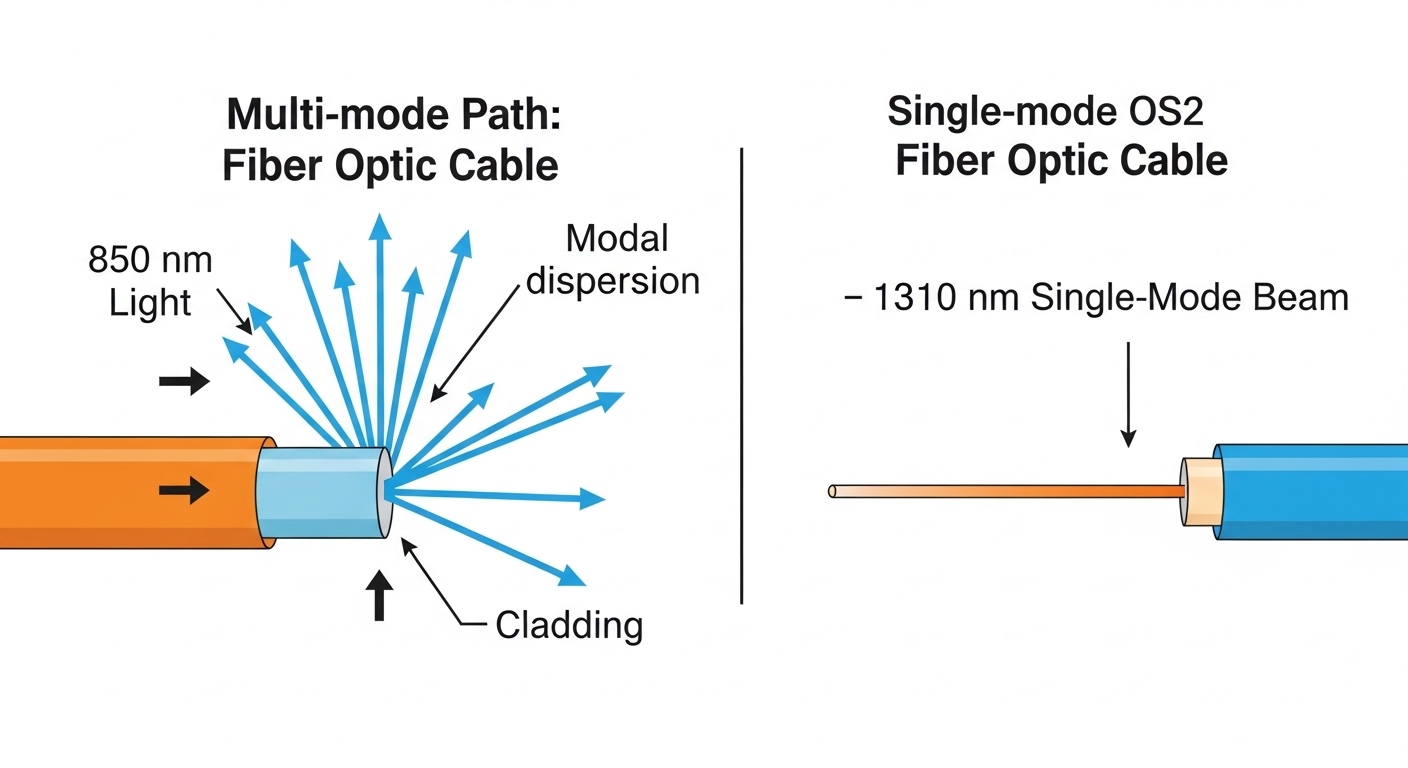
SFP-SR and SFP-LR are both small form-factor pluggable optics that generally target multi-mode fiber for SR and single-mode fiber for LR, but the “SR vs LR” label is not just marketing shorthand. In IEEE 802.3 Ethernet PHY terms, you are selecting a link budget and optical reach profile that must match your fiber type, patch loss, and transceiver temperature behavior. SR is commonly specified around 850 nm, optimized for short reaches on OM3/OM4 multi-mode; LR is commonly specified around 1310 nm, optimized for longer reaches on single-mode.
In deployment, the biggest practical difference is the fiber infrastructure you already have. If your data center uses OM4 trunking and short patch runs, SR optics can be cost-effective and easier to standardize. If your cabling plant includes longer horizontal runs, campus fiber, or single-mode backbones, LR optics avoid the need to re-terminate multi-mode or increase overall link budget margins.
For authoritative definitions and Ethernet link behavior, review IEEE 802.3 clauses for the relevant 1G/10G/25G optical interfaces and the vendor-specific transceiver datasheets for exact reach and power class limits. Examples include [Source: IEEE 802.3] for electrical/optical interface framework and [Source: Cisco SFP and SFP+ module documentation] for compatibility notes. Also confirm DOM (Digital Optical Monitoring) support and vendor interoperability guidance in each switch platform’s transceiver matrix.
[[IMAGE:Macro photography of two optical transceiver modules side by side on a workbench, one labeled for short reach and one for long reach, metal housings with visible LC duplex connectors, shallow depth of field, cool studio lighting, high-resolution product detail, realistic textures]
comparison specs: wavelength, reach, fiber type, and operational limits
The most reliable way to compare is to map each module to the fiber type and the target line rate. Many enterprise links use 10G SR (often called “10G-SR”) versus 10G LR, and also 25G SR versus 25G LR in newer designs. The exact reach numbers vary by vendor and fiber grade, so treat the table as a planning baseline and then verify against the specific part number datasheet.
| Parameter | SFP-SR (Short Reach) | SFP-LR (Long Reach) |
|---|---|---|
| Typical wavelength | 850 nm | 1310 nm |
| Typical fiber type | OM3/OM4 multi-mode | OS2 single-mode |
| Common Ethernet use | 10G SR, 25G SR | 10G LR, 25G LR |
| Representative reach (baseline) | 300 m on OM3, up to 400-550 m on OM4 (varies) | 10 km (varies by rate and module) |
| Connector | Usually LC duplex | Usually LC duplex |
| DOM | Often supported (check switch compatibility) | Often supported (check switch compatibility) |
| Operating temperature | Commonly 0 to 70 C; some vendors offer extended ranges | Commonly 0 to 70 C; some vendors offer extended ranges |
| Power and link budget | Sensitive to multi-mode modal noise and patch loss | More tolerant of long distance attenuation on single-mode; still requires budget verification |
For concrete part examples, many enterprises use Cisco SFP-10G-SR and Cisco SFP-10G-LR as reference points, while third-party optics may include Finisar or FS.com equivalents such as Finisar FTLX8571D3BCL (example family for 10G SR class) or FS.com SFP-10GSR-85 (example naming pattern). Always confirm the exact wavelength, reach, and supported fiber grades in the datasheet for the exact SKU you plan to deploy.
Selection criteria: a field checklist for SR vs LR
When engineers perform an optics refresh, the decision is rarely “which is better,” but “which matches the cabling plant and the link budget with acceptable operational risk.” Use the ordered checklist below to avoid rework, intermittent errors, and unexpected transceiver refusals.
- Distance and measured loss: Use OTDR results or calibrated fiber test reports. Plan for patch panel losses and connector contamination, not just cable length.
- Fiber type and grade: Confirm OM3 vs OM4 for SR and OS2 for LR. A multi-mode transceiver on single-mode fiber (or vice versa) will not meet specifications.
- Switch compatibility and optics matrix: Validate the exact switch model and transceiver part number. Some platforms enforce vendor-specific DOM and timing behavior.
- DOM support and monitoring: If you rely on telemetry, confirm DOM parameters (Tx power, Rx power, temperature) are exposed and stable for your monitoring system.
- Operating temperature and airflow: Verify module operating range and ensure front-to-back airflow matches vendor guidance, especially in high-density ToR designs.
- Vendor lock-in risk: Evaluate OEM pricing versus third-party optics with documented compatibility. Consider a pilot batch and a burn-in window before full rollout.
- Connector reality: Confirm LC duplex cleanliness practices and whether adapters or patch cords add loss. SR is often less forgiving with dirty connectors due to higher sensitivity at shorter wavelengths.
Pro Tip: In many enterprises, the “wrong optics” issue is actually a link budget mismatch caused by patch cord and connector loss. Before swapping SR for LR, measure end-to-end optical power (Rx) and inspect connector cleanliness under magnification; a few dB of contamination can mimic a distance problem.
Deployment scenario: choosing correctly in a 3-tier data center
Consider a 3-tier data center leaf-spine topology with 48-port 10G ToR switches feeding 2 aggregation blocks. Each ToR server rack uses OM4 trunking with patch runs averaging 25 m of multi-mode cable plus 2 to 4 LC duplex patch cords. With measured cabling results showing typical end-to-end attenuation around 1.5 to 3.0 dB and clean connector inspections, SR optics (850 nm) are a practical fit for leaf-to-access and leaf-to-aggregation segments where total distance stays under the SR reach margin.
Now add a campus extension where the aggregation block links to a remote facility over 6.5 km of OS2 single-mode fiber. In this case, LR optics (1310 nm) are the correct selection because SR on multi-mode would require a different fiber plant and would not meet the reach and budget assumptions. In operations, engineers often standardize monitoring alarms on Rx optical power thresholds for both SR and LR, then set different alert levels per module class to reduce false positives.
Common pitfalls and troubleshooting patterns for SR vs LR
Even when the optics are correct on paper, real systems fail due to physical layer details. Below are concrete failure modes and how teams typically resolve them.
No link or frequent flaps after insertion
Root cause: Connector contamination or a bent fiber patch cord causing intermittent Rx optical power collapse. Multi-mode links (SR) can be especially sensitive to dirty LC ends and micro-scratches.
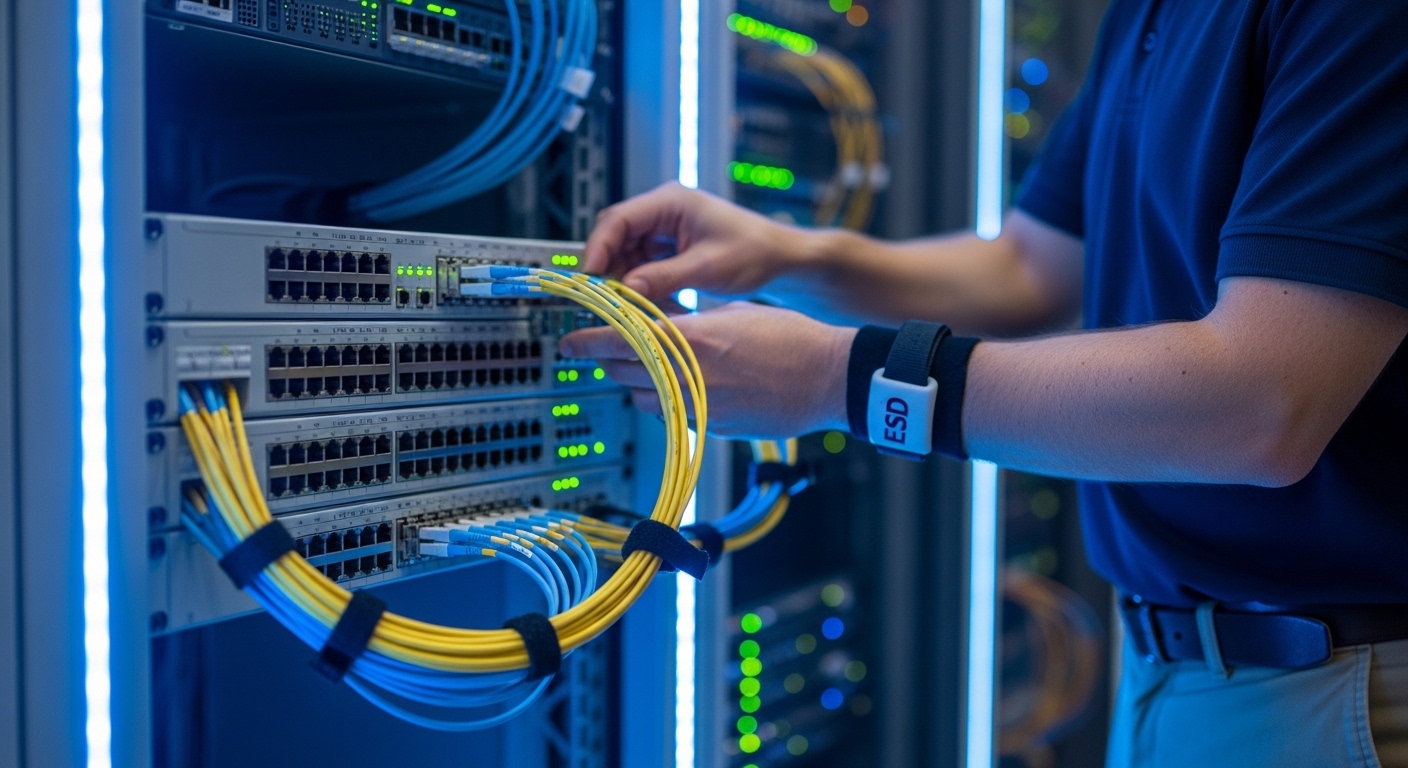
Solution: Clean with approved fiber cleaning tools, inspect with a fiber microscope, re-seat the LC duplex connectors, and verify Rx optical power via DOM if supported. If available, compare against a known-good transceiver.
“Link OK” but high CRC errors or rising interface counters
Root cause: Marginal link budget due to underestimated patch loss, excessive adapter chains, or aging connectors. SR can also suffer from modal noise under certain conditions.
Solution: Re-run loss testing (including connectors and splices), reduce patch cord count, replace suspect jumpers, and confirm that the selected SR module is rated for the actual OM3/OM4 grade.
Switch rejects third-party transceiver or shows DOM alarms
Root cause: Incompatibility between switch firmware expectations and the optics’ DOM implementation, including thresholds, calibration constants, or vendor-specific interpretation.
Solution: Verify the switch transceiver compatibility matrix for your exact model. If using third-party modules, test with a pilot set and confirm telemetry stability, not only link-up status.
Wrong fiber type installed during cutover
Root cause: OS2 labeled as multi-mode in documentation, or OM3/OM4 fiber mistakenly patched into single-mode trunks. This can lead to severely degraded performance or complete link failure.
Solution: Confirm fiber type with documentation and physical labeling audits, then validate with OTDR and a known test transceiver appropriate for the fiber type.
Cost, ROI, and operational tradeoffs
Pricing varies widely by OEM versus third-party and by rate (10G versus 25G). As a realistic planning range, many enterprises see OEM 10G SR or LR optics in the tens of dollars to low hundreds per module, while third-party modules can be lower but may carry higher compatibility or telemetry risk. Over a year, the ROI comes less from the purchase price and more from reduced downtime, predictable monitoring, and fewer truck-rolls during intermittent faults.
Third-party optics can be cost-effective if you run a compatibility pilot and maintain an approved parts list. Consider total cost of ownership (TCO) including cleaning supplies, spares inventory, and failure rates tied to connector handling. Vendor datasheets and switch vendor support policies matter here; some vendors publish strict requirements for optical safety and DOM behavior in their interoperability guidance.
FAQ
Is SFP-SR always cheaper than SFP-LR?
Often SR modules cost less because they are designed for multi-mode and shorter reach optics. However, SR can increase operational cost if your cabling plant is inconsistent or if connector contamination causes more frequent rework.
Can I use SFP-SR on single-mode fiber?
In most cases, it will not meet specifications and may fail to establish a stable link because SR is typically optimized for 850 nm multi-mode optics and the modal/optical behavior differs on OS2. Verify the exact datasheet wavelength and recommended fiber type.
How do I confirm reach before installing optics?
Use measured fiber loss data from certification tests and add connector/patch panel margins. Then confirm the transceiver reach rating for your exact fiber grade (OM3 vs OM4 for SR, and OS2 class for LR) in the module datasheet.
Do I need DOM for monitoring?
DOM is useful for proactive maintenance because it exposes Tx/Rx optical power and temperature. Some switches can operate without DOM warnings, but for operations teams, DOM reduces mean time to repair by localizing optical issues early.
What temperature range should I plan for in the rack?
Most common modules are 0 to 70 C, but verify the specific part’s operating range and ensure airflow matches the vendor guidance. In high-density racks, uneven airflow can push module temperature higher than expected.
Should I standardize on OEM optics?
Standardization improves predictability and reduces compatibility surprises, especially when telemetry and alarms are tightly integrated. If you use third-party modules, run a controlled pilot with your switch model and monitoring stack before broad deployment.
If you want to reduce change risk during a migration, start by validating your cabling plant and switch optics matrix, then select SR or LR based on measured link budget rather than cable length alone. For related guidance on compatibility verification and testing discipline, see transceiver compatibility checklist for a structured approach.
Author bio: I am a clinician-turned-network reliability advisor who applies safety-first, evidence-based assessment methods to field deployments, including optical link troubleshooting and change-risk management. I support engineering teams in validating transceiver compatibility, telemetry behavior, and operational readiness using vendor datasheets and standards-based checks.
