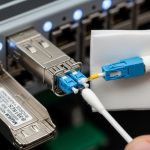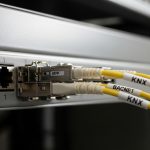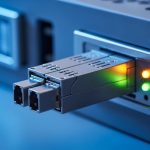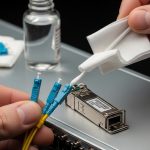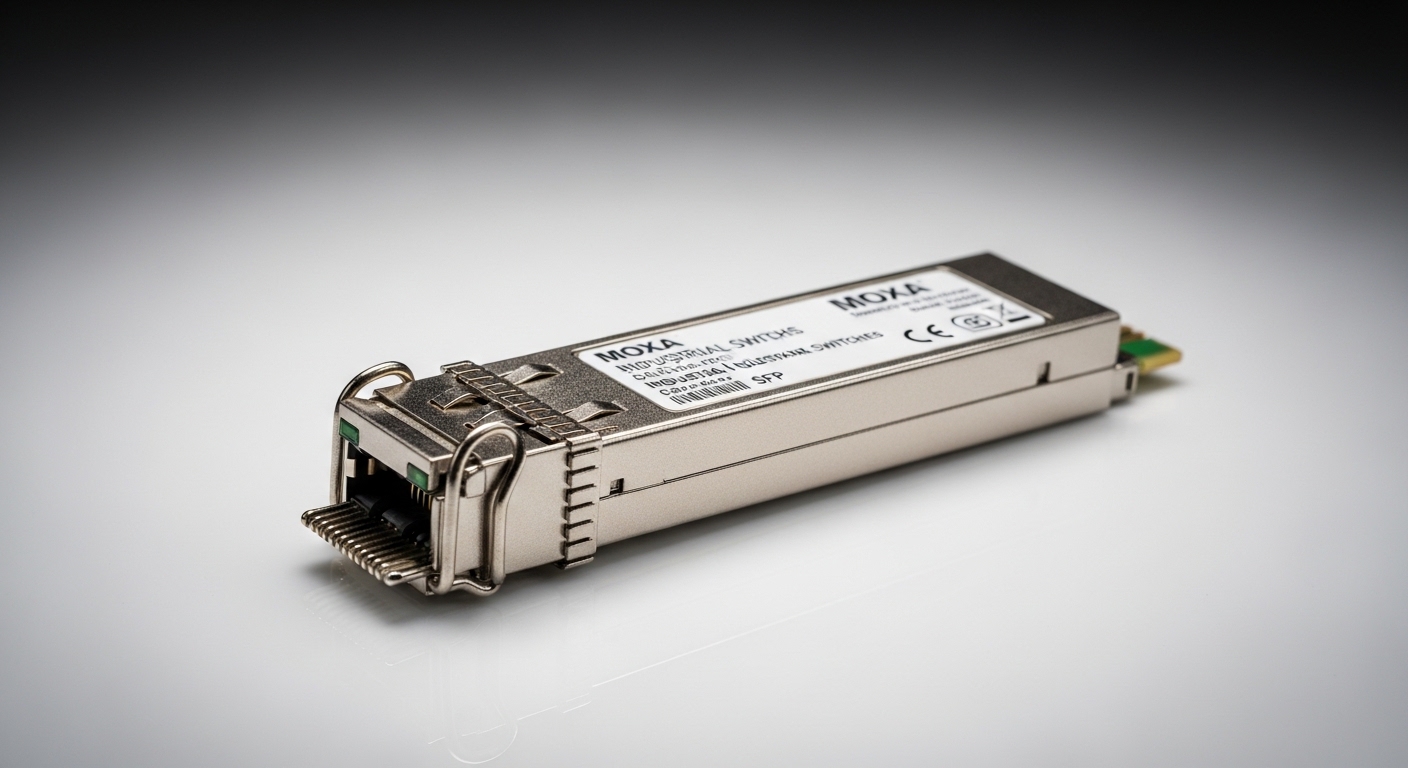
If you are replacing transceivers in a live Moxa Industrial Ethernet ring or linear line, the wrong industrial switch SFP can cause link flaps, CRC errors, or a complete port lockout. This guide helps maintenance engineers and network admins pick the right SFP for Moxa switches, validate compatibility, and deploy it safely in vibration, temperature, and EMI-heavy sites. You will also get a practical troubleshooting playbook for the top failure modes seen in the field.
Prerequisites before you touch the port
Before ordering optics, confirm the exact Moxa model and the port type that accepts SFP. Many Moxa Industrial Ethernet switches support either SFP slots or fixed copper ports; mixing them is a common cause of delays. Also gather your fiber details: core type, connector type, and link budget assumptions (especially if you span more than a few hundred meters).
What to collect on-site
- Moxa switch model number and firmware version (from the label or web UI).
- SFP cage type (SFP, not SFP+; check vendor port markings).
- Fiber type: typical choices are 62.5/125 µm multimode or 9/125 µm single-mode.
- Connector: LC is most common for SFP optics in industrial cabinets.
- Link distance measured with documentation; include patch-cord lengths.
- Environment: cabinet temperature range and whether the site uses forced convection or heaters.
Expected outcome: You have enough data to select an SFP that matches both the Moxa switch electrical interface and the fiber plant.
Step-by-step implementation: deploy the correct industrial switch SFP
Industrial deployments typically use a “swap, verify, and monitor” workflow to minimize downtime. The steps below assume you are installing an SFP into a powered Moxa switch (hot-pluggable SFP) but you still want deterministic validation.
Identify the Moxa SFP compatibility window
- Search the Moxa product page or manual for your switch model and confirm the supported transceiver list.
- Record whether the switch expects DOM (Digital Optical Monitoring) and whether it reads vendor-specific thresholds.
- Confirm the speed compatibility: 1G SFP for Gigabit ports, not 10G optics unless the cage is explicitly designed for that.
Expected outcome: You avoid selecting optics that electrically fit but fail the vendor compatibility checks.
Choose optics by fiber type and reach, not by “looks similar”
Match wavelength and fiber class. For multimode, use 850 nm (SX) typically; for single-mode, use 1310 nm (LX) or 1550 nm (EX) depending on reach and budget. If your site uses patch cords with mixed OM ratings, verify the fiber grade to prevent marginal links that pass at day but fail at night due to temperature drift.
Validate optical budget assumptions
Use the manufacturer-reported maximum reach as a starting point, then subtract realistic losses: splice loss, connector insertion loss, and aging margin. For example, a link that is “rated” for 550 m on OM2 may fail if you have long patch cords, multiple connectors, and a conservative safety margin for industrial heat.
Install and verify link at the Moxa port
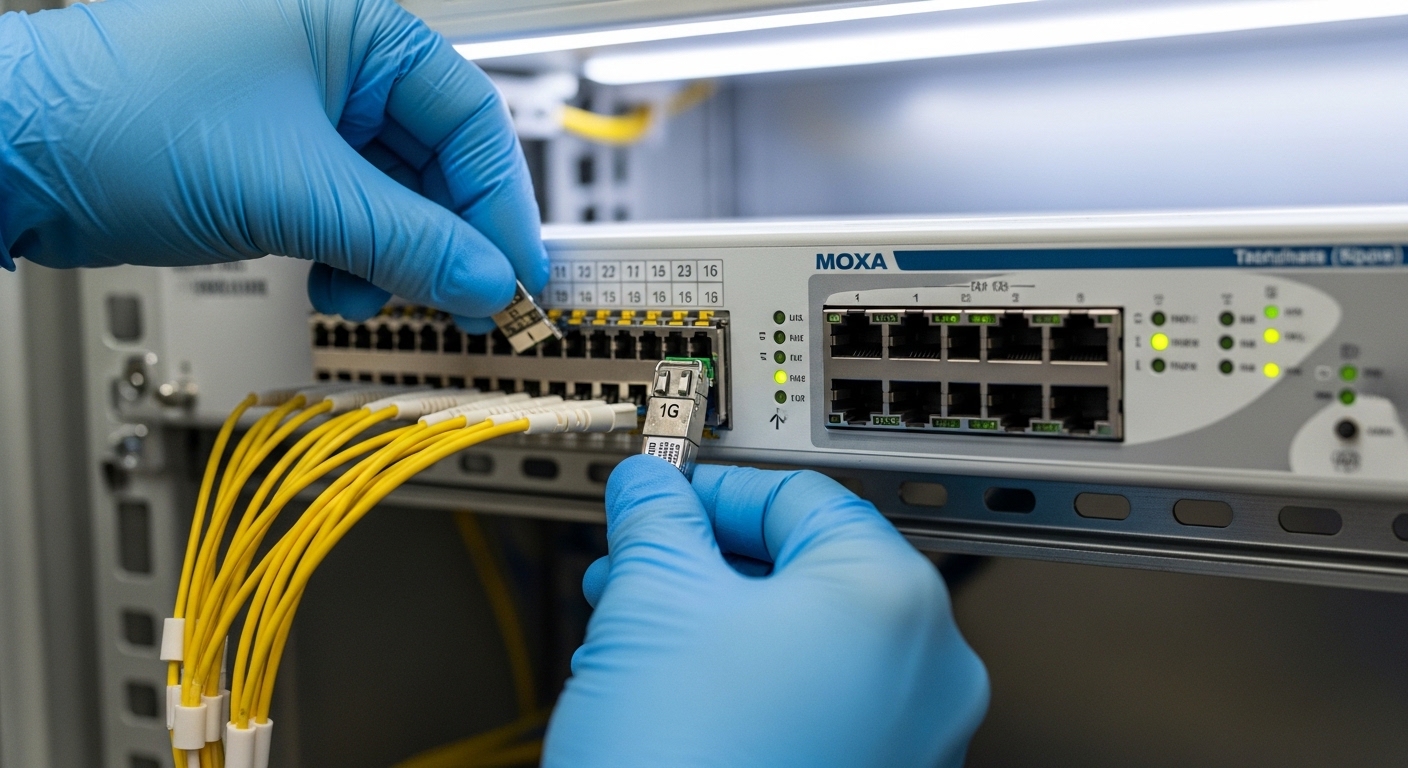
- Insert the SFP firmly until the latch clicks.
- Observe the port LED status (or switch UI) for link-up.
- Check interface counters for CRC errors and FCS increments over a 15- to 30-minute window.
- If DOM is supported, read laser bias and received optical power values; compare to vendor ranges.
Expected outcome: You confirm the link is stable and error-free under real operating conditions.
Monitor and document for maintenance
Record the transceiver part number, serial number, installation date, and fiber run ID. In industrial environments, this documentation reduces mean time to repair when a port later drops during a seasonal temperature swing.
Expected outcome: You create an auditable maintenance trail aligned with industrial asset management practices.
Key SFP specs for Moxa Industrial Ethernet: what actually matters
Even when an SFP is “compatible” at the physical layer, differences in wavelength, reach class, and DOM behavior can break assumptions. The table below summarizes common SFP options used with industrial Gigabit Moxa deployments. Always cross-check your exact Moxa switch manual for the supported speed and DOM expectations.
| Spec | Typical Multimode SFP (SX) | Typical Single-Mode SFP (LX) | Notes for industrial switch SFP use |
|---|---|---|---|
| Data rate | 1G Ethernet SFP | 1G Ethernet SFP | Do not mix cages that require different signaling |
| Wavelength | 850 nm | 1310 nm | Wavelength must match fiber plant and partner optics |
| Reach (vendor class) | ~550 m (OM2) to ~300 m (OM1) | Up to ~10 km (varies by vendor) | Use optical budget, not only “max reach” |
| Connector | LC | LC | LC patching is standard in cabinets |
| DOM | Often supported | Often supported | DOM support can affect monitoring thresholds |
| Operating temperature | Industrial options often -40 to 85 C | Industrial options often -40 to 85 C | Confirm spec for your cabinet and airflow |
| Standards basis | IEEE 802.3 1000BASE-SX | IEEE 802.3 1000BASE-LX | Aligns with Ethernet optical link requirements |
Field reference points: common third-party optics include models such as Finisar FTLX8571D3BCL (850 nm) and FS.com SFP-10GSR-85 are often cited in catalogs, but your Moxa switch likely expects 1G SFP behavior for Gigabit ports. For 1G, look for 1000BASE-SX/LX compliant optics with matching wavelength and reach. [Source: Moxa switch manuals and transceiver compatibility lists] [Source: IEEE 802.3] [Source: vendor datasheets]
Pro Tip: In industrial cabinets, the most subtle cause of “works for days then fails” is not fiber mismatch but DOM threshold interpretation. Some Moxa models react differently to out-of-range received power or laser bias readings when third-party DOM EEPROM layouts differ. If you see intermittent link drops under heat, compare DOM metrics against the vendor’s documented operating window and test with an OEM or a known-good transceiver SKU.
Selection criteria checklist for an industrial switch SFP on Moxa
Use this ordered checklist to reduce rework. It mirrors how field engineers triage compatibility failures: start with physical/electrical fit, then optical parameters, then monitoring and environmental constraints.
- Distance and reach class: verify required reach with connector/splice loss margin.
- Fiber type and wavelength: ensure 850 nm for multimode or 1310/1550 nm for single-mode as designed.
- Moxa switch compatibility: confirm the exact switch model and supported transceiver list.
- Data rate and cage type: match 1G vs 10G vs other speed expectations.
- DOM support: verify whether the switch reads DOM and whether you need alarm flags to integrate with monitoring.
- Operating temperature: prefer industrial grade modules rated for at least -40 to 85 C if the cabinet exceeds typical office ranges.
- Vendor lock-in risk: decide whether to standardize on OEM optics or qualify a third-party SKU set with documented equivalence.
- Connector cleanliness requirements: plan for LC cleaning kits and inspection tools to prevent insertion loss drift.
Common mistakes and troubleshooting for Moxa SFP links
Below are the failure modes you are most likely to encounter during SFP swaps in industrial environments. Each includes a root cause and a practical fix.
Port shows link-up but traffic errors spike
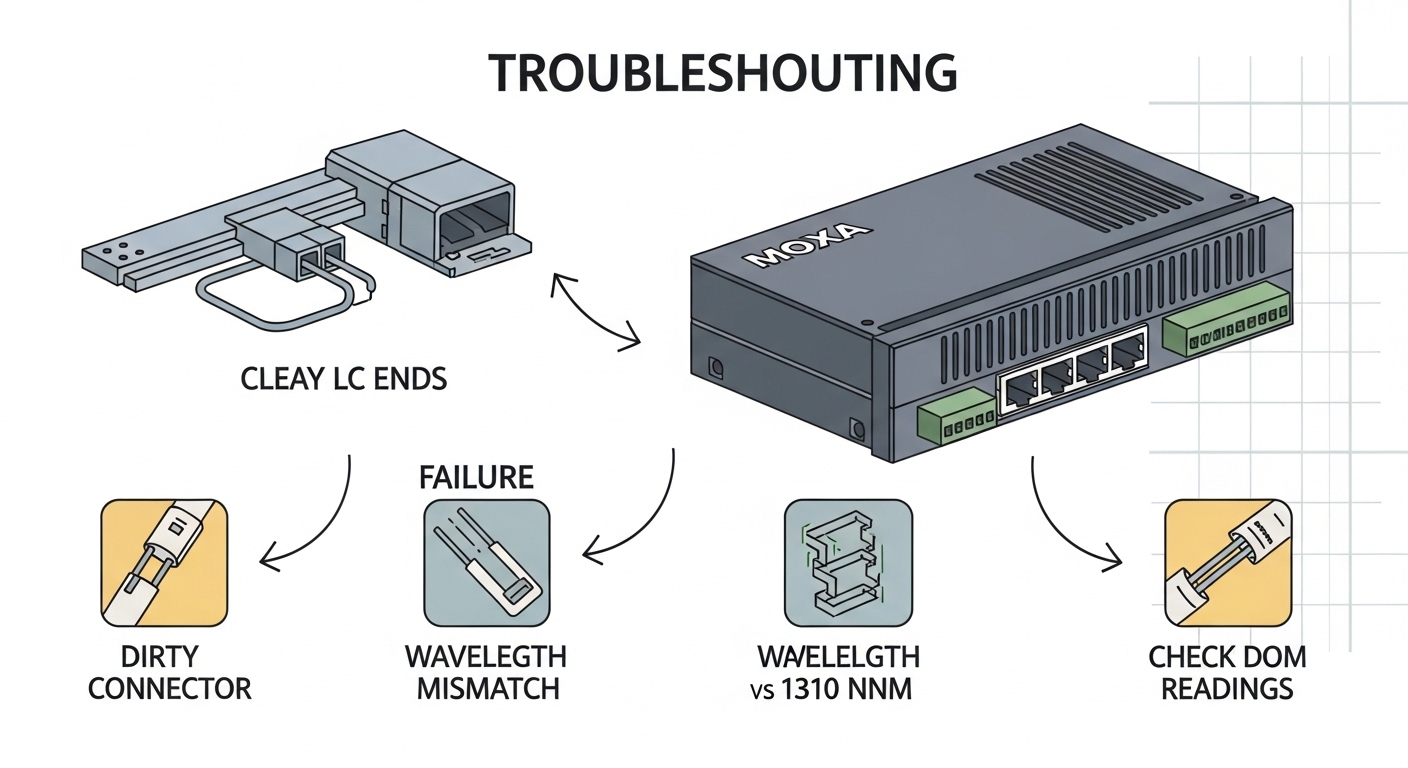
Root cause: marginal optical power due to dirty connectors or underestimated budget (extra patch cords, aging splices). Solution: clean LC ends with lint-free swabs and proper solvent or cleaning cards; inspect with a fiber scope; re-check optical budget and compare DOM received power.
Port never links or repeatedly flaps
Root cause: wavelength mismatch or wrong fiber type (e.g., 850 nm SX installed on a single-mode run, or partner uses a different optic class). Solution: confirm wavelength and fiber grade at both ends; verify that both ends use matching types (SX to SX, LX to LX) and that Tx/Rx polarity is correct.
Switch alarms about DOM or logs optical monitoring faults
Root cause: DOM EEPROM differences in third-party optics causing threshold interpretation issues. Solution: test with an OEM or a previously qualified transceiver; if monitoring is required for compliance, standardize on optics that match the DOM behavior your Moxa firmware expects.
Quick troubleshooting sequence (top 3 failure points)
- Confirm the SFP model is the correct speed class for the Moxa port and the wavelength matches the fiber plant.
- Check connector cleanliness and re-measure link stability over 15 minutes while the cabinet reaches peak operating temperature.
- Read DOM (if supported) and compare to expected vendor ranges; if DOM faults persist, qualify an alternate SKU.
Cost and ROI note: OEM vs third-party industrial switch SFP
Typical street pricing varies by reach and brand, but for 1G optics in industrial grade, you may see roughly $25 to $80 per SFP for third-party qualified units and $60 to $150 for OEM-branded modules, depending on DOM and temperature rating. TCO should include labor, downtime risk, and failure rates: a $30 optic that causes a truck roll can cost more than a $100 standardized OEM module. If your site has strict uptime targets, qualify a small third-party set with documented DOM behavior and keep an OEM fallback for high-priority links.