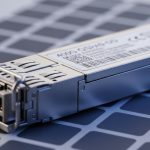
Digital signage and digital out-of-home (DOOH) networks fail fast when fiber links are mismatched, thermally stressed, or silently misconfigured. This article helps network and field teams choose the right DOOH network transceiver so your content delivery, remote management, and failover paths stay stable. You will get practical selection criteria, a spec comparison table, and troubleshooting steps grounded in real deployments.
Why DOOH fiber links need a different transceiver mindset
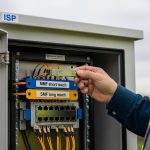
Compared with a static office LAN, DOOH deployments combine outdoor or semi-outdoor enclosures, seasonal temperature swings, long patch runs, and frequent truck-rolls. A DOOH network transceiver must tolerate link loss events, support deterministic optics parameters, and match switch port expectations (10GBASE-SR vs 10GBASE-LR, or 25G/40G variants). In practice, teams often see “it works on the bench” behavior that collapses after installation because of connector geometry, dust, and thermal drift. For standards, key references include IEEE 802.3 for Ethernet PHY behavior and vendor datasheets for optical and DOM limits. IEEE 802.3 standard
Core technical specs that decide compatibility and uptime
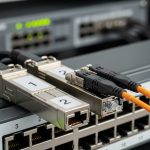
Before you compare brands, align the transceiver type with the Ethernet rate and the fiber plant. For example, a 10GBASE-SR optical module uses multi-mode fiber and a specific wavelength band; a 10GBASE-LR uses single-mode fiber with different reach budgets. Also verify whether your switches expect specific electrical signaling, lane mapping, and DOM thresholds. Many field outages come from mixing SFP/SFP+ with incompatible optics families, or from assuming “same connector” implies “same link budget.”
| Spec | 10GBASE-SR (Example: Cisco SFP-10G-SR) | 10GBASE-LR (Example: Finisar FTLX8571D3BCL) | 25GBASE-SR (Example: FS.com SFP-25GSR) |
|---|---|---|---|
| Data rate | 10Gbps | 10Gbps | 25Gbps |
| Wavelength | 850nm | 1310nm | 850nm |
| Typical reach (MM/SM) | ~300m on OM3, ~400m on OM4 | ~10km on SMF | ~100m on OM3, ~150m on OM4 (varies by vendor) |
| Fiber type | Multi-mode (MMF) | Single-mode (SMF) | Multi-mode (MMF) |
| Connector | LC duplex (typical) | LC duplex (typical) | LC duplex (typical) |
| DOM support | Usually supported (check datasheet) | Usually supported (check datasheet) | Usually supported (check datasheet) |
| Operating temperature | Commonly 0C to 70C or extended variants | Commonly 0C to 70C or extended variants | Commonly 0C to 70C or extended variants |
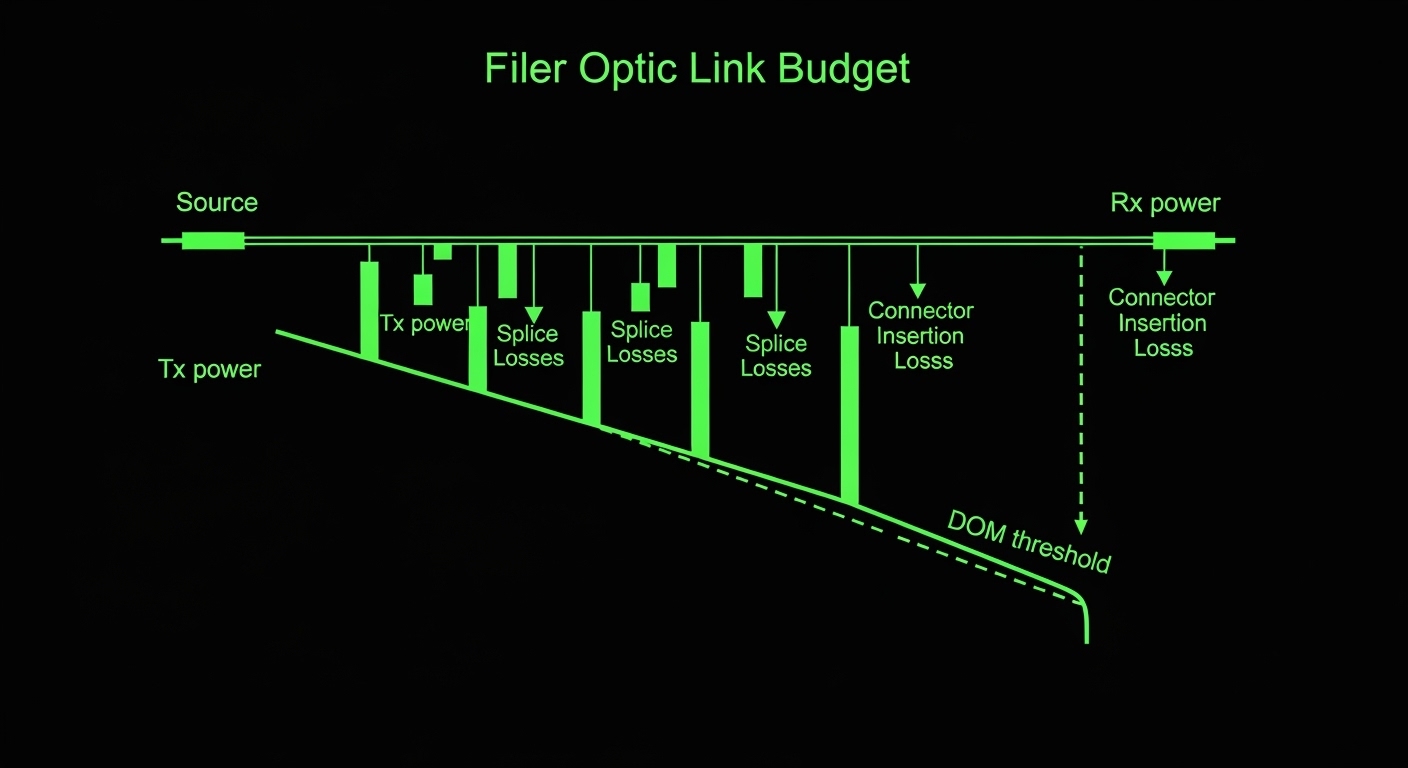
Always treat the reach as a budget, not a guarantee: account for splice loss, patch cord attenuation, and connector insertion loss. If you are using OM3 or OM4, confirm the fiber grade at the rack and at the enclosure. Vendor DOM details typically include received signal strength indicator (RSSI) and temperature; those values can be used to detect a degrading link before it drops.
Real-world deployment scenario: signage corridor with mixed fiber runs
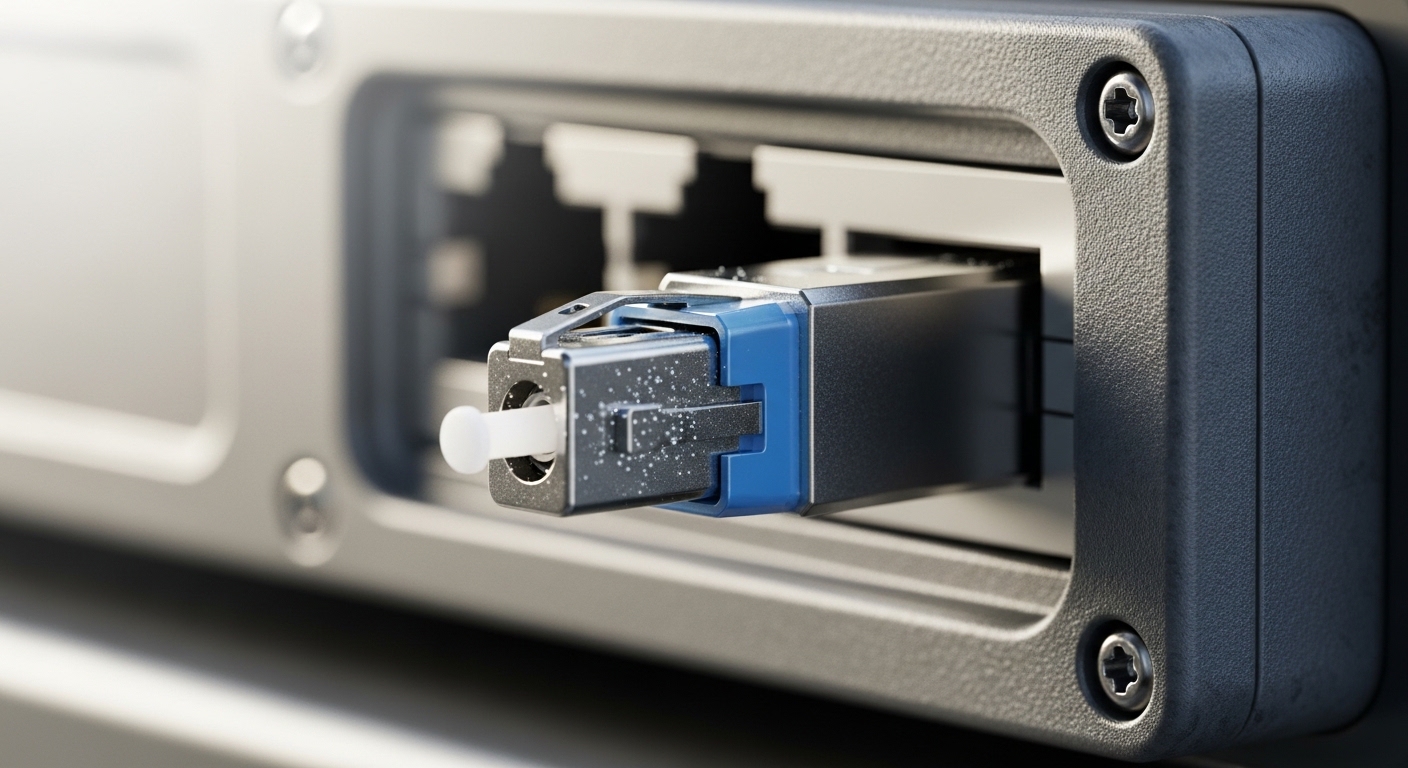
In a 3-tier digital signage deployment, a regional controller aggregates traffic from 48 storefront screens using two 10G uplinks per site. Each storefront has a small managed switch in a ventilated enclosure, uplinking back to a local aggregation switch via fiber runs ranging from 120m to 2.5km. The design team used 10GBASE-SR for runs under 400m on OM4, and 10GBASE-LR for the longer SMF corridors. During month three, one corridor began showing intermittent “link down” alarms during summer heat. The root cause was not the optic rate; it was a contamination event at an LC connector and an extended cable slack loop that trapped heat, pushing the transceiver near its upper temperature limit. After cleaning with proper end-face tools, replacing the affected patch cord, and swapping to an extended-temperature module, the alarms stopped and DOM RSSI stabilized.

Selection checklist engineers use before ordering
Use this ordered checklist to reduce mismatches and minimize returns.
- Distance and fiber grade: confirm MMF type (OM3 vs OM4) or SMF availability, then map to SR or LR reach budgets.
- Switch compatibility: validate supported transceiver types for your specific switch model and firmware; check for “optics not supported” behavior.
- Data rate and Ethernet mode: ensure the module matches the port speed (10G vs 25G) and lane requirements.
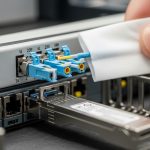
- Connector and cabling: confirm LC duplex vs other connector styles; verify patch cord length and splice counts.
- DOM support and monitoring: choose modules that expose temperature, Tx/Rx power, and alarms; align thresholds with your monitoring system.
- Operating temperature and enclosure thermal behavior: if signage units sit in sun, prefer extended-temperature optics and verify cooling assumptions.
- Vendor lock-in risk and spares strategy: compare OEM vs third-party availability, lead times, and documented compatibility lists.
- Budget for cleaning and test: include microscope inspection and loss testing in TCO, not just module cost.
Pro Tip: Field teams often focus on reach, but uptime improves faster when you monitor DOM RSSI trends. A slow RSSI drift combined with rising transceiver temperature usually indicates connector contamination or micro-bending in patch cords long before the link fully drops.
Common mistakes and troubleshooting that actually fix DOOH outages
Below are frequent failure modes, their root causes, and what to do next.
- Mistake: Installing an SR module on the wrong fiber type (SMF used as if it were MMF).
Root cause: wavelength and link budget mismatch, causing marginal receive power.
Fix: verify fiber type at both ends and replace with LR (SMF) or SR (MMF) as required by the standard and vendor datasheet. - Mistake: Ignoring DOM warnings and only checking “link up.”
Root cause: Rx power near threshold can pass link training but fail under temperature swings.
Fix: pull DOM metrics (Tx/Rx power, temperature) and set alert thresholds; then retest with a known-good patch cord. - Mistake: Reusing patch cords after repeated maintenance visits.
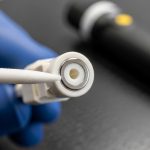
Root cause: micro-scratches and dust on the LC end-face degrade optical performance.
Fix: use end-face inspection with a fiber microscope and clean with lint-free methods; replace suspect cords rather than “cleaning forever.” - Mistake: Mixing transceiver vendors without validating electrical compatibility.
Root cause: switch vendor may enforce stricter optical parameters or interpret DOM differently.
Fix: confirm compatibility with your switch model and firmware, and keep spares from the same validated batch.
Cost and ROI: OEM vs third-party transceivers for signage fleets
Typical module pricing varies by rate and reach: a 10GBASE-SR transceiver often lands in the low tens of dollars to a higher range for OEM, while 10GBASE-LR is usually more expensive. Third-party options can reduce unit cost, but ROI depends on failure rates, lead times, and compatibility friction during firmware upgrades. In DOOH, the real cost driver is not only the transceiver; it is truck-roll time, rework labor, and downtime when remote content delivery stalls. TCO improves when you standardize on validated optics, maintain a spares kit by type, and instrument DOM monitoring so you replace early instead of after outages.
FAQ
What fiber type should I use for a DOOH network transceiver?
It depends on distance: multi-mode with SR optics for shorter runs, and single-mode with LR optics for longer corridors. Verify OM3 vs OM4 grades and SMF availability at both ends before ordering.
Will a third-party DOOH network transceiver work in any switch?
Not always. Some switch models enforce optics qualification or have strict DOM interpretation; compatibility should be confirmed for your exact switch model and firmware. Keep a small pilot batch before scaling.
How do I know if the link is failing due to power levels or temperature?
Use DOM to track temperature and Rx power (RSSI). If temperature rises and Rx power trends downward, you likely have thermal stress or degrading optical performance from contamination or micro-bending.
What is the fastest troubleshooting step during a “link down” event?
Inspect and clean the LC end-faces with a microscope, then swap in a known-good patch cord. If RSSI remains unstable, test with a known-good transceiver pair to isolate whether the issue is optic vs cabling.
Do I need DOM for DOOH network monitoring?
DOM is strongly recommended because it enables predictive maintenance. Without it, you often detect problems only after content delivery disruptions occur.
How should I choose between 10G and 25G for digital signage?
Choose based on upstream aggregation and camera or player bandwidth needs, plus headroom for future features. If your switch ports and network design support 25G, ensure the entire fiber and optics chain is validated for the rate.
Choosing the right DOOH network transceiver is about matching optics to fiber, validating switch compatibility, and monitoring DOM to prevent silent degradation. Next, review fiber transceiver compatibility checklist to align part numbers, standards, and field testing steps before rollout.
Author bio: I deploy and troubleshoot optical Ethernet links in field environments, including signage and edge aggregation racks. My work focuses on DOM-based monitoring, connector hygiene, and repeatable acceptance testing aligned to IEEE 802.3 and vendor optics specifications.