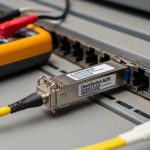
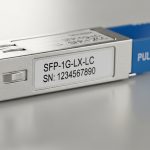
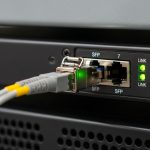
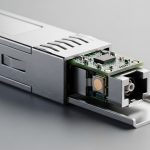
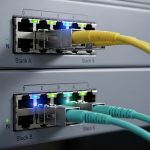
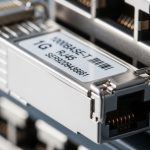
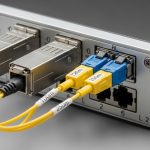
When a Ruijie leaf or ToR switch starts flapping links after an optics swap, the culprit is often not the cable, but the Chinese switch SFP itself. This article helps network engineers and field technicians choose compatible SFP optics by reach, wavelength, DOM support, and vendor constraints, then deploy them with predictable outcomes. You will get a practical checklist, a specs comparison table, and troubleshooting steps grounded in how SFPs behave in real racks.
Prerequisites before you touch optics on Ruijie
Before installing any transceiver, confirm the physical and electrical expectations of the port and the optics. SFP modules for IEEE 802.3 Ethernet PHYs typically negotiate link using digital diagnostics (if present) and rely on correct laser wavelength and fiber type. For fiber runs, also confirm whether you are using OM3, OM4, or OS2, because reach limits follow fiber bandwidth and attenuation, not marketing numbers.
What to gather on site
- Switch model and port speed (example: Ruijie 10G SFP+ ports).
- Current transceiver part number and whether DOM is enabled on that platform.
- Fiber type and measured length (use documentation, or an OTDR if available).
- Link symptoms: link up/down, CRC errors, high RX power alarms, or interface flaps.
Expected outcome: You can map the port speed and fiber type to the correct wavelength and reach class before any insert.
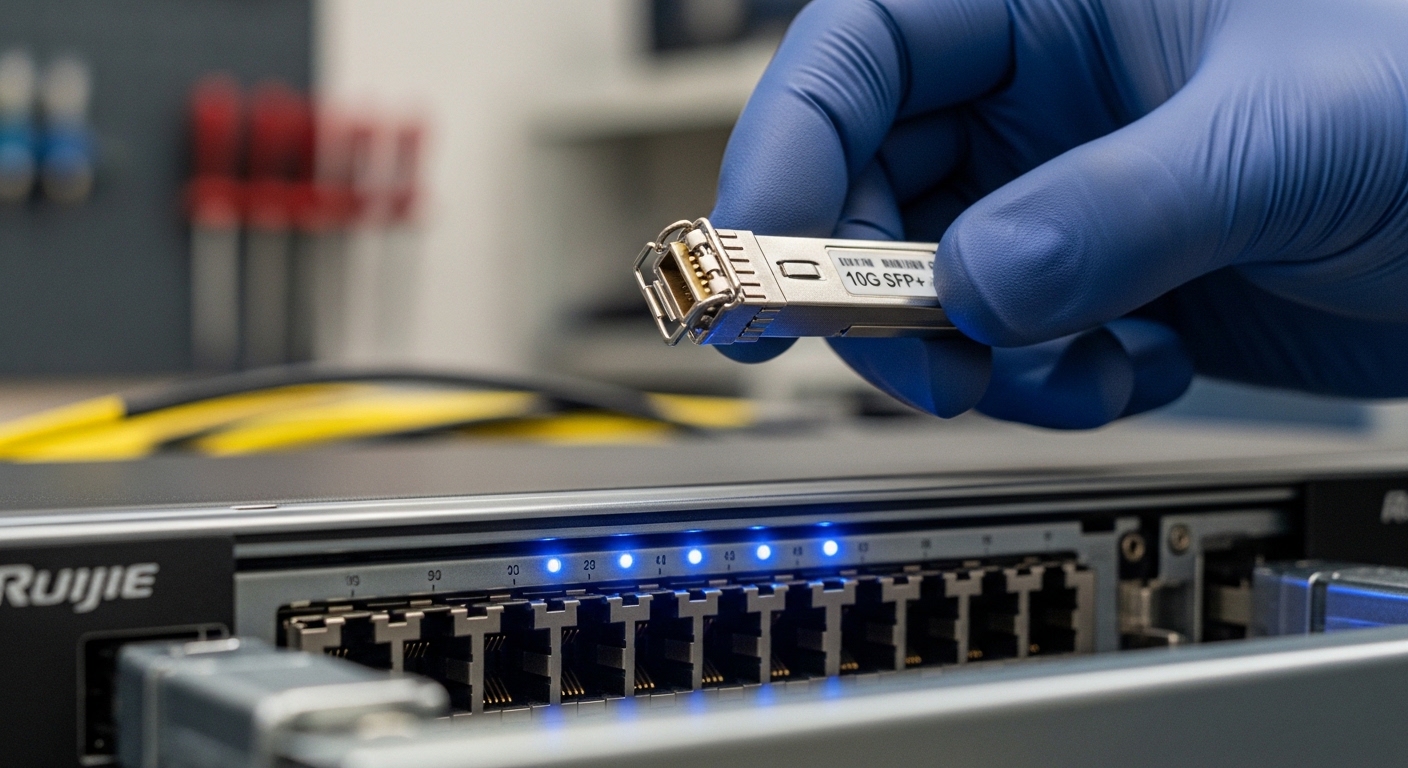
Step-by-step selection: map Ruijie ports to the right SFP class
Think of SFP selection as choosing a matched “optical language” for the PHY. For Ruijie Networks, you want the optics to match the port speed (10G vs 1G), the signaling standard (SR vs LR), and the fiber type. A Chinese switch SFP should be treated as a precision component: wrong wavelength or fiber class can pass insertion tests but fail under load.
Determine required data rate and standard
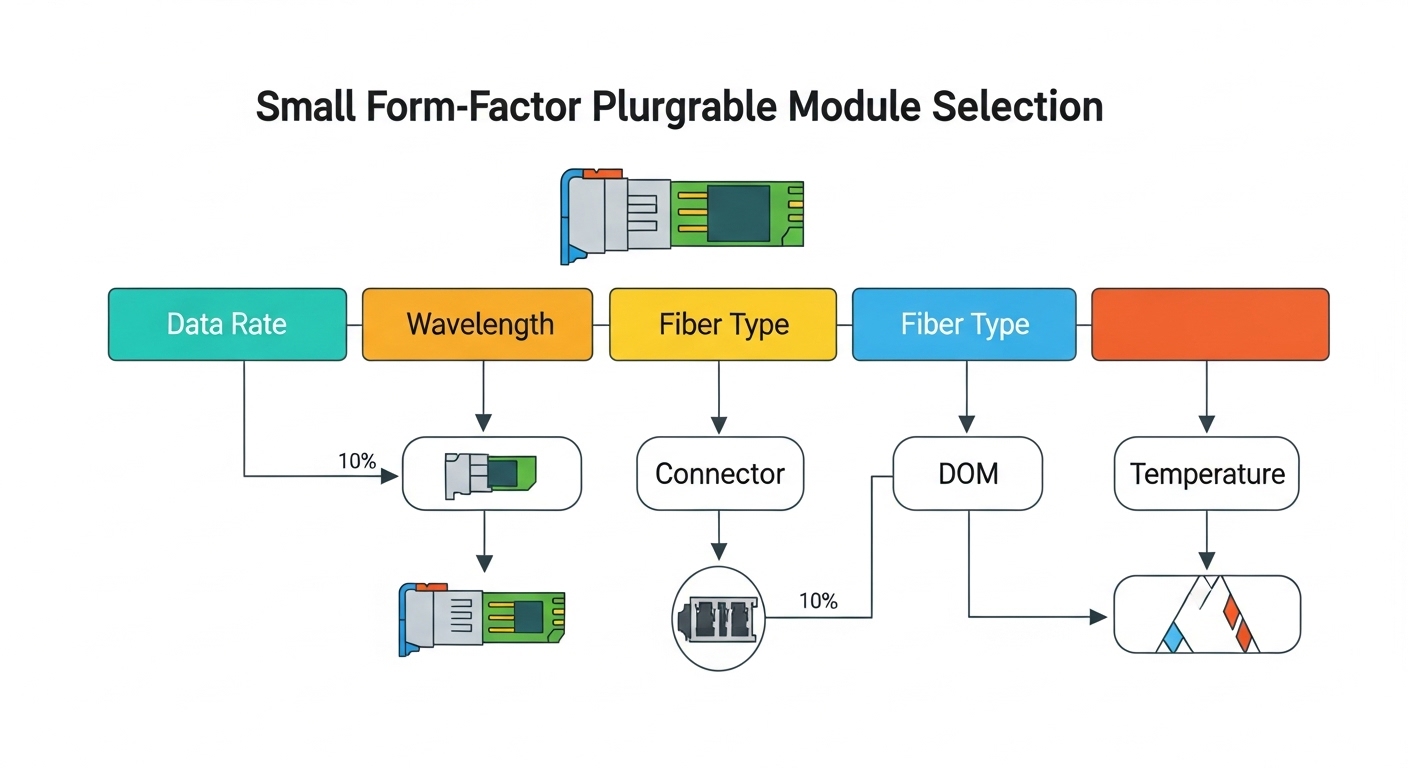
Check the port speed on the Ruijie interface and the transceiver form factor. For 10G, SFP+ is common; for 1G, SFP is common. Use the platform documentation to confirm whether the port supports 10G SFP+ SR, LR, or ER profiles.
Expected outcome: You know whether you need 1G SFP or 10G SFP+ optics, avoiding a silent incompatibility.
Choose wavelength and reach based on fiber type
Typical choices:
- 850 nm SR for multimode fiber (MMF), usually OM3/OM4.
- 1310 nm LR for single-mode fiber (SMF).
- Other variants exist (ER/ZX), but the decision hinges on reach and attenuation.
Expected outcome: Your optical wavelength matches the fiber plant design.
Verify connector and transceiver optics family
Most SR modules use LC connectors. Ensure the module cage and connector match the patch panel. Also confirm whether you need specific vendor tuning for a given Ruijie platform; some switches enforce stricter compatibility lists.
Expected outcome: Physical fit and optical tuning are aligned, preventing “link up but no traffic” scenarios.
Check DOM support and switch monitoring expectations
DOM (Digital Optical Monitoring) is often used for alarms and proactive maintenance. If Ruijie expects DOM fields, choose a module that exposes the correct diagnostics interface. When DOM is unsupported, monitoring may show blanks or trigger minor warnings, even if the link is otherwise stable.
Expected outcome: Monitoring works as designed and alarms reflect real optical health.
Technical specifications comparison (what engineers actually compare)
Use this table to compare the most common classes you will encounter when replacing optics in Ruijie deployments.
| Module class | Nominal wavelength | Typical reach | Fiber type | Connector | Data rate | DOM | Operating temp |
|---|---|---|---|---|---|---|---|
| 10G SR (SFP+) | 850 nm | Up to 300 m (OM3) / 400 m (OM4) | MMF | LC | 10G | Often supported | 0 to 70 C (typical) |
| 10G LR (SFP+) | 1310 nm | Up to 10 km | SMF | LC | 10G | Often supported | -5 to 70 C (typical) |
| 1G SX (SFP) | 850 nm | Up to 550 m (OM2) / 275 m (OM1) varies | MMF | LC | 1G | Varies | 0 to 70 C (typical) |
Note: Reach figures depend on fiber grade, link budget, and vendor implementation; always validate with your plant documentation. [Source: IEEE 802.3 Ethernet PHY specifications]
Deployment steps on a live Ruijie rack (safe change procedure)
Optics swaps are best treated like a surgical procedure: reduce variables, verify before traffic load, and monitor optics telemetry immediately after insertion. Use maintenance windows and keep spare patch cords to eliminate connector confusion.
Pre-stage the pair and confirm fiber polarity
For duplex fiber links, ensure Tx/Rx polarity matches the transceiver expectation. A common field failure is reversed polarity; the link may negotiate weakly or fail entirely depending on the module.
Expected outcome: Correct light path direction before you bring the interface into service.
Insert the Chinese switch SFP and check link state
Power is typically maintained; insert the module firmly until fully seated. Then verify interface status using the Ruijie CLI or management UI. Look for “link up” and confirm the negotiated speed matches the port configuration.
Expected outcome: The interface transitions to operational state without flapping.
Validate DOM readings and optical alarms
If DOM is available, check RX power, TX bias/current, and temperature. If you see RX power near warning thresholds, suspect fiber damage, bad patch cords, or incorrect wavelength class.
Expected outcome: Telemetry confirms the optics are healthy and within the vendor’s operating range.
Run a traffic test and check errors
Generate controlled traffic (for example, iperf3 in a lab) and monitor interface counters for CRC errors and drops. A link can be “up” yet still fail under stress due to marginal optical budget or incompatible module behavior.
Expected outcome: Error counters remain stable during sustained throughput.
Pro Tip: In many deployments, the fastest way to avoid repeat failures is to compare DOM snapshots from the old module and the new Chinese switch SFP. If the new module shows consistently higher RX power loss or abnormal temperature drift immediately after insertion, you likely have a fiber polarity or connector contamination issue rather than a “bad batch” optics problem.
Selection criteria checklist engineers use in the field
- Distance vs reach class: match your measured length to SR or LR budget, including safety margin.
- Budget and TCO: account for expected failure rate, not just module price.
- Switch compatibility and optics policy:
- Confirm Ruijie port supports third-party optics.
- Check whether the platform enforces vendor IDs or strict DOM behavior.
- DOM support quality:
- Prefer modules with reliable diagnostic values that your monitoring stack can parse.
- Operating temperature range:
- Match the rack environment; hot aisles can exceed 50 C at the chassis intake.
- Vendor lock-in risk:
- Plan inventory so you can standardize on one optics family for spares across sites.
Common pitfalls and troubleshooting (top failure modes)
When a Chinese switch SFP causes trouble, root cause is usually mechanical seating, optical mismatch, or diagnostics behavior. Here are the most common issues technicians face, with fixes you can execute quickly.
Pitfall 1: Wrong fiber type or wavelength class
Root cause: Installing 850 nm SR optics into an OS2 single-mode run, or using SMF optics on an MMF plant. The link may never come up or will be unstable.
Solution: Confirm fiber type at the patch panel; replace with the correct SR (850) or LR (1310) class. Validate with an OTDR or fiber tester if documentation is uncertain.
Pitfall 2: Reversed Tx/Rx polarity
Root cause: Duplex fiber polarity swapped at the patch panel. Some transceivers will show link down; others may show “up” but with errors.
Solution: Swap the patch cord orientation or re-terminate using a consistent polarity standard. Re-check link and CRC counters after each change.
Pitfall 3: DOM or compatibility enforcement causing flaps
Root cause: A third-party module whose DOM fields do not match what the switch expects, or whose EEPROM vendor ID triggers an optics policy. Result: interface flaps, warnings, or partial monitoring.
Solution: Try a known-good module model that has been validated for Ruijie. If possible, update switch firmware and consult optics compatibility notes from vendor documentation.
Cost and ROI note for Chinese switch SFP purchases
In practice, OEM-compatible SFPs typically cost more but reduce downtime risk. Third-party Chinese switch SFP modules can be significantly cheaper, but TCO depends on spares strategy, compatibility validation time, and failure rate under your rack temperature profile. For many data center teams, a realistic approach is to buy in small batches, validate in a staging switch, then scale stocking once DOM and link stability are confirmed.
Practical ranges: 10G SR SFP+ modules often fall into a mid-range price band compared with OEM optics; LR modules are usually higher due to laser components. Factor power and cooling impacts are modest per module, but the labor cost of repeat failures and truck rolls dominates ROI. [Source: vendor datasheets and field reliability discussions reported by reputable tech media such as Ars Technica and The Register]

FAQ
What does “Chinese switch SFP” compatibility mean for Ruijie?
It means the optics must match the port speed and PHY signaling profile, and ideally expose DOM diagnostics in a way the switch can interpret. Some Ruijie models apply optics policies; if strict enforcement is enabled, not every third-party module will behave identically. Always validate with the specific switch model and firmware revision. [Source: Ruijie vendor documentation]
Should I choose SR or LR for my Ruijie fiber links?
Choose SR for multimode runs around hundreds of meters, and LR for single-mode runs that can extend to kilometers. If you pick the wrong wavelength class, the link may fail or errors will rise after traffic begins. Use your measured fiber length and fiber type to decide.