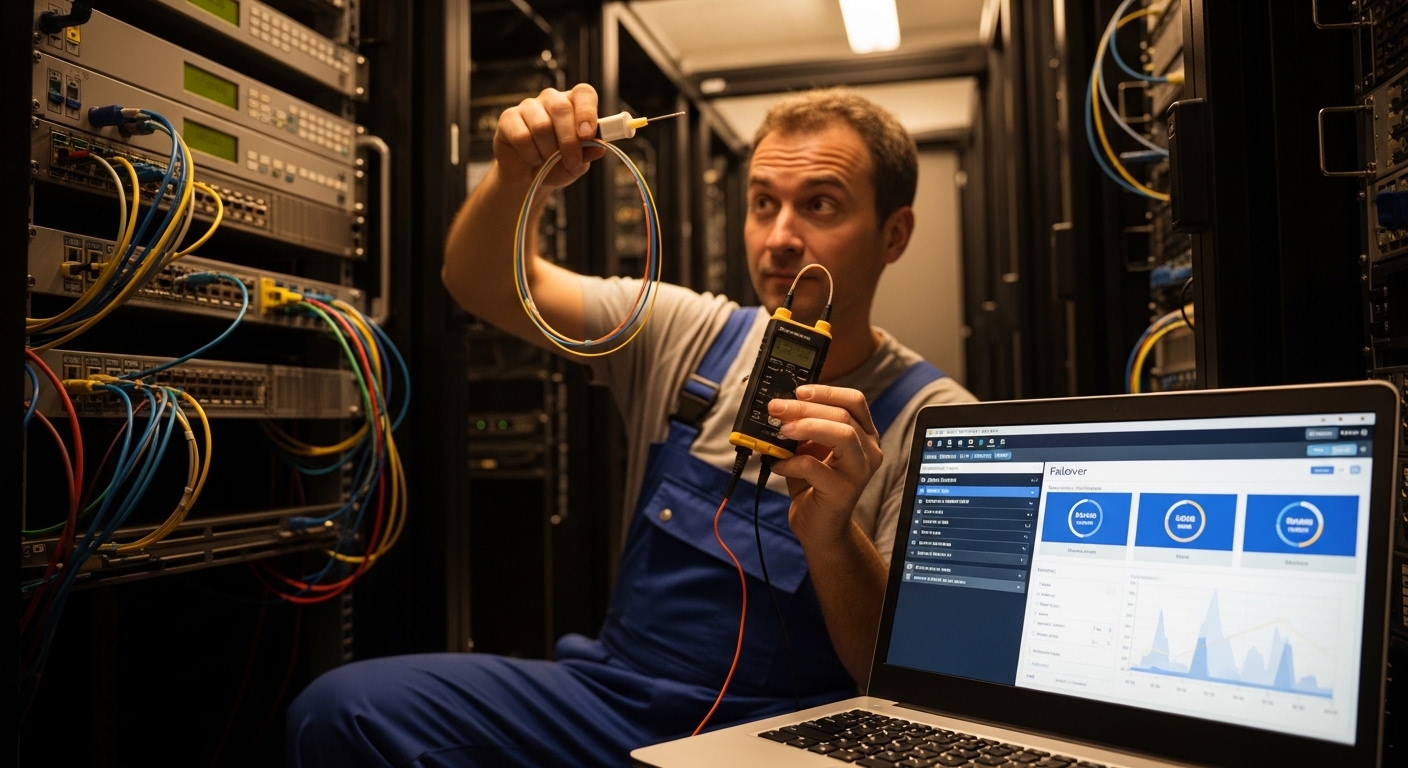
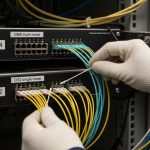
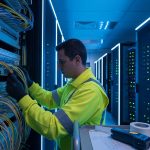
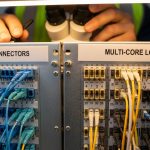
You have a wired fiber link, a Cradlepoint router, and the kind of outage that arrives right after payday. This guide shows how to add a cellular backup SFP while keeping a wired fiber backup path clean and predictable. It helps network admins, field techs, and anyone tired of chasing “it works on my bench” failures.
Prerequisites before you touch the fiber or the SFP
Before you buy a cellular backup SFP, confirm your Cradlepoint model supports the exact WAN interface type you plan to use (SFP vs built-in cellular). Also check whether you are using fiber for wired backup and cellular for failover, or cellular for primary with fiber as secondary. You will need compatible SFP optics (or copper) for the wired backup, plus a cellular-capable path in the router.
Gather the following: current router WAN configuration export, switch port details (VLANs, allowed trunk ranges), fiber type (single-mode vs multi-mode), and link budget assumptions. For standards grounding, SFP behavior follows IEEE 802.3 physical-layer conventions for Ethernet links; vendor optics follow their own MSA-style electrical/optical specs. See [Source: IEEE 802.3] [[EXT:https://standards.ieee.org/]] for general PHY context.
Target operational baseline
Document expected link speeds (for example, 1G or 10G), expected optical reach, and whether your optics must support DOM (Digital Optical Monitoring). If you will rely on optics for troubleshooting, DOM matters because it exposes real power levels instead of vibes.
Step-by-step: implement wired fiber backup plus cellular failover
This is the deployment flow I use in the field when a customer wants “fiber first, cellular when the universe panics.”
Identify the Cradlepoint WAN ports and your failover model
On the Cradlepoint admin UI, confirm which WAN is used for the wired side (SFP uplink) and which is used for cellular. If your model supports cellular via an internal slot or external USB modem, you may not need an additional “cellular SFP” at all; instead you need the correct SFP for the wired fiber backup and a cellular failover policy. Expected outcome: you know exactly where the router expects traffic during failover.
Select the wired fiber SFP that matches your fiber plant
Choose single-mode vs multi-mode based on your existing fiber. For single-mode, common optics include 1310 nm or 1550 nm variants depending on reach. For multi-mode, 850 nm is typical but reach drops quickly with distance and OM grades. Expected outcome: your wired link comes up at the intended speed with stable optical power readings.
Use the correct DOM and configure thresholds (if available)
If your switch or Cradlepoint supports DOM, configure alarms for receive power low/high. Typical optics provide TX power in dBm and RX power in dBm; thresholds vary by vendor. Expected outcome: you can detect a failing fiber splice before users start posting angry tickets.
Configure failover logic and testing timers
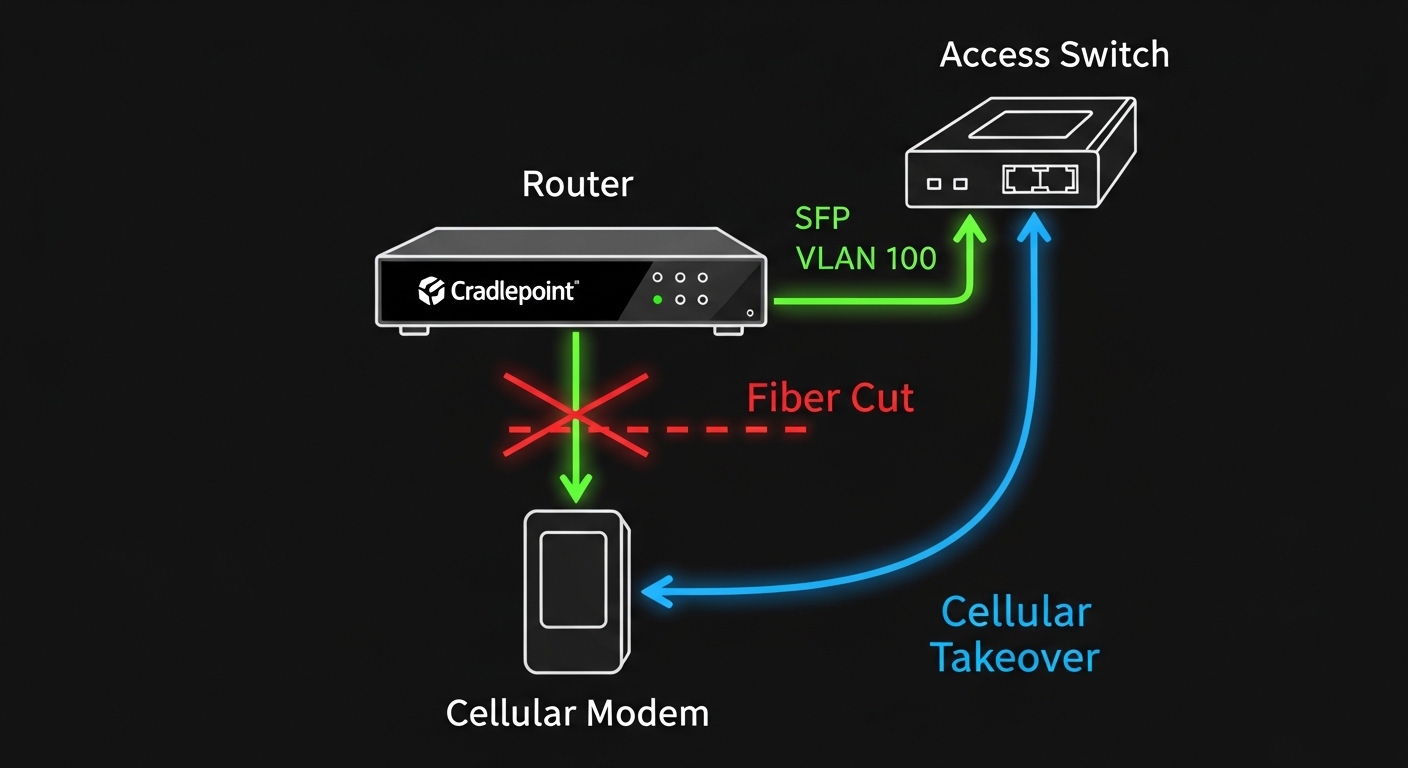
In the Cradlepoint configuration, enable WAN failover between wired and cellular. Set link-check behavior (for example, gateway reachability via ping or route health) and define how long the router waits before switching. Expected outcome: during a fiber cut, the cellular path takes over within your SLA window (often tens of seconds, not minutes).
Validate VLAN tagging and trunk/untag behavior
If your fiber uplink carries VLANs, confirm whether the Cradlepoint expects tagged or untagged traffic on that WAN. I have seen outages where the failover “worked,” but the cellular side was stuck in the wrong VLAN. Expected outcome: both wired and cellular paths deliver traffic to the correct VRF/VLAN context.
Cellular backup SFP vs wired fiber SFP: what you actually need
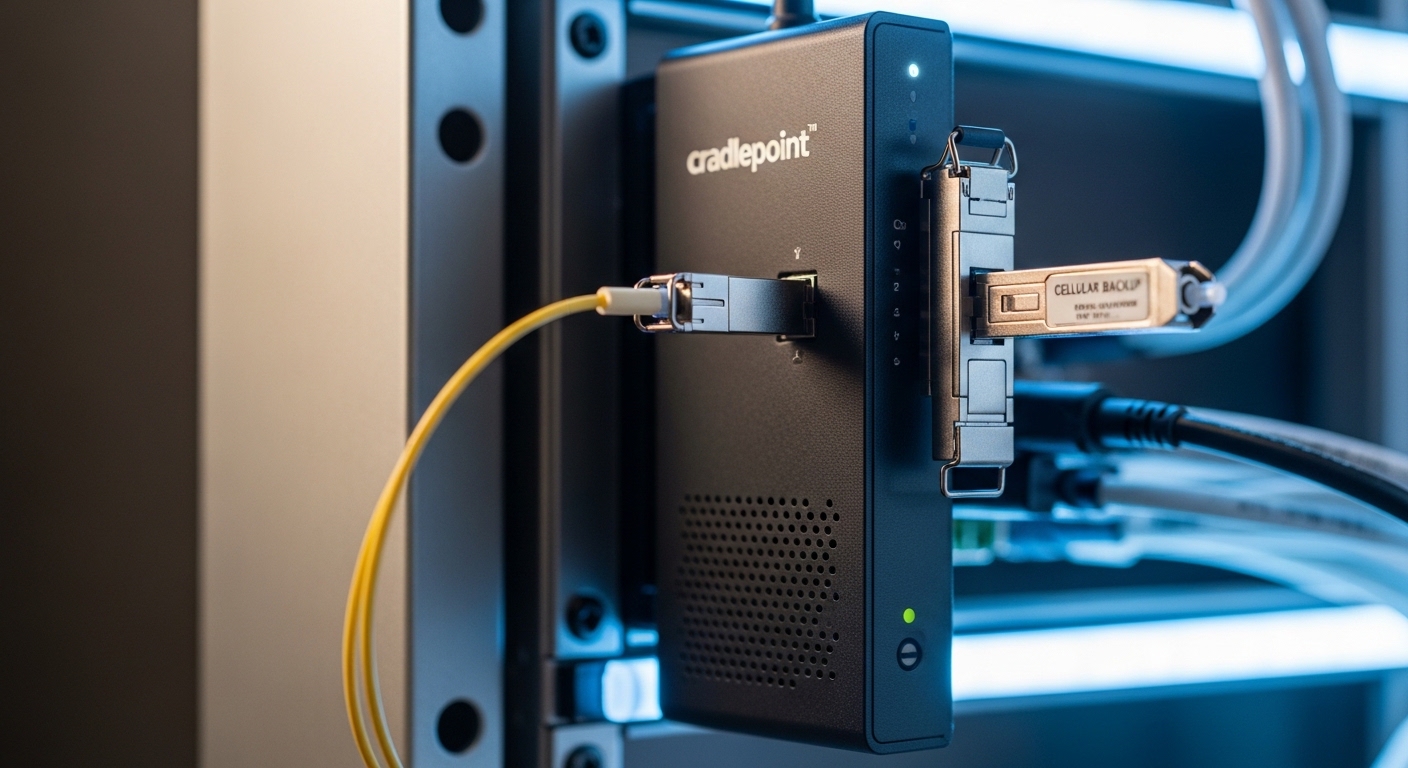
In many real deployments, the “cellular backup SFP” phrase is shorthand for the overall failover design. The SFP you plug in is usually the wired fiber SFP (for the primary/backup Ethernet path). Cellular typically comes from a modem interface supported by the Cradlepoint model, not from a standard Ethernet SFP.
That said, some teams use the term loosely when they mean “the optics and interfaces that enable cellular backup.” Your key is compatibility: the Cradlepoint must support the cellular interface you’re using, and your SFP must be compatible with the wired Ethernet interface.
Quick specs comparison for common wired fiber SFP optics
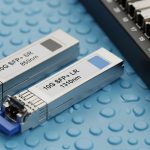
Below are typical optics families you will encounter when wiring backup fiber links. Always confirm exact part numbers against your switch and transceiver vendor datasheets.
| Optic type | Wavelength | Typical reach | Connector | Data rate | Power / DOM | Temp range | Example part numbers |
|---|---|---|---|---|---|---|---|
| 10G SR (multi-mode) | 850 nm | ~300 m (OM3) / ~400 m (OM4) | LC | 10GbE | DOM varies by vendor | 0 to 70 C (typical) | Cisco SFP-10G-SR, FS.com SFP-10GSR-85 |
| 10G LR (single-mode) | 1310 nm | ~10 km | LC | 10GbE | DOM varies by vendor | -5 to 70 C (typical) | Finisar FTLX8571D3BCL, FS.com 10G-LR |
| 1G BX (single-mode) | 1310/1550 nm | ~10 to 20 km (varies) | LC | 1GbE | DOM varies | 0 to 70 C (typical) | Vendor-specific 1G BX variants |
Pro Tip: In failover incidents, the biggest “gotcha” is not the cellular modem—it is link health detection. If the Cradlepoint checks only Ethernet carrier state, a partially degraded fiber (bad splice, high attenuation) can keep carrier “up” while traffic is black-holed. Use route health (gateway ping) or SLA checks so failover triggers on actual reachability, not just link LEDs.
Selection criteria checklist for your failover optics and config
- Distance and fiber type: single-mode vs multi-mode; verify OM grade and measured loss.
- Wired speed compatibility: ensure your SFP supports the negotiated rate (1G vs 10G) and correct duplex behavior.
- Switch and router compatibility: verify transceiver interoperability; some platforms are picky about vendor EEPROM/DOM implementation.
- DOM support: if you want actionable telemetry, pick optics and platforms with reliable DOM readings.
- Operating temperature: outdoor cabinets and unconditioned closets can exceed 40 C; use optics with appropriate temperature ratings.
- Budget and vendor lock-in risk: OEM optics are pricier but often behave better; third-party can work great, but validate before rollout.
Common mistakes / troubleshooting tips (because reality enjoys chaos)
If the wired link is unstable, the failover will either never trigger or will trigger at the worst time. Here are the top issues I see.
Failure point 1: “Link is up, but no traffic”
Root cause: wrong VLAN tagging expectation after failover, or trunk allowed VLAN mismatch on the switch. Solution: verify VLAN tagging on both wired and cellular paths; confirm switch port config and apply consistent VLAN policy. Use packet captures (where possible) to validate tagged frames.
Failure point 2: SFP not recognized or flapping
Root cause: incompatible optic (EEPROM/DOM mismatch) or a dirty connector. Solution: clean LC connectors with lint-free wipes and IPA, then re-seat. If flapping persists, test with a known-good OEM or a validated compatible optic and confirm DOM settings.
Failure point 3: Failover never happens during real outages
Root cause: health check uses only Ethernet carrier detect; the fiber can be “up” while reachability is dead. Solution: configure gateway reachability checks and adjust failover timers so the router switches on true packet loss/route failure.