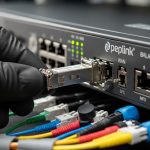
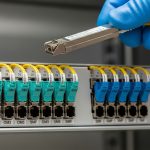
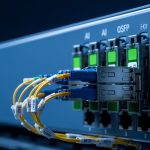
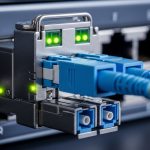
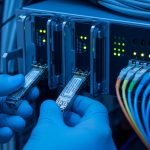
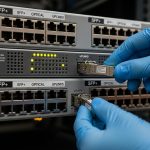
If your home lab connects managed switches, a firewall, and NAS over fiber, the right budget SFP module can cut cost without sacrificing link stability. This article helps hobbyists and small teams choose SFP optics for prosumer networks, including common 1G and 10G cases. You will also get practical troubleshooting steps from real field failures, not generic theory.
How to map your home lab needs to SFP optics
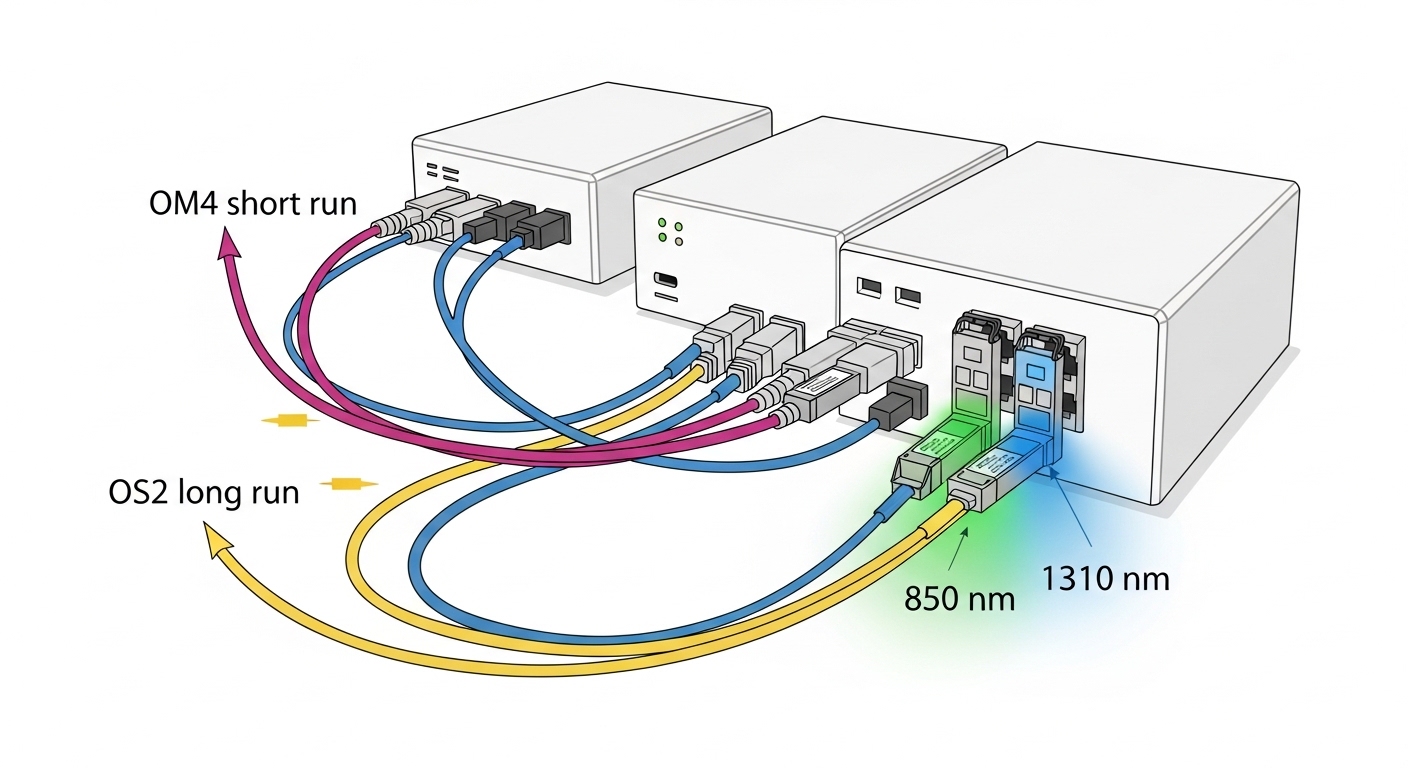
Start by identifying your line rate and interface type on the switch or router. Most prosumer gear uses either 1000BASE-X (SFP 1G) or 10GBASE-SR/LR (SFP+ 10G). Then confirm the fiber type: multimode (OM3/OM4) is typically short-reach and cost-effective, while single-mode (OS2) supports longer runs with higher reliability.
In a typical build, you might run a managed switch to an access point, a small storage server, and a router. For example, a 10G link between a NAS and a switch over 30 m of OM3 usually uses SR optics (850 nm). If you are spanning a basement-to-garage run of 300 m on OS2, you likely need LR (1310 nm) class optics.
Budget SFP module specs that actually matter
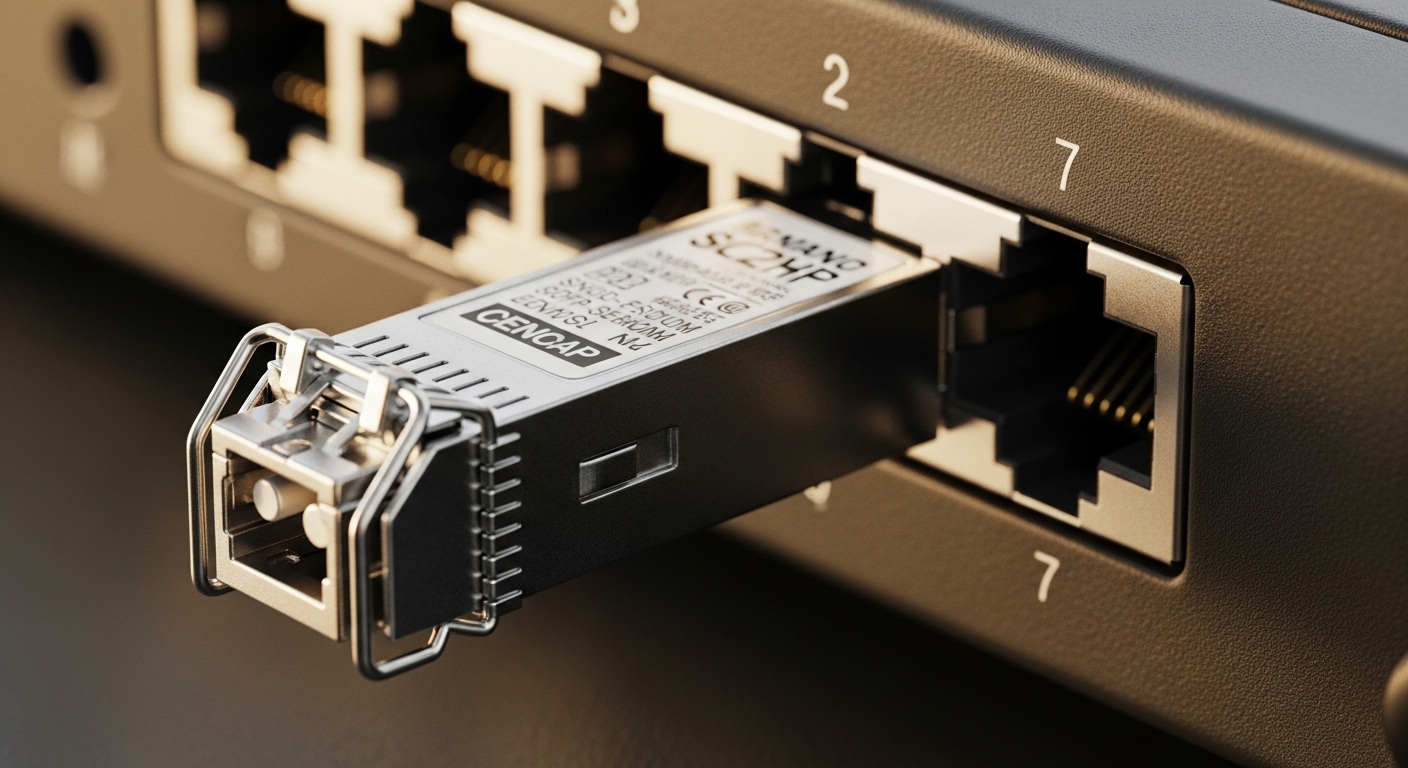
Datasheets list many parameters, but engineers focus on the ones that determine whether the link will train cleanly and stay up. Pay attention to wavelength (nm), reach (meters), optical class, connector type, and whether the switch requires DOM (Digital Optical Monitoring). Also check the operating temperature range because some budget optics ship without tight spec control.
| Parameter | 1G SFP SX (850 nm) | 10G SFP+ SR (850 nm) | 10G SFP+ LR (1310 nm) |
|---|---|---|---|
| Typical data rate | 1.25 Gbps | 10.3125 Gbps | 10.3125 Gbps |
| Fiber type | OM3/OM4 multimode | OM3/OM4 multimode | OS2 single-mode |
| Typical reach | Up to ~550 m on OM3 | Up to ~300 m on OM3, ~400-450 m on OM4 | Up to ~10 km on OS2 |
| Common connector | LC | LC | LC |
| DOM support | Often optional | Commonly supported | Commonly supported |
| Operating temperature | Commercial (0 to 70 C) | Commercial or Industrial variants | Commercial or Industrial variants |
| Example part numbers | Finisar FTLX8571D3BCL | Cisco SFP-10G-SR, FS.com SFP-10GSR-85 | Finisar/others LR 1310 nm SFP+ |
When comparing vendors, verify compliance with IEEE physical layer expectations. For Ethernet optics, the relevant baselines are in the IEEE 802.3 family, and many optics follow SFF-8472 for optical module management and diagnostics. For standards context, see IEEE 802.3 standard and the SFF-8472 diagnostic framework referenced in vendor documentation. [Source: IEEE 802.3 overview]
Real-world home lab deployment: 10G storage over fiber
In one common prosumer setup, a 10G leaf switch connects to a NAS and a workstation. Imagine a managed 10G switch with 8 SFP+ ports feeding a NAS via a 25 m OM4 patch run. In practice, SR optics at 850 nm work reliably when the patch loss stays within the link budget and the fiber is correctly terminated with clean LC ends.
If you later add a second rack across the house with 180 m of OS2, you would switch to LR optics at 1310 nm. The key field lesson is that multimode and single-mode optics are not interchangeable. I have seen teams “make it work” once, then hit intermittent CRC errors after a connector re-seat exposed a bad polish or a mismatched fiber core.
Selection checklist for a budget SFP module
Use this ordered checklist before buying to avoid wasted shipping and rework:
- Confirm port type and form factor: SFP vs SFP+; do not assume the switch auto-detects speed reliably.
- Match fiber type and wavelength: SR is usually 850 nm for multimode; LR is 1310 nm for OS2.
- Verify reach vs your actual fiber loss: measure or estimate patch loss; keep margin for bends and connector cleanliness.
- Check DOM compatibility: if the switch expects DOM, prefer modules that support SFF-8472 diagnostics.
- Inspect operating temperature range: if your rack sits in a garage or attic, choose an industrial grade module.
- Assess vendor lock-in risk: some switches are picky about vendor IDs; keep a known-good spare on hand.
- Confirm connector polish and quality: LC with APC vs UPC matters in some scenarios; follow the transceiver spec and patch panel markings.
Pro Tip: In many “budget SFP module” installs, link instability is not an optics problem at all. The most common root cause is dirty or slightly damaged LC end faces—cleaning with proper fiber cleaning tools often restores stability faster than swapping modules.
Common mistakes and troubleshooting in the field
Mistake 1: Mixing multimode and single-mode optics. Root cause: SR 850 nm optics into OS2 (or LR 1310 nm optics into OM3/OM4) will either fail to link or show heavy errors. Solution: label your fiber runs and confirm wavelength and fiber type before insertion.
Mistake 2: Ignoring DOM expectations. Root cause: some managed switches poll DOM registers and may flag optics as “unsupported,” affecting health monitoring or even link behavior in strict modes. Solution: check the switch transceiver compatibility list and choose DOM-capable modules when required.
Mistake 3: Overestimating reach with unverified cabling. Root cause: long patch runs plus extra connectors, poor terminations, or tight bends can exceed the optical budget even if the distance looks short on paper. Solution: use a loss meter (or at least verify cable type, number of connectors, and slack routing) and keep optical margin.
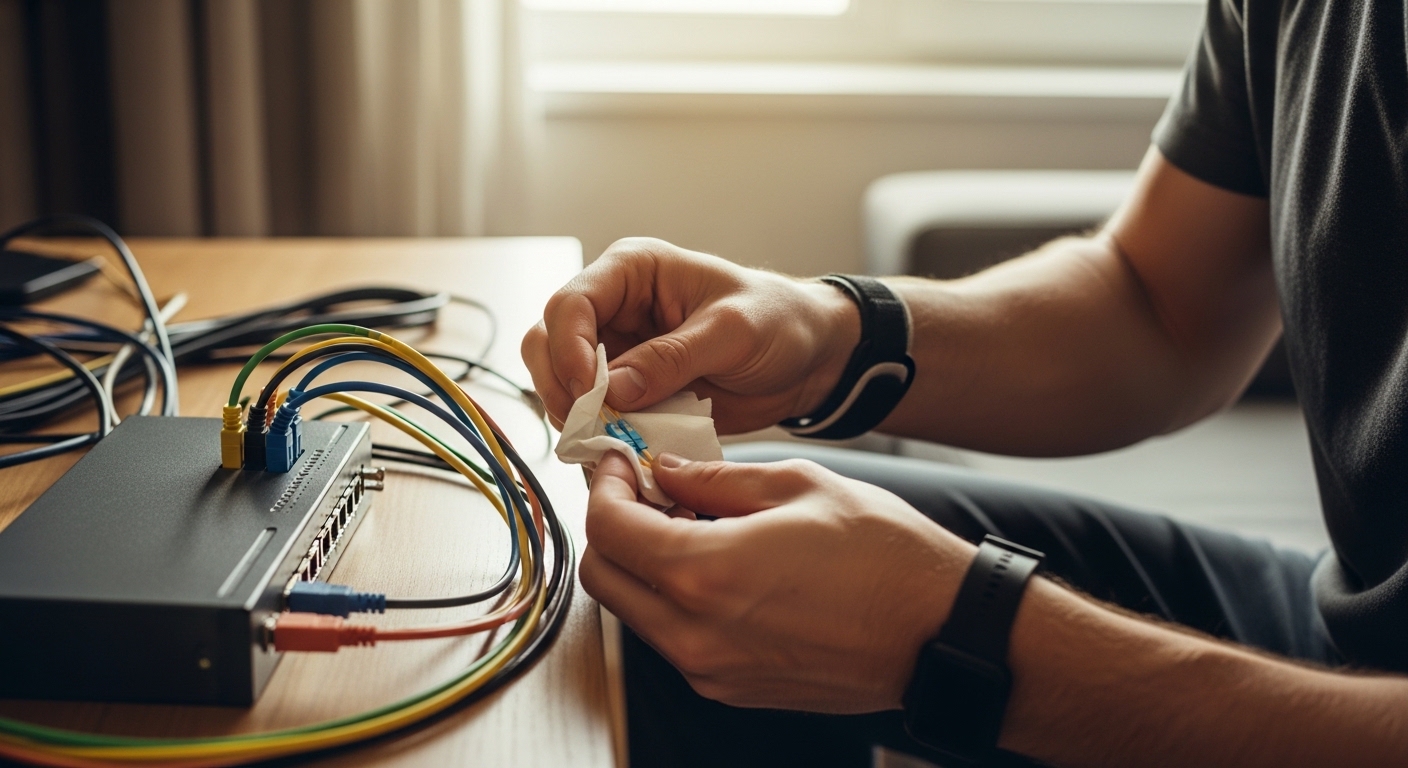
Mistake 4: Skipping cleaning after re-seating. Root cause: LC connectors pick up dust quickly; a re-seat can smear residue and increase reflectance. Solution: clean both ends every time you disconnect, and inspect with a scope if errors persist.
Cost and ROI: when “budget” is worth it
In the market, a budget SFP module for 1G SR links often lands in the roughly $15 to $40 range per unit, while 10G SR/SFP+ modules are commonly $40 to $120 depending on reach and DOM support. OEM-branded optics can be higher, sometimes $100 to $250+, but can reduce compatibility risk in strict enterprise switch models.
TCO comes down to failure rate, downtime cost, and labor. If you keep a spare and you verify optics compatibility up front, third-party modules can be a strong ROI. If your switch is mission-critical (for example, remote work or lab experiments that cannot pause), the extra cost of OEM or well-vetted compatible optics may be cheaper than troubleshooting time.
FAQ
Q1: What does “budget SFP module” mean in practice?
It usually means lower purchase price from third-party vendors rather than OEM optics. The engineering tradeoff can be stricter compatibility variance, sometimes weaker DOM implementation, and broader tolerance in temperature handling. Always verify wavelength, fiber type, and DOM needs for your exact switch.
Q2: Can I use an SFP module from one brand in a different switch?
Often yes, if the module matches the required standard and parameters (rate, wavelength, reach, connector). Some switches also maintain internal compatibility checks. If you want fewer surprises, confirm the switch model’s optics list and prefer modules known to support DOM when required.
Q3: How do I choose between SR and LR for a home lab?
Use SR (850 nm) for short runs on multimode OM3/OM4, and LR (1310 nm) for longer runs on single-mode OS2. If you are unsure about your fiber type, check the cable jacket markings or patch panel labels before ordering optics.
Q4: Do I need DOM for a prosumer switch?
If your switch monitors optic health and you want alarms for power levels, DOM helps. Some switches still pass traffic without DOM, but you may lose visibility and health reporting. If you rely on monitoring, choose DOM-capable optics aligned to SFF-8472 expectations.
Q5: Why does my link come up then drop every few minutes?
Common causes are dirty connectors, exceeded optical budget, or a marginal fiber termination. Clean LC ends, verify fiber type, and re-check loss and bend radius. If the issue persists, swap to a known-good module to isolate whether the problem is optics or cabling.
Q6: Are industrial temperature modules worth it for a home rack?
They can be worth it if your equipment sits in a garage, attic, or other environment with wide temperature swings. For climate