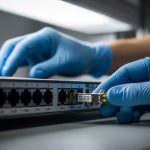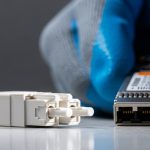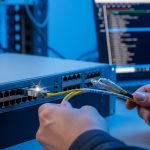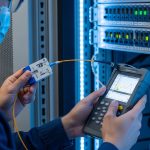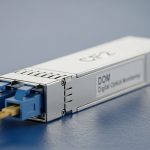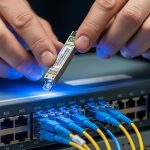
Counterfeit optics can silently throttle throughput, trigger CRC errors, or cause intermittent link drops that are maddening to isolate. This article helps network engineers, data center managers, and procurement teams reduce that risk by using practical sourcing, verification, and compatibility checks for an authentic fiber module. You will get field-ready decision steps, common failure modes, and a ranking table to guide purchases without overpaying.
Top 10 checks to verify you are buying an authentic fiber module
In real deployments, the best defense is layered: supply chain diligence plus technical verification. Below are 10 checks that field teams use to keep optics reliable across upgrades, RMA cycles, and multi-vendor environments. Each item includes best-fit scenarios and quick pros and cons so you can operationalize the process.
Lock sourcing: buy from authorized channels or OEM-backed distributors
If your optics come from an unknown marketplace seller, you are accepting unknown binning, unknown firmware behavior, and unknown optics calibration. For high-volume leaf-spine and aggregation links, teams typically standardize on authorized distributors or the OEM’s own channel to reduce counterfeit exposure.
Best-fit scenario: A campus core rebuild where 10G-SR and 10G-LR are mixed across 14 switches and spares are stored for 18 months. Standardizing sourcing avoids “mystery batches” during later swaps.
- Pros: Lower counterfeit likelihood; smoother RMA handling.
- Cons: May cost more than grey market.
Demand traceability: lot numbers, serial numbers, and purchase records
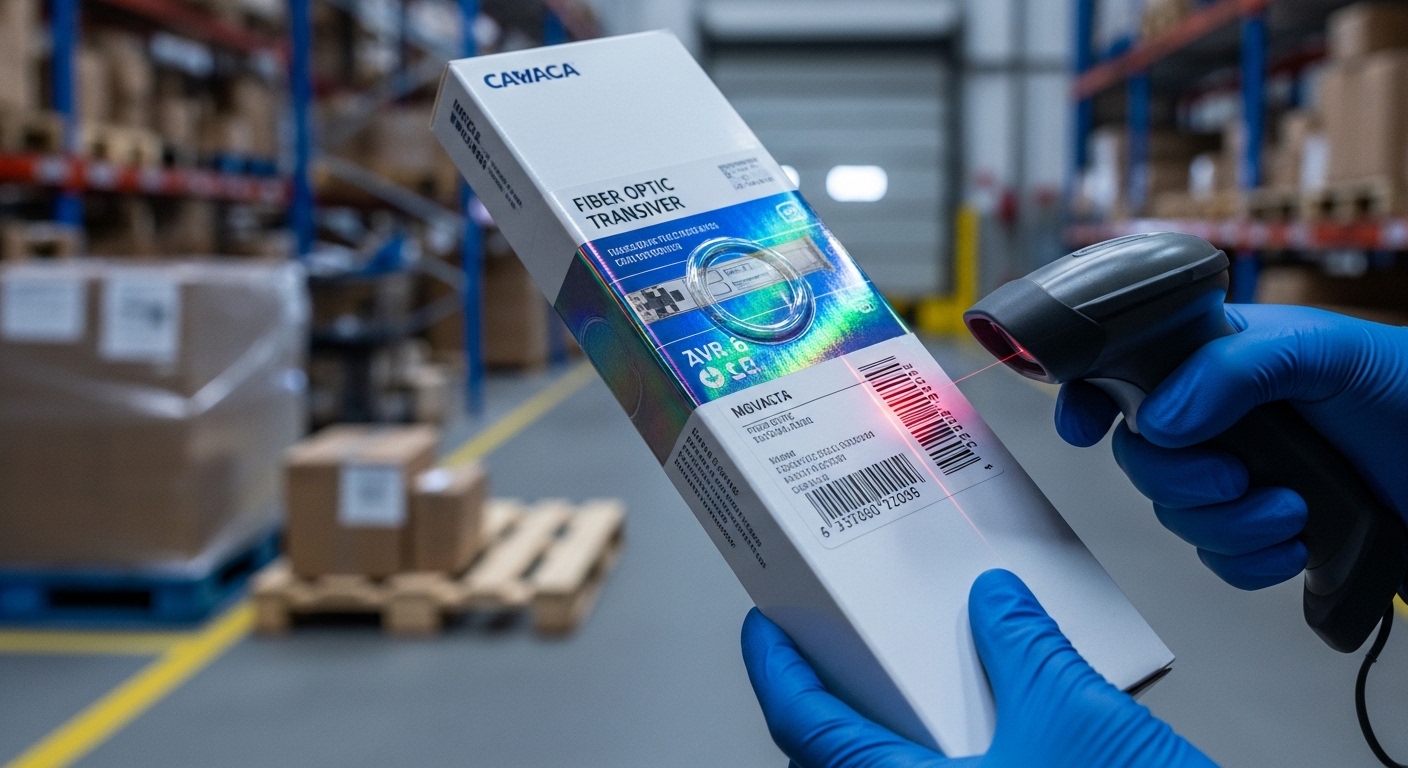
Counterfeit modules often fail later because their underlying laser/receiver characteristics drift or are misprogrammed. Ask for traceability data: serial number, manufacturing lot, and the reseller’s full invoice trail. Keep records tied to switch port mappings so you can correlate failures to a batch.
- Pros: Faster root-cause during outages.
- Cons: Requires procurement discipline.
Verify DOM reads: vendor-specific thresholds and sanity checks
Digital Optical Monitoring (DOM) data is your first technical “smell test.” Use your switch CLI to read DOM fields (temperature, laser bias current, transmit power, receive power, and vendor ID) and confirm they fall within expected ranges. For example, a typical 10G SR module operates around nm wavelength 850 with DOM reporting that stays stable across warm-up.
Best-fit scenario: Rolling upgrades where you swap optics without changing cabling; DOM stability helps confirm you did not introduce a bad batch.
- Pros: Fast verification; no optical bench required.
- Cons: Counterfeits can sometimes mimic DOM fields, so you still need other checks.
Match standards: IEEE 802.3 compliance and correct interface type
Do not assume “looks similar” means “is compatible.” Confirm the module is intended for the exact Ethernet PHY standard and data rate your switch expects (e.g., 10GBASE-SR for 850 nm multimode). IEEE 802.3 defines electrical and optical performance targets; mismatches can cause link instability even when the transceiver “detects” correctly.
Pros: Reduces subtle interoperability failures.
Cons: Requires you to document switch and optics capabilities.
anchor-text: IEEE 802.3 standard
Confirm connector and fiber type: LC geometry, MMF vs SMF, and polarity
Counterfeit risk is not only electronic; it is also physical and operational. Ensure you buy the correct connector style (commonly LC for SFP/SFP+), the correct fiber type (OM3/OM4 multimode for SR), and the correct polarity method (many SR links require a specific transmit/receive orientation). A wrong polarity can mimic “bad optics” with receive power failures.
- Pros: Prevents avoidable RMA cycles.
- Cons: Does not address every counterfeit issue, but it stops false positives.
Compare key optical specs and reach to your cabling reality
Before ordering, quantify your link budget. For short-reach optics, reach claims assume specific fiber grade and worst-case attenuation. In the field, teams measure patch cord lengths and verify whether the installed multimode fiber supports the necessary modal bandwidth.
Best-fit scenario: A data hall with mixed OM3 and OM4 runs where some patch cords are older and not labeled.
- Pros: Prevents link flaps caused by borderline power.
- Cons: Requires basic fiber inventory.
Use a “known-good” reference module for A/B testing
When you suspect a counterfeit batch, compare behavior using a known-good module from a trusted stock. Swap modules between the same two ports and observe DOM transmit power, receive power, and error counters. If the “trusted” optic works and the suspect one does not under identical conditions, you have strong evidence of a quality problem.
- Pros: Fast isolation; supports vendor disputes.
- Cons: Requires keeping a small pool of known-good spares.
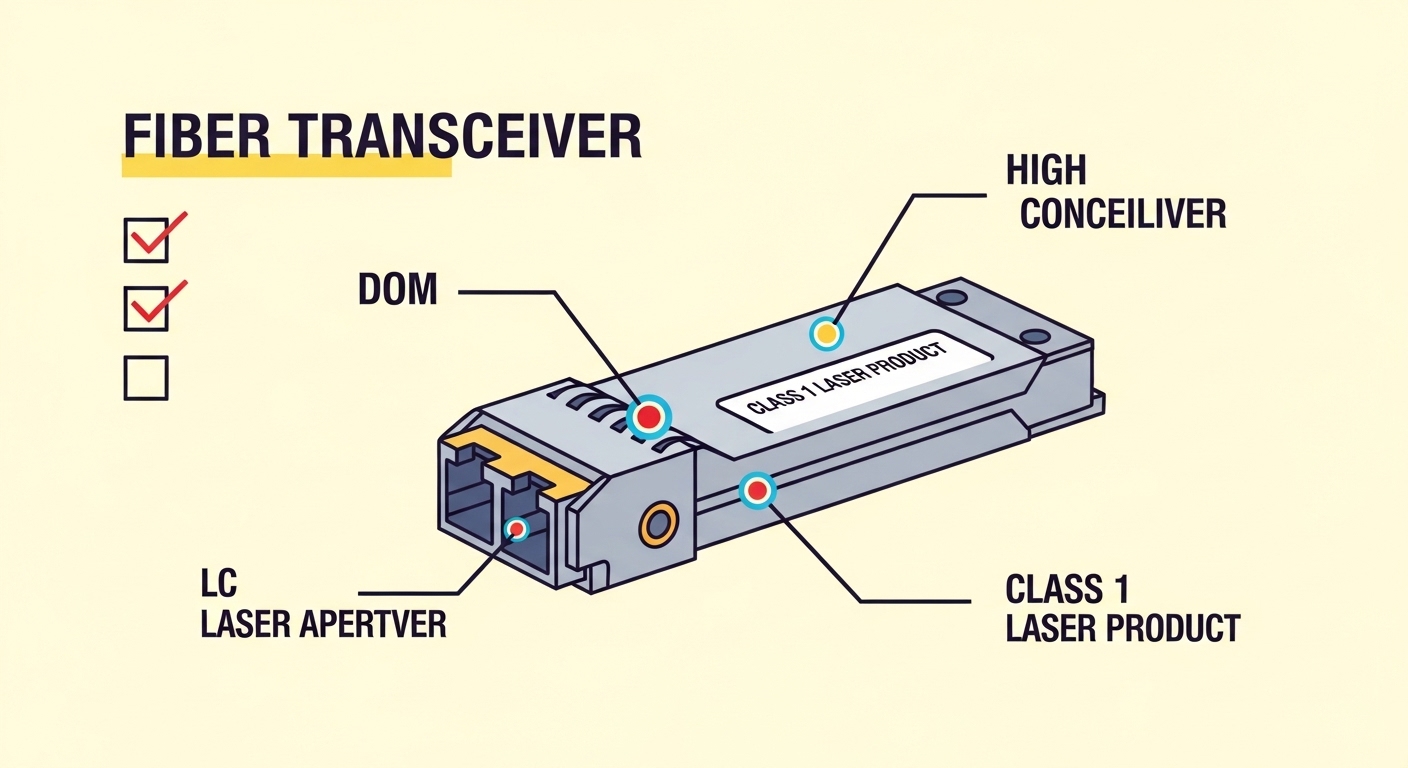
Inspect physical and labeling details: laser window, print, and workmanship
Counterfeits frequently cut corners: fuzzy laser windows, misaligned labeling, inconsistent font spacing, and missing compliance marks. While physical checks alone are not proof, they are valuable triage signals. Train technicians to look for consistent part numbers, manufacturing markings, and connector cleanliness.
Best-fit scenario: Incoming QC at a colocation facility receiving mixed inventory.
- Pros: Catches obvious fakes early.
- Cons: High-quality counterfeits may pass visual inspection.
Validate temperature and power behavior under load
Many counterfeit modules fail under environmental stress. Confirm the operating temperature range and monitor DOM temperature during sustained link operation. If your switch reports abnormal temperature or unstable transmit power during traffic bursts, treat it as a potential authenticity and reliability issue.
Best-fit scenario: Outdoor cabinets or high-airflow server rooms where ambient temperature swings occur.
- Pros: Reduces intermittent failures.
- Cons: Needs monitoring time and baseline data.
Manage vendor lock-in risk with documented compatibility testing
Some OEMs enforce optics “compatibility” policies using vendor IDs, DOM behaviors, or firmware whitelists. The goal is not to eliminate OEM behavior; it is to understand it. Maintain a compatibility matrix for each switch model and optics type, and test new batches in a staging environment before broad rollout.
- Pros: Prevents surprise link failures after procurement changes.
- Cons: Requires initial test effort.
Real-world comparison: common 10G authentic module types and targets
Engineers often standardize around 10G SR for multimode and 10G LR for single-mode. The table below compares typical specs you should verify against your installed fiber and switch expectations. Always confirm the exact part number and DOM behavior from the vendor datasheet.
| Module example | Data rate | Wavelength | Typical reach target | Connector | Fiber type | Form factor | Operating temperature |
|---|---|---|---|---|---|---|---|
| Cisco SFP-10G-SR | 10G | 850 nm | ~300 m (OM3) | LC | Multimode | SFP+ | Commercial to extended options (verify datasheet) |
| Finisar FTLX8571D3BCL | 10G | 850 nm | ~300 m (OM3) | LC | Multimode | SFP+ | Verify datasheet bin |
| FS.com SFP-10GSR-85 | 10G | 850 nm | ~300 m (OM3) to ~400 m (OM4) | LC | Multimode | SFP+ | Verify datasheet bin |
| Generic 10GBASE-LR SFP+ (single-mode) | 10G | 1310 nm | ~10 km | LC | Single-mode | SFP+ | Verify datasheet bin |
Note: Reach depends on fiber grade, patch cord attenuation, and link budget assumptions. For authenticity, focus on verifying DOM and purchase traceability, not only the marketing reach number.
anchor-text: Cisco support resources
Deployment scenario: stopping counterfeit-induced flaps in a leaf-spine rollout
In a 3-tier data center leaf-spine topology, a team deployed 48-port 10G ToR switches with 1,920 server-facing links and 96 spine uplinks. They standardized on 10GBASE-SR for leaf-to-spine inside a 20,000 sq ft facility using OM4 cabling, with patch cords averaging 2 m each. After receiving a new optics batch from a non-standard reseller, they observed intermittent link resets every 2-6 hours, even though the ports initially came up.
The fix started with layered authenticity checks: DOM sanity reads showed transmit power drifting beyond expected thresholds and temperature reporting spikes under sustained traffic. Then an A/B test with known-good optics restored stable links immediately. Finally, procurement suspended that source, requested lot traceability, and replaced the batch through authorized channels—cutting downtime and preventing a broader rollout failure.
Pro Tip: Counterfeit modules can sometimes “link up” but fail the stability test. In practice, teams run a 30 to 60 minute traffic burn while logging DOM temperature and optical power; unstable bias current or drifting receive power during the burn is a strong authenticity and quality signal.
Selection criteria checklist: what engineers weigh before clicking Buy
Before procurement finalizes an order, teams use a repeatable checklist. This reduces the chance of receiving an unverified part that causes field issues later.
- Distance and fiber grade: Confirm OM3 vs OM4 vs single-mode and total patch cord length.
- Switch compatibility: Validate the switch model accepts the module type and vendor ID expectations.
- DOM support and behavior: Confirm DOM fields populate and stay within expected ranges after warm-up.
- Operating temperature: Match ambient conditions and airflow; verify datasheet temperature bin.
- Source trust: Prefer authorized channels; request lot and serial traceability.
- RMA and failure handling: Ensure clear return policy and warranty terms for optics failures.
- DOM “lock-in” risk: Document any vendor restrictions so you can plan multi-sourcing safely.
Common mistakes and troubleshooting tips when authenticity is in doubt
Even careful teams can slip. Below are frequent failure modes and how to address them with practical diagnostics.
Mistake: trusting “it links up” as proof of authenticity
Root cause: Some counterfeit or low-quality modules can negotiate a link but have unstable laser bias or receiver sensitivity under load. Solution: Run traffic for 30-60 minutes, log DOM transmit/receive power and temperature, and check interface error counters for CRC or FCS increments.
Mistake: ignoring polarity and cleaning before blaming the module
Root cause: Dirty LC connectors or reversed polarity can cause low receive power that looks like a failing optics module. Solution: Clean connectors using proper fiber cleaning tools, verify polarity with a loopback or known-good patch, and re-measure receive power after cleaning.
Mistake: mixing OM3 and OM4 assumptions without verifying patch cord lengths
Root cause: Reach claims assume specific attenuation and modal bandwidth; real patch cords and aging can reduce margin. Solution: Inventory patch cord lengths, measure end-to-end attenuation where possible, and ensure your module reach target matches the actual fiber run.
Mistake: replacing optics without correlating the batch and serial numbers
Root cause: If only one module fails, you might chase configuration issues; if a whole batch is counterfeit, the pattern is batch-level. Solution: Record serial numbers per port, group failures by batch, and escalate to the supplier with the traceability evidence.
Cost and ROI note: what “cheaper” optics really cost
Typical pricing varies by speed and sourcing, but in many markets, third-party optics may be 10% to 40% less expensive than OEM-branded equivalents. However, the true cost is often TCO: labor time for troubleshooting, downtime impact, and replacement logistics. If counterfeit modules increase failure rates or cause unpredictable link resets, the ROI flips quickly.
Practical approach: Compare not only unit price but also warranty coverage, RMA turnaround time, and the cost of keeping a small stock of known-good references. For mission-critical links, the security value of buying from trusted channels often outweighs the upfront discount.
Summary ranking: fastest path to safer sourcing of an authentic fiber module
Use the table below to prioritize actions based on impact and effort. Higher score means stronger risk reduction per operational cost.
| Rank | Check | Primary risk reduced | Effort | Impact |
|---|---|---|---|---|
| 1 | Authorized sourcing plus traceability | Counterfeit insertion | Low-Med | High |
| 2 | DOM sanity checks with warm-up and monitoring | Unstable optical performance | Med | High |
| 3 | A/B testing with known-good optics | Batch-level quality defects | Med | High |
| 4 | Standards alignment (IEEE 802.3 expectations) | Interoperability failures | Low | Med-High |
| 5 | Connector, fiber type, and polarity verification | False failures and link drops | Low | Med |
| 6 | Temperature and power behavior under load | Environmental instability | Med | Med-High |
| 7 | Physical and labeling inspection | Obvious counterfeit detection | Low | Med |
| 8 | Compatibility matrix testing per switch model | Vendor lock-in surprises | High initial | Med-High |
| 9 | Reach alignment to actual cabling | Borderline link margin | Med | Med |
| 10 | Compliance documentation and procurement discipline | Hard to prove authenticity later | Low | Med |
FAQ
Q1: What is an authentic fiber module in practical terms?
.wpacs-related{margin:2.5em 0 1em;padding:0;border-top:2px solid #e5e7eb} .wpacs-related h3{margin:.8em 0 .6em;font-size:1em;font-weight:700;color:#374151;text-transform:uppercase;letter-spacing:.06em} .wpacs-related-grid{display:grid;grid-template-columns:repeat(auto-fill,minmax(200px,1fr));gap:1rem;margin:0} .wpacs-related-card{display:flex;flex-direction:column;background:#f9fafb;border:1px solid #e5e7eb;border-radius:6px;overflow:hidden;text-decoration:none;color:inherit;transition:box-shadow .15s} .wpacs-related-card:hover{box-shadow:0 2px 12px rgba(0,0,0,.1);text-decoration:none} .wpacs-related-card-img{width:100%;height:110px;object-fit:cover;background:#e5e7eb} .wpacs-related-card-img-placeholder{width:100%;height:110px;background:linear-gradient(135deg,#e5e7eb 0%,#d1d5db 100%);display:flex;align-items:center;justify-content:center;color:#9ca3af;font-size:2em} .wpacs-related-card-title{padding:.6em .75em .75em;font-size:.82em;font-weight:600;line-height:1.35;color:#1f2937} @media(max-width:480px){.wpacs-related-grid{grid-template-columns:1fr 1fr}}