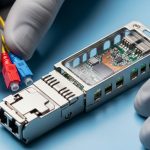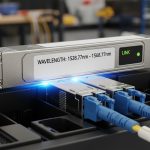
When you deploy alien wavelength DWDM optics into an existing third-party mux or demux platform, the real risk is not “it should work,” but “it will work at temperature, power budget, and maintenance windows.” This article helps network engineers and field technicians validate compatibility using measurable parameters: wavelength plan, optical power, OSNR, laser stability, and optical safety thresholds. You will also get a practical troubleshooting checklist drawn from real bring-up steps in metro and data center aggregation rings.
What “alien wavelength DWDM” means in practical deployments
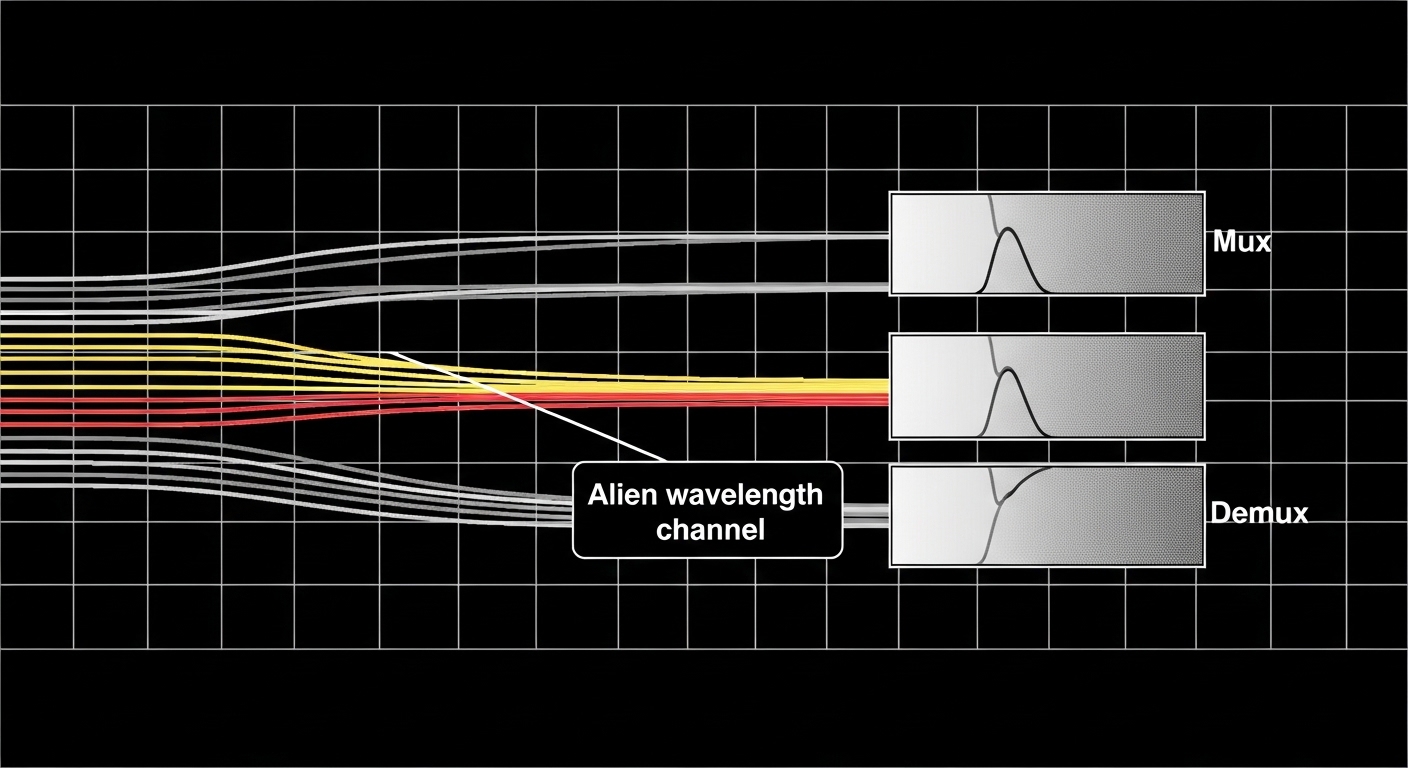
In DWDM, “alien wavelength” typically refers to using transceivers whose center wavelengths are not the same as the host vendor’s native wavelength plan, yet still align to the mux/demux grid on the third-party DWDM platform. In other words, you are importing optics into a system that expects specific ITU-T-like channel spacing and wavelength offsets, sometimes with proprietary calibration behavior. The key engineering question is whether your optics land in the receiver filter passband with enough margin for OSNR and aging.
Start with standards reality: ITU-T G.694.1 defines common grids (for example, 100 GHz and 50 GHz spacing), while IEEE Ethernet interfaces (for the client side) do not guarantee any optical channel behavior. For optical test and verification, treat the DWDM layer as an analog problem: channel wavelength accuracy, transmit power, spectral shape, and receiver sensitivity matter as much as link rate. Reference a vendor’s datasheet for the exact wavelength tolerance and spectral mask, and cross-check against the third-party mux/demux filtering characteristics.
Core parameters you must verify before connecting
On the optics side, confirm center wavelength, spectral width, side-mode suppression, and laser frequency stability. On the DWDM platform side, confirm channel plan (grid spacing and offset), filter bandwidth, and whether the mux/demux expects a specific power range per channel. If the platform includes automatic gain control or per-channel attenuation, you also need the expected input power window.
For operational monitoring, ensure the transceiver supports DOM (Digital Optical Monitoring) and that the host DWDM controller or service processor can read it. Even when DOM works, alert thresholds may differ from the third-party platform’s assumptions, which affects maintenance automation and fault localization.
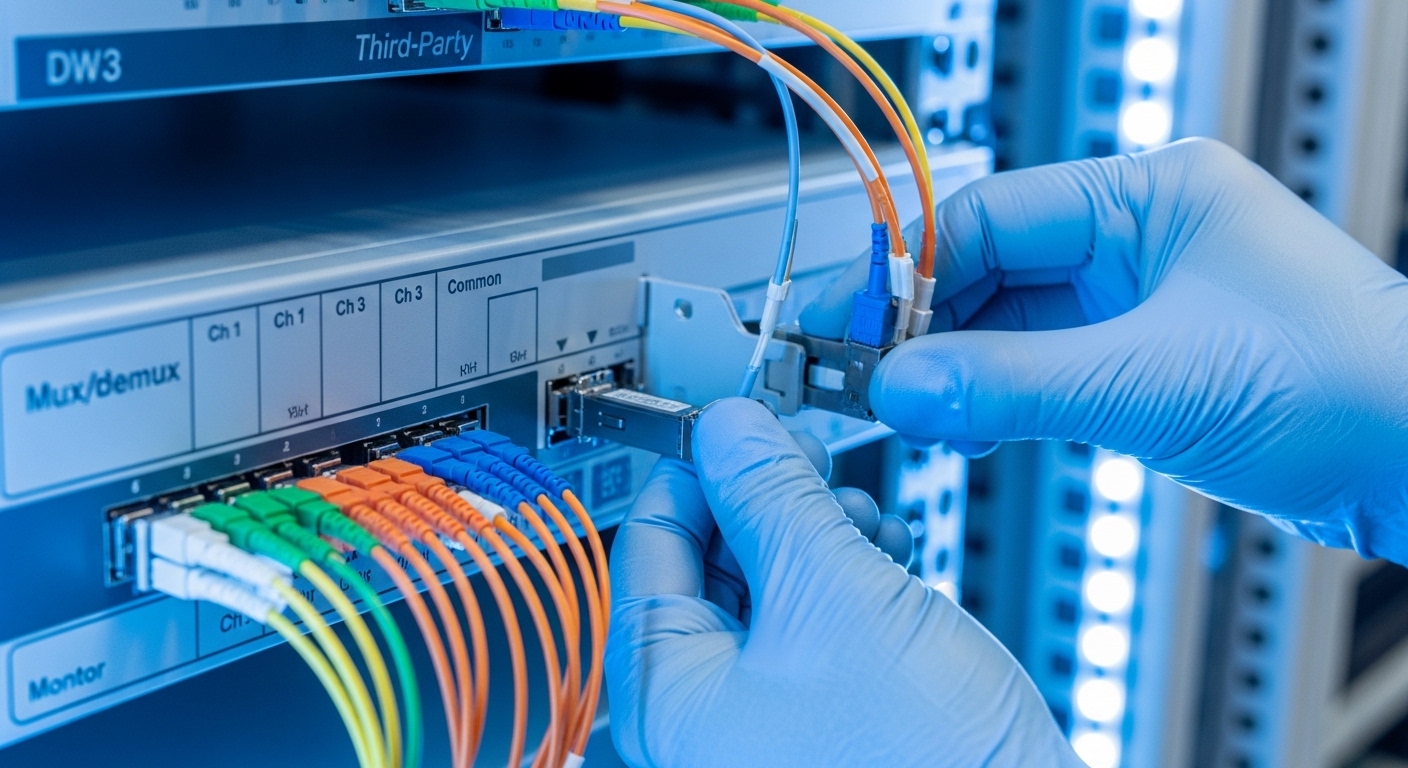
Alien wavelength DWDM compatibility: wavelength plan, power, and OSNR
Compatibility is mostly about margins. Even if the nominal wavelength matches the channel grid, you can still fail due to insufficient OSNR, too much launch power causing nonlinear penalties downstream, or receiver filter mismatch that increases penalty. A field approach is to treat each link as a budget with real measured values, not spreadsheet assumptions.
Technical specifications table (what to compare across vendors)
Below is a practical comparison set you can use when evaluating alien wavelength DWDM optics for third-party mux/demux systems. Actual values vary by vendor and exact model, so always use the datasheet for the specific transceiver and your DWDM equipment configuration.
| Parameter | Typical Expectation for Alien Wavelength DWDM | Why It Matters on Third-Party Gear |
|---|---|---|
| Center wavelength | Matches channel plan (often ITU-like grid); verify tolerance in pm or GHz | Determines whether the mux/demux filter passes the signal with low penalty |
| Channel spacing | Commonly 100 GHz or 50 GHz grids (confirm exact plan) | Misalignment can cause crosstalk and elevated BER |
| Launch optical power | Within third-party platform channel input window (often in dBm) | Too high can trigger nonlinear effects; too low fails receiver sensitivity |
| Receiver sensitivity | Depends on modulation format and FEC; confirm for your reach | Determines minimum OSNR required for stable service |
| OSNR / Q-factor | Must meet the system requirement with margin | Third-party filters and Raman/EDFA noise affect OSNR differently |
| Optical connector | LC or SC; confirm with patch panel and harness | Prevents insertion loss surprises and maintenance swaps |
| DOM support | DOM present (digital diagnostics for temperature, bias, power) | Enables alarms and helps confirm wavelength and power are stable |
| Operating temperature | Commercial vs industrial grade; confirm range | Laser wavelength drift can worsen filter mismatch at extremes |
Measured bring-up method that reduces surprises
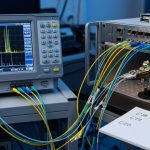
In a typical metro ring, I recommend a staged verification: first, bench-check the transceiver using its intended test fixture or an optical spectrum analyzer (OSA) with sufficient resolution. Then connect it to the third-party mux/demux and measure end-to-end receive power at the far demux output. Finally, validate live traffic with FEC enabled (if supported) and record BER counters over at least 30 minutes while you sweep temperature if your site experiences daily thermal cycling.
Pro Tip: Many alien wavelength failures are not wavelength “off by a lot,” but “spectral shape mismatch.” Two lasers can share the same nominal channel center yet differ in side lobes and linewidth, increasing crosstalk through the mux/demux filter skirts. Always compare the transceiver’s spectral mask and measure with an OSA at the same resolution bandwidth you use during system acceptance.
Selection criteria checklist for engineers choosing optics
Use this ordered checklist to reduce integration risk when deploying alien wavelength DWDM optics on third-party platforms. Treat it like a gate process: if any item fails, pause integration and resolve before you commit to spares.
- Distance and fiber plant loss: Confirm span loss, connector loss, and any aging margin; align with the transceiver reach class.
- DWDM channel plan alignment: Verify channel numbering, grid spacing, and wavelength offset; do not assume “ITU grid” alone is enough.
- Switch or mux/demux compatibility: Confirm whether the third-party platform has per-channel power constraints and any calibration procedure.
- DOM behavior and alarm thresholds: Ensure DOM reads are supported and confirm thresholds do not mask out-of-spec power or temperature drift.
- Operating temperature and laser wavelength drift: Match your transceiver grade to site conditions; industrial grade may be necessary for unstable enclosures.
- Vendor lock-in and spares strategy: Evaluate whether future firmware updates change acceptance criteria; plan a mixed spares policy if allowed.
- Test and acceptance plan: Define pass/fail for optical spectrum, receive power, and BER/FEC counters.
Compatibility caveats to be aware of
Even when a transceiver is “ITU aligned,” third-party mux/demux implementations may use different filter bandwidths and different treatment of adjacent channel power. Additionally, some systems enforce safety constraints such as max input power per channel or max total power per module. If you exceed those constraints, the mux/demux may protect itself by shutting down ports or increasing attenuation, which can look like a random outage.
Real-world deployment scenario: metro aggregation with third-party mux
Consider a metro aggregation ring in a regional provider network. The leaf sites use 10G Ethernet over DWDM, and the operator upgrades capacity using additional wavelengths without replacing the existing mux/demux. In one rollout, the team added 16 new channels across two sites, each carrying 10G client traffic. They used pluggable optics with an alien wavelength plan that matched the mux/demux grid but differed from the original vendor’s native mapping.
During staging, they measured each channel’s transmit center wavelength with an OSA and confirmed it fell within the vendor tolerance. They then targeted a receive power at the demux output of -18 dBm to -10 dBm depending on span loss and EDFA gain settings, keeping at least 3 dB OSNR margin over the system requirement. After live cutover, they monitored DOM values and FEC corrected error counts for 24 hours, because temperature swings at dusk increased laser drift by a small but measurable amount. The links stayed stable, but only after they adjusted per-channel attenuation to keep launch power within the third-party platform’s safe input window.
Common pitfalls and troubleshooting tips
When alien wavelength DWDM optics do not behave on third-party equipment, the root cause is often repeatable. Below are concrete failure modes you can use to shorten mean time to restore.
Pitfall 1: Channel looks “on wavelength” but BER spikes
Root cause: Spectral shape mismatch (linewidth, side-mode suppression, or filter skirt overlap) increases crosstalk, raising error rates even when center wavelength is within tolerance. Solution: Measure with an OSA and compare spectral mask; reduce adjacent channel launch power or add per-channel attenuation; consider selecting optics with tighter spectral characteristics.
Pitfall 2: Works at room temperature, fails during hot/cold cycles
Root cause: Transceiver laser frequency drift exceeds the third-party mux/demux passband tolerance at temperature extremes. Solution: Confirm the module operating temperature range and verify actual enclosure temperatures; validate wavelength with DOM readings and OSA at the site’s min and max temperatures.
Pitfall 3: “No light” or frequent link flaps after insertion
Root cause: Power out of the third-party platform’s accepted input window triggers protection behavior, or connector insertion loss is higher than expected due to dirty fiber endfaces. Solution: Clean connectors, inspect with a fiber microscope, verify receive power and transmit power with a calibrated power meter, and check platform logs for port protection or attenuation changes.
Pitfall 4: DOM alarms show temperature/power but control plane still marks port healthy
Root cause: DOM thresholds differ between the transceiver vendor and the third-party management expectations, so critical warnings may not map to the platform’s fault model. Solution: Align alarm thresholds in the management system and confirm with test events; document the mapping for operations so maintenance crews respond correctly.
Cost and ROI note: OEM vs third-party optics in DWDM
In many deployments, optics are a long-tail cost because they fail across years and because spares strategy affects downtime. OEM optics often cost more but may reduce integration effort and acceptance failures. Third-party optics can be substantially cheaper per module, but your total cost depends on engineering labor for validation, the time spent troubleshooting incompatibilities, and the risk of delayed acceptance.
Typical street pricing varies by reach and interface, but as a planning range, third-party 10G SFP+ style DWDM optics can be materially less than OEM equivalents, while alien wavelength variants may carry a premium due to lower volume. From an ROI perspective, the best savings come when you already have a stable wavelength plan and can reuse the same acceptance test scripts. If you need extensive rework due to spectral mismatch or per-channel power tuning, the labor can erase the per-unit savings quickly.
Also consider TCO: power consumption differences are usually small at the module level, but reduced downtime and fewer truck rolls are where ROI shows up. If your failure rate is higher due to temperature stress, industrial-grade optics and better splicing discipline may outperform the cheapest option over a 3 to 5 year horizon.
FAQ
How do I confirm the alien wavelength DWDM channel actually matches the mux/demux grid?
Do not rely only on vendor labeling. Measure the transceiver center wavelength with an OSA and compare it to the mux/demux channel plan documentation. Then verify with live receive power and BER/FEC counters after insertion.
Will any third-party transceiver work with my DWDM system if the wavelength is correct?
No. Filter bandwidth, spectral shape, and per-channel power constraints can still cause issues. Validate spectral mask characteristics and check the third-party platform’s accepted launch power range.
What DOM features matter most for alien wavelength DWDM troubleshooting?
Temperature, laser bias current, and transmit power are the most actionable for diagnosing drift and misconfiguration. Also confirm the platform can read DOM and that alarm thresholds are correctly mapped to your management system.
What is the fastest troubleshooting path when a new alien wavelength channel won’t stabilize?
First, verify cleaning and connector insertion loss, then measure transmit and receive power. Next, check OSA spectral alignment and adjacent channel crosstalk, and finally review platform logs for port protection or attenuation behavior.
Are industrial-grade optics worth it for hot enclosures?
Often yes, because wavelength drift and output power stability degrade with temperature. If your rack environment can exceed commercial-grade limits, industrial-grade modules reduce the probability of seasonal failures.
How should I plan spares when using alien wavelength DWDM optics?
Keep spares from the same vendor lot or at least the same wavelength and spectral specification to minimize drift differences. Use a unified acceptance test procedure so any spare can be validated quickly before deployment.
To deploy alien wavelength DWDM optics on third-party mux/demux platforms safely, validate wavelength plan alignment, spectral behavior, and power/OSNR margins with measurements, not assumptions. Next, review your acceptance test template and compare module datasheet tolerances against your platform’s filter and power constraints via DWDM transceiver acceptance testing and DOM diagnostics for optical modules.
Author Bio: I have hands-on experience integrating DWDM optical links in metro and aggregation networks, including OSA-based acceptance, DOM alarm mapping, and field troubleshooting. I help teams reduce integration risk by translating datasheet specs into measurable operational margins.