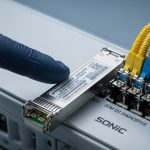
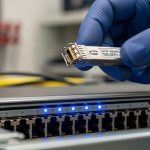
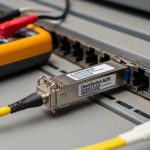
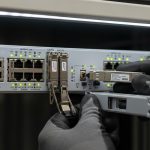
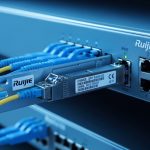
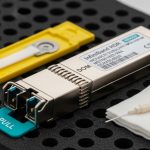
Buying optics that “should work” is how you lose outages during a maintenance window. This reference helps network engineers and field techs validate Alcatel-Lucent SFP modules against OmniSwitch AOS requirements before you rack and patch. You will get a compatibility workflow, a practical spec comparison table, and troubleshooting patterns tied to real link symptoms.
What OmniSwitch AOS expects from an SFP before link comes up
On OmniSwitch platforms running AOS, the switch typically reads the transceiver’s identification data over the SFP management interface (commonly via the I2C bus) and enforces capability rules. The key signals are the module’s data rate, optical type (SR/LR/ER style), nominal wavelength, and DOM availability (Digital Optical Monitoring). If the module presents a mismatch—wrong speed bin, wrong connector type, or DOM fields outside expected ranges—the switch may keep the port in a down state even if the fiber is correct.
In practice, you should treat OmniSwitch AOS as a policy engine: it will often allow only optics that match the port profile configured for the transceiver class. The safest approach is to verify both sides: (1) the SFP’s electrical/optical characteristics and (2) the switch’s port configuration and transceiver checks.
Fast validation workflow you can do in under 10 minutes
- Confirm port speed and media type on the OmniSwitch AOS interface you plan to use (example: 1G vs 10G, SR vs LR class).
- Read the module identity from the transceiver label and (if available) from AOS show commands that list transceiver type and thresholds.
- Check DOM support: verify whether the module is a DOM-capable SFP and that the switch recognizes it.
- Validate optical budget basics: ensure your fiber length and loss are within the module’s reach for the connector and splice losses in your plant.
- Power-cycle test safely: insert the module with the port administratively enabled, then observe optical and link state transitions.
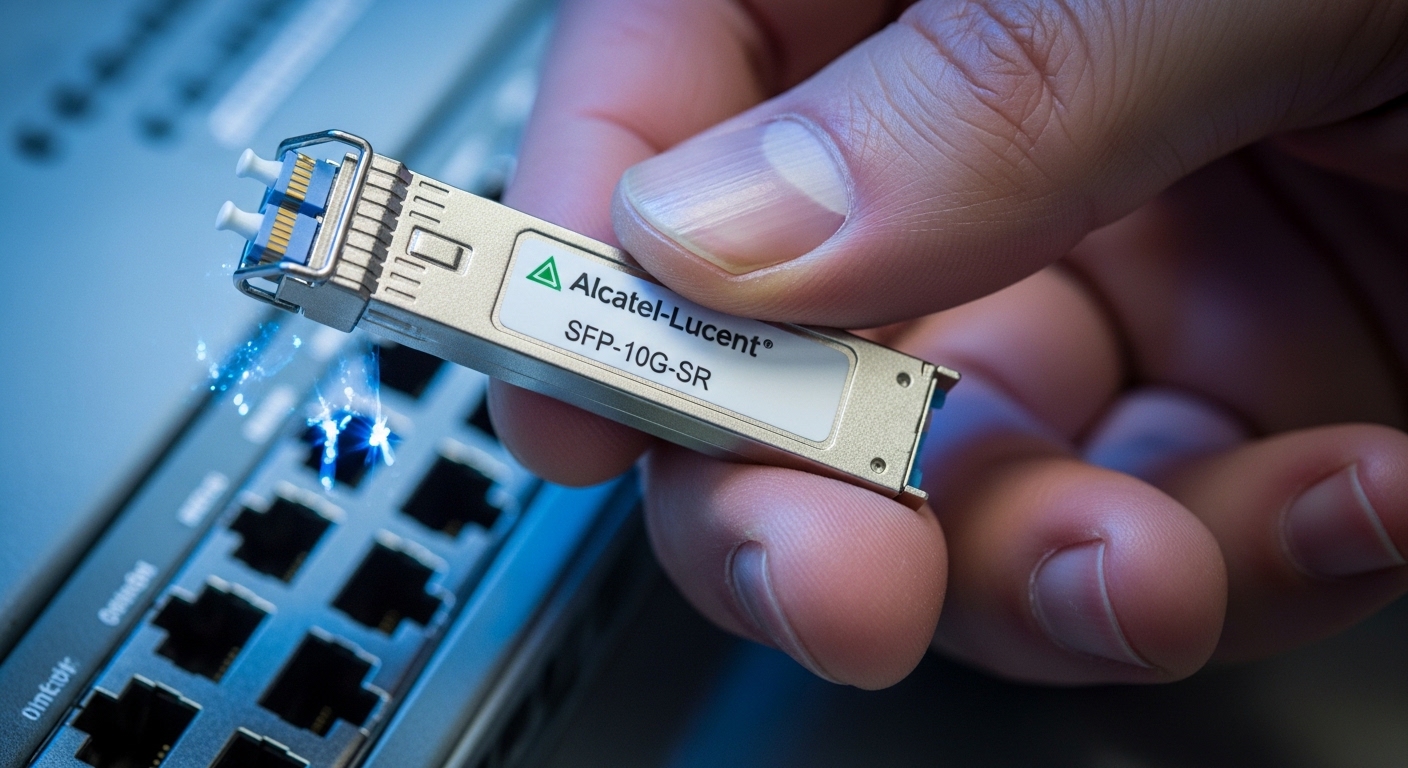
Key optical specs that drive OmniSwitch AOS compatibility
Compatibility failures often look like “mystery link flaps,” but the root causes usually map to wavelength, reach class, and power/threshold behavior. AOS typically expects SR-class modules to operate near their nominal wavelength and within supported temperature and power ranges. For multimode SR, modal dispersion and launch conditions matter; for single-mode LR/ER, connector cleanliness and fiber type matter.
Comparison table: common SFP optics you will see in OmniSwitch deployments
Use this table to sanity-check that your optic’s class matches your port profile and fiber plant. Values are representative; always confirm with the specific vendor datasheet for the exact part number.
| Module (examples) | Data rate | Wavelength | Reach class | Fiber / connector | Typical DOM | Operating temp |
|---|---|---|---|---|---|---|
| Finisar FTLX8571D3BCL (10G SR) | 10G | 850 nm | ~300 m (MM) | OM3/OM4, LC | Yes (digital) | 0 to 70 C |
| FS.com SFP-10GSR-85 (10G SR) | 10G | 850 nm | ~300 m (MM) | OM3/OM4, LC | Varies by SKU | -5 to 70 C (varies) |
| Cisco SFP-10G-SR (10G SR) | 10G | 850 nm | ~300 m (MM) | OM3/OM4, LC | Yes | 0 to 70 C |
| Finisar FTLX1471D3BCL (10G LR) | 10G | 1310 nm | ~10 km (SM) | OS2, LC | Yes | 0 to 70 C |
IEEE 802.3 defines Ethernet PHY behavior, while SFP electrical and management behavior are standardized by the SFP Multi-Source Agreement (MSA). OmniSwitch AOS compatibility is where those standards meet vendor implementation details, such as DOM parsing and supported optics lists. [Source: IEEE 802.3 (Ethernet PHY specifications)], [Source: SFP MSA documentation]
Pro Tip: When OmniSwitch AOS shows a port as “down” immediately after insertion, don’t assume fiber loss. Many field failures trace to DOM threshold interpretation: a third-party SFP with slightly different calibration metadata can be rejected even though it would pass in another switch vendor’s DOM logic.
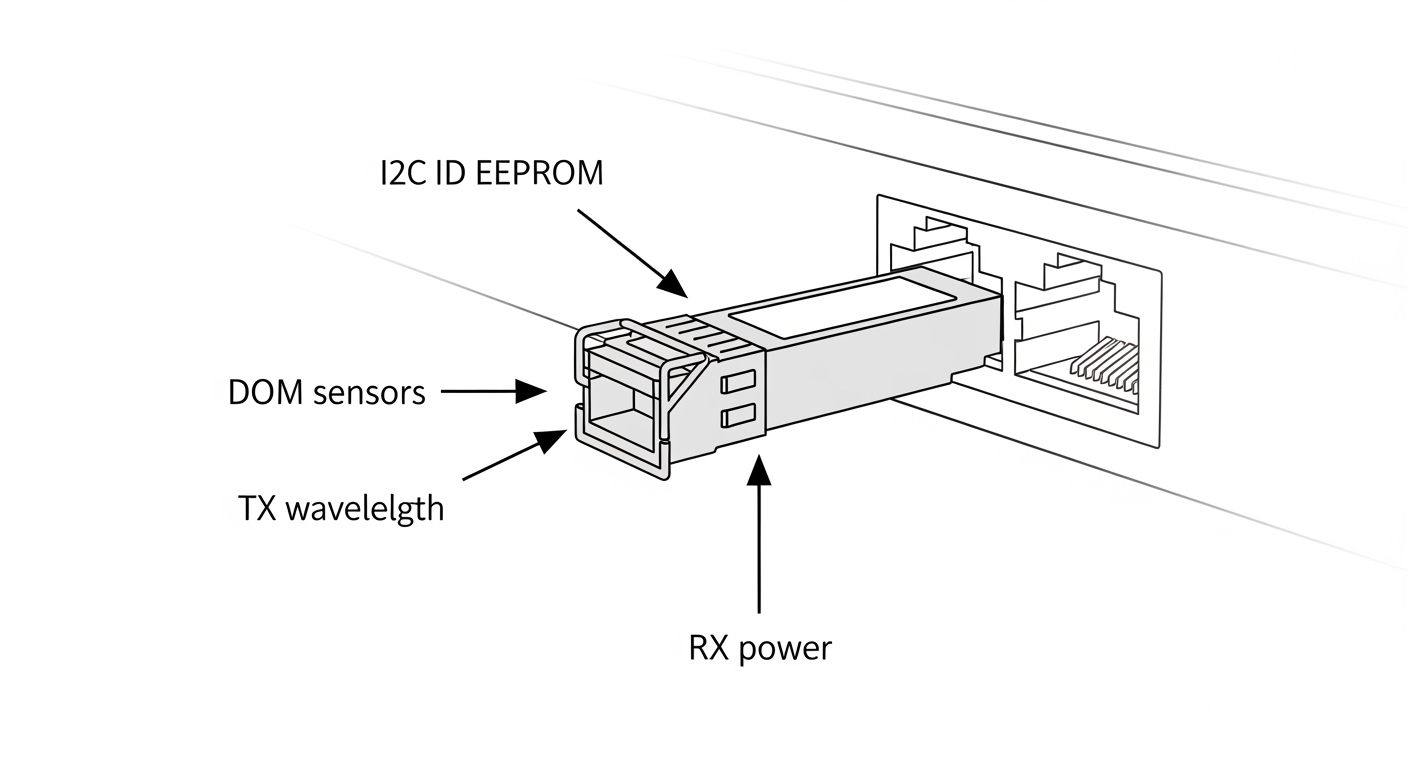
Real-world OmniSwitch AOS deployment scenario (what breaks first)
In a 3-tier data center leaf-spine topology with 48-port 10G ToR switches, engineers often use OmniSwitch AOS for leaf aggregation and connect servers via short multimode runs. A common pattern: 10G SR optics for top-of-rack to server NICs across 70 to 120 m of OM4 fiber with connector and splice losses totaling 1.0 to 2.5 dB. During a maintenance window, a team swaps a failed SFP, but the replacement is from a different vendor with a DOM profile not recognized by AOS. Result: the port stays down even though the fiber is verified with a light meter and the optics show correct wavelength on the label.
The mitigation that actually works in the field: you validate the new module’s part number against the platform’s supported transceiver guidance (or your internal compatibility matrix), confirm DOM recognition on AOS after insertion, then only afterward do deep fiber diagnostics. This sequence saves time because it avoids chasing optical-layer ghosts when the switch never accepts the module.
Selection criteria and decision checklist for OmniSwitch AOS
Use this ordered list every time you replace an SFP in an OmniSwitch AOS environment:
- Distance and reach class: match SR vs LR vs ER to your fiber type (OM3/OM4 vs OS2) and measured length.
- Data rate and port profile: confirm the OmniSwitch port expects the same speed bin (for example, 1G vs 10G).
- Wavelength and optic type: 850 nm SR for multimode; 1310 nm LR for single-mode.
- Connector and polarity: LC connector type and correct fiber polarity (especially with duplex patch cords).
- DOM support and behavior: ensure the module is DOM-capable and that AOS recognizes it without alarms.
- Operating temperature: verify the module’s industrial range matches the enclosure thermal profile.
- Switch compatibility and lock-in risk: prefer OEM or modules validated by your internal test bench; keep spares from the same revision family.
- Vendor datasheet alignment: confirm transmit power, receive sensitivity, and link budget assumptions.
Common pitfalls and troubleshooting tips (root cause to fix)
Link never comes up after insertion
Root cause: DOM or identity mismatch—AOS rejects a module because its EEPROM fields or threshold metadata diverge from what the platform expects. This is common when mixing “compatible” optics across vendors.
Solution: swap to a known-good Alcatel-Lucent SFP or a module whose exact part number is validated for that OmniSwitch model; then confirm DOM readings and port state on AOS.
Link flaps under load, but light levels look fine
Root cause: marginal optical budget or dirty connectors. In multimode SR, excessive insertion loss or poor cleaning can cause receiver power to dip below threshold during bursts.
Solution: clean LC ends with approved methods, re-seat connectors, and measure with a proper optical power meter (TX output and RX input). Recheck the fiber plant loss with patch cord inclusion.
Wrong fiber type or polarity causes intermittent errors
Root cause: OS2 used where OM4 was expected (or vice versa), or duplex polarity reversed. In 850 nm SR, single-mode fiber mismatch can cause severe attenuation and unstable link behavior.
Solution: verify fiber type in labeling records and inspect polarity using a continuity test. Then correct patch cord polarity and re-test.
Temperature or enclosure airflow leads to receiver degradation
Root cause: SFP modules operating near or beyond their rated temperature range can exhibit drift in laser output and DOM-reported thresholds.
Solution: confirm the module’s temperature rating, check fan operation and airflow obstructions, and monitor AOS DOM temperature and optical power alarms.
Cost and ROI note: OEM vs third-party SFPs in AOS networks
In many enterprise environments, OEM Alcatel-Lucent SFP modules cost more upfront—often roughly $100 to $250 per unit for common 10G optics depending on reach and DOM—but they reduce validation time during replacements. Third-party modules (including widely sold SR/LR SFPs) can be closer to $40 to $120, but the hidden TCO comes from extra troubleshooting hours, higher return rates, and potential incompatibility with AOS DOM logic.
For ROI, price alone is misleading. Factor in maintenance window risk: one avoided outage hour can justify the OEM premium. Also track failure rates by vendor family; mixing revisions can complicate root cause analysis when multiple optics behave differently.

FAQ
How do I confirm an Alcatel-Lucent SFP is recognized by OmniSwitch AOS?
Insert the module and check AOS transceiver status and DOM fields (if supported) for the port you targeted. If the port remains down with no optical alarms, suspect identity or DOM parsing mismatch rather than fiber loss. Use a known-good reference module to isolate switch vs optics behavior.
Can I use non Alcatel-Lucent SFPs in an OmniSwitch AOS environment?
Sometimes yes, but only if the exact part number and DOM behavior are validated for your OmniSwitch model and port profile. Third-party SFPs can be electrically compatible yet fail DOM threshold or EEPROM interpretation. Maintain an internal compatibility list and test in a staging rack before production.
What is the most common compatibility mistake during SFP swaps?
The most common mistake is selecting the wrong optic class (for example, SR 850 nm vs LR 1310 nm) or wrong fiber type without revalidating distance. The second most common is replacing a DOM-capable module with a non-DOM variant, which can trigger AOS policy behavior. Always match wavelength, reach class, and DOM capabilities.
How should I troubleshoot a port that is down after optics replacement?
First, verify the port speed profile and optic class. Second, confirm DOM recognition and check for immediate identity rejection indicators. Third, clean and re-seat connectors and measure optical power to rule out budget and cleanliness issues.
Do I need to worry about SFP temperature ratings?
Yes, especially in enclosed racks with constrained airflow or near heat sources. If the enclosure runs hot, laser output and receiver sensitivity can drift and cause intermittent link behavior. Compare the module’s rated range with the actual thermal environment and monitor DOM temperature.
Where can I find authoritative compatibility guidance?
Start with the OmniSwitch AOS platform documentation and the transceiver compatibility guidance from the vendor. Then cross-check module datasheets for wavelength, reach, DOM support, and DOM thresholds. [Source: vendor OmniSwitch AOS documentation], [Source: SFP transceiver datasheets and SFP MSA references]
If you want to move fast without outages, treat Alcatel-Lucent SFP compatibility as a validation problem: match port profile, verify DOM recognition, then only afterward troubleshoot fiber. Next, review fiber-optic-link-budget-checklist to confirm optical budget assumptions before you schedule the swap.
Author bio: I run hands-on validation for optics in production switching stacks, focusing on fast compatibility checks and measurable link outcomes. My work emphasizes PMF for internal tooling: fewer surprises during maintenance windows and tighter feedback loops from field telemetry.