
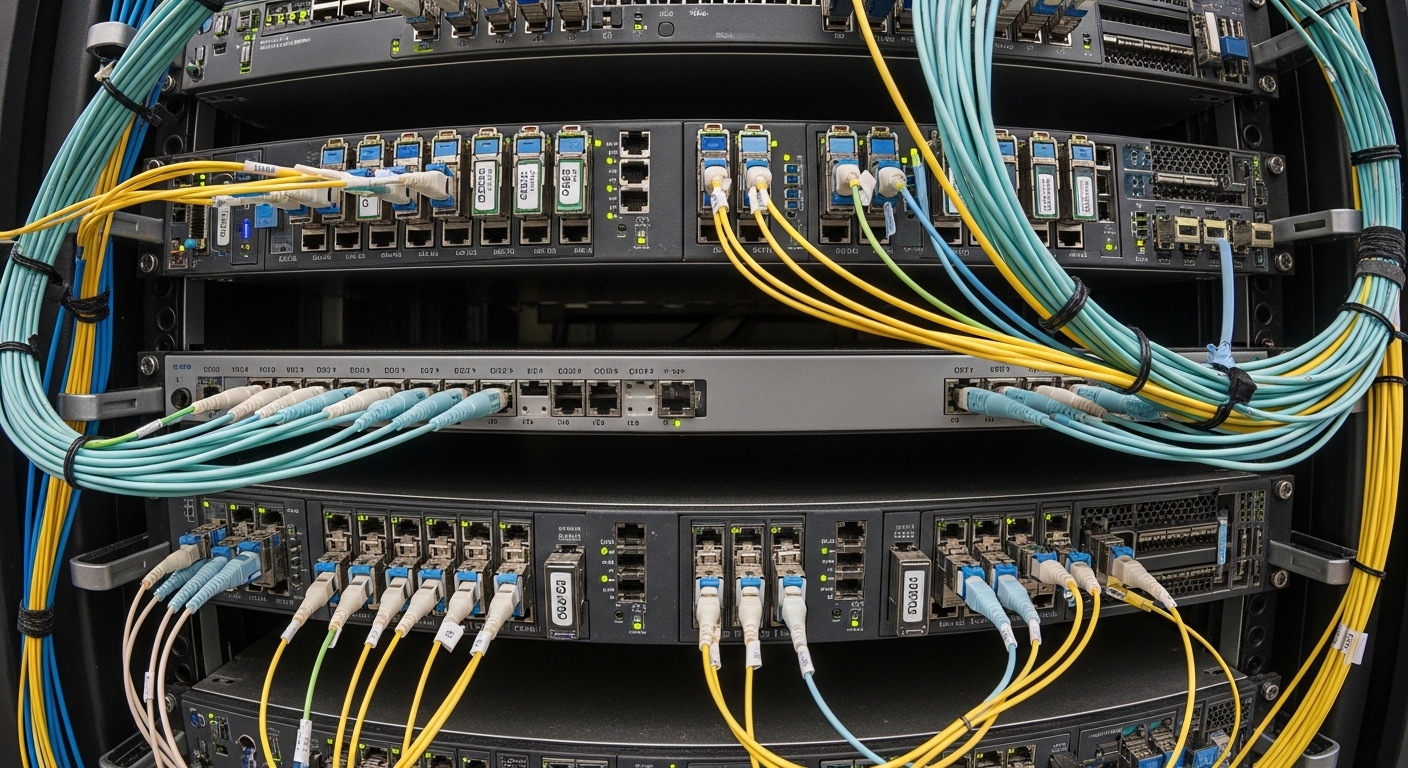
When your AI rack goes dark, optics are often the first suspect
In AI clusters, a single mis-matched fiber optic module can turn a healthy leaf-spine fabric into a storm of link flaps and degraded throughput. This article helps network and field engineers compare AI clusters optics by SFP type—so you can choose the right wavelength, reach, and connector style before cabling hardens your schedule. You will also get practical troubleshooting patterns, measured operating limits, and an engineer-grade selection checklist tied to real switch compatibility. If you are planning 10G to 25G segments for training, storage, or east-west traffic, this is written for you.
How SFP types map to AI cluster optics: signal, fiber, and safety margins
Small Form-factor Pluggable (SFP) modules carry optical signals using laser or LED transmitters, then convert received light back into electrical signals for the switch. In AI clusters optics, the choice is rarely about “newer is better”; it is about matching data rate, wavelength, and fiber plant while staying within optical power and sensitivity budgets. IEEE 802.3 defines the Ethernet physical layer families (for example, 10GBASE-SR and 10GBASE-LR), while vendor datasheets define the exact module behavior, including DOM (Digital Optical Monitoring) and transceiver compliance.
Wavelength and reach: why SR, LR, and ER behave differently
Short-reach (SR) optics typically operate around 850 nm over multimode fiber (MMF). Long-reach families (LR/ER) use wavelengths closer to 1310 nm or 1550 nm, usually over single-mode fiber (SMF), where modal dispersion is far lower. The practical implication for AI clusters optics is that MMF SR modules often win on cost per port, but they demand clean launches, correct fiber type, and careful patch panel management; SMF LR/ER modules cost more but tolerate longer distances and harsher routing.
Connector and transceiver form: LC vs MPO and why it matters
Even when the “SFP” label is consistent, the connector style can still break your deployment. Common SFP connectors include LC for single-lane optics and MPO variants for higher-density multi-lane modules (more typical in QSFP/QSFP-DD, but still relevant when vendors standardize port breakout strategies). If your AI cluster uses high-density top-of-rack switches and prebuilt trunks, you may end up mixing module families across form factors; plan the optical patching strategy early.
DOM, compliance, and the switch handshake
Most modern SFP optics support DOM, letting the switch read transmit power, receive power, bias current, and temperature. This matters in AI clusters optics because thermal drift can shift operating points, especially when modules sit near exhaust vents or intake turbulence. Compatibility is not guaranteed by “SFP is SFP”; some switches require vendor-specific firmware thresholds or enforce strict DOM alarms.
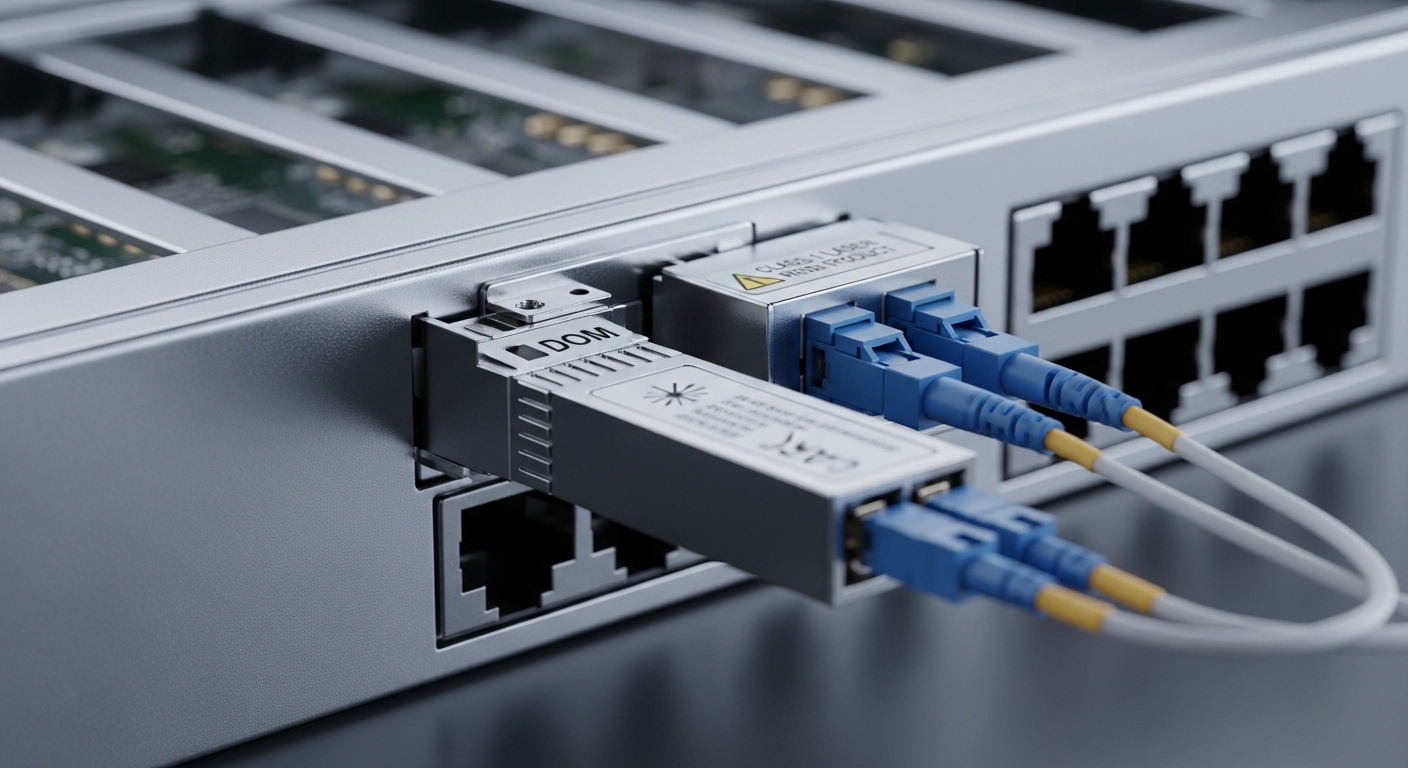
Comparing SFP optics for AI clusters: SR vs LR SFP and common module families
Below is a field-oriented comparison of common SFP module families engineers consider when designing AI clusters optics for east-west traffic and distributed storage. Values are representative of typical datasheet specs; always confirm exact limits on the module you buy, especially for optical power, receiver sensitivity, and temperature range. When choosing, remember that reach is not only fiber attenuation; it is also connector loss, patch cord quality, splice quality, and system margin.
| Spec | 10GBASE-SR SFP (850 nm) | 10GBASE-LR SFP (1310 nm) | 25GBASE-LR SFP (1310 nm) |
|---|---|---|---|
| Typical data rate | 10.3125 Gbps | 10.3125 Gbps | 25.78125 Gbps |
| Wavelength | 850 nm | 1310 nm | 1310 nm |
| Fiber type | MMF (OM3/OM4 typical) | SMF | SMF |
| Typical reach | 300 m (OM3) to 400 m (OM4) | 10 km typical | 10 km typical |
| Connector | LC (most common) | LC | LC |
| DOM | Common; verify vendor support | Common; verify vendor support | Common; verify vendor support |
| Operating temperature | Often 0 to 70 C or extended variants | Often 0 to 70 C or extended variants | Often 0 to 70 C or extended variants |
Real examples you may encounter in procurement and lab validation include Cisco SFP-10G-SR, Finisar FTLX8571D3BCL, and FS.com SFP-10GSR-85. For LR/extended reach, look for vendor families aligned to IEEE 802.3 physical layer expectations, then validate the exact optical budget and DOM thresholds. For standards context, IEEE 802.3 covers the Ethernet PHY requirements, while vendor datasheets define the transceiver’s implementable parameters.
Authority anchors: IEEE 802.3 for the PHY families and link budgets, plus vendor datasheets for module-level limits. IEEE 802.3 standard and Cisco transceiver support guidance.
Pro Tip: In AI clusters optics deployments, the most common “it should work” failure is not the transceiver model—it is the fiber plant mismatch to the wavelength family. For example, an 850 nm SR link can pass in the lab with a short test jumper, then collapse after patch panel rerouting because OM3 vs OM4 grading and connector cleanliness shift the effective optical power margin.
Decision checklist: picking SFP optics that survive real cabling and thermal swings
Engineers rarely fail on theory; they fail on constraints. Use this ordered checklist to select SFP optics for AI clusters optics with fewer surprises during cutover and burn-in. It is designed to be actionable at procurement, bench validation, and field install time.
- Distance and fiber type: Confirm MMF grade (OM3/OM4) for SR and SMF for LR. Measure end-to-end loss and include patch cords.
- Switch compatibility: Check vendor compatibility matrices and the switch’s transceiver policy (DOM alarms, supported part numbers, optics temperature thresholds).
- Optical budget alignment: Compare module transmit power and receiver sensitivity against your measured link loss with margin. Treat connector/patch loss as first-class data.
- Data rate and encoding: Ensure the PHY family matches the port speed mode on the switch (10G vs 25G, and whether auto-negotiation behaves as expected).
- DOM support and monitoring: Confirm whether DOM is enabled and whether your operations stack can read it; ensure alarms do not trigger maintenance storms.
- Operating temperature and airflow: Use the module’s specified temperature range; validate airflow paths in the rack and avoid intake-to-exhaust recirculation.
- Vendor lock-in risk: If you depend on strict-part-number validation, model spares cost and lead times. Consider third-party options only after compatibility testing.
Common mistakes and troubleshooting patterns in AI clusters optics
When links misbehave, the fastest path is to narrow the failure domain: transceiver electronics, optics optics, fiber plant, or switch policy. Below are concrete pitfalls that field teams repeatedly encounter, with root causes and fixes.
Pitfall 1: “Wrong fiber grade” masked by short jumpers
Root cause: An 850 nm SR link works with a bench jumper but fails after installation because the production patch panel uses different patch cords or connectors that increase loss and reduce modal bandwidth. MMF cleanliness and dust on LC endfaces can add loss beyond the optical margin.
Solution: Verify fiber grade (OM3 vs OM4), clean every LC endface with lint-free methods and approved cleaning tools, then remeasure link loss with a calibrated tester. If margins are tight, switch to higher-budget optics (or use LR over SMF) for that segment.
Pitfall 2: DOM alarm thresholds causing port flaps
Root cause: Some switches enforce thresholds for DOM metrics; a transceiver can be within spec electrically but trip a vendor-defined “out of range” alarm due to calibration differences or temperature rise.
Solution: Check switch logs for DOM-related warnings and correlate with temperature and time. Validate the transceiver temperature profile during a steady-state load test, then adjust monitoring thresholds only if your vendor permits it.
Pitfall 3: Transceiver speed mismatch and silent fallback
Root cause: A port configured for 25G may not properly align with an SFP optic intended for 10G family behavior, and some platforms may attempt fallback or keep the link in a partial training state.
Solution: Confirm port configuration explicitly, then test with a known-good optic at the same port. Use the switch’s transceiver diagnostic page to verify negotiated rate and optical health.
Pitfall 4: Connector damage or polarity confusion on duplex links
Root cause: LC polarity errors or bent fiber leads can reduce receive power enough to fail link bring-up. In a crowded patch panel, it is easy to swap A and B without noticing.
Solution: Follow polarity labeling conventions consistently across the rack. Inspect endfaces for scratches, replace suspect patch cords, and re-run optical measurements after every change.
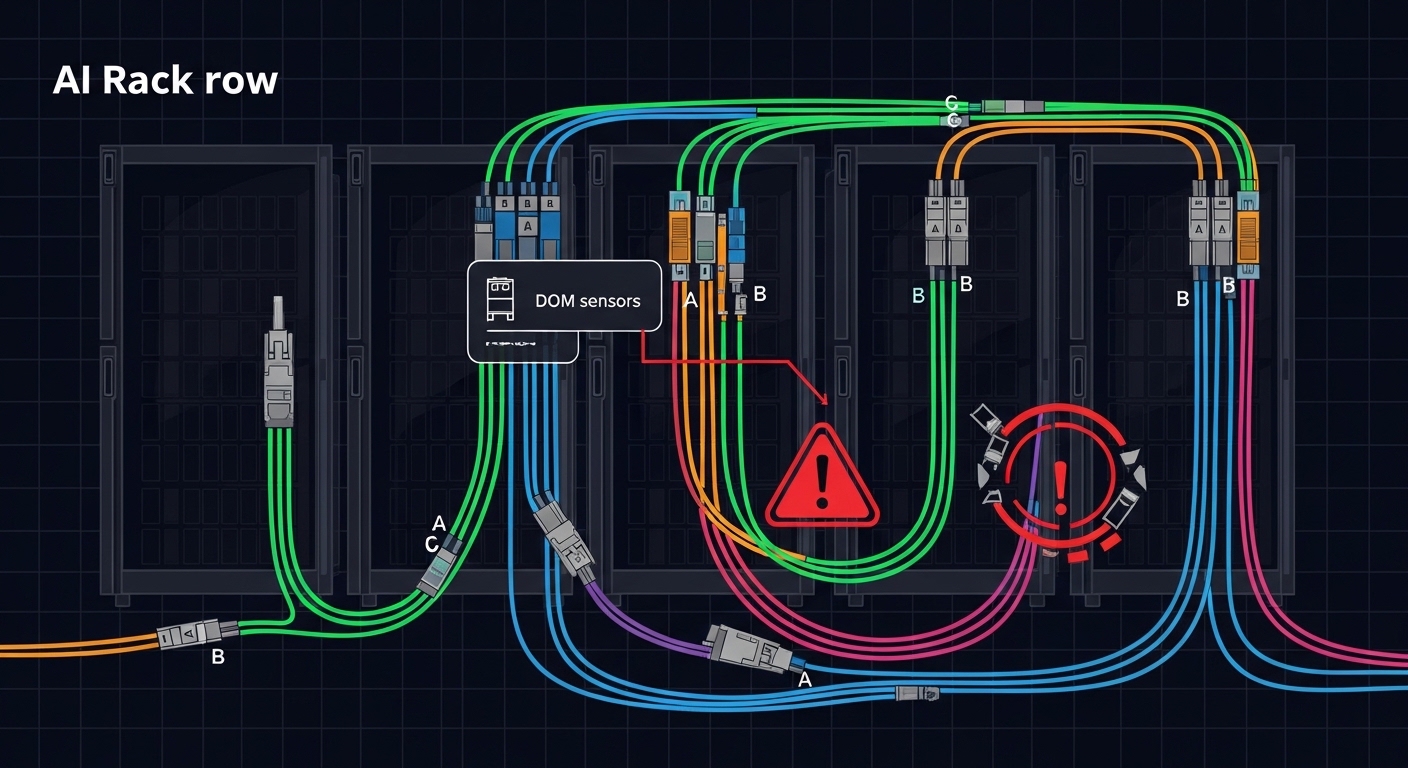
Real-world deployment scenario: 10G SR for leaf-spine in an AI training hall
Consider a 3-tier data center leaf-spine topology for AI training: 48-port 10G top-of-rack switches connect to 4 spine switches using 10G optics, while 8 storage nodes attach via dedicated 10G segments. Each ToR-to-spine link runs 60 m of OM4-rated MMF through two patch panels, with measured end-to-end loss of 1.8 dB plus an estimated 0.6 dB connector/patch margin for future maintenance. The team selects 10GBASE-SR SFP optics with DOM support and validates them during a burn-in window: 72 hours at steady traffic load, while monitoring transmit and receive power trends.
In this scenario, SR optics keep cost per port lower than SMF LR, and the reach comfortably covers the patching distance. The trade-off is operational discipline: endface cleaning and consistent polarity labeling become part of the standard work, because small cleanliness losses can erode margin over time. If a subset of racks has longer cable runs (for example, 110 m due to construction constraints), engineers may migrate those specific links to SMF LR optics to preserve link stability.
Cost and ROI note: balancing port price, failure rates, and operational load
In practice, OEM SFPs often cost more than third-party equivalents, but they can reduce compatibility friction and shorten validation cycles. Typical street pricing varies widely by speed and reach; as a planning range, you might see 10GBASE-SR SFP modules in the tens to low hundreds of dollars per unit depending on OEM vs third-party and DOM features, while LR variants can be higher due to laser type and qualification. Total cost of ownership is not just the module price: it includes spares inventory, time spent on re-cabling, and the reliability risk of marginal optical budget.
From an ROI perspective, if your environment has frequent patch changes or dusty construction areas, the “cheaper” module can become expensive when it drives extra truck rolls. Third-party optics can be a sound choice when you validate compatibility on the exact switch model and firmware, then standardize DOM alarm thresholds across your monitoring stack. For field reliability, plan spares as at least 2 to 5 percent of optics capacity for burn-in and early-life failures, then adjust based on your historical failure rate.
FAQ
Which fiber type should AI clusters optics use for SFP SR links?
For 850 nm SR SFP optics, use MMF such as OM3 or OM4, and confirm the patch cord and connector ecosystem matches that fiber grade. If your measured loss plus margin is tight or distances creep upward, consider SMF LR optics instead.
Do I need DOM support for AI cluster monitoring?
It is strongly recommended. DOM enables you to correlate optical power drift with temperature and load, which helps catch failing optics before they trigger a full link outage.
Can I mix OEM and third-party SFP optics in the same AI fabric?
You can, but only after compatibility testing on the exact switch model and firmware revision. Some switches enforce strict transceiver qualification policies, and DOM thresholds can differ across vendors.
Why do SR links fail more often after maintenance?
Maintenance increases the chance of dirty endfaces, polarity swaps, or patch cord substitutions with different loss characteristics. Clean and remeasure after every change, especially around patch panels.
What is the fastest troubleshooting path for link flaps?
First check switch logs for DOM alarms and negotiated rate. Then verify fiber polarity and connector condition, and finally remeasure optical power levels to confirm you still sit inside the module’s optical budget.
How do I prevent thermal issues from reducing optic lifespan?
Ensure airflow patterns match the module’s operating temperature specification and avoid recirculation zones near exhaust vents. During acceptance testing, watch DOM temperature trends over a sustained workload to confirm stability.
If you want fewer surprises at cutover, treat AI clusters optics selection as a system design exercise: match PHY family, fiber plant, and monitoring behavior before you lock cabling. Next, compare your switch port capabilities and transceiver policies with related topic to finalize a procurement plan that aligns with your operational reality.
Author bio: I design and validate optical interconnect experiences for high-density AI networks, with hands-on bench tests, measured link budgets, and field-ready documentation. My work blends UI clarity with physical-layer rigor so teams can deploy faster and debug with confidence.
