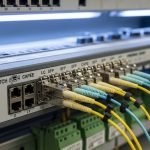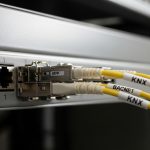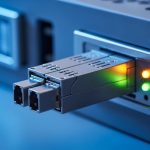
If your ABB or Siemens automation controller link is unstable, the cause is often not the PLC logic but the physical-layer optics. This article helps engineers and field technicians select the right ABB SFP fiber transceiver for SFP ports, verify compatibility, and troubleshoot link faults quickly. You will get practical selection criteria, a specs comparison table, and deployment guidance tailored to industrial Ethernet and fiber runs.
How ABB SFP fiber modules map to Siemens controller SFP ports
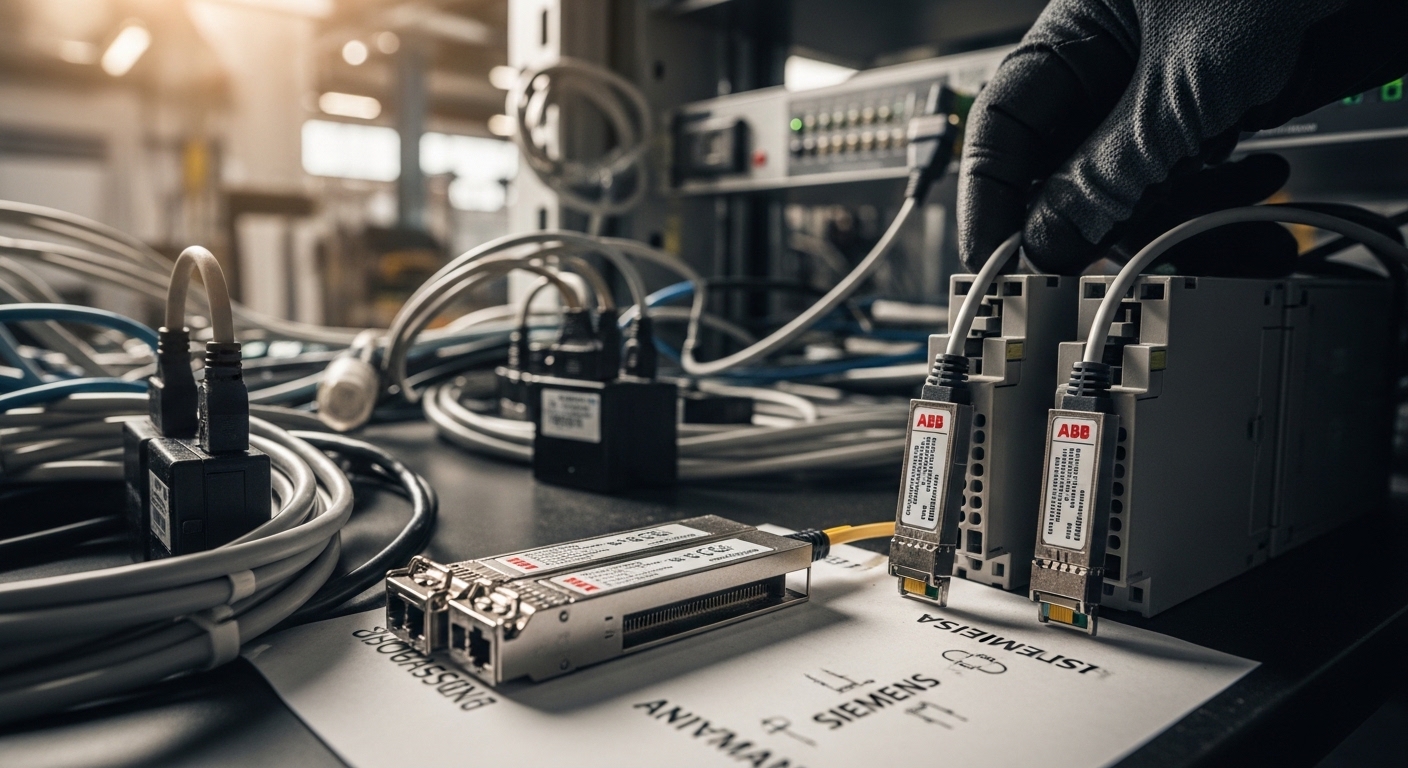
Automation controllers from ABB and Siemens commonly expose fiber via SFP cages that follow industry electrical and optical conventions, typically aligned with IEEE 802.3 transceiver behavior (link negotiation is optical-channel dependent, not PLC-dependent). In practice, the controller expects a specific data-rate and optical wavelength pairing (for example, 10GBASE-SR at 850 nm or 100BASE-FX at 1310 nm, depending on model). Even when both sides “support SFP,” mismatches in wavelength, reach class, or DOM handling can prevent link establishment or cause intermittent resets.
From a deployment standpoint, treat the ABB SFP fiber choice as a three-part contract: (1) the physical layer data rate and encoding, (2) the optical budget and reach for your fiber type, and (3) the management signals (DOM) and power class the cage can tolerate. Many Siemens industrial switches and controllers can accept third-party optics, but some firmware revisions are picky about DOM behavior and vendor-specific quirks. Always confirm with the controller or switch documentation before installing on a live production line.
What to verify in the controller and SFP cage documentation
- Port speed: confirm whether the SFP cage is 1G, 2.5G, 10G, or 100M. A 10G-capable cage will not reliably link with 1G optics.
- Wavelength: SR typically uses 850 nm multimode; LR uses 1310 nm single-mode.
- Fiber type: SR class expects OM3/OM4 multimode; FX/LR class expects single-mode OS2 for longer reach.
- Connector: LC is most common for SFP fiber; confirm cage and patch panel.
- DOM support: check whether the Siemens device reads DOM and whether it requires specific signal levels.
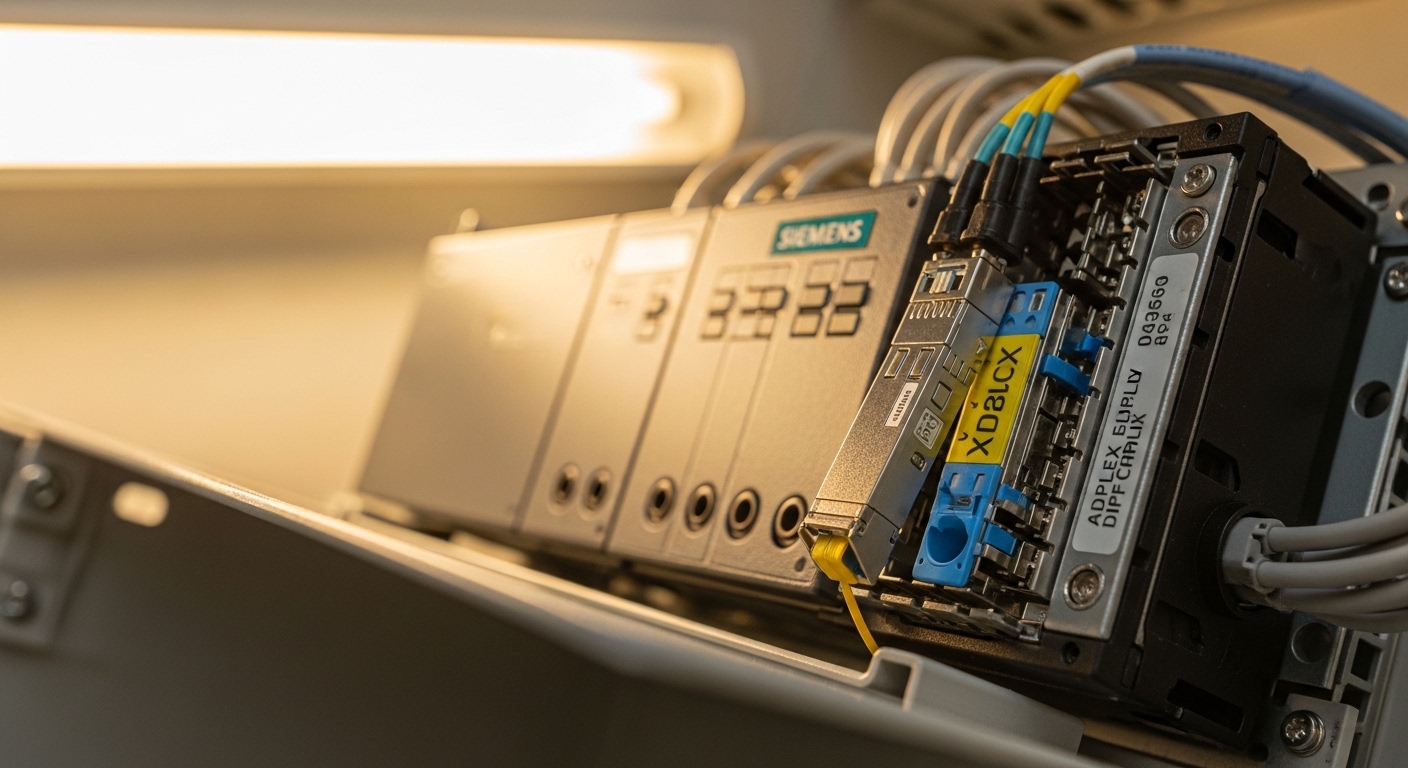
Key spec differences that decide whether your link comes up
Engineers often compare only “reach” on the datasheet, but the real success criteria are wavelength, optical power class, receiver sensitivity, and transceiver compliance. IEEE 802.3 defines optical Ethernet PHY behavior, while vendor datasheets specify transmitter launch power, receiver sensitivity, and allowable optical budget. For ABB SFP fiber in automation cabinets, small spec mismatches can still work in the lab and fail in the field when temperature swings or fiber aging reduce margin.
ABB SFP fiber spec checklist (what to read on the datasheet)
- Data rate (e.g., 1.25G for 1G Ethernet, 10.3125G for 10GBASE-SR)
- Wavelength (850 nm, 1310 nm, 1550 nm variants)
- Reach for your fiber type (OM3/OM4 vs OS2)
- Optical power: typical Tx power and Rx sensitivity
- Optical budget and receiver overload limits
- Connector: LC/SC and duplex mapping
- Operating temperature: industrial range is often -40 to +85 C or similar
- DOM: presence of monitoring for temperature, voltage, bias current, and optical power
Comparison table: common SFP fiber classes used in automation
The table below compares representative SFP fiber module classes frequently seen in industrial deployments. Exact values vary by vendor; use these as a starting point when matching ABB SFP fiber to Siemens controller requirements.
| Module class | Typical wavelength | Target reach | Connector | Data rate | Operating temperature | Notes for Siemens compatibility |
|---|---|---|---|---|---|---|
| 10GBASE-SR (SFP+ class) | 850 nm | ~300 m on OM3, ~400 m on OM4 | LC duplex | 10 Gbps | Often -40 to +85 C | Verify cage supports 10G; DOM handling may differ by firmware |
| 100BASE-FX | 1310 nm | ~2 km on single-mode | LC duplex | 100 Mbps | Often -40 to +85 C | Confirm whether the port expects FX timing and DOM availability |
| 1GBASE-LX | 1310 nm | ~10 km on single-mode | LC duplex | 1 Gbps | Often -40 to +85 C | Check launch power class and receiver sensitivity margin |
Real-world deployment: ABB to Siemens over fiber in a plant
Consider a manufacturing site with a 3-tier industrial network: edge access in process areas, aggregation at a control room, and a core that uplinks to an OT data historian. In one deployment, a Siemens controller uplinks to an ABB-managed switch via a pair of fiber links using 10GBASE-SR SFP+ modules. The patching path is 120 m of OM4 cabling plus 10 m of patch cords and two inline splices, with an estimated link budget margin of roughly 3–5 dB after accounting for connectors. After seasonal temperature swings, the original optics began flapping; replacing the ABB SFP fiber modules with the correct wavelength class and ensuring matching DOM behavior restored stable links and reduced controller fault events during shift changes.
Operational details field engineers track
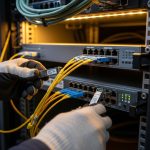
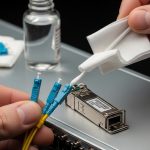
- Cleanliness: inspect LC end faces and use lint-free wipes; dirty connectors can mimic “bad optics.”
- Fiber testing: document OTDR traces at commissioning; re-test after major cable work.
- Power budget: validate against Tx launch power and Rx sensitivity from the datasheet.
- Thermal environment: confirm transceiver operates within the cage’s ambient conditions; cabinets can exceed room temperature.
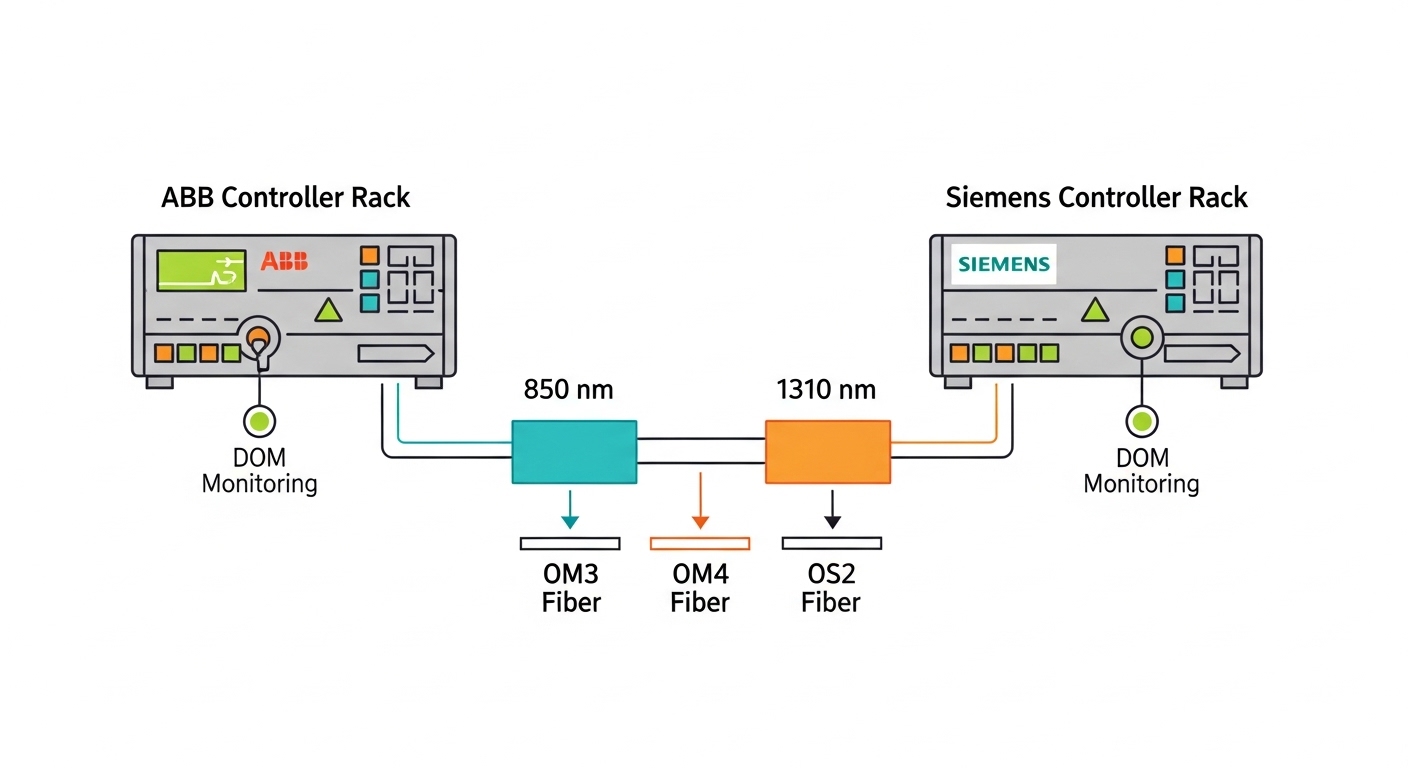
Selection criteria and decision checklist for ABB SFP fiber
To pick the right ABB SFP fiber module for Siemens automation ports, use a structured checklist that prioritizes link establishment first, then long-term reliability. This approach prevents the common “it fits physically but won’t negotiate” scenario.
- Confirm the port data rate: match the SFP cage speed exactly (100M, 1G, or 10G). Do not assume all SFP cages are identical across Siemens families.
- Match wavelength and reach class: SR (850 nm) for multimode, FX/LX (1310 nm) for single-mode. Use your measured cable type, not just distance.
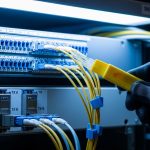
- Validate connector type: LC duplex is common; verify patch panel adapters and polarity (Tx to Rx) at both ends.
- Check DOM requirements: if the Siemens device reads DOM, ensure the module reports compatible fields and does not violate expected signal ranges.
- Operating temperature: choose an industrial spec module rated for the cabinet ambient; aim for at least -40 to +85 C where applicable.
- Optical power budget margin: compute margin using vendor Tx/Rx specs and your measured fiber loss. Include connector loss and splices.
- Compatibility and vendor lock-in risk: consider whether third-party optics are accepted. If the controller enforces strict transceiver checks, OEM optics may reduce downtime risk.
Pro Tip: In many industrial cabinets, “intermittent link” is caused by connector contamination plus marginal optical budget, not by the transceiver itself. When you see flapping only under high temperature or after maintenance, clean and re-terminate LC connectors first, then re-check optical power levels against the datasheet.
Common pitfalls and troubleshooting tips
Even when the ABB SFP fiber module is the correct class, real-world failures often come from physical-layer details. Below are common mistakes, their root causes, and field-ready fixes.
Wrong wavelength class (link down or constant resets)
Root cause: Installing an 850 nm SR module into a port expecting 1310 nm FX/LX, or vice versa. The receiver may see no signal, causing link failures or repeated initialization.
Solution: Confirm the Siemens port’s intended PHY mode in documentation, then match wavelength and reach. Keep a small inventory labeled by wavelength and data rate.
Duplex polarity reversed (symptoms look like “bad optics”)
Root cause: LC duplex polarity swapped so transmitter light never reaches the intended receiver. This can create link-down states that resemble a defective transceiver.
Solution: Verify Tx-to-Rx mapping at both ends. Use a polarity tester or label patch cords; re-patch and retest link.
Overlooked fiber type mismatch (OM3/OM4 vs OS2)
Root cause: Using multimode-rated SR optics on cabling that is actually single-mode (or vice versa). Loss and modal effects can destroy margin.
Solution: Identify fiber type at the patch panel (cable markings) and confirm with test results. Then select SR for OM3/OM4 or LX/FX for OS2.
DOM incompatibility or strict transceiver checks
Root cause: Some Siemens devices may enforce transceiver ID behavior or DOM field expectations. A module can physically seat and still be treated as unsupported.
Solution: Test the module in a spare port first, log transceiver alarms, and prefer module families validated by the controller vendor where strict checks exist.
Thermal or power margin issues (works at commissioning, fails later)
Root cause: Launch power and receiver sensitivity leave little margin. Seasonal heat or aging increases loss, leading to intermittent errors.
Solution: Use OTDR to quantify loss, compare to datasheet optical budget, and replace with a higher-power or better-reach class if the system design allows.
Cost & ROI note for ABB SFP fiber in OT environments
Pricing varies widely by vendor and whether the module is OEM-branded. As a realistic planning range, many 1G or 10G SFP fiber modules commonly fall in the tens to low hundreds of currency units per module, while OEM-branded optics can be higher and third-party optics can be lower but may carry higher compatibility risk. For TCO, include installation labor, spares strategy, and downtime costs: a single failed link in a production line can cost far more than the optics difference.
Operationally, OEM modules often reduce time spent on compatibility validation, especially when the Siemens device enforces transceiver checks or DOM behavior. Third-party modules can be cost-effective when you standardize part numbers, test them in a staging rack, and keep a documented acceptance procedure.
FAQ
What does “ABB SFP fiber” mean in practice?
It typically refers to SFP (or SFP+ depending on port speed) optical transceivers sourced or validated for ABB equipment ecosystems, often used in fiber Ethernet links. The key is not the brand label alone but the exact data rate, wavelength, reach, connector type, and DOM behavior required by the Siemens port.
Can I use third-party ABB SFP fiber modules with Siemens automation controllers?
Often yes, but it depends on the Siemens controller or switch firmware and whether it performs strict transceiver validation. The safest approach is to test in a staging environment, verify DOM alarms, and confirm link stability under your cabinet temperature profile.
How do I choose between 850 nm SR and 1310 nm FX/LX?
Use 850 nm SR for multimode cabling (OM3/OM4) and 1310 nm FX/LX for single-mode OS2 when you need longer reach. If you are unsure of your fiber type, check cable markings and validate with OTDR before ordering.
Why does the link come up sometimes but fail under load?
This usually indicates a marginal optical budget, connector contamination, or thermal degradation. Clean and inspect LC connectors, re-test optical power and loss, and compare against the vendor datasheet’s receiver sensitivity and allowable budget.
What should I log during troubleshooting?
Record link state changes, transceiver alarms (including DOM readings if available), timestamps, and temperature conditions. Also capture fiber test results (OTDR summaries) and photos of connector end faces after cleaning.
Are DOM readings required for a stable industrial link?
DOM is not always required for the link to pass traffic, but it can be required for the device to accept the transceiver. If the Siemens platform flags “unsupported optics,” DOM behavior and transceiver identification details become critical.
For engineers choosing ABB SFP fiber for Siemens automation links, success comes from matching PHY speed, wavelength, and optical budget, then validating DOM and physical-layer hygiene. Next, review fiber optic transceiver compatibility checklist to build a repeatable acceptance process before deploying to production.
Author bio: I design industrial network optics workflows and cabinet layouts from the field, focusing on reliability under real temperature and maintenance cycles. I also document transceiver acceptance tests so teams can minimize downtime and avoid compatibility surprises.
Sources: IEEE 802.3 transceiver and PHY behavior references, and vendor datasheets for common SFP fiber classes. Source: IEEE 802.3 Source: Cisco optics interoperability guidance