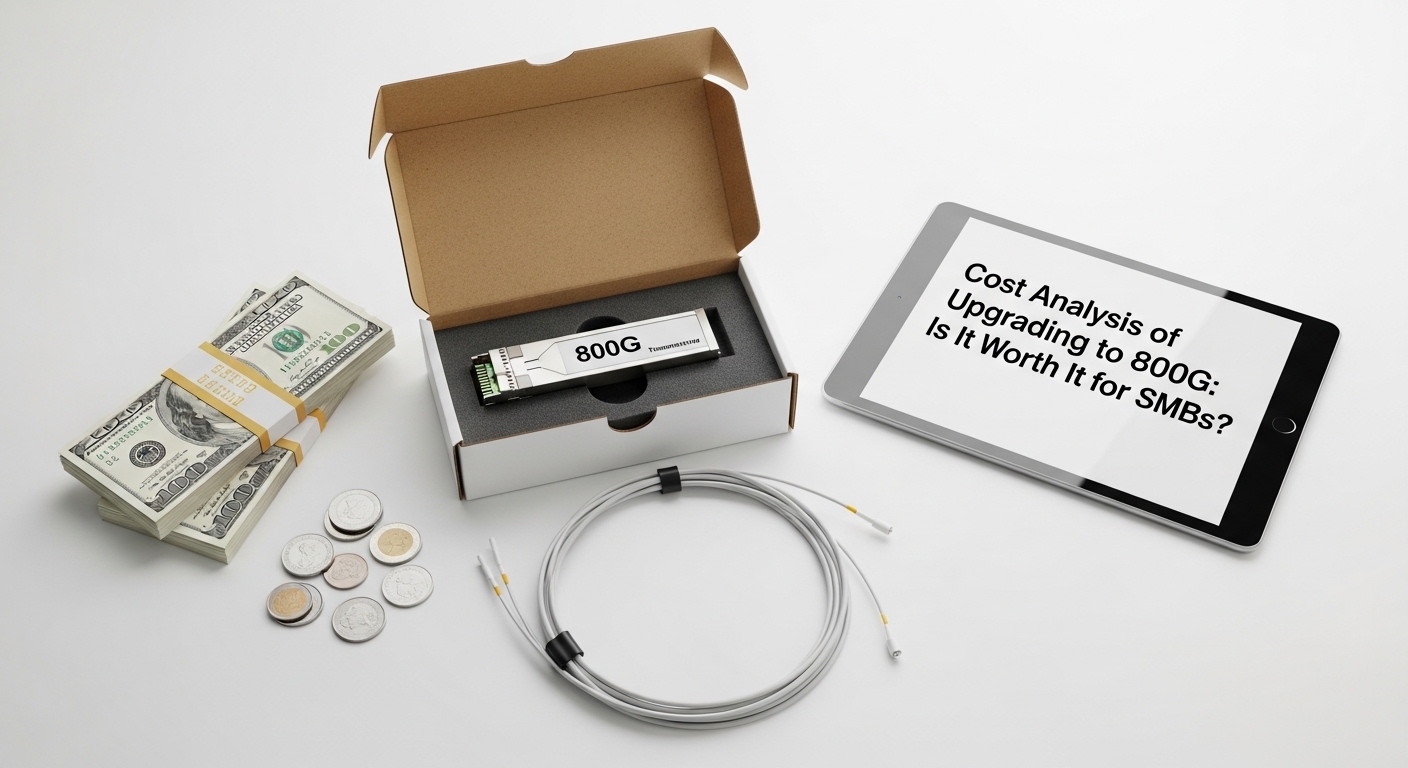
If your switches are humming at 400G or 200G today, the temptation to chase an 800G upgrade can feel like a safety blanket. But for SMBs, budgets are tight, lead times are real, and optics compatibility can turn a simple purchase into a weeks-long detour. This article helps IT and network engineers evaluate the total cost of ownership, the operational constraints of high-speed optics, and the deployment path that minimizes downtime.
When an 800G upgrade stops being optional
The first question is not “Can we run 800G?” It is “What workload pressures demand it now?” In many SMB environments, the trigger is a measurable bottleneck: storage replication traffic surging, backup windows shrinking, or virtualization density increasing faster than uplink capacity. Engineers typically see the need when link utilization on core or aggregation ports stays above 70–80% for sustained periods, or when congestion causes queue growth and latency spikes.
At the physical layer, 800G Ethernet is defined by IEEE 802.3 families; actual optics and encoding depend on the specific lane configuration used by your vendor. In practice, 800G transceivers most commonly map to multi-lane PAM4 or similar signaling schemes with strict requirements for optics type, fiber plant quality, and host electrical interfaces. For standards grounding, consult [Source: IEEE 802.3] and vendor transceiver datasheets for reach, power, and operating temperature guidance. anchor-text:IEEE 802.3
Optics and interface reality: what you actually pay for
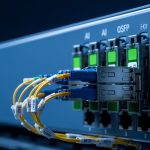
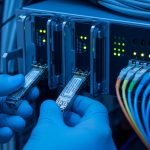
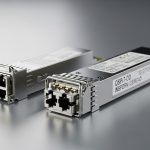
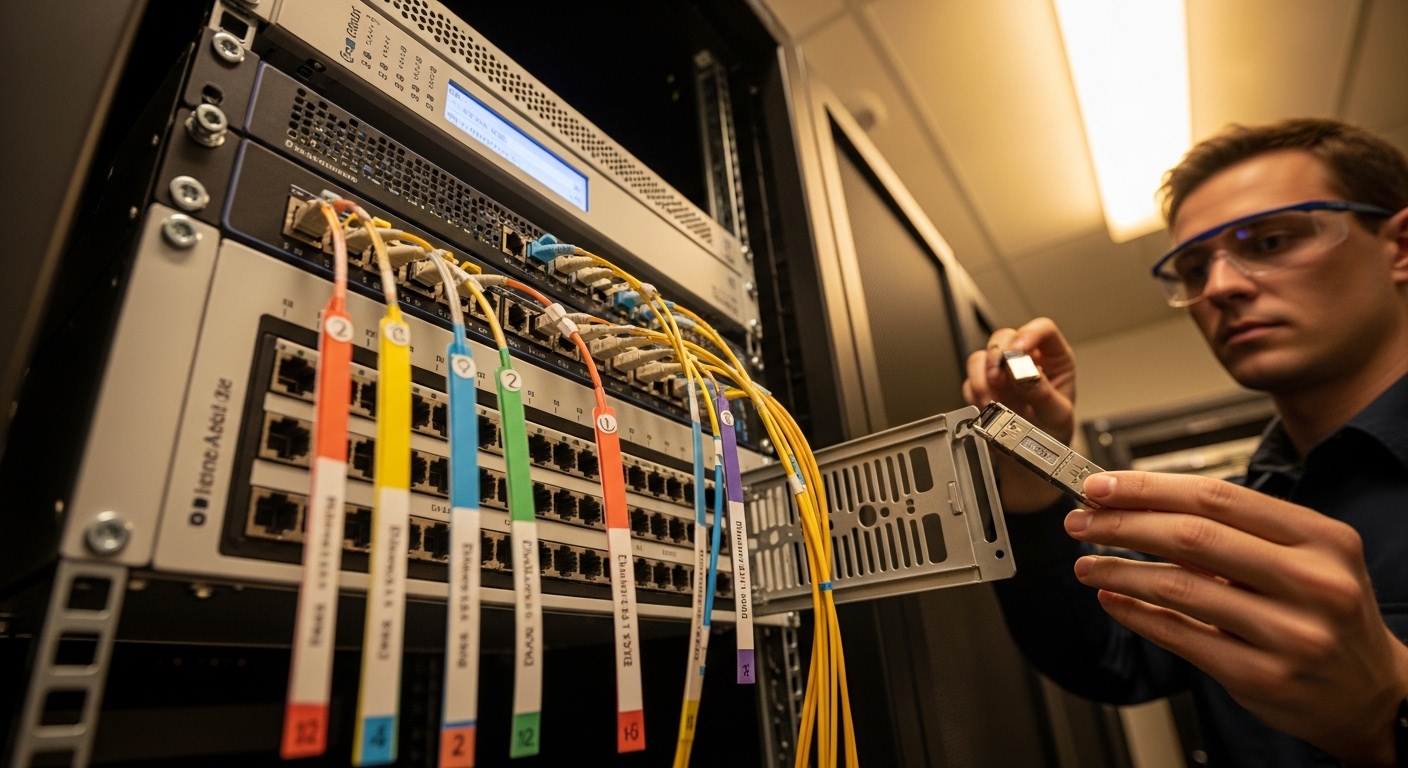
An 800G upgrade cost is rarely just the transceiver line item. You may need compatible host ports, breakout behavior (if applicable), QSFP-DD/OSFP form factor support, and optics that match the switch vendor’s validated list. Many 800G platforms use coherent-like constraints even for direct-detect deployments: transmitter output power, receiver sensitivity, and allowable insertion loss are bounded by the optics specification.
Key technical specs to compare before pricing
SMBs often compare only “reach” and “price,” then get surprised by DOM support, temperature limits, and connector type mismatches. Below is an engineer-friendly comparison of typical 800G direct-detect optics parameters you will see in datasheets and vendor compatibility matrices. Note that exact values vary by manufacturer and exact part number.
| Spec | Example short-reach 800G SR8 | Example long-reach 800G LR8 | Why it matters for SMB ROI |
|---|---|---|---|
| Data rate | 800G (8-lane) | 800G (8-lane) | Determines switch port compatibility and lane mapping |
| Wavelength | ~850 nm class | ~1310 nm class | Impacts fiber plant requirements and budget for re-cabling |
| Reach | ~70–100 m typical OM4 (varies) | ~10 km typical SMF (varies) | Reach dictates whether you need new fiber runs |
| Connector | LC duplex or MPO/MTP (varies) | LC or MPO/MTP (varies) | Connector mismatch can force adapter purchases |
| DOM / diagnostics | Yes (I2C/SFF-8472 style) | Yes (varies) | Required for monitoring and incident triage |
| Optical power / sensitivity | Vendor-defined Tx/Rx budget | Vendor-defined Tx/Rx budget | Affects margin against fiber aging and patch losses |
| Operating temp | Typically 0 to 70 C | Typically -5 to 70 C (varies) | SMB server rooms can still exceed spec in summer |
For concrete examples, engineers commonly source vendor-validated modules such as Finisar/FS-branded optics (e.g., Finisar FTLX8571D3BCL for certain 800G-class short-reach use cases) or FS.com alternatives like FS.com SFP-10GSR-85 in lower-speed contexts. For 800G specifically, the part numbers differ by form factor and reach; always confirm with your switch model’s optic compatibility guide. anchor-text:FS.com transceiver catalog
Pro Tip: Before you quote an 800G upgrade to management, ask the switch vendor for the exact “electrical compliance” notes for that port generation. In the field, the same optics can pass in one chassis revision and fail in another due to retimer settings and host lane equalization behavior—leading to intermittent link flaps that look like optics defects but are actually interface tuning mismatches.
A cost model SMBs can defend in a planning meeting
To decide whether an 800G upgrade is worth it, build a small spreadsheet that separates capital cost from operational drag. Typical cost buckets include optics, potential fiber rework, labor hours, downtime risk, monitoring upgrades, and spares. For SMBs, the “hidden” cost is often time: procurement lead time, staging, and the time to validate link stability under real traffic.
Example scenario with realistic numbers
Consider an SMB with a 3-tier design: two core switches feeding four aggregation switches, each with 48x 400G uplinks today. They plan to consolidate to fewer higher-capacity uplinks to reduce oversubscription during backup and database replication. If they move to 12x 800G uplink pairs across two core nodes, they need 24 optics per direction plus spares. If optics are priced at roughly $1,500–$3,000 per module depending on reach and vendor validation, optics alone land around $36,000–$72,000 for the initial set, before you add labor and fiber work.
If your current fiber plant is OM4 with patch losses near the margin, you might need additional MPO/MTP cleaning, patch panel re-termination, or even a new trunk. Fiber work can add $5,000–$20,000 depending on how many links require remediation. ROI improves if the upgrade reduces the number of required core ports, avoids new hardware purchases, and prevents recurring congestion events that cost business hours.
Selection criteria checklist: the order engineers should follow
Use this ordered list like a field checklist, not a shopping list. It prevents “buy first, verify later” mistakes that inflate TCO.
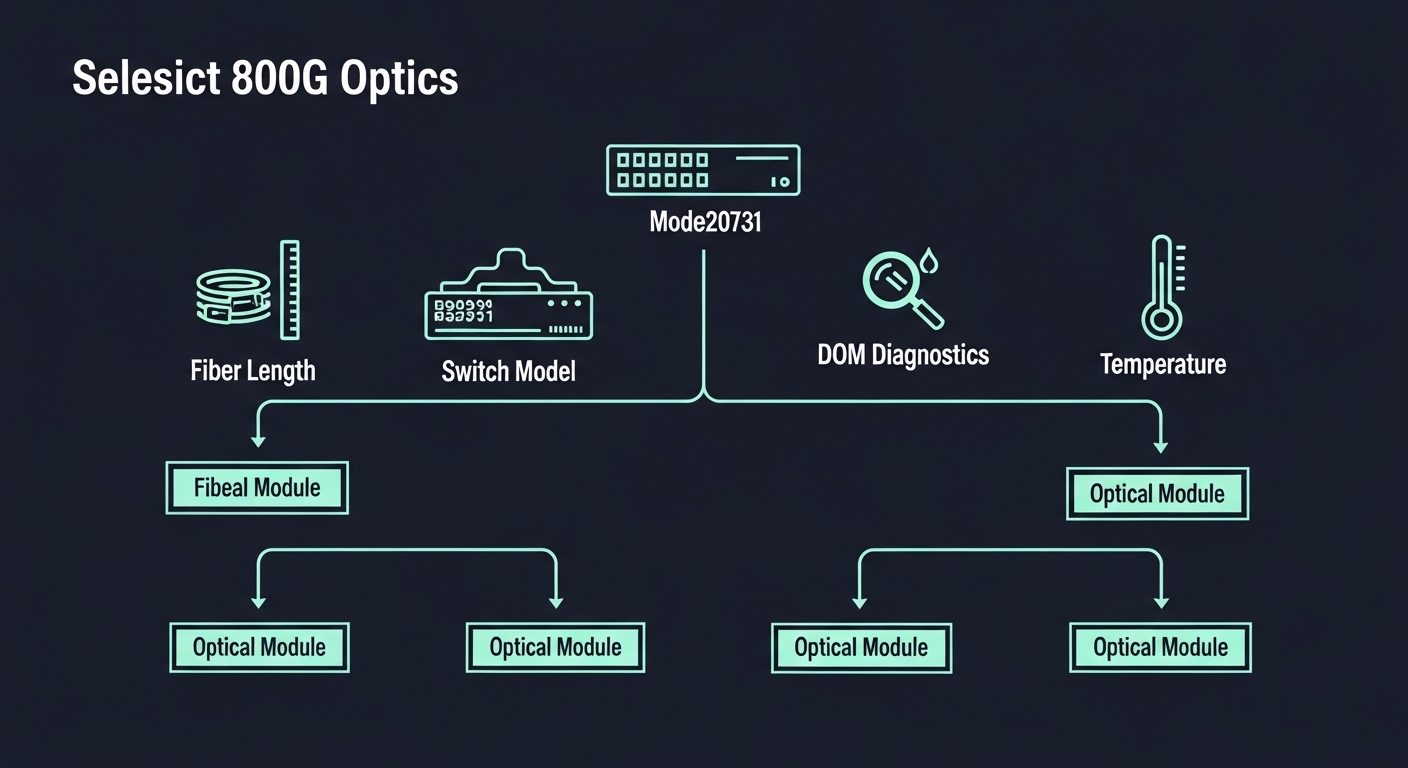
- Distance and reach budget: Measure end-to-end loss with an OTDR or certified tester; compare against the optics Tx/Rx budget and vendor reach guidance.
- Switch compatibility: Validate the exact switch model and port generation with the vendor’s optic list; confirm lane mapping and supported form factor.
- DOM and monitoring: Ensure diagnostics are supported end-to-end so you can detect bias drift, temperature excursions, and optical power anomalies.
- Operating temperature: Confirm module spec and chassis airflow profile; SMB server rooms often run hotter than expected.
- Budget and spares strategy: Price OEM vs third-party, then include two spares per link group to reduce MTTR.
- Vendor lock-in risk: Assess whether firmware/telemetry behavior differs across optics brands; plan a validation window.
Common mistakes and troubleshooting tips
Even careful teams can stumble. Here are concrete failure modes that engineers repeatedly encounter during an 800G upgrade rollout.
- Mistake: Buying based on reach alone. Root cause: Fiber plant loss and patch cord quality exceed the optics budget. Solution: Re-certify links with a certified loss test, then clean and re-seat MPO/MTP connectors; target added margin rather than just “within reach.”
- Mistake: Assuming third-party optics behave identically. Root cause: Host equalization and vendor-specific retimer behavior can differ; DOM thresholds may not align. Solution: Stage a controlled pilot with real traffic, verify link stability counters, and confirm telemetry fields match your monitoring system.
- Mistake: Ignoring temperature and airflow. Root cause: Modules hit thermal limits during long backup windows when fans ramp slowly. Solution: Measure inlet/outlet temperatures, confirm airflow direction, and schedule swaps or airflow tuning before peak load.
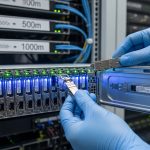
- Mistake: Poor cleaning discipline on high-speed optics. Root cause: Micro debris on fiber endfaces causes sudden RX power collapse. Solution: Use approved fiber inspection, clean with correct swabs, and replace patch cords with persistent issues.
Cost and ROI note: where the math usually lands
For SMBs, the ROI of an 800G upgrade tends to be strongest when it reduces the number of required chassis ports, prevents capacity-driven purchase cycles, and improves operational reliability (fewer congestion-induced incidents). OEM optics can cost more, often by 20–60%, but they sometimes reduce validation risk and simplify support escalations. Third-party optics can be cost-effective, yet TCO must include validation labor, possible rework, and the cost of failed pilots.
A realistic stance: if you can reuse existing fiber and your switch vendor validation is straightforward, the upgrade can pay back through reduced port sprawl and fewer hardware refreshes. If you must re-cable heavily or fight incompatibilities, the premium paid later in labor and downtime can erase the initial optics savings.
FAQ
Is an 800G upgrade worth it for a small business network?
It can be, but only when you have measurable congestion or predictable growth that would otherwise force earlier hardware refresh cycles. If your links sit comfortably below utilization thresholds and your fiber plant is marginal, the upgrade may be premature.
What optics type should an SMB choose for 800G?
Choose based on distance: short-reach for intra-room or nearby racks, long-reach for campus or longer fiber runs. Always match the optics form factor and DOM capabilities to your switch vendor’s validated list.
Can I mix third-party 800G optics with OEM modules?
You may, but compatibility varies by switch model and port generation. Run a pilot with the exact optics and confirm telemetry and link stability under real traffic before expanding.
What are the most common causes of 800G link failures?
Most failures trace back to fiber loss, connector cleanliness, or host compatibility issues such as lane equalization and retimer settings. Temperature excursions can also produce intermittent flaps during peak utilization.
How should I budget for spares during an 800G upgrade?
A practical approach is to keep at least two spares per critical link group, because failed optics discovery can be slower than expected when lead times vary. Include labor time for swap and verification in your TCO model.
How do I estimate downtime risk for the upgrade?
Plan a staged rollout: validate in a lab-like window, then schedule production swaps during low-traffic periods. Track mean time to verify link stability and queue clearance after the cutover, not just module insertion time.
If you want a safer path, start with distance and compatibility measurements, then price optics with the full validation and spares plan. Next, review how to plan data center fiber migrations to avoid the most expensive surprises during high-speed upgrades.
Author bio: I have deployed high-speed Ethernet upgrades in production data halls, validating optics telemetry, fiber loss budgets, and port compatibility across switch revisions. My work focuses on measurable outcomes: link stability, reduced MTTR, and credible TCO models for teams upgrading at pace.