Why 800G links flap: the field symptoms procurement teams see first
In a live leaf-spine upgrade, “up but unstable” 800G links can burn change windows and trigger unnecessary RMA. This article helps network operations and procurement reviewers perform practical 800G troubleshooting on optics, cabling, and switch-side settings, using a case-study workflow from first alarms to measured recovery. You will also get a spec comparison table for common 800G optical options, plus a decision checklist and concrete failure modes that match what technicians report.
Case study: link instability during an 800G leaf-spine rollout
Problem / Challenge: A mid-size cloud provider replaced 400G spines with new 800G spines and upgraded leaf uplinks. During cutover, several 800G ports came up for 30 to 90 seconds, then dropped, repeating every few minutes. Alarm logs showed interface resets and optical diagnostics fluctuating near threshold, while the transceivers themselves were “present” and “link up” intermittently.
Environment Specs: The topology used a 3-tier leaf-spine design: 48-port 800G-capable ToR/leaf and 32-port 800G-capable spines, with multimode 8-fiber trunks in the first stage (short reach) and singlemode for longer hop segments. The optics mix included vendor-supplied 800G modules rated for FR4-style wavelength plan (for SM) and short-reach multimode variants in the data hall. Typical measured receive power margins were tight because the cabling had been reused from a prior 400G deployment.
Chosen Solution & Why: The team standardized on known-good, DOM-capable optics with documented vendor interoperability and required that every transceiver pass a pre-install DOM sanity check (bias current, transmit power, receive power, and temperature). They also introduced a fiber inspection gate and replaced only the worst-performing jumpers instead of swapping entire optics batches. Procurement supported this by tightening acceptance criteria: vendors had to provide datasheets with DOM parameter ranges and specify compatibility with the specific switch line cards.
Measured results after changes
- Port flaps reduced from “every 30 to 90 seconds” to zero observed resets over 10 days on the remediated links.
- Average receive power moved from near-threshold to a stable midpoint, improving the margin by roughly 3 to 5 dB on the affected segments.
- RMA rate dropped: instead of replacing optics, the team resolved issues mostly via connector cleaning, patch cord replacement, and lane mapping verification.
800G optics and link budgets: what you must verify before swapping hardware
At 800G, troubleshooting starts with the physics: link stability depends on optical power budget, lane-level signal integrity, and correct transceiver configuration. Most “mystery flaps” trace back to one of three buckets: marginal receive power, dirty or damaged connectors, or mismatch between optics type and expected reach/medium. If you start replacing modules without validating DOM and fiber cleanliness, you often increase downtime and cost.
Technical specifications to compare during procurement and triage
The table below compares typical 800G optical module characteristics that matter for 800G troubleshooting. Exact values vary by vendor and revision; always confirm against the module datasheet and switch optics compatibility matrix.
| Parameter | Example: 800G SR8 | Example: 800G FR4 (SM) | Example: 800G DR8 (SM) |
|---|---|---|---|
| Typical data rate | 800G (8 lanes) | 800G (4 wavelengths) | 800G (8 lanes) |
| Wavelength / medium | 850 nm, OM4/OM5 multimode | Singlemode, FR4 wavelength set | Singlemode, DR wavelength set |
| Reach (typical) | ~100 m class on OM4/OM5 (depends on spec) | ~2 km class (depends on spec) | ~500 m to 2 km class depending on version |
| Connector | MT ferrules (parallel optics) | LC duplex (often) or MPO style depending on module | LC duplex or MPO depending on module |
| Temperature range | Typically commercial or industrial by SKU; confirm datasheet | Typically commercial or industrial by SKU; confirm datasheet | Typically commercial or industrial by SKU; confirm datasheet |
| DOM support | Commonly supported; verify thresholds | Commonly supported; verify thresholds | Commonly supported; verify thresholds |
For standards context, 800G Ethernet physical-layer behavior aligns with IEEE Ethernet and optical interface practices; lane-level diagnostics and optical power reporting are vendor-defined but consistent in concept. Use IEEE 802.3 references for Ethernet PHY framing and operation, and vendor datasheets for the optical electrical/optical interface parameters. [Source: IEEE 802.3 Ethernet standard documentation] [Source: vendor transceiver datasheets for QSFP-DD / OSFP class modules]
Pro Tip: In many 800G troubleshooting cases, DOM “present” status is not enough. Compare receive power drift over time and correlate it with connector cleaning events; a dirty MPO/MT end often produces a slow wobble that looks like instability rather than a hard failure.
Selection criteria and decision checklist for stable 800G links
Procurement and engineering need one shared checklist so that “good enough” optics do not slip through. Use the ordered factors below during purchase and during incident response.
- Distance and medium match: ensure SR vs FR4 vs DR8 matches the physical plant (OM4/OM5 vs SM). Avoid reusing “similar-looking” jumpers.
- Switch compatibility: confirm module part numbers against the switch vendor interoperability list for the exact line card and firmware release.
- DOM thresholds and alert behavior: require datasheets that document DOM fields and typical ranges; verify that switch alarms interpret them correctly.
- Operating temperature and airflow: validate the module temperature rating versus cabinet airflow and worst-case ambient.
- Optical power budget assumptions: demand vendor-specified power budgets and connector/mating loss guidance; incorporate patch cords and splitters.
- Vendor lock-in risk: evaluate multi-vendor sourcing options, but only after interoperability validation to avoid repeated change windows.
- Supply chain risk: prefer distributors with traceability and clear revision control; optics revisions can change DOM behavior.
Common pitfalls and 800G troubleshooting fixes that actually work
Below are frequent failure modes seen in real deployments. Each includes root cause and a practical solution path you can repeat during the next outage window.
Pitfall 1: Port flaps with “normal” optical power readouts
Root cause: DOM values may sit within a broad “operational” range, while lane-level impairments still exceed the switch receiver equalization capability. This happens with marginal fiber cleanliness or micro-scratches on MPO/MT endfaces.
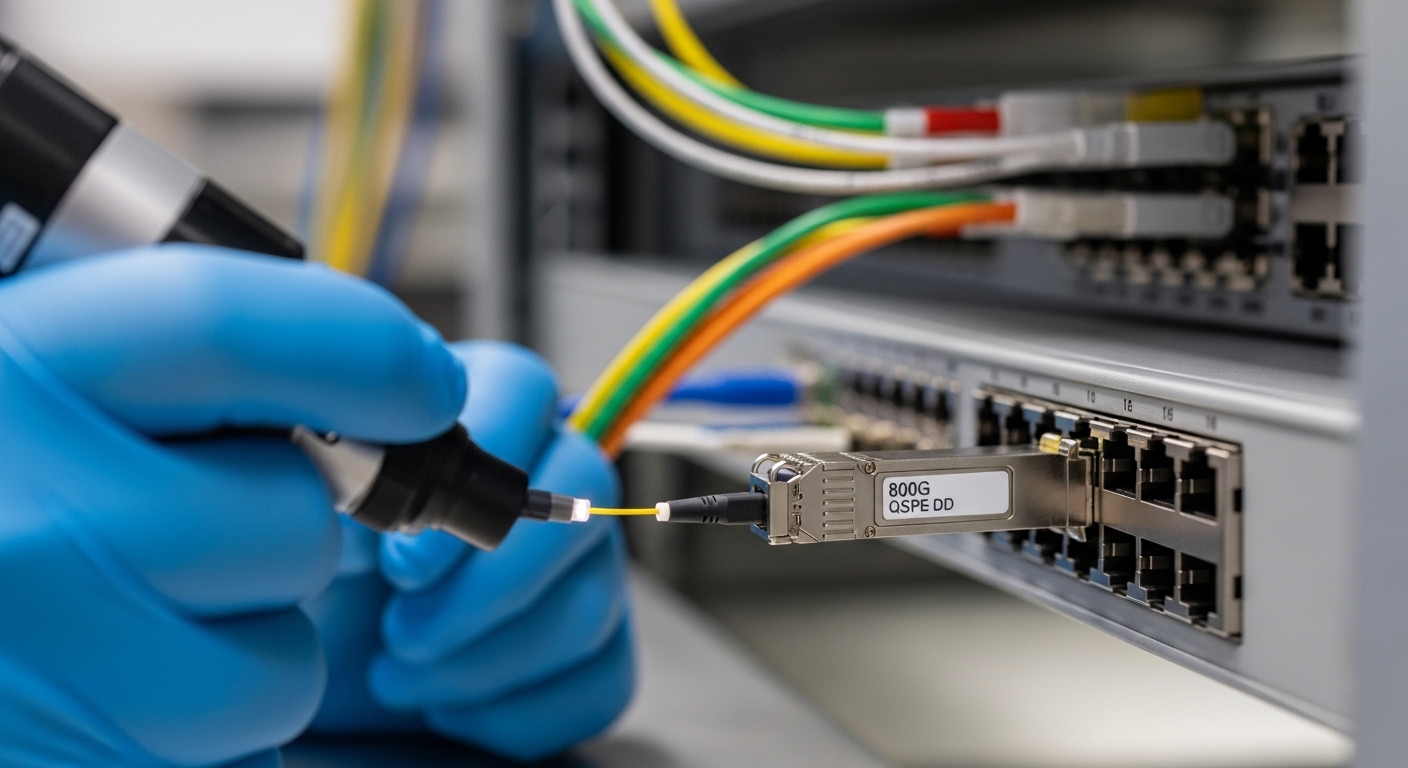
Solution: Use a fiber inspection scope on every affected connector pair. Clean with the correct method (lint-free wipes plus approved cleaning film, or validated cassette system), then retest. If possible, compare multiple ports swapped with the same optics to isolate whether the issue follows the fiber or the module.
Pitfall 2: Wrong reach optics or wrong cabling type reuse
Root cause: An 800G SR module installed on a segment that exceeds the multimode reach budget, or singlemode optics installed into a multimode plant (or vice versa). Even if the link comes up briefly, it may fail under temperature or aging.
Solution: Verify fiber type labeling in the tray and confirm with test records. Rebuild patching using the correct trunk/jumper type and length assumptions from the power budget.
Pitfall 3: Lane mapping or polarity mismatch after re-cabling
Root cause: Parallel optics (MPO/MT) require correct polarity and lane mapping. A polarity error can create consistent but degraded performance that triggers periodic retrains.
Solution: Re-check polarity labels and mating direction, then validate with a known-good patch configuration. Standardize labeling during moves/adds/changes so the next technician does not “flip” the connector during maintenance.
Pitfall 4: DOM incompatibility across firmware revisions
Root cause: Some switch firmware versions interpret DOM fields differently or apply stricter thresholds, causing alarms and administrative resets for modules that were previously stable.
Solution: Confirm the switch firmware baseline used during qualification. If a new release correlates with flaps, roll back to the last known stable version or apply the vendor-recommended optics threshold update.
Cost and ROI note: optics swaps vs targeted remediation
In most cases, the ROI comes from avoiding blind optics replacement. Typical street pricing for 800G optics varies widely by reach and vendor; as a procurement baseline, budget ranges often land in the low thousands of dollars per module for mainstream options, with higher cost for longer-reach singlemode variants. Third-party modules can reduce upfront cost, but total cost of ownership rises if interoperability validation is not done and if failure rates increase due to inconsistent revisions.
In the case study, the team avoided large-scale RMA by investing in fiber inspection and targeted jumper replacement. That reduced downtime and prevented multiple change cycles. Treat clean/verify steps as part of TCO, not as “extra labor,” because connector cleanliness failures are among the most common contributors to 800G troubleshooting incidents.
FAQ
What DOM metrics matter most for 800G troubleshooting?
Focus on receive power, transmit power, bias current, and temperature. Also watch for drift over time rather than a single snapshot reading. If your switch alarms reference “threshold exceeded,” confirm the thresholds align with the module datasheet and firmware interpretation.
Do I need an optical power meter or is DOM enough?
DOM helps you quickly triage, but it is not a substitute for fiber verification. For persistent flaps, use an inspection scope and validate the power budget with appropriate test equipment and connector loss assumptions. DOM is most effective for identifying whether the fault follows the optics or the fiber path.
How do I confirm the correct polarity for MPO/MT cabling?
Use the polarity method required by your cabling standard and your vendor documentation, then verify connector orientation during installation. After remating, retest link stability. Keep a labeling process so future maintenance does not reverse the patch direction.
Can firmware updates fix 800G link instability?
Yes, but only if the vendor release notes explicitly address optics thresholds, receiver behavior, or DOM handling. If instability started immediately after an update, correlate the timeline and test a rollback to a known stable firmware level.
Are third-party optics safe for 800G deployments?
They can be, but you must validate interoperability with the specific switch model, line card, and firmware version. Require DOM behavior evidence and datasheet power budgets, then run a pilot across representative cabling lengths before scaling.
What is the fastest troubleshooting sequence during an outage window?
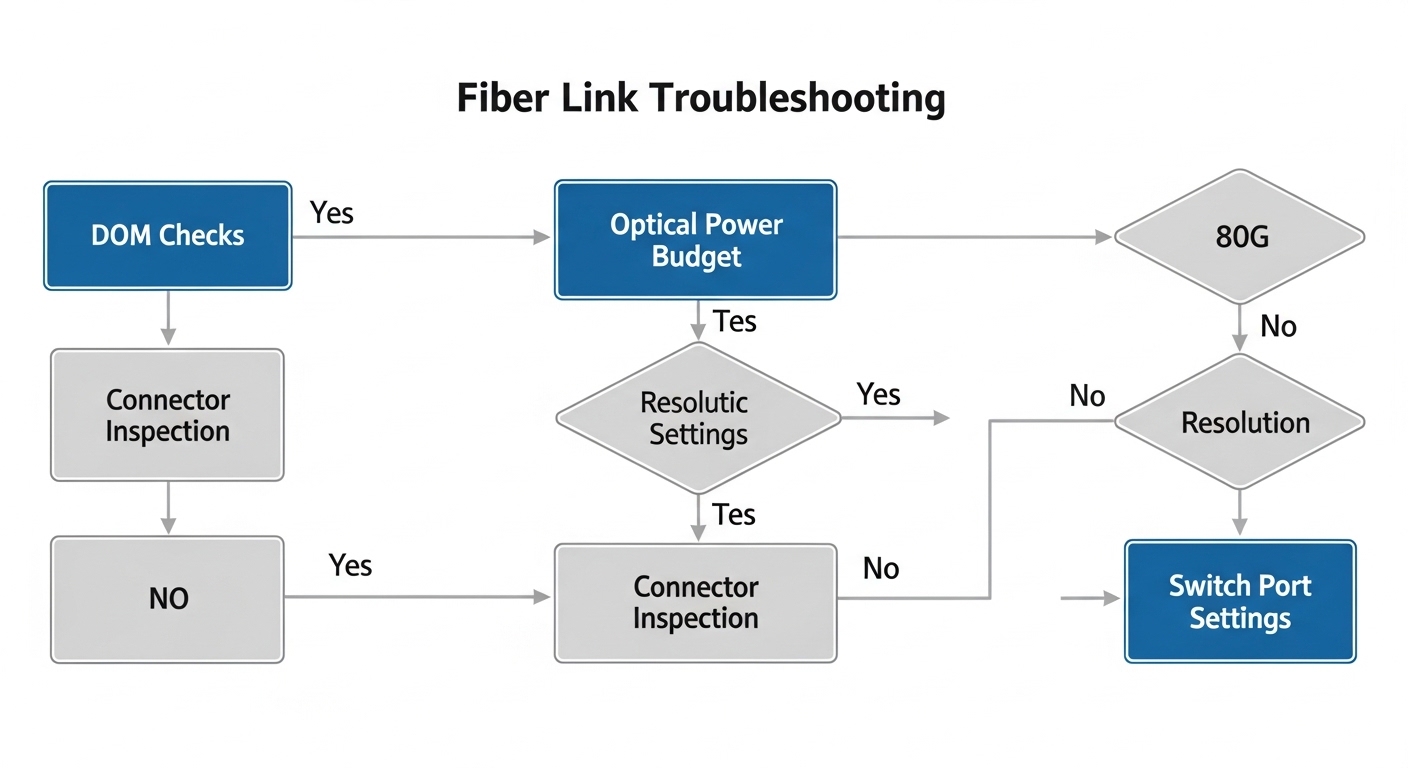
Start with DOM sanity checks, then inspect and clean connectors, verify cabling type and length, and confirm polarity and lane mapping. Finally, isolate by swapping optics between known-good ports to determine whether the fault follows the transceiver or the fiber path.
For your next incident, use the checklist above to separate optics, fiber cleanliness, and switch compatibility issues early, and then document the exact remediation that restored stability. If you are planning the next upgrade, review 800G optical reach planning to align optics selection with your physical plant before cutover.
Author bio