
When your leaf-spine network is nearing its port and power limits, 800G planning becomes less about “buying faster optics” and more about avoiding expensive surprises. This guide helps network engineers and data center operators choose the right transceiver types, validate compatibility, and troubleshoot the most common optical failures before cutover. You will leave with a decision checklist, a practical deployment example, and field-tested pitfalls.
What changes in 800G planning: optics, ports, and optics-to-switch fit
Moving to 800G class links typically means higher aggregate bandwidth per slot and stricter interoperability requirements between the transceiver and the host switch. On the optical side, you must confirm lane mapping, fiber type, and reach for your transceiver family (for example, 800G SR8 over multimode or 800G DR4 over single-mode, depending on your vendor ecosystem). On the electrical side, host platforms often enforce strict TX/RX power and CDR behavior; a “compatible-looking” module can still fail DOM validation or link training.
In practice, 800G planning is a systems exercise: the transceiver must match the switch’s expected optical interface, and the fiber plant must meet insertion loss and connector cleanliness requirements. IEEE Ethernet PHY expectations are described across IEEE 802.3 standards; module behavior and management are commonly surfaced via vendor datasheets and Digital Optical Monitoring (DOM) interfaces. For baseline Ethernet optics context, see [Source: IEEE 802.3]. For DOM and optical module interoperability, reference vendor module datasheets and host compatibility guides. IEEE 802.3 standards|IEEE 802.3

Key optical choices for 800G planning: wavelength, reach, and power
The fastest way to narrow options is to map your link budget and plant constraints to the expected module reach and wavelength. In most data centers, 800G short-reach is dominated by multimode variants, while longer campus and metro links move to single-mode. Wavelength and reach are not interchangeable between families: SR-style modules target multimode OM4/OM5 distances, while DR/ER-style modules target single-mode with much longer reach.
Example spec comparison you can use during 800G planning
Use this table as a starting template. Always verify the exact model against your switch’s compatibility list and the vendor datasheet.
| Transceiver family (example models) | Data rate | Wavelength / type | Typical reach | Connector | DOM | Operating temperature |
|---|---|---|---|---|---|---|
| 800G SR8 (e.g., OEM/compatible variants) | 800G | 850 nm class, multimode | Up to ~100 m on OM4/OM5 (model dependent) | MPO-16 (common) | Supported (vendor-specific) | 0 to 70 C typical, check datasheet |
| 800G DR4 (single-mode) | 800G | 1310 nm class, single-mode | Up to ~500 m (model dependent) | LC (common) | Supported (vendor-specific) | -5 to 70 C typical, check datasheet |
Real deployments often use specific branded optics. As an example for engineers who validate interoperability, you may see single-module families from vendors such as Finisar or FS.com; always confirm the exact 800G variant (and DOM profile) rather than relying on “same brand, same speed.” A representative reference point for optics families is available via vendor catalogs, for example [Source: Finisar]. Finisar optical communications|Finisar
Pro Tip: In 800G planning, treat DOM compatibility as a first-class requirement. Many link bring-up failures are not “bad optics” but mismatched DOM expectations (threshold scaling, vendor ID checks, or unsupported temperature reporting ranges) that prevent link training—even when the optical signal is physically present.
Deployment scenario: where 800G planning succeeds (and where it breaks)
In a 3-tier data center leaf-spine topology with 48-port 10G and 25G access, you might upgrade only the spine uplinks to 800G to relieve oversubscription. Suppose each top-of-rack switch has 12 uplinks at 200G aggregated into a spine pair; over two quarters you plan to double rack count from 2,000 to 4,000 servers. You choose 800G SR8 for rack-to-row distances of 60 m with OM5, and you reserve 800G DR4 on a campus segment where trench routing yields 320 m average span.
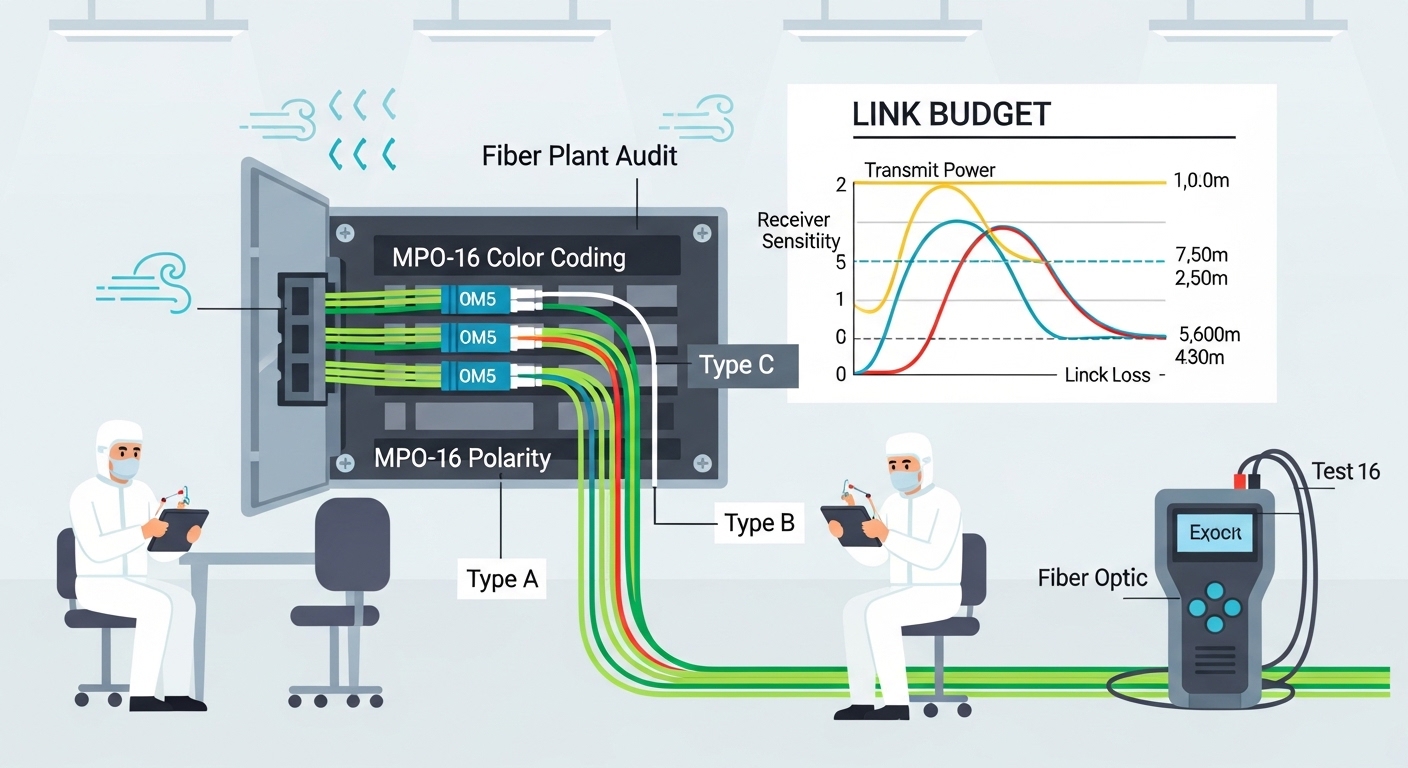
During pre-install, the field team measures end-to-end insertion loss and connector reflectance, then verifies polarity and MPO keying. In cutover week, you stage modules by temperature and firmware compatibility, then run link training with traffic disabled to avoid burst-induced retries. The “success metric” is not only “link up,” but also stable FEC/BER counters (if exposed), low optical power drift, and consistent DOM readings across a full batch.
Decision checklist for 800G planning (use this in reviews)
Engineers usually converge on the same factors, but the ordering matters when deadlines are tight.
- Distance vs reach margin: Validate worst-case span, patch cords, and connector loss against the module’s stated reach.
- Fiber type readiness: Confirm OM4 vs OM5 usage for multimode and check that single-mode runs are truly single-mode end-to-end.
- Switch compatibility: Use the switch vendor’s optics compatibility matrix; confirm the exact 800G form factor and lane mapping expectations.
- DOM support and thresholds: Confirm that DOM is readable by the host and that alert thresholds won’t trip during normal thermal variation.
- Operating temperature: Check datasheet ratings and your rack airflow profile; do not assume “0 to 70 C” applies to every module batch.
- Vendor lock-in risk: Weigh OEM optics costs vs third-party availability; plan a qualification cycle to avoid surprises at scale.
- Spare strategy: Stock at least one spare per link type per aisle or per fabric domain to reduce mean time to repair.
Common mistakes and troubleshooting tips for 800G planning
Most failures cluster into a few repeatable root causes. Use these as a rapid field checklist.
-
Mistake: Installing the right speed but wrong connector polarity or MPO keying.
Root cause: Transmit/receive polarity reversal or mis-keyed MPO leads to swapped lanes and link training failure.
Fix: Re-check MPO key orientation, verify polarity with a polarity tester, and clean ferrules before reinsertion. -
Mistake: Assuming “multimode is multimode” for 800G SR8.
Root cause: OM4 vs OM5 and patch cord quality can change the effective channel loss budget, especially with older jumpers.
Fix: Re-measure insertion loss on the exact patch path and replace marginal jumpers; keep connector cleanliness within vendor guidance. -
Mistake: Overlooking DOM incompatibility during 800G planning.
Root cause: Some host platforms block or misinterpret DOM readings from non-qualified optics, leading to “link down” or intermittent flaps.
Fix: Run a qualification test in a lab or staging rack; compare DOM vendor ID, supported diagnostics, and alarm thresholds. -
Mistake: Ignoring thermal airflow and running optics near the edge of spec.
Root cause: High-density racks create hot spots that push optical parameters out of the host’s stable operating window.
Fix: Validate airflow (front-to-back pressure), confirm inlet temperatures at the switch, and schedule batch swaps if drift is detected.

Cost and ROI note: what to budget for 800G planning
Typical street pricing varies by vendor, volume, and qualification status. As a rough planning range, OEM-aligned 800G optics often land in the hundreds to low thousands of dollars per module, while third-party qualified optics can be lower but require a validation cycle. TCO is dominated by failure rate, labor for swaps, and downtime cost: a single unplanned batch failure can erase the per-module savings. Plan for power and cooling impact too: higher-density optics may increase heat load, which can affect rack-level power utilization and cooling efficiency.
FAQ
Q: What fiber type is most common for 800G planning inside data centers?
A: Many teams standardize on OM4 or OM5 multimode for short reach, paired with MPO-16 cabling. The deciding factor is measured insertion loss and connector quality, not just “multimode labeling.”
Q: How do I confirm switch compatibility before ordering optics?
A: Use the switch vendor’s optics compatibility matrix and verify the exact 800G module part number and form factor. Then stage-test in a lab or staging rack to validate DOM visibility and link training behavior.
Q: Are third-party 800G modules safe for production?
A: They can be, but only after qualification. Budget time for DOM and host-specific checks, and keep spares of both module and patch components to reduce downtime risk.
Q: What are the first things to check when a link won’t come up?
A: Start with polarity and connector cleanliness, then confirm fiber loss against spec. If optics show as present but the link fails, check DOM compatibility and host alarms for diagnostics mismatch.
Q: Should I plan spares by module type or by switch port?
A: By module type and fabric domain. In practice, teams stock spares per transceiver family (SR8 vs DR4) and per rack group so swaps are quick and standardized.
Q: How much reach margin should I include for 800G
