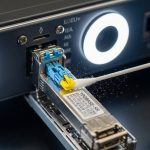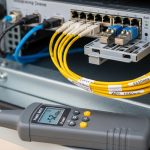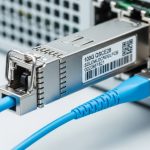
If you are planning an upgrade and your current 400G or 200G optics are bumping into capacity limits, you need a practical path to 800G planning that does not strand you on the wrong module, fiber type, or switch compatibility. This article helps network engineers and field teams map 800G optical scalability to real deployment constraints: reach, lanes, connectors, optics power, DOM behavior, and thermal limits. I will also flag the common failure modes I see during installs and migrations, so your next cutover is boring in the best way.
800G planning: where the scaling bottleneck really shows up
Most teams assume the bottleneck is raw bandwidth, but in optical networks the real constraints usually fall into three buckets: (1) fiber plant readiness (OM4 vs OS2, polarity, and MPO cleanliness), (2) switch port and lane mapping (how 800G breakout or lane groups are implemented), and (3) optics compatibility (vendor support, DOM firmware expectations, and power/thermal envelopes). In practice, you can have enough switching fabric headroom and still fail a rollout because the optics do not negotiate correctly or because the link budget is marginal at the far end.
For standards grounding, the industry reference points for Ethernet optical PHY behavior come from IEEE Ethernet documents, and for optics interoperability most vendors align with common pluggable form-factor electrical interfaces. The key operational takeaway for 800G planning is to treat optics as a system component: the module, the switch gearbox, the transceiver control plane (DOM), and the installed fiber plant all interact. For standards context, see [Source: IEEE 802.3]. For general optical module interoperability practices, see [Source: Cisco Optical Transceiver Information] and vendor datasheets.
800G vs 400G optics: performance and reach tradeoffs that matter
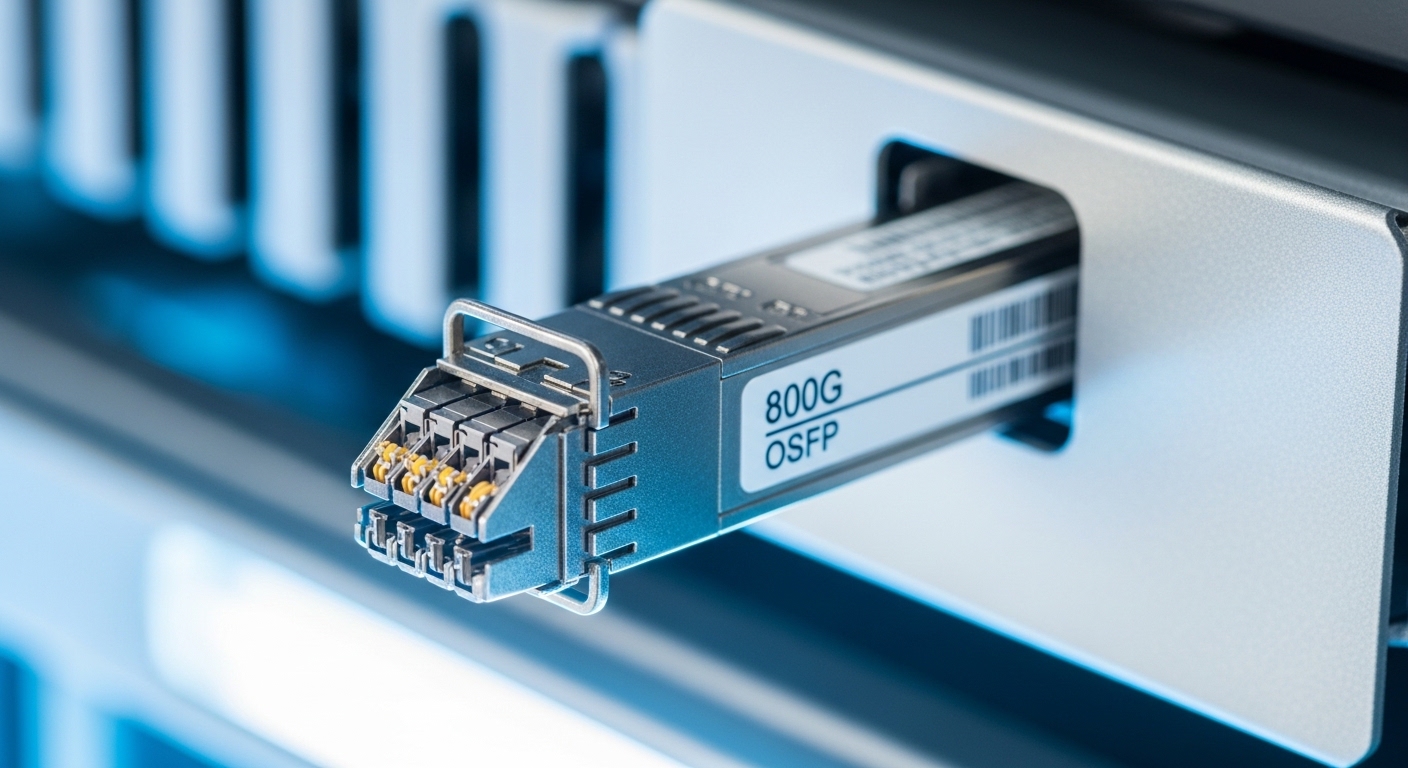
When you move from 400G to 800G planning, you are typically changing both the physical optics family and the lane structure. Many 800G implementations use PAM4-based coherent or high-density short-reach architectures depending on reach targets, and the “right” module depends on whether you are staying within a campus or going longer over OS2. Before you pick a part number, confirm the switch vendor’s supported optics list and the expected wavelength and connector type (LC vs MPO/MTP).
Quick comparison table: typical 800G optics choices
The table below compares representative short-reach and long-reach module classes you will see in the field. Exact values vary by vendor and specific model, so always confirm the datasheet and your switch compatibility matrix.
| Spec | Typical 800G Short Reach (SR class) | Typical 800G Long Reach (LR class) |
|---|---|---|
| Data rate | 800G per port | 800G per port |
| Wavelength | Multi-lane SR optics (often 850 nm band for direct-detect families) | Single-channel or multi-channel LR optics (often C-band for coherent in longer spans) |
| Reach target | ~70 m to ~100 m on OM4 (example ranges) | ~10 km to 40 km depending on optics and fiber type |
| Connector | MPO/MTP (high-density) in many SR designs | Often LC or higher-density connectors depending on module |
| DOM / monitoring | Commonly supported; verify DOM type and firmware behavior | Commonly supported; verify DOM compatibility with switch OS |
| Operating temperature | Commercial/extended options; verify 0 to 70 C vs industrial variants | Verify module class; many are extended but not all are identical |
| Power and thermal | Higher power density in dense racks; plan airflow | Often designed for longer spans; still check thermal budget |
Concrete examples you may encounter include 10G/25G fiber modules like Cisco SFP-10G-SR and Finisar FTLX8571D3BCL for earlier generations, and in the 100G era you might see FS.com models such as FS.com SFP-10GSR-85. For 800G, the exact part numbers vary by switch platform and whether you are using vendor-branded or third-party optics, but the selection logic is the same: reach class, connector, lane mapping, and switch support.
Head-to-head: cost and ROI between OEM and third-party optics
During 800G planning, the budget conversation usually starts with unit price, but the ROI story depends on failures, lead times, warranty terms, and how often you need to rework cabling. OEM optics can cost more up front, yet they often reduce swap churn because they are validated against the exact switch model and software release. Third-party optics can be cheaper, but you need a compatibility and DOM testing plan, especially for new switch OS versions.
From a field operations perspective, I treat optics like “high leverage” spares: a $300 to $800 delta on optics may be small compared to the labor cost of a failed install when you are trying to meet a maintenance window. Also consider power draw and airflow impact. Higher-density 800G modules can raise local thermal load, so the ROI can show up as reduced fan stress, fewer thermal throttling events, and fewer “mystery” link flaps.
Decision matrix (what teams actually score)
Use this matrix to compare options for your specific environment. The highest score is usually the best starting point, then you validate with a lab test or a limited pilot.
| Factor | OEM optics | Third-party optics |
|---|---|---|
| Switch compatibility certainty | High (validated lists) | Medium to high (depends on validation and DOM behavior) |
| DOM and monitoring stability | High | Variable; test recommended |
| Upfront cost | Higher | Lower |
| Lead time | Often predictable | Can vary widely |
| Warranty and RMA friction | Clear processes | May be fine, but confirm terms |
| Risk during first 800G rollout | Lower | Higher unless tested |
| Long-term TCO | Often favorable if you value uptime and fewer incidents | Can be favorable if compatibility is proven early |
Pro Tip: In many 800G planning projects, the fastest path to success is not “cheapest optics,” it is “validated optics plus a repeatable fiber inspection workflow.” If you ensure MPO/MTP endfaces are cleaned to a consistent standard and confirm polarity/bend radius, you reduce the majority of bring-up failures before you even touch the switch settings.
Compatibility and deployment: how to avoid lane mapping surprises
Compatibility is where 800G planning typically gets painful. Many switch platforms implement 800G ports with internal lane groupings, and the optics must match the expected lane arrangement. If you select a module that is electrically compatible but not logically aligned with the switch’s port configuration, you can see symptoms like intermittent link training, high BER counters, or optics recognized but link never comes up.
To keep this concrete, here is a field-style approach: start with the switch vendor’s supported transceiver list for your exact model and software version. Then confirm connector type (MPO vs LC) and confirm whether the switch expects a specific “polarity” scheme. Finally, validate DOM monitoring fields in your network management system; some environments treat missing or unexpected DOM values as an alarm storm.
Real-world deployment scenario (numbers included)
In a 3-tier data center leaf-spine topology, imagine 48-port 10G or 25G ToR switches feeding a pair of 800G-capable spine switches. You are upgrading one pod per month. Each rack has 12 servers and you are moving to higher east-west traffic, so you add 8 800G uplinks per spine per pod. The cabling plan uses OM4 patch cords with MPO/MTP, targeting 80 m maximum link distance including patching. During bring-up, the team budgets a conservative link margin for connector loss and uses fiber inspection before termination; in the first pilot they found 3 links failing due to contaminated endfaces, not optics selection. After cleaning and re-terminating those MPOs, the remaining links trained cleanly and stayed stable across a week of monitoring.
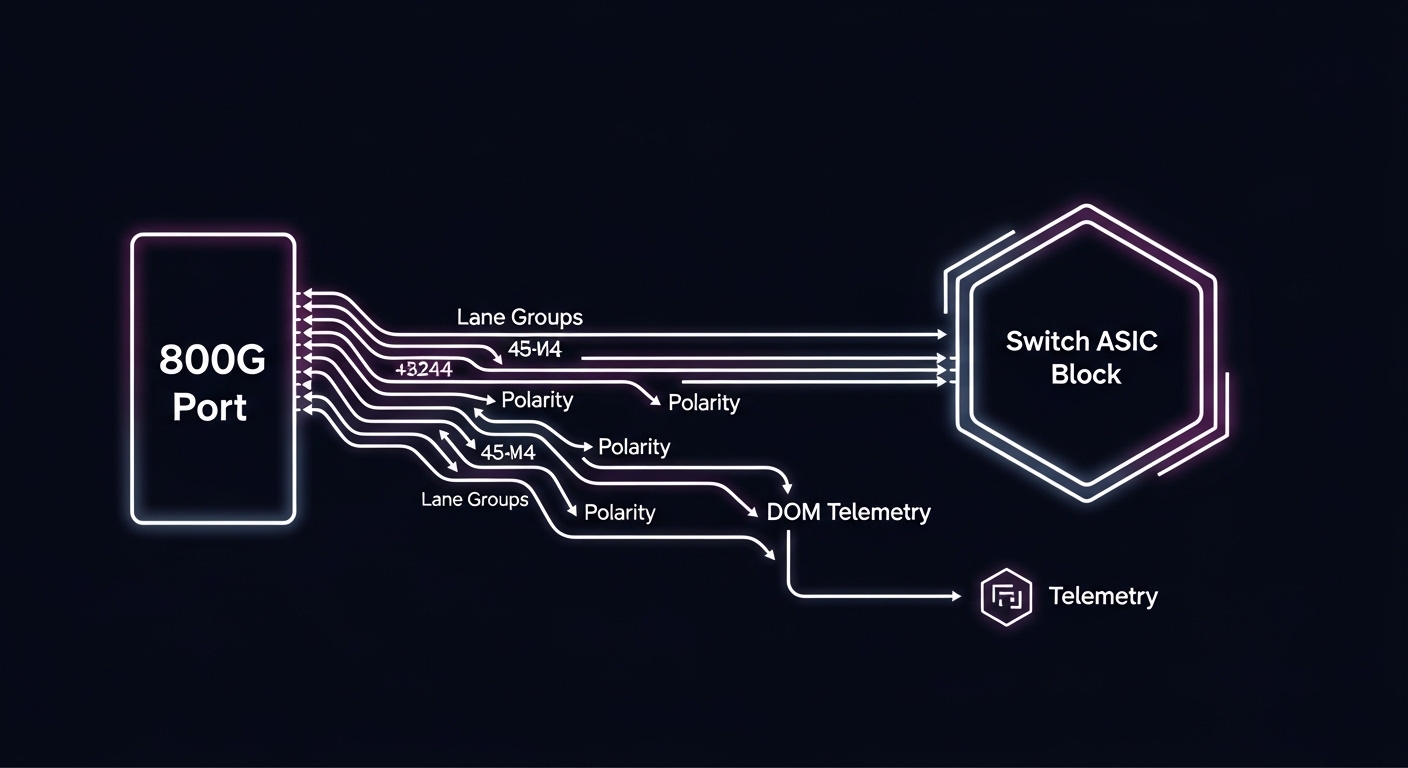
Selection checklist for 800G planning (engineer-ready)
When you are deciding between module options for 800G planning, use this ordered checklist. It is designed to prevent the classic “it worked on the bench” problem that appears after you install in a real rack with real fiber.
- Distance and reach class: verify your path length including patch cords, cross-connects, and worst-case attenuation. Confirm OM4 vs OS2 and whether you need SR or LR optics.
- Switch compatibility: check the exact transceiver support list for your switch model and software release. Do not assume “same form factor” equals compatibility.
- Connector and polarity: ensure MPO/MTP polarity scheme matches the switch and the patching plan. Plan for cleaning and inspection at scale.
- DOM support: confirm DOM vendor type and whether your monitoring stack expects certain fields. Validate alarm thresholds and telemetry names.
- Operating temperature: compare module temperature class to your rack airflow. If you run hot corridors or constrained fans, test under realistic conditions.
- Vendor lock-in risk: decide upfront whether you want OEM-only for first rollout, then expand to third-party after a successful pilot.
- Spare strategy: keep a small buffer of known-good optics per switch line card and per optics class to reduce downtime during failures.
Practical “math” you should not skip
Even for short reach, treat link budget as a system calculation. Include fiber attenuation, connector loss (and the number of connectors), splice loss, and any patching margin. If you have bend radius constraints, verify the actual cable routing. If your design is tight, you will often see instability that looks like “bad optics” but is actually a marginal budget combined with dirty MPO endfaces.
Common mistakes and troubleshooting tips in 800G planning
Below are failure modes I have seen repeatedly during migrations. Each item includes the root cause and a field fix.
-
Mistake 1: Swapping optics without confirming switch OS compatibility
Root cause: DOM fields or control-plane expectations differ across software releases, causing link training failures or alarming telemetry.
Fix: validate optics against the switch’s supported list for your exact OS version, then stage a small pilot with the same OS you will run in production. -
Mistake 2: Assuming MPO/MTP polarity is “standard”
Root cause: polarity mismatch or incorrect patching can lead to no light or high error rates even when the optics are fine.
Fix: audit patching records, verify polarity mapping end-to-end, and label both sides of the patch cords. Treat polarity checks as part of pre-commissioning. -
Mistake 3: Skipping endface inspection and cleaning
Root cause: microscopic contamination on MPO endfaces causes excessive insertion loss and intermittent failures, especially during thermal cycling.
Fix: use a fiber inspection scope, clean with the correct method, and re-check before you blame the transceiver. If you see repeated failures, replace the patch cord. -
Mistake 4: Underestimating thermal constraints in high-density racks
Root cause: higher power density can push optics beyond stable operating conditions, leading to flap or increased BER.
Fix: verify airflow paths, confirm fan settings, and monitor temperature and error counters after installation.
Which option should you choose?
For most teams doing 800G planning for the first time, the safest path is a staged rollout: use OEM optics for the pilot (to minimize compatibility risk), then expand to third-party optics after you confirm stability with your switch OS, DOM monitoring, and fiber plant. If you already have a mature third-party validation program and a strong spare strategy, third-party can reduce upfront cost while staying operationally safe.
- If you are risk-averse or on a tight maintenance window: start with OEM optics for the pilot and first production pod.
- If you have a proven optics validation process: third-party optics can work well, but only after lab testing with your exact switch model and a small field pilot.
- If you are planning a greenfield build: optimize fiber plant cleanliness, connector quality, and airflow first; then choose optics based on validated reach and connector requirements.
Next step: take your current fiber inventory and run a reach and polarity audit before you order optics. If you want a companion topic, see optical fiber reach budgeting for link-budget math and inspection workflow.
FAQ
What does 800G planning change compared to earlier upgrades?
It changes the system constraints: optics lane mapping, connector density (often MPO/MTP), and tighter interactions with switch OS and DOM telemetry. You can no longer treat optics as a simple “plug and play” commodity without validating compatibility.
Can I mix OEM and third-party optics in the same chassis?
Often you can, but you must confirm the switch’s supported optics list and verify DOM telemetry behavior. In practice, teams do a pilot pod first to ensure there are no alarm storms or link training quirks.
How do I estimate whether I need SR or LR for 800G?
Start with your maximum physical distance plus patching and connector count, then apply a conservative link budget. If you are near the edge, you will benefit from extra margin and a strict cleaning/inspection routine before you finalize the optics class.
What are the most common causes of “link up but errors” during 800G bring-up?
Dirty MPO endfaces, polarity mismatches, and marginal link budgets are the top causes. Less commonly, it is a switch OS and DOM expectation mismatch.
Do I need to worry about operating temperature for 800G optics?
Yes. In dense racks, optics can run hotter than expected due to local airflow patterns and power draw. Monitor temperature and error counters after installation and during peak load.
How should we structure an optics spare plan for 800G planning?
Keep spares per switch line card and per optics class (SR vs LR) and align spares with the parts you have validated. The goal is to reduce time-to-repair during maintenance windows, not just to stock more inventory.
Author bio: I am a practicing attorney and a hands-on network systems reviewer who has supported field installs for optical and pluggable transceiver migrations. I write with practical constraints in mind, translating datasheet details and standards guidance into deployable checklists.
Legal note: This article is for general information only and does not constitute legal advice. For specific compliance, contract, or warranty questions, consult a qualified attorney and coordinate with your vendor and integrator.
Sources: [Source: IEEE 802.3], [Source: Cisco Optical Transceiver Information], and vendor optics datasheets for module-specific parameters.