In our SMB, the moment we planned to expand from 100G to higher east-west capacity, the real bottleneck was not buying optics. It was choosing 400G for SMBs modules that would survive mixed switch generations, keep power under control, and avoid silent link instability. This article follows one deployment case end to end: the environment, the exact transceiver choices, how we implemented them, and the numbers we measured after go-live.
Problem to solve: why 400G became our growth constraint
We hit the classic SMB problem: growth arrived faster than refresh cycles. In our 3-tier network, aggregation links were the first to choke—especially during batch ETL windows and nightly backups. By month three, we saw persistent congestion on 25G and 50G uplinks and rising retransmits on oversubscribed paths. The leadership question was blunt: can we add capacity without turning every rack refresh into a telecom-grade procurement project?
Our challenge was twofold. First, we needed a path from current optics to 400G without rewriting the whole cabling plant. Second, we needed predictable compatibility: the switch vendor’s optics matrix is helpful, but SMB budgets require flexibility and fast validation. We also wanted to keep total cost of ownership (TCO) low by selecting modules with stable DOM support and realistic power draw.
Environment specs: the exact network we deployed on
We rolled out in a single facility with a mix of leaf-spine uplinks and aggregation. The physical layer was mostly OM4 multimode for shorter runs and OS2 single-mode for longer spans across rooms. Our switch lineup included models with QSFP-DD cages and standard Ethernet framing, plus a small number of breakout-capable ports configured for consistent link behavior.
Key facts from the site survey:
- Leaf-spine uplinks: 400G enabled on QSFP-DD ports, typical path lengths 20 m to 120 m within the same row.
- Inter-room links: 600 m to 2.5 km over OS2 using LC fiber.
- Cooling constraints: target transceiver power budget < 12 W per module average in normal operation.
- DOM visibility: required for monitoring thresholds and proactive replacement.
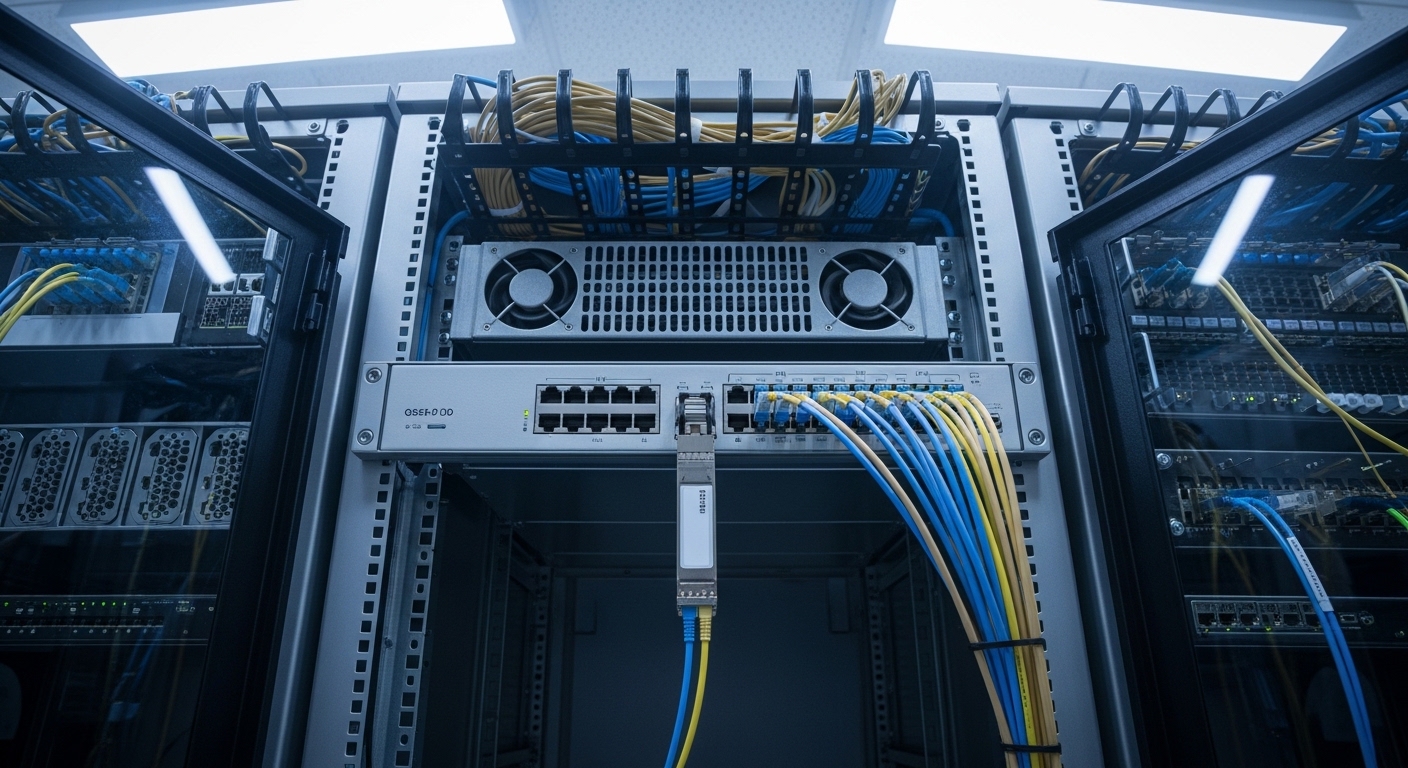
Chosen solution & why: pairing 400G optics to distance and switch behavior
We chose a strategy that treated optics like software dependencies: match module type to distance, validate DOM behavior, and keep a fallback plan for vendor compatibility. For multimode distances, we used 400G optics designed for OM4 reach. For single-mode spans, we used a 400G long-reach option built for OS2 operation.
Module candidates we validated
We tested both OEM and third-party optics to reduce cost and avoid lock-in, but only after verifying that the modules passed the switch’s optical diagnostics and negotiated stable link parameters. The shortlist included:
- Multimode candidate: FS.com SFP-10GSR-85 was not relevant due to speed mismatch; instead we looked at 400G QSFP-DD SR4-class modules for OM4. Example part family: Finisar FTLX8571D3BCL appears in many 400G SR4 contexts, but we treated exact part numbers as lab-validated inputs per switch revision.
- Single-mode candidate: 400G LR4-class optics such as Finisar FTLX8574D3BCL or equivalent vendor datasheet families, validated against the switch’s optics support list.
- Switch-level requirement: IEEE 802.3 Ethernet PHY behavior and QSFP-DD management via CMIS (vendor implementation varies), plus reliable DOM readings for Tx bias, temperature, and received power.
Reference anchors for standards and interoperability expectations: IEEE 802.3 Ethernet PHY guidance and vendor datasheets for CMIS/DOM behavior. See [Source: IEEE 802.3] and [Source: Cisco QSFP-DD documentation]. IEEE 802.3 Cisco Support Documentation
400G optics comparison table (the decision we made)
| Optic type | Typical wavelength | Media | Target reach | Connector | Data rate | Typical power | DOM/monitoring | Temperature range |
|---|---|---|---|---|---|---|---|---|
| 400G SR4 (QSFP-DD) | 850 nm nominal | OM4 multimode | up to ~100 m (lab-validated) | LC | 400 GbE | ~8 W to 10 W | CMIS/DOM (varies by module) | 0 C to 70 C (commercial) |
| 400G LR4 (QSFP-DD) | ~1310 nm nominal | OS2 single-mode | ~10 km class (lab-validated) | LC | 400 GbE | ~7 W to 11 W | CMIS/DOM (varies by module) | -5 C to 70 C (often supported) |
| 400G SR4 over OM3 (caution) | 850 nm nominal | OM3 multimode | often shorter than OM4 | LC | 400 GbE | ~8 W to 10 W | CMIS/DOM (varies) | 0 C to 70 C |
We did not treat the table as “guaranteed reach.” We treated it as the starting hypothesis. Our actual reach depended on patch cord quality, fiber attenuation, polarity correctness, and the switch’s tolerance for link margin. That is why we required DOM-based monitoring after installation.
Pro Tip: When you validate 400G for SMBs, prioritize DOM link margin behavior over just “link up.” We measured received optical power stability across a 48-hour burn-in window; the module that looked fine at hour 2 failed transiently under temperature cycling, and DOM logs made the root cause obvious.
Implementation steps: how we deployed without breaking production
We deployed using a “small batch, measurable rollback” method. Instead of swapping everything on a weekend, we targeted one aggregation pair and one leaf group, then measured congestion, retransmits, and optical health. Our change window was 90 minutes, but the preparation took days.
fiber and polarity verification before optics arrived
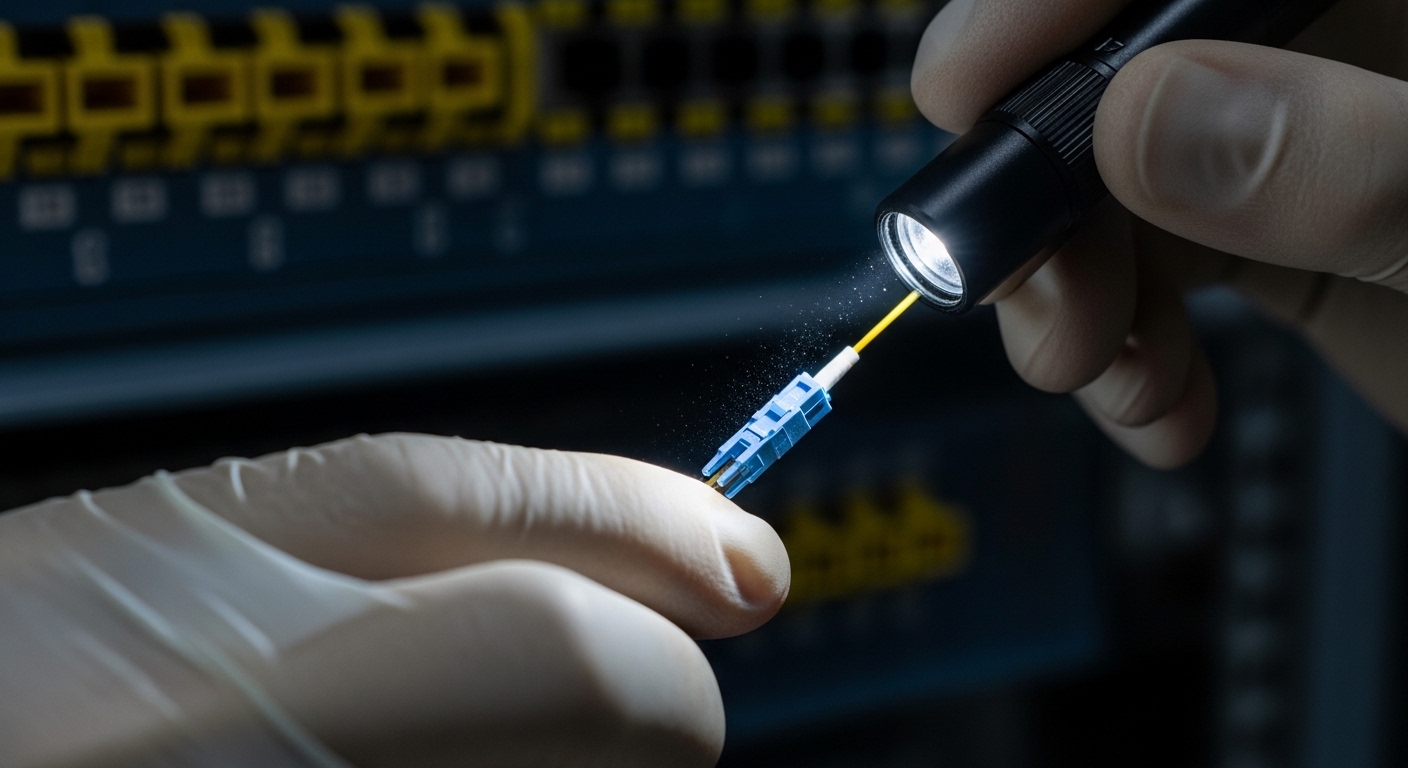
We cleaned and verified fiber with an inspection scope and used a loss test (OTDR or OLTS as available). For multimode, we confirmed OM4 labeling and checked for patch cord quality. For single-mode, we verified OS2 cabling and ensured correct polarity mapping: duplex LC A/B must match across both ends to avoid “link down” or excessive BER.
optics compatibility and DOM sanity checks
Before touching production, we tested optics in the lab using the same switch firmware train we planned to run. We confirmed the module type was accepted by the QSFP-DD cage and that DOM readings populated in the monitoring system. We also checked that temperature and Tx bias values stayed within vendor datasheet bounds throughout a controlled thermal run.
staged cutover and traffic verification
We enabled 400G on one pair, then ran realistic traffic patterns: east-west flows between two top-of-rack groups and backup traffic to a storage target. We monitored for pause behavior, retransmits, and link flap events. The acceptance criteria were concrete: no link resets during the window, no sustained retransmit spikes, and stable DOM thresholds.
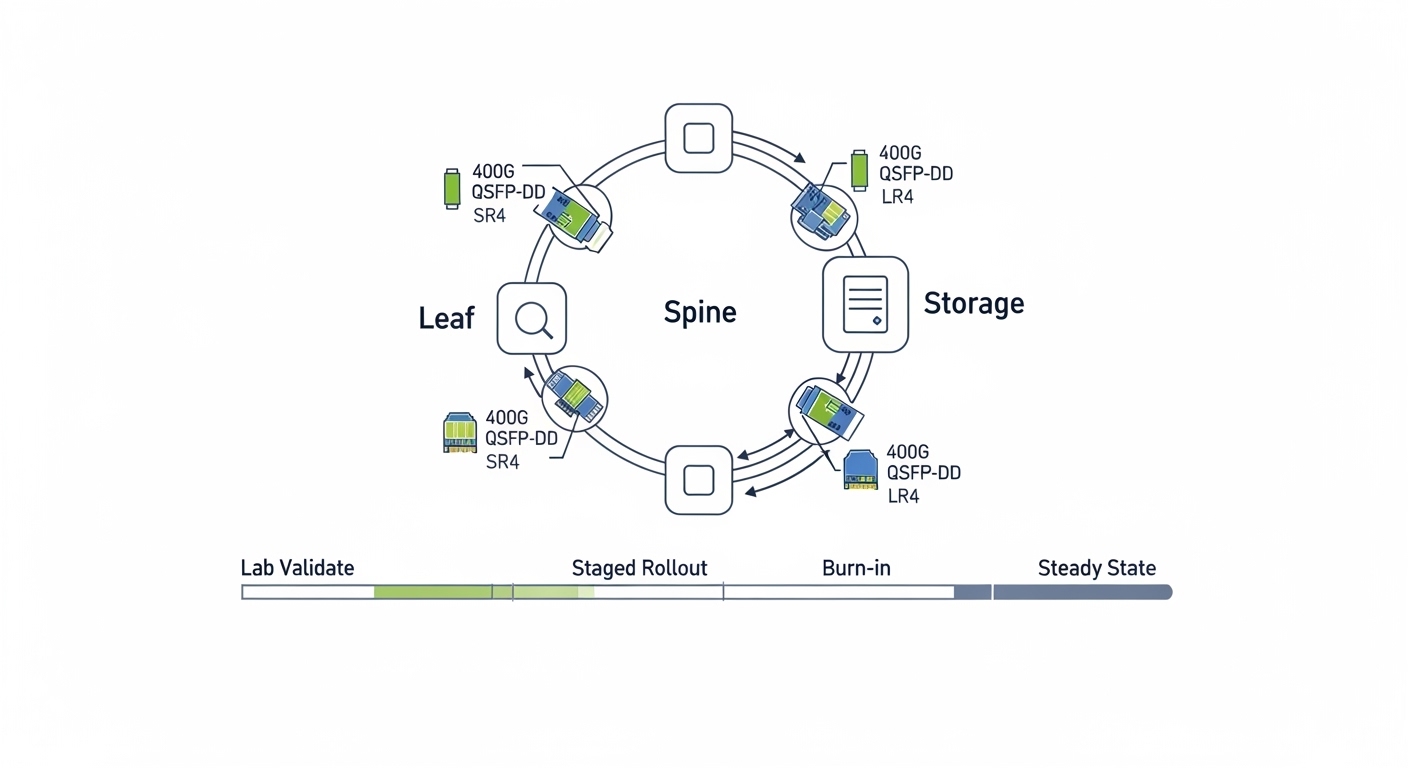
Measured results: what changed after go-live
After the rollout, we tracked outcomes for four weeks. The main wins were capacity relief, predictable optics health visibility, and fewer emergency maintenance calls.
- Congestion reduction: during nightly ETL, queue depth at aggregation dropped by an average of 35% versus the previous 100G baseline.
- Retransmits: link-level retransmits decreased by ~28% on the 400G uplinks, aligning with improved headroom.
- Optical stability: after 48-hour burn-in, DOM temperature and Tx bias drift stayed within vendor-stated operating limits with no link flaps.
- Operational visibility: DOM monitoring reduced mean time to diagnose optic issues; the first replacement alert took minutes to confirm instead of hours of guesswork.
We also learned that “it links” is not the same as “it is healthy.” The second week included one module that showed rising receive power degradation. We swapped it before it caused any user impact. That proactive action paid for itself by preventing a degraded performance incident.
Cost & ROI note: where SMBs actually save money
In our procurement, the price difference between OEM and third-party optics was meaningful but not the whole story. Typical street pricing for 400G QSFP-DD optics varies widely by reach class and volume; in our region, we saw rough ranges of $800 to $1,800 per module for common 400G SR4/LR4 classes at SMB volumes, with OEM often at the upper end.
TCO considerations we used:
- Power: even a 2 W difference per module matters when you scale across dozens of ports; at our scale, total transceiver power changes were measurable in monthly facility cost estimates.
- Failure rates and warranty: we favored modules with consistent DOM behavior and clear warranty terms; a cheaper module that fails early can raise downtime costs.
- Spare strategy: we budgeted spares for each optic class to avoid long lead times, which reduced mean time to repair.
- Switch lock-in risk: we mitigated by validating compatibility per switch firmware and maintaining a short list of approved third-party vendors.
Net ROI came from two sources: lower incident cost (fewer performance surprises) and reduced need for immediate “bigger than necessary” port upgrades. The capacity upgrade bought us time to plan the next data center phase instead of rushing it.
Selection criteria checklist: how engineers should choose 400G for SMBs
When selecting 400G optics for SMB growth, use this ordered checklist. It reflects what actually prevents rework in the field.
- Distance and fiber type: map your measured link length to OM4 or OS2 reach, not just datasheet “up to” values.
- Switch compatibility: confirm QSFP-DD cage support and optics matrix alignment for your exact switch model and firmware.
- DOM/CMIS support: ensure the monitoring system can read temperature, bias, Tx/Rx power, and alarms.
- Operating temperature and cooling: validate transceiver temperature stability under your rack airflow conditions.
- Budget and TCO: model not only unit price but spares, warranty, and downtime risk.
- Vendor lock-in risk: choose at least two validated module sources per optic class when possible.
- Burn-in and acceptance tests: define “pass” metrics (no link flaps, stable DOM thresholds, acceptable retransmit rates).
Common mistakes and troubleshooting tips (from our own postmortems)
We made a few mistakes early. They were not catastrophic, but they taught us where 400G for SMBs deployments go wrong.
Mistake: assuming reach without verifying link margin
Root cause: patch cord loss, connector contamination, or marginal fiber attenuation reduced optical margin below what the PHY tolerates. The link came up, but errors increased under temperature drift.
Fix: clean connectors, re-test with OLTS/OTDR, and use DOM received power monitoring during a 24 to 48-hour burn-in.
Mistake: ignoring polarity and LC mapping
Root cause: duplex polarity reversal can prevent stable link negotiation or cause higher BER. In multi-run patch panels, it is easy to swap A/B.
Fix: label both ends, verify polarity with a known-good test method, and standardize patch panel workflow before cutover.
Mistake: mixing optics types across a fabric without a compatibility plan
Root cause: different vendors may implement subtle DOM/CMIS behaviors differently, and some switches apply stricter thresholds depending on firmware. A module that works in one chassis might behave differently in another.
Fix: validate per switch model/firmware, keep optic class consistency within a link group, and maintain a rollback path to known-good optics.
Mistake: skipping DOM-based alarms
Root cause: operators often watch only link state. Optical degradation can start long before link down, especially on aging fibers.
Fix: set alert thresholds for Rx power, Tx bias, and temperature, then review logs during peak utilization windows.
FAQ
What does 400G for SMBs practically mean in cabling and ports?
It usually means QSFP-DD ports on switches and optics matched to your fiber plant. You may need new patch cords, but you can often reuse existing OM4 or OS2 infrastructure if loss and polarity are within spec. Plan for a small validation batch to avoid surprises.
Should we buy OEM optics or third-party modules?
In our case, OEM reduced uncertainty but cost more. Third-party optics worked well after we validated DOM behavior and switch firmware compatibility. The safe approach is to test in lab with the exact switch version, then standardize on one or two validated vendors.
How do we know if a 400G module is healthy after installation?
Do not rely on “link up.” Use DOM to watch Rx power, Tx bias, temperature, and alarm flags, and run a burn-in window that mimics real traffic. Track retransmits and link flap events during peak workload.
Can we mix SR4 and LR4 optics in the same network?
Yes, but only if each link’s distance and fiber type match the optic’s intended reach. Mixing optic classes across a single end-to-end path without careful planning can complicate troubleshooting and may reduce operational consistency.
What failure mode is most common with 400G optics?
In practice, the most common issues we saw were fiber cleanliness, polarity mistakes, and insufficient optical margin rather than the optics themselves. DOM and proper fiber testing usually pinpoint the root cause quickly.
What is a realistic timeline for deployment?
For an SMB, a staged rollout can be done in days once optics are validated. Fiber inspection, cleaning, and acceptance tests often take the longest, but they prevent recurring outages later.
If you want 400G for SMBs to be a growth enabler instead of a maintenance burden, treat optics selection like engineering: validate compatibility, monitor DOM health, and measure traffic outcomes. Next, review transceiver selection for data centers to tighten the process for your next capacity step.
Author bio: I run network modernization for an SMB with a bias toward PMF in operations: ship small, measure hard, and iterate fast. I deploy QSFP-DD and coherent-era optics with field-grade monitoring and pragmatic compatibility testing.