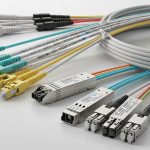
MDU and campus access networks often need predictable Ethernet reach without the cost and complexity of fiber everywhere. This article helps network architects, IT managers, and field engineers evaluate 2.5GBASE-T SFP options for NBASE-T deployments, from switch compatibility to link budgets and operational governance. You will get concrete selection criteria, a troubleshooting playbook, and a realistic cost and ROI view for enterprise planning.
Why 2.5GBASE-T SFP is showing up in MDU and campus access
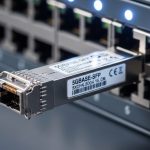
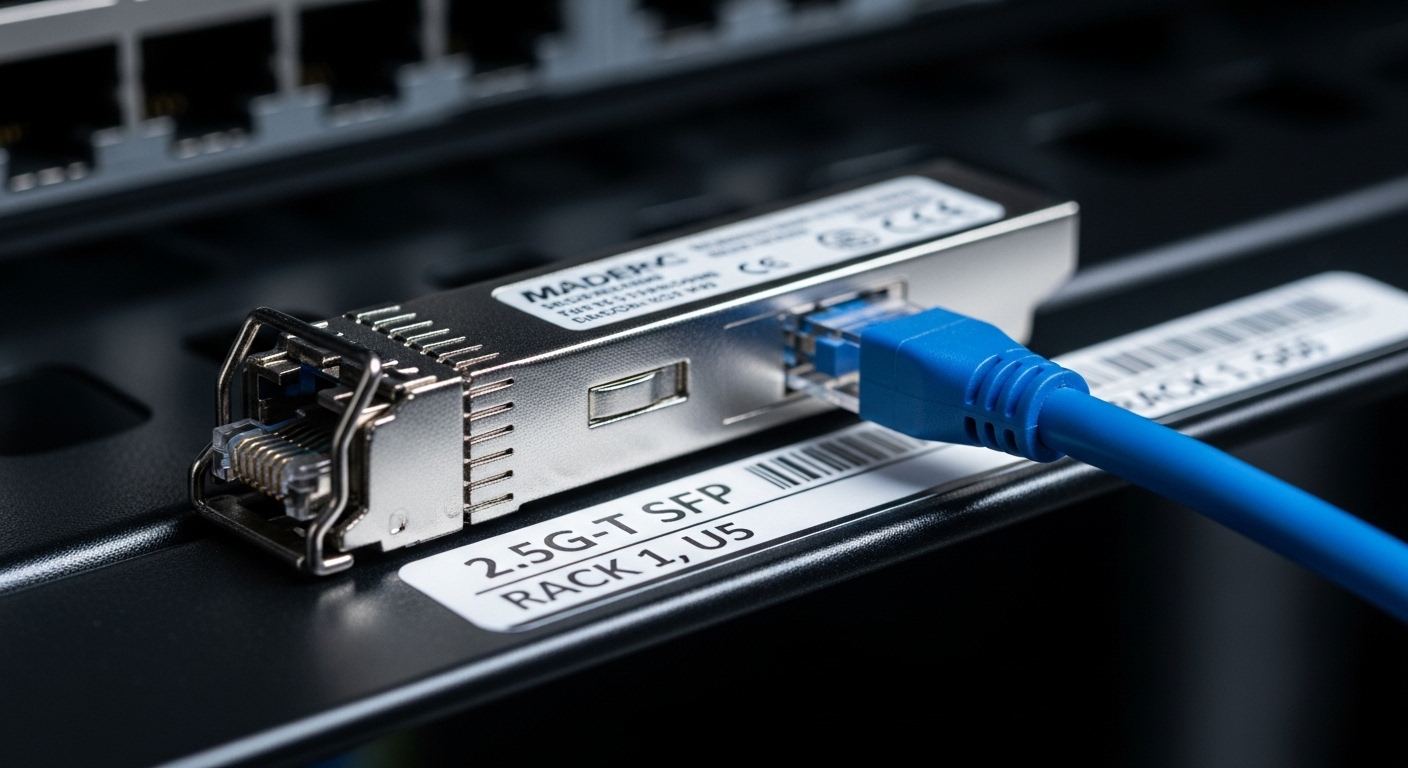
In many buildings, copper already exists in corridors, risers, and apartment demarcation points, making fiber retrofits slow and expensive. 2.5GBASE-T SFP modules bring higher throughput than 1GBASE-T while using standard twisted-pair cabling and familiar RJ-45 optics-like form factors. For campus and MDU designs, the key value is balancing density, installation labor, and upgrade speed, especially when you need to support upgrades from 1G to 2.5G without replacing every downstream device.
From a standards standpoint, NBASE-T is defined to support multi-gig Ethernet over copper using the same RJ-45 physical layer environment as 802.3 Ethernet. While the exact electrical behavior depends on the module and host switch PHY implementation, the general reference points are the IEEE Ethernet family requirements and vendor datasheet specifications for reach versus cable category. For baseline Ethernet requirements, consult IEEE 802.3 standards portal and the module vendor’s compliance statements.
Practically, the biggest governance question is whether your access switches and patch panels behave consistently across sites. A model that works in one building might fail at the next if the cabling mix includes older Cat5, unusual alien crosstalk conditions, or patching that increases insertion loss beyond what the PHY can equalize.
Core technical specs you must compare before buying
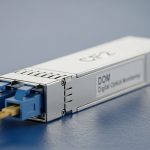
Not all “2.5GBASE-T SFP” products are equal in reach, power, or temperature behavior. The selection process should start with vendor datasheets that specify supported data rates (2.5G, and sometimes 1000M fallback), link partner requirements, and DOM (Digital Optical Monitoring) or equivalent management signals. Even though this is copper, DOM-like monitoring and alarms still matter for operations and automated inventory.
Because copper reach is strongly affected by cable category, insertion loss, and patching, you should treat reach figures as maximums under specific test conditions. Use the table below to compare the most relevant parameters when planning MDU and campus access tiers. For exact values, always map to the specific part number listed in your equipment compatibility matrix.
| Spec category | What to check | Typical targets for planning |
|---|---|---|
| Data rates | Supported Ethernet speeds and auto-negotiation behavior | 2.5G (often with 1G fallback) |
| Interface | RJ-45 electrical interface; cable type requirement | RJ-45 using Cat5e/Cat6 for best results |
| Reach | Maximum link distance under test conditions | Often published as tens to low hundreds of meters; verify per datasheet |
| Power | Transceiver power draw (module-only) | Plan for real chassis consumption; include thermal headroom |
| Temperature | Operating/storage temperature range | Choose industrial/extended grade if cabinets are hot |
| Management | DOM support or host telemetry integration | DOM-like diagnostics, alarms for link flap and errors |
| Compatibility | Vendor-specific host support and firmware requirements | Use the host switch’s SFP/QSFP compatibility list |
For authoritative reach and power values, pull the exact datasheet for your intended module and host switch. As examples of how vendors document reach and electrical requirements, review product datasheets from mainstream transceiver suppliers and your switch OEM’s optics guide. If you want a starting point for optics procurement literacy, see vendor documentation at Cisco switch documentation and comparable guides for your platform.
Real-world deployment scenario: MDU access with 2.5G over copper
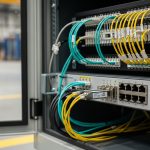
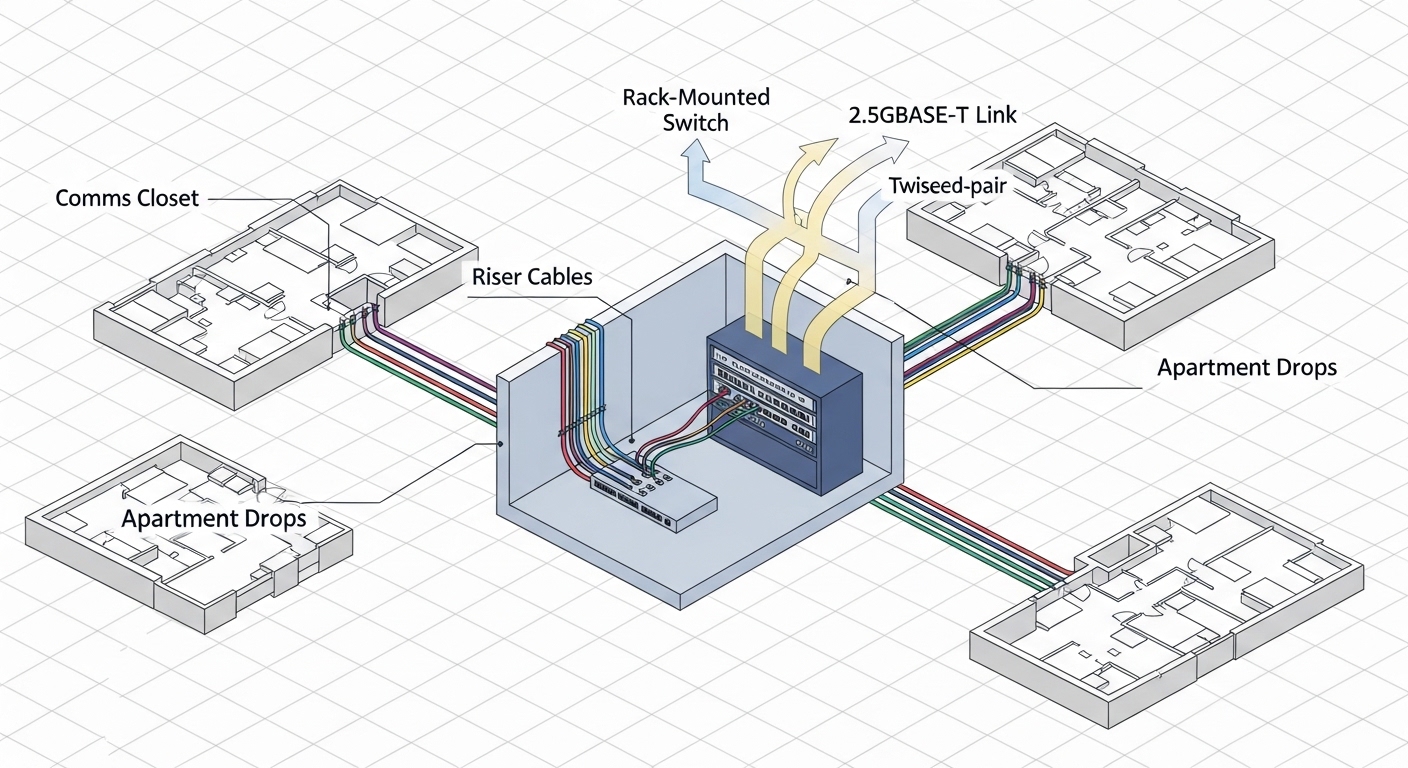
Consider an MDU rollout with a 3-tier access design: aggregation switches in a basement MDF, ToR-style access switches in each floor comms room, and customer CPE termination at apartment demarcation. In one pilot, a team used 48-port access switches with uplinks to aggregation, while each floor used copper patching to feed apartment drops. They targeted 2.5GBASE-T SFP on the access side to upgrade tenant throughput without replacing all cabling. Field measurements showed that links over Cat6 patching and short jumpers stabilized at full speed, while runs with older Cat5 segments negotiated down or produced higher CRC error rates.
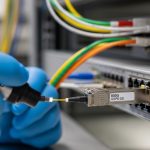
Operationally, the team standardized on a single transceiver part number across buildings to reduce variance. They also enforced patch panel hygiene: keeping cable lengths consistent, minimizing intermediate couplers, and limiting the number of patch cords between the transceiver and the wall outlet. When a tenant reported intermittent streaming stutter, the troubleshooting workflow used link error counters and transceiver diagnostics to identify a specific port and patch path, not just a “flaky device” assumption.
This is where governance matters: treat transceiver choice as a controlled configuration item with approved part numbers, firmware baselines, and cabling standards. If you allow mixed transceiver brands and mixed cable categories, your support effort will scale nonlinearly with the number of sites.
Selection criteria checklist for enterprise link reliability
Before you order, run the following checklist with your network engineering, procurement, and cabling teams. This reduces trial-and-error and prevents “works on my bench” failures in the field.
- Distance and cable category: confirm the planned run length and whether the path is Cat5e-only, mixed Cat5/Cat6, or includes additional patching. NBASE-T PHY equalization varies by module.
- Switch compatibility: verify that the host switch supports the transceiver part number and that the firmware version is approved for that module. Some platforms require a specific optics profile.
- Auto-negotiation behavior: test whether the link reliably negotiates 2.5G at the edge of the reach envelope, or whether it flaps during temperature swings.
- DOM or telemetry support: confirm what the host exposes (link status, error counters, alarms). Operational visibility is critical for MDU customer support SLAs.
- Operating temperature: measure cabinet ambient temperature and airflow. Choose transceivers with an appropriate grade for hot closets and summer peaks.
- Vendor lock-in risk: confirm whether third-party modules are supported by your host. If you must restrict to OEM parts, budget for it and plan spares accordingly.
- Power and thermal budget: validate total chassis consumption and ensure the switch can sustain module power under worst-case fan speeds.
- Change control: standardize part numbers, labels, and documentation so that port-to-customer mapping remains accurate during maintenance.
Pro Tip: In copper multi-gig deployments, “it links up” is not the success metric. Engineers often focus on sustained error-free traffic by monitoring CRC and packet discard counters over 24 to 72 hours, because marginal reach can look fine at boot but degrade under daytime temperature and higher noise from nearby plant equipment.
Common pitfalls and troubleshooting tips that save hours
Even well-designed systems fail when cabling realities diverge from design assumptions. Below are concrete failure modes seen during multi-gig copper rollouts, with root cause and a practical fix.
-
Pitfall: Port negotiates at 1G or flaps between 1G and 2.5G
Root cause: Excess insertion loss, poor termination, or patch cords with mismatched impedance characteristics.
Solution: Replace suspect patch cords, validate with a certified cable tester, and shorten the end-to-end path. Re-test at the planned patching configuration, not just the bare run. -
Pitfall: High CRC errors with stable link speed
Root cause: Alien crosstalk from bundled runs, damaged pairs, or a connector that passes link but fails signal integrity under load.
Solution: Check connector re-termination quality, inspect for kinks and untwisting, and move the run away from noisy bundles. Use interface counters to confirm improvement after each change. -
Pitfall: Works on one switch model but fails on another
Root cause: Host PHY and optics profile differences, including firmware enforcement of transceiver capabilities.
Solution: Use the host vendor compatibility list and test the exact transceiver part number on each switch model before scaling. Lock firmware versions during the rollout window. -
Pitfall: “Dead port” after hot swap or maintenance
Root cause: Transceiver not fully initialized or host port stuck in an error state after repeated link events.
Solution: Perform a controlled port reset, clear error state if the platform supports it, and replace the module if diagnostics show persistent fault. Document the sequence and timing for repeatability.
Cost and ROI note: budgeting beyond the module sticker price
Pricing varies by OEM versus third-party sourcing, volume, and temperature grade. In typical enterprise procurement, 2.5GBASE-T SFP modules may range from roughly tens to low hundreds of USD per unit depending on brand, warranty, and diagnostics support. The real ROI often comes from reducing fiber construction scope, fewer truck rolls for reroutes, and faster upgrades that avoid wholesale device replacement.
Total cost of ownership includes spares inventory, downtime risk, and support time. Third-party modules can lower unit cost, but only if your host platform reliably supports them and you maintain a tested compatibility matrix. For governance, treat transceivers as managed assets: record serial numbers, module type, approved firmware, and installation date, then correlate with field failure rates to refine future procurement decisions.
FAQ
Is a 2.5GBASE-T SFP really “SFP” in the same sense as fiber optics?
It uses the SFP form factor for insertion into compatible switch cages, but the physical medium is copper with an RJ-45 electrical interface. Always confirm that your host switch supports the specific electrical profile for multi-gig copper modules, not just the mechanical footprint.
What cabling should we standardize for 2.5G NBASE-T in an MDU?
Standardize on Cat6 end-to-end when possible, and ensure patch cords are certified for the same category. Mixed Cat5 segments can work in some cases, but reach and error performance become inconsistent across apartments.
How do we verify compatibility before mass deployment?
Use your switch OEM’s compatibility list and run a staged pilot on the exact switch models and firmware you plan to deploy. Validate not only link negotiation but also error counters under realistic traffic for multiple days.
Do we need DOM or telemetry for operations?
Yes, especially in MDU environments where support tickets are frequent. Telemetry helps you distinguish cabling issues from device issues and reduces mean time to repair by pointing to port-level fault states.
Can third-party 2.5GBASE-T SFP modules lower costs without increasing risk?
They can, but only if you test them against your host platforms and lock in approved part numbers. Governance should include a compatibility matrix, firmware baselines, and a rollback plan if error rates or link stability are worse than OEM modules.
What is the fastest troubleshooting workflow for a tenant complaint?
Start by checking port status, link speed, and interface error counters, then map the port to the patch path and replace the shortest suspect patch cord. After cabling changes, confirm stability over time rather than relying on a single instant test.
Choosing the right 2.5GBASE-T SFP for NBASE-T campus and MDU links is a reliability exercise, not just a procurement decision: validate compatibility, control cabling, and measure errors under load. If you are also planning upstream capacity and transceiver strategy, review 10G to 25G upgrade planning for campus access for an architecture-level approach to upgrade sequencing.
Author bio: I have deployed multi-gig access networks in enterprise closets and validated copper PHY stability with port error counters, not just link LEDs. I work at the intersection of network governance, costed architecture, and field-ready troubleshooting playbooks.