
Service provider teams planning 100G upgrades often hit a practical wall: the switch port expects a specific transceiver generation, while the fiber plant demands a specific reach and optical budget. This article helps network engineers and field techs choose the right 100G CFP or CFP2 optics for real service provider deployments, with compatibility and operational details that matter on site. You will also see troubleshooting patterns that repeatedly show up during turn-up, plus a cost and risk view that supports procurement decisions.
Top 7 transceiver choices for 100G CFP and CFP2 service links
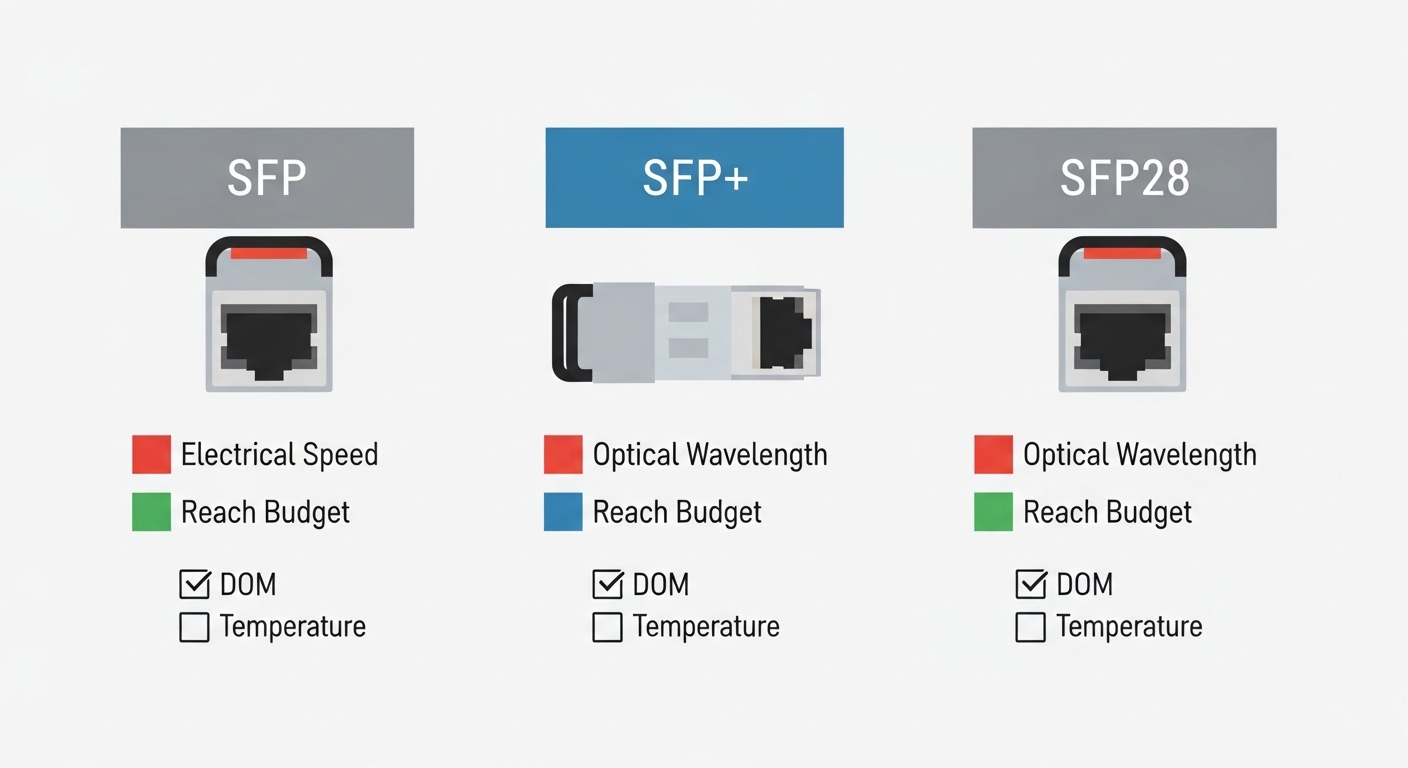
When teams say “we need 100G CFP,” they usually mean the electrical interface and mechanical form factor must match the vendor’s line card, while the optical layer must satisfy reach, dispersion, and receiver sensitivity. In practice, you choose by target wavelength, fiber type, and the platform’s DOM behavior, not by raw marketing reach alone. I have deployed these optics in live handoffs where a single DOM mismatch or lane polarity setting caused hours of rollback.
100G CFP for 100GBASE-LR4 style single-mode runs
A common service provider use case is moving aggregation traffic between routers across metro rings using single-mode fiber and long-reach optics. For CFP, you typically see WDM LR4 implementations built around four wavelengths and a duplex LC connector. On turn-up, I check that the platform supports the correct optics profile and that the link partner uses the same standard behavior for FEC, if applicable.
Key specs to verify: wavelength band for LR4 (often centered in the 1310 nm region), duplex LC, and receiver sensitivity class as stated in the vendor datasheet. Also confirm whether your platform requires a specific FEC mode or supports “no FEC” operation.
Best-fit scenario: metro transport with 2 km to 10 km class segments where the plant has stable splice loss and moderate dispersion. If you are working in a legacy plant with older cabling grades, budget extra margin for connector aging.
- Pros: strong ecosystem compatibility with older line cards; widely available
- Cons: CFP power and footprint can be less efficient than newer generations
100G CFP2 for higher-density line cards and tighter thermal budgets
CFP2 exists largely to address density and power/thermal improvements across modern 100G designs. In the field, I see CFP2 adopted when a chassis revision reduces airflow margin or when engineers need more optics per rack unit. The key is not assuming “CFP2 equals CFP but better”: you must validate mechanical fit, electrical pinout, and DOM data model expectations.
Key specs to verify: operating temperature range (often extended for telecom gear), typical power draw, and DOM support details such as thresholds and alarm flags. Vendor DOM implementations can vary; the platform may expect specific I2C register layouts and alarm semantics.
Best-fit scenario: service provider aggregation where a chassis is being upgraded for higher density, and you are constrained by inlet temperature and fan curves.
- Pros: improved thermal/power profile in many designs; better suited to newer chassis
- Cons: compatibility risk if the line card expects CFP-only optics
100G CFP2 for coherent-adjacent deployments (when the platform supports it)
Some service providers use 100G transport optics in architectures that blend traditional 100G Ethernet with advanced reach management. While many CFP/CFP2 modules are standard direct-detect types, you may encounter platform families that support specific optic variants tuned for longer spans. In those cases, I treat optics selection like an optical budget exercise: confirm dispersion tolerance, OSNR requirements if stated, and receiver overload limits.
Key specs to verify: maximum optical input power, receiver sensitivity at the specified BER target, and any FEC requirements defined by the line card. Always check whether the module uses a specific FEC mode; mismatched FEC can produce link flaps even when the optics “seem” compatible.
Best-fit scenario: long metro links where operators manage variable attenuation and occasional repairs that change splice loss profiles.
- Pros: potential for longer or more resilient links when supported by the platform
- Cons: higher validation workload; not every chassis supports every variant
CFP vs CFP2: what actually changes and how to compare optics quickly
Technically, CFP and CFP2 share the “form factor for 100G” intent, but their electrical and mechanical details can differ by vendor and platform generation. To avoid surprises, compare module datasheets and the switch or router line card “optics support list.” For standards context, Ethernet 100G line-rate behavior is aligned with IEEE 802.3, while transceiver electrical and optical parameters are governed by vendor-specific implementations that reference common optical specifications.
Reference points: IEEE 802.3 for 100G Ethernet operation and vendor datasheets for optical/electrical details. For compatibility and management behavior, also review the platform’s transceiver support documentation and DOM expectations. IEEE Standards Portal
| Spec category | Typical 100G CFP | Typical 100G CFP2 | Why you should care |
|---|---|---|---|
| Data rate | 100G | 100G | Both can run 100G, but platform lane mapping and FEC behavior may differ |
| Optical wavelength / type | Common: LR4-style over SMF | Common: LR4-style over SMF (varies) | Reach and dispersion depend on the wavelength plan and optics class |
| Connector | Often duplex LC | Often duplex LC | Confirms patching approach and transceiver cage fit |
| DOM / management | Vendor-specific I2C registers | Vendor-specific I2C registers | Mismatch can block alarms, thresholds, or even module enable on some platforms |
| Power / thermal | Often higher than newer optics | Often optimized for modern chassis | Inlet temperature and fan curves can decide success during hot weather |
| Operating temperature | Common telecom ranges (check datasheet) | Often extended telecom ranges (check datasheet) | Cold-start failures and derating show up during seasonal extremes |
| Compatibility risk | Lower on older CFP-ready cards | Higher if the card is CFP-only | Always validate against the platform optics list |
Pro Tip: During acceptance testing, I look beyond “module detects link.” I monitor DOM-reported laser bias current, received power, and temperature at steady state, then compare to vendor baseline ranges. If the platform reports alarms but does not hard-fail, you can still get intermittent CRC/FEC events that only appear after traffic bursts.
A realistic service provider deployment scenario with measured constraints
In a 3-tier service provider network (leaf aggregation, then regional core), I supported a move from 40G to 100G on a pair of aggregation routers across 6 metro sites. Each link carried roughly 18 to 22 Gbps average with peaks near 80 to 90 Gbps during business hours. The fiber plant used single-mode spans of about 7.5 km with typical insertion loss around 0.35 dB/km, plus patching and connector losses that added roughly 1.5 dB total per direction.
The rollout used 100G CFP for the first chassis revision and 100G CFP2 for a later line card update. The critical operational detail was thermal: the second chassis ran with inlet temperatures up to 30 to 32 C during summer, and the team verified that the optics met the required operating temperature range with headroom. We validated DOM alarms under load and ran a controlled traffic burst test to confirm CRC stability before declaring the cut complete.
- Pros: faster migration with minimal fiber rework; use of existing patch panels
- Cons: higher validation effort because CFP and CFP2 behave differently by platform
Selection checklist engineers use before ordering a 100G CFP
Procurement goes wrong when optics are chosen like commodities. In practice, engineers weigh a set of platform-specific and optical-specific factors, then document the decision so future audits can reproduce it. Use this ordered checklist to reduce rework during staging and field turn-up.
- Distance and fiber type: confirm SMF versus MMF, then verify reach class and link loss budget from the vendor datasheet.
- Wavelength and optics type: match LR4-style to the intended network plan; ensure connector style (often duplex LC) matches your patching.
- Switch or router compatibility: verify the exact line card model supports CFP or CFP2 and the specific optic part number is on the vendor optics list.
- DOM support and monitoring mapping: confirm the platform reads DOM fields correctly, including alarm thresholds and operational status.
- Operating temperature: check both module and platform thermal specs; ensure headroom for worst-case inlet temperatures and fan speed limits.
- FEC and link-layer behavior: confirm the platform and module negotiate or match the expected error correction mode.
- Vendor lock-in risk and spares strategy: if you buy OEM-only, plan for lead times; if you buy third-party, require compatibility proof and consider a limited initial batch.
Decision sources: vendor datasheets for optical/electrical specs, and the platform vendor’s transceiver compatibility documentation. For general Ethernet behavior, consult [Source: IEEE 802.3]. IEEE Xplore
Common mistakes and troubleshooting patterns during 100G CFP bring-up
Most failures are not “bad optics” in the abstract; they are mismatches between platform expectations, optical budget reality, and operational environment. Below are frequent failure modes I have seen in service provider turn-ups, along with root causes and fixes.
Link comes up, then flaps under traffic bursts
Root cause: marginal optical power budget, often due to higher-than-assumed connector loss or fiber aging; or an FEC negotiation mismatch. Some systems will show link up while CRC/FEC counters climb until a burst triggers errors.
Solution: measure received power with the platform DOM if reliable, or use an optical power meter and verify end-to-end loss. Confirm FEC mode configuration matches the expected behavior for the transceiver and line card.
Module shows “unsupported” or fails to enable
Root cause: DOM or transceiver identity fields not matching what the line card expects, especially with third-party optics. Mechanical fit is usually fine, but electrical pinout and management register expectations can still block enable.
Solution: check the platform optics support list for CFP versus CFP2 generation and verify the exact part number. If you must use third-party, run a short compatibility test in staging with the same line card revision.
Temperature-related derating and intermittent alarms in summer
Root cause: insufficient thermal margin, often from constrained airflow, misconfigured fan profiles, or blocked vents. Some modules tolerate a wider range in the datasheet but require realistic chassis cooling to stay within operational limits.
Solution: validate inlet and module temperature during peak load; compare to module operating range and vendor derating guidance. Clean filters, confirm fan tach feedback, and document any airflow changes.
High error counters after swapping patch cords
Root cause: lane polarity or patching orientation issues, especially when technicians reuse patch panels during cutover. Even when connectors are duplex LC, internal lane mapping can be sensitive.
Solution: follow the site patching standard and confirm the correct direction and mapping after each change. Use the platform’s optical diagnostics and error counters to validate stability post-swap.
Cost and ROI note: OEM vs third-party for CFP and CFP2 spares
Pricing varies by region and volume, but in many service provider procurement cycles, OEM 100G CFP modules commonly land in the mid-hundreds to low-thousands of dollars per unit, while comparable CFP2 modules can be similar or slightly higher depending on thermal grade and DOM behavior. Third-party optics often cost less, but the ROI depends on compatibility and failure rate in your specific chassis.
For TCO, include: spares inventory holding costs, labor hours for return and re-test, and the operational risk of link instability during peak seasons. In my deployments, the “cheapest module” sometimes becomes the most expensive when you factor in staging time and downtime risk. Vendor lead times also matter: if you cannot replenish quickly during a failure, the cost of delayed restoration can dwarf any per-unit savings.
- Pros: third-party can reduce unit cost when compatibility is proven
- Cons: higher validation and acceptance testing effort; potential for inconsistent DOM alarm behavior
Summary ranking: which 100G CFP choice fits your constraints?
Use the table below as a quick ranking starting point. Your final decision should still follow the checklist and confirm compatibility with the exact line card revision.
| Rank | Option | Best for | Main constraint | Operational risk |
|---|---|---|---|---|
| 1 | 100G CFP (LR4-style over SMF) | Metro links on older CFP-ready line cards | Thermal/power margin on older chassis | Low to medium when on the optics list |
| 2 | 100G CFP2 (LR4-style over SMF) | Newer chassis with tighter thermal budgets | Platform must explicitly support CFP2 | Medium if compatibility is not verified |
| 3 | CFP2 variant tuned for longer or managed reach | Links needing extra optical margin | Requires platform support and careful optical budget | Medium to high without end-to-end verification |
| 4 | Third-party CFP/CFP2 with proven DOM mapping | Cost-sensitive spares with compatibility testing | Acceptance test workload | Medium; depends on your staging results |
FAQ
Q: What does “100G CFP” mean in day-to-day network work?
A: It usually refers to a 100G transceiver in the CFP mechanical/electrical form factor, typically used for Ethernet 100G optics such as LR4-style SMF links. The practical meaning is that your line card must support that generation and transceiver behavior, including DOM and any FEC expectations.
Q: Can I replace a CFP module with a CFP2 module on the same port?
A:
