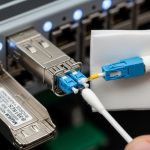
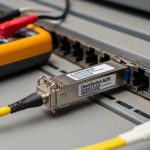
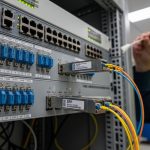
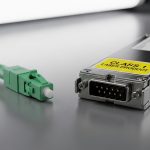
I have swapped optics in production racks at midnight while an AI training cluster stalled on a link flap. This article helps network and infrastructure engineers choose fiber transceivers that support workload optimization for modern AI workloads—where latency, link stability, and deterministic throughput matter. You will get practical selection criteria, a spec comparison table, and troubleshooting notes grounded in IEEE Ethernet optics behavior.
Why AI traffic punishes “almost compatible” optics
AI clusters tend to use east-west traffic patterns: many-to-many flows between GPUs, storage, and parameter servers. In a 3-tier leaf-spine fabric, a single transceiver mismatch can trigger intermittent CRC errors, escalating retransmissions and inflating job completion time. The practical result is that “it usually works” optics degrade workload optimization by increasing effective latency and reducing usable bandwidth. The failure modes often look like congestion, but the root cause is optical layer marginality or PHY-level interoperability.
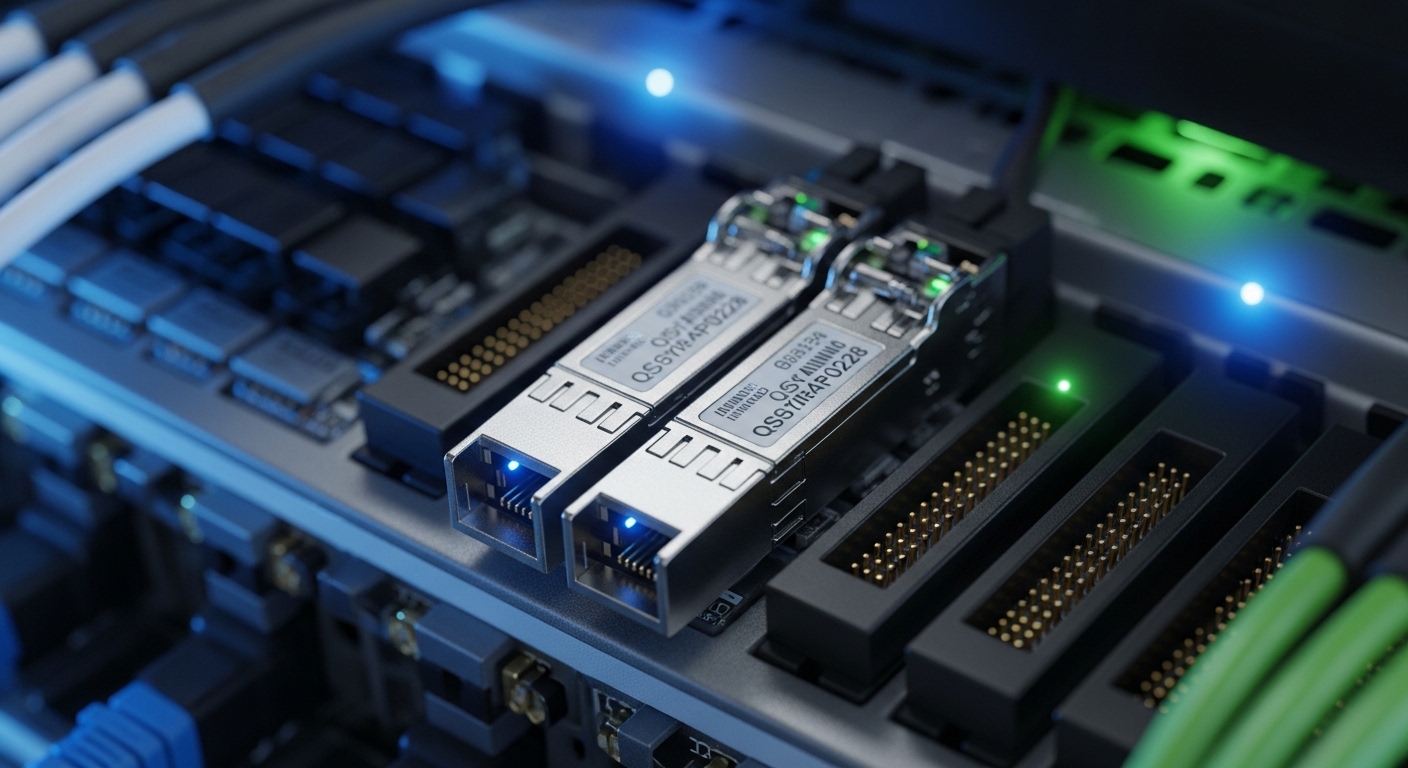
At the standards level, Ethernet optics rely on IEEE 802.3 link specifications and vendor implementations of SFP/SFP+ and QSFP form factors. For example, 10GBASE-SR is defined in IEEE 802.3, while 25GBASE-SR, 40GBASE-SR, and 100GBASE-SR variants follow their respective clauses. Your transceiver must match not only the data rate (10G/25G/40G/100G) but also the reach class, optical wavelength, and connector type.
Transceiver spec choices that directly affect throughput
Start with the optics class that fits your fiber plant. In data centers, short-reach multimode links dominate because they reduce cost and cabling complexity. The most common choices are SR (multimode) and LR/ER (single-mode), with SR using nominal wavelengths around 850 nm for multimode.
| Target | Example module | Wavelength | Typical reach (MM/SM) | Connector | Power class (typical) | Operating temp | Notes for AI links |
|---|---|---|---|---|---|---|---|
| 10G SR | Cisco SFP-10G-SR or Finisar FTLX8571D3BCL | 850 nm | MM up to ~300 m (50/125) or ~400 m (OM3 class varies) | LC | ~0.7–1.0 W | 0 to 70 C (commercial) or wider for extended variants | Good for top-of-rack to ToR aggregation |
| 25G SR | FS.com SFP-25G-SR-S | 850 nm | MM up to ~70–100 m (OM4 typical) | LC | ~1.0–1.5 W | 0 to 70 C (or extended) | Common for newer GPU leaf links |
| 40G SR | Generic QSFP+ SR (vendor-specific) | 850 nm | MM up to ~100–150 m (OM4 class) | LC | ~3–4 W | 0 to 70 C | Useful for aggregation stages |
| 100G SR | FS.com QSFP28-100G-SR4 or Finisar 100G SR4 variants | ~850 nm (SR4 parallel lanes) | MM up to ~100 m (OM4 typical) | LC | ~6–8 W | 0 to 70 C | High density but tighter optics margins |
When you size reach for AI workload optimization, do not use the “paper maximum.” In the field, I plan for margin: connector insertion loss, patch panel aging, and fiber skew. If your link budget allows 100 m but your measured loss is near the limit, you will see higher bit error rates under temperature swings. That can trigger link renegotiation events that interrupt training pipelines.
Pro Tip: If you are seeing sporadic CRC counters rising on only one side of a link, treat it as an optical power budget issue first. Measure with an OTDR or at least verify MPO/LC cleanliness and insertion loss; PHY tuning rarely fixes marginal receive sensitivity.
Deployment scenario: leaf-spine with GPU east-west traffic
In one environment I supported, a GPU cluster used a leaf-spine topology with 48-port 25G ToR switches feeding a spine tier. The leaf-to-leaf and leaf-to-storage paths were built around OM4 multimode fiber with LC patching, targeting 50–70 m average reach including patch panels. We standardized on 25G SR optics for the leaf uplinks and 100G SR4 for spine interconnects where cabling stayed under the OM4 reach class.
Operationally, we verified compatibility using the switch vendor’s transceiver matrix, then validated link behavior by monitoring interface counters during a controlled training run. We tracked CRC, FCS, and link state transitions every 30 seconds while running a workload that generated sustained east-west traffic. The optimized outcome came from eliminating “gray market” optics that lacked consistent DOM reporting; we needed accurate TX/RX power telemetry to catch drift early.
Selection checklist engineers actually use
Use this ordered list to reduce surprises during rollout and keep workload optimization intact during scaling events.
- Distance and fiber type: Confirm OM3/OM4/MMF vs OS2/SMF, then target measured loss—not just nominal reach.
- Data rate and interface type: Match 10G/25G/40G/100G and form factor (SFP, SFP+, QSFP+, QSFP28).
- Switch compatibility: Check the vendor transceiver support list for your exact switch model and firmware.
- DOM support and telemetry: Prefer modules with reliable Digital Optical Monitoring (DOM) so you can alert on TX power and bias current trends.
- Operating temperature and airflow: Validate transceiver temperature range and ensure front-to-back airflow matches the vendor guidance.
- Vendor lock-in risk: OEM optics can be pricier; third-party can work, but plan for qualification and RMA pathways.
- Connector cleanliness and patching plan: For dense 100G SR4, enforce MPO/LC cleaning SOPs and label every patch.
Common pitfalls and troubleshooting tips
1) Wrong reach class for the real link budget
Root cause: Patch panel loss, dirty connectors, and aging push the link beyond receiver sensitivity.
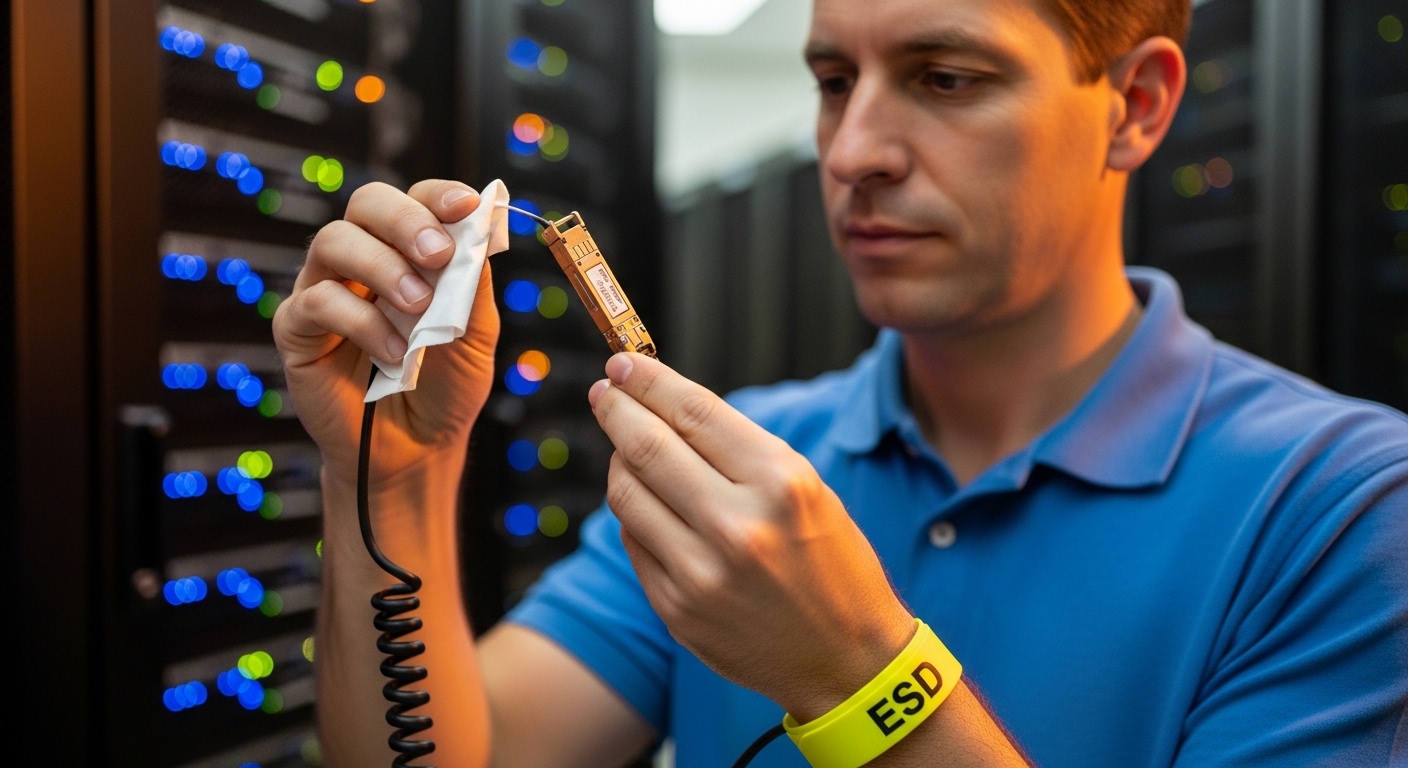
Solution: Measure insertion loss end-to-end, clean connectors, and keep operational margin (I target at least 3–5 dB of headroom where practical).
2) “Works on day one” but fails under thermal load
Root cause: Modules operating near the temperature limit show drift in TX power or RX sensitivity, increasing errors.
Solution: Confirm the module temperature rating and airflow design; validate during peak rack load, not just at idle.
3) DOM mismatch breaks monitoring or alerts
Root cause: Some third-party optics report values differently or only partially support diagnostic pages, confusing automation.
Solution: Require DOM compatibility during qualification; test with your monitoring stack and confirm thresholds for bias current and optical power.
4) Interface incompatibility after switch firmware changes
Root cause: PHY behavior and optics qualification logic can change across releases.
Solution: Stage firmware updates, re-run link tests, and keep a known-good optics inventory for rollback.
Cost and ROI: what you should budget
In 2026 pricing I have seen in enterprise procurement, OEM optics often run higher—commonly $300–$900 per unit depending on speed and reach—while qualified third-party modules can be meaningfully less, sometimes 20–40% lower. The ROI is not just unit price: if poor compatibility increases downtime or slows training runs, the cost of delayed experimentation dwarfs the optics savings. For TCO, include spares, cleaning supplies, qualification time, and RMA handling. In AI-heavy environments, I treat optics qualification as a reliability project, not a purchasing line item.
FAQ
Do I need multimode SR optics for AI workloads, or can I use single-mode?
It depends on your fiber plant and distance. Multimode SR at 850 nm is common for short GPU leaf links, while single-mode LR/ER suits longer runs and higher reach. Either can support workload optimization if the link budget and compatibility are validated.
How important is DOM telemetry for day-to-day operations?
DOM is very useful for proactive maintenance: TX power drift, bias current changes,