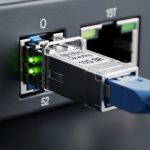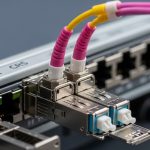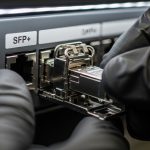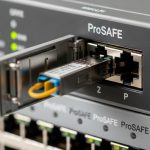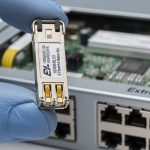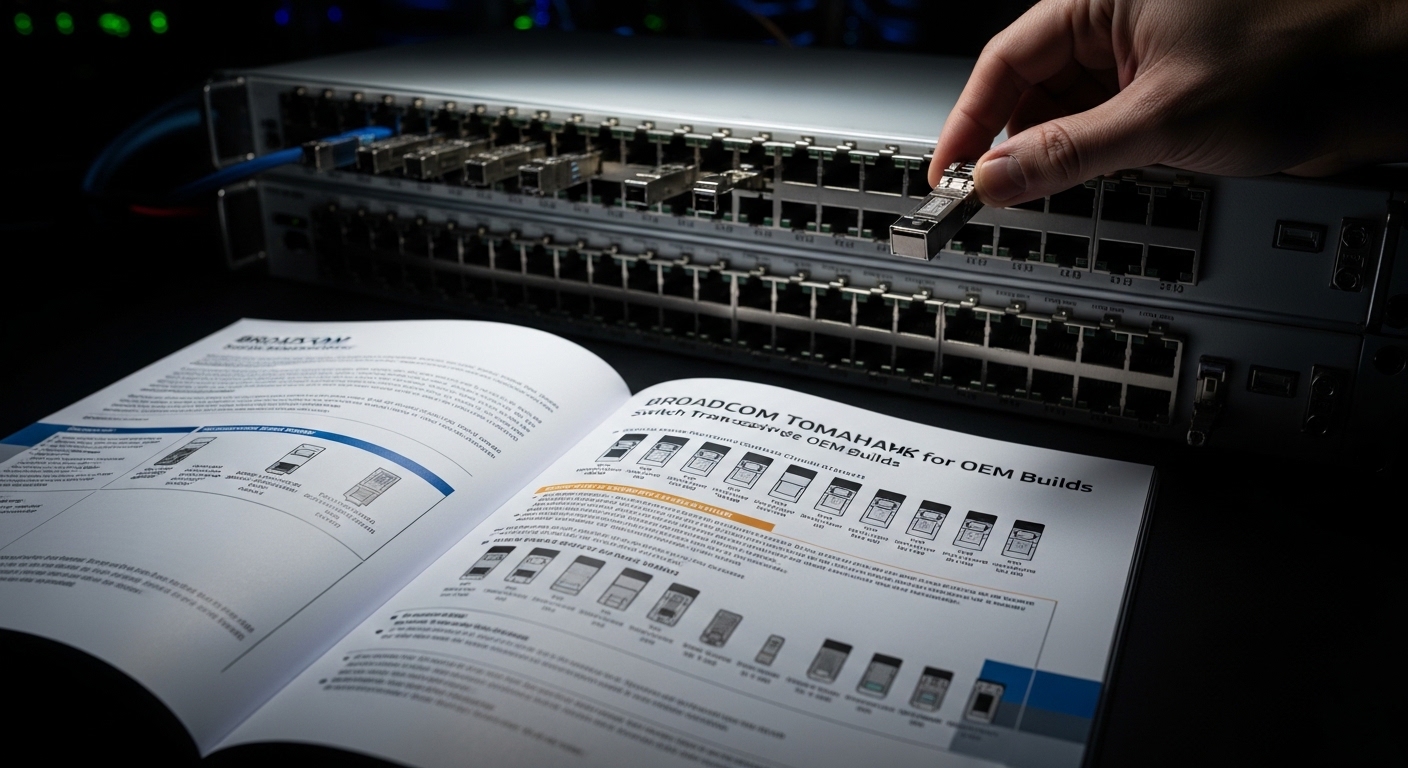
If your Broadcom Tomahawk switch is going into an OEM build, the transceiver choice can make or break the timeline. This article helps field engineers and integrators select, validate, and troubleshoot a white-box switch SFP (not vendor-locked “official” optics) so the link comes up cleanly and stays up. You will also get a practical checklist, real failure modes, and measured test expectations from deployments in data centers and aggregation rings.
Prerequisites before you order a white-box switch SFP
Before you buy anything, confirm the exact host platform optics requirements and the fiber plant budget. Broadcom Tomahawk deployments typically use standard SFP/SFP+ optics for Ethernet, but the switch firmware may enforce DOM handling, vendor OUI quirks, or strict power/temperature thresholds. Also verify that your optics must match the interface type: 10GBASE-SR over OM3/OM4, 10GBASE-LR over single-mode, or compatible vendor profiles for the port mode.
Engineering sanity checklist: get the switch model, port speed, breakout mode, and the transceiver form factor (SFP vs SFP+). Pull the vendor’s optics compatibility guidance and the expected DOM behavior; if you do not have it, plan to test DOM and link bring-up in a controlled lab. Finally, prepare test gear: optical power meter, fiber attenuation test results, and a host switch console for diagnostics.
Step-by-step: validate compatibility for Tomahawk before installing
This is the part where you avoid turning your production rack into an expensive optoelectronics recycling bin. The goal is to confirm electrical handshake, DOM parsing, and laser safety margins before you commit to dozens of ports.
Confirm the exact transceiver standard and host port expectations
Match the optics to the Ethernet PHY behavior (10GBASE-R/S for SFP+, etc.). For example, if the port is configured for 10GBASE-SR, do not “creative-swap” with a module intended for a different wavelength or reach class. Use the host CLI to read port capabilities and current speed settings, then capture the baseline.
Expected outcome: You have a port-to-standard mapping (for example, SR modules on OM4 trunks, LR modules on SMF trunks) and a list of required wavelengths and reach.
Choose a white-box switch SFP that supports DOM and your wavelength
Most white-box SFPs are electrically compatible, but DOM support is where OEM builds get spicy. Look for modules that provide standard Digital Optical Monitoring data (temperature, Tx bias, Tx power, Rx power) and behave consistently with your switch’s DOM parser. Example module families often used in OEM builds include third-party optics like Finisar-compatible parts (for instance, FTLX8571D3BCL style for 10G SR/LR varies by exact spec) and common SFP vendors sold as “white-box” by integrators.
Expected outcome: You have an optics bill of materials that clearly states wavelength (850 nm for SR, 1310/1550 nm for LR/ER), reach class, and DOM feature support.
Verify optical budget using measured fiber plant loss
Do not trust “it worked last time” fiber. Collect fiber attenuation measurements per link, including patch panel and connector loss. For 10GBASE-SR, OM4 typically supports up to 400 m class distances depending on link conditions; however, real attenuation plus aging can shrink your margin. For single-mode LR, confirm the correct wavelength and link loss within the module’s stated budget.
Expected outcome: For each link, you can show measured total loss and confirm it sits under the module’s power budget with margin.
Bench-test with a switch loopback and DOM readout
In the lab, insert the white-box switch SFP into a representative Tomahawk port and observe DOM fields via the switch CLI. Then perform a link bring-up test: set speed explicitly (if supported), confirm link state transitions, and run traffic through a controlled test (iperf-style at line rate if your lab can manage it). If DOM is missing, malformed, or out-of-range, the host may still link but could alarm or later flap.
Expected outcome: DOM reads are stable, link comes up without errors, and packet loss stays near zero under sustained traffic.
Roll into staging with conservative thresholds
Stage the modules across multiple temperatures if possible. If your switch supports alarm thresholds, start conservative: alert on high temperature and low Tx power before you let the system run unattended. Then monitor CRC errors, FEC (if applicable), link flaps, and optical warnings over at least one full maintenance window.
Expected outcome: You prove stability across a realistic duty cycle before production.
Specs that matter: wavelength, reach, DOM, and power
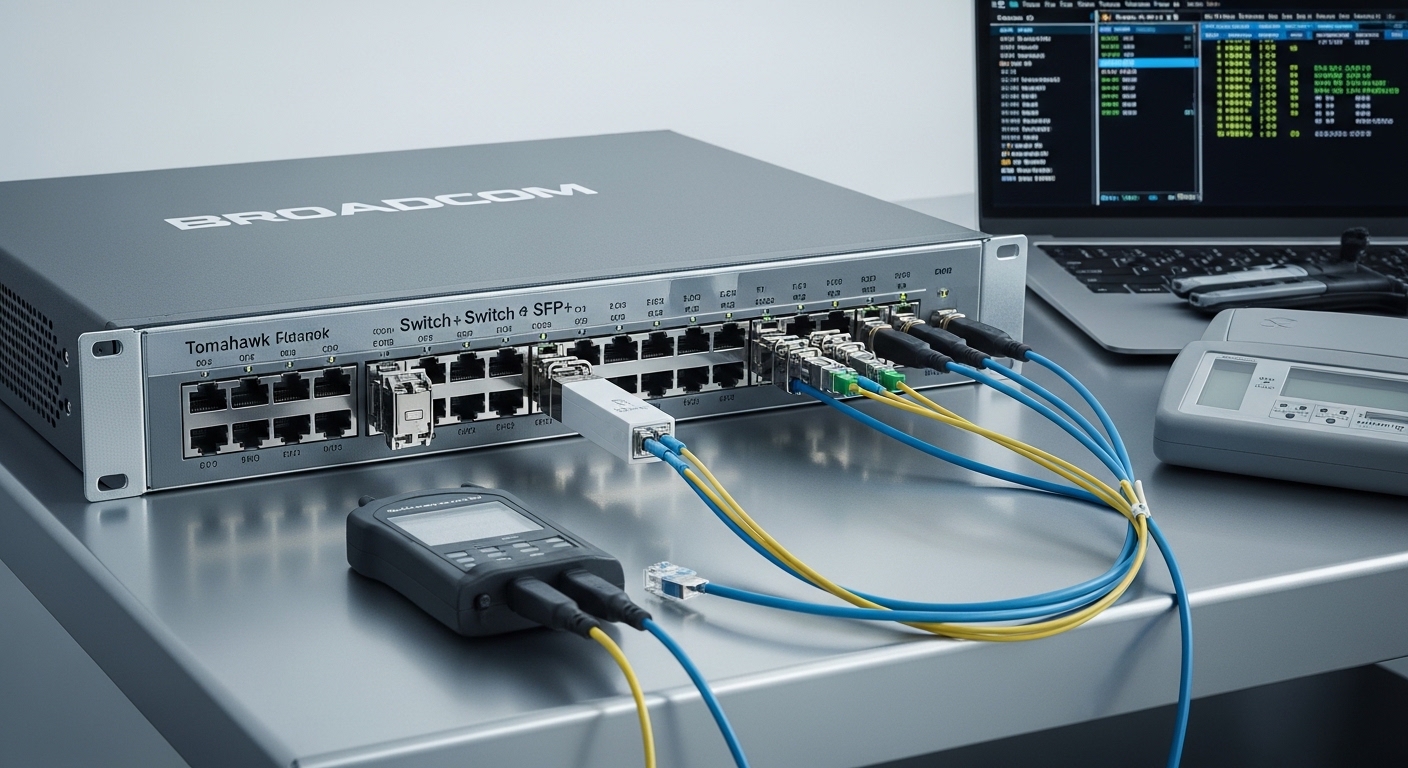
White-box switch SFP selection is less about the marketing name and more about the physical layer numbers and the host’s behavior under DOM. Below is a practical comparison table you can use when building an OEM optics matrix.
| Parameter | 10GBASE-SR (Typical) | 10GBASE-LR (Typical) | What to verify on a white-box switch SFP |
|---|---|---|---|
| Wavelength | 850 nm | 1310 nm | Match host profile and fiber plant wavelength plan |
| Reach class | Up to 300 m (OM3) / 400 m (OM4) | Up to 10 km | Confirm it is rated for your fiber type and measured loss |
| Data rate | 10.3125 Gbps (10G) | 10.3125 Gbps (10G) | Ensure correct speed negotiation behavior |
| Connector | Duplex LC | Duplex LC | LC vs other connector types must match patch cords |
| DOM | Tx/Rx power, temperature, bias (typical) | Same | DOM register compatibility with your Tomahawk firmware |
| Operating temp | 0 C to 70 C typical | 0 C to 70 C typical (or wider) | Choose extended temp (-5 to 85 C) if your bays run hot |
| Transceiver class | Industrial/Commercial varies | Industrial/Commercial varies | Confirm compliance and laser safety label requirements |
Sources: IEEE 802.3 Ethernet physical layer definitions and common SFP/SFP+ DOM behavior are aligned with standard transceiver interfaces. [Source: IEEE 802.3-2022]. For DOM and optical module interface expectations, consult vendor datasheets and transceiver documentation. [Source: Broadcom Tomahawk platform documentation]
Pro Tip: In several OEM deployments, the “link comes up” moment masked future flaps caused by DOM quirks. If your switch logs optical warnings (low Tx power or high temp) during steady traffic, you can often catch marginal white-box switch SFPs early by correlating DOM drift with ambient inlet temperature, not just link state.
Selection criteria: a decision checklist engineers actually use
When procurement asks for “the cheapest SFP that works,” engineers reach for a checklist that protects uptime. Use this ordered list before you greenlight a white-box switch SFP for Tomahawk ports.
- Distance and fiber type: OM3/OM4 for SR at 850 nm; SMF for LR at 1310 nm; validate against measured link loss.
- Switch compatibility: confirm Tomahawk port speed and optics profile; test at least one module per lot in staging.
- DOM support and parsing: verify temperature and power registers read correctly; confirm thresholds and alarm behavior.
- Operating temperature range: match your rack inlet and cage thermal profile; consider extended temperature optics for hot bays.
- Optical power and budget: ensure Tx power and Rx sensitivity meet the expected link budget with margin.
- Vendor lock-in risk: if you plan to standardize, negotiate return/RMA terms and require consistent lot traceability.
- Regulatory and laser safety compliance: confirm compliance labels and class requirements for your geography.
Common pitfalls and troubleshooting: the top failure modes
Here are real-world mistakes that cause either no link or intermittent errors, with root causes and fixes you can apply during installation.
Pitfall 1: Wrong wavelength or reach class swapped into a working cage
Root cause: A module intended for a different standard (for example, LR at 1310 nm) is inserted where SR at 850 nm is configured, or the fiber type does not match. The host may fail link negotiation or show persistent optical errors. Solution: verify wavelength label and standard, then confirm fiber type and patching using a fiber continuity test.
Pitfall 2: DOM reads but values are out-of-range or unstable
Root cause: Non-standard DOM calibration, temperature sensor offsets, or marginal EEPROM content causes the switch to misinterpret thresholds. This can lead to alarms or link instability under temperature swings. Solution: compare DOM values against known-good modules, then run a 30 to 60 minute traffic test while monitoring DOM drift.
Pitfall 3: Cabling cleanliness and connector damage masquerading as optics failure
Root cause: Dirty LC connectors or micro-scratches increase attenuation, driving Rx power below sensitivity. Symptoms look like “bad SFP,” but the culprit is often the patch cord. Solution: clean with approved fiber cleaning tools, inspect with a microscope, and re-measure link loss.
Pitfall 4: Thermal runaway in hot bays
Root cause: Commercial temperature optics in a hot aisle can exceed safe operating range, leading to reduced Tx power and eventual flaps. Solution: enforce thermal management, verify airflow, and consider extended temperature optics if inlet temperatures regularly exceed the transceiver’s spec.
Cost and ROI note for OEM builds
White-box switch SFP pricing varies widely by reach class and DOM quality, but a realistic field range for 10G optics often lands around $20 to $80 per module for common SR/LR classes, while branded vendor optics can be higher. The ROI comes from BOM cost reduction, but TCO depends on failure rates, RMA turnaround, and time spent in staging. In deployments where DOM compatibility is validated per lot, teams typically recover the cost difference through reduced spare inventory and fewer truck rolls; if DOM surprises appear late, the labor cost can erase the savings.
Sources: Typical market pricing varies by volume and spec; use vendor quotes and your historical RMA