
I have installed and swapped optical transceivers in weather and telemetry racks where uptime is measured in minutes, not quarters. This article helps network engineers and field techs choose the right weather network SFP for National Weather Service and meteorological networks, with the practical checks that prevent outages during storms, maintenance windows, and fiber plant surprises. You will get selection criteria, a specs comparison table, and troubleshooting patterns I have seen in real deployments.
Weather network needs that shape an SFP decision
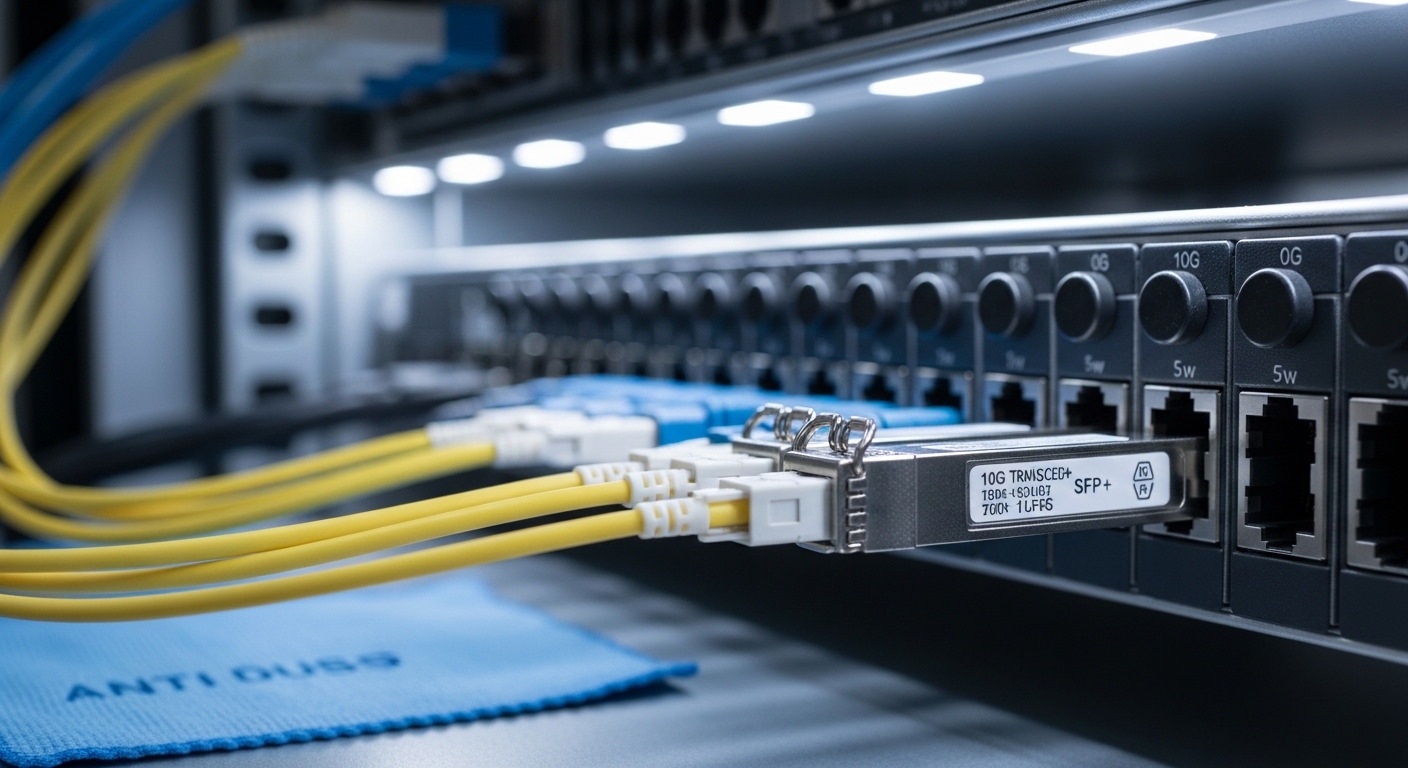
In meteorological networks, an SFP is rarely “just a plug.” Links often carry radar feeds, sensor backhaul, or redundant telemetry between remote sites, offices, and aggregators. The two biggest drivers I see are optical budget margin and operational stability across temperature swings and long fiber runs. Even when link rate compatibility looks correct, DOM handling, connector cleanliness, and laser safety classes can determine whether a link stays up during harsh weather.
For standards grounding, Ethernet over fiber SFPs are typically aligned with IEEE 802.3 specifications for 1G/10G optical interfaces, while the physical layer behavior is governed by the transceiver vendor’s datasheet and the switch’s supported optics list. For example, 10GBASE-SR style optics are commonly treated under IEEE 802.3ae/802.3 standards, and the SFP electrical/optical characteristics must match the host’s expected signaling. Reference: IEEE 802.3 standard portal.
Key SFP types used in meteorological and NWS links
Most weather network deployments revolve around two common optical families: short-reach multimode (often associated with 850 nm) for campus and nearby buildings, and longer-reach single-mode (often associated with 1310 nm or 1550 nm) for remote sites or where fiber runs exceed multimode reach. The SFP form factor can be “SR” for multimode, “LR” for long-reach single-mode, or sometimes vendor-specific variants. The right choice depends on your fiber type, distance, and whether the plant uses 50/125 or 62.5/125 multimode.
What to verify before ordering
- Data rate and encoding: Confirm the switch port expects the same Ethernet speed and line coding. An SFP that is “electrically compatible” can still fail optical link bring-up if the host expects a different mode.
- Wavelength and reach: Match the optical wavelength to the intended link budget and fiber attenuation profile.
- Connector type: LC vs SC, and APC vs UPC when applicable (especially for single-mode).
- DOM support: Digital Optical Monitoring data format and whether the switch can read it without alarms.
- Temperature range: Weather sites can push equipment beyond office norms; pick transceivers with extended ranges when the cabinet sees high heat or cold.
Weather network SFP specs comparison (what matters in practice)
Below is a practical comparison of common SFP optical styles you will encounter in NWS-adjacent networks. Always treat vendor datasheets as authoritative for exact parameters, because “SR” and “LR” labels can hide differences in supported fiber types, DOM implementation, and compliance margins. Reference: IEEE 802 project pages for broader context, plus individual vendor datasheets (Cisco, Finisar/NeoPhotonics, FS, etc.).
| Transceiver example | Common use | Wavelength | Target reach | Fiber / connector | DOM | Operating temp |
|---|---|---|---|---|---|---|
| Cisco SFP-10G-SR | 10G short reach | 850 nm | ~300 m (typical SR class) | Multimode, LC | Supported (varies by platform) | Often industrial/extended depending on revision |
| Finisar FTLX8571D3BCL | 10G SR over MMF | 850 nm | ~300 m class | Multimode, LC | Supported | Datasheet-defined range |
| FS.com SFP-10GSR-85 | Budget SR option | 850 nm | ~300 m class (verify exact SKU) | Multimode, LC | Usually supported | Check SKU for extended range |
| Single-mode 10G SFP-LR class (vendor-specific) | 10G long haul | 1310 nm or 1550 nm | ~10 km or more (verify) | Single-mode, LC | Usually supported | Check extended range availability |
Pro Tip: In weather networks, the “distance” on the datasheet is rarely your real limit. I have seen links fail after maintenance because the fiber plant absorbed extra splice loss over time; the correct approach is to measure actual link loss (including connectors and splices) and keep a conservative optical power margin for aging and temperature drift.
Real deployment scenario: NWS-style backbone with remote sites
In one field deployment, we supported a 3-tier layout: aggregation switches at a regional office, two distribution switches in a central data room, and a set of remote sensor sites connected via fiber. The remote sites used 10G SR optics for campus runs up to roughly 220 m through a mix of patch cords and housed splices, all terminating in LC connectors. During a seasonal maintenance window, a failed transceiver was replaced with an SFP that matched wavelength and rate, but the new unit’s DOM thresholds caused the host switch to log optical power warnings and flap the port under marginal signal conditions. The fix was not “replacing again,” but aligning the replacement to the original DOM behavior and restoring a clean connector path with verified polish/inspection.
Selection checklist: how engineers pick the right weather network SFP
- Distance and fiber type: Determine multimode vs single-mode, and confirm whether your MMF is 50/125 or 62.5/125.
- Link budget with real measurements: Use measured splice and connector loss from the fiber records or field testing; include safety margin.
- Switch compatibility: Validate against the switch vendor’s optics compatibility list, including DOM support expectations.
- DOM behavior: Confirm whether the host reads DOM and how it reacts to out-of-range thresholds (some platforms alarm or disable).
- Operating temperature: Choose extended-temperature SFPs when cabinets see wide swings; confirm the datasheet range for the specific SKU.
- Vendor lock-in risk: Evaluate OEM vs third-party. Third-party can be fine, but test in a non-critical window and monitor alarms.
- Connector hygiene and physical fit: Verify LC/SC type and ensure latch retention matches the cage design.
Common pitfalls and troubleshooting tips in meteorological networks
When weather network links go dark, the root cause is often not the optics “spec” but the integration details. Here are field-tested failure modes and what to do next.
-
Pitfall: Port flaps right after replacement
Root cause: DOM thresholds mismatch or marginal optical power readings due to connector contamination or higher-than-expected splice loss.
Solution: Inspect and clean connectors (use lint-free wipes and proper inspection tools), then compare DOM readings to expected ranges from the vendor datasheet or prior known-good module. -
Pitfall: “Works on the bench, fails outdoors”
Root cause: Temperature-rated optics mismatch; the transceiver may pass basic power-on tests but drift out of spec under cabinet heat/cold.
Solution: Confirm the operating temperature range for the exact SKU, and verify the enclosure ventilation and airflow assumptions. -
Pitfall: Wrong fiber type despite correct wavelength label
Root cause: Selecting multimode SR for a single-mode link, or mixing 50/125 and 62.5/125 assumptions, leading to excessive modal dispersion or attenuation.
Solution: Verify fiber plant records and perform OTDR checks when possible; match MMF type and SR reach class to the actual plant. -
Pitfall: Link never comes up, no alarms until later
Root cause: Connector geometry issues (UPC vs APC) or bent fiber at the patch panel causing intermittent losses.
Solution: Confirm connector polish type, check strain relief, and re-terminate only if inspection shows damage.
Cost and ROI: OEM vs third-party SFP for weather networks
In my budgeting work, OEM SFPs often cost more per module, but they can reduce integration risk when the switch enforces strict compatibility or DOM behavior. Third-party optics can be significantly cheaper, yet the hidden TCO comes from testing time, spare management, and the cost of downtime during storm events. As a rough planning range, many 10G SR SFPs land in the low-to-mid hundreds of dollars when purchased in quantity, while long-reach single-mode variants are often higher; exact pricing depends on brand, DOM support, and temperature grade. The ROI usually improves when you standardize on one or two vetted SKUs, keep spares on hand, and validate them with a repeatable acceptance checklist.
FAQ: weather network SFP buying questions from the field
What does “SR” or “LR” mean for a weather network SFP?
“SR” typically refers to short-reach optics, commonly at 850 nm over multimode fiber. “LR” usually refers to long-reach optics, commonly at 1310 nm over single-mode. Always confirm the exact reach and fiber type in the datasheet for the specific model number.
Can I use third-party weather network SFP modules in NWS-like equipment?
Often yes, but compatibility is not universal. Check the host switch’s optics compatibility list and confirm DOM support behavior; then do a controlled swap and monitor port state and alarms before scaling. This is especially important when the platform tightens laser safety or threshold policies.
How important is DOM for a meteorological link?
DOM can be critical when the switch monitors transmit power and disables or alarms on out-of-range values. In weather networks, marginal links can become unstable after connector aging or temperature drift, so DOM readings help you distinguish “bad fiber” from “bad module.”
What temperature range should I target for outdoor cabinets?
Use extended-temperature optics when your cabinet sees wide swings or direct exposure to sun and cold snaps. The exact target depends on site conditions and enclosure design, so read the transceiver datasheet for the specific SKU rather than relying on generic “industrial” labels.
How do I troubleshoot a link that shows up but has bad throughput?
Start with optical measurements: verify received power, check DOM trends, and inspect connectors for contamination. Then validate fiber plant health with OTDR where appropriate, and confirm that the switch port is negotiating the expected speed and FEC settings for the optics class.
Closing thoughts
Choosing a weather network SFP for meteorological links is mostly about disciplined compatibility checks, measured link budget margins, and connector hygiene—not just matching wavelength and data rate. If you are planning a broader optics refresh, the next step is to compare transceiver types across your speed tiers using fiber optic transceiver selection by speed and distance.
Author bio: I’m a field-focused network writer who installs and troubleshoots fiber and Ethernet optics in harsh environments. My work blends vendor datasheets with on-site measurements so you can deploy faster and fail less.
