Optics maintenance cost surprises teams when a transceiver fails mid-week, a vendor denies an RMA, or a warranty window ends before you notice rising alarms. This article helps network and infrastructure leaders design warranty and insurance strategies that reduce downtime and stabilize total cost of ownership for pluggable optics. You will get practical guidance on how to evaluate coverage, tighten operational controls, and avoid common failure-mode traps that drive repeat replacements.
Why optics maintenance cost spikes after warranty lapses
Pluggable optics fail for many reasons: fiber damage, connector contamination, laser aging, marginal link budgets, and basic handling during moves. When your warranty expires, replacement becomes a mix of higher unit prices, slower RMAs, and more labor for troubleshooting and re-cabling. In the field, the pattern often looks like this: alarms start to rise (for example, receiver power margin shrinking), then a “sudden” failure triggers an emergency swap—each event adds spares consumption, truck-roll risk, and configuration verification time.
From a cost model perspective, optics maintenance cost is not just the module price. Include the cost of engineer time for DOM checks, link verification, cleaning consumables, and the operational overhead of managing inventory that spans OEM and third-party optics. A typical 10G-25G deployment can see multiple incidents per quarter when environmental controls are inconsistent, even if the raw annual failure rate seems low.
Cost drivers you can measure today
- RMA friction: time to ship, acceptance criteria, and whether the vendor requires photos, fiber traces, or link stats.
- Spare strategy: how many spares you hold per site and whether they are compatible across switch models.
- Incident handling time: average time-to-troubleshoot and mean time-to-repair (MTTR) for optics.
- Cleaning and handling: connector inspection frequency, wipe/cleaner usage, and whether dust caps are enforced.
- Environmental stress: temperature excursions and airflow problems that accelerate aging.
Warranty terms that actually change your optics maintenance cost
Not all warranties are equal. For optics, the key differences are coverage duration, swap process, compatibility requirements, and what evidence is needed for claims. A warranty that looks generous on paper can still raise optics maintenance cost if the vendor denies RMAs due to “improper use” or missing documentation.
What to verify in the contract and RMA workflow
- Coverage length and start date: confirm whether it is from ship date, installation date, or end of purchase order. If you refresh spares slowly, ship-date coverage can expire before deployment.
- Replace vs repair: many optics warranties are “replace-only.” Ensure replacement shipping costs and turnaround SLAs are included.
- Evidence requirements: ask whether the vendor needs DOM screenshots, optical power readings, link error counters, or photos of the module and connector.
- Compatibility scope: confirm coverage for your exact switch families and optic types (for example, Cisco QSFP-10G-SR, Arista 10G SFP+, Juniper). Some warranties are conditional on using certified partner optics.
- RMA shipping responsibilities: define who pays inbound and outbound freight. For multi-site operations, freight can quietly dominate small module purchases.
- Nonconformance handling: clarify how the vendor treats optical power out-of-range, “link not up,” or suspected contamination.
DOM data as a warranty-friendly audit trail
DOM (Digital Optical Monitoring) is widely supported under vendor implementations of the pluggable optics management interface. Practically, you want a repeatable way to capture DOM metrics at install and at failure. Track key fields such as transmit power, receive power, bias current, laser temperature, and vendor diagnostic flags. When you have an RMA, this data reduces back-and-forth and can shorten acceptance time.
Pro Tip: In many RMA disputes, the fastest path is proving that the module itself is out of spec, not that the link was underpowered or contaminated. Build a “failure packet” that includes DOM snapshots, interface error counters, and a connector inspection photo before you swap the optic. This turns optics maintenance cost from reactive guessing into evidence-based claims.
Insurance strategies: when coverage beats higher spares
Insurance is most effective when failure events are correlated with operational risk: high change frequency, frequent fiber moves, multi-tenant facilities, or harsh environments. Instead of assuming a uniform failure rate, model events by site and process maturity. If you have 3-tier data center operations with hundreds of optics per site and frequent maintenance windows, insurance can reduce financial volatility even if the average failure rate is modest.
Coverage types to consider
- Property and equipment coverage: typically covers accidental damage, power surges, and theft; confirm whether it covers optical transceivers specifically.
- Business interruption add-ons: useful when optics failures stop critical services; ensure the policy definition of “interruption” matches your operational reality.
- In-transit coverage: optics are small, easy to misplace, and vulnerable during shipping between sites.
- Cyber and operational coverage (indirect): not for optics themselves, but sometimes relevant if you rely on automated monitoring systems for detection and failover.
Build vs buy for insurance administration
Buying insurance is the easy part; administering claims is where teams burn time. Decide whether you will handle claims in-house with standardized evidence or outsource to a broker with a claims workflow. For multi-site networks, a standardized “optic incident checklist” reduces claim handling time and improves acceptance probability.

Comparing transceiver specs that influence failure risk
Warranty and insurance reduce financial pain, but link engineering reduces the failure rate that drives optics maintenance cost. The biggest operational lever is matching the optical budget to the real installed fiber and connector quality. IEEE 802.3 defines electrical and optical Ethernet behaviors, while vendor datasheets define typical and maximum optical parameters. If you choose a module with insufficient margin—especially with older fiber, higher splice loss, or unclean connectors—you will see higher error counters and more “marginal” behavior that ends in failure.
Key specs to check before coverage decisions
- Wavelength and modulation: e.g., 850 nm for SR, 1310/1550 nm for LR/ER.
- Reach vs your installed loss: compare rated reach to measured fiber attenuation and connector/splice loss.
- Receiver sensitivity: ensure margin for aging and temperature variation.
- DOM support and thresholds: confirm you can read and alert on bias current and optical power trends.
- Operating temperature: choose modules rated for your environment (for example, 0 to 70 C vs extended ranges).
| Module example | Data rate | Wavelength | Typical reach | Connector | Operating temp (typ.) | Notes for maintenance risk |
|---|---|---|---|---|---|---|
| Cisco SFP-10G-SR (example OEM class) | 10G | 850 nm | Up to 300 m (MMF) | LC | 0 to 70 C | High sensitivity to connector cleanliness; MMF patch panels can accumulate contamination. |
| Finisar FTLX8571D3BCL (10G SR class) | 10G | 850 nm | Up to 300 m (MMF) | LC | 0 to 70 C | DOM visibility helps trend laser bias and optical power before hard failure. |
| FS.com SFP-10GSR-85 (10G SR class) | 10G | 850 nm | Up to 300 m (MMF) | LC | 0 to 70 C | Third-party compatibility varies by switch; validate with your vendor’s compatibility list. |
| QSFP28 25G SR family (varies by vendor) | 25G | 850 nm | Up to 100 m (MMF, typical spec) | LC | 0 to 70 C | Higher per-link margin sensitivity; more bandwidth means tighter error budgets. |
When you align optical reach and margin, you not only reduce failures; you also improve warranty outcomes because the failure is more likely to be “module out of spec” rather than “system underpowered.” For Ethernet optics behavior, consult IEEE 802.3 for physical layer expectations and vendor-specific optical safety and monitoring guidance. IEEE 802.3 standard index [Source: IEEE Standards Association].
Authority references for your procurement and engineering review
- Vendor datasheets for module optical power, receiver sensitivity, and DOM fields (use your exact part number).
- IEEE 802.3 for link behavior and physical layer requirements. [Source: IEEE 802.3].
- ANSI/TIA guidance on fiber cabling practices for connector cleaning and optical path loss measurement. ANSI/TIA organization [Source: ANSI/TIA].
Decision checklist: choosing coverage and optics with minimal regret
Use this ordered checklist to decide how much to rely on warranty and insurance versus improving engineering controls. The goal is to minimize optics maintenance cost without creating vendor lock-in or increasing operational risk.
- Distance and optical budget realism: measure end-to-end loss (including connectors and splices). Do not trust “rated reach” alone; validate against your installed plant.
- Switch compatibility: confirm the module is supported in your switch model and software version. If the vendor provides a compatibility matrix, use it.
- DOM and monitoring integration: ensure your monitoring system can ingest DOM metrics and alert on trend thresholds (bias current drift, RX power floor).
- Operating temperature range: compare module rating to actual rack inlet temps and airflow direction. Extended-range optics may cost more but can reduce failure rate.
- Warranty evidence requirements: ask what you must capture for claims. Standardize your “failure packet” process.
- Insurance scope and exclusions: verify accidental damage coverage, in-transit loss, and whether third-party optics are covered.
- Vendor lock-in risk: estimate the cost premium of OEM optics versus third-party. Factor in labor and downtime risk, not just unit price.
- Spare inventory strategy: determine whether you hold OEM spares, third-party spares, or a hybrid. For high-criticality links, prioritize faster availability over marginal unit savings.
Real-world deployment scenario: reducing failures across 3-tier data centers
Consider a network team running a 3-tier data center with 48-port 10G ToR switches (multiple racks per pod) feeding distribution and a core layer. Each ToR uses roughly 24 active 10G SFP+ links plus spares, totaling about 600 optics per site. After a quarter of elevated interface flaps, they introduced two changes: (1) connector inspection and cleaning at every swap using standardized lint-free wipes and inspection scopes, and (2) a warranty-first failure packet that captures DOM and interface counters before removal.
They also adjusted coverage: OEM optics remained the default for core uplinks, while third-party optics were allowed for less critical server access links only after compatibility validation. Within two months, they observed a drop in “marginal RX” events (receiver power trend failures) and fewer emergency swaps. That reduced optics maintenance cost by lowering both the number of incidents and the average MTTR, because the team could prove whether the module was out of spec versus the fiber path.
Common mistakes and troubleshooting tips that drive repeat replacements
Even with warranty and insurance, repeated replacements usually mean a process gap. Below are concrete pitfalls, their root causes, and what to do instead.
Skipping connector inspection before blaming the optic
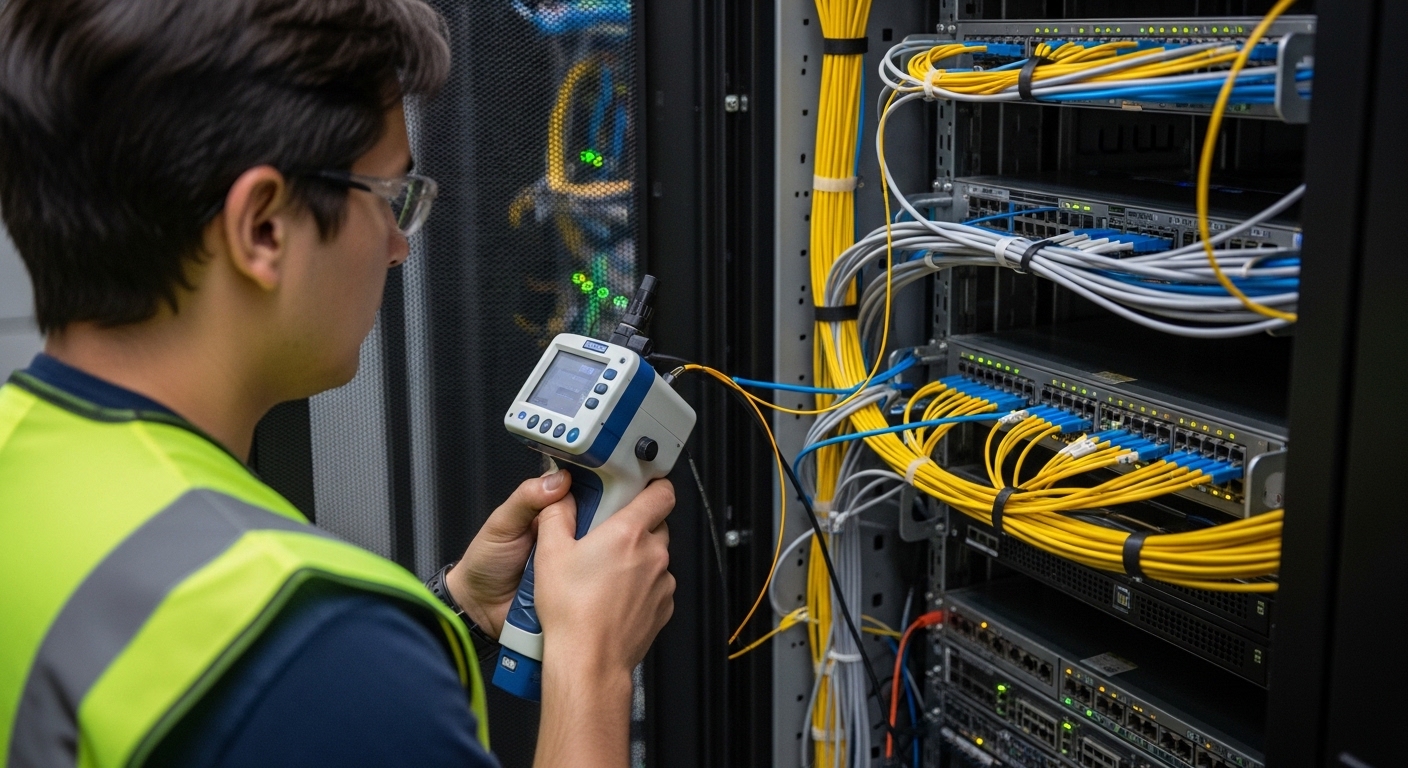
Failure mode: Link fails immediately after a swap, or errors persist on the same port. Root cause: contaminated LC/SC connectors, damaged ferrules, or dust caps removed and not replaced. Solution: inspect with a scope, clean both ends, and re-seat the connector with proper dust cap discipline. Maintain a cleaning log tied to the port and optic serial/DOM.
Treating DOM values as “always comparable” across vendors
Failure mode: The monitoring dashboard flags alarming trends, but RMA outcomes are inconsistent. Root cause: vendor-specific DOM scaling, threshold defaults, and calibration differences; some optics expose different diagnostic fields or interpret them differently. Solution: normalize thresholds per module vendor/part number, and alert on relative change over time rather than a single absolute number.
Overlooking fiber plant aging and patch panel loss
Failure mode: Links work initially, then degrade during seasonal temperature changes or after moves. Root cause: increased splice loss from rework, patch panel wear, or subtle connector damage that reduces optical budget margin. Solution: measure loss at acceptance and re-validate after major cabling changes. If you see recurring errors, re-terminate or replace affected patch cords rather than swapping optics repeatedly.
Using third-party optics without a compatibility validation window
Failure mode: “Link up” but high CRC errors, or optics show intermittent link drops. Root cause: switch firmware quirks, optics vendor differences, or incomplete support for specific DOM behaviors. Solution: run a staged validation: test a small batch in a non-critical segment, monitor error counters for a full maintenance cycle, then expand only if stable.
Waiting too long to open an RMA
Failure mode: You miss the warranty claim window or cannot reproduce the failure. Root cause: ad-hoc troubleshooting and no evidence capture. Solution: open the claim immediately after you capture the failure packet, and store the removed optic in an anti-static bag with photos and the DOM snapshot.
Cost and ROI note: balancing OEM, third-party, and coverage
In practice, optics maintenance cost depends on both unit price and operational overhead. OEM optics often cost more per module but can reduce downtime risk and simplify warranty acceptance. Third-party optics can be cheaper, but the hidden costs are compatibility validation time, potential claim friction, and higher MTTR if monitoring thresholds and RMA evidence differ.
As a rough budgeting reference, many 10G SR optics are often found in the broad range of $50 to $150 per module depending on OEM vs third-party and buying channel; higher-speed optics (25G, 40G, 100G) can scale to several hundred dollars each. TCO should include: spares holding costs, engineer hours per incident, cleaning supplies, and the expected number of failure events. Insurance can reduce financial volatility for rare-but-expensive incidents, especially where business interruption risk is high.
FAQ
How do I estimate my optics maintenance cost per site?
Start with incident count per quarter, then multiply by MTTR labor hours plus replacement module cost and cleaning/verification time. Add warranty processing time and any freight costs. If you track DOM trend alarms, you can also estimate the portion of “near-failures” that become hard failures.
Does insurance cover third-party transceivers?
It depends on the policy language and whether the insurer treats them as “specified equipment.” Ask for a written clarification that names optics categories and excludes. Also confirm in-transit coverage for shipped spares between sites.
What evidence should we collect before opening an RMA?
Capture a DOM snapshot (TX power, RX power, bias current, temperature), interface error counters, and a time-stamped log of when the link failed. Include photos of the module label/serial and connector condition if possible. This aligns with typical vendor datasheet expectations for diagnostics and speeds acceptance. [Source: vendor datasheets and RMA policies]
Are DOM alerts sufficient to prevent failures?
DOM alerts help, but they are not a full prevention system. You need trend-based thresholds per part number and a process for connector cleaning and fiber loss verification. Many “failures” are actually optical budget problems that DOM will only partially reveal.
Should we standardize on OEM optics for warranty simplicity?
For high-criticality uplinks, standardizing on OEM can reduce RMA friction and simplify compatibility. For less critical access links, a validated third-party approach can lower unit costs. The best strategy is hybrid, backed by monitoring normalization and a compatibility validation window.
What is the fastest troubleshooting workflow when a link drops?
Swap optics with a known-good module from the same type, then inspect and clean connectors on both ends. Verify optical power levels and error counters after the swap, and only then decide whether to open an RMA. If errors persist with the known-good module, the issue is likely fiber path or connector damage.
If you treat warranty and insurance as part of an end-to-end optics lifecycle—engineering margin, DOM evidence, and disciplined cleaning—you can reduce optics maintenance cost without sacrificing uptime. Next, align these controls with your monitoring and inventory policy using optics lifecycle management strategy.
Author bio: I lead network infrastructure strategy with hands-on experience deploying and operating pluggable optics across multi-site data centers, including fault isolation and RMA workflows. I focus on reducing total cost of ownership through measurable reliability controls, security-aware operations, and pragmatic build-vs-buy decisions.