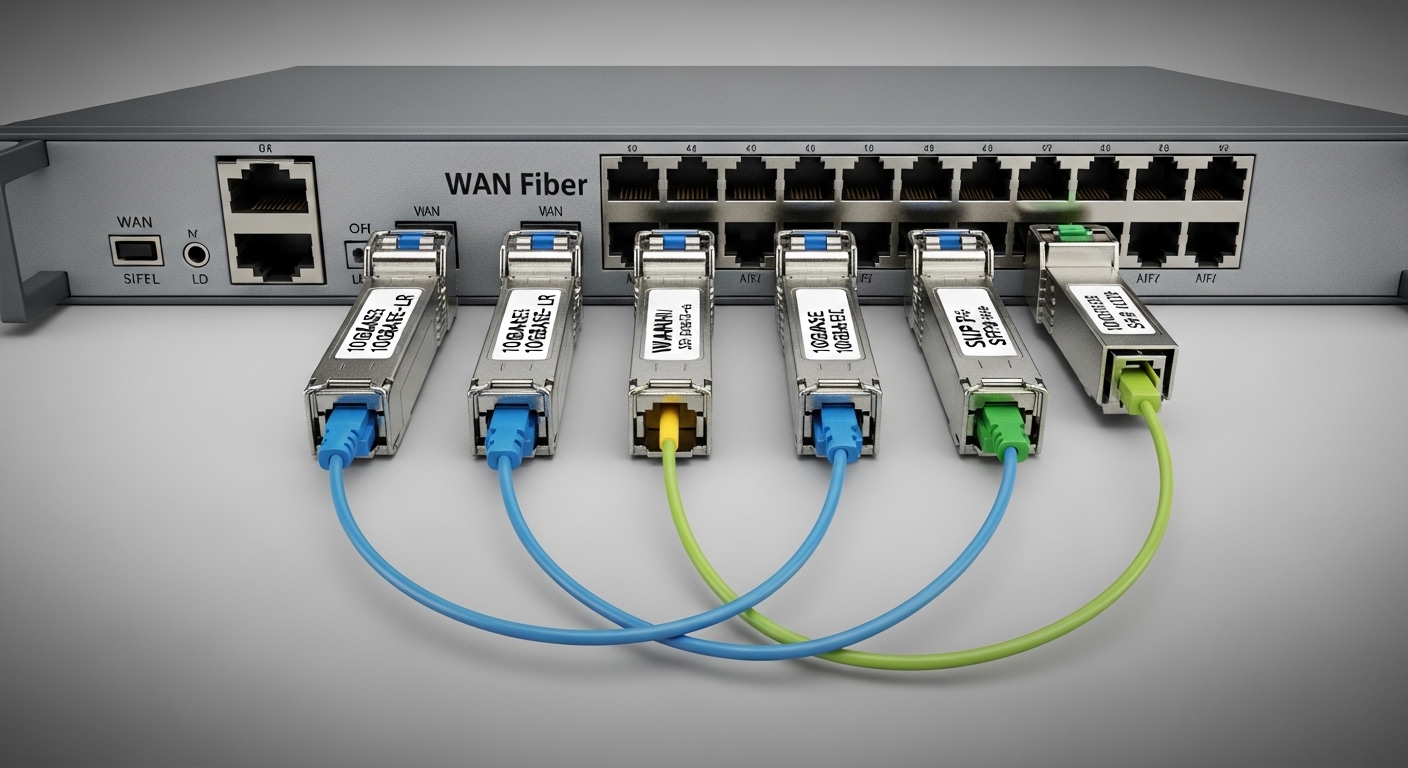
You are staring at a router WAN port that won’t link, and the blame could be anything from wavelength mismatch to DOM misreads. This article helps network engineers and field technicians choose the right WAN fiber module for SFP transceiver interfaces at the enterprise edge. You will get an engineer-grade checklist, real compatibility notes, and troubleshooting patterns I have seen during cutover windows.
Top 8 WAN fiber module choices for SFP router WAN edges
In enterprise edge deployments, the “right” WAN fiber module depends on distance, fiber type, and the router’s transceiver expectations. SFP optics are commonly used for 1G, 2.5G, and 10G WAN handoffs depending on platform and licensing. Your selection should be validated against IEEE link behavior and vendor datasheets, not just vendor marketing labels.
How to read the optical spec the way routers actually care
Routers negotiate link based on the electrical SerDes rate and the optical module’s transmitter/receiver characteristics. The practical constraints are wavelength (for example, 1310 nm vs 1550 nm), optical budget, fiber attenuation at that wavelength, and connector cleanliness. IEEE Ethernet PHY requirements are defined broadly, but SFP optics are validated by each switch/router vendor for their specific cages and firmware.
For standards context, Ethernet over fiber behavior is covered under IEEE 802.3 families, while specific optical reach and PMD expectations vary by PHY clause and implementation. For cabling practices, ANSI/TIA-568 and IEC fiber connector cleanliness guidance are relevant in the field. [Source: IEEE 802.3] [Source: ANSI/TIA-568]
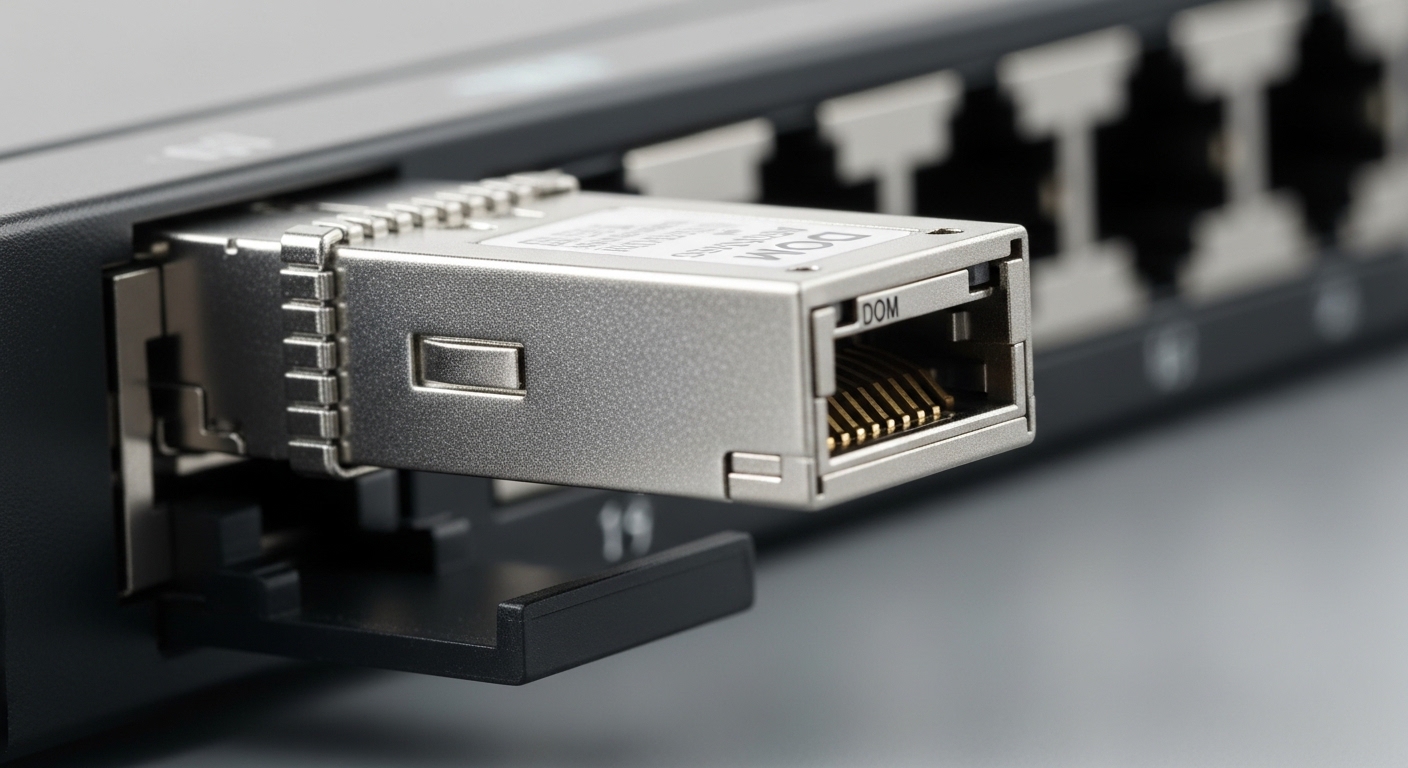
10G SR (850 nm multimode) for short enterprise WAN extensions
When your WAN “edge” is actually a short haul between buildings or a campus demarc with multimode fiber, 10G SR at 850 nm is often the fastest path to stable links. Typical reach is about 300 m on OM3 and 400 m on OM4 depending on optics and system loss budgets. Use this when your fiber plant is already multimode and you want lower cost optics.
Key specs to check: wavelength 850 nm, connector usually LC, data rate 10.3125 Gb/s (10G class), and operating temperature that matches your router environment. DOM support is helpful for monitoring but not required for basic link.
- Best fit: campus WAN, short demarc runs, OM3/OM4 availability
- Pros: lower cost, common inventory, forgiving installation compared to long-haul
- Cons: limited reach; cannot use singlemode spans efficiently
10G LR (1310 nm singlemode) for standard edge-to-edge links
For most enterprise edge handoffs over singlemode fiber, 10G LR at 1310 nm is a practical default. Reach is commonly 10 km class, and the optics are widely supported by router vendors in their SFP compatibility lists. This choice minimizes operational risk when you have a known singlemode plant and moderate losses.
Key specs to check: wavelength 1310 nm, connector LC, optical power class, and receiver sensitivity. Also verify the router’s supported optical power range to avoid marginal links.
- Best fit: 1G/10G WAN links over singlemode, typical demarc distances
- Pros: strong ecosystem support, predictable reach
- Cons: requires singlemode; link can degrade with dirty connectors
10G ER (1550 nm) for long singlemode WAN spans
When your edge runs exceed the LR budget, 10G ER at 1550 nm extends reach with lower fiber attenuation. ER optics can be rated for roughly 40 km class depending on the specific transceiver and system budget. This is common in metro-area enterprise backbones and remote site aggregations.
Key specs to check: wavelength 1550 nm, receiver sensitivity, and safety considerations for long-distance optics. Ensure your fiber dispersion and end-to-end loss align with the module’s optical budget.
- Best fit: remote site links, higher-loss routes, longer WAN spans
- Pros: longer reach without repeaters
- Cons: higher chance of marginal links if budget is tight
1G LX (1310 nm) when the router WAN is legacy-friendly
Some enterprise edge routers still offer SFP WAN ports that run at 1G and expect classic 1310 nm optics. 1G LX modules typically target about 10 km on singlemode fiber. This is frequently the “it just works” option during refresh cycles when you must keep change control minimal.
Key specs to check: wavelength 1310 nm, connector LC, and DOM availability. Confirm whether your router requires a specific DOM implementation or temperature reporting format.
- Best fit: legacy router WAN, conservative upgrades
- Pros: mature technology, broad compatibility
- Cons: lower bandwidth; may not meet new traffic growth needs
1G SX (850 nm multimode) for cost-sensitive campus edges
For sites with multimode fiber and modest bandwidth requirements, 1G SX at 850 nm remains a cost-effective choice. It is often used to connect access switches to edge routers, especially in campus environments where OM3/OM4 exists. In field cutovers, this optic can reduce the “unknowns” because the reach is short and installation errors are easier to detect.
Key specs to check: wavelength 850 nm, multimode compliance, and connector cleanliness. If your multimode plant is old, validate with OTDR or at least confirm end-to-end insertion loss.
- Best fit: campus WAN access, short multimode runs
- Pros: low cost, simple logistics
- Cons: limited distance; performance depends on multimode quality
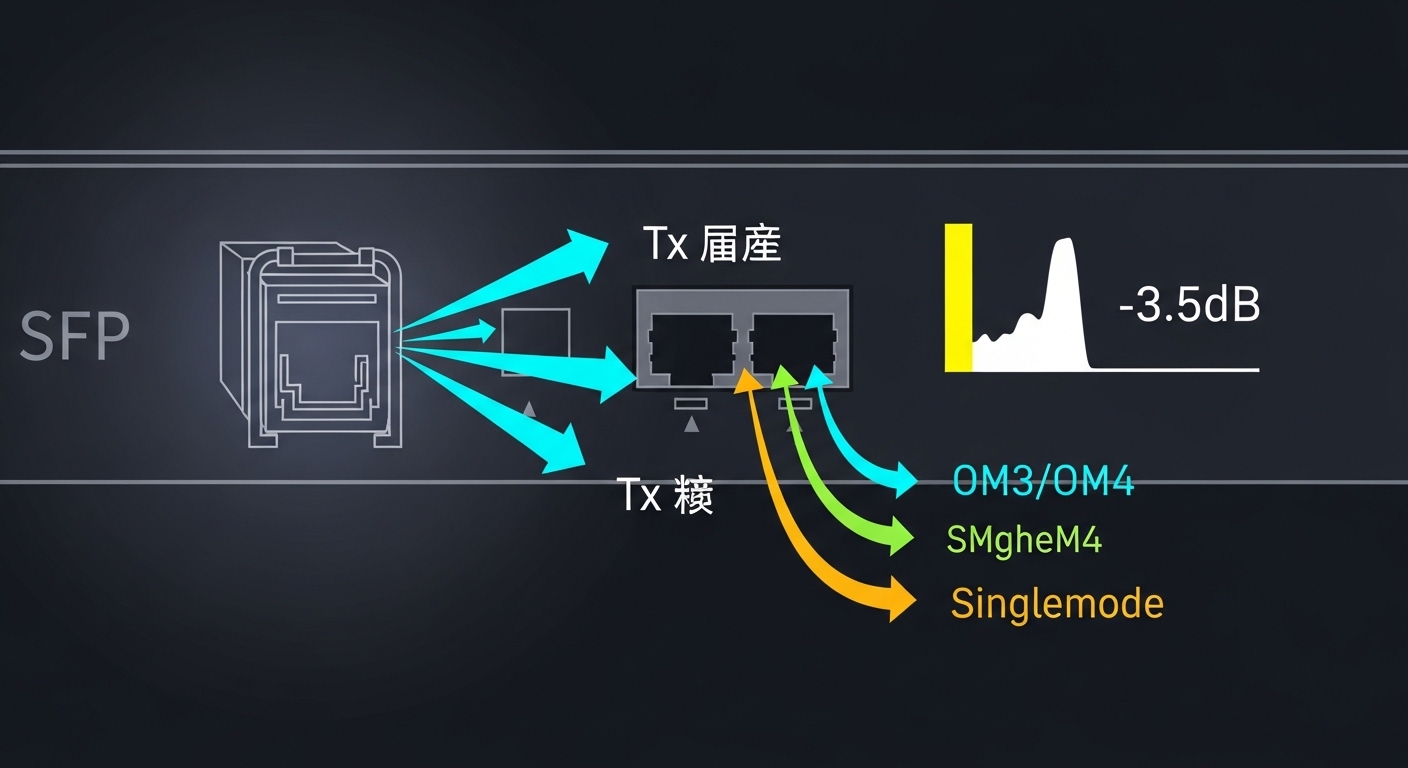
5G SFP SR variants for new edge refreshes
Some modern routers and WAN aggregation devices support 2.5G using SFP optics, often with multimode reach comparable to short-haul classes. This can be a bridge option when you need more throughput than 1G but you cannot justify a full 10G upgrade everywhere. Always confirm the exact PHY mode your router supports; “2.5G capable” can still mean different electrical and optical expectations.
Key specs to check: the module’s data rate (for example, 2.5 Gb/s class), wavelength, and whether the vendor specifies a specific fiber type. Validate whether DOM thresholds are compatible with the router telemetry framework.
- Best fit: phased upgrades and constrained multimode environments
- Pros: smoother migration path; better utilization
- Cons: fewer guaranteed optics in compatibility lists
10G “compatible” third-party optics with DOM: when you must standardize
In many enterprises, procurement pressure pushes teams to consider third-party optics to reduce unit costs. A practical approach is to choose third-party WAN fiber module models that include documented DOM behavior and match the router’s supported wavelength and reach class. For example, optics commonly used in 10G SR/ER/LR deployments include vendor examples like Finisar and FS.com families (model numbers vary by inventory).
Real constraint: even when optics are electrically standards-based, vendor firmware may enforce compatibility checks. I have seen routers refuse link if DOM is present but returns unexpected values. Treat DOM as a functional requirement, not a “nice to have.”
- Best fit: cost-controlled rollouts with strict compatibility testing
- Pros: lower acquisition cost; broader SKU options
- Cons: compatibility and DOM telemetry risk
DWDM-ready strategies: SFP vs SFP+ realities at the edge
Some teams assume “SFP” is always interchangeable with dense wavelength division multiplexing, but DWDM typically requires specific equipment and optics families that align with the WDM grid. At the enterprise WAN edge, you might use DWDM with pluggable optics only if the router and transceiver ecosystem are explicitly designed for that. Otherwise, you will waste time chasing link problems that are actually optical channel provisioning issues.
Key specs to check: wavelength grid, channel plan, and whether the module is designed for that specific DWDM system. Confirm with vendor documentation and, if possible, test with a spare channel.
- Best fit: metro transport over DWDM where the vendor supports it end-to-end
- Pros: improved fiber utilization when correctly engineered
- Cons: high integration complexity; not a general SFP swap
Specs snapshot comparison for common WAN fiber module picks
The table below compares typical optics you will encounter when choosing a WAN fiber module for SFP router WAN interfaces. Always treat these as reference classes; exact reach depends on the transceiver’s optical budget and your actual fiber loss.
| Module class | Wavelength | Fiber type | Typical reach | Connector | Data rate class | DOM support | Operating temp (typ.) |
|---|---|---|---|---|---|---|---|
| 10G SR | 850 nm | OM3/OM4 multimode | 300 m (OM3) / 400 m (OM4) | LC | 10G | Often yes | 0 to 70 C |
| 10G LR | 1310 nm | Singlemode | 10 km | LC | 10G | Often yes | -5 to 70 C or 0 to 70 C |
| 10G ER | 1550 nm | Singlemode | 40 km class | LC | 10G | Often yes | -5 to 70 C |
| 1G LX | 1310 nm | Singlemode | 10 km | LC | 1G | Often yes | 0 to 70 C |
| 1G SX | 850 nm | Multimode | 550 m class on OM3/OM4 | LC | 1G | Often yes | 0 to 70 C |
Decision checklist: how engineers pick the right WAN fiber module
Use this ordered list during procurement and pre-install validation. It is designed for edge routers with SFP cages and strict change control.
- Distance and link budget: compute end-to-end loss using OTDR or measured insertion loss; include connector and splice penalties.
- Fiber type and wavelength: match OM3/OM4 or singlemode; do not mix 850 nm with singlemode unless the module is explicitly designed for that plant.
- Router switch compatibility: confirm the exact SFP cage behavior and supported optics in the router vendor compatibility list.
- DOM requirements: verify the platform accepts DOM values; test in staging if you use third-party modules.
- Operating temperature and airflow: validate whether the module is rated for the enclosure’s min/max conditions.
- Vendor lock-in risk: assess whether “compatible” optics will be accepted during firmware upgrades.
- Connector hygiene plan: schedule cleaning and inspection before and after installation; plan for dust caps and lint-free wipes.
Pro Tip: In field audits, the most common cause of “optics are bad” is actually connector contamination. I have resolved intermittent WAN flaps within minutes by cleaning LC end faces, re-inspecting with a scope, and re-seating the transceiver—without changing the module at all.
Common mistakes and troubleshooting patterns
Below are failure modes I have seen during enterprise edge rollouts. Each includes a root cause and a practical correction.
Link never comes up due to wavelength or fiber-type mismatch
Root cause: installing 850 nm multimode optics into a singlemode run, or using the wrong reach class for the actual fiber plant. The router may show “no light” or “link down.”
Solution: verify fiber type in the patch panel; confirm module wavelength marking; measure insertion loss and confirm the budget against the vendor datasheet. [Source: Vendor transceiver datasheets]
Link flaps under load because the optical budget is marginal
Root cause: the link budget barely fits at installation time, then degrades as connectors age or temperature changes. Symptoms include CRC errors, rising error counters, and occasional link renegotiation.
Solution: re-check OTDR traces; clean connectors; replace with a higher budget class (for example, LR instead of LX, or ER instead of LR). Ensure you account for splitter losses if any intermediate passive devices exist.
Third-party module accepted, but DOM telemetry breaks alarms
Root cause: DOM reporting format or values are outside what the router expects, triggering warnings or suppressing monitoring. Sometimes link still works, but NMS alerts become noisy or misleading.
Solution: validate DOM compatibility in a staging environment; if the router enforces DOM checks, use OEM optics or a third-party model explicitly listed by the router vendor. Keep firmware upgrade notes because DOM behavior can change across releases.
Thermal issues from poor airflow cause gradual degradation
Root cause: the module is rated for 0 to 70 C, but the enclosure routinely exceeds that range during summer peaks. Symptoms include rising receive power drift and eventual link drops.
Solution: check enclosure airflow, fan health, and intake filters. If needed, use a module rated for the required extended temperature range and fix the cooling path.
Cost and ROI note for WAN fiber module procurement
Pricing varies by data rate, reach class, and whether the optic is OEM versus third-party. In typical enterprise purchasing, a 10G SR module can be materially cheaper than a