When a VyOS router port stays “up” but traffic stalls, the root cause is often the SFP optics: wrong fiber type, unsupported DOM behavior, or marginal signal power. This quick reference helps network engineers and field technicians choose the right VyOS SFP module, validate compatibility, and troubleshoot link instability. It focuses on practical steps you can run during staging and first-installation, not just datasheet reading.
How VyOS actually talks to SFPs (and what to verify)
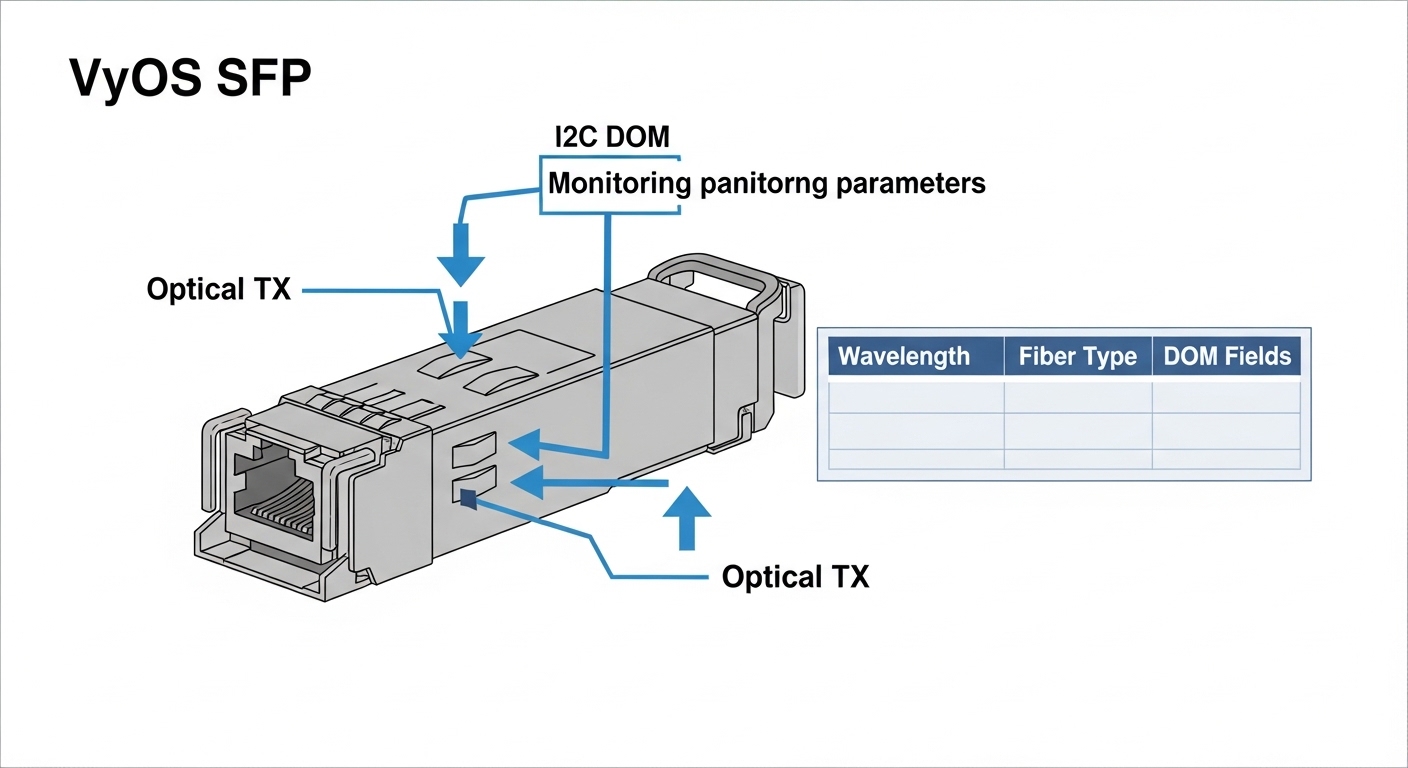
On Linux-based platforms running VyOS, SFP detection is typically handled by the kernel via I2C/SFF-8472 style interfaces, exposing link state and sometimes Digital Optical Monitoring (DOM) fields. The transceiver must be electrically compatible with the router’s SFP cage (LVTTL/CMOS signaling, I2C address, and presence detect). In the field, we validate by checking whether the interface reports link up and whether optical diagnostics (when supported) remain within vendor thresholds.
Key verification targets during commissioning:
- Presence and DOM visibility: module detected, temperature/laser bias/received power readable if your platform exposes them.
- Correct speed mode: SFP must match the port speed (for example, 1G vs 10G) and supported optics profile.
- Connector and fiber standard: LC vs SC, and SR vs LR vs ER must match your patch cords and plant losses.
- Power and thermal headroom: ensure the cage and airflow can support the module’s typical and maximum power.
Pro Tip: If you have intermittent link drops only under load, compare the received optical power (DOM) against the module vendor’s recommended operating window. Many “it works in the lab” failures are actually fiber plant loss changes at temperature extremes or patch-cord aging, not a total incompatibility.
Pick the right optics: reach, wavelength, and DOM support
Your SFP choice is constrained by three numbers: data rate, wavelength, and reach over the specific fiber plant. For most enterprise deployments, the common cases are 1G SX (850 nm), 1G LX (1310 nm), and 10G SR (850 nm) or LR (1310 nm). DOM support matters because it can help you detect aging, but it is not always exposed in every VyOS build or on every router model.
Use this comparison table as a fast filter when you are deciding between common module families.
| Module family | Typical wavelength | Target reach (typ.) | Connector | DOM | Operating temperature |
|---|---|---|---|---|---|
| SFP-GE SX (850 nm) | 850 nm | Up to 550 m (OM2/OM3) | LC | Usually supported | -5 to 70 C (common) |
| SFP-GE LX (1310 nm) | 1310 nm | Up to 10 km (SMF) | LC | Usually supported | -5 to 70 C (common) |
| SFP+ 10G SR (850 nm) | 850 nm | Up to 300 m (OM3) | LC | Usually supported | -5 to 70 C (common) |
| SFP+ 10G LR (1310 nm) | 1310 nm | Up to 10 km (SMF) | LC | Usually supported | -5 to 70 C (common) |
Reference points you can cross-check against IEEE and vendor documentation:
- Ethernet PHY and optical module behavior align with IEEE 802.3 Ethernet specifications for 1G/10G operation. [Source: IEEE 802.3 ]
- SFP electrical and management interfaces follow small form factor pluggable specifications (commonly aligned with SFF-8472). [Source: Infineon SFF-8472 overview ]
- Vendor datasheets list DOM thresholds and optical budget assumptions for specific part numbers. [Source: FS.com SFP datasheets ]
Real deployment scenario: leaf-spine with VyOS edge routing
In a 3-tier data center leaf-spine topology, a pair of edge routers running VyOS were connected to ToR switches using 10G SFP+ uplinks. The environment used LC OM3 cabling for short runs: 120 m from router to aggregation, plus 40 m patch cords. Engineers validated each VyOS SFP module by confirming link up at boot and then checking DOM received power during peak traffic, after which they applied QoS policies and verified no CRC and no interface flaps over a 24-hour soak test.
Operationally, they also tracked airflow: the cage temperature stayed below the module’s maximum rating due to front-to-back fan direction. One replacement module initially failed because it was configured for a different transceiver class from the switch vendor’s approved list; swapping to a like-for-like wavelength class resolved it without changing cabling.
Decision checklist: selecting a VyOS SFP you can actually deploy
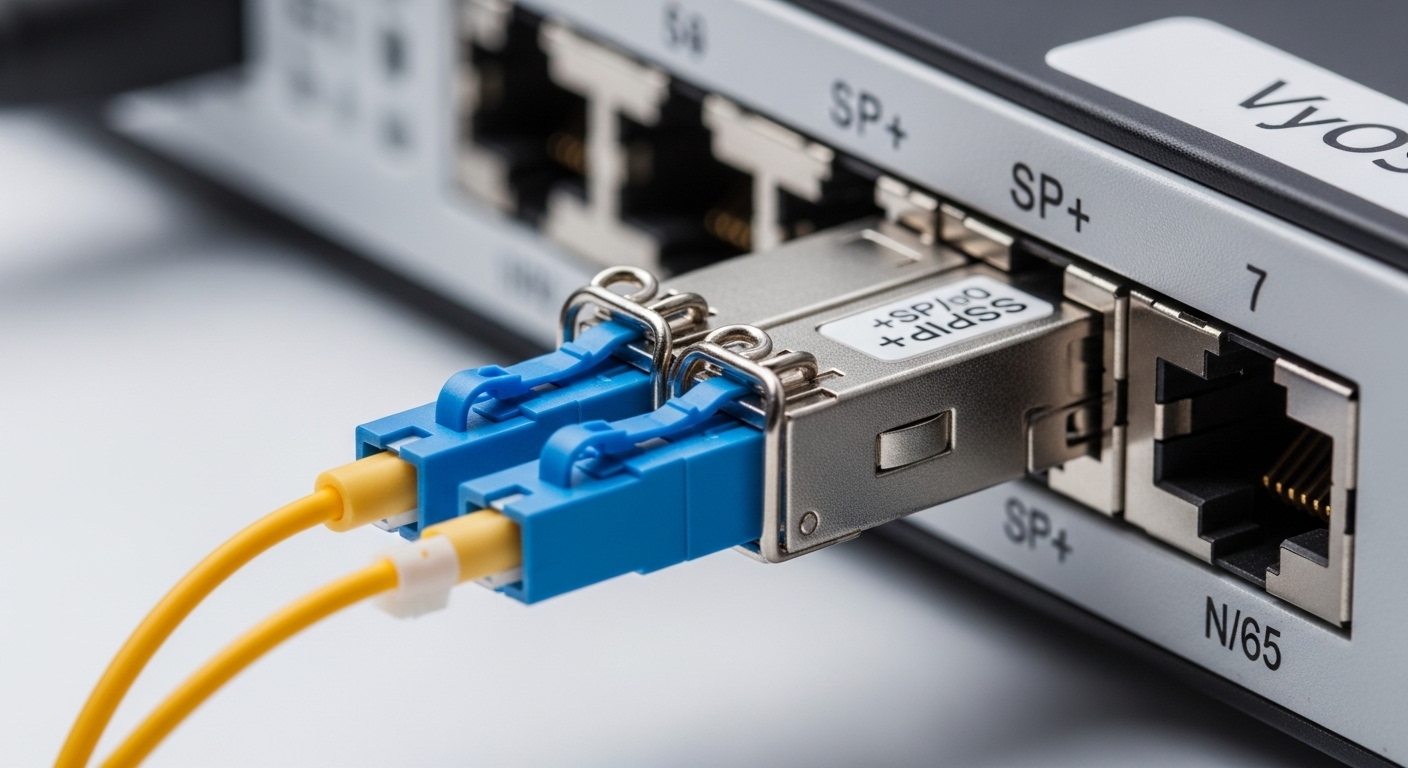
Use this ordered checklist during procurement and staging. It is the sequence that reduces “surprise incompatibility” during cutover.
- Match the port data rate: 1G vs 10G. Do not assume “SFP” alone covers speed.
- Match fiber type and wavelength: SX/LR/SR class must align with OM3/OM4 or SMF in the plant.
- Connector standard: LC vs SC. Confirm patch panel hardware before ordering.
- Check DOM behavior: ensure your VyOS platform exposes DOM and that your chosen module supports the required monitoring fields.
- Operating temperature and airflow: validate module temperature range and your rack airflow profile.
- Switch and cage compatibility: if the router vendor publishes an optics compatibility list, prefer approved part numbers to reduce risk.
- Budget and vendor lock-in risk: OEM modules can cost more, but third-party optics may vary in DOM quirks; plan for spares and testing.
Common pitfalls and troubleshooting steps
Even with correct wavelength, failures happen. Here are the concrete issues engineers see most often, with root causes and fixes.
-
Pitfall 1: Link up but no traffic (CRC/packet drops)
Root cause: marginal optical budget due to too much fiber loss, dirty connectors, or incorrect fiber grade.
Solution: clean LC connectors, inspect with an optical scope, and compare DOM received power to the module’s recommended range. If available, measure end-to-end attenuation at the rack. -
Pitfall 2: Interface flaps during temperature changes
Root cause: module thermal stress or inadequate airflow leading to laser power regulation instability.
Solution: confirm airflow direction, check cage temperature, and try a module rated for your ambient conditions (for example, industrial grade if needed). -
Pitfall 3: Module not detected or DOM readings missing
Root cause: incompatible transceiver management behavior, wrong I2C expectations, or a nonconforming optics implementation.
Solution: test with a known-good OEM module, then switch to a third-party model with documented DOM support and known compatibility for your router model. -
Pitfall 4: Wrong transceiver class (SX vs LX vs LR)
Root cause: wavelength mismatch or using multimode cabling for single-mode optics (or vice versa).
Solution: verify fiber type at the patch panel and confirm the optics wavelength before final termination.
Cost and ROI: OEM vs third-party optics in small router deployments
Typical street pricing varies by speed and vendor. In many enterprise purchases, 1G optics can be relatively inexpensive, while 10G optics (especially LR) carry a higher per-port cost. A realistic planning approach is to compare not only purchase price but also expected failure rates, spares strategy, and downtime cost during replacements.
Rule of thumb from field deployments: third-party optics can reduce unit cost, but you should budget engineering time for validation and keep at least one known-good spare per module family during migration windows. OEM modules often have tighter DOM conformity and fewer “mystery incompatibility” incidents, which can improve mean time to recovery (MTTR) even if the initial spend is higher.

FAQ: VyOS SFP buying and deployment questions
Q1: Do all VyOS SFP modules support DOM on my router?
Not always. Some platforms expose DOM via sysfs or vendor-specific hooks, but third-party modules can differ in which monitoring fields they implement. Validate with a known-good module on your exact router model before scaling.
Q2: Can I mix SR and LR optics on different ends?
No. SR and LR are different wavelength and reach classes; a mismatched pair will typically fail link establishment or behave unreliably. Ensure both ends use the same wavelength class (for example, 1310 nm to 1310 nm) and appropriate fiber type.
Q3: What fiber loss budget should I assume?
Start from the module datasheet’s optical budget assumptions, then subtract safety margin for connector loss and plant variability. If you are unsure, measure attenuation with an OTDR or qualified test gear and confirm received power stays inside the vendor’s operating window.
Q4: Why does the link come up in staging but fail after a few days?
Common causes include dirty connectors, patch-cord damage, or thermal/airflow changes over time. Use optical inspection, check cage temperature, and compare DOM received power trends between days.
Q5: Are Cisco-branded SFPs compatible with open-source routers?
Sometimes, but compatibility depends on cage signaling and DOM behavior. Prefer optics with documented compatibility for your specific router model and test in a controlled window.
Q6: Should I buy OEM or third-party for spare management?
If downtime is expensive or validation time is limited, OEM often reduces risk. If you can test quickly and maintain spares, third-party can be cost-effective, but only after confirming DOM and link stability in your environment.
If you want the next step, use VyOS interface and cabling validation to structure a repeatable staging test before cutover. With that workflow, your VyOS SFP deployments become predictable instead of trial-and-error.
Author bio: I have 10+ years of hands-on experience deploying Ethernet and optical links in data centers and edge sites, from transceiver validation to fiber plant troubleshooting. I focus on measurable commissioning practices and vendor-doc grounded compatibility decisions.