On an education campus, one mis-matched transceiver can turn a classroom outage into a semester-long headache. This article helps network leads and field engineers plan university network SFP deployments for fiber access and uplinks, balancing reach, power, and total cost of ownership. You will get real selection criteria, a troubleshooting checklist, and deployment math you can apply in a live rack-and-splice workflow.
Where university network SFP modules fit in campus fiber design
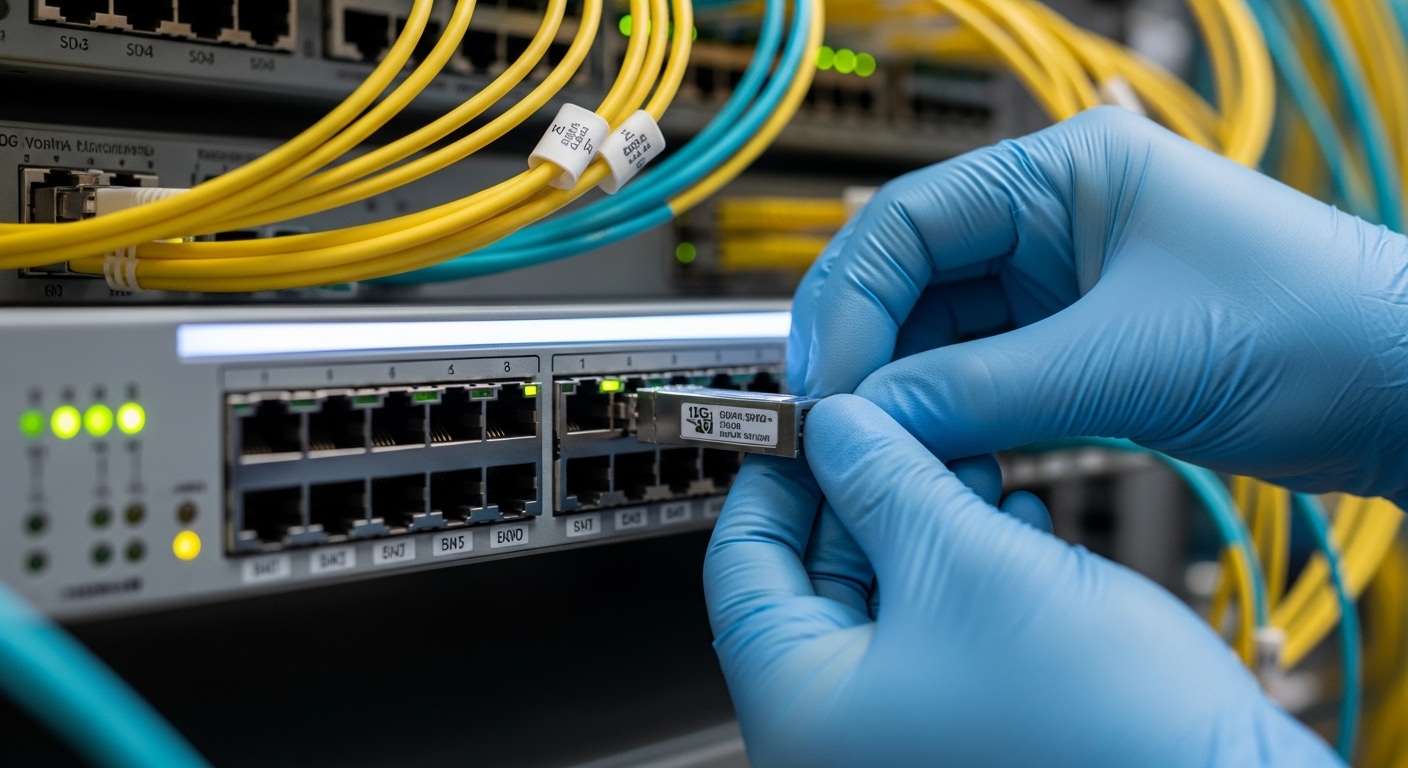
In education networks, SFP optics typically serve building-to-building fiber, access-switch uplinks, and managed demarc links between distribution frames. The most common pairing is 10G SFP+ for aggregation and 1G SFP for legacy access, with Ethernet signaling following IEEE 802.3. Practically, you are choosing between multi-mode (MMF) and single-mode (SMF) optics based on the fiber plant’s installed distances and the budget for optics versus fiber.
When I deploy these in the field, I treat each building as a “repeatable unit”: one MPO or LC trunk from the fiber splice tray, one patch panel, then one switch uplink. For example, a typical campus closet might run 12 strands per direction with LC terminations, leaving room for future dark fiber. That means you should standardize connector type (often LC), DOM expectations, and supported temperature ranges before you order spares.
For authority on link behavior and optical Ethernet framing, refer to [Source: IEEE 802.3]. For vendor-specific DOM behavior and optical parameters, always verify in the transceiver datasheet from the exact model you plan to stock.
Key specifications that decide compatibility and reach
Engineers often shop by “speed and reach,” but in campus work the decisive details are wavelength, fiber type, connector, optical power budget, and DOM support. For Ethernet over fiber, the transceiver must match the electrical interface of the switch (for example, SFP versus SFP+) and the optical standard the switch expects.
Common university campus SFP options
Most education campuses land in one of these lanes: 1G SX (MMF), 10G SR (MMF), 10G LR (SMF), or 10G ER (SMF). If you are modernizing, you may also see 25G SFP28 for short-reach leaf uplinks, but many existing closets remain 10G.
Comparison table: typical 10G SFP+ optics
| Module (example model) | Data rate | Wavelength | Fiber type | Reach (typ.) | Connector | DOM | Operating temp |
|---|---|---|---|---|---|---|---|
| Cisco SFP-10G-SR | 10G | 850 nm | MMF | ~300 m | LC | Yes (typically) | 0 to 70 C |
| Finisar FTLX8571D3BCL | 10G | 850 nm | MMF | ~300 m | LC | Yes | 0 to 70 C |
| FS.com SFP-10GSR-85 | 10G | 850 nm | MMF | ~300 m | LC | Yes (varies by SKU) | 0 to 70 C (check) |
| Huawei or equivalent 10G LR | 10G | 1310 nm | SMF | ~10 km | LC | Yes (varies) | 0 to 70 C (check) |
Note: Reach depends on link loss, fiber grade (OM3/OM4), patch cord quality, and splice count. Always validate with an optical power budget calculation using the vendor datasheet and your measured link loss from an OTDR or light meter.
Pro Tip: In campus closets, the biggest “surprise reach killer” is not the fiber spec on paper; it is excess loss from mismatched patch cords and dirty LC endfaces. I routinely fix marginal links by swapping patch cords to the same fiber grade and cleaning both ends with proper fiber-grade wipes, then re-checking link alarms before replacing optics.
Deployment scenario: upgrading a 3-tier education network
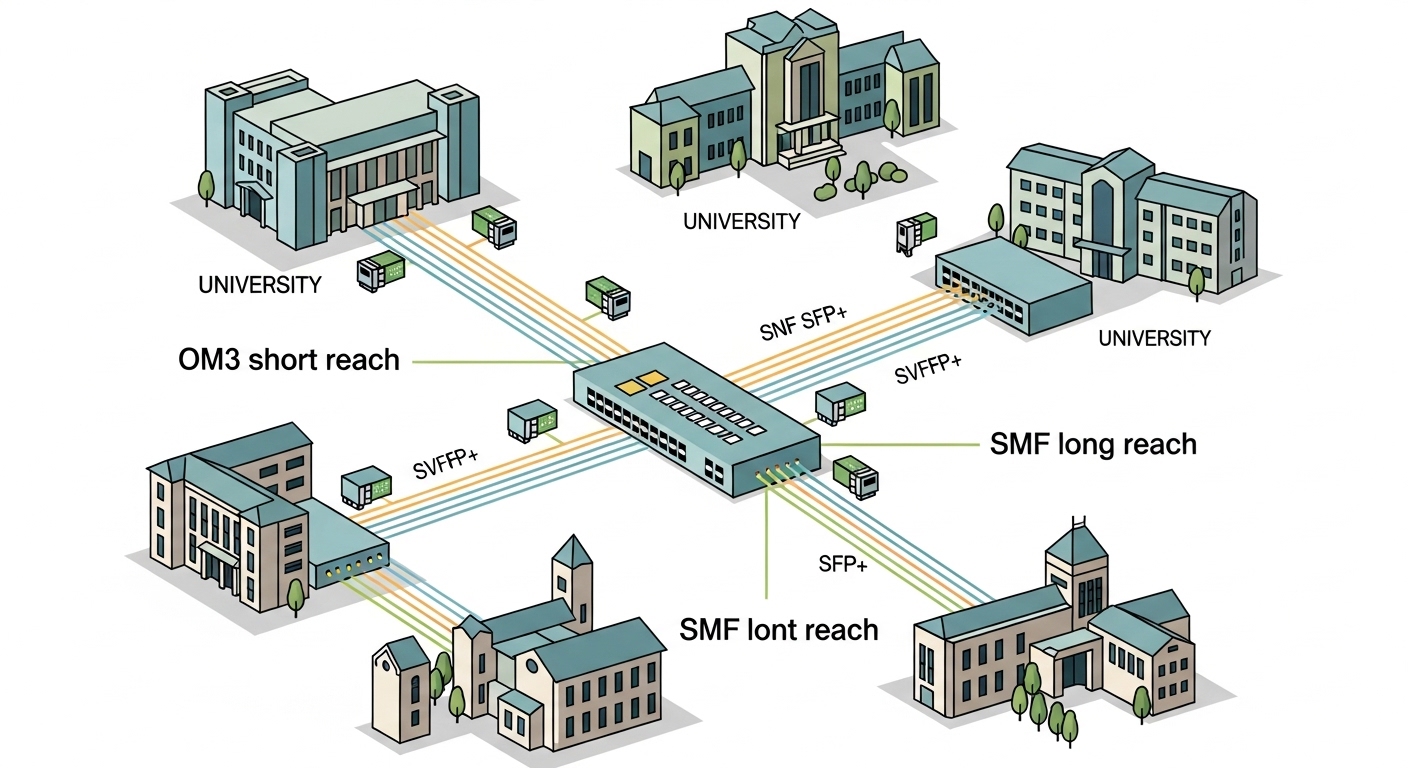
Imagine a 3-tier design in a university: 48-port 10G ToR switches in building distribution closets, two aggregation pairs in the campus data center, and multiple inter-building fiber runs. You have 18 buildings, each with an uplink run of 220 to 280 m on installed OM3 MMF, plus two long-haul SMF links at 6 to 8 km. The goal is to standardize optics while keeping spares on hand for semester changeovers.
In this scenario, you would deploy 10G SR (850 nm, MMF, LC) for the 220 to 280 m links, and 10G LR (1310 nm, SMF, LC) for the 6 to 8 km runs. Operationally, you stage optics by building ID, label both sides of each patch cord, and pre-verify DOM readings in a maintenance window. During cutover, you confirm link status, check for high RX power warnings, and log module part numbers so the help desk can triage future failures quickly.
Selection criteria checklist engineers actually use
Before you buy, run this ordered checklist. It prevents the two classic failures: “it fits but does not link” and “it links but degrades under heat or aging.”
- Distance and fiber type: confirm MMF grade (OM3/OM4) or SMF, then compute margin using vendor power budgets.
- Switch compatibility: ensure the switch port expects SFP+ versus SFP; verify vendor compatibility lists when available.
- Wavelength and standard: match 850 nm SR to MMF runs, and 1310 nm LR to SMF runs; avoid mixing optics types.
- Connector and patching: standardize on LC for SFP; verify MPO-to-LC breakout conventions if applicable.
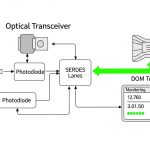
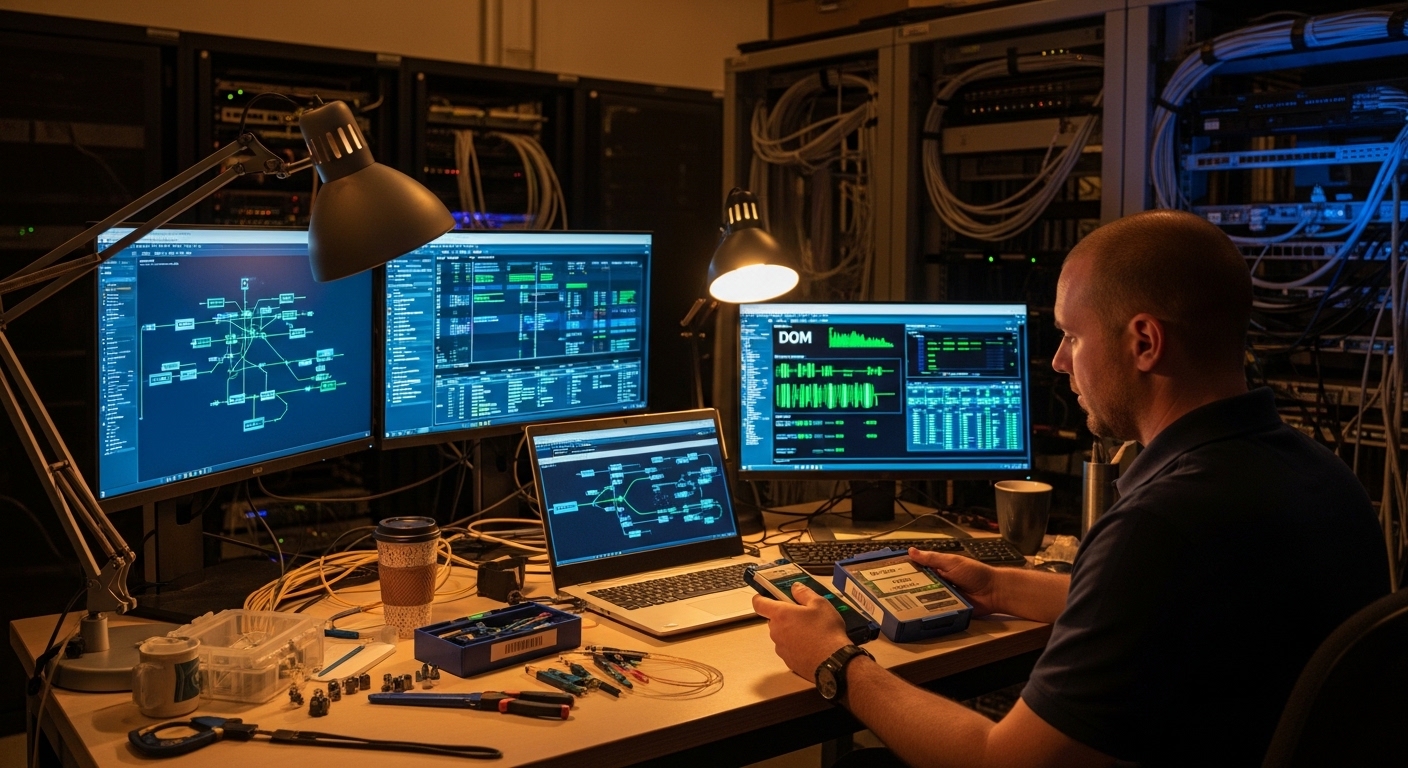
- DOM and monitoring: confirm DOM support and whether your management stack reads it; check thresholds for alarms.
- Operating temperature: campus closets can exceed 40 C in summer; choose modules with appropriate temperature ratings.
- Budget and vendor lock-in risk: compare OEM versus third-party, but test in a pilot rack to reduce surprises.
Common pitfalls and troubleshooting in the field
Here are the failure modes I see most often during campus maintenance windows. Each includes the root cause and a practical fix.
“Link down” after insertion
Root cause: wrong transceiver type for the port (SFP vs SFP+), or mismatched wavelength/fiber type. Solution: verify port labeling and module SKU, then confirm both ends are the same optical standard.
“Flapping link” under load
Root cause: marginal optical power due to dirty connectors, excessive patch cord loss, or too many splices. Solution: clean LC connectors, replace patch cords with known-good items, and re-measure link loss.
High error counters or CRC spikes
Root cause: oversubscription triggers, but optics issues show up as PHY errors too; also possible due to incompatible DOM thresholds or vendor-specific signal conditioning. Solution: check interface counters, review DOM alarms (TX bias, RX power), and validate with a known-good “golden” module.
Thermal throttling or intermittent failures in summer
Root cause: module temperature rating mismatch or poor airflow in the closet. Solution: confirm module temp grade, improve airflow (fan tray and baffles), and monitor DOM temperature over 24 hours.
Cost and ROI: what education campuses should budget
In practice, OEM optics often cost more upfront but can reduce troubleshooting time when you have strict compatibility policies. Typical street pricing varies widely by vendor and region, but you might see 10G SR optics in the low tens of dollars to a higher tier depending on brand and warranty, while 10G LR SMF optics can cost more due to optical components. For ROI, include spares strategy: if you stock fewer module types and standardize on one connector and DOM monitoring approach, you reduce both labor and downtime risk.
Third-party modules can be cost-effective, but assume you will run a pilot test in one building first. Over a multi-year horizon, the total cost is dominated by labor hours, truck rolls, and lost teaching time during outages, not just the per-unit optic price. Factor in expected failure rates from your vendor warranty terms and the operational maturity of your campus NOC workflows.
FAQ: buying and deploying a university network SFP module
Which university network SFP speed is most common for campus upgrades?
Many campuses still use 1G SFP for legacy access and 10G SFP+ for uplinks and aggregation. If your switch platform supports it and the budget allows, you may evaluate 25G SFP28 for newer high-density designs.
How do I choose between MMF SR and SMF LR?
Use MMF SR (850 nm) for short reach within the building or nearby closets, and SMF LR (1310 nm) when runs exceed MMF budgets. Confirm your installed fiber type and then validate