In high-density access and data-center networks, a flapping link can be more than an inconvenience: it can trigger routing churn, backup jobs, and even packet loss. This article helps network engineers, field technicians, and NOC leads understand how TX disable SFP (optical transmitter shutdown) and RX LOS (receive loss of signal) work together to protect optics and keep interfaces stable. You will get practical selection criteria, troubleshooting steps, and a ranked checklist for choosing the right transceiver behavior for your environment.
What “TX disable SFP” actually does inside the link
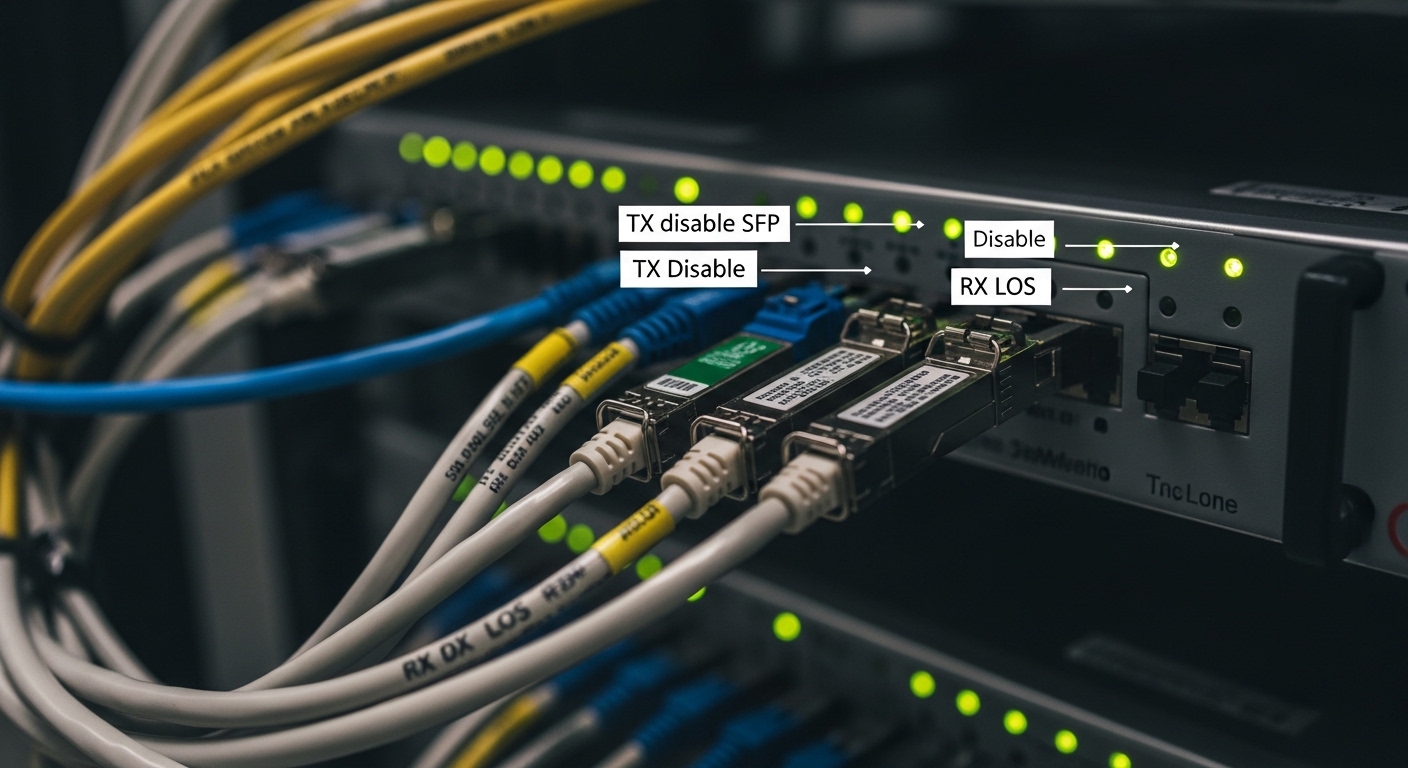
When operators say “TX disable SFP,” they usually mean the SFP provides a mechanism—often via a vendor-specific control line or a transceiver management function—that forces the optical transmitter to turn off. In practice, that prevents a marginal or unsafe optical signal from continuing to propagate through the fiber plant. Many platforms also use this behavior during diagnostics, port disable, or when the switch detects abnormal conditions.
Field reality: in a cabinet with shared MPO fanouts and patch panel retraining, an incorrectly terminated fiber can create high bit-error rates (BER). If the transmitter keeps blasting, the receiver may see sporadic traffic, causing link renegotiation or CRC storms. With TX disable, the switch can shut down optical emission while it re-tests signal quality or waits for a maintenance window.
Key behaviors to look for
- TX disable control method: Some SFPs support transmitter disable through a module pin; others rely on management via digital diagnostics (MDIO/I2C) and host control.
- Timing: Expect transmitter-off to take effect within milliseconds to tens of milliseconds depending on module design and host reaction time.
- Link state impact: Many switches keep the interface administratively up but report optics state; some will bring the port down if the host treats “TX off” as non-operational.
Limitations: TX disable is not a magic fix for bad optics. If the fiber is damaged, turning off TX simply stops emissions; it does not restore signal integrity. Also, not every SFP exposes the same disable method or supports host-side control in the same way.
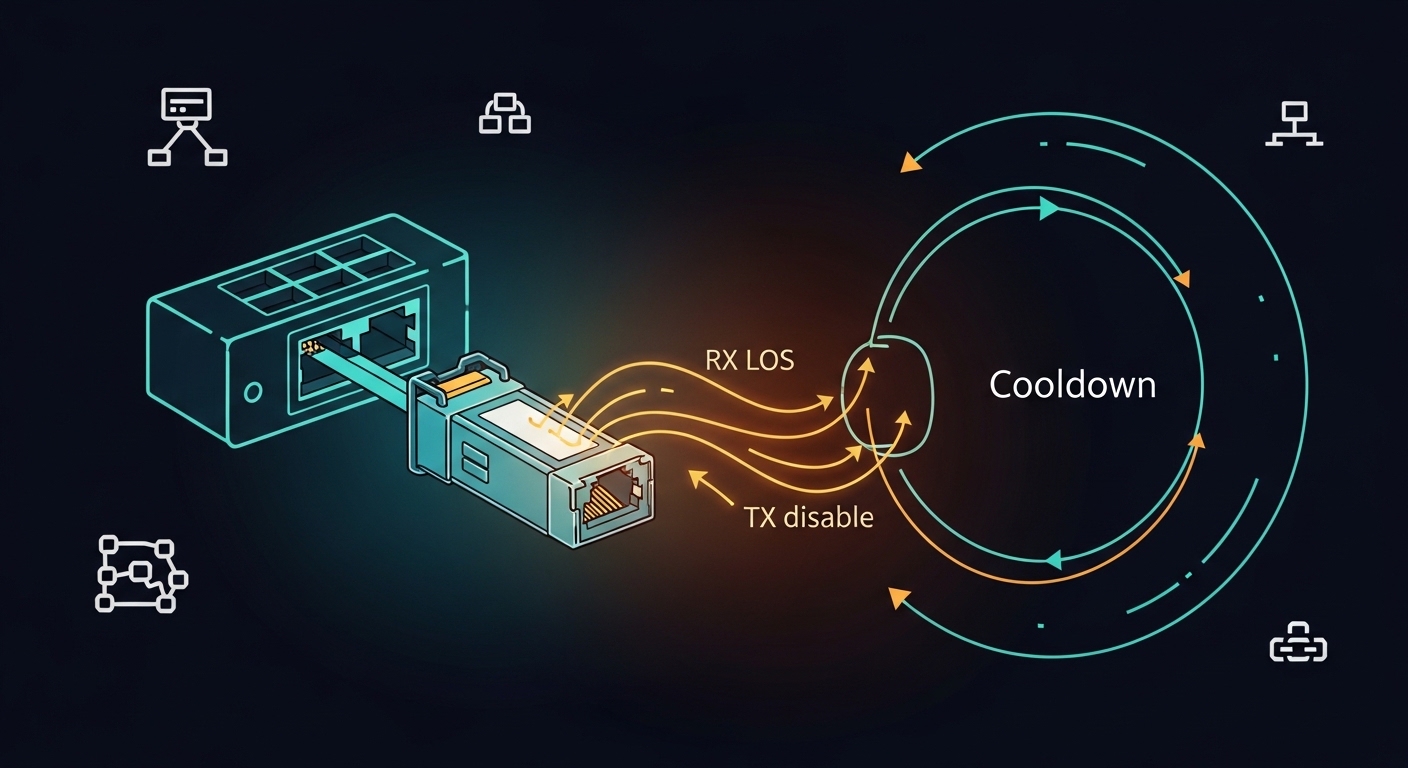
Pro Tip: In the field, the most useful workflow is to pair TX disable with a host-side “optics alarm” policy: when RX LOS asserts, automatically disable TX for a short cooldown, then re-enable and re-check DOM thresholds. This reduces repeated error bursts that can otherwise trigger storm-control and backpressure cascades.
RX LOS: why “receive loss of signal” is the early warning
RX LOS is an optical receiver alarm that indicates the receiver can no longer detect sufficient optical power. It is often implemented with a photodiode plus threshold comparator inside the module. The host reads LOS as a digital alarm and may log events or take actions such as marking the port as down, raising SNMP traps, or disabling TX.
Engineers often treat LOS as binary, but in operational terms it is a thresholded measurement. If your link has fiber attenuation drift, connector contamination, or a temperature-related power shift, you may see LOS flicker before the link fully fails. That early warning is why RX LOS is frequently paired with TX disable for stability.
Common module types and LOS expectations
- 10G-SR style (850 nm): Generally tolerant of short-reach links, but still sensitive to severe dust or incorrect patch cord mating.
- Longer-reach MMF/SMF modules: LOS thresholds can be tighter; small power changes can flip LOS.
- DOM integration: Many modern SFP+ and SFP28 modules provide received power (Rx power) as part of digital diagnostics, improving root-cause analysis beyond LOS alone.
Limitations: LOS does not tell you why the signal vanished. Causes can include unplugged fiber, wrong wavelength, swapped fibers (TX/RX reversed), a damaged patch cord, or a failing receiver. You still need to confirm the optical path and verify polarity.
TX disable SFP behavior vs RX LOS: the stability control loop
Think of TX disable and RX LOS as a feedback control loop. RX LOS is the sensor: it tells the host that the module is not receiving enough light. TX disable is the actuator: it stops the module from transmitting when the host decides the link is unsafe or needs a diagnostic reset.
In a well-designed network, this loop reduces flapping and prevents continuous transmission into a broken path. In a poorly designed environment, the loop can oscillate: RX LOS triggers TX disable, TX disable causes receiver power to drop (if the loop is misconfigured), and the system repeatedly toggles. The key is to implement sane timing and state logic.
Comparison table: key specs that affect real behavior
The exact behavior depends on the transceiver and the host switch, but these parameters are the ones engineers typically validate during deployment and acceptance testing.
| Parameter | Typical Value Range | Why it matters for TX disable SFP + RX LOS |
|---|---|---|
| Data rate | 10G, 25G, 40G, 100G (module dependent) | Higher rates often have tighter optical budgets; LOS can assert sooner during marginal conditions. |
| Wavelength | 850 nm (MMF), 1310/1550 nm (SMF) | Wrong wavelength or mismatch yields immediate LOS regardless of TX disable. |
| Connector | LC (most SR/short reach), MPO/MTP (high density) | Connector type affects cleaning discipline and failure modes; MPO polarity issues can mimic LOS. |
| Reach | From meters (copper-adjacent) to kilometers (SMF) | Budget margins determine whether LOS flickers under normal temperature and aging. |
| Optical power / budget | Vendor specific; validate Tx power and Rx sensitivity | TX disable should activate when Rx power crosses thresholds; otherwise you may transmit into a failing link. |
| Temperature range | Commercial often 0 to 70 C; industrial wider (module dependent) | Temperature drift can reduce Tx output or increase receiver noise, causing intermittent LOS. |
| DOM support | Digital diagnostics: Tx bias, Tx power, Rx power, temperature | DOM allows precise monitoring and safer automation policies than LOS alone. |
Real-world “control loop” logic engineers use
- Trigger: RX LOS asserts for longer than a debounce window (for example, 200 ms to 1 s).
- Action: Disable TX for a short cooldown (for example, 1 to 10 s), then re-enable.
- Verification: Check DOM Rx power and error counters after re-enable; do not auto-re-enable indefinitely if LOS persists.
- Escalation: If LOS persists beyond a max retry count, open a ticket and request fiber inspection/cleaning.
Standards context: Link monitoring and alarm handling are reflected in the broader Ethernet PHY and optical module ecosystems; the physical layer behavior aligns with IEEE 802.3 optics and SFP electrical interfaces. For baseline Ethernet behavior, see [Source: IEEE 802.3]. For module electrical/management expectations, consult vendor-specific SFP/SFP+ documentation and SFF specifications via module datasheets (module behavior varies by manufacturer).
External authority references for deeper background: IEEE 802.3 standard and SNIA technical resources for operational monitoring terminology (useful, though not specifically about SFP TX disable).
Choosing SFPs that support TX disable and meaningful LOS diagnostics
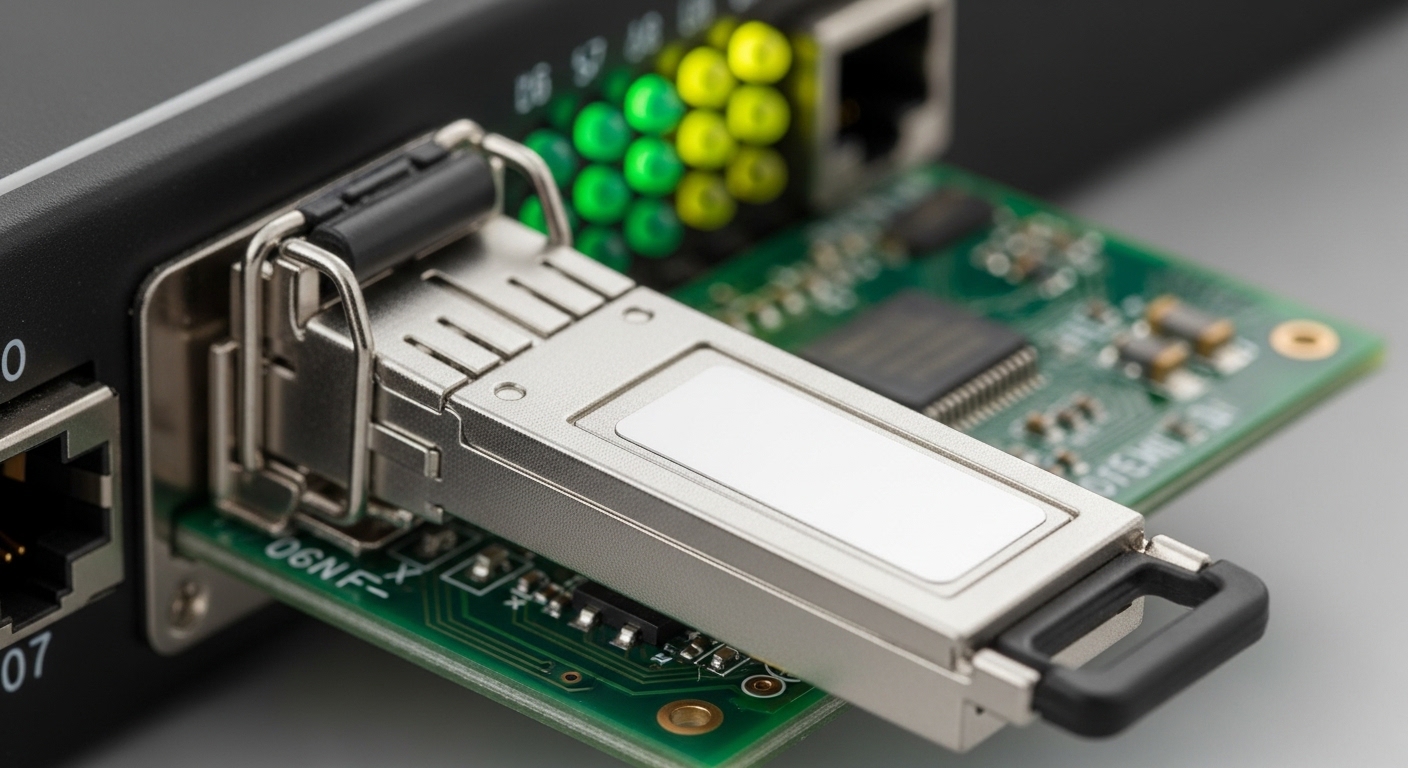
Not all SFPs behave the same under host control. When you want TX disable SFP and fast, reliable RX LOS diagnostics, your selection criteria must include both module capabilities and host compatibility. During acceptance testing, you should confirm that the switch can read DOM alarms, that the port reacts correctly, and that disabling TX does not break your management visibility.
Decision checklist (ordered by what breaks first)
- Distance vs optical budget: Verify Tx output power and Rx sensitivity meet your measured fiber loss with a safety margin (include patch cords and splitters).
- Switch compatibility: Confirm the host supports the module type and, if applicable, recognizes TX disable control paths for that vendor family.
- DOM alarm granularity: Prefer modules that expose Rx power and threshold-related diagnostics, not just LOS.
- Operating temperature range: Validate the module meets your rack intake and airflow conditions; intermittent LOS at heat peaks is a common field complaint.
- Connector and polarity strategy: Plan LC polarity or MPO polarity adapters; mismatches can look like LOS events.
- Vendor lock-in risk: OEM optics may integrate best with your switch, while third-party optics can be cheaper but may have different alarm behavior.
Concrete module examples engineers reference
To ground selection, engineers commonly evaluate known transceivers such as Cisco-branded optics (for platform alignment) and third-party modules with solid DOM behavior. Examples include Cisco SFP-10G-SR optics (model naming varies by platform generation) and third-party 10G SR modules like Finisar FTLX8571D3BCL and FS.com SFP-10GSR-85. Always validate against your switch compatibility matrix and run acceptance tests because alarm thresholds and DOM scaling can differ by vendor.
Cost & ROI note: OEM optics typically cost more upfront but may reduce field failures and time-to-repair due to tighter compatibility. In many deployments, third-party SFPs can be 20% to 50% cheaper per unit, but the ROI depends on your failure rate, RMA handling time, and whether your automation policies rely on DOM fields that may not match OEM semantics. Also factor power: optics draw relatively small power compared with line cards, but stable ports can reduce retransmissions and operational churn.
Common pitfalls and troubleshooting tips for TX disable SFP and RX LOS
When links go unstable, it is tempting to assume the optics are bad. In practice, instability is often caused by fiber path issues, polarity mistakes, threshold mismatches, or automation logic that unintentionally oscillates. Below are common failure modes with root causes and the fixes that work in real outages.
Pitfall 1: RX LOS flickers due to dirty connectors
- Root cause: Contamination on LC endfaces or MPO/MTP ferrules attenuates power below LOS threshold intermittently, especially with vibration or thermal cycling.
- Solution: Inspect with a fiber microscope, clean with approved swabs and solvent, and re-test. Avoid “wipe and pray”; verify with inspection after cleaning.
Pitfall 2: Misconfigured polarity or swapped fibers
- Root cause: TX and RX fibers reversed (or MPO polarity adapter missing) can produce LOS even if the link is physically connected.
- Solution: Confirm polarity mapping at the patch panel. For MPO, use the correct polarity adapter and document the direction of each ribbon. Re-check by measuring Rx power with DOM.
Pitfall 3: TX disable automation causes repeated toggling
- Root cause: Automation logic disables TX when RX LOS asserts, but the host then interprets the resulting state as “still failing,” causing a loop. Alternatively, debounce windows are too short.
- Solution: Add debounce and cooldown timers, limit retry counts, and base the decision on DOM Rx power trends and error counters rather than LOS alone.
Pitfall 4: Temperature drift pushes marginal links over the LOS threshold
- Root cause: Aging, airflow restrictions, or heat soak reduces Tx output or increases receiver noise margin, making LOS more likely at peak temperature.
- Solution: Validate module temperature range, improve airflow, and ensure the optical budget includes at least a conservative margin. Track Rx power over time to spot gradual degradation.
Pitfall 5: DOM fields differ between OEM and third-party optics
- Root cause: Some automation scripts assume specific scaling or threshold semantics; third-party DOM can expose values differently even if LOS behaves similarly.
- Solution: Update thresholds per vendor family, and test in a staging rack with realistic temperature and fiber conditions.
A ranked checklist to decide what to do first during a stability incident
When you face link flaps, the fastest path is to use an ordered triage that distinguishes “optics emission problem,” “optical receive problem,” and “configuration/automation problem.” This ranking is designed for engineers who need a repeatable playbook, not a one-off guess.
Top actions ranked by impact and speed
- Validate DOM Rx power and LOS timing: If Rx power collapses abruptly, suspect unplugged fiber or polarity mismatch; if it drifts near threshold, suspect budget or contamination.
- Inspect and clean connectors: Especially LC and MPO/MTP interfaces; this fixes a large share of intermittent LOS.
- Confirm optical polarity and patch panel mapping: Verify the correct adapter type and ribbon direction.
- Check TX disable automation logic: Ensure debounce/cooldown and that retries are bounded.
- Assess optical budget with measured loss: Verify the link margin after patch cord replacement and during seasonal temperature changes.
- Swap optics during controlled tests: If LOS behavior moves with the module, replace the SFP; if it stays on the port, the fiber path is likely.
Summary ranking table
| Priority | Check | Most likely root causes | Expected time to confirm |
|---|---|---|---|
| 1 | DOM Rx power trend vs LOS | Threshold margin, contamination, budget drift | 5 to 15 minutes |
| 2 | Connector inspection/cleaning | Dirty endfaces, micro-scratches | 15 to 45 minutes |
| 3 | Polarity and patch mapping | Swapped fibers, wrong MPO adapter | 15 to 60 minutes |
| 4 | TX disable cooldown logic | Oscillation, too-short debounce | 30 to 90 minutes |
| 5 | Optical budget re-measurement | Underestimated loss, wrong patch cords | 1 to 3 hours |
| 6 | Controlled optics swap | Failing receiver/transmitter | 20 to 60 minutes |
Real deployment scenario: stabilizing a leaf-spine access layer
In a 3-tier data center leaf-spine topology with 48-port 10G ToR switches feeding 1,200 access ports, a maintenance team noticed intermittent link flaps on a subset of uplinks after patch panel rework. Each flap correlated with RX LOS events, but the root cause was not the transceivers; it was a batch of reused patch cords with inconsistent connector cleanliness. Engineers enabled a policy where RX LOS asserted for more than 500 ms triggered TX disable for 5 seconds, then re-enabled and checked DOM Rx power and interface CRC counters.
The key stabilization came from adding bounded retries: after 3 cycles, the system stopped toggling and escalated for fiber inspection. In the week after the change, the team reduced flap frequency from multiple events per day to rare, operator-driven incidents, and mean time to resolution dropped because DOM trends identified whether the failure path was “gradual threshold drift” versus “hard unplug/polarity.”
FAQ
What does TX disable SFP do during a fault?
It forces the transceiver transmitter to stop emitting optical light so the host can prevent ongoing transmission into a broken or unsafe link path. In good designs, it is triggered by alarms such as RX LOS and is followed by a cooldown and verification using DOM or error counters.
Is RX LOS enough to troubleshoot without TX disable?
RX LOS is a strong indicator that the receiver cannot detect sufficient optical power, but it does not identify the cause. You still need to inspect fiber polarity, measure optical power/budget, and check connector cleanliness. TX disable helps by reducing repeated error bursts while you diagnose.
Will TX disable always bring the port down?
No. Some switches keep the interface up but report optics status; others may take the port down depending on how they interpret transmitter disable and LOS. Always test on your exact switch model and firmware revision because behavior can differ.
Do third-party SFPs support TX disable and DOM the same way as OEM?
They may support TX disable behavior and provide DOM, but scaling, threshold semantics, and alarm timing can differ. If your automation depends on specific DOM fields or thresholds, validate in staging and adjust per vendor family to avoid mis-triggering.
What is the fastest way to confirm a polarity problem?
Check the patch panel mapping first, then verify DOM Rx power immediately after confirming fiber direction. A polarity mismatch often yields persistent LOS or very low Rx power even when the link is “connected,” and swapping the fiber ends typically resolves it quickly.
How should we set debounce and cooldown for TX disable?
Start with a conservative debounce window (for example, hundreds of milliseconds) and a cooldown long enough for optics and host state machines to settle (for example, a few seconds). Then validate with real traffic and monitor for oscillation; cap retries and escalate if LOS persists.
Ranked by operational impact, the best next step is to instrument DOM Rx power and correlate it with RX LOS timing, then apply cleaning and polarity validation before replacing optics. If you want the stability gains without surprises, use bounded TX disable automation and verify behavior on your specific switch and firmware combination.
Author bio: Field-focused network engineer and writer specializing in optics troubleshooting, port stability automation, and acceptance testing for Ethernet transceivers. Hands-on experience deploying SFP/SFP28 optics in leaf-spine and access environments with measurable BER, DOM monitoring, and controlled fiber change workflows.