If you run a service provider transport network, a wrong tunable DWDM transceiver choice can strand a circuit, trigger link flaps, or force an expensive truck roll. This quick reference helps network and field engineers validate reach, wavelength plan, optics power, and compatibility before ordering. You will also get troubleshooting patterns that match the failures seen in live DWDM rings and point-to-point builds.
What to verify before you buy a tunable DWDM transceiver
Service providers typically deploy tunable optics to reduce spare inventory, adapt to changing wavelength plans, and support dynamic restoration. The catch is that “tunable” modules still have strict boundaries: grid compliance, tuning range, output power limits, and required optical interfaces. Start by aligning your DWDM system parameters with the module datasheet, then confirm optics-to-system behavior with measured link budgets.
Key parameters that drive compatibility
- Wavelength plan and ITU grid: confirm the module supports the exact channel spacing used by your DWDM mux/demux (commonly 100 GHz or 50 GHz). Many vendors specify compliance with ITU-T wavelength grids; verify the exact grid and channel numbering scheme in your design.
- Tuning range: confirm the supported wavelength band (often C-band around 1530–1565 nm). Ensure required channels fall inside the tuning window with margin.
- Data rate and modulation: ensure the module matches your transport layer (for example, 10G, 40G, 100G coherent, or other vendor-specific line rates). Many “tunable” parts are tuned at the optical carrier level, not the electrical format.
- Optical output power and receiver sensitivity: validate launch power range and receiver minimum input power, including expected fiber attenuation and component losses.
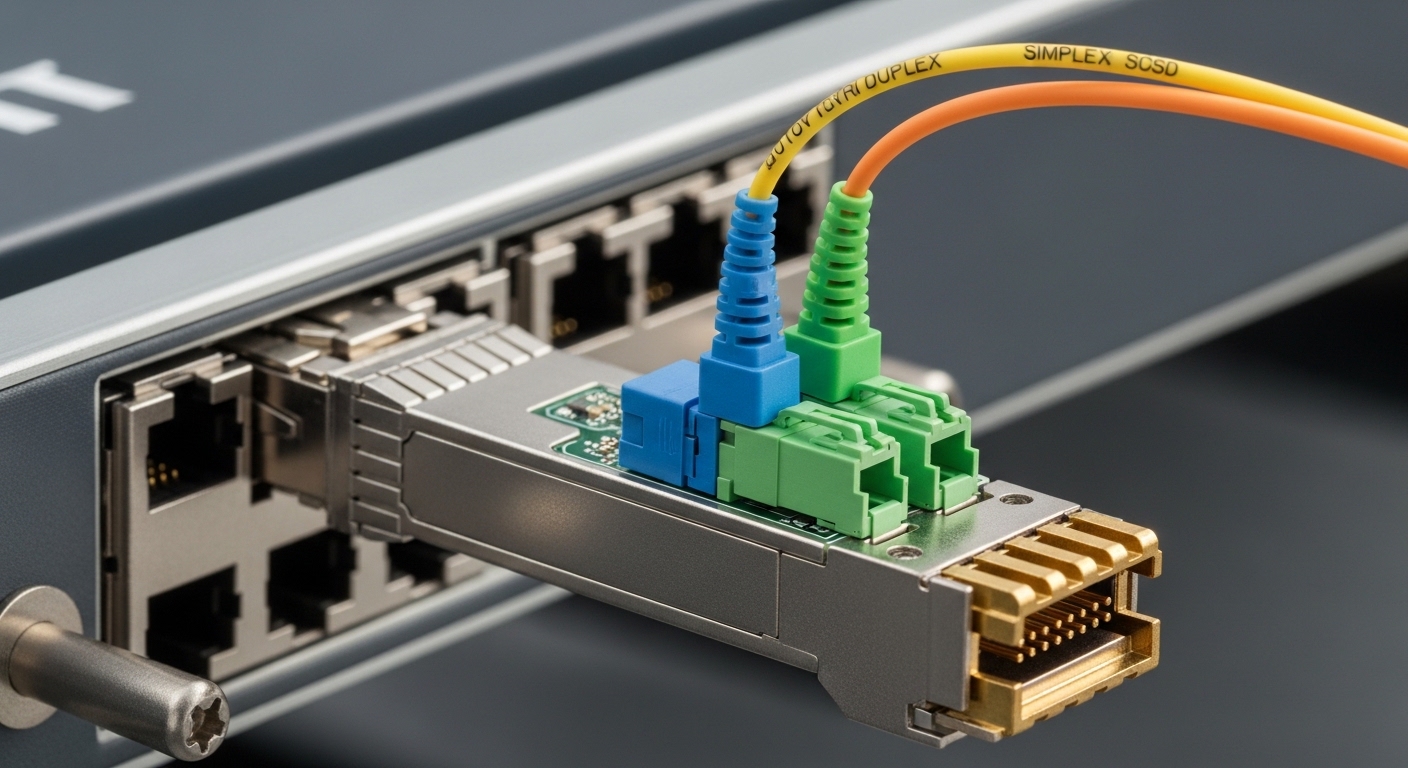
- Connector and optical interface: check for APC vs UPC behavior, fiber type (SMF), and connector style (LC is common). Mismatched connectors or polished interface types can cause intermittent loss spikes.
- DOM and management: confirm digital optical monitoring support (DOM) and whether your transceiver management stack expects standard DOM registers.
Pro Tip: In DWDM deployments, the fastest way to avoid a bad order is to validate not just “tuning range,” but the usable tuning accuracy under your vendor’s temperature and aging assumptions. A channel that looks valid on paper can drift outside your mux passband when the module and chassis thermal conditions differ from the vendor test setup.
Specs that matter: a practical comparison for service provider planning
Below is a field-oriented comparison you can use to sanity-check orders. Exact values vary by vendor and firmware, so treat this as a checklist baseline and confirm against the specific part number datasheet.
| Spec | Typical tunable DWDM module (example class) | What to check in your order |
|---|---|---|
| Wavelength band | C-band (around 1530–1565 nm) | Confirm exact channel endpoints and grid (50 GHz vs 100 GHz) |
| Tuning range | Several nm to tens of nm depending on model | Make sure required ITU channels fall inside the tuning window with margin |
| Data rate | 10G/40G/100G classes depending on optics type | Match line card support and modulation format |
| Connector | LC (often) | Verify APC/UPC and polarity labeling in your patch panels |
| DOM support | Often available on modern DWDM optics | Confirm your NMS reads the registers you expect |
| Power levels | Launch power typically within a vendor-defined range | Validate against link budget and any mux/DEM insertion loss targets |
| Operating temperature | Industrial-grade or extended ranges | Match your shelter and chassis thermal profile |
For reference, many engineers cross-check wavelength-grid behavior against ITU-T DWDM recommendations and transceiver interface expectations against optical module standards and vendor datasheets. [Source: ITU-T Recommendation G.694.1] and [Source: IEEE 802.3] provide baseline context, while vendor datasheets (for example, tunable DWDM optics from OEMs and third parties) provide the operational limits you must follow.
Deployment scenario: wavelength agility in a 3-tier service ring
Consider a service provider with a 3-tier architecture: core aggregation, metro edge, and access aggregation. In a metro ring, 12 sites connect with 80 km spans of SMF plus inline EDFAs and a pair of DWDM mux/demux units. The provider carries multiple services, so the wavelength plan changes during maintenance windows and restoration events.
In this environment, a tunable DWDM transceiver helps you provision spare capacity by selecting the required ITU channel rather than stocking a unique fixed-wavelength module per circuit. A common operational workflow is to assign a target wavelength in the NMS, set the optics tuning state, then verify received power and signal quality alarms. If the measured receive level is outside the design window, you adjust launch power where supported or revisit the mux path losses and patch panel cleanliness before you assume a fiber issue.
Selection checklist engineers use in the field
Use this ordered list during procurement and pre-install verification. It reduces back-and-forth and prevents “it fits physically but not logically” failures.
- Distance and link budget: confirm span length, fiber attenuation, connector losses, mux/demux insertion loss, and any EDFA gain/tilt constraints.
- Required wavelength channels: map your ITU channels to the module tuning range and grid spacing. Include margin for temperature and aging.
- Switch or line card compatibility: verify the exact optics form factor and vendor compatibility list for the host device. Some hosts enforce specific DOM behaviors or laser safety profiles.
- DOM and monitoring: confirm your NMS can read temperature, bias current, TX power, and alarms. If your system expects standard interfaces, confirm DOM compliance.
- Operating temperature: check the module and host chassis spec. In shelters with poor airflow, you may see thermal drift that affects channel alignment.
- Vendor lock-in risk: assess whether you can use third-party optics safely. Plan for firmware and support policies; keep a compatibility matrix for each line card model.
Common mistakes and troubleshooting patterns
Even experienced teams hit predictable failure modes. Below are concrete causes and fixes you can apply during commissioning and during incident response.
Channel mismatch with the mux/demux passband
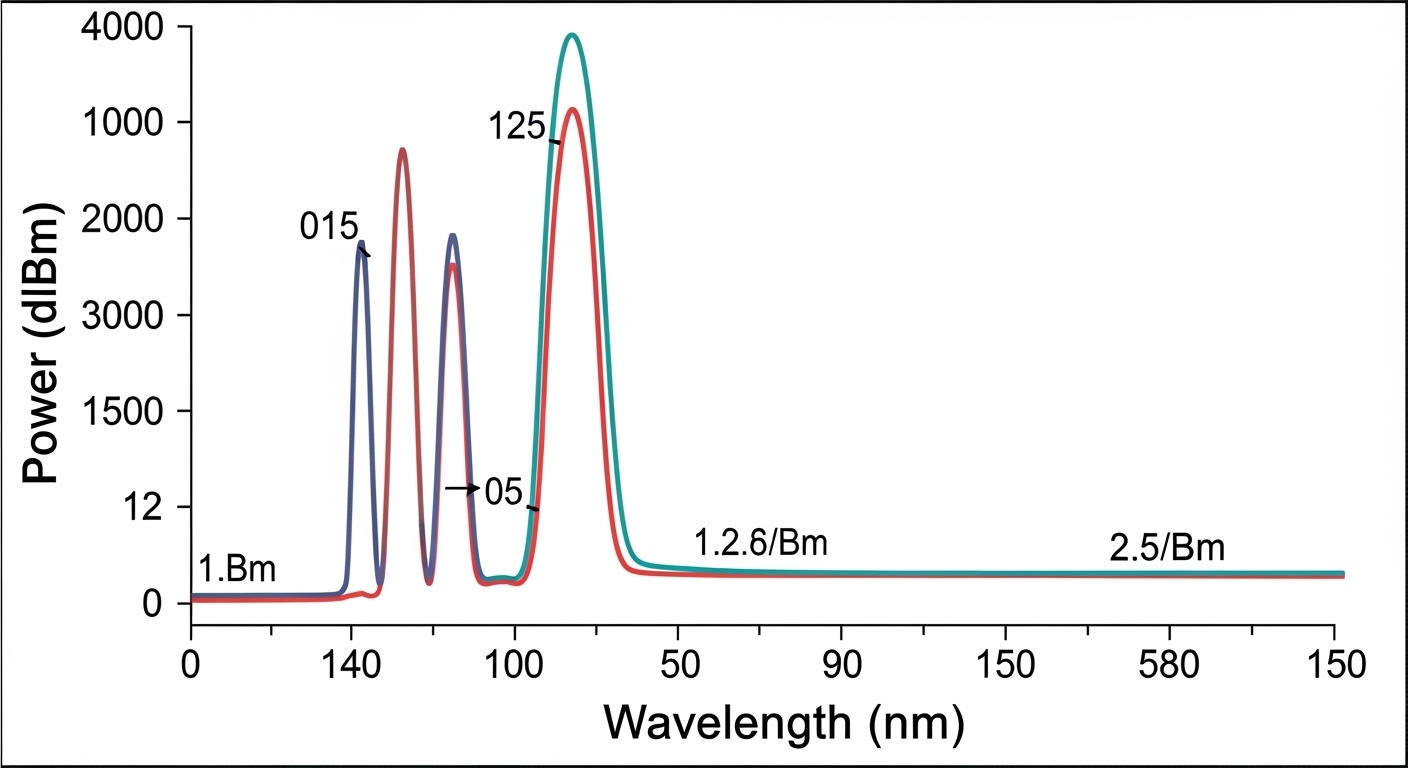
Root cause: The module tunes to an ITU channel, but the actual carrier center wavelength falls outside the mux/demux acceptance due to grid mismatch, tuning accuracy limits, or incorrect channel numbering. Solution: verify channel mapping end-to-end (NMS setting to optical carrier), then measure with an optical spectrum analyzer if available. Confirm your DWDM grid spacing (50 GHz vs 100 GHz) and the mux/demux configuration.
Link budget shortfall from connector and patch panel issues
Root cause: Dirty or mismatched connectors (UPC vs APC handling, bad cleaning, wrong polarity) increase insertion loss, pushing the receiver below sensitivity. Solution: clean with approved fiber cleaning procedures, re-terminate if needed, and re-measure optical power at the patch panel. Track loss with a consistent method before swapping optics.
Host compatibility and DOM alarm behavior differences
Root cause: The host line card may accept the module but misinterpret DOM thresholds or alarm flags, leading to link flaps or “unsupported optics” events. Solution: confirm DOM register compatibility and firmware expectations with the vendor, and test in a controlled slot before deploying broadly. If your NMS uses custom thresholds, align them with the module’s documented alarm levels.
Thermal drift from shelter airflow constraints
Root cause: In warmer enclosures, the tuning point can drift or the module can enter a derated operating region, affecting channel stability. Solution: verify airflow and inlet temperature, then monitor module temperature telemetry. If needed, improve cooling or adjust operational scheduling during peak ambient periods.

Cost and ROI note for service provider optics
Tunable DWDM optics typically cost more than fixed-wavelength modules because they include a tunable laser mechanism and tighter control. In practice, the purchase price might land in a wide range depending on data rate and vendor tier, but teams often see third-party modules priced significantly lower than OEM units while still meeting basic performance—if compatibility is validated.
ROI usually comes from reduced spare inventory and faster wavelength provisioning during maintenance. However, TCO depends on failure rate handling, warranty terms, and whether the host platform supports the optics reliably. A practical approach is to test a small batch in your exact line card model, confirm DOM alarm behavior, then scale only after you have incident-free commissioning results.
FAQ
How do I confirm the tunable DWDM transceiver supports my exact ITU channels?
Start with the module datasheet tuning range and the supported grid spacing, then map your required channels to wavelength endpoints. During commissioning, verify the actual tuned carrier with monitoring tools or an optical spectrum analyzer when available.
Will a tunable DWDM transceiver work with any DWDM mux/demux?
Not automatically. You must match the mux/demux grid, passband characteristics, and any operational constraints such as channel numbering and expected launch power.
What should I check about DOM support for monitoring and alarms?
Confirm the module exposes the metrics your NMS expects: temperature, TX power, RX power, and alarm thresholds. If the host line card uses strict DOM parsing, validate compatibility with your exact platform model and firmware version.
Is third-party optics safe to deploy in a service provider network?
It can be, but only after you verify host compatibility, DOM behavior, and wavelength tuning performance in your environment. Keep a compatibility matrix per line card and conduct a pilot deployment before scaling.
What is the fastest way to isolate a “no light” or low-power incident?
Check patch panel polarity, connector cleanliness, and measured optical power at the nearest test point first. Then verify host alarm logs and confirm the module tuned to the expected wavelength before concluding the optics are faulty.
How do I reduce risk during wavelength provisioning changes?
Use a controlled change workflow: set wavelength, verify optical power and alarms, then validate service-level performance. Keep a rollback plan that returns to a known-good channel configuration quickly.
Updated: 2026-04-30. If you want a related workflow, review Choosing fiber optic transceivers for high-density data centers for host compatibility and operational testing steps.
Author bio: I have deployed DWDM and transceiver fleets across metro rings, focusing on commissioning checklists, DOM telemetry validation, and incident troubleshooting. My goal is to help teams make reliable optics choices with measurable acceptance criteria.