Open RAN deployments fail in predictable ways: a transceiver meets the headline bitrate but misses optical budgets, timing assumptions, or vendor DOM expectations. This guide targets network and radio-access engineers who must select and validate transceivers for fronthaul, midhaul, and aggregation in mixed-vendor Open RAN racks. You will get a practical checklist for transceiver requirements, plus troubleshooting patterns seen during bring-up and acceptance testing.
Open RAN transceiver requirements start with the link budget, not the port speed
For Open RAN, the transceiver requirements are dominated by optical reach, connector quality, fiber type, and allowable optical power at the receiver. Even when you buy a “10G LR” or “25G SR” module, your real constraint is the end-to-end link budget under worst-case aging, patch cord loss, and splice attenuation. In practice, field teams build an optical budget spreadsheet that matches the vendor’s stated launch power and receiver sensitivity, then layers measured MPO/LC insertion loss from the actual patch panel.
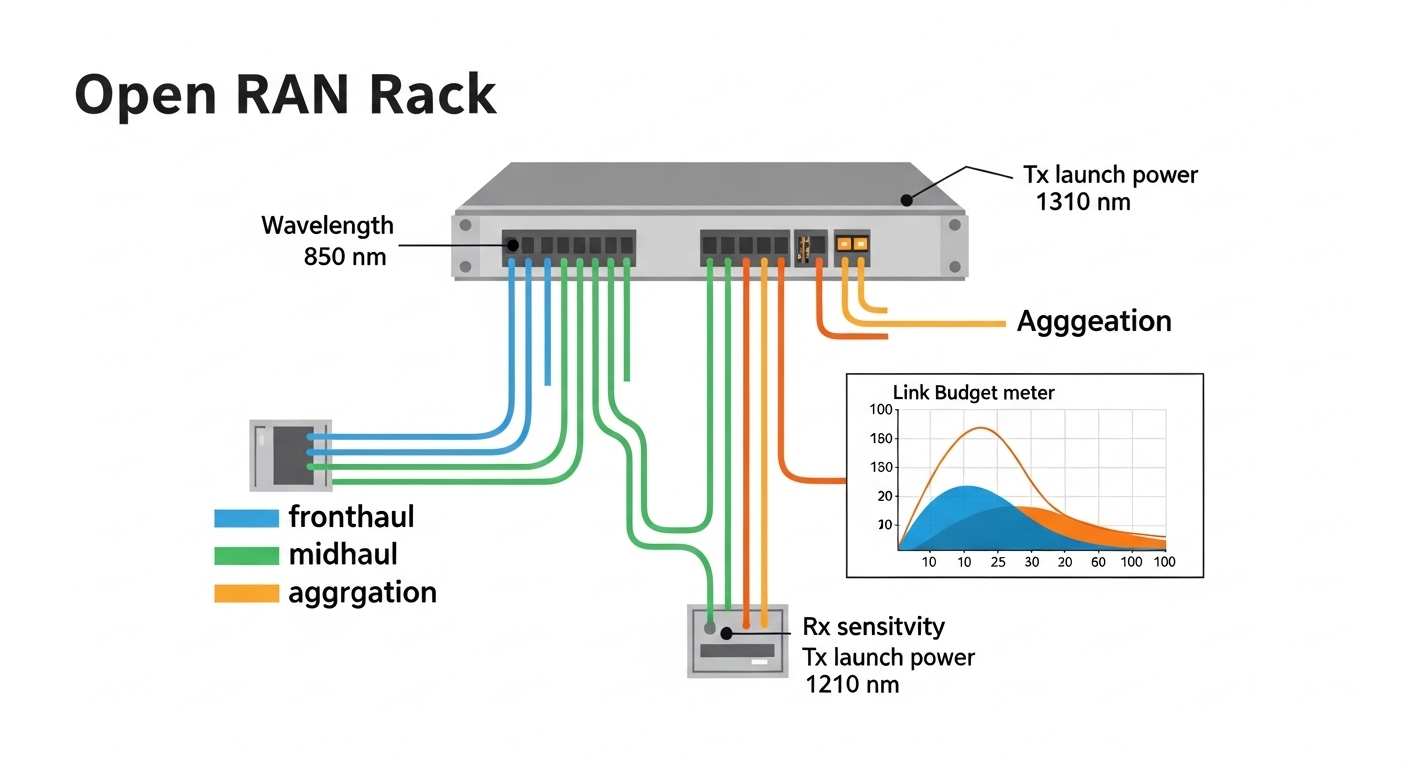
Map Open RAN functional splits to transport distance
Open RAN can use different functional splits (for example, options commonly discussed in the O-RAN ecosystem), and each split changes where bandwidth-heavy processing occurs. As a result, fronthaul links often run short-reach optics inside a data center, while midhaul and aggregation may use longer-reach optics. Your selection should reflect measured fiber runs and patch panel topology, not just “site type.”
Use IEEE and vendor optics specs as the ground truth
Start with the transceiver datasheet for parameters like wavelength, nominal launch power, receiver sensitivity, and supported DOM readings. Then confirm the host interface supports the electrical standard (for example, 10GBASE-SR/LR or 25GBASE-SR depending on platform). IEEE 802.3 specifies link behavior, but vendors define module-specific limits such as output power control and maximum lane skew budgets; mismatches show up as intermittent packet loss during traffic bursts.
Authority references: IEEE 802.3 and vendor optics documentation from module manufacturers and switch OEMs, as summarized in their QSFP/SFP datasheets. [Source: IEEE 802.3] [Source: vendor transceiver datasheets]
Hard specs that must match: wavelength, reach, power, temperature, and DOM
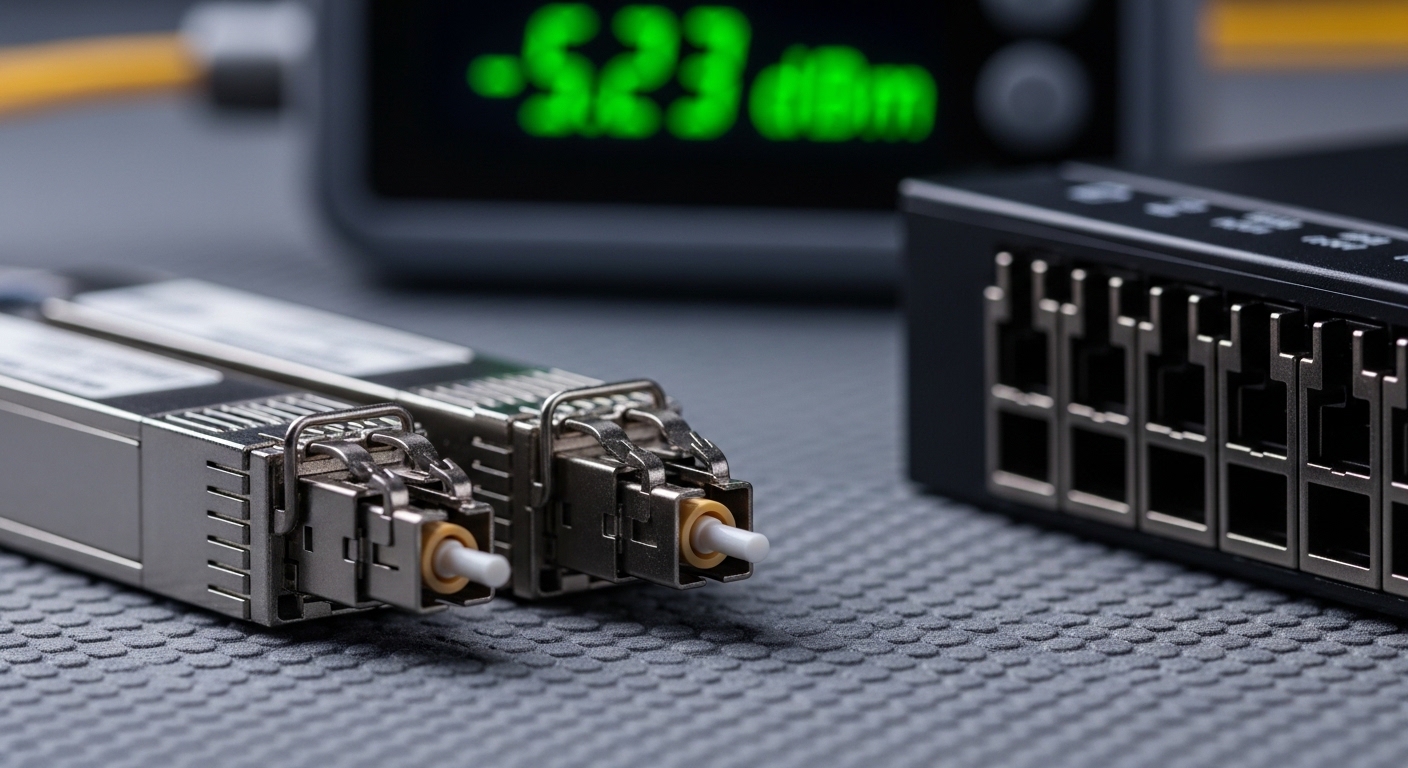
When engineers say “it should work,” they often mean “it has the right form factor.” For transceiver requirements in Open RAN, you also need to match wavelengths, reach class, transmit power, receiver sensitivity, and DOM behavior that the host expects. In multi-vendor Open RAN labs, we have seen false acceptance where optics pass basic link up but fail under temperature cycling or exceed the host’s power threshold.
Key optical and electrical parameters to verify
At minimum, verify these items against both the transceiver datasheet and the host transceiver compatibility list. Pay attention to DOM support (digital diagnostics), connector type (LC vs MPO), and the temperature operating range, because Open RAN cabinets can see fast ramp-up during remote site warm-up.
| Parameter | What to check for Open RAN | Typical values (examples) | Why it matters |
|---|---|---|---|
| Wavelength | Match SR vs LR class; ensure correct nominal wavelength | 850 nm (SR), 1310 nm (LR) | Prevents total link failure and chromatic mismatch |
| Reach (km) | Use datasheet “up to” and confirm with measured loss | 100 m (common 10G SR), 10 km (common 10G LR) | Affects receiver margin under worst-case attenuation |
| Tx launch power | Confirm nominal and min/max; check host power limits | Varies by class (check datasheet) | Too high can violate receiver safety; too low reduces margin |
| Rx sensitivity | Confirm required receive level at your BER target | Check datasheet sensitivity | Determines if link survives patch loss and aging |
| Connector | LC vs MPO; match patch panel and polarity conventions | LC or MPO/MTP | Mismatched polarity yields persistent bit errors |
| Data rate / modulation | Confirm host expects the correct lane rate and encoding | 10G, 25G, 40G, 100G | Prevents “link up but no traffic” scenarios |
| DOM / management | Check supported DOM page(s), alarms, thresholds | Digital diagnostics via I2C/SFF-8472 or QSFP DOM | Host monitoring can block acceptance or trigger maintenance |
| Operating temperature | Validate cabinet thermal range and airflow direction | Common: 0 to 70 C (commercial) or wider | Prevents thermal derating and link flaps |
Concrete module examples you will encounter
In real Open RAN labs, you may see 10G SFP+ SR modules for short-reach fronthaul within a controlled data hall, and 10G SFP+ LR for longer midhaul runs. Examples include Cisco SFP-10G-SR, Finisar FTLX8571D3BCL, and FS.com SFP-10GSR-85 for 850 nm SR use cases. Always cross-check that the module vendor lists compatibility with your specific switch/router line card and that the OEM allows third-party optics if your procurement policy requires it.
Authority references: [Source: Cisco SFP-10G-SR datasheet] [Source: Finisar/II-VI transceiver datasheets] [Source: FS.com transceiver datasheets]
Pro Tip: In Open RAN acceptance tests, do not trust a “link up” LED. Always pull DOM readings (Tx power, Rx power, temperature) and run a short burst traffic test while the cabinet is warming up from near-ambient. We have repeatedly found that marginal receiver power or thermal drift only becomes visible after 20 to 40 minutes of steady load.
Selection checklist: transceiver requirements you can verify before you buy
Use the following ordered checklist during procurement and engineering review. The goal is to prevent “wrong but similar” optics from entering the build, which is common when teams share part numbers across vendors.
- Distance and measured loss: confirm fiber length, patch cord count, and measured insertion loss (dB) at commissioning; include worst-case connectors and splices.
- Optical class and wavelength: pick SR vs LR based on actual fiber type and reach; verify nominal wavelength matches the transceiver datasheet.
- Electrical interface compatibility: confirm the host port supports the exact form factor and lane rate (SFP+, SFP28, QSFP+, QSFP28, etc.) and that it is wired for the expected polarity.
- DOM and monitoring expectations: verify the host reads DOM successfully; confirm alarms do not trigger maintenance workflows.
- Operating temperature and airflow: ensure the module supports the cabinet’s minimum and maximum temperatures, including sunlight/ambient impacts at remote sites.
- Vendor lock-in risk: check OEM optics rules; if third-party is allowed, ensure it is on the compatibility list or validated via lab testing.
- Connector standardization: standardize on LC or MPO across the rack to reduce polarity and cleaning mistakes.
- Spare strategy: stock at least one spare per optical class per switch to recover from failed optics quickly.
Decision branches that prevent expensive rework
If you are unsure whether to choose SR or LR, start with the measured link loss. If the expected receive margin is within a few dB of the module’s stated minimum, choose a higher-reach option or reduce patch cord count rather than “hoping” the optics will tolerate it. For DOM issues, plan a test where you read I2C diagnostics and confirm the switch logs show “no alarm” states.
Common pitfalls and troubleshooting tips from field bring-up
Below are failure modes engineers see in Open RAN deployments. Each includes a likely root cause and a practical fix.
Link comes up, but traffic drops under load
Root cause: Tx power too low or Rx sensitivity margin too tight due to unmeasured patch loss, dirty connectors, or higher-than-expected insertion loss at the MPO/LC interfaces. Another frequent cause is a polarity reversal on multi-fiber MPO trunks.
Solution: clean connectors with lint-free wipes and proper cleaning tools, then measure optical power with a calibrated meter at both ends. If you use MPO, verify polarity mapping and swap polarity adapters (or re-terminate) until BER/packet loss stabilizes.
Intermittent “link flaps” during temperature ramp
Root cause: operating temperature mismatch (commercial-grade optics in a hotter cabinet) or thermal coupling problems where airflow bypasses the module area.
Solution: confirm module temperature range in the datasheet and compare to measured cabinet hotspots using a probe. Improve airflow pathing and reseat modules; rerun traffic tests after thermal stabilization.
Host alarms about DOM or “unsupported module” events
Root cause: DOM implementation differences between OEM and third-party optics, or a host firmware version that expects specific diagnostic pages/threshold behavior.
Solution: update host firmware if the vendor recommends it, then validate DOM readings using the host CLI or management interface. If monitoring is critical for O-RAN operations, restrict optics to those explicitly validated for your switch line card.
Wrong wavelength class installed (SR vs LR confusion)
Root cause: procurement mix-ups where both modules share similar form factors but differ in nominal wavelength and reach class.
Solution: implement a labeling and scanning step at receipt: verify wavelength and part number on the module label before insertion. Maintain a “golden inventory” spreadsheet mapping port IDs to module part numbers and wavelength.

Cost and ROI notes: what transceiver requirements mean for TCO
Pricing varies widely by data rate, reach class, and whether you choose OEM-branded or third-party optics. In typical procurement markets, you might see short-reach 10G SR optics in the “tens of dollars” range per module, while higher-speed or longer-reach modules (and validated OEM stock) can cost significantly more. The ROI is rarely about the per-module price alone; it is about reduced downtime, fewer truck rolls, and fewer acceptance failures that force rework.
Third-party optics can reduce acquisition cost, but they can increase engineering time spent validating compatibility, DOM behavior, and thermal performance. A practical TCO model should include labor hours for testing, probability of early failure (field returns), and the cost of outages during rollout windows. If your Open RAN program is safety-critical or requires strict monitoring, budget for validated optics and spares rather than optimizing only the unit price.
FAQ: transceiver requirements for Open RAN teams
Which transceiver requirements matter most for fronthaul?
For fronthaul, the biggest drivers are short-reach optical class, connector cleanliness, polarity correctness, and enough receiver power margin under worst-case patch loss. Also verify DOM monitoring so alarms integrate cleanly into your operations workflows. [Source: vendor optics datasheets]
Can I mix OEM and third-party transceivers in the same Open RAN rack?
Sometimes yes, but compatibility is host- and firmware-dependent. Validate in a lab or staging rack by reading DOM and running traffic at expected load while the cabinet warms. If your OEM blocks unsupported diagnostics, mixing can trigger maintenance workflows even if the link is up.
What DOM readings should I log during acceptance testing?
Log at least Tx power, Rx power, module temperature, and any DOM alarm flags exposed by the host. Then correlate with link performance during a traffic burst test. The goal is to confirm you have margin, not just connectivity.
How do I choose SR vs LR without guessing?
Use measured insertion loss and splice/connector loss from your actual fiber plant, then compare that to the module’s stated launch and sensitivity values. If the computed margin is tight (only a few dB), choose a higher-reach option or reduce patch cord count rather than relying on typical-case assumptions.
What is the fastest way to troubleshoot “link up but no data”?
First verify polarity and connector mapping (especially MPO trunks), then clean both ends, and finally measure optical power levels. If those look correct, check host interface expectations (lane rate and form factor) and confirm DOM diagnostics do not indicate unsupported module behavior.
Do operating temperature ranges change transceiver requirements at remote sites?
Yes. Remote sites can have wider ambient swings and slower airflow dynamics, which amplifies thermal drift and can reduce optical output over time. Ensure the module’s operating temperature range matches your measured cabinet profile and that airflow is not blocked by cable bundles.
Transceiver requirements for Open RAN are won or lost on measurable optics margin, host compatibility, and operational monitoring—not on the marketing reach number. Next, use fiber-optic-link-budget-checklist to build a link budget that matches your patch panel reality and prevents acceptance surprises.
Author bio: Field-tested electronics and optical transport engineer specializing in SFP/QSFP optics validation, DOM telemetry, and link-budget verification across mixed-vendor networks. I document bring-up failures from real deployments and translate datasheet limits into acceptance test procedures.