Optical upgrades fail in the real world for boring reasons: port incompatibility, slow lead times, and vendors that won’t support a hardware refresh cycle. This guide helps network owners and field teams decide between transceiver leasing and buying when migrating fiber links, adding capacity, or refreshing legacy optics. You will get an engineer-style checklist, a spec comparison table, and troubleshooting patterns pulled from common SFP/SFP+/QSFP handshakes and vendor DOM behavior. Update date: 2026-04-30.

When leasing optics actually prevents upgrade risk
In many facilities, the upgrade window is fixed by change-control, not by vendor schedules. If you need to populate dozens of ports for a migration (for example, 10G to 25G aggregation, or adding breakout links), transceiver leasing can reduce “unknowns” because you can standardize optics models per switch family and stage replacements quickly. Leasing also helps when you must prove compatibility with optics you have not previously used on that platform, especially when vendor firmware has strict DOM expectations.
Buying optics can be cheaper at steady state, but it shifts risk to you: you commit capital, you wait for procurement cycles, and you may end up with stranded spares if link budgets or transceiver types change mid-project. Leasing is often the better approach when your timeline is tight, your topology is evolving, or you are running multiple switch generations in parallel. The decision becomes more practical when you quantify lead times, expected failures, and how long the optics will remain the “current” standard.
Real-world decision trigger (quantified)
Teams typically switch from buying to leasing when at least one of these is true: (1) procurement lead time exceeds your cutover window by more than 2 to 4 weeks; (2) you need to validate compatibility across 3 or more switch SKUs; or (3) the migration plan is phased and may reorder optics counts after the first wave. For example, in a leaf-spine refresh, you may deploy 25G SR optics on day one, then change port breakout mapping in wave two, which makes purchased spares less reusable.
Key specs that decide leasing vs buying for fiber links
Both leasing and buying can work, but only if the transceivers meet the switch’s electrical and optical requirements. Engineers care about wavelength, reach, data rate, connector type, and the DOM behavior expected by the switch. For Ethernet optics, the physical layer is standardized (for example, IEEE 802.3 for 10G/25G/40G/100G variants), while vendor-specific implementations determine how the switch validates presence, resets, and alarms.
Minimum “must-match” requirements
- Data rate and modulation: e.g., 25G NRZ, 10G, 100G PAM4 (different families cannot be mixed).
- Optical interface: SR (multimode), LR/ER (single-mode), and wavelength (e.g., 850nm for SR).
- Connector and fiber type: LC duplex for most SFP/SFP28/QSFP SR; MMF OM3/OM4 vs SMF OS2.
- DOM support: switch may require readable diagnostics (temperature, bias, received power) and may alarm on out-of-range thresholds.
- Operating temperature: data center ranges are usually narrower than industrial, but some environments require extended range.
- Link budget margins: include patch cords, splices, and insertion loss; SR is sensitive to dirty connectors and aging.
| Spec | Common Example (10G SR) | Common Example (25G SR) | Common Example (100G SR4) |
|---|---|---|---|
| IEEE family reference | IEEE 802.3ae / 10GBASE-SR | IEEE 802.3by / 25GBASE-SR | IEEE 802.3ba / 100GBASE-SR4 |
| Wavelength | 850 nm | 850 nm | 850 nm |
| Reach (typical, MMF) | Up to 300 m (OM3), 400 m (OM4) | Up to 100 m (OM3), 150 m (OM4) | Up to 100 m (OM4) classically; check vendor |
| Connector | LC duplex | LC duplex | LC duplex (QSFP28 SR4 optics) |
| Transceiver form factor | SFP+ (10G) | SFP28 / SFP (platform dependent) | QSFP28 |
| Temperature range | Commonly 0 to 70 C (commercial) or extended | Commonly 0 to 70 C | Commonly 0 to 70 C |
| Typical power draw | Low single-digit watts (varies by vendor) | Low single-digit watts (varies) | Higher per module than SR single-lane |
Examples you may encounter in deployments include Cisco SFP-10G-SR, Finisar FTLX8571D3BCL, and FS.com SFP-10GSR-85. Exact reach depends on fiber modal bandwidth, patch cord quality, and aging; always validate with your site’s measured loss. For authority on physical layer definitions, see [Source: IEEE 802.3] and vendor datasheets for DOM and electrical compliance.
Pro Tip: If your switch supports DOM but still shows “link up then drops” under load, treat it like a fiber cleanliness problem first. SR optics are far more sensitive to connector contamination and micro-scratches than many teams expect; a quick inspection and re-termination often fixes symptoms that look like “bad transceivers.”
Compatibility and lead-time: the real leasing checklist
When comparing transceiver leasing to buying, the biggest operational difference is how quickly you can correct incompatibility. Leasing vendors typically provide a controlled pool of optics that match the platform family and can swap units if DOM thresholds, vendor lock rules, or firmware quirks trigger alarms. Buying gives you ownership but not necessarily certainty during cutover, especially if you are using third-party modules across multiple switch generations.
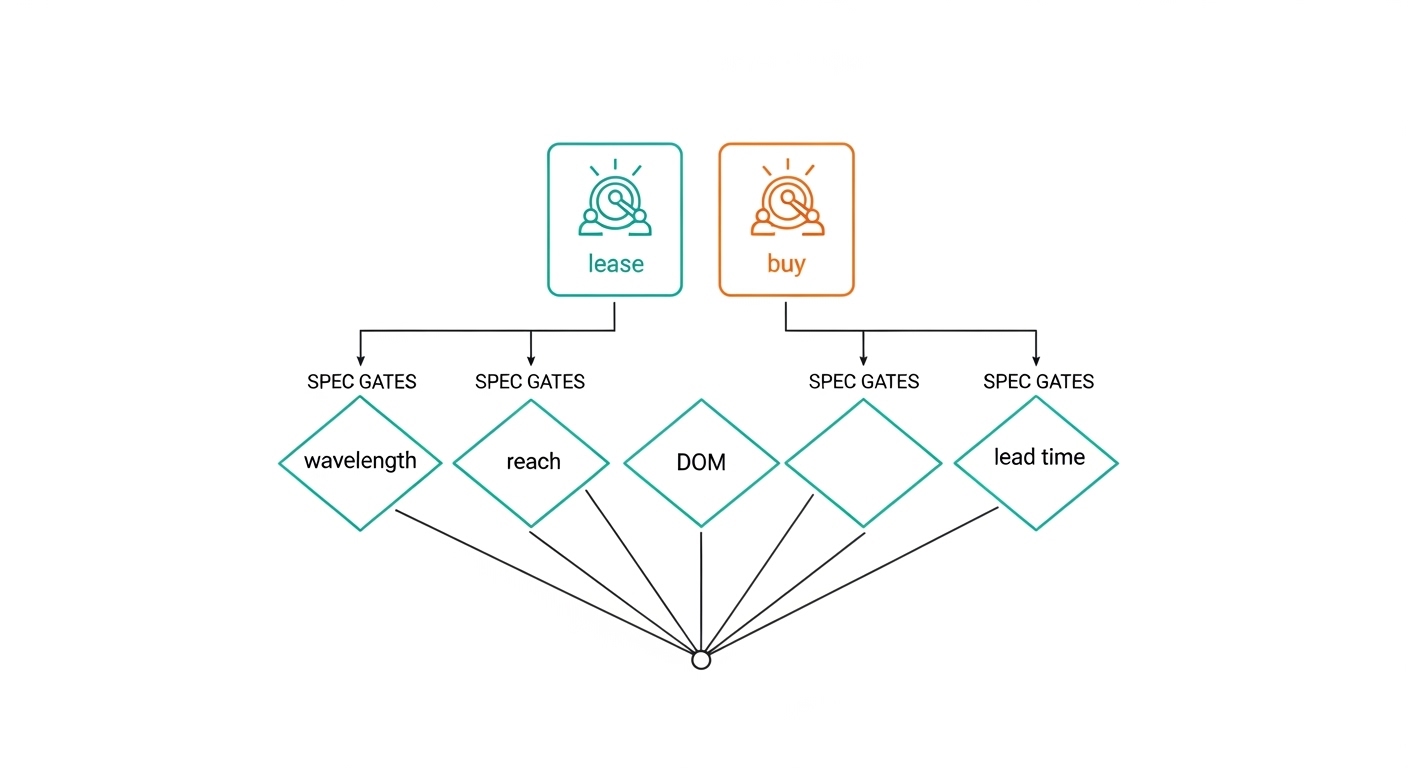
Decision checklist (ordered by what field teams hit first)
- Distance and fiber type: confirm MMF OM3/OM4 or SMF OS2; verify measured end-to-end loss with an OTDR or certified tester.
- Switch compatibility: check vendor compatibility matrices and firmware notes for the exact switch model and transceiver type.
- DOM and diagnostics behavior: confirm whether the switch enforces “DOM required” and what alarms you will see if thresholds differ.
- DOM support for leasing inventory: ask the leasing provider whether their modules are pre-screened for the switch family and whether they support the same DOM register behavior.
- Operating temperature and environment: consider airflow, hot aisle recirculation, and whether the module is rated for your actual intake temperature.
- Connector plan: LC duplex polarity assumptions, cleaning procedure, and patch cord length standardization.
- Vendor lock-in risk: if your switch enforces vendor/part-number allowlists, leasing can still work, but you must align to the allowed optics family.
- Spare strategy: decide whether you will keep owned spares for steady state and lease only during migration windows.
Practical comparison: leasing vs buying
Leasing reduces the time-to-correct and can lower cutover stress. Buying can reduce per-port cost once you are fully stable and confident that the deployed optics will remain compliant for the next hardware cycle. Many organizations use a hybrid pattern: lease for wave 1 validation and cutover, then buy a smaller set of long-term spares after link statistics confirm stable performance.
Cost and ROI: how to estimate total transceiver economics
Transceiver economics are not only the unit price. You should model total cost of ownership (TCO) across procurement lead time, labor for swaps, downtime risk, and failure handling. In practice, leasing costs often appear higher per module-day, but they can be cheaper when you value schedule certainty and reduce failed cutover events.
Typical price ranges and TCO drivers
- Owned optics: third-party 10G SR modules might cost roughly tens to low hundreds of dollars each depending on brand and quality; QSFP28 SR4 can be higher. OEM pricing can be significantly higher than third-party.
- Leased optics: leasing is commonly priced per month or per port-month, sometimes with swap/repair handling included. The effective cost drops if you lease only for the migration window.
- Labor and downtime: a single failed cutover that triggers a rollback can cost multiple engineer hours plus change-control overhead.
- Spare inventory: buying more spares reduces risk but increases capital lock and storage/obsolescence.
ROI tends to favor leasing when you expect rapid topology changes, multi-vendor compatibility checks, or compressed schedules. If your environment is stable and you already know the exact optics that pass switch validation, buying typically wins on per-port cost. Field teams often prefer leasing to avoid being stuck with “correct-looking” optics that still fail platform diagnostics during the first traffic load.
For authoritative guidance on Ethernet optical standards, use [Source: IEEE 802.3] and vendor datasheets for each transceiver family. For switch platform behavior, check the switch vendor’s optics compatibility and troubleshooting notes. External references are not endorsements; verify with your exact model and firmware.
Common mistakes and troubleshooting patterns
Most “transceiver leasing vs buying” failures are not about leasing at all; they are about mismatch, assumptions, or environmental issues. Below are field-tested pitfalls, root causes, and what to do next.
Data rate or form-factor mismatch
Symptom: Link never comes up, or it flaps when traffic starts. Root cause: installing optics that look similar but target different standards (for example, QSFP28 vs QSFP+, or SR vs LR) or different lane structure. Solution: verify the switch port type and supported optics in the compatibility matrix; confirm whether the port is configured for that standard and speed; then reseat and test with a known-good module.
DOM alarms due to threshold differences or unsupported diagnostics
Symptom: Switch logs “diagnostic failure,” “out of range,” or persistent warnings even though link is up. Root cause: DOM register behavior differs by vendor, or the switch expects specific calibration and threshold ranges. Solution: compare DOM readings between a known-good owned module and the leased/bought module; if the switch enforces allowlists, restrict to compatible part numbers; update switch firmware if the vendor documents DOM compatibility fixes.
Fiber cleanliness and patch-cord loss masquerading as bad optics
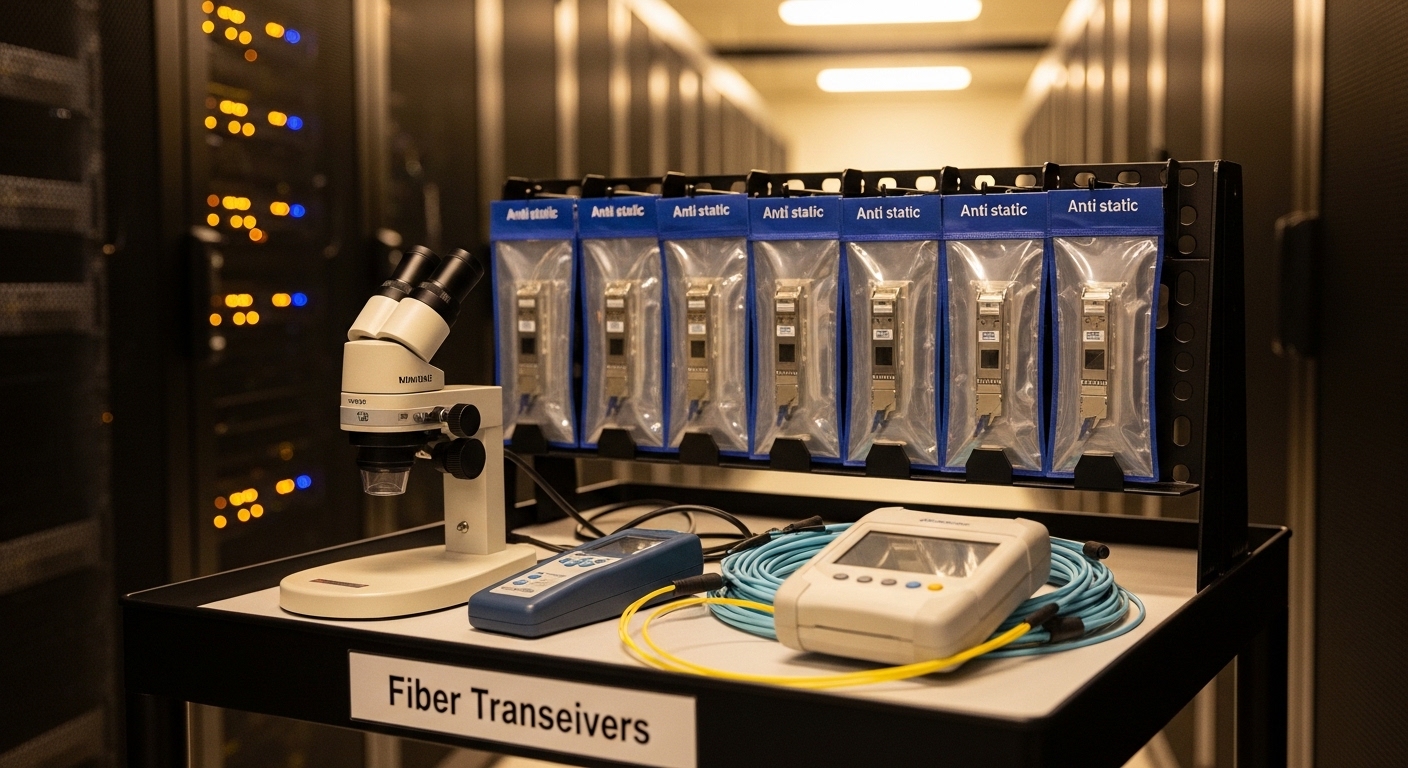
Symptom: Link comes up intermittently, BER errors increase under load, or only one direction degrades. Root cause: contaminated LC connectors, bent fibers, or insertion loss exceeding the module budget (especially with SR optics). Solution: clean with a proven procedure, inspect with a fiber microscope, then run a certified loss test and verify patch cord lengths; reseat after cleaning and retest with stable traffic.
Temperature and airflow assumptions during cutover
Symptom: Modules work at idle, then degrade during sustained load in warm aisles. Root cause: the module temperature rises above the effective safe operating margin because airflow patterns changed during renovation. Solution: measure inlet temperatures, confirm module ratings, and adjust fan profiles or cabling airflow; consider extended temperature optics if your design requires it.
Ignoring polarity and lane mapping for multi-lane optics
Symptom: Link fails on SR4/parallel optics or breaks after a patch change. Root cause: incorrect MPO/MTP handling or lane mapping assumptions. Solution: follow connector polarity rules for your exact optics type; label patch panels; use consistent polarity jumpers; validate with a link test after every reroute.
FAQ: leasing decisions network teams ask before change-control
Is transceiver leasing suitable for both data centers and campus networks?
Yes, but the strongest fit is environments with strict change windows and frequent migrations. In campus networks, leasing can still help during phased upgrades, but you must account for weathered fiber plants and higher variability in connector quality.
Will leased transceivers work with switch DOM and monitoring tools?
They can, but you must validate. Ask the provider to specify DOM support and whether their modules are screened for your switch family and firmware; then compare DOM readings against a known-good baseline during staging.
Does leasing reduce the risk of buying incompatible optics?
It reduces operational risk by enabling fast swaps and staged validation. Buying can be fine once you have confirmed compatibility, but during first-time deployments across multiple switch SKUs, leasing provides a safer path.
What is the fastest way to validate optics before cutover?
Run a staged test in a lab or maintenance window using your exact switch model and the same fiber patch path. Validate link stability under expected traffic load, review DOM alarms, and confirm certified loss margins before you touch production.
Should we lease only during migration or keep leasing long-term?
Most teams lease only for the migration window, then buy a smaller set of long-term spares once stability is proven. Long-term leasing can be justified if your hardware refresh cycle is frequent or if you have ongoing capacity churn.
Are third-party optics acceptable, or do we need OEM-only modules?
Third-party modules can be acceptable when they pass your switch compatibility requirements and your DOM expectations. However, some switches enforce allowlists or have documented quirks, so you must verify with your exact part numbers and firmware.
Bottom line: transceiver leasing is often the lowest-risk way to execute fiber upgrades on tight schedules, while buying wins when the environment is stable and compatibility is already proven. If you want a next step, build a port-by-port migration plan and run the leasing checklist against your switch model list using related topic as your internal template.
Expert bio: I have managed optical upgrade rollouts across leaf-spine data centers, validating DOM behavior, fiber loss budgets, and cutover runbooks under change-control constraints. I focus on measurable compatibility and operational reliability rather than optics marketing claims.