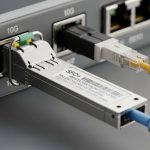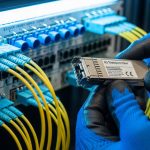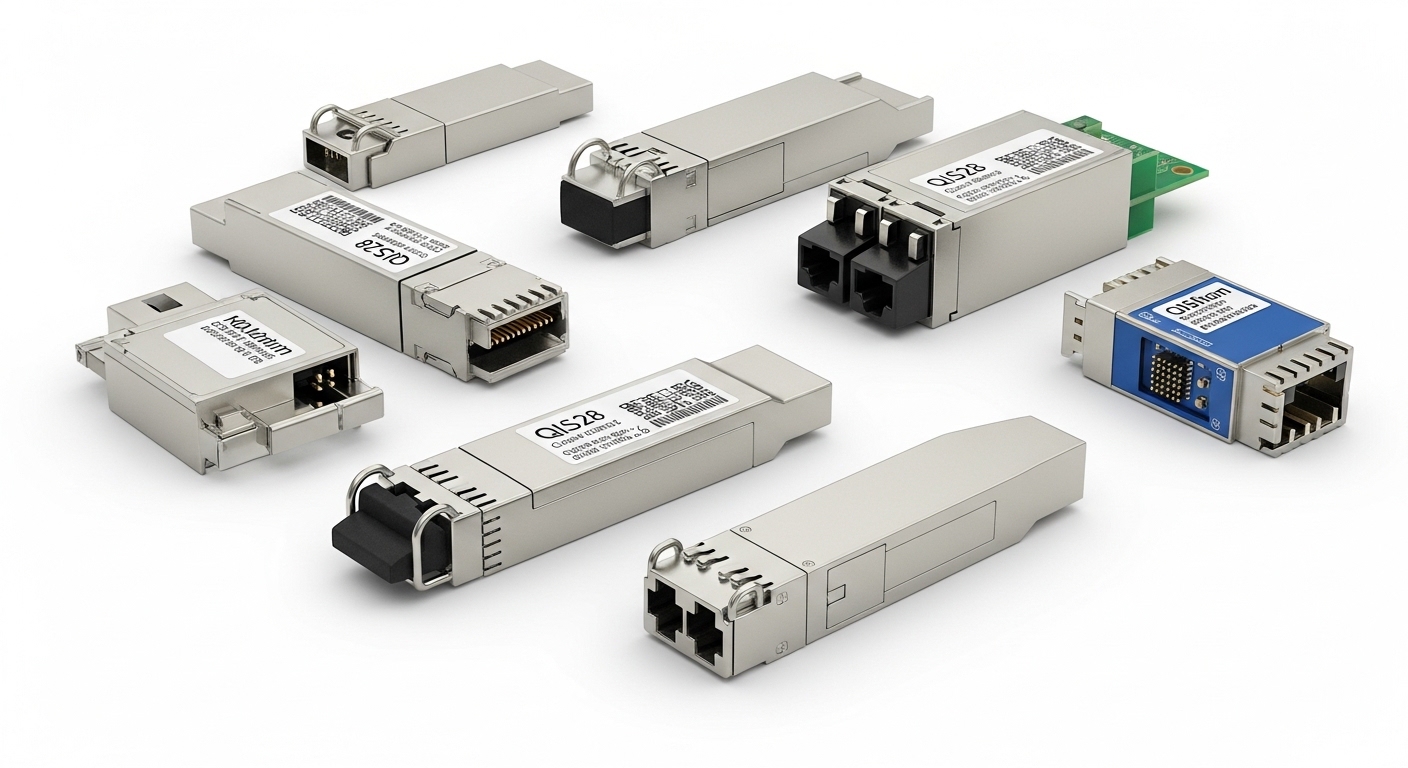
When a core link goes dark, the root cause is often not the fiber or optics it is the transceiver lead time that slipped past procurement. This article helps network engineers, data center ops, and field teams plan purchases for optical transceivers so installs land on schedule. You will get practical checklists, real deployment numbers, and troubleshooting patterns drawn from day-to-day operations.
Why transceiver lead time breaks network schedules
Optical transceivers are small, but their supply chain is not. Lead time stretches when factories run at full capacity, when packaging or firmware revisions change, or when a specific vendor’s part number is constrained. In IEEE 802.3 deployments, the electrical and optical requirements are strict; if you substitute an incompatible module, you can trigger link instability, excessive bit error rate, or a port that never comes up.
In the field, the failure mode is usually a timing mismatch: the cabling and patch panel work is ready, but the transceiver shipment arrives weeks later. For example, a leaf-spine data center refresh can stall when 10G SFP+ or 25G SFP28 modules are needed for hundreds of ports, while only a small allocation is shipped first. The result is “partial cutover,” where some racks migrate and others wait, increasing complexity and operational risk.
Pro Tip: Track lead time by part number plus revision plus temperature grade, not just by form factor. I have seen “same SKU family” replacements fail acceptance because a later revision changes DOM behavior or transmit power compliance under the host’s monitoring thresholds.
Specs that drive sourcing: what to verify before you order
To shorten schedule risk, you must align the transceiver’s optical and electrical profile with the switch port and the fiber plant. Start with the interface standard (SFP/SFP+/SFP28/QSFP+/QSFP28/QSFP56), then confirm wavelength, reach, and connector type. Next verify power class, DOM support, and whether the host enforces compliance via digital diagnostics.
Common optical targets include 850 nm multi-mode for short reach and 1310 nm or 1550 nm single-mode for longer spans. For 10G SR, you will often see 850 nm with MMF reach up to about 300 m, depending on fiber grade and attenuation. For 10G LR, 1310 nm single-mode reach is commonly up to about 10 km. Always validate with vendor datasheets and the host switch compatibility list.
| Transceiver example | Data rate | Wavelength | Reach (typ.) | Connector | DOM | Operating temp (typ.) | Supply planning note |
|---|---|---|---|---|---|---|---|
| Cisco SFP-10G-SR | 10G | 850 nm | ~300 m (MMF) | LC | Yes | 0 to 70 C | Often constrained when MMF SR demand spikes |
| Finisar FTLX8571D3BCL | 10G | 850 nm | ~300 m (MMF) | LC | Yes | 0 to 70 C | Verify vendor DOM thresholds match host |
| FS.com SFP-10GSR-85 | 10G | 850 nm | ~300 m (MMF) | LC | Yes | 0 to 70 C (varies) | Third-party may reduce cost but test compatibility |

Planning strategies that reduce transceiver lead time risk
Start by quantifying demand and mapping it to a timeline with buffers. In a typical migration, you need modules for pre-staging, acceptance testing, and spare capacity for DOA replacements. If you require 120 ports of 10G SR for a cutover, do not plan on a single shipment. Plan at least 5% spares for DOA and 10% contingency for acceptance failures or power-level drift.
Then use a two-track sourcing model: qualify at least one alternate vendor that matches the optical and DOM behavior, and keep an “approved spares list” ready. Many teams underestimate how long it takes to get host-side acceptance for a substitute module. Run a lab validation: insert the module into one representative switch model, confirm link up at the target speed, verify DOM reads (Tx power, Rx power, temperature), and monitor stability over a maintenance window.
A field-ready lead time plan
- Lock the bill of materials: exact part numbers, temperature grade, and connector type.
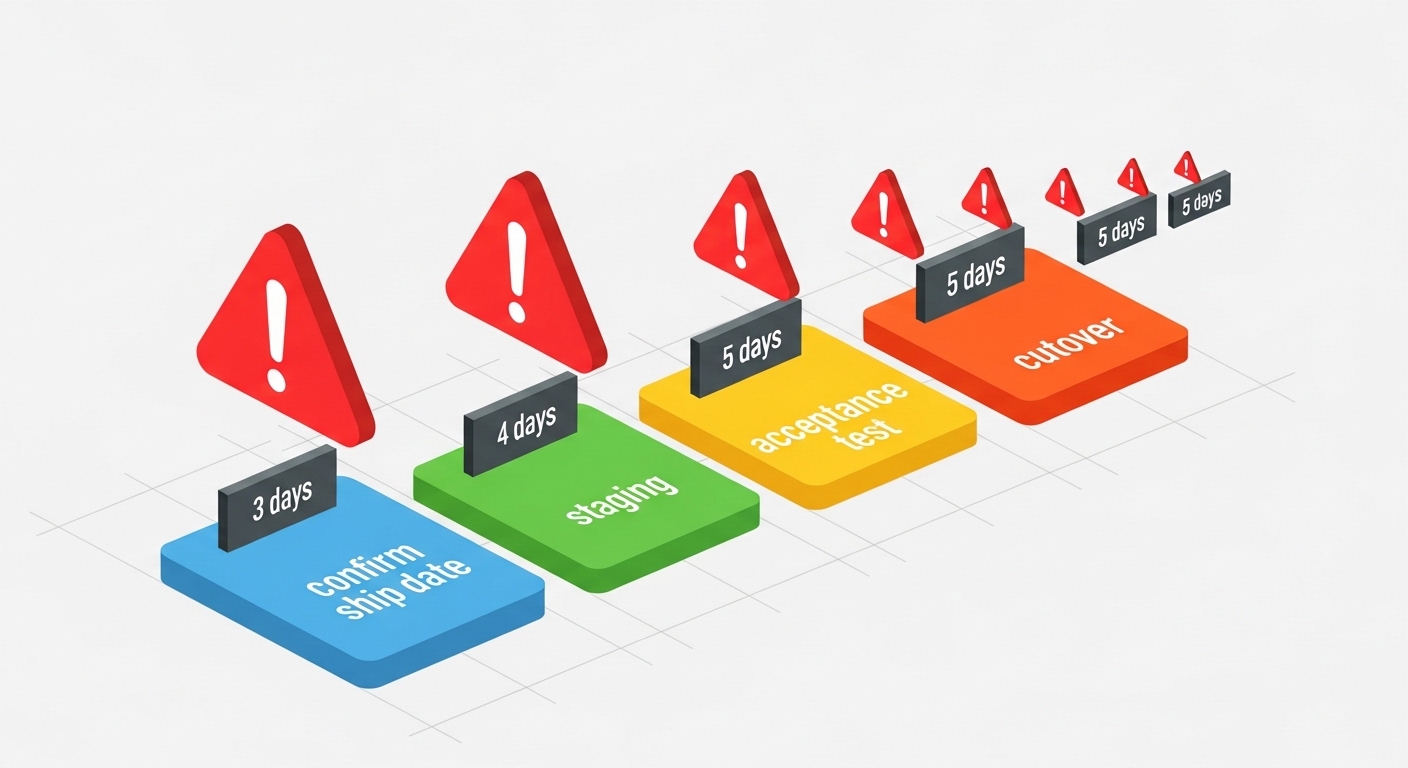
- Request confirmed ship dates from suppliers, not estimates, and record them in a lead time tracker.
- Stage delivery 2 to 4 weeks before the cutover for testing and spare burn-in.
- Validate compatibility with the switch vendor’s optics list or through a quick acceptance test.
- Use spares strategy: keep at least one module per optics type per rack group.
- Document DOM thresholds and alerting rules so monitoring does not flag “out of range” prematurely.
Real-world scenario: avoiding a delayed 25G rollout
In a 3-tier data center leaf-spine topology with 48-port ToR switches, an operations team planned a 25G upgrade across 24 racks. They needed 25G SFP28 for server uplinks and 25G optics for spine interconnects: 1,152 ports total. The procurement team ordered from a single OEM channel, expecting a 3-week lead time, but a mid-quarter factory backlog extended shipments to 7 weeks.
The team avoided an outage by pivoting early: they reallocated in-transit inventory, sourced a qualified third-party alternative for the same wavelength and reach, and staged modules to test in an isolated rack. They also reduced risk by pre-clearing DOM alerts in the monitoring system, so the substitute optics did not trip thresholds during the initial deployment. By the time the final shipment arrived, they had already completed acceptance and only needed to finish cable terminations.
Common mistakes and troubleshooting that cost the most time
Even with correct ordering, teams lose days to avoidable failures. Here are frequent pitfalls I have seen during deployments, along with root causes and solutions.
- Mistake 1: Ordering the right form factor, wrong reach class. Root cause: confusing SR and LR variants or assuming “compatible” reach without fiber attenuation checks. Solution: measure MMF end-to-end attenuation and confirm the optical budget per vendor datasheet; verify wavelength and reach category.
- Mistake 2: DOM mismatch causes port flaps. Root cause: substitute optics report Tx/Rx power values that fall outside host alert thresholds, triggering reinitialization. Solution: confirm DOM support and readouts; adjust monitoring thresholds only after stability is proven in a test window.
- Mistake 3: Temperature grade and compliance issues. Root cause: using a module intended for a narrower temperature range in a hot aisle or poorly ventilated cabinet. Solution: confirm operating temperature range and airflow; add environmental monitoring and treat out-of-range temps as a hard stop.
- Mistake 4: Cleaning and connector contamination. Root cause: dust on LC connectors increases insertion loss, leading to high BER or intermittent link. Solution: follow a cleaning SOP (lint-free wipes plus proper cleaning tools) and inspect with a fiber microscope before swapping optics.
For standards context, IEEE 802.3 defines the Ethernet PHY behavior and link requirements; however, the optics and diagnostics are vendor-specific. Always reference the host switch datasheet and the transceiver vendor’s compliance information before assuming full interchangeability. IEEE 802.3 standard overview
Cost and ROI: where “cheaper optics” can still win
Typical pricing varies widely by speed and vendor channel, but you should plan for meaningful cost differences between OEM optics and third-party modules. In many enterprise and mid-market deployments, third-party 10G SFP+ modules may cost less per unit than OEM equivalents, yet total cost depends on acceptance time and spare management. If a substitute module causes even a small increase in failure rate or troubleshooting hours, the savings can disappear.
ROI improves when you treat lead time as a financial variable: delayed transceivers can force overtime, extend change windows, and risk revenue-impacting downtime. A pragmatic approach is to buy a small “test batch” from the alternate vendor early, validate in one rack group, then scale with confidence. Consider total ownership cost (TCO): including shipping premiums for expedited orders, the labor cost of acceptance testing, and the cost of unplanned truck rolls.
FAQ
How do I estimate transceiver lead time for a large cutover?
Ask for confirmed ship dates and divide demand into shipments sized for staging and spares. Then add a testing buffer for acceptance, commonly 1 to 2 weeks depending on how many switch models are involved.
Can I substitute third-party optics to reduce lead time?
Often yes, but only after validating wavelength, reach, connector type, and DOM behavior on the exact switch model. Treat “form factor compatible” as insufficient; run a lab acceptance test before scaling.
What should I verify about DOM before deployment?
Confirm that the module supports digital diagnostics and that the host reads Tx power, Rx power, and temperature without triggering alerts. If your monitoring system flags out-of-range values, validate stability under real traffic conditions.
What is the biggest cause of link not coming up after swapping optics?
Most commonly it is fiber connector contamination or a reach mismatch. Clean and inspect connectors first, then confirm that the wavelength and reach class match the fiber plant and optical budget.
When is it worth paying for expedited shipping?
Expedited shipping is rational when the alternative is a missed change window with higher operational cost, such as downtime risk or contractual penalties. Calculate the labor and business impact of delay versus the incremental shipping premium.
How should I manage spares to cover lead time surprises?
Keep spares per optics type and per switch model group, not just per data rate. Maintain a minimum of one spare module per rack group and rotate testing to catch DOA early.
If you treat transceiver lead time as a design constraint, not an afterthought, you can protect cutover dates with staging, qualified alternates, and disciplined acceptance testing. Next, review how to validate optical budget and reach to ensure the optics you plan can actually sustain stable links.
Expert bio: I have deployed and trouble-shot optical transceivers in multi-rack data center migrations, from