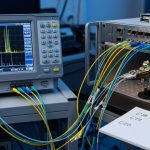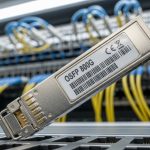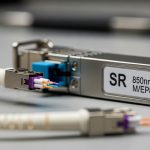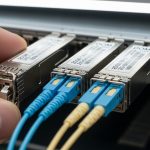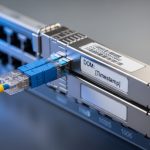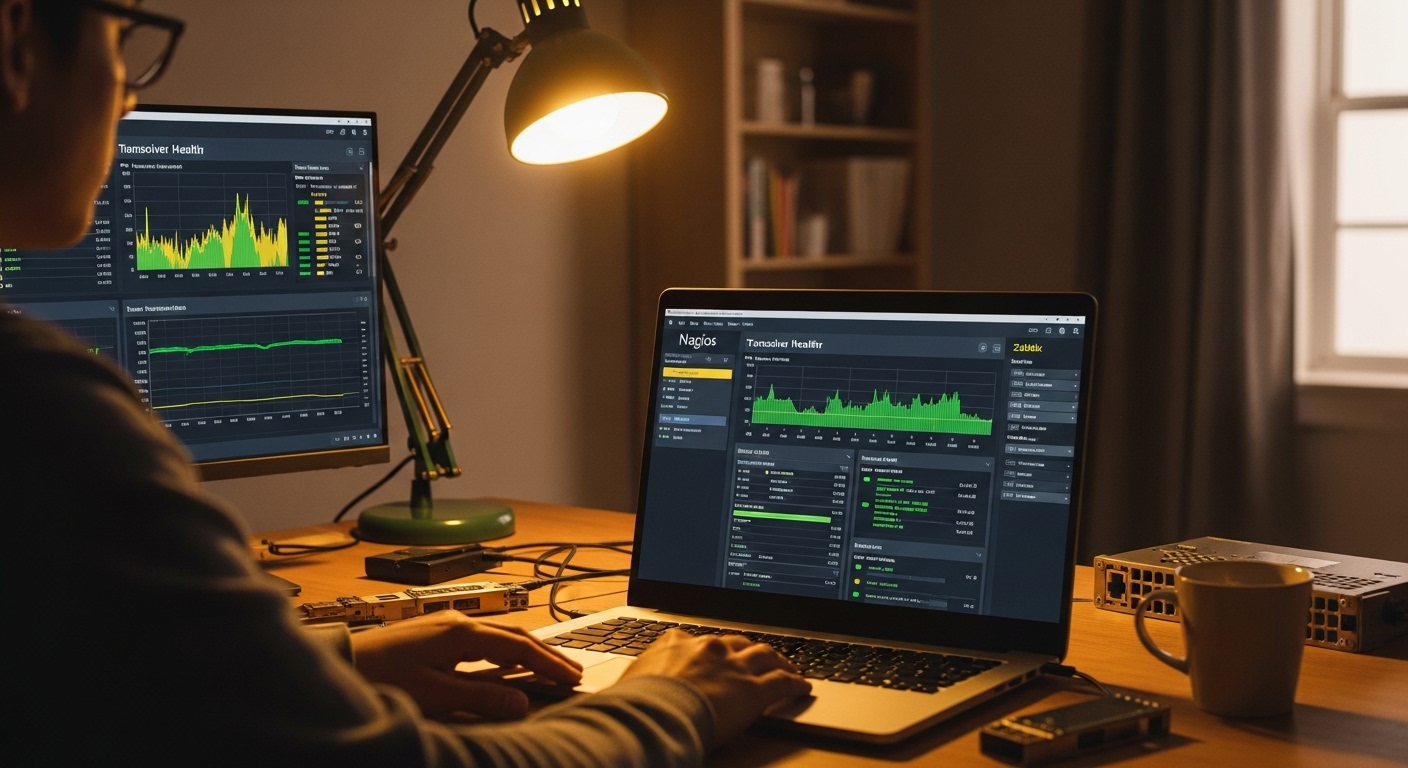
Nothing ruins a calm night like a “mystery” link flap at 2:13 a.m., followed by the haunting question: did the optics slowly die, or did the fiber just decide to become dramatic? This article shows how transceiver monitoring Nagios can pull DOM telemetry and turn it into actionable alerts for engineers and SREs. You will learn what to collect (temperature, bias current, TX/RX power), how to wire it into Nagios, and how to avoid the classic “it works on my bench” trap.
Why transceiver monitoring belongs inside Nagios
Nagios is excellent at turning events into notifications, but optics health data is often treated like trivia unless you intentionally ingest it. With DOM (Digital Optical Monitoring), you can monitor RX power (dBm), TX power, laser bias current (mA), and module temperature (C)—then alert before errors become outages. IEEE 802.3 defines key optical interfaces and link behavior, while vendor transceiver datasheets define DOM registers and thresholds. [Source: IEEE 802.3] IEEE 802.3 overview
In practice, engineers use Nagios to correlate optics degradation with link errors, interface flaps, and fanout congestion. For example, if a 10G SFP+ link’s RX power drops and CRC errors climb, you can treat it as “fiber/optics aging” rather than a random network issue. This is where transceiver monitoring Nagios earns its keep: it moves you from reactive troubleshooting to early intervention.
What telemetry you should actually read
DOM values vary by vendor and optics class, but most SFP/SFP+/QSFP modules expose a similar set of metrics. A reliable baseline for alerting is:
- Module temperature (typical: 0 to 70 C, depending on module spec)
- Laser bias current (mA)
- TX power (dBm)
- RX power (dBm)
- LOS / link detect (boolean)
When you wire these into Nagios, you get deterministic alerting instead of “guessing by counters.” For SFP+ and QSFP+, Nagios checks usually rely on an intermediate tool or script that reads the module via sysfs, I2C, or vendor APIs—then Nagios consumes the result.
Pro Tip: Many teams set alerts on raw RX power, then wonder why nothing triggers. The non-obvious fix is to use rate-aware thresholds: alert when RX power trends downward over time, not only when it crosses a static limit. In aging fiber, the slope matters more than the absolute value on a single day.
Hardware and transceiver choices that support DOM reliably
DOM capability is not “universal magic.” It depends on module type, connector class, and—most importantly—whether your switch exposes the transceiver’s management interface. Before you build your monitoring workflow, verify that your platform can read DOM via I2C/sysfs or a supported diagnostic interface. Vendor datasheets list DOM interface support and temperature/power ranges; if the switch does not expose it, Nagios will be stuck shouting into the void.
Example optics models engineers commonly deploy
Here are realistic optics examples used in enterprise and data center environments. These are not recommendations by brand loyalty; they are examples that illustrate DOM-capable deployment patterns and compatibility caveats.
- Cisco SFP-10G-SR (SFP+ 10G SR, DOM supported on compatible Cisco platforms)
- Finisar FTLX8571D3BCL (10G SR-class optics, DOM supported on many switch platforms)
- FS.com SFP-10GSR-85 (10G SR, commonly used for cost optimization; DOM behavior depends on switch support)
Technical specifications snapshot
The table below focuses on the specs that matter for monitoring: optical wavelength, reach, typical power and temperature ranges, and DOM/connector compatibility. Always confirm exact DOM register mapping in your transceiver datasheet and your switch’s transceiver documentation.
| Optics example | Form factor | Data rate | Wavelength | Typical reach | Connector | DOM monitoring | Operating temp |
|---|---|---|---|---|---|---|---|
| Cisco SFP-10G-SR | SFP+ | 10G | 850 nm | ~300 m (OM3) / ~400 m (OM4) | LC | Temperature, TX, RX, bias, LOS | 0 to 70 C (typical) |
| Finisar FTLX8571D3BCL | SFP+ | 10G | 850 nm | ~300 m (OM3) / ~400 m (OM4) | LC | Temperature, TX, RX, bias, LOS | 0 to 70 C (typical) |
| FS.com SFP-10GSR-85 | SFP+ | 10G | 850 nm | ~300 m (OM3) / ~400 m (OM4) | LC | Often DOM; verify switch exposure | 0 to 70 C (typical) |
Compatibility caveat: third-party optics may work electrically, but DOM registers or threshold calibration can behave differently. Some platforms also implement stricter “vendor compliance” checks. If your switch supports DOM readout for third-party modules, great; if not, you may get link up but missing telemetry.
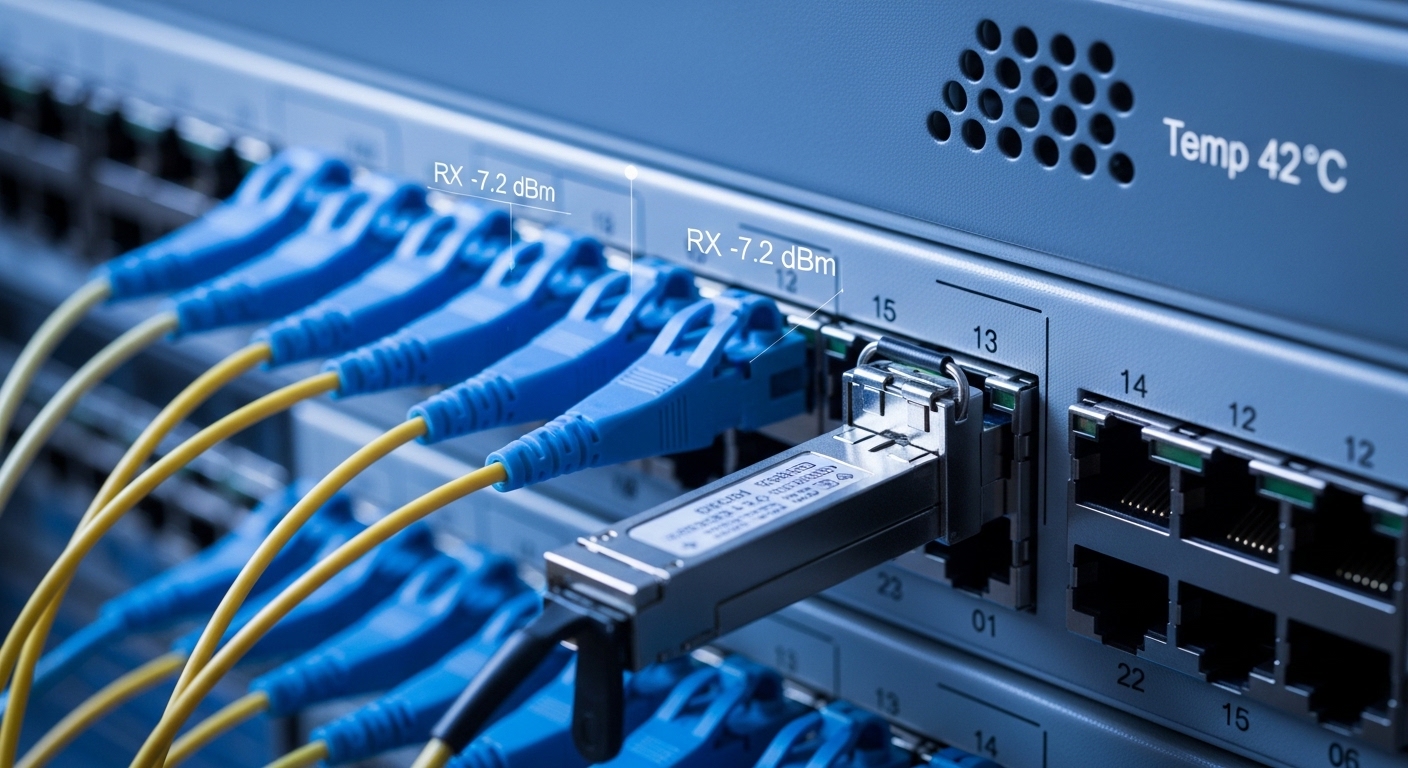
How to wire transceiver monitoring into Nagios alerts
At a high level, the monitoring chain looks like this: optics -> switch DOM access -> telemetry reader (script/agent) -> Nagios plugin -> thresholds -> notifications. Nagios itself does not magically scrape DOM; you provide a check that outputs status and performance data. In the real world, teams deploy a small monitoring host or use the Nagios server to run the telemetry reader, then query it by interface name or transceiver index.
Concrete workflow engineers use in day-to-day operations
In a typical setup, you identify transceivers by mapping switch port names (like Ethernet1/12) to DOM reads. You then run a check that returns:
- OK if RX power, TX power, and temperature are within safe ranges
- WARNING if values drift toward limits
- CRITICAL if values cross hard thresholds or LOS is asserted
On the Nagios side, you configure a service per port (or a grouped service per switch) with custom thresholds. You also store performance data to plot trends, because optics failure is rarely a cliff; it is usually a slow slide with occasional panic buttons.
Nagios vs Zabbix: when each makes more sense
Nagios excels at alerting with straightforward checks and predictable behavior. Zabbix is strong at time-series graphs and flexible data collection, which can make it easier to visualize long-term optics trends without extra plumbing. If you already run Zabbix for metrics and Nagios for event-centric alerting, you can choose a hybrid approach: use Zabbix for historical optics plots, and Nagios for immediate escalation policies. [Source: Zabbix documentation] Zabbix documentation
Selection criteria checklist for transceiver monitoring Nagios
Before you commit to a monitoring design, engineers typically run a decision checklist. This prevents the most common failure: building a beautiful Nagios dashboard that never receives real DOM telemetry.
- Distance and optics class: confirm the expected link reach (for example, 850 nm SR in the right OM fiber grade).
- Switch compatibility: verify the switch exposes DOM readout for your transceiver form factor (SFP+, QSFP+, etc.).
- Data rate and interface standard: align with IEEE 802.3 requirements for your transceiver type and speed class. [Source: IEEE 802.3] IEEE 802.3
- DOM support and register access: check whether your telemetry reader can query temperature, bias current, TX, RX, and LOS for that module.
- Threshold strategy: decide on static thresholds plus trend-aware warning levels.
- Operating temperature range: ensure both optics and switch environment match your deployment climate.
- DOM vendor lock-in risk: confirm third-party optics still provide usable telemetry on your platform.
- Operational model: decide whether checks run centrally (Nagios server) or locally (agent on each switch host), based on security and latency.
Common mistakes and troubleshooting tips (so Nagios does not gaslight you)
Below are field-tested failure modes that cause missing alerts, false positives, or persistent “UNKNOWN” states. Each includes a root cause and a practical fix.
Mistake 1: You alert on RX power but ignore the baseline
Root cause: RX power varies by fiber length, connector cleanliness, and transceiver aging. A static threshold can be too tight for short links or too loose for long links. Solution: establish per-link baselines by sampling weekly for the first month, then set warning thresholds based on observed drift and vendor recommended limits.
Mistake 2: DOM reads fail intermittently after maintenance
Root cause: I2C/sysfs access can be blocked by switch firmware changes, security hardening, or transceiver re-enumeration events after a hot swap. Solution: validate DOM access after every platform change; if using a telemetry reader, implement retry with backoff and log the exact port-to-transceiver mapping used.
Mistake 3: You get “LOS alarms” during normal events
Root cause: Connector cleaning issues or fiber reseating can cause brief LOS assertions that are not true failures. Solution: debounce LOS alerts: require LOS to persist for a short window (for example, 30 to 60 seconds) before escalating. Combine LOS with CRC or interface error counters to confirm impact.
Mistake 4: Third-party optics link up but DOM telemetry is missing
Root cause: Some platforms show DOM as “present” but the telemetry reader cannot interpret register values correctly, or the switch does not expose DOM for that optics vendor. Solution: test in a staging rack: run one full monitoring cycle and verify that temperature, TX, RX, and bias values populate. If not, standardize on optics that your platform documentation explicitly supports.

Real-world deployment scenario: leaf-spine monitoring with escalation
Consider a 3-tier data center leaf-spine topology with 48-port 10G ToR switches and 2 spines, where each ToR has 24 active 10G server-facing links and 24 uplinks. The team deploys transceivers that are mostly 10G SR on LC connectors, and they want alerts before optics degradation causes packet loss. They configure Nagios to create one service per uplink, with warning thresholds for RX power drift and critical thresholds for LOS and temperature spikes.
In a real incident, the RX power on ToR1 uplink port 12 begins trending downward by about 0.3 dB per week while CRC errors remain low. Nagios raises a WARNING, the on-call engineer schedules a fiber cleaning and reseat during a maintenance window, and the RX power stabilizes. Two weeks later, the link never hits the critical threshold, and the team avoids a disruptive emergency swap.
Cost and ROI note: what you pay, what you save
Prices vary wildly by form factor and vendor, but a typical 10G SR SFP+ transceiver often falls into a range of roughly $20 to $80 depending on brand, optical budget, and warranty. OEM optics sometimes cost more but can reduce compatibility issues and improve failure-rate consistency. Your total cost of ownership includes transceivers, spares, downtime risk, and engineering time spent on incident response.
ROI comes from two places: fewer outage hours and faster root-cause analysis. If transceiver monitoring Nagios prevents even a couple of emergency replacements per year, the monitoring effort usually pays for itself. That said, if your switch cannot expose DOM reliably, you may spend money on monitoring tooling without getting usable telemetry—so validate DOM access early.
FAQ
Can Nagios read DOM directly from SFP or QSFP modules?
Often, Nagios does not read DOM directly; you use a telemetry reader plugin or script that accesses the switch’s DOM interface via sysfs or I2C and then returns values to Nagios. The exact method depends on your switch OS and whether it exposes transceiver management data. Verify DOM visibility in a staging rack before rolling out.
What should I monitor first: temperature, TX, or RX power?
Start with RX power and LOS, then add temperature and bias current for confirmation. RX power trends usually reveal aging fiber or dirty connectors earlier than temperature spikes. Bias current and temperature help validate whether the laser is degrading or the environment is changing.
How do I avoid false positives in transceiver monitoring Nagios?
Use per-link baselines and combine multiple signals. For example, require LOS to persist for 30 to 60 seconds and confirm impact with interface error counters before escalating. Also, set warning thresholds wider than critical thresholds to avoid alert storms.
Will third-party transceivers work with DOM monitoring?
They might, but compatibility is not guaranteed. Some platforms support DOM readout for third-party optics; others require vendor-specific behavior or have incomplete register interpretation. Test the specific optics model with your specific switch firmware version.
Is Zabbix better than Nagios for optics monitoring?
Zabbix can be stronger for historical graphs and flexible metric collection, while Nagios can be cleaner for event-driven escalation. Many teams use both: Zabbix for long-term trend visualization, Nagios for immediate notifications and incident routing. The “better” choice depends on your existing monitoring stack.
What are the minimum thresholds I should begin with?
Begin with vendor recommended operational ranges from your transceiver datasheet, then adjust based on measured baseline values. A common approach is: WARNING for early drift (for example, RX power trending down) and CRITICAL for hard limits or LOS. Document your threshold logic so future on-call engineers do not inherit mystery numbers.
If you want the quickest next step, pick one switch model and one transceiver type, confirm DOM readout, then deploy a single Nagios check for RX power plus LOS with trend-aware warnings. After that, scale port-by-port and store performance data for trend plots. For a broader monitoring strategy, see Nagios vs Zabbix monitoring for guidance on where each tool shines.
Author bio: I have built optics-aware monitoring systems in production racks where DOM telemetry was the difference between a calm pager and a fiery incident review. I write like a chef: taste the data first, then season the alerts until they actually predict trouble.