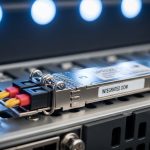
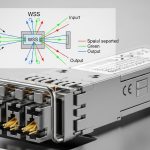
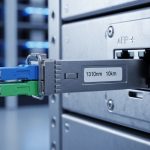
If your Ceph storage cluster is missing its performance target, the culprit is often not Ceph itself, but the storage cluster transceiver choices feeding the storage network. This guide helps network and storage engineers size 100G optics correctly, validate switch compatibility, and avoid avoidable outages. You will get practical steps, realistic reach and power expectations, and troubleshooting that matches what you see in the rack.
Disclaimer: This article is for informational purposes only and does not create an attorney-client relationship. For legal advice regarding procurement terms, warranties, or liability, consult qualified counsel. For technical decisions, always verify against your switch vendor compatibility matrix and the specific transceiver datasheet.
Prerequisites: what you must measure before buying
Before selecting any 100G optic, collect link-layer and physical details so you can size the storage cluster transceiver without guessing. In the field, I typically start by confirming the switch port type and optics form factor, then validate fiber plant loss and connector cleanliness.
Inventory and measurements
Expected outcome: a short list of candidate switch ports, transceiver cages, and a fiber loss budget you can defend.
- Record switch model and port speed capabilities (examples: Cisco Nexus 93180YC-FX, Arista 7280R, Juniper QFX10000 line cards).
- Confirm optics form factor: QSFP28 for 100G Ethernet is most common; avoid mixing with 40G or 25G cages.
- Measure the installed fiber route length per link (including patch panel jumpers). Typical Ceph deployments in production use 50 m to 500 m per hop in different zones.
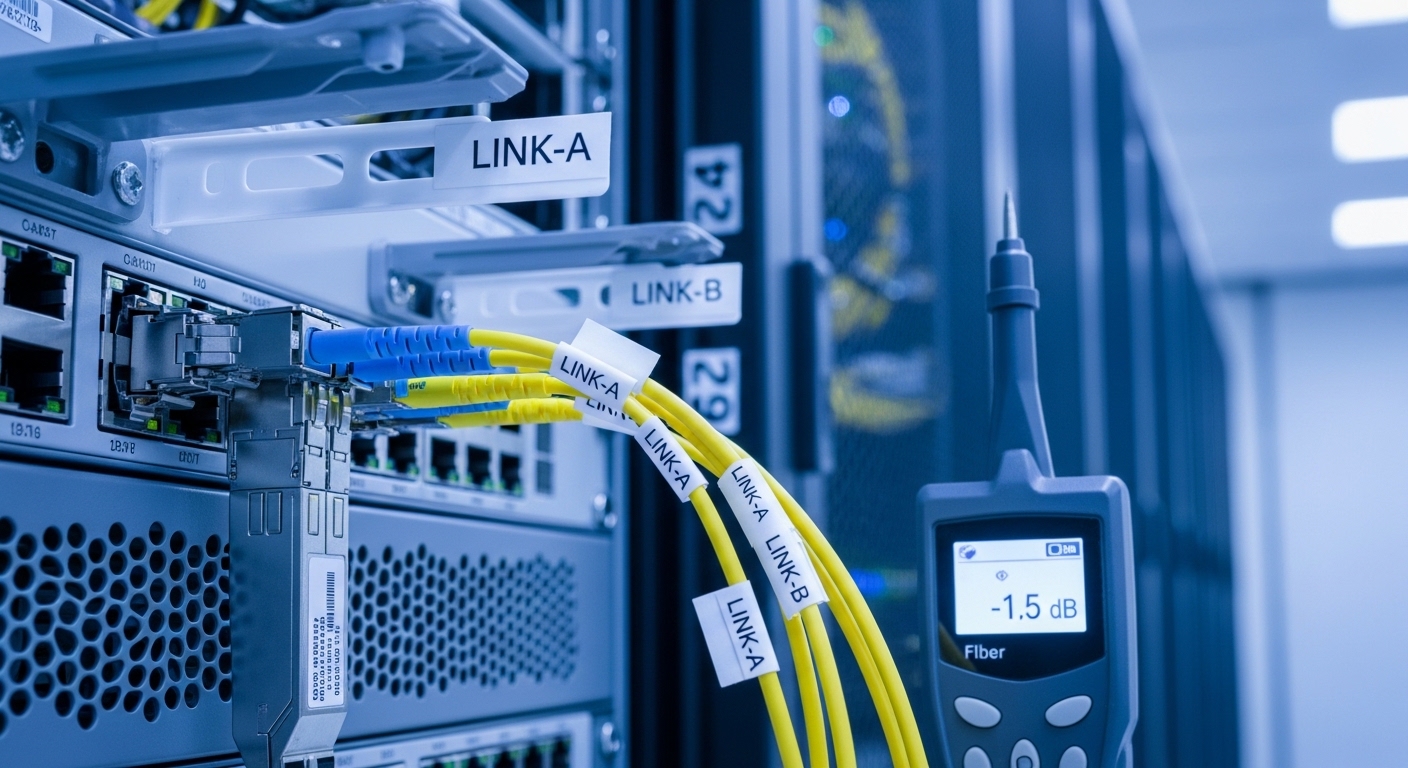
- Run fiber test results: end-to-end insertion loss in dB and verify polarity/connector type (LC duplex is typical for OM3/OM4).
- Note environmental constraints: Ceph racks near power distribution can run hotter; log ambient and cage exhaust temperatures.
Operational note: transceivers are specified for temperature and optical budgets. If your lab fiber test shows you are near the worst-case insertion loss, you must plan for margin, not just nominal reach.
100G Ceph networking: where the storage cluster transceiver fits
Ceph performance depends on the storage network and the underlying Ethernet transport. For most 100G Ceph designs, you will run 100G over QSFP28 optics between leaf and storage switches or between top-of-rack and spine. Your storage cluster transceiver selection therefore impacts latency stability, link training, and error rates.
Decide the optical type by distance and fiber type
Expected outcome: a shortlist like “100G SR on OM4” or “100G LR4 on single-mode,” with a defensible reach budget.
- If you have multimode OM4: consider 100G-SR4 (short reach) with LC duplex.
- If you have single-mode fiber: consider 100G-LR4 or 100G-ER4 depending on distance and budget.
- Match connector and polarity: OM links often use LC duplex; ensure polarity is correct after re-termination.
- Confirm whether your switch requires specific transceiver compliance (for example, vendor-validated optics with DOM support).
Validate electrical/optical interface expectations
Expected outcome: you avoid cage incompatibility and reduce the chance of intermittent link drops.
- Confirm the switch uses IEEE 802.3 100GBASE-R or equivalent lane signaling implemented for QSFP28.
- Check transceiver datasheet for supported speeds, FEC requirements, and whether it exposes DOM via I2C.
- Plan for FEC behavior: many 100G optics assume a specific coding mode; mismatches can increase BER or cause link flaps.
Pro Tip: In Ceph clusters, optics failures often surface as “random” OSD backfill slowdowns because retransmits and link error bursts inflate storage network tail latency. Always correlate Ceph health events with switch interface counters (CRC errors, symbol errors) and transceiver DOM thresholds before blaming disks or OSD placement. This saves days during incident response.
Specs that matter: compare 100G SR4 vs LR4 for Ceph
Engineers often compare only reach, but the right storage cluster transceiver choice balances wavelength band, connector type, power draw, and operating temperature. Below is a practical comparison for common 100G optics you will encounter when sizing Ceph storage networks.
| Transceiver type (100G) | Typical wavelength | Fiber type | Reach (typical) | Connector | Power (typical) | Operating temperature | Best-fit Ceph use |
|---|---|---|---|---|---|---|---|
| 100G-SR4 (QSFP28) | 850 nm | OM3/OM4 multimode | ~100 m on OM4 (vendor dependent) | LC duplex | ~2.5 W to 3.5 W | 0 C to 70 C (common) | Leaf-spine within a row or short patching |
| 100G-LR4 (QSFP28) | ~1310 nm (4 wavelengths) | Single-mode OS2 | ~10 km (vendor dependent) | LC duplex | ~3.5 W to 5 W | -5 C to 70 C (common) | Cross-zone links, longer runs, campus-style routing |
Reference sources for background: IEEE Ethernet requirements are defined in IEEE 802.3 for 100G operation and line coding behavior. Vendor datasheets define actual reach, DOM behavior, and thermal limits. See: IEEE 802.3 standard and typical datasheets for QSFP28 optics from major vendors like Cisco, Finisar/II-VI, and FS. Example product families include Cisco SFP-10G-SR style naming for 10G optics, but for 100G QSFP28 you will see SR4 and LR4 variants in vendor catalogs. Third-party modules (examples: Finisar FTLX8571D3BCL for certain 100G optics; FS.com SFP-10GSR-85 shows the naming pattern for 10G, while FS.com also sells 100G SR4/LR4 QSFP28 modules) must be checked for your exact switch compatibility matrix.
Implementation: step-by-step sizing and selection for a Ceph link
This is the practical workflow I would use to choose a storage cluster transceiver for a real Ceph deployment. It assumes you want to standardize optics across a fleet while preventing surprise incompatibilities.
Model your Ceph link fan-in and oversubscription
Expected outcome: you confirm the network can carry peak replication and recovery traffic without saturation, even if optics are identical.
- Identify the expected peak traffic: for Ceph, replication and rebalancing can spike during OSD failures or scaling events.
- Calculate aggregate 100G throughput per ToR or leaf: for example, if your storage leaf has 48 x 100G ports and you connect 24 storage nodes, verify oversubscription assumptions in your design documents.
- Ensure your switch fabric and uplinks support the chosen topology (leaf-spine or leaf-rack). Optics do not fix oversubscription; they only ensure the link runs reliably at 100G.
Choose optics based on fiber budget and required margin
Expected outcome: a “go/no-go” decision using measured loss and a safety margin.
- Use your fiber test results to compute worst-case loss: jumper loss + patch panel + any couplers.
- Compare to vendor optical budget for the specific transceiver model. If your test shows you are within a narrow margin, select an optic with a larger budget or shorten the effective link.
- Confirm DOM support requirements: many operators use DOM to set alert thresholds for temperature, bias current, and received power.
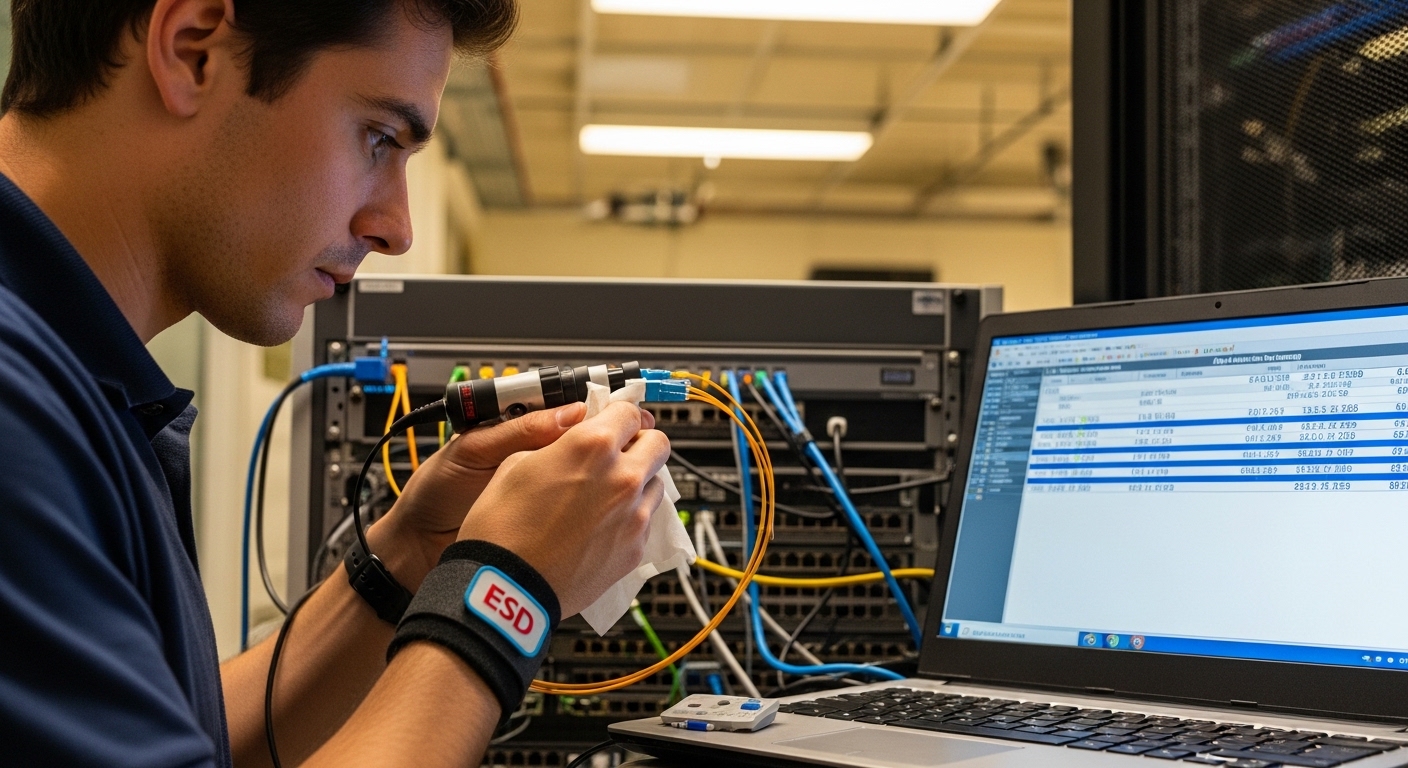
- Plan for connector contamination: LC duplex cleaning is not optional in production.
Verify switch compatibility and DOM behavior before mass rollout
Expected outcome: reduced risk of “works in one port, fails in another” surprises.
- Check the switch vendor compatibility matrix for QSFP28 SR4/LR4 modules. This is especially important for third-party optics.
- In a maintenance window, validate with at least two ports per line card (not just one).
- Confirm monitoring: ensure your platform reads DOM via standard interfaces and that alerts appear in your telemetry stack.
Real-world deployment scenario: sizing for a 100G Ceph storage network
Consider a 3-tier data center leaf-spine topology with 48-port 100G ToR switches connecting storage racks. Each storage rack contains 12 storage nodes, each with two 100G NICs bonded for redundancy, resulting in 24 x 100G links per rack. The fiber plan uses OM4 within the row: average measured end-to-end loss is 1.8 dB to 3.2 dB depending on patch panel routing, with jumper lengths varying between 20 m and 70 m. For these intra-row links, engineers typically select a 100G-SR4 QSFP28 transceiver family, because it offers sufficient reach while keeping power draw lower than LR4.
For inter-zone links from storage aggregation to the core, the cabling uses OS2 single-mode with measured loss around 0.4 dB per km plus connector and splice overhead. In this case, selecting a 100G-LR4 transceiver provides the margin you need for 2 km to 6 km runs. The key is that the same storage cluster transceiver policy must align with DOM monitoring and switch compatibility so that alerts and failover behavior are consistent across the entire Ceph fleet.
Selection checklist: what engineers weigh before final purchase
Use this ordered checklist to decide the right storage cluster transceiver for your Ceph storage links. It balances performance, reliability, and operational manageability.
- Distance and fiber type: OM4 for SR4, OS2 for LR4; validate against measured insertion loss.
- Switch compatibility: confirm QSFP28 cage support and validated part numbers.
- DOM support and telemetry: ensure you can monitor RX power, temperature, and bias current.
- Operating temperature: match your airflow and ambient conditions; consider hot aisle effects.
- Budget and power: estimate total watt draw across ports; choose lower-power optics where feasible.
- Vendor lock-in risk: evaluate OEM-only vs third-party options; test in staging and track RMA experience.
- Optical margin and FEC behavior: align with switch configuration and vendor optical budget.
Common mistakes and troubleshooting tips
Even with correct specs, failures happen. Here are the top pitfalls I see with storage cluster transceiver deployments, including root causes and fixes.
Troubleshooting failure point 1: Link flaps or “unsupported module” messages
Root cause: switch compatibility mismatch, missing required DOM behavior, or a module not authorized by the vendor matrix. Solution: replace the optic with a vendor-validated part number for that exact switch model and firmware release; then re-test across multiple ports.
Troubleshooting failure point 2: High CRC errors or rising BER under load
Root cause: insufficient optical margin, dirty connectors, or a marginal fiber patch path. Solution: clean LC ends, re-seat connectors, verify polarity, and re-run fiber tests; if loss is near budget, shorten jumpers or switch from SR4 to a higher-budget optic.
Troubleshooting failure point 3: Works initially, then degrades in hot conditions
Root cause: operating temperature out of spec or airflow blockage near the switch module cages. Solution: confirm ambient and cage exhaust temperatures; improve airflow (fan direction, blank panels, cable management) and move to optics with an appropriate temperature grade.
Cost and ROI note for Ceph optics decisions
Pricing varies widely by vendor, lead time, and whether you buy OEM or third-party modules. As a realistic planning range, many teams budget roughly $200 to $600 per QSFP28 100G module depending on SR4 vs LR4 and brand. Total cost of ownership includes not just purchase price, but power consumption and failure rates: if a third-party module has higher early-life failure in your specific environment, the “saved” purchase cost can be offset by downtime, labor, and expedited replacements.
ROI comes from reliability and reduced operational overhead. When you standardize on a compatible storage cluster transceiver family with DOM-driven alerting, you typically shorten mean time to repair because you can pinpoint whether the failure is optical power, temperature, or a physical layer issue.
FAQ: storage cluster transceiver sizing for 100G Ceph
How do I know whether I should use 100G SR4 or LR4?
Use your measured distance and fiber type. If you have OM4 and your end-to-end loss plus margin fits the vendor optical budget, 100G-SR4 is usually the practical choice. For longer runs over OS2 or where you need more margin, 100G-LR4 is the safer path.
Will third-party storage cluster transceivers work in enterprise switches?
Sometimes, but you must verify the switch vendor compatibility matrix and test in staging. Third-party optics can work reliably, yet acceptance depends on firmware behavior, DOM expectations, and coding/FEC alignment. Plan a pilot with multiple ports per line card before scaling.
What DOM metrics should I alert on for Ceph?
At minimum, alert on DOM-reported temperature, received optical power, and bias current trends. Set thresholds conservatively based on the vendor guidance and your observed baseline after burn-in. Then correlate spikes with Ceph health events to avoid chasing the wrong subsystem.
Do I need to worry about fiber polarity with LC duplex?
Yes. Wrong polarity can lead to “no link” or intermittent errors even when the optical budget seems acceptable. Always follow the transceiver and patch panel polarity conventions, and verify with a proper test method.
What is the most common reason for 100G link errors in storage networks?
Connector contamination and insufficient optical margin are frequent culprits. Even a small amount of contamination can increase attenuation and produce CRC or symbol errors under load. Cleaning plus re-testing usually resolves issues faster than replacing multiple optics blindly.
How many transceivers should I stock for a Ceph cluster?
Many operators stock a small pool of spares per switch model and per optic type, plus at least one spare per critical link group. The exact number depends on your MTTR targets, lead times, and whether you can hot-swap without impacting quorum or recovery operations.
Updated: 2026-04-30. If you want the next step after optics selection, review Ceph storage network design for predictable latency to align transceiver choices with topology, redundancy, and recovery behavior.
Expert bio: I have hands-on experience deploying 10G and 100G Ethernet optics in Ceph and hyperconverged environments, validating DOM telemetry, and performing fiber acceptance testing. I write field-ready guidance that prioritizes measurable optical budgets, switch compatibility, and incident-driven troubleshooting.