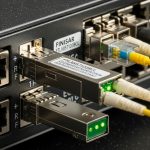
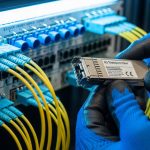
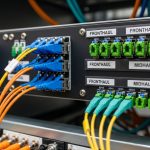
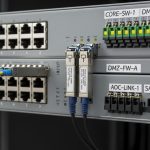
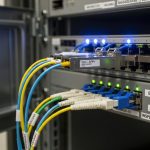
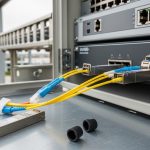
In fast-moving data centers, transceivers fail in ways that only show up after link flaps, CRC bursts, or temperature drift. This article shows how to implement SNMP fiber monitoring for transceiver health with Nagios and Zabbix, and how to choose the right hardware signals to poll. It helps network operations engineers, NOC leads, and field techs who must reduce mean time to repair (MTTR) without turning monitoring into a maintenance burden.
Top 1: Pick transceivers and switches that expose SNMP health data
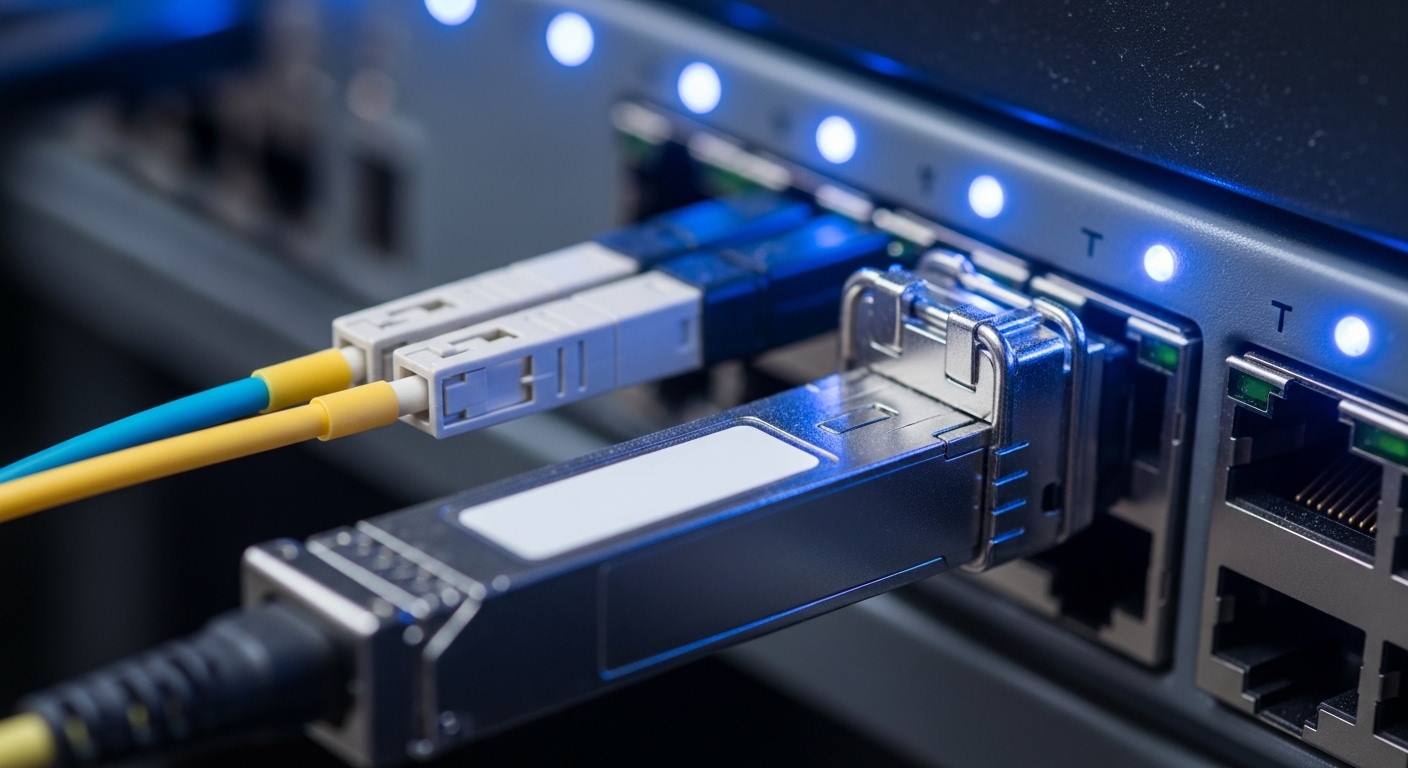
Before configuring Nagios or Zabbix, confirm your switch platform actually exposes optical diagnostics via SNMP. Many vendors map Digital Diagnostics Monitoring (DDM) to enterprise OIDs, including received power (RX), transmitted power (TX), laser bias current, and internal temperature. If you rely on generic MIBs that your hardware does not implement, you will get “noSuchObject” and false confidence.
Best-fit scenario: Leaf-spine fabric with 48-port 10G ToR switches, where you need per-port alarms on RX power and temperature for early warning before link degradation.
- Pros: Alarm thresholds align with vendor diagnostics.
- Cons: OID mapping varies by vendor and sometimes by firmware version.
Top 2: Use the right optical metrics for SNMP fiber monitoring
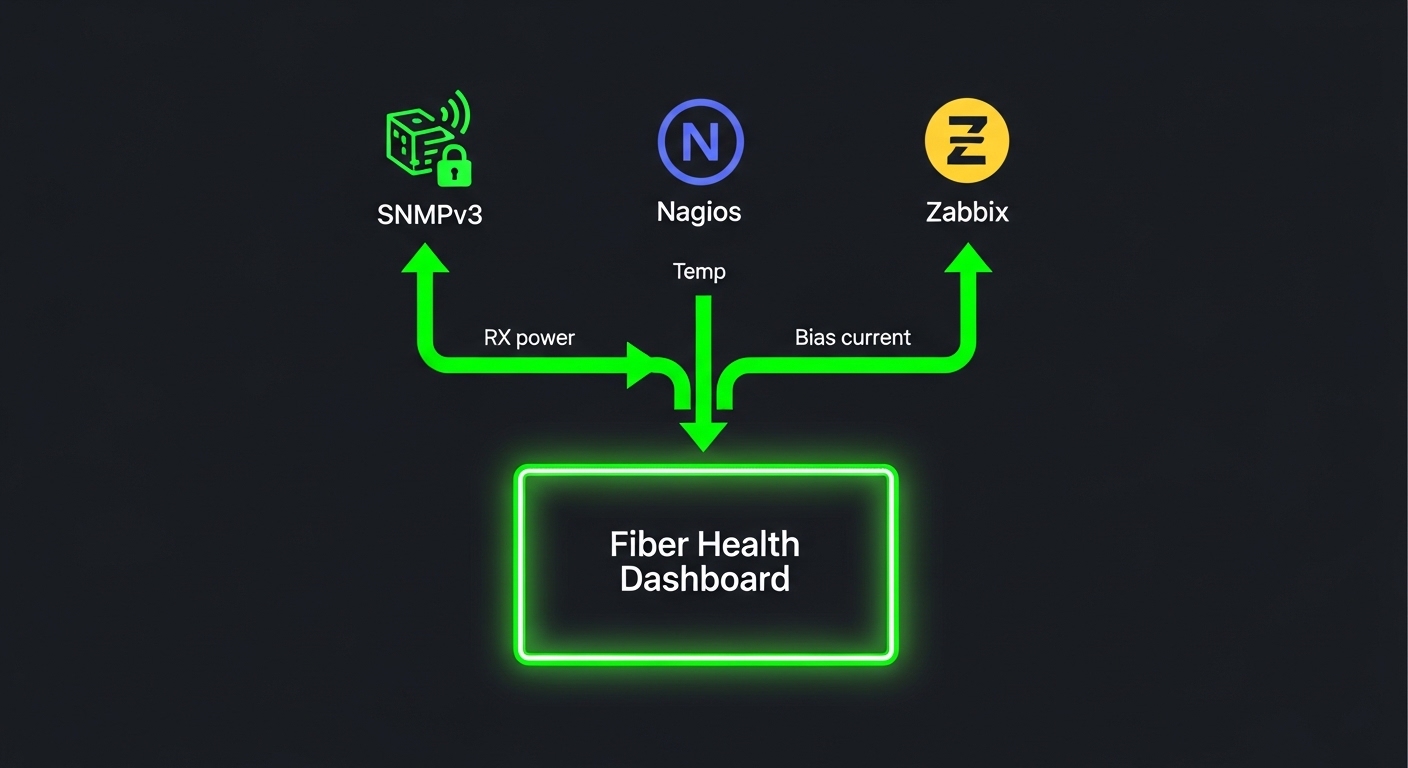
Field experience shows that RX power and temperature drift are more actionable than raw link status. For pluggables, you typically monitor: RX power (dBm), TX power (dBm), laser bias current (mA), and module temperature (C). For fiber links, also track interface counters like CRC errors and symbol errors to correlate “optical health” with “real traffic impact.”
Best-fit scenario: A campus core where uplinks traverse multiple patch panels; you want to catch dirty connectors via RX power slope changes before CRC spikes become ticket volume.
Pro Tip: Many platforms support vendor-specific “alarm flags” derived from DDM thresholds. Poll those flags in addition to raw values; they reduce noise because they already apply vendor-calibrated upper/lower limits.
Top 3: Nagios polling design that avoids alert storms
Nagios works well when you treat SNMP fiber monitoring as a scheduled data collection plus deterministic alerting. Use a short poll interval only for critical thresholds (for example every 1 to 2 minutes for alarm flags) and a longer interval for raw readings (for example every 5 to 10 minutes). If you poll every OID every minute across hundreds of ports, you will increase SNMP load and generate duplicate notifications after transient link renegotiations.
Best-fit scenario: Medium NOC with one Nagios instance and 300 monitored ports; you want clean paging rules that correlate RX power alarms with CRC counter deltas.
- Pros: Predictable alert logic and easy escalation policies.
- Cons: Scaling requires careful check scheduling and timeout tuning.
Top 4: Zabbix low-level discovery (LLD) for per-port transceiver health
Zabbix is strong when you need automatic creation of items and triggers per interface. With SNMP, you can use LLD to discover interfaces and then map optical diagnostics to each port’s OIDs. Configure triggers that fire on sustained threshold violations (for example, RX power below limit for 3 out of 5 samples) to prevent flapping alerts during maintenance windows.
Best-fit scenario: Cloud-adjacent environment with frequent VMs and hot swaps; you want new optics to appear in dashboards automatically after they are plugged in.
- Pros: Scales well with LLD and historical graphs.
- Cons: Requires disciplined trigger tuning to avoid noisy graphs.
Top 5: Compare optics specs you will actually monitor
Your SNMP fiber monitoring strategy depends on the optical standard and typical operating envelope. Below are representative pluggables often used in 10G, 25G, and 40G/100G deployments. Always verify that your switch supports the module type and that the module supports DDM/DDM-like diagnostics accessible via SNMP.
| Module example | Data rate | Wavelength | Reach | Connector | Typical diagnostics | Operating temp |
|---|---|---|---|---|---|---|
| Cisco SFP-10G-SR | 10G | 850 nm | ~300 m OM3 | LC | DDM: RX/TX power, bias, temp | 0 to 70 C (varies by vendor) |
| Finisar FTLX8571D3BCL | 10G | 850 nm | ~300 m OM3 | LC | DDM optical telemetry | -5 to 70 C (verify datasheet) |
| FS.com SFP-10GSR-85 | 10G | 850 nm | ~300 m OM3 | LC | DDM optical telemetry | -5 to 70 C (verify datasheet) |
Best-fit scenario: Mixed-vendor optics where you standardize on modules that expose DDM telemetry and are supported by your switch firmware.
- Pros: SNMP thresholds map predictably to known optical behavior.
- Cons: Third-party modules may have different calibration ranges and alarm behavior.
Top 6: Build OID mapping and threshold policy once, then reuse
Both Nagios and Zabbix succeed when you maintain a clean “mapping layer”: which OIDs correspond to which port and which unit conversions apply. Create a documented mapping spreadsheet or internal configuration that ties interface index to optical diagnostic OIDs. For thresholds, prefer vendor-provided limits or alarm flags; if you must define custom thresholds, base them on historical baselines and module type (for example, different RX power expectations for OM3 vs OM4 and for different vendor optics).
Best-fit scenario: Multi-site operations where you deploy the same monitoring template to 5 data halls with consistent switch models and firmware.
- Pros: Faster onboarding and consistent alarm semantics.
- Cons: Firmware upgrades can shift OIDs; you need regression checks.
Top 7: Secure SNMP fiber monitoring transport and access
SNMP is frequently misconfigured, which is unacceptable when you are polling optics health. Use SNMPv3 with authentication and privacy (authPriv), restrict source IPs to your monitoring hosts, and disable SNMPv1/v2c where possible. Also ensure your monitoring accounts are read-only; optics telemetry does not require write access.
Best-fit scenario: Enterprises with segmented management networks where SNMP traffic must traverse a dedicated VRF or VLAN and be logged.
- Pros: Reduces risk of credential leakage and telemetry tampering.
- Cons: SNMPv3 misconfiguration increases time-to-diagnosis if you do not standardize parameters.
Top 8: Validation, capacity planning, and the ROI reality
Operationally, SNMP fiber monitoring creates a measurable load: each polled OID incurs request/response overhead. In practice, teams limit polling scope (only optical diagnostics and a few critical counters) and avoid high-frequency polling across every interface. For ROI, consider that OEM optics often cost more but reduce compatibility risk; third-party optics reduce upfront spend but can increase troubleshooting time when DDM ranges or vendor alarm behavior differ.
Typical cost ranges: third-party 10G SR optics often land in a mid single-digit to low double-digit USD range per module; OEM equivalents are commonly higher. Total cost of ownership (TCO) depends on failure rate, replacement logistics, and the monitoring time you spend triaging “mystery alarms.”
- Pros: Earlier detection can prevent costly downtime and repeat truck rolls.
- Cons: Mis-tuned polling and thresholds waste on-call time.

Common Mistakes / Troubleshooting
1) “No data” in Nagios or Zabbix
Root cause: SNMPv3 authPriv mismatch (wrong auth protocol, wrong passwords) or unsupported OIDs on the switch firmware. Solution: verify SNMP engine ID and credentials, then test with a single OID query from the monitoring host before scaling to all ports.
2) Alerts that flap every few minutes
Root cause: polling too frequently combined with transient link events during transceiver warm-up, patch panel movement, or interface resets. Solution: add hysteresis (sustained violations), delay trigger evaluation, and correlate with CRC or interface state changes.
3) Thresholds that never trigger or trigger too often
Root cause: using generic thresholds across different vendors or module types, ignoring that RX power baselines vary by fiber type and optics calibration. Solution: establish per-module-type baselines from 1 to 2 weeks of history and use vendor alarm flags when available.