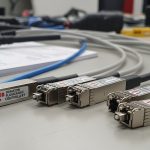
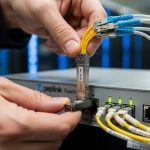
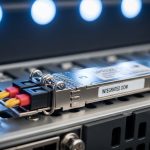
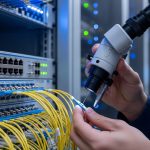
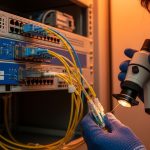
I have spent long nights in utility closets where a single bad transceiver can turn a whole smart water meter rollout into silent outages. This article helps network and field engineers choose the right smart water SFP for meter networks, focusing on optics, reach, compatibility, and operational limits. You will get a practical selection checklist, deployment scenario numbers, and troubleshooting steps you can apply on the next site visit.
Top 8 smart water SFP decisions that prevent meter-network outages
In a smart water deployment, your SFP is not a “part number on a shelf.” It is an optical link budget decision, a temperature tolerance decision, and a vendor compatibility decision. Below are the eight choices I see most often in real utility networks, with key specs and best-fit scenarios for each.
Match wavelength to your fiber plan before you buy
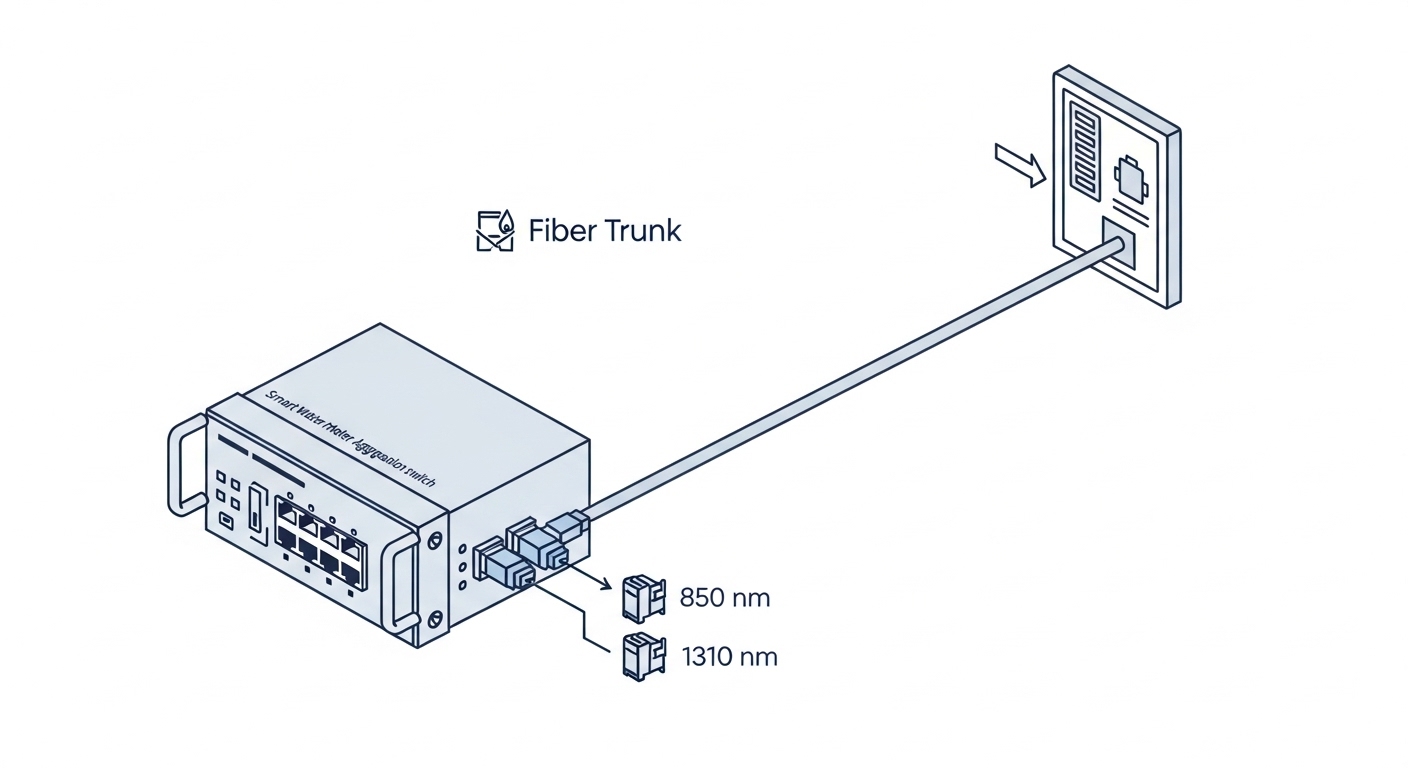
The first decision is wavelength because it determines which fiber type you can safely use and how much attenuation you can tolerate. Most meter-network SFPs fall into two practical lanes: 850 nm multimode (MMF) for short runs and 1310 nm single-mode (SMF) for longer runs. If your site has mixed cabling from prior projects, verify the fiber type at the patch panel before ordering any smart water SFP.
Key specs to verify
- 850 nm typically pairs with OM3 or OM4 multimode for short-reach links (often up to a few hundred meters depending on SFP class and fiber quality).
- 1310 nm works over single-mode fiber for longer distances, frequently up to 10 km class depending on the SFP.
- Check that the SFP matches the switch’s expected optics class for that port.
Best-fit scenario: A municipal meter hub with 200 to 400 m runs from an aggregation switch to remote fiber cabinets usually benefits from 850 nm MMF SFPs if you have OM3/OM4.
Pros: 850 nm MMF optics are often lower cost and plentiful. Cons: MMF performance collapses quickly on bad patching, dirt, or incorrect fiber type.
Choose reach based on a real link budget, not a marketing number
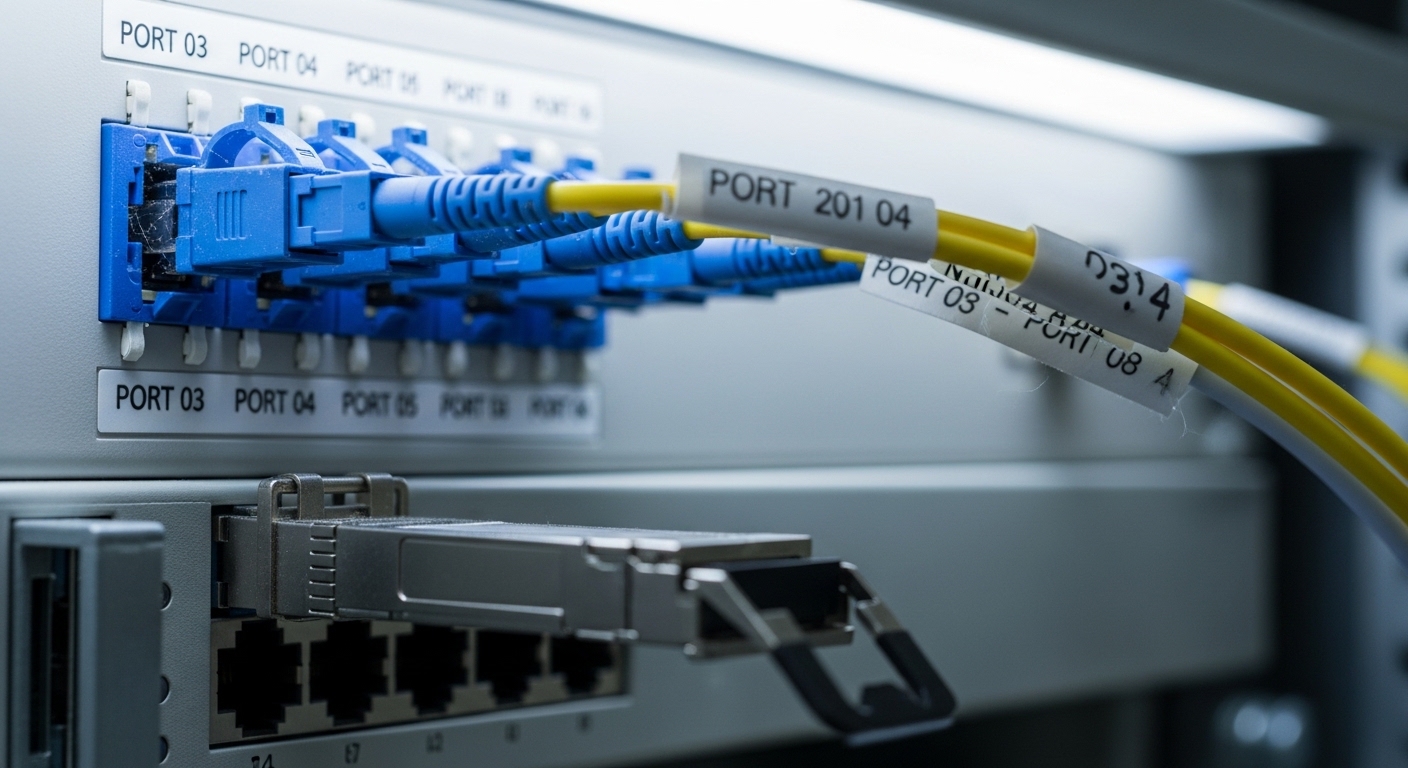
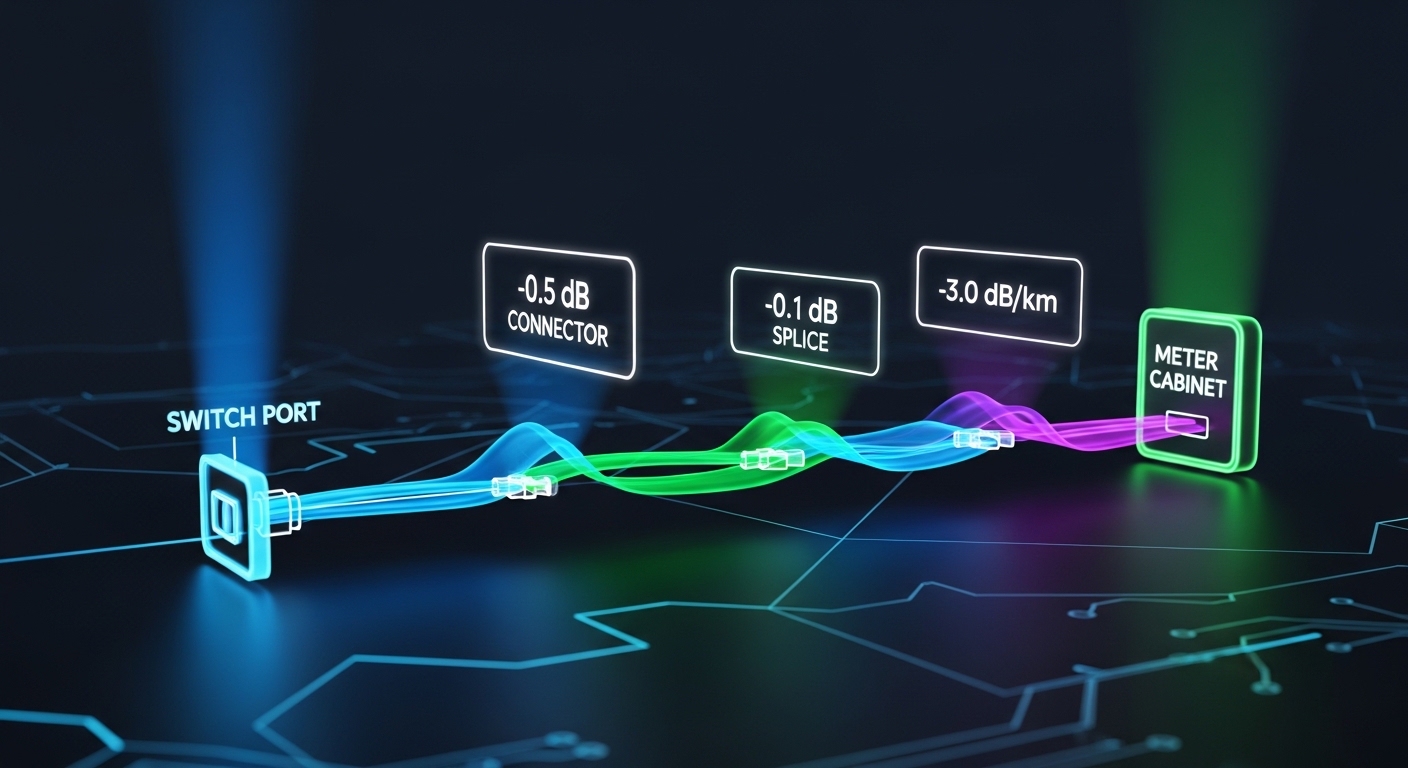
Reach is where smart water SFP plans succeed or fail. Instead of trusting the “max distance” on a datasheet, build a link budget using measured loss from OTDR or at least certified cable test results. The practical goal is to keep your margin for splices, patch cords, and connector contamination.
Link budget math you can use on site
- Start with the SFP’s stated optical budget (or typical attenuation limits from the datasheet).
- Add measured fiber attenuation (dB/km) times the link length.
- Add splice loss (often around 0.2 dB to 0.5 dB per splice) and connector/patch loss (often around 0.3 dB to 0.8 dB per mated pair depending on cleanliness and type).
- Reserve margin for aging and reconnections.
Best-fit scenario: If a remote meter concentrator is 3.5 km away with 10 patch migrations over time, I would plan for a 1310 nm SMF smart water SFP with comfortable margin rather than the absolute minimum reach.
Pros: Fewer marginal optics failures. Cons: Requires basic testing and documentation.
Use a compatibility-first approach with switch vendors and port types
Even when an SFP is “standard,” smart water deployments still run into vendor-specific quirks: DOM interpretation, diagnostic thresholds, and sometimes even optical power classes. I have seen one utility replace SFPs and accidentally trigger port flaps because the switch firmware expected a particular diagnostic behavior.
What to check with the switch
- Model-specific compatibility list from the switch vendor.
- Whether the port supports the SFP type (10G, 1G, 100M) and the correct interface mode.
- Whether the switch reads DOM and whether it logs alarms for out-of-range values.
- Power budget constraints for the specific chassis and port.
Best-fit scenario: In a 3-tier architecture with leaf switches at the meter hub, using the same vendor optics family across all access ports reduces surprises during firmware upgrades.
Pros: Lower risk during cutovers. Cons: Vendor optics can cost more up front.
Select the data rate and Ethernet mode your meter backhaul actually needs
In many smart water meter networks, the backhaul is not always “full speed.” Some projects run 1G Ethernet from concentrators to aggregation, while others need 10G for higher density meter gateways or video/SCADA coexistence. Your smart water SFP must match the switch port speed and negotiated mode expectations.
Common SFP lanes in utility networks
- 1G SFP over copper or fiber (less common for long fiber but still present).
- 10G SFP+ for faster aggregation or future expansion.
- 25G or higher in newer hubs, often using different form factors than SFP (verify before you assume).
Best-fit scenario: A meter hub consolidating 2,000 to 5,000 devices often uses 10G uplinks to avoid queue buildup when firmware updates or burst reporting occurs.
Pros: Matching speed avoids link negotiation issues. Cons: Overspeeding can increase cost and power draw.
Prefer DOM-capable modules for operations and preventive maintenance
DOM (Digital Optical Monitoring) is one of the most practical tools I have for catching failures early. For smart water SFP, DOM gives you real-time readings like laser bias current, received optical power, and temperature. When you integrate these into monitoring, you can detect a connector contamination trend long before the link drops.
Standards and what “good DOM” looks like
- DOM behavior is typically aligned with the SFF-8472 digital diagnostics model.
- Switch vendors may expose DOM thresholds as alarms; configure them to match your environment.
- Use consistent optics types so the thresholds remain meaningful across sites.
Pro Tip: In field practice, the earliest “link health” signal is often a slow drift in received optical power rather than an abrupt failure. If your monitoring alerts when RX power drops by a fixed dB amount over a week, you can schedule a cleaning visit before the meters lose connectivity.
Pros: Better maintenance planning. Cons: Requires monitoring setup and threshold tuning.
Control temperature exposure and pick industrial-grade where cabinets run hot
Utility cabinets can swing from winter cold to summer heat, especially in poorly ventilated meter enclosures. Smart water SFP modules are specified for operating temperature ranges, and choosing consumer-grade optics for harsh cabinets can cause intermittent link drops.
What to look for in datasheets
- Operating temperature range (example classes: standard vs industrial).
- Storage temperature for transport and seasonal shutdowns.
- Fanless cabinet airflow assumptions and direct sun exposure.
Best-fit scenario: If the meter cabinet sits outdoors in direct sun and the internal temperature regularly exceeds 60 C, I recommend industrial-grade SFPs with a wider operating range and a documented derating plan.
Pros: Fewer intermittent failures. Cons: Industrial parts can cost more and may have longer lead times.
Compare real module examples by wavelength, reach, and power
Below is a practical comparison of common SFP+ optics used in fiber-based utility backhaul. Exact values vary by vendor and revision, so treat this as a starting reference and confirm with the specific datasheet for the exact part number you plan to deploy.
| Example smart water SFP model | Data rate | Wavelength | Reach class | Connector | DOM | Typical operating temp |
|---|---|---|---|---|---|---|
| Cisco SFP-10G-SR | 10G | 850 nm | Up to ~300 m on OM3 (varies) | LC | Yes (DOM) | Commonly standard commercial |
| Finisar FTLX8571D3BCL | 10G | 850 nm | Up to ~300 m on OM3/OM4 (varies) | LC | Yes (DOM) | Vendor-specified range |
| FS.com SFP-10GSR-85 (example) | 10G | 850 nm | Up to ~300 m class (varies) | LC | Yes (DOM) | Vendor-specified range |
| Generic 10GBASE-LR SFP+ (1310 nm) | 10G | 1310 nm | Up to ~10 km typical class | LC | Usually yes | Vendor-specified range |
Best-fit scenario: For a hub that aggregates multiple remote meter cabinets within 250 to 350 m, 850 nm LC smart water SFPs are often the simplest fit. For 2 km to 10 km runs, plan for 1310 nm SMF optics and verify the fiber attenuation and splice plan.
Pros: Easier standardization across sites. Cons: Always confirm the exact reach with your fiber plant.
Sources: [Source: IEEE 802.3 Ethernet Physical Layer specifications] [Source: SFF-8472 Digital Diagnostic Monitoring] [Source: Vendor datasheets for example optics like Cisco SFP-10G-SR and Finisar/FS.com SFP+ models] IEEE standards portal SFF-8472 references via industry documentation
Decide between OEM and third-party based on TCO, not just unit price
Smart water SFP purchasing is a classic trade: OEM optics can reduce compatibility risk, while third-party optics can lower unit cost. In practice, TCO depends on failure rates, lead times, swap time, and how well DOM readings behave in your monitoring stack.
Cost and ROI note
- Typical street pricing ranges widely, but many 10G SR SFP+ modules often land in the tens of dollars to low hundreds depending on brand and grade.
- OEM modules can be 2x to 4x the price of third-party options, but may reduce troubleshooting time during rollouts.
- Power draw differences are usually small, but frequent swaps in the field are expensive: truck time, downtime windows, and connector cleaning supplies.
Best-fit scenario: If you are deploying across 30+ sites and need consistent monitoring behavior, standardize on one optics family and buy from a supplier with a clear RMA process. For a single pilot site, third-party may be fine if you validate DOM and link stability.
Pros: Better budget control with validated third-party. Cons: Higher integration risk if you mix vendors or grades.
Common mistakes and troubleshooting tips in smart water SFP deployments
These are the failure modes I have seen most often during meter-network rollouts, with root cause and a field-ready solution.
-
Mistake: Installing an 850 nm SFP into a link that actually uses single-mode fiber (or vice versa).
Root cause: Fiber type mismatch at the patch panel, sometimes from legacy re-cabling.
Solution: Label and verify fiber type with testing before swapping optics; confirm with OTDR or certified test results. -
Mistake: Ignoring connector cleanliness and skipping lint-free cleaning.
Root cause: Micro-dust on LC endfaces causes severe optical attenuation and intermittent link loss.
Solution: Clean with proper fiber cleaning tools, inspect with a scope, and re-seat connectors while monitoring RX power via DOM. -
Mistake: Choosing a reach “at the limit” SFP without accounting for splices and patch cords.
Root cause: Link budget margin is consumed by real-world patching changes over time.
Solution: Recalculate budget using measured loss; replace with a higher-budget optics class or reduce patch hops. -
Mistake: Mixing optics vendors without checking DOM threshold behavior.
Root cause: Switch alarms can trigger on slightly different DOM calibration ranges.
Solution: Standardize optics types per site; adjust monitoring thresholds using vendor guidance and observed readings.
FAQ
Q: What is a smart water SFP, and is it different from normal SFP?
A: “