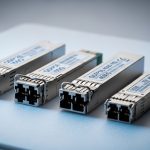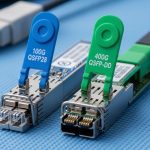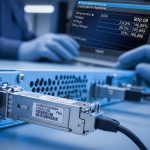
If you are building or refreshing a 1G access or server-edge network, you have probably seen the same question pop up during rack work: which 1G transceiver type actually fits the link budget, port behavior, and maintenance reality. This article is for network engineers and hands-on admins comparing a SFP copper transceiver against other 1G choices, with the kind of compatibility and troubleshooting details you only learn after plugging in a few modules. You will also get a decision checklist and a failure-mode list you can use during the next migration window.
SFP copper transceiver performance: what changes over 1G copper links
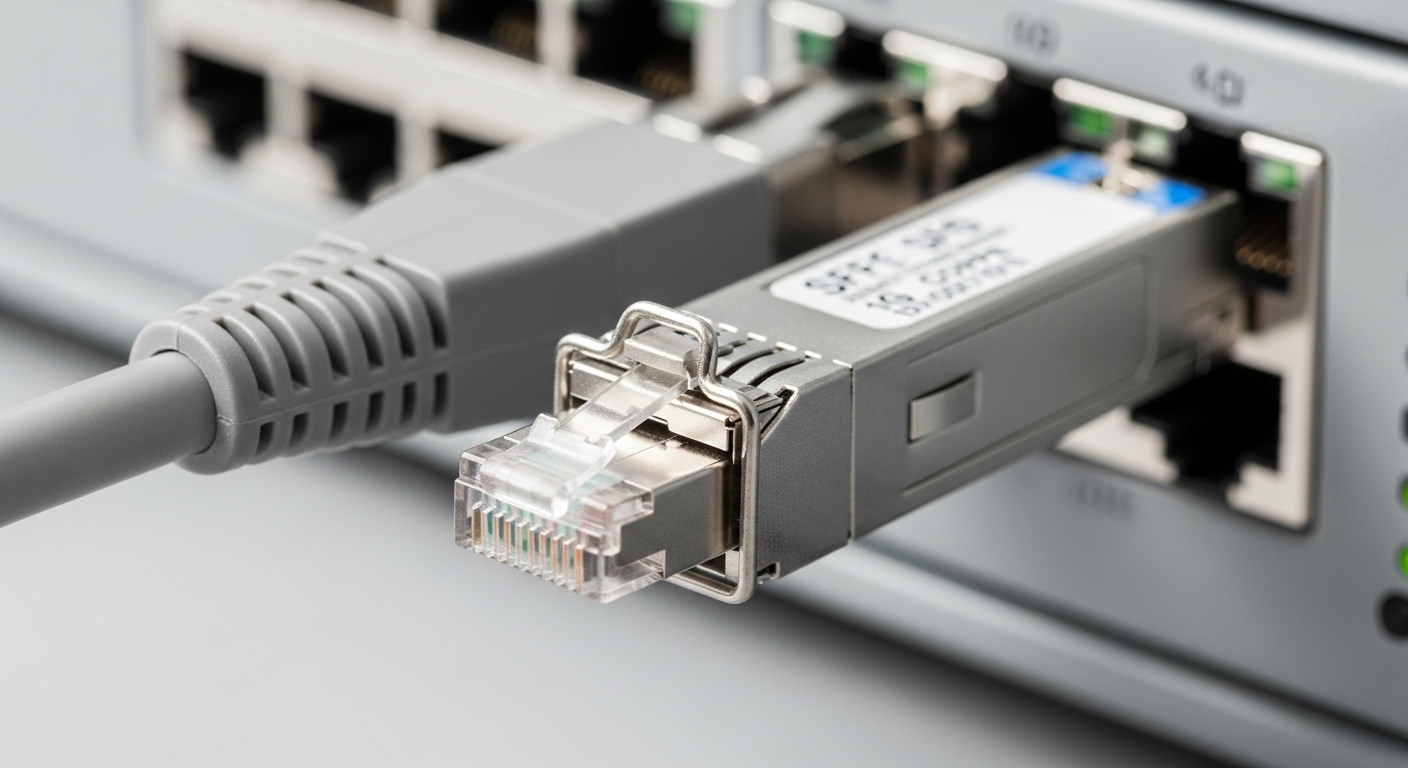
At 1G, an SFP copper transceiver is usually the simplest path from switch to device when you can stay within the short reach envelope. Most 1G SFP copper modules use 1000BASE-T signaling over copper with RJ-45 connectors, but the exact reach depends on cable category and module design. In practice, I have had stable links up to 55 m on Cat6 in a data hall with moderate EMI, but I still treat 30–40 m as the conservative “works on first try” target for new builds.
Key specs to sanity-check before you buy
Vendors typically publish a reach rating tied to a cable standard (Cat5e, Cat6, or Cat6a). You should also verify whether the module supports Digital Diagnostics Monitoring (DDM/DOM), because some switches will show alarms or refuse certain modules without DOM support. Finally, check operating temperature: a marginal module in a hot aisle can pass link bring-up today and fail during summer load.
| Spec | SFP copper transceiver (typical 1GBASE-T) | 1G fiber SFP (for comparison) |
|---|---|---|
| Data rate | 1.25 Gbps line rate (1G) | 1.25 Gbps line rate (1G) |
| Wavelength / signaling | Copper pair, no wavelength | 850 nm (SX) or 1310 nm (LX) |
| Reach (typical) | 30–55 m depending on Cat rating | 550 m (SX) typical, longer with LX |
| Connector | RJ-45 | LC duplex fiber |
| Power | Often ~1–2 W class | Often ~0.5–1.5 W class |
| DOM / DDM | Often supported on higher-end modules | Often supported; varies by vendor |
| Operating temperature | Commonly 0 to 70 C (commercial) or wider options | Commonly similar ranges by grade |
Compatibility reality: why copper SFPs sometimes “almost work”
In the field, the compatibility story is less about raw 1G support and more about how the switch expects the module to behave electrically and via management. Many enterprise switches and routers implement a vendor-specific SFP presence and DOM handshake, even when both sides are nominally “standard.” I have seen modules that link at 100 Mbps instead of 1 Gbps due to negotiation quirks, or modules that flap under load because the switch’s SERDES timing margins are tight.
What to check on your switch first
Start with the vendor’s optics compatibility list (often called the “transceiver compatibility matrix”) for your exact switch model and firmware revision. Then check whether the port is configured for auto-negotiation and whether the platform supports 1000BASE-T correctly with that module family. Finally, confirm whether you need DOM/DDM: some switches will still pass traffic without DOM, but they may log persistent warnings that trigger monitoring alerts.
Pro Tip: If you are troubleshooting “link up but no traffic,” try swapping only the copper patch cord first. I have found that a marginal Cat6 cord can cause intermittent CRC errors that look like a transceiver issue, especially when the patch panel is poorly grounded. Then verify the switch interface counters for CRC and alignment errors before you blame the SFP copper transceiver.
Cost and ROI: copper SFPs are cheap, but TCO is the real metric
A SFP copper transceiver often wins on purchase price and installation time because you avoid fiber transceivers, patch panels, and LC jumpers for short runs. In typical procurement, OEM modules can be priced roughly $60–$120 each, while third-party compatible modules may land around $25–$70 each, depending on vendor grade and DOM support. If you are deploying dozens of ports, the saved labor time and reduced cabling complexity can matter as much as the sticker price.
TCO math I use during refresh projects
When I estimate ROI, I include not only module cost, but also expected downtime risk and replacement logistics. Copper modules can be more sensitive to cable quality and patch panel workmanship than fiber, so I budget extra time for cable verification (fluke-style testing when possible) and I keep a small spare pool. Power consumption is usually a second-order effect at 1G, but if you are running hundreds of links, even 0.5–1 W differences can be noticeable over a year.
For authoritative baseline standards, you can cross-check electrical behavior against IEEE 802.3 for 1000BASE-T operation and general Ethernet PHY requirements. [Source: IEEE 802.3 standard] For module form-factor and electrical interface expectations, rely on vendor datasheets and the SFP Multi-Source Agreement guidance. [Source: SFP MSA] And for real compatibility, the switch vendor’s optics list is the final word. [Source: vendor transceiver compatibility matrix]
Use-case fit: when SFP copper transceivers beat fiber (and when they do not)
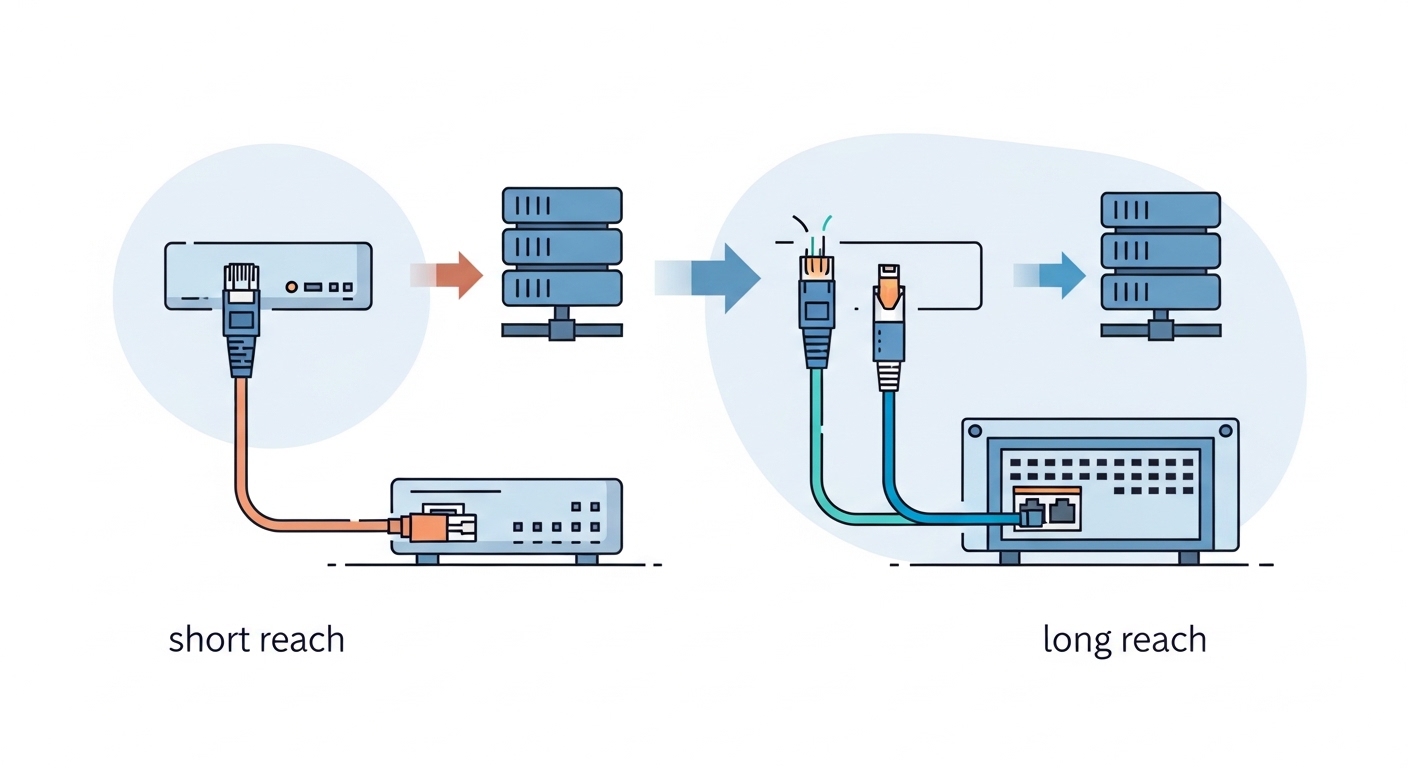
In a lot of access-layer designs, SFP copper transceivers are the practical choice because the distance is short and the cabling ecosystem is already Cat5e or Cat6. In one deployment I supported in a 3-tier data center leaf-spine topology, we had 48-port 1G ToR switches connecting server NICs in racks separated by only 10–25 m of structured cabling. We populated each ToR with 1GBASE-T SFP copper modules for the server-facing ports, while keeping fiber for inter-rack or aggregation links.
That said, fiber still wins when you need higher reach, better EMI immunity, or you cannot guarantee cable category quality. If your runs cross noisy environments (VFDs, big motor drives, or unshielded power trays), copper can show more CRC errors under peak conditions. Also, if you anticipate future growth beyond 1G, you may prefer a consistent fiber strategy to simplify later migrations.
Selection criteria checklist: the order engineers should evaluate
When you are picking an SFP copper transceiver (or comparing it to other 1G optics), I recommend this order because it prevents rework:
- Distance vs cable class: verify the run length and cable rating (Cat5e vs Cat6) and include margin for patch cords and panel transitions.
- Switch compatibility: confirm the module is listed for your switch model and firmware version; do not rely on “same chipset” claims.
- DOM/DDM support needs: decide whether your monitoring stack expects diagnostics; check for alarm behavior and thresholds.
- Operating temperature grade: match your ambient conditions; consider commercial vs extended temp options.
- Vendor lock-in risk: assess whether third-party modules are stable over time, and whether you can replace in a maintenance window.
- Power and thermal impact: for dense deployments, check vendor power figures and airflow constraints.
Common mistakes and troubleshooting: copper SFP failures I have seen
Below are real failure modes that come up during installs. Each includes root cause and a practical fix.
Link negotiates at 100 Mbps or flaps
Root cause: marginal cable category, damaged patch cord, or a bad patch panel punch-down causing poor signal integrity. Sometimes the module also selects a weaker mode due to PHY training issues. Solution: replace the patch cord first, then test the channel end-to-end for continuity and worst-case attenuation. If you have a fluke-capable workflow, target near-end and far-end crosstalk limits for Cat6.
Switch port shows “unsupported transceiver” or missing diagnostics
Root cause: DOM/DDM mismatch or a module variant not whitelisted by the switch vendor. Some platforms expect specific I2C behavior and will disable the port or mark it as non-compliant. Solution: use the switch’s optics compatibility matrix and match the module’s DOM capability. If you must use a non-listed module, validate in a lab with the same firmware revision.
Intermittent CRC errors under load
Root cause: EMI exposure, grounding problems, or cable management stress (tight bends) increasing noise or causing micro-fractures. Copper is more sensitive to these than fiber. Solution: inspect cable strain relief, ensure proper bend radius, and reroute away from power trays. Then monitor CRC and interface error counters during a traffic test window.
“Works on bench, fails in rack” after temperature rise
Root cause: module grade mismatch for ambient temperature, combined with restricted airflow. The PHY can drift as temperature changes, shrinking timing margins. Solution: confirm the module temperature rating and measure actual inlet air temperature near the switch. Upgrade to a higher-grade transceiver if your rack runs hot.
Decision matrix: SFP copper transceiver vs other 1G options
Here is a quick matrix you can use during planning. “Other 1G options” typically means fiber SFPs (SX/LX) or vendor-specific copper variants.
| Criteria | SFP copper transceiver | 1G fiber SFP |
|---|---|---|
| Short runs under ~50 m | Best fit | Works but adds fiber complexity |
| EMI-heavy environments | Riskier | More robust |
| Cabinet density | Simple RJ-45 cabling | LC fiber can be dense but needs clean management |
| Migration simplicity | Good if Cat6 is already standard | Good if you plan longer-term fiber strategy |
| Compatibility friction | Moderate; depends on DOM and switch list | Moderate; depends on vendor and optics list |
| Maintenance spares | Easy to swap, but cable quality matters | Easy to swap, typically less sensitive to cable runs |
Which option should you choose?
If you are building a rack-to-server or rack-to-edge design with known distances (roughly 10–40 m) and your cabling plant is solid Cat6, go with the SFP copper transceiver for the fastest install and lowest operational friction. If you are dealing with longer runs, noisy environments, or uncertain cabling quality, choose 1G fiber SFPs and standardize on LC jumpers for predictable performance.
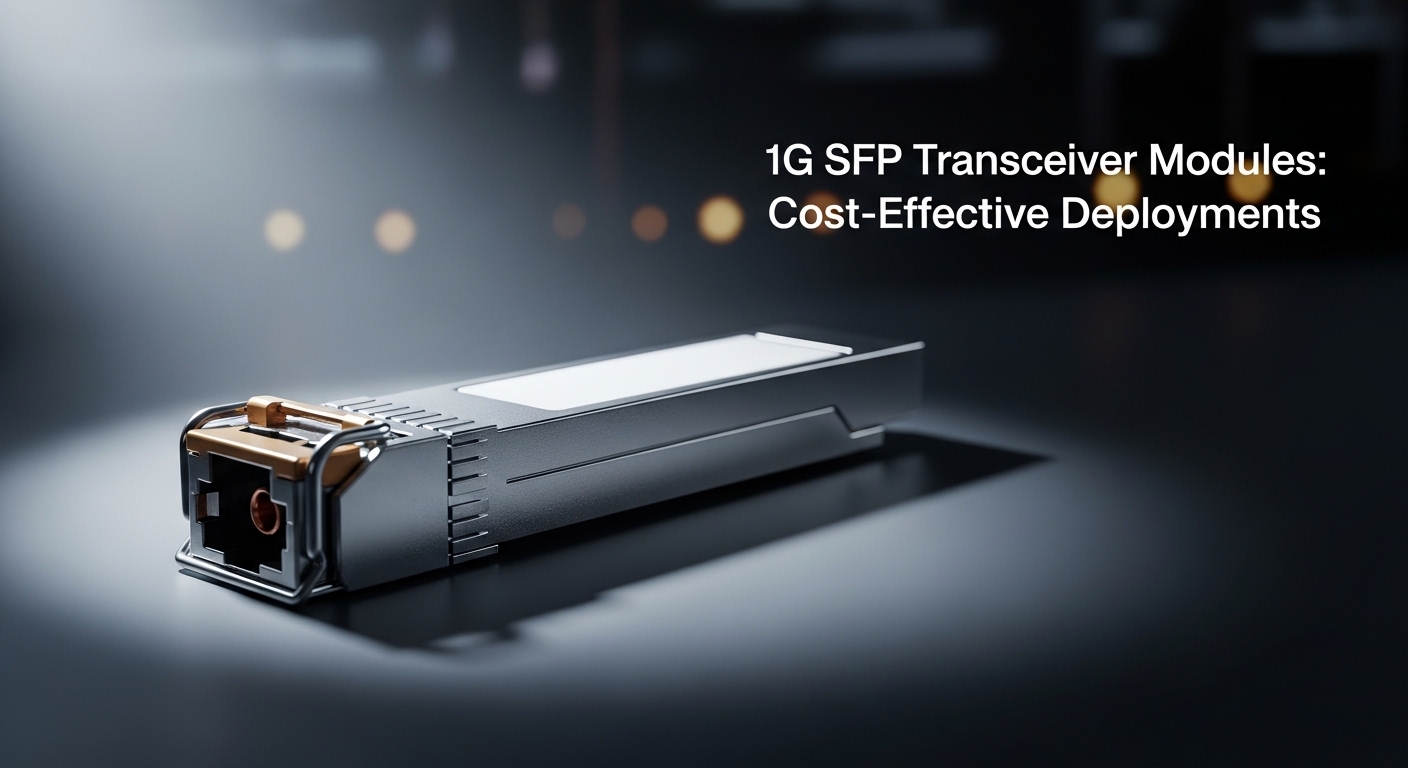
Next step: check your switch’s optics compatibility list and then validate one module in a staging port with your exact cable type before you roll out the full batch. If you want a parallel reference, see 1G transceiver modules cost-effective deployments for budgeting patterns and rollout tactics.
FAQ
Q: What is the typical reach of a 1G SFP copper transceiver?
A: Most deployments target 30–55 m depending on Cat5e vs Cat6 and the quality of patch cords and panel connections. Treat anything near the maximum as “needs validation” for your specific channel.
Q: Do I need DOM/DDM on my switch for SFP copper?
A: Not always for basic link, but it matters for monitoring. If your switch expects diagnostics, missing or mismatched DOM can trigger alarms or even disable the port depending on platform policy. Always confirm using the vendor compatibility matrix.
Q: Are third-party SFP copper transceivers safe to use?
A: They can be safe, but you must validate compatibility with your switch model and firmware. In my experience, the biggest risk is inconsistent DOM behavior or marginal PHY tuning that shows up under load. Buy from a supplier that provides clear part numbers and supports returns if the module fails diagnostics checks.
Q: How can I tell if my issue is the transceiver or the cable?
A: Check interface counters first for CRC and alignment errors, then swap patch cords before swapping the module. If the errors move with the cable, it is cable integrity; if they stick with the port and module, it is likely transceiver behavior or switch timing margins.
Q: What standards should I reference for 1G copper?
A: Use IEEE 802.3 for 1000BASE-T behavior and SFP MSA guidance for the module interface expectations. For exact compatibility, rely on your switch vendor’s transceiver list.
Q: Can I mix SFP copper transceivers from different brands on the same switch?
A: Yes in many cases, but only if the switch supports them and the modules behave similarly for DOM/DDM. In high-reliability environments, I standardize on one vendor and one part number family to reduce variance during maintenance.
Author bio: I am a field-focused DIY network tinkerer who documents what actually happens after the first 200 cable pulls, not just what the datasheet claims. I keep my notes grounded in switch counters, reach limits, and compatibility lists so you can deploy an SFP copper transceiver without surprises.