When an SD-WAN edge device comes online, the first failure is often not the software. It is the optical link: wrong wavelength, unsupported DOM, or a reach mismatch that only shows up after patching. This guide helps network engineers and field techs choose and verify the right SD-WAN edge transceiver for fiber-connected sites, with practical checks you can do during install and acceptance. Updated 2026-04-30.
What an SD-WAN edge transceiver must do on day one
In most deployments, the edge transceiver is the physical boundary between your SD-WAN appliance and the WAN aggregation layer (often a metro Ethernet handoff or a carrier router). Your job is to ensure the optics meet the data rate, wavelength, and reach requirements of the link budget, then validate that the switch or transport gear accepts the module (including DOM behavior). Per IEEE 802.3, optics are characterized by signaling rate and optical parameters, but vendor implementations vary in DOM formats and alarm thresholds. Before you order, confirm the exact port speed and transceiver form factor expected by the switch or media converter.
Match the link to the physical layer, not just the port speed
Start with the interface on the edge device (or the connected access switch): for example, a 10G SFP+ port cannot use a 25G SFP28 module without the switch supporting that exact speed and electrical lane mapping. Then match the optical type: SR modules use multimode fiber and are typically short-reach, while LR and ER use single-mode fiber for longer distances. If you are unsure whether the site uses single-mode or multimode, verify the fiber jacket labeling and test with an optical time-domain reflectometer or a simple continuity check.
Use DOM readings as an acceptance gate
Digital Optical Monitoring (DOM) is commonly implemented over the transceiver’s management interface. During acceptance, you want to see sane values for Tx power, Rx power, bias current, and temperature. If the edge side reports “unsupported module” or the uplink flaps, DOM incompatibility is a frequent root cause. Always check the vendor datasheet for module compatibility notes and DOM support details.
Optics selection: wavelength, reach, connector, and power limits
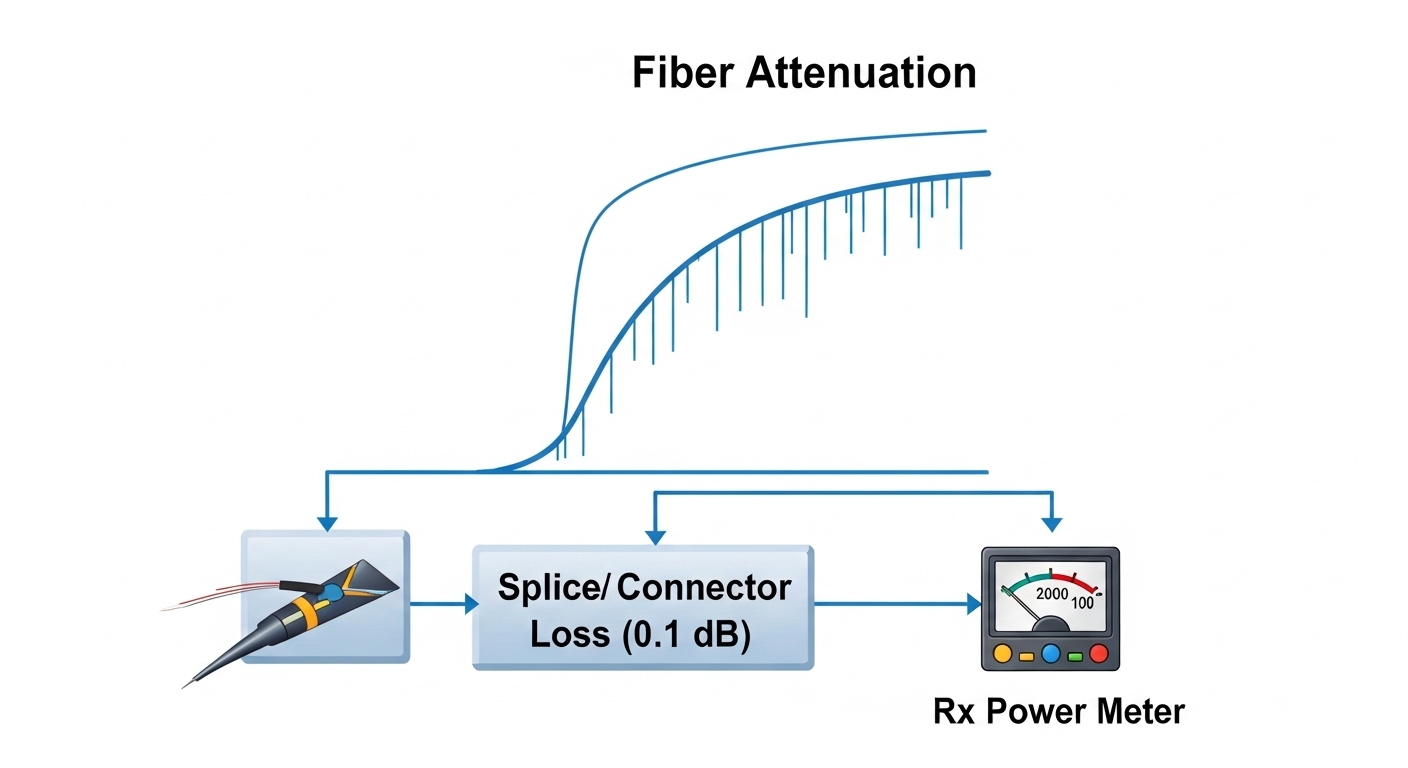
Engineers usually pick SR vs LR, then stop there. In practice, reach depends on fiber attenuation, patch loss, connector type, and how conservative you want to be for aging and temperature swings. For a reliable SD-WAN edge transceiver choice, treat the optics like a system: transceiver parameters plus your installed plant. Reference vendor module datasheets and IEEE 802.3 optical specifications, then validate with DOM during install. IEEE 802.3
Quick comparison table for common SD-WAN edge optics
| Optics type | Typical wavelength | Fiber + reach class | Connector | Data rate / form factor examples | DOM support | Operating temperature |
|---|---|---|---|---|---|---|
| 10G SR | 850 nm | Multimode (MMF) short reach | LC | 10G SFP+ (e.g., Cisco SFP-10G-SR, Finisar FTLX8571D3BCL) | Usually yes (vendor-specific alarms) | Commonly 0 to 70 C or -5 to 70 C |
| 10G LR | 1310 nm | Single-mode (SMF) longer reach | LC | 10G SFP+ (e.g., FS.com SFP-10GSR-85 is SR; look for LR models when needed) | Usually yes | 0 to 70 C (varies by brand) |
| 25G SR | 850 nm | MMF short reach for higher density | LC | 25G SFP28 | Usually yes | 0 to 70 C or extended industrial variants |
| 100G SR4 | 850 nm | MMF short reach, higher aggregate | MPO/MTP | 100G QSFP28 | Usually yes | 0 to 70 C (varies) |
Do a practical reach check with conservative margins
For acceptance planning, assume worst-case patching: include connector insertion loss (often around 0.2 dB per mated pair plus patch cord losses), plus any known splices and bends. If you are using OM3 or OM4 multimode, SR modules can be robust, but only if the plant matches the fiber grade and cleaning practices. For single-mode LR/ER, the risk is usually not attenuation; it is wrong fiber type, swapped fibers, or dirty connectors that reduce received optical power and trigger CRC or link drops. [Source: Cisco SFP and optics datasheets; vendor module documentation]
Compatibility and verification: DOM, vendor lock-in, and switch behavior
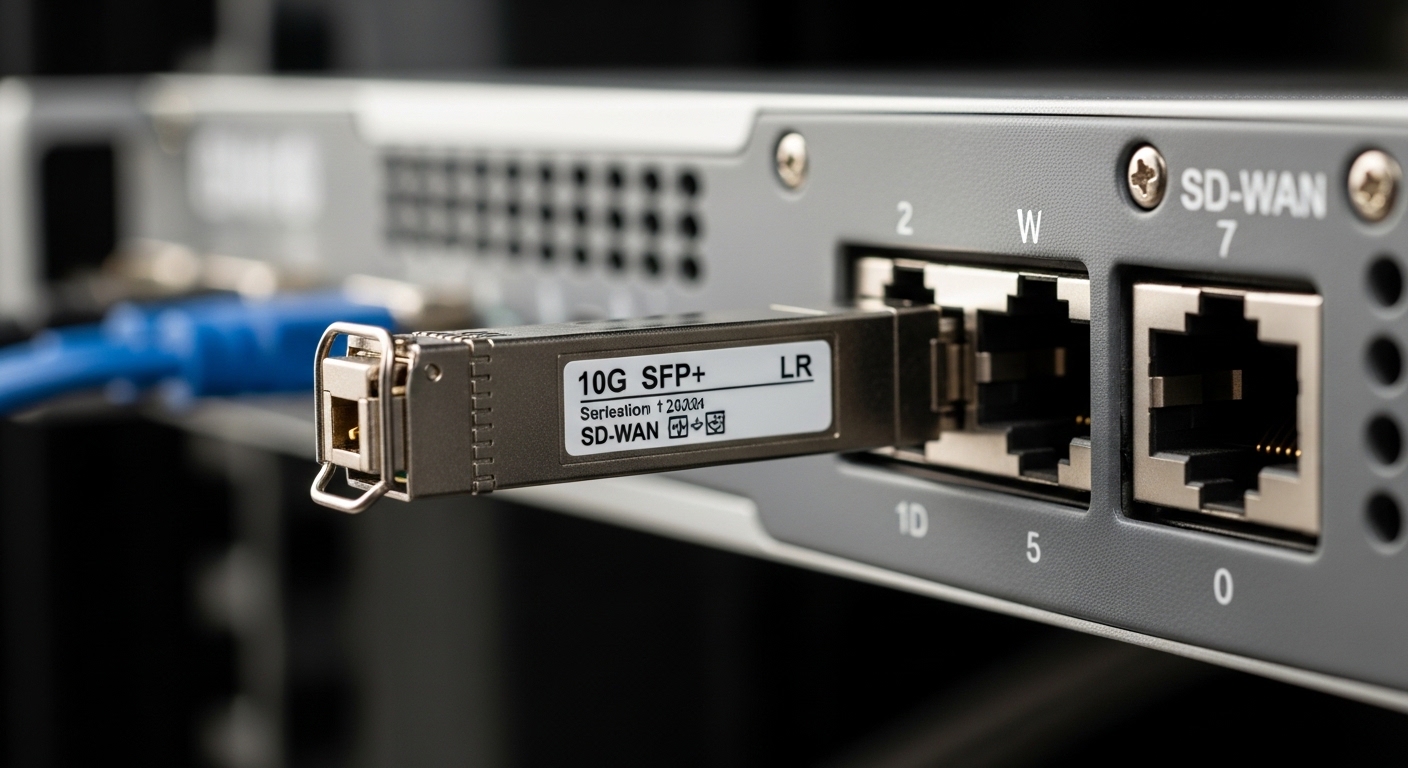
The fastest way to get stuck is to treat transceivers as interchangeable. Many network operating systems support third-party optics, but the acceptance behavior differs: some platforms enforce DOM thresholds, some require specific vendor IDs, and some apply rate/PCS mapping rules that cause link instability after a warm reboot. In SD-WAN edge designs, you may also have security policies that harden management interfaces, so DOM polling failures can look like connectivity issues. Always validate against the exact edge device and the exact upstream switch or media converter models you will deploy.
Checklist for compatibility before you ship
- Form factor: SFP, SFP+, SFP28, QSFP28, or QSFP-DD must match the port.
- Speed: confirm the port supports 10G vs 25G vs 100G, including auto-negotiation behavior.
- Wavelength: 850 nm (SR) vs 1310 nm (LR) vs 1550 nm (ER) must match your link type.
- Fiber type: multimode vs single-mode must match the optics.
- Connector: LC vs MPO/MTP must match the patch panels and cassettes.
- DOM support: confirm the edge device and switch read DOM without alarms or “unknown module” events.
- Operating temperature: ensure the transceiver meets the enclosure environment, not just the lab spec.
- Vendor lock-in risk: check whether the platform uses vendor OUI filtering or strict DOM compliance.
Acceptance test you can run in under 10 minutes
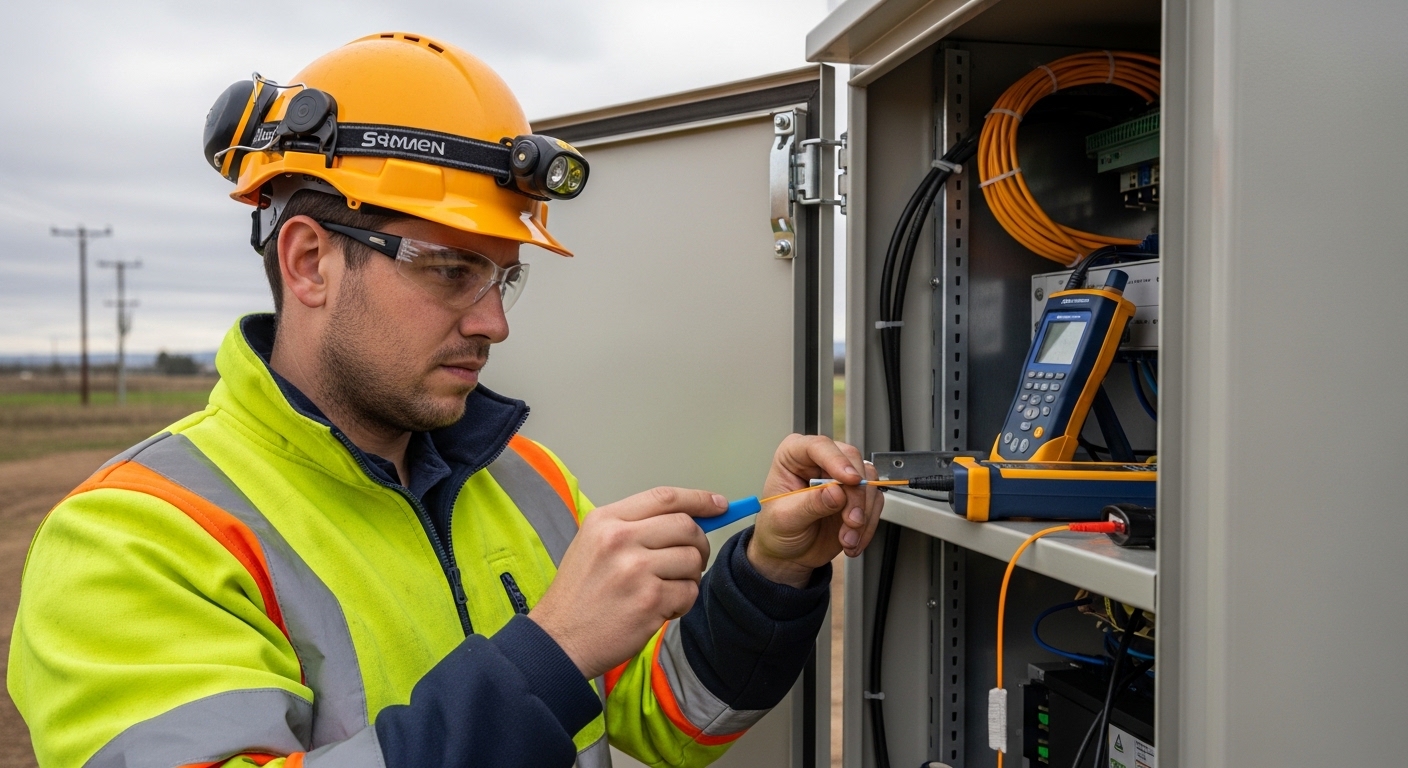
After inserting the SD-WAN edge transceiver, bring the link up, then read DOM values and interface counters. Capture Tx/Rx optical power and check for immediate errors like FCS/CRC increments or link flaps. If the link is unstable, swap only the fiber patch or the transceiver first, then re-check DOM to isolate whether the issue is plant polarity or module compatibility. For long-running sites, schedule a maintenance window to re-validate DOM after the first 24 to 72 hours of temperature cycling.
Pro Tip: If the interface comes up but traffic intermittently drops, check DOM for “near-threshold” Rx power rather than only link state. In the field, dirty connectors and micro-bends often show up as slowly drifting Rx power that still passes initial light levels, then triggers burst errors under SD-WAN traffic peaks.
Common mistakes and troubleshooting that actually saves installs
Below are failure modes I have seen during SD-WAN edge rollouts with fiber handoffs. Each includes the likely root cause and what to do next. The goal is to get you from “link down” to “traffic stable” faster, with fewer truck rolls. [Source: field experience; aligning with vendor troubleshooting guides and IEEE physical layer behavior]
Link up, but SD-WAN tunnels flap every few minutes
Root cause: Rx optical power is marginal due to dirty LC connectors or patch cord damage, so the link occasionally fails forward error correction margin. Some switches mask the problem until burst traffic increases. Solution: clean connectors with approved fiber cleaning tools, re-seat the transceiver, then re-check DOM and interface error counters. If possible, test with a known-good patch cord and compare Rx power trend.
“Unsupported module” or frequent link resets after reboot
Root cause: DOM format or vendor ID filtering mismatch between the edge device or switch and the third-party optic. Some platforms require specific DOM implementations for alarm thresholds. Solution: confirm that the transceiver is explicitly listed as compatible by the platform vendor or by the optic vendor for that exact model. If you must use third-party optics, validate in a staging rack with the same firmware version.
Wrong fiber type or swapped polarity causing complete failure
Root cause: using SR optics on single-mode fiber, or mixing OM3/OM4 assumptions, or simply swapping Tx/Rx fibers in the patch panel. This can lead to low or zero received power. Solution: verify fiber type by jacket marking and test with a light source; then correct patching polarity using standard conventions. Measure Rx power after changes to confirm the correct direction.
Overheating in enclosed cabinets leading to gradual degradation
Root cause: the transceiver is within spec on paper but installed in a hot cabinet with blocked airflow. Temperature rise can push the module toward higher bias or reduce optical output. Solution: check cabinet ambient temperature during peak hours, ensure airflow paths are clear, and use modules rated for the environment. Consider airflow baffles and verify with a calibrated temperature probe.
Cost and ROI: balancing OEM reliability with third-party optics
In typical enterprise SD-WAN edge deployments, transceivers are a small portion of the overall TCO, but they can drive disproportionate operational cost if they trigger instability or replacements. OEM optics often cost more, but they may reduce compatibility risk and speed up support resolution. Third-party optics (including reputable brands) can be cost-effective, yet you should budget time for staging validation and plan for higher variance in DOM behavior across firmware updates. Look at your failure-rate history and your service model (next-business-day vs on-site dispatch) when estimating ROI. [Source: vendor pricing catalogs and published reseller price ranges]
Realistic price bands to plan around
Pricing varies by region and volume, but a rough planning range for budgeting is: 10G SR SFP+ often lands in the tens of dollars per module; 10G LR SFP+ and higher-grade single-mode optics typically cost more; 25G SFP28 and 100G QSFP28 tend to be significantly higher. Add TCO items: cleaning supplies, spares on-site, labor for staging, and downtime risk. If you keep a validated spare set at each region, you can reduce repair time even if your unit cost is slightly higher.
FAQ: SD-WAN edge transceiver buying questions from engineers
Which transceiver type is most common for SD-WAN edge uplinks?
For many sites within a building or short campus, 10G SR (850 nm) SFP+ over multimode fiber is common. For longer metro handoffs on single-mode fiber, 10G LR (1310 nm) is typical. Always confirm the upstream port speed and the fiber type used by the handoff.
Do I need DOM support for SD-WAN edge transceivers?
DOM is strongly recommended because it enables acceptance checks and ongoing monitoring of optical health. Some environments can operate without DOM polling, but you lose the early warning signals for aging optics and dirty connectors. Confirm that your edge device and switch support DOM in a compatible way.
Can I mix OEM and third-party optics in the same SD-WAN site?
Yes in many cases, but compatibility depends on the platform’s handling of vendor IDs and DOM alarms. If you do mix optics, validate with your exact firmware versions and perform a DOM + error counter check. Keep a known-good spare from the same class of optics.
How do I estimate reach without overbuilding?
Use the vendor’s stated reach as a starting point, then subtract realistic installation losses: patch cords, connectors, splices, and any measured attenuation. If you cannot measure plant loss, use conservative assumptions and leave margin for connector contamination and temperature effects. Then confirm with Rx power from DOM after installation.
What is the fastest troubleshooting path for a link that won’t come up?
First verify form factor and speed compatibility, then confirm wavelength and fiber type (MMF vs SMF). Next check connectors and polarity, then read DOM and interface counters. If still down, swap either the transceiver or the patch cord with a known-good item to isolate plant vs optics.
Are there temperature considerations for edge cabinets?
Yes. Many optics are rated for standard operating ranges, but enclosed cabinets can exceed lab assumptions during summer heat. Check the transceiver’s temperature spec and verify cabinet ambient temperature during peak operation, not just during installation.
If you want the next step after choosing optics, review your SD-WAN edge deployment workflow for cabling, monitoring, and acceptance gates using SD-WAN edge deployment workflow. That combination prevents most “it worked in the lab” surprises.
Author: A hands-on network operations writer who has installed and validated fiber optics in real SD-WAN edge cabinets across multi-site rollouts.
Field experience: focuses on DOM-based acceptance, link budget checks, and practical troubleshooting with vendor-compatible optics.