In a SCADA hydroelectric environment, a few lost seconds can mean delayed alarms, stalled telemetry, or unsafe control handoffs. This article helps power engineers, field technicians, and integrators design and validate SFP-based fiber links for dam control systems, focusing on the practical choices that keep protection and monitoring traffic flowing. You will get an implementation checklist, a comparison of common transceiver classes, and troubleshooting steps grounded in real deployment patterns.
Prerequisites for SFP fiber links in SCADA hydroelectric dam control
Before selecting an SFP, confirm the physical plant constraints and the transmission profile your control network actually needs. In most hydroelectric substations and dam control rooms, you will run fiber from switchgear or RTU cabinets to an aggregation switch, then onward to the SCADA head-end. Plan for humidity, dust, vibration, and temperature swings that can push optics beyond their intended operating margin.
From a legal and compliance perspective, treat this as engineering guidance, not a substitute for your organization’s safety procedures or applicable utility standards. If your network carries critical control or protection functions, align your design with relevant electrical safety rules, asset management policies, and vendor support requirements; consult counsel or your compliance team where required.
Minimum engineering inputs to gather
- Link distance (meters) including patch cords and slack loops.
- Fiber type: OM3/OM4 multimode or OS2 single-mode; verify with OTDR or certified test results.
- Switch compatibility: model numbers and transceiver support lists.
- Optics budget: connector losses, splice losses, and worst-case attenuation over temperature.
- Environmental limits: cabinet temperature range and airflow assumptions.
For optical layer behavior, IEEE 802.3 governs Ethernet PHY operation; for transceiver classes, vendor datasheets and module standards like SFF specifications inform form factor and electrical interfaces. Authority references for context include [Source: IEEE 802.3] and vendor documentation such as [Source: Cisco SFP datasheets] and [Source: Finisar/Fiber product datasheets].
Step-by-step implementation: deploy SFPs for SCADA hydroelectric dam control networks
This section is written as a numbered build plan you can execute on a live project. Each step includes expected outcomes so you can verify progress before moving deeper into commissioning. The goal is to protect uptime by validating optics, link negotiation, and alarm visibility.
Confirm Ethernet rate and PHY expectations
Identify the port speed on the dam-side switch and the upstream core/aggregation switch. Many SCADA hydroelectric deployments use 10G uplinks from control cabinets to aggregation, even when the SCADA applications themselves are low bandwidth, because they need deterministic latency and spare capacity. Ensure the SFP form factor matches the switch port type (for example, SFP+ vs SFP).
Expected outcome: You have a written matrix mapping each cabinet to a specific switch port and expected line rate, such as 10GBASE-SR on SFP+ modules.
Choose optics by fiber type and distance
Use multimode SR for short reaches across patch panels and cabinet runs, and single-mode LR for longer spans between buildings or across cable trenches. For multimode, typical SR modules target 850 nm with distances often specified around 300 m over OM3 and 400 m over OM4 for 10GBASE-SR class optics, but your real reach depends on measured fiber attenuation and launch conditions.
Expected outcome: Each link has a candidate module part number and a reach calculation based on measured fiber test results, not assumptions.
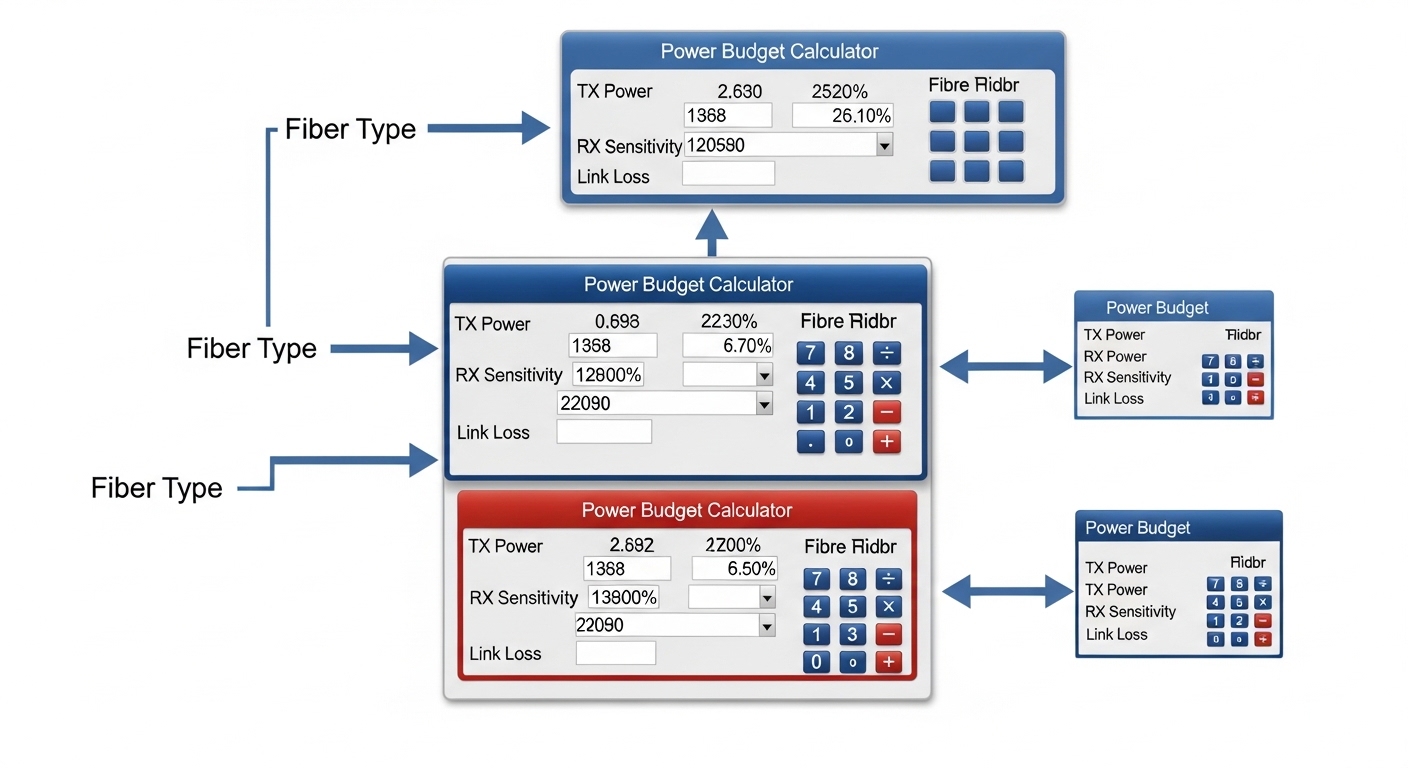
Calculate link power budget and validate margin
Compute worst-case optical budget: transmitter power minus receiver sensitivity, then subtract connector and splice losses and a conservative aging margin. Typical field practice: add at least 0.5 dB for patch cord variability and 0.5 to 1.0 dB for connector re-mating risk when technicians will touch the link during commissioning.
Expected outcome: Your design meets vendor-recommended minimum margin (often a few dB) at the coldest and hottest cabinet temperatures.
Install SFPs with DOM checks and recordkeeping
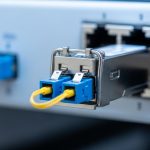
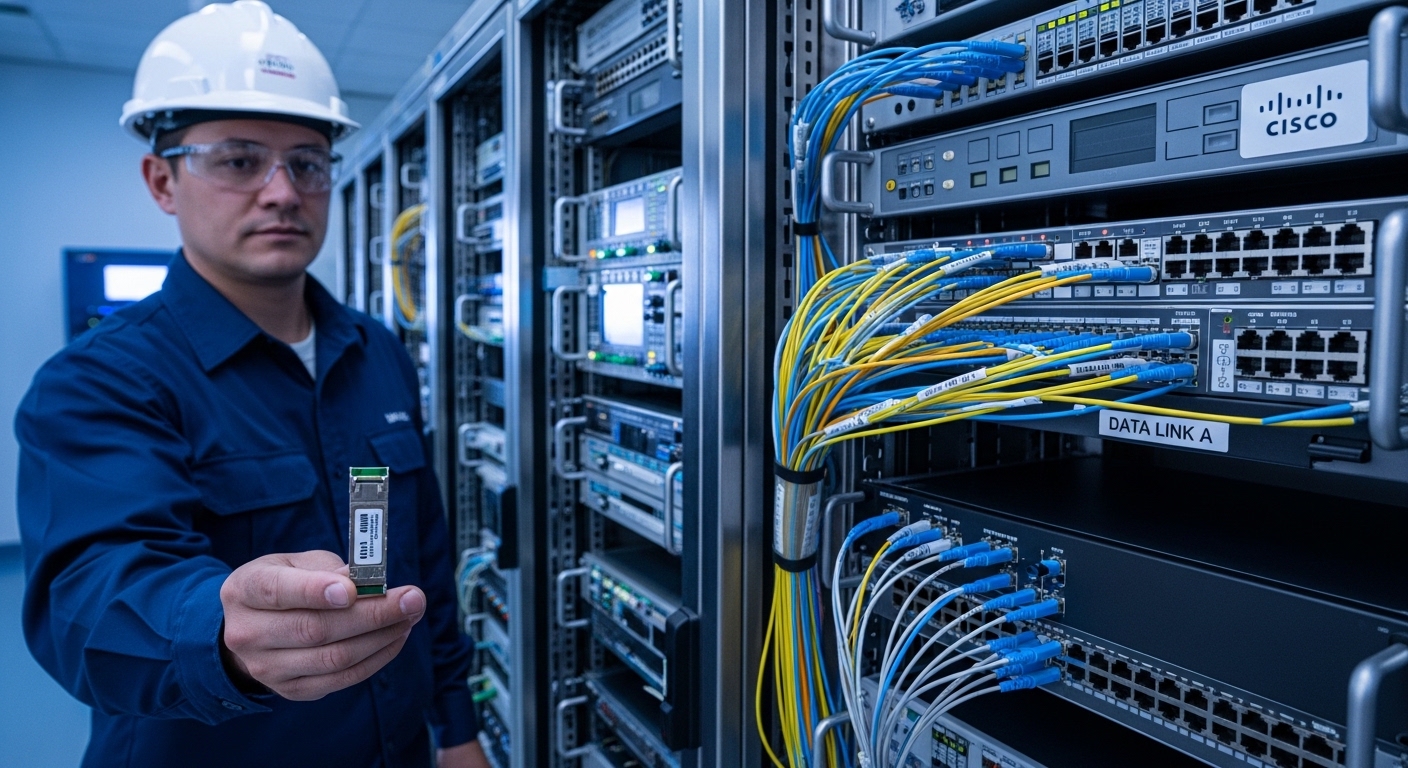
Many modern SFPs include Digital Optical Monitoring (DOM). After insertion, verify optical power, received power, and link status in the switch CLI or management interface. Record module serial numbers and DOM readings for traceability during future incident reviews.
Expected outcome: All links come up at the intended speed with stable DOM values, and alarms are visible in your monitoring system.
Commission with traffic class awareness and failover validation
SCADA hydroelectric networks often carry time-sensitive telemetry and event messages alongside engineering traffic. Configure QoS policies only after confirming basic link stability. Then simulate fail conditions: pull one fiber patch at a time, confirm link down/up behavior, and verify that upstream controllers and collectors detect the change within expected windows.
Expected outcome: You can demonstrate acceptable convergence behavior for telemetry and alarms during controlled link interruptions.
Key SFP options for hydroelectric fiber: specs that actually matter
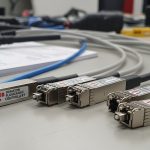
Below is a practical comparison of common 10G SFP classes used in SCADA hydroelectric dam control networks. Values vary by vendor and revision, so treat the table as a selection scaffold and confirm exact figures in datasheets. The most important fields are wavelength, fiber type, reach target, connector interface, temperature range, and whether DOM is supported.
| Module class (example part) | Data rate | Wavelength | Fiber type | Target reach | Connector | DOM | Operating temp (typ.) |
|---|---|---|---|---|---|---|---|
| Cisco SFP-10G-SR (10GBASE-SR) | 10G | 850 nm | OM3/OM4 multimode | Up to 300 m (OM3) / 400 m (OM4) | LC | Yes (typ.) | Commercial to industrial depending on model |
| Finisar FTLX8571D3BCL (10GBASE-SR) | 10G | 850 nm | OM3/OM4 multimode | Commonly 300 m class | LC | Yes (typ.) | Industrial options often available |
| FS.com SFP-10GSR-85 (10GBASE-SR, example) | 10G | 850 nm | OM3/OM4 multimode | Up to 300 m class | LC | Yes (typ.) | Industrial variants available |
| Single-mode LR class (example label: 10GBASE-LR) | 10G | 1310 nm | OS2 single-mode | Up to 10 km class | LC | Yes (typ.) | Often industrial options available |
Authority references: [Source: IEEE 802.3] for 10GBASE-SR/LR PHY definitions; [Source: Cisco SFP-10G-SR datasheet] for supported distances and DOM behavior; and [Source: Finisar/Fiber optic transceiver datasheets] for typical optical parameters. When you swap in third-party optics, validate with your switch vendor’s compatibility guidance and your own lab tests.
Pro Tip: In dam control rooms, the biggest “it worked in the shop” failure is not the SFP itself, but the cleanliness and repeatability of LC connectors after repeated cabinet access. Measure received power with DOM after every maintenance visit; a small connector contamination event can silently shrink your optical margin until the link becomes unstable.
Selection criteria checklist for SCADA hydroelectric projects
Choosing SFPs is a risk-management exercise as much as it is a technical one. Engineers typically rank factors in the order below, because the wrong choice often shows up as intermittent link flaps that are expensive to trace.
- Distance and fiber class: match OM3/OM4 vs OS2, and confirm with test records.
- Switch compatibility: confirm the exact switch model and firmware; check vendor optics matrices.
- DOM support and telemetry: ensure the switch can read DOM and your NMS can alert on thresholds.
- Operating temperature: pick industrial-grade optics when cabinets exceed commercial ranges.
- Budget and procurement constraints: weigh OEM vs third-party while planning for spares.
- Vendor lock-in risk: third-party optics can be cheaper, but compatibility and support can vary.
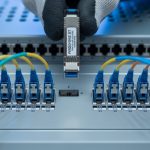
- Connector and patch strategy: standardize LC polishing, labeling, and cleaning tools.
For compatibility, consult switch vendor documentation and transceiver support statements. For optical performance, rely on vendor datasheets and your own link budget calculations, using measured attenuation and reflectance from certification reports.
Common mistakes and troubleshooting in SCADA hydroelectric fiber links
Below are the failure modes that field teams actually encounter. Each includes a likely root cause and a practical corrective action you can perform without guessing.
Failure point 1: Link flaps after cabinet door cycles
Root cause: Micro-movement loosens an LC connector, or the connector was not fully seated, causing intermittent loss. Vibration from nearby equipment can exacerbate this.
Solution: Re-seat connectors using a consistent technique, inspect for bent pins or cracked ferrules, and clean with validated cleaning methods. Then verify DOM readings (received power) remain within expected range during repeated door open/close tests.
Failure point 2: “Module incompatible” or ports refuse to come up
Root cause: Using a third-party SFP that does not meet the switch’s electrical or identifier expectations, or firmware enforces stricter compatibility checks.
Solution: Confirm switch model and firmware release, then test with an approved OEM module or a third-party module explicitly listed as compatible. If you must proceed, stage a controlled pilot with one link and log transceiver status events.
Failure point 3: Reach shortfall even though the distance is “within spec”
Root cause: Real attenuation is higher than assumed due to dirty connectors, aged splices, or incorrect fiber type (for example, OM3 labeled as OM4). Another common cause is exceeding patch cord quality expectations.
Solution: Use OTDR or certification results to confirm actual attenuation and end-to-end link loss. Replace the worst patch cords, re-clean connectors, and re-calculate margin with the measured values and worst-case temperature.
Cost and ROI considerations for SCADA hydroelectric SFP procurement
Pricing varies widely by OEM, industrial grade, and supply channel. As a realistic planning range, many operators see typical 10G SR SFP costs in the approximate band of $80 to $250 per module, while single-mode LR modules often cost $150 to $400, depending on vendor and temperature grade. Third-party optics can reduce unit cost, but TCO rises if compatibility issues drive downtime, expedited RMA cycles, or additional field labor.
For ROI, include: spares strategy (how many modules you keep per site), expected failure rates, commissioning time, and the cost of troubleshooting when DOM telemetry is missing or alerts are not integrated. In critical SCADA hydroelectric dam control networks, reliability and support responsiveness often justify industrial-grade optics and OEM compatibility where downtime costs are high.
FAQ for engineers specifying SFPs in SCADA hydroelectric
1) Which SFP type fits most SCADA hydroelectric dam control links?
Most designs start with 10GBASE-SR for intra-site runs over OM3 or OM4 multimode fiber, and move to 10GBASE-LR for longer distances over OS2 single-mode. The correct choice depends on measured attenuation and the physical layout of your cabinets and fiber routes.
2) Do I really need DOM for dam control networks?
DOM is strongly recommended when you can integrate it into your monitoring workflow. Without DOM, you lose early warning signals like drifting transmit power and rising bias currents, which often precede failures in harsh environments.
3) Are third-party SFPs safe for critical SCADA hydroelectric traffic?
They can be, but you must validate compatibility with your switch model and firmware and test in a pilot environment that matches cabinet temperature and fiber conditions. Document results and keep an escalation path for support if the optics behave differently than expected.
4) What temperature range should I plan for?
Use cabinet temperature measurements and design for worst-case airflow. If cabinets exceed commercial module limits, choose industrial-grade optics so link performance remains stable across the entire operating envelope.
5) How do I troubleshoot an intermittent link quickly?
Start with switch port counters and events, then check DOM received power and transmit indicators. Clean and reseat connectors, verify fiber type and loss using test data, and only then replace optics.
6) What should be in the commissioning record?
Record module part numbers, serial numbers, DOM readings at commissioning time, link speed, and measured fiber test results. This becomes invaluable during audits, incident response, and future maintenance cycles.
Next, if you are mapping your SCADA hydroelectric communications stack, review SCADA network segmentation best practices to align fiber transport choices with monitoring, security, and operational boundaries.
Author bio: I have deployed fiber transceiver and switch integrations in industrial control rooms, verifying DOM telemetry, optical budgets, and failover behavior during commissioning. I write from the field: measured losses, cabinet temperatures, and switch CLI evidence guide every recommendation.