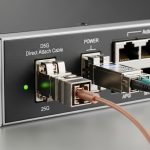
You are probably standing in front of a rack where the switch uplink ports are already populated, but the optics inventory is mismatched or the link keeps flapping. This article helps network and data center engineers choose the right RJ45 SFP copper transceivers for 1G switch uplinks, with practical compatibility, cooling, and troubleshooting details. You will also get a field-tested decision checklist and a ranking table to speed up procurement and reduce downtime.
Top 7 RJ45 SFP copper modules for 1G uplinks: what actually matters
For 1G Ethernet uplinks, an RJ45 SFP (SFP form factor with an integrated copper interface) is often the fastest path when fiber runs are not ready. In practice, you are optimizing for link stability over distance, transceiver compatibility with the switch vendor’s optics matrix, and manageable thermal behavior inside a dense rack. The big engineering constraint is that copper SFPs are typically rated for short reach, commonly up to 100 m with Cat5e for 1GBase-T, but you must confirm the transceiver datasheet and the switch port’s supported electrical standard. Field experience shows that the “correct” module is the one that matches both electrical reach and DOM behavior expectations.
Electrical baseline: 1G copper inside SFP
Most 1G RJ45 SFP copper modules implement the same logical Ethernet signaling as 1000BASE-T but transport it through the SFP electrical interface. That means your cabling quality and termination are decisive. If you are using patch panels, check that the channel meets the cabling spec for 1G and that no intermittent opens or shorts exist. Even with “rated” reach, marginal links can pass at first and then degrade under temperature and vibration.
Typical connector and cabling
These modules use an integrated RJ45 jack. Cabling is usually Cat5e or better; many deployments standardize on Cat6 for reduced crosstalk and better margin. If you are reusing old cabling, verify the channel with a tester (wiremap plus performance testing) rather than trusting label history.
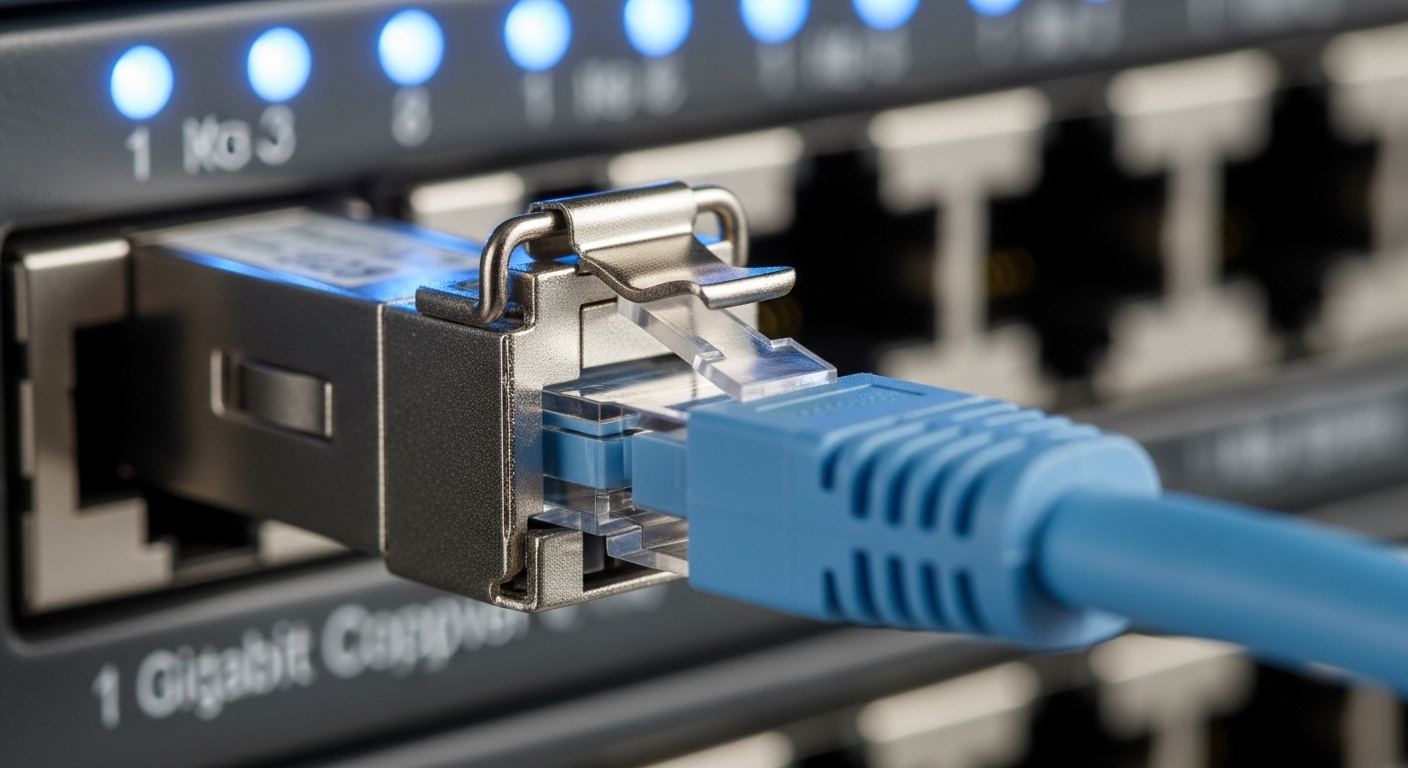
Top 1: Short-reach RJ45 SFPs (rated 100 m) for ToR and access uplinks
The most common “it just works” choice is a short-reach RJ45 SFP copper module intended for up to 100 m. This is ideal for top-of-rack (ToR) uplinks within a single row or between adjacent rows where fiber is either delayed or cost-prohibitive. In a typical enterprise data hall, you might run Cat6 from the switch to a nearby patch panel and then to endpoints or aggregation switches. The key is to respect the transceiver’s rated reach and the switch’s supported SFP electrical profile.
Key specs to verify
- Data rate: 1G Ethernet (1000BASE-T)
- Reach: often up to 100 m with appropriate cabling
- Connector: integrated RJ45
- Temperature: confirm industrial vs commercial range (commonly 0 to 70 C for commercial; some offer wider)
- DOM: check if the module supports digital optical monitoring equivalents for copper (many do, but behavior varies)
Best-fit scenario
In a 3-tier data center leaf-spine topology with 48-port 1G ToR switches, you may need 10 uplinks per rack to a 1G aggregation layer while fiber termination crews are still finishing. If you can keep uplinks within a 60 to 90 m channel budget and you have verified Cat6 performance, short-reach RJ45 SFPs prevent schedule slips. In this scenario, you also benefit from faster swaps during commissioning because RJ45 cables are easier to troubleshoot than fiber.
Pros
- Rapid deployment with standard copper patching
- Lower installation complexity than fiber
- Often cheaper than fiber transceivers plus optics management
Cons
- Distance is limited versus optics
- Cabling quality and patch panel integrity matter
- Some switches enforce strict optics compatibility lists
Top 2: Longer-cabling margin RJ45 SFPs (better tolerance, same 1G)
Not all “100 m” is equal. Some RJ45 SFP copper modules are designed to provide better margin for insertion loss and near-end crosstalk, which can help when your installed channel is near the limit or when patching introduces extra transitions. You are still constrained by the physical 1G copper channel characteristics, but a more robust module can reduce link negotiation failures and intermittent CRC errors. When you operate in high-density racks, thermal cycling can also influence link stability, so margin helps.
Key specs/details
- Cabling support: confirm Cat5e vs Cat6 assumptions in the datasheet
- Link behavior: supported auto-negotiation modes (often 1000BASE-T with auto-negotiation)
- Power draw: compare typical and maximum, especially for high port counts
- DOM support: verify that the switch reads temperature and diagnostics correctly
Best-fit scenario
Consider a warehouse-style facility where uplinks run through multiple patch points across hot and cold aisles. If your average channel is 85 to 95 m and you cannot guarantee that every connector was terminated to spec, a higher-margin RJ45 SFP can reduce the “works sometimes” behavior. We have seen cases where the first link comes up after a reboot but later flaps at peak load; stronger tolerance typically reduces these failures.
Pros
- Improved reliability near the reach limit
- Lower chance of intermittent CRC errors
- Good for retrofit projects with uncertain cabling quality
Cons
- May cost more than basic modules
- Compatibility still depends on switch firmware and optics matrix
Top 3: DOM-enabled RJ45 SFP copper modules for better monitoring
When you are running a fleet with proactive monitoring, DOM-like visibility is valuable even for copper. Many RJ45 SFPs expose diagnostics such as transceiver temperature and link health, and some provide vendor-specific monitoring fields. If your switch supports those diagnostics, you can catch failing modules early rather than waiting for a full uplink outage. The engineering goal is to align module diagnostics with your monitoring stack (telemetry, SNMP, or switch-native dashboards).
Key specs to check
- Digital diagnostics: confirm supported monitoring parameters
- Temperature range: match your aisle ambient and airflow profile
- Management compatibility: confirm the switch reads sensors without alarms
Best-fit scenario
In a multi-site deployment with centralized monitoring, you might have 20 racks per site and a standard alert threshold for optics temperature and error counters. If you choose DOM-enabled RJ45 SFPs, you can correlate rising temperature with degraded link quality and plan a swap during a maintenance window. This reduces incident tickets and speeds MTTR because you can identify the failing uplink before it becomes critical.
Pros
- Better observability for preventive maintenance
- Faster root cause during intermittent failures
- Better inventory confidence
Cons
- Not all third-party modules expose compatible diagnostics
- Switch firmware might interpret alarms differently
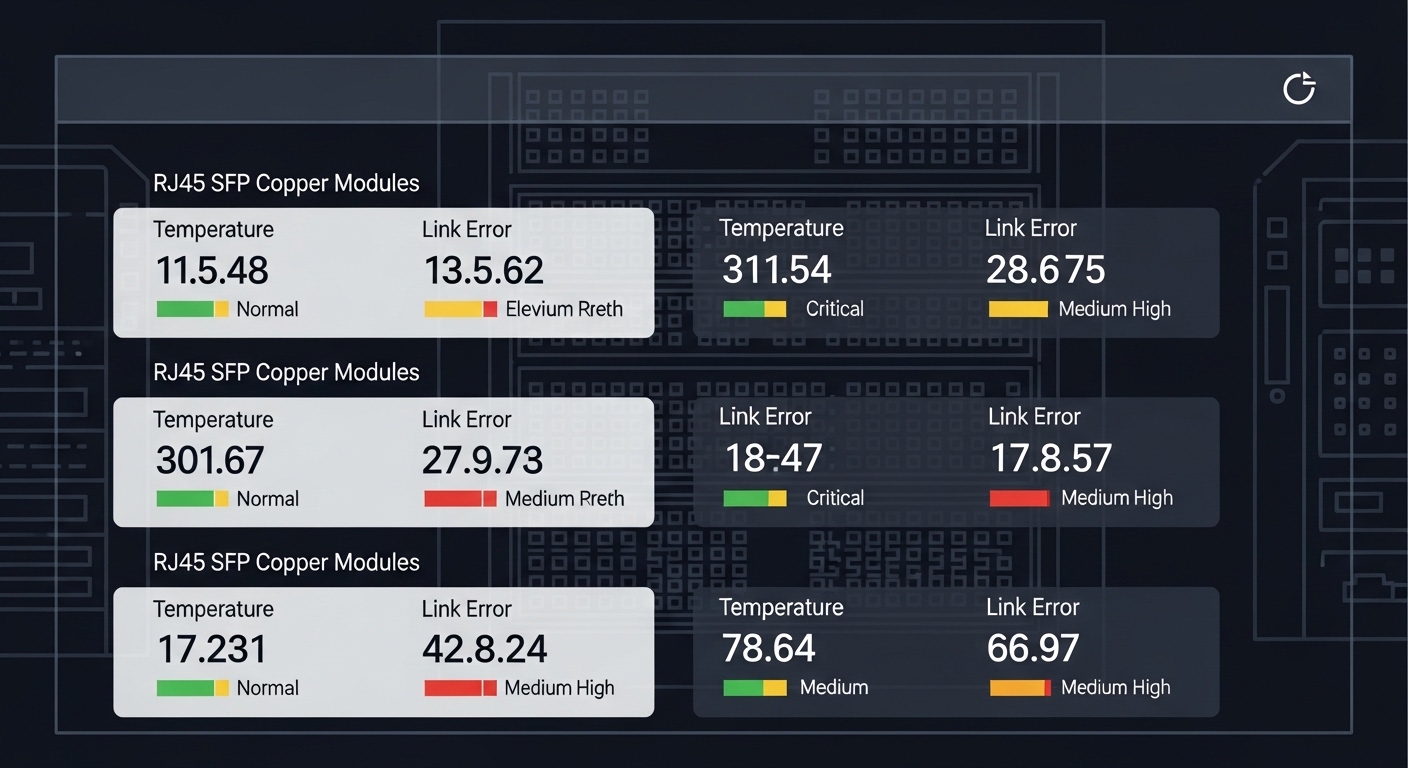
Top 4: Vendor-compatible RJ45 SFPs vs third-party optics (compatibility risk)
Procurement often forces a choice between OEM-branded optics and third-party modules. For RJ45 SFP copper, compatibility risk is not only about physical fit; it is also about whether the switch’s optics support list recognizes the transceiver’s identification and electrical characteristics. In the field, we have seen “link up” but unstable traffic when the switch applies stricter margin expectations than the module provides. With third-party optics, always validate with your exact switch model and firmware revision.
Practical comparison
OEM optics typically have predictable behavior with vendor firmware, and their DOM fields are often aligned to the switch telemetry model. Third-party can be cost-effective, but you must test for alarm-free operation, correct diagnostics, and stable link negotiation. A good approach is to run a small pilot with the exact switch ports and cabling used in production.
Pros
- OEM: predictable compatibility and reduced commissioning time
- Third-party: lower upfront cost and broader SKU availability
Cons
- Third-party: potential for diagnostics mismatch or port-level incompatibility
- OEM: higher unit cost and possible lead-time constraints
Top 5: Power and thermal behavior for dense RJ45 SFP deployments
RJ45 SFP copper modules are not “free” in power and thermal terms. In a dense ToR or aggregation switch, uplinks can represent a meaningful fraction of total switch heat load. Even if each module only draws a few watts, 24 to 48 uplinks per rack can shift the thermal margin of the airflow design. If your aisle is already near the recommended operating conditions, choose modules with verified power specs and ensure airflow paths are unobstructed.
Thermal checks you can do
- Confirm switch inlet temperature and compare against vendor guidelines
- Inspect for blocked vents, missing blanks, or misdirected cabling bundles
- Watch sensor trends if DOM is available
Best-fit scenario
In a high-density environment with side-to-front airflow, you may have limited ability to increase cooling capacity. If you swap from lower-power modules to higher-power ones without re-checking thermal headroom, you can trigger “thermal throttling” behavior or raise fan speeds, leading to higher acoustic noise and potentially more dust ingress. Selecting modules with known maximum power and verifying switch thermals avoids this class of operational surprises.
Pros
- Reduced risk of thermal-induced link instability
- Supports predictable rack cooling operation
Cons
- Requires thermal validation when changing optics types
Top 6: Cabling and channel quality: where RJ45 SFPs win or fail
For copper, the transceiver is only half the story. Your channel is a system: connectors, patch panels, jumpers, and cable gauge all affect insertion loss, return loss, and crosstalk. Engineers often select an RJ45 SFP based on “reach,” then ignore patch panel quality or reuse questionable jumpers. The result is a link that negotiates but produces elevated CRC errors under load.
Channel verification approach
- Test installed cabling with a certified tester for Cat5e/Cat6 performance to confirm it meets the required channel spec.
- Ensure terminations are seated and latching tabs are intact.
- Minimize the number of patch transitions where possible.
Pros
- Reliable copper links when cabling is verified
- Faster troubleshooting and lower spares complexity
Cons
- Any marginal connector or cable can undermine performance
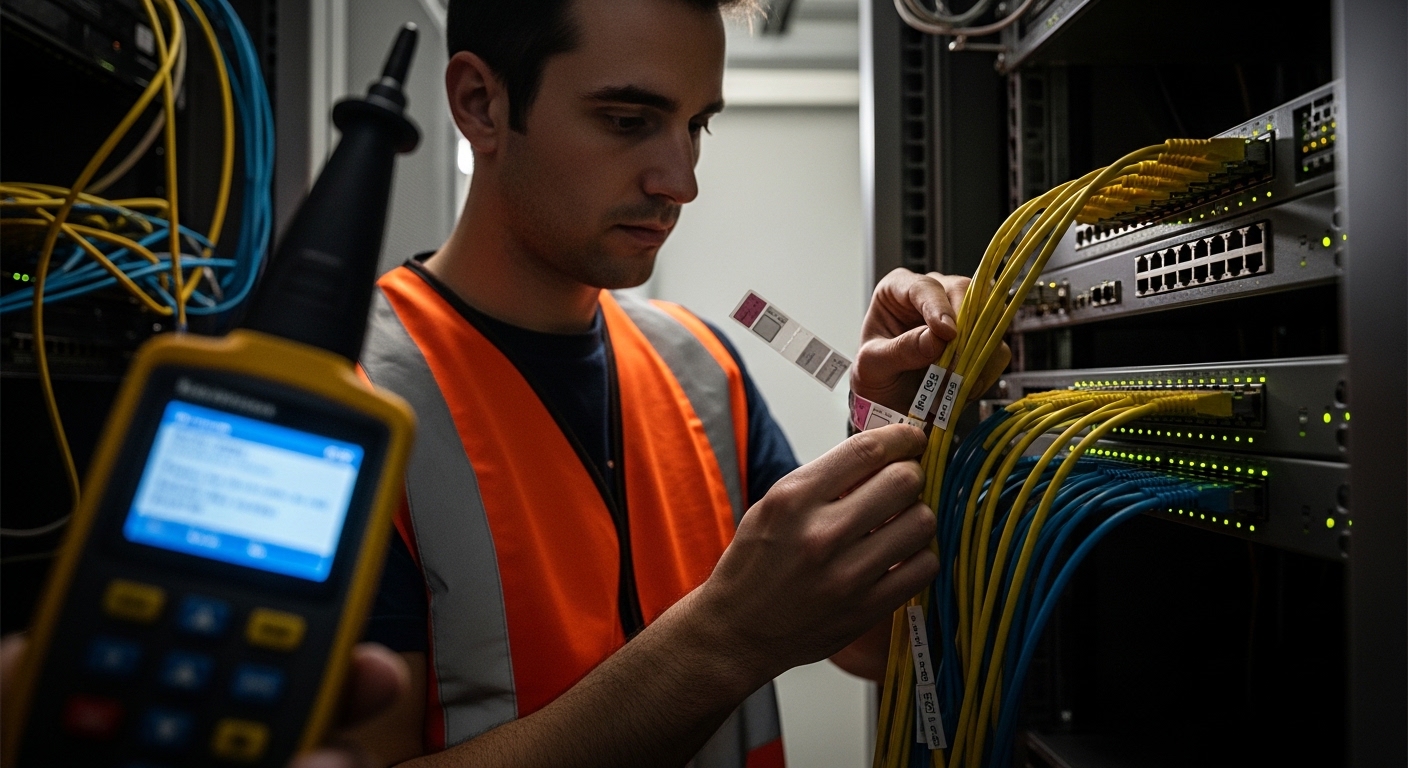
Top 7: Field-proof troubleshooting for RJ45 SFP copper uplinks
When an uplink fails with an RJ45 SFP, you need a tight diagnostic workflow that separates transceiver issues from cabling issues and switch port configuration. The most expensive mistake is swapping optics repeatedly without confirming physical and electrical assumptions. A disciplined approach reduces downtime and prevents “chasing ghosts.”
Quick isolation workflow
- Swap the RJ45 jumper to a known-good cable of the same length class.
- Move the transceiver to a different port on the same switch if supported.
- Check switch logs for link negotiation events, CRC counts, and any optics diagnostic alarms.
- Verify port settings: admin state, speed/duplex mode, and auto-negotiation behavior.
Pros
- Faster MTTR with repeatable steps
Cons
- Requires good logging discipline and inventory of known-good cables
RJ45 SFP copper spec comparison table (what to compare before buying)
Use this table as a procurement baseline. Actual values vary by SKU, so always confirm the manufacturer datasheet and test results for your switch model and firmware.
| Spec | Typical RJ45 SFP Copper (1G) | What to Validate in Datasheet | Why It Matters |
|---|---|---|---|
| Data rate | 1G Ethernet (1000BASE-T) | Supported Ethernet modes and auto-negotiation | Prevents link negotiation mismatch |
| Wavelength | N/A (copper) | Not applicable; confirm it is copper SFP, not fiber | Avoids ordering wrong SKU |
| Reach | Up to 100 m (depends on cable grade) | Cat5e vs Cat6 reach assumptions and margin | Ensures link stability under real channel loss |
| Connector | RJ45 | Integrated jack type and latch mechanism | Prevents physical fit and retention issues |
| Power | Often a few watts (varies) | Max power per module and thermal derating | Impacts rack cooling headroom |
| Temperature range | Commonly 0 to 70 C or wider | Industrial vs commercial rating | Avoids failures in hotter aisles |
| Digital diagnostics | Often DOM-like monitoring | Sensor fields supported by your switch | Enables proactive maintenance and correct alarms |
Decision checklist: selecting the right RJ45 SFP for switch uplinks
Before you place the order, engineers should validate a small set of factors that directly affect link stability and operational risk. This checklist is designed for day-one commissioning success, not just spec-sheet compliance.
- Distance and channel budget: measure or estimate the installed length plus patch transitions; confirm the datasheet reach assumptions for your cable grade.
- Switch compatibility: verify the RJ45 SFP is supported by your exact switch model and firmware; test if you are using third-party optics.
- Electrical standard alignment: confirm it is designed for 1000BASE-T and supports the switch port’s auto-negotiation behavior.
- DOM and monitoring fields: ensure diagnostics do not generate persistent alarms or missing sensor data in your monitoring stack.
- Operating temperature: compare module temperature rating with your measured rack inlet temperature and airflow pattern.
- Vendor lock-in risk: consider spares strategy; if you rely on one OEM, validate lead times and RMA process.
- Power and thermal impact: sum module maximum power across populated cages to confirm cooling headroom.
Pro Tip: In field audits, the most common “bad optics” incident for RJ45 SFP uplinks is actually a patch panel or jumper transition that passes basic continuity but fails performance under load. If you have elevated CRC or link flaps at peak traffic, test the exact channel end-to-end with a certified tester before you reorder transceivers.
Common mistakes and troubleshooting tips for RJ45 SFP copper links
These failure modes are frequent in real operations. Each includes a root cause and a practical fix you can apply quickly.
Mistake 1: Assuming “100 m” means any random Cat5e will work
Root cause: The installed channel may exceed the effective loss budget due to extra patch transitions, poor termination, or mixed cable grades. The link can negotiate initially but becomes unstable, producing CRC errors.
Solution: Verify the channel with a certified tester and standardize to Cat6 where feasible. Replace suspect jumpers and re-seat connectors before swapping transceivers.
Mistake 2: Installing a third-party RJ45 SFP that is physically compatible but not firmware-compatible
Root cause: Switch firmware may apply optics identification rules and port-level thresholds that do not match the module’s behavior. Symptoms include frequent link resets, optics alarms, or counters that do not make sense.
Solution: Validate with your exact switch model and firmware revision. If you deploy third-party modules, run a pilot with traffic load and monitoring for at least a day.
Mistake 3: Ignoring thermal headroom in dense racks
Root cause: High module density increases thermal load. If inlet temperature is already near limit, the transceiver may degrade and produce intermittent link issues.
Solution: Measure rack inlet temperature and confirm that airflow baffles and blank panels are installed. Use sensor telemetry (if DOM is available) to correlate failures with temperature spikes.
Mistake 4: Not checking port settings and auto-negotiation behavior
Root cause: A port forced to a non-matching mode (or auto-negotiation disabled) can cause link instability or slow recovery after link loss.
Solution: Confirm admin state, speed, duplex, and auto-negotiation settings on both ends. Use switch logs to confirm negotiation outcomes.
Cost and ROI note: OEM vs third-party RJ45 SFPs in total cost of ownership
Typical pricing for a 1G RJ45 SFP copper module varies by brand, temperature rating, and monitoring support. In many markets, OEM modules often cost roughly $30 to $80 per module, while third-party modules may land around $15 to $45 depending on features and volume. The ROI calculation is not only purchase price: downtime during commissioning, return shipping, and incident response time can outweigh savings if optics are incompatible.
From a TCO perspective, consider the cost of spares and the probability of RMA. In practice, teams reduce risk by stocking a smaller number of known-compatible SKUs, validating them early, and standardizing cabling practices so that the transceiver is less likely to be blamed for a channel problem.
FAQ
What is an RJ45 SFP used for in a data center?
An RJ45 SFP is a copper transceiver that plugs into an SFP cage and provides 1G Ethernet connectivity over RJ45 cabling. It is commonly used for short-reach switch uplinks, patch-to-patch connectivity, and temporary staging when fiber is not ready.
How far can a 1G RJ45 SFP reach?
Many modules are rated up to 100 m for 1000BASE-T, but the real limit depends on cable grade (Cat5e vs Cat6), channel loss, and connector quality. Always follow the specific datasheet reach assumptions and validate with a certified channel test when you are near the limit.
Will any RJ45 SFP work with my switch?
Not always. Switch ports may enforce optics identification and electrical compliance expectations based on firmware. You should verify compatibility with your switch model and firmware version, and test if you use third-party modules.
Do RJ45 SFP copper modules support diagnostics like DOM?
Many do, but the exact sensor fields and how the switch displays them can vary by vendor. If monitoring accuracy matters, confirm the module’s supported diagnostics and validate that your switch telemetry and alerts behave correctly.
What causes CRC errors with RJ45 SFP links?
CRC errors often indicate physical layer issues such as high insertion loss, poor termination, damaged patch cords, or marginal channel performance. Start by testing the channel, reseating connectors, swapping the jumper, and checking for port configuration mismatches before replacing the transceiver.
Are RJ45 SFPs a good alternative to fiber for uplinks?
They are a good alternative for short reach and rapid deployment, especially when cabling is already available and you can verify channel performance. For longer distances, fiber optics typically reduce cabling complexity and extend reach.
With the right compatibility validation, channel testing, and thermal awareness, RJ45 SFP copper modules can deliver stable 1G uplinks with fast commissioning and straightforward troubleshooting. Next, review your overall optics and cabling strategy using fiber vs copper uplinks to align reach, power, and operations across the rack.