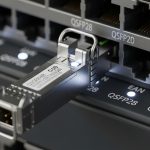
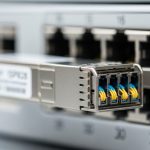
Upgrading a production network from QSFP28 to QSFP56 is often less about ripping out fiber and more about managing optics compatibility, link budgets, and operational risk. This article helps data center and campus engineers plan a QSFP28 QSFP56 upgrade migration that reuses existing cabling where possible, while meeting IEEE Ethernet requirements and vendor-specific DOM behavior.
Why migration is mostly an optics-and-link-budget problem
Think of your fiber plant as a highway and your transceivers as the vehicles. Reusing the same fiber is viable when the installed cabling meets attenuation and reach requirements for the new wavelength and modulation format. With QSFP28, common deployments run 25G per lane (100G total via 4 lanes) using NRZ-style optics at wavelengths like 850 nm for OM3/OM4 or 1310 nm for SMF. QSFP56 typically targets 50G per lane (200G total via 4 lanes) or higher aggregate modes depending on vendor implementation.
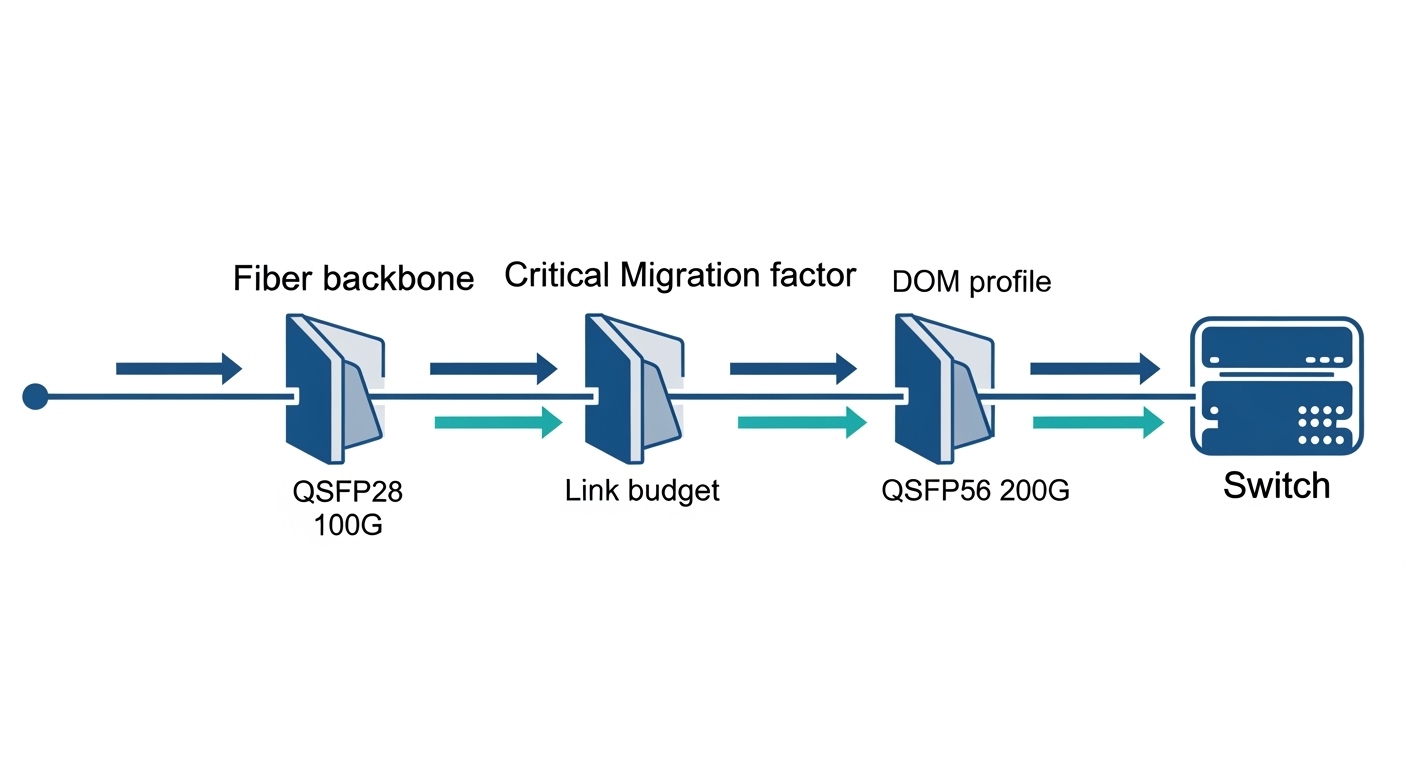
Practically, the upgrade hinges on three checks: (1) whether your switch ports support QSFP56 (or support breakout/oversubscription modes), (2) whether the optics you plan to use are electrically compatible (lane mapping, FEC mode, and timing), and (3) whether your existing fiber loss budget survives the new optics’ launch power and receiver sensitivity. IEEE alignment matters too: Ethernet PHY behavior is standardized at the MAC/PCS layers, but transceiver vendor implementations and switch optics profiles still vary. See [Source: IEEE 802.3] and vendor datasheets for port-level requirements.
Reusing existing infrastructure: what to measure before buying optics
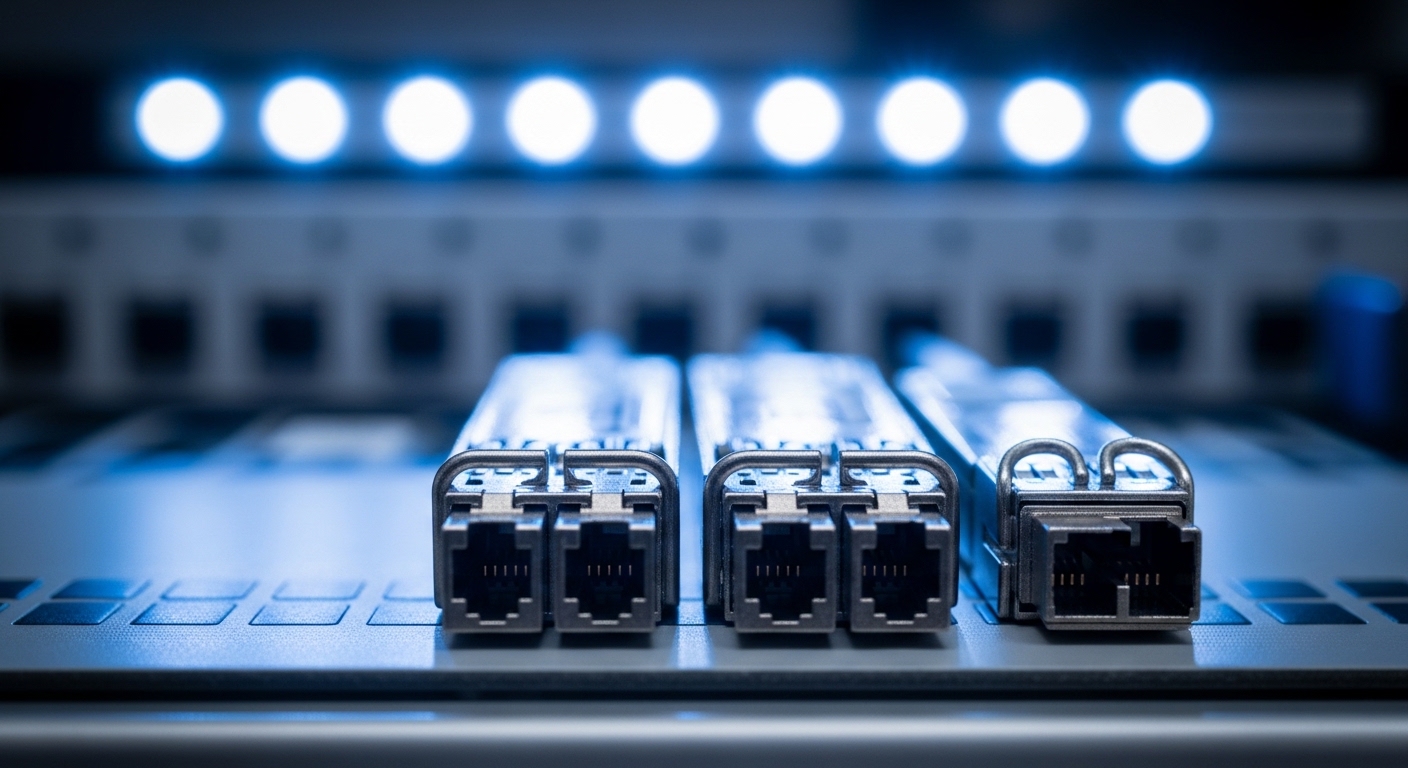
To reuse infrastructure, you need measurable fiber characteristics, not just “it worked last time.” Start with an OTDR or certified link test for each run: measure end-to-end attenuation at the relevant wavelengths and confirm fiber type (OM3, OM4, or single-mode). For short-reach multimode, OM4 typically supports higher effective bandwidth than OM3, but the limiting factor becomes the new receiver’s sensitivity and how much additional margin QSFP56 optics require compared to QSFP28.
Technical specifications to compare (example optics classes)
Below is a representative comparison of common 100G QSFP28 SR optics versus typical 200G QSFP56 SR optics. Exact parameters vary by vendor and part number, so always validate against your chosen switch vendor compatibility list.
| Parameter | QSFP28 SR (100G) | QSFP56 SR (200G) |
|---|---|---|
| Data rate | 100G aggregate (4 lanes x 25G) | 200G aggregate (4 lanes x 50G) |
| Wavelength | 850 nm | 850 nm (multimode) |
| Typical reach | 70 m (OM3) / 100 m (OM4) | 50 m (OM3) / 100 m (OM4) (varies) |
| Connector | LC duplex | LC duplex |
| DOM / monitoring | Supported in most modules (vendor-specific thresholds) | Supported in most modules (watch for switch profiles) |
| Operating temperature | Typically 0 to 70 C for standard | Typically 0 to 70 C for standard |
| Standards reference | IEEE 802.3 Ethernet PHY behavior | IEEE 802.3 Ethernet PHY behavior |
For concrete part examples, engineers often evaluate modules such as Cisco SFP-10G-SR style families for SR behavior (form factor differs), and QSFP28/QSFP56-specific optics from vendors like Finisar and FS.com. When comparing, cite exact part numbers from the datasheet, e.g., FS.com QSFP56 SR offerings and Finisar QSFP56 SR lines; DOM behavior and supported link lengths are where the real-world differences show up. [Source: vendor datasheets such as Finisar/II-VI and FS.com optics product pages].
Selection criteria checklist for QSFP28 QSFP56 upgrade migration
When teams skip this checklist, they usually end up with expensive “dead-on-arrival” optics or unexpected link flaps. Use the ordered decision factors below, in the same sequence you would apply during an acceptance test.
- Distance and fiber type: confirm OM3 vs OM4 vs SMF, then validate measured attenuation and worst-case link length.
- Switch compatibility: verify QSFP56 support per port model and firmware revision; confirm lane mapping and supported breakout modes.
- Optics power and receiver sensitivity: compare vendor link budget numbers against certified test results, including connector loss and patch cord aging.
- DOM support and alarms: ensure the switch accepts DOM thresholds; test that “link up” occurs without excessive optical power warnings.
- Operating temperature and airflow: confirm transceiver temperature class and verify that real rack airflow supports it.
- FEC and signal conditioning: confirm whether the switch expects a specific FEC or PCS profile for the transceiver class.
- Vendor lock-in risk: evaluate third-party modules vs OEM for TCO, but plan a compatibility validation window.
Common pitfalls and troubleshooting tips
Below are failure modes that field engineers see during QSFP28 QSFP56 upgrade migration, with root cause and what to do next.
- Pitfall: Link does not come up after swapping optics
Root cause: switch firmware lacks QSFP56 optics profile support or the module is not on the vendor compatibility list.
Solution: upgrade switch firmware to the validated release; confirm port mode settings and that the optics class matches the port’s expected lane rate. - Pitfall: Frequent CRC errors or link flaps
Root cause: marginal link budget due to higher loss patch cords, dirty LC connectors, or using OM3 where the QSFP56 reach spec expects OM4.
Solution: clean connectors with lint-free swabs and proper solvent, re-terminate if needed, retest with certification, and reduce patch cord length or move to a different optics reach grade. - Pitfall: DOM reports optical power out of range
Root cause: mismatch between vendor DOM interpretation and switch thresholds; also possible when using aged fibers with higher attenuation at 850 nm.
Solution: compare DOM readings to the module datasheet; adjust alarms if supported, but do not hide persistent margin violations—replace optics or cabling if the receiver margin is insufficient. - Pitfall: Thermal throttling in high-density racks
Root cause: insufficient airflow or blocked cold aisle leading to transceiver temperature rise beyond spec.
Solution: verify rack fan status, measure inlet temps, ensure front-to-back airflow paths are unobstructed, and consider higher airflow settings during the migration window.
Pro Tip: In many campuses, the “distance” looks safe, but the patch cords are the real culprit. During migration, replace older LC duplex patch cords with the same grade your certification used, then re-clean before first insertion; this often restores optical margin without touching the main backbone.
Cost and ROI note: where the savings actually come from
OEM QSFP56 optics typically cost more than third-party equivalents, and the exact price varies by vendor and volume. As a practical budgeting range, engineers often see QSFP56 SR modules in the several-hundred to low-thousands USD per module tier, while QSFP28 SR modules are usually lower. ROI improves when you reuse existing fiber trunks and avoid re-cabling labor; however, TCO must include acceptance testing time, spares strategy, and the probability of compatibility-related returns.
Operationally, the biggest “hidden cost” is downtime risk. Plan a staged rollout: validate one rack or one ToR pair first, confirm telemetry stability (DOM, error counters, link uptime), then scale. This reduces the chance that you discover incompatibility only after the full cutover.

FAQ
Q: Can I reuse the same fiber when moving from QSFP28 to QSFP56?
A: Often yes, if the fiber type and certified attenuation meet the QSFP56 optics reach requirements. Reuse is most reliable on OM4 for 850 nm SR, but you must validate with certified measurements and connector loss assumptions.
Q: Do I need to change patch cords or only swap transceivers?
A: You may need to change patch cords if they are longer than the new reach spec or if they have aged or dirty terminations. Many migrations succeed after patch cord replacement plus cleaning, even when the backbone fiber length remains unchanged.