AI clusters live or die by the fabric links feeding GPUs, and transceiver choice is often where teams lose time and budget. This article helps network and systems engineers select QSFP-DD optics with confidence by mapping real AI data center link patterns to the right wavelength, reach, power, and operational constraints. You will also get a practical troubleshooting checklist for the most common failure modes we see during rollout.
Top 8 QSFP-DD decisions for AI fabric performance per dollar
In a modern AI data center, your switching layer may need 400G or 800G per link while supporting tight power budgets and predictable latency. QSFP-DD modules are designed for higher density than legacy form factors, and their high-speed electrical/optical behavior must match the switch vendor’s validated optics list. Use the eight decisions below as a field-tested ordering and verification workflow.
Decision 1: Confirm the switch lane map and optics compatibility
Before you even compare wavelengths, verify the exact transceiver compatibility with your switch model and software release. Many high-density AI switches validate a specific optics family (including vendor and sometimes part number) for both signal integrity and DOM behavior. If you deploy a non-validated optics SKU, you may get intermittent link flaps, higher BER, or DOM parsing failures that slow incident response.
Start by pulling the vendor’s optics matrix and matching these items: port speed (400G vs 800G), lane configuration, and whether the platform uses QSFP-DD in a direct attach or optical mode. Also check whether firmware requires a specific transceiver EEPROM profile for alarm thresholds.
Pros: avoids rework and downtime; Cons: requires extra validation time up front.
Decision 2: Choose the right optical type for your distance plan
AI deployments often separate “in-rack” traffic from “row-to-row” and “pod-to-pod” traffic. For QSFP-DD, the most common patterns are short-reach multimode for lower cost and long-reach single-mode for higher distances. Your choice should match your fiber plant design, including patch panel loss and connector quality.
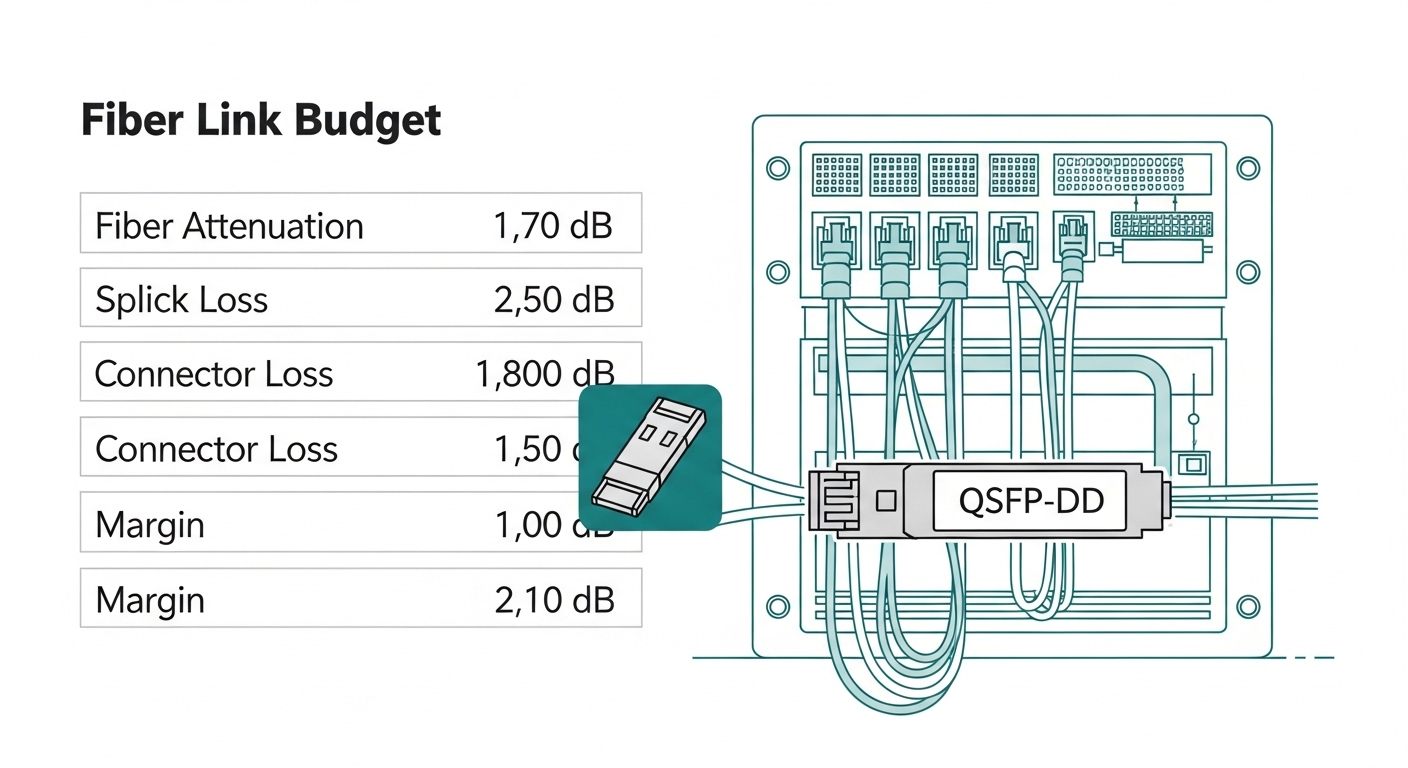
Operationally, treat “reach” as a budget that includes: fiber attenuation, splice and connector loss, and a margin for aging. If you are using OM4 or OM5 multimode, ensure your transceiver is specified for the correct modal bandwidth and wavelength (typically 850 nm). For single-mode, verify the wavelength (often 1310 nm or 1550 nm variants depending on the portfolio).
| Key spec (example targets) | QSFP-DD SR (Multimode) | QSFP-DD LR/FR (Single-mode) | What to verify in your BOM |
|---|---|---|---|
| Typical wavelength | 850 nm | 1310 nm or other SM variants | Match optics to fiber plant and patch loss |
| Typical reach | ~70 m to ~300 m (depends on spec) | ~10 km (varies by product) | Confirm reach with connector and splice loss |
| Connector type | MT ferrule (multifiber) | LC (duplex) or MPO variants depending on SKU | Ensure patch panel footprint compatibility |
| Data rate | 400G or 800G depending on module family | Same as SR if using compatible QSFP-DD variants | Match switch port speed and optics profile |
| Optical power / sensitivity | Vendor-specific; budget for insertion loss | Budget for long-haul splitter and aging | Verify against link budget worksheet |
| Operating temperature | Typically commercial to industrial ranges | Typically wider ranges for enterprise data centers | Match your air temperature and airflow model |
Pros: aligns optics cost to actual distance; Cons: requires accurate fiber inventory and loss modeling.
Decision 3: Budget power and cooling impact per rack
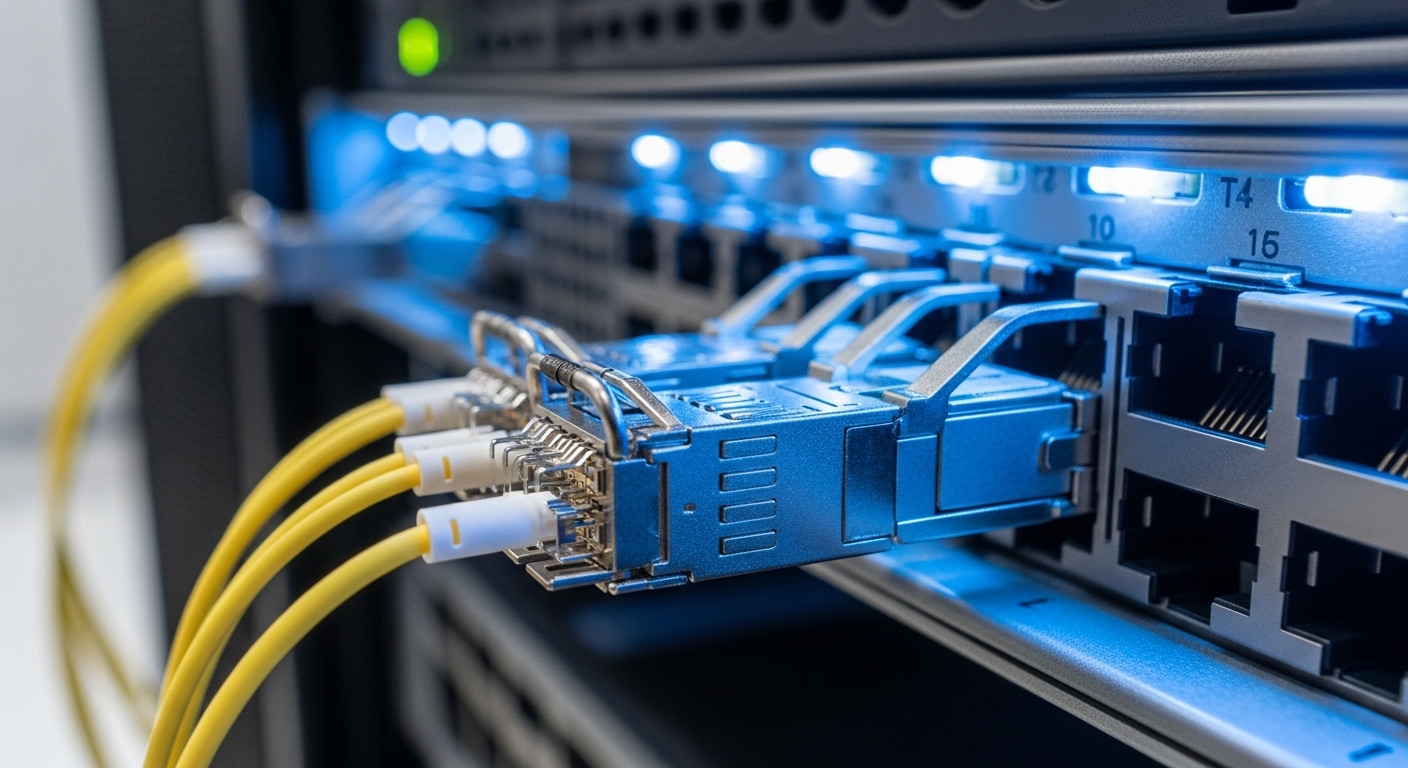
AI data centers increasingly run near their thermal and electrical limits, so transceiver power matters. Even when optics are “hot-swappable,” their steady-state power draw plus airflow constraints can influence fan curves, inlet temperatures, and even power supply headroom. Check the module’s total power and whether the switch expects specific thermal behavior.
In practice, teams often discover that mixing optics SKUs with different power classes can create unexpected thermal hotspots in top-of-rack zones. When you run link utilization near capacity, any additional heat can push you closer to alarm thresholds for neighboring ports.
Pros: reduces risk of thermal throttling; Cons: may narrow your vendor options.
Decision 4: Validate DOM support and monitoring integration
DOM (Digital Optical Monitoring) is what turns a “mystery link” into an actionable incident. Confirm that your QSFP-DD module exposes the expected DOM fields (temperature, bias current, received power, transmit power) and that your switch software parses them correctly. If you rely on telemetry pipelines (SNMP, gNMI, vendor streaming telemetry), test early with a small batch.
Also confirm alarm thresholds and units. We have seen cases where DOM units or scaling caused alerts to fire at incorrect thresholds, leading to alert fatigue or missed degradation signals.
Pros: faster MTTR; Cons: requires integration testing and change control.
Pro Tip: During pilot deployments, compare received power telemetry against your link budget not just at installation, but after 2 to 4 weeks. Connector micro-movement from rack vibration and patch-panel handling can cause small but measurable shifts that only show up in DOM trends, not in initial link-up checks. This reduces “surprise” BER increases during peak training windows.
Decision 5: Use a realistic link budget, not the marketing reach
Marketing reach numbers rarely include your real patch cords, connectors, and splices. Build a link budget that includes worst-case insertion loss and a margin for aging. For multimode, verify that you are using the correct OM grade (OM4 vs OM5) and that your patching uses compatible fiber and polarity conventions. For single-mode, validate the intended wavelength and ensure your connectors are clean and properly seated.
If you are unsure, run an OTDR or at least a fiber certification workflow through the patch panels. Field teams commonly underestimate patch loss variability across different contractors or locations within the same facility.
Pros: prevents late-stage “link marginality”; Cons: demands measurement time.
Decision 6: Decide between OEM and third-party optics with a maintenance plan
Cost pressure is real in AI clusters, but the cheapest optics can be the most expensive when you include failure handling, RMA cycles, and downtime. OEM optics typically have the smoothest interoperability with switch firmware and DOM expectations. Third-party optics can be a good value if they are validated for your platform and you can enforce consistent quality controls.
To manage risk, consider a dual-source strategy: keep a small “approved third-party” pool for planned expansions, while reserving OEM for critical links until telemetry confirms stability. Track per-SKU failure rates and return behavior during the first training season.
Pros: balances cost and reliability; Cons: adds procurement and tracking overhead.
Decision 7: Plan for operating temperature and airflow near high-density ports
In many AI racks, hot air recirculation around dense transceiver zones is the hidden bottleneck. Validate that your site’s inlet temperature and airflow pattern meet the module’s operating range. Also check that your switch’s port groupings do not create uneven thermal gradients.
During acceptance testing, monitor DOM temperature and compare it to the switch’s environmental telemetry. If you see higher module temperatures on certain ports, adjust airflow baffles or cabling routing before scaling.
Pros: avoids thermal-induced link degradation; Cons: may require physical airflow adjustments.
Decision 8: Align optics with IEEE and industry interface requirements
Most QSFP-DD optical behavior is standardized at the electrical/optical interface level, but the exact implementation details vary by vendor. Use IEEE Ethernet specifications as your baseline for physical layer requirements and vendor datasheets for module-specific parameters. For example, check that the transceiver family is designed for the expected Ethernet generation and lane mapping approach.
When documenting changes, cite the relevant interface expectations from authoritative references. For deeper context on high-speed Ethernet physical layer evolution, review IEEE Ethernet work and transceiver compliance expectations from vendor datasheets. [Source: IEEE 802.3 Working Group] [Source: Vendor QSFP-DD transceiver datasheets]
Pros: improves compliance confidence; Cons: requires careful reading of datasheets.
Common pitfalls that break QSFP-DD links in AI deployments
Even strong designs fail when a few operational details slip. Below are field-realistic pitfalls with root causes and fixes.
Pitfall 1: “Link up” but traffic errors spike during training
Root cause: insufficient link margin due to patch loss, dirty connectors, or fiber grade mismatch (for multimode). Solution: run fiber certification, inspect and clean MPO/LC connectors, and re-check the link budget with measured insertion loss and a safety margin.
Pitfall 2: Intermittent link flaps after a rack move
Root cause: connector seating issues or stress on patch cords causing micro-bends, plus insufficient slack management. Solution: ensure proper strain relief, verify connector latching, and re-run DOM trend checks after physical interventions.
Pitfall 3: DOM telemetry looks wrong or alarms never clear
Root cause: DOM field interpretation differences, firmware mismatch, or unsupported monitoring thresholds on the switch. Solution: validate DOM compatibility on your specific switch software version; test a small batch; and confirm telemetry mappings in your monitoring system.
Pitfall 4: Thermal alarms during peak utilization
Root cause: module temperature rising due to airflow short-circuiting and high-density port placement. Solution: adjust rack airflow (baffles, fan speed profiles), verify inlet temperature compliance, and compare DOM temperature across port groups.
Cost and ROI for QSFP-DD in AI data centers
QSFP-DD optics pricing varies widely by reach, vendor, and whether you buy OEM or third-party. As a practical planning range, short-reach multimode QSFP-DD options for 400G are often in the lower hundreds of dollars per module, while long-reach single-mode variants can be higher due to laser and optics complexity. For OEM vs third-party, the ROI hinges less on unit price and more on total operational cost: downtime risk, RMA logistics, and how quickly your team can isolate faults using DOM.
In TCO models, include: labor for fiber certification and cleaning supplies, expected failure rate and replacement lead time, and the cost of degraded training throughput if a fabric link becomes unstable. A common pattern is that teams save on optics unit cost but lose more in engineering time when compatibility and monitoring are not validated early.
Pros: can reduce per-port cost with good planning; Cons: savings can evaporate if interoperability testing is skipped.

Selection checklist engineers can run before purchase
Use this ordered checklist to reduce surprises during installation and cut down on rework. It is written for teams doing procurement plus validation in parallel.
- Distance and fiber type: confirm OM4/OM5 or single-mode grade and verify connector style (MPO/LC) against your patch panels.
- Distance budget with measured loss: include splice and connector insertion loss plus margin; do not rely on “reach” alone.
- Switch compatibility: match QSFP-DD optics to the switch vendor’s validated optics list and firmware version.
- DOM behavior: confirm monitoring fields and alert thresholds; test telemetry in a small pilot.
- Operating temperature and airflow: verify inlet temperature model and check DOM temperature stability during load tests.
- Power budget: confirm module power draw and ensure rack-level power headroom and thermal profile remain within spec.
- Vendor lock-in risk: plan a dual-source strategy or approved third-party pool to avoid expansion bottlenecks.
- Procurement and RMA logistics: confirm lead times, warranty terms, and whether you can quickly swap and validate.
FAQ
What does QSFP-DD enable in AI data centers?
QSFP-DD is a higher-density pluggable form factor used for high-speed Ethernet optical links. In AI fabrics, it helps teams scale bandwidth per rack while keeping cable management and port density workable. The best results come when the optics are validated for your exact switch model and software version.
Is multimode or single-mode better for QSFP-DD?
It depends on your distance and fiber plant. Multimode at 850 nm is usually cost-effective for short reaches within a pod, while single-mode is preferred for longer distances or when the facility design favors SM. Always validate with a link budget that includes patch and connector loss.
How do I verify DOM compatibility before scaling?
Deploy a small pilot set, then compare switch-reported DOM fields and units against expected thresholds in your monitoring system. Confirm alarms and telemetry mappings via your telemetry pipeline (SNMP or streaming telemetry). If you see unusual scaling, fix it before ordering the full quantity.
What are the most common causes of QSFP-DD link flaps?
Common causes include connector cleanliness issues, insufficient link margin, and physical stress during rack moves. Firmware or optics profile mismatches can also cause intermittent behavior. The fastest path to resolution is to check DOM trends, clean connectors, and re-validate fiber loss with measured data.
Should we buy OEM QSFP-DD optics or third-party?
OEM optics typically reduce compatibility friction and speed up incident triage. Third-party optics can be cost-effective if they are validated for your switch platform and you test DOM and alarm behavior in a pilot. For critical links, many teams use OEM until telemetry confirms stability.
Where should we start if links are failing during acceptance testing?
Start with fiber certification and connector inspection, then confirm switch compatibility and firmware version. Next, check DOM received power and module temperature trends under load. If those look stable, investigate patch panel routing, airflow constraints, and whether any optics are mis-seated or stressed.
Updated on 2026-04-30. If you want the fastest path to fewer failures, run the checklist, pilot a small batch, and capture DOM trends early; then scale with confidence using QSFP-DD as your reference point for future optics decisions.
Author bio: I have worked on field rollouts of high-density AI fabrics, focusing on transceiver compatibility, DOM telemetry validation, and fiber certification workflows. I write practical guidance that helps engineering teams reduce downtime and cost during cutovers.