You have a working QSFP28 switch, a pile of real traffic, and a looming upgrade window that never gets longer. This article helps network engineers and data-center field teams understand how QSFP-DD backward compatible optics work with QSFP28 ports, what to verify before plugging anything in, and how to avoid the classic “it blinked, then died” failure mode. We focus on operational compatibility, electrical/optical realities, and practical troubleshooting—because uptime is not a hobby.
Top 7 compatibility checks before you trust QSFP-DD backward compatible
Before you assume cross-compatibility, treat every module like a small, impatient science experiment. “Backward compatible” can mean the system will detect the module, but it does not guarantee the port will negotiate the same optics mode, reach, or electrical lane mapping. Start with vendor documentation for both the host switch and the transceiver, then confirm the port supports the intended breakout and speed.
Verify port signaling and lane expectations
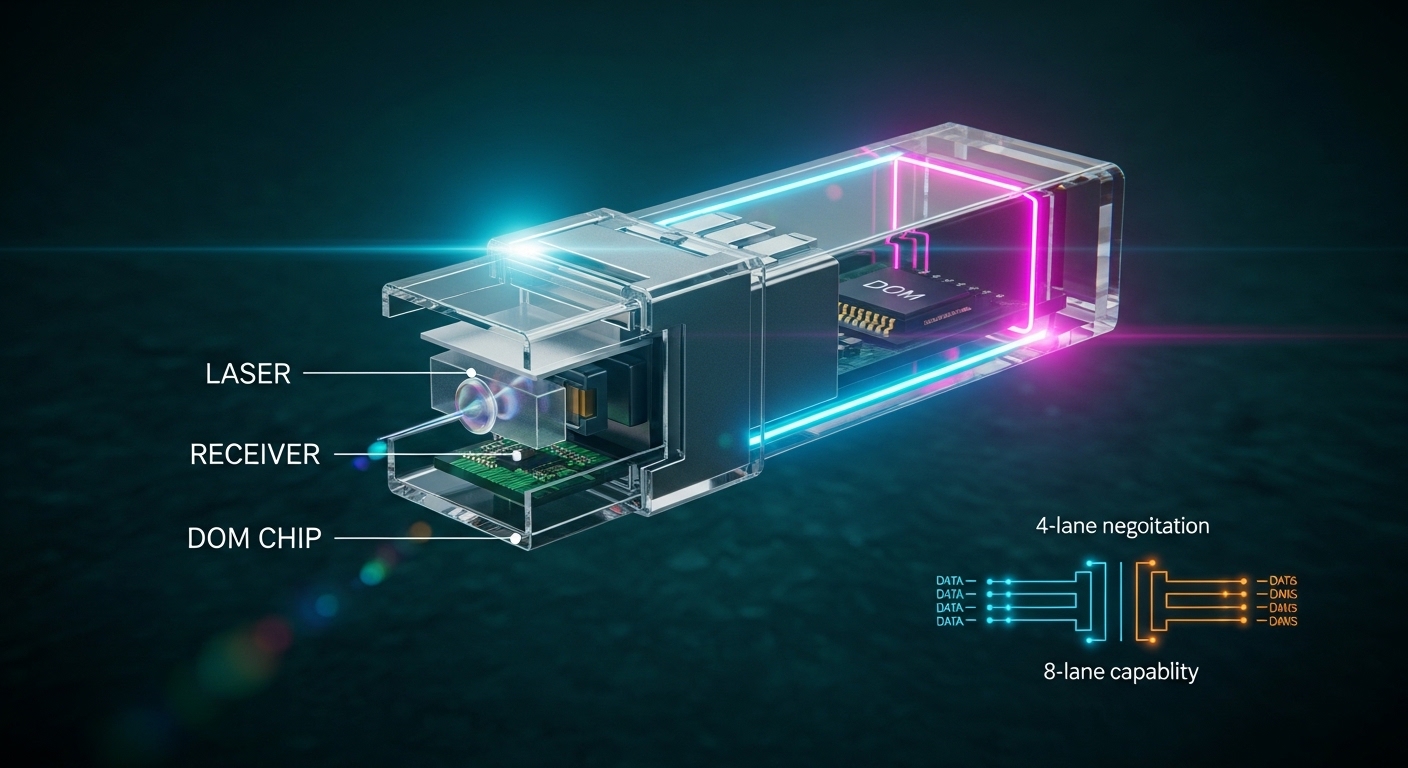
QSFP28 ports are typically built around 4 lanes at 25G per lane (for 100G) or 1x25G depending on switch design. QSFP-DD modules generally support higher density and wider interfaces (often 8 lanes internally), while backward compatibility relies on the host accepting the module and selecting a supported operating mode. In practice, you must confirm the switch firmware supports the module’s mode and does not force an unsupported lane map.
Confirm the exact speed and optics mode your switch can negotiate
QSFP-DD modules may support multiple data rates (example: 100G, 200G, or other vendor-defined modes). A QSFP28 host might only negotiate 100G using 4x25G optics, even if the QSFP-DD module is capable of more. If your goal is 100G over SR optics, that is usually where successful deployments cluster—when the switch actually supports that negotiation.
Check transceiver type: SR4 vs LR4 vs DR4 style expectations
For short reach, most teams use SR-family optics with multimode fiber. For longer reach, you may see LR-family optics with single-mode fiber. Even when the module is “backward compatible,” the host might not accept the optics type if the switch expects a specific electrical/optical profile or DOM flags.
Validate DOM and host thresholds
Digital Optical Monitoring (DOM) provides temperature, bias current, received power, and alarms. A QSFP28 port may have different monitoring expectations than a QSFP-DD capable port. If the host’s DOM handling is strict, modules may be detected but treated as unsupported, causing frequent link flaps.
Confirm operating temperature range and airflow conditions
In live racks, you often discover that “room temperature” in the office means “near the air intake” in the data hall. Many optics are rated to 0 to 70 C (commercial) or -5 to 85 C (extended) depending on the vendor. If your airflow is marginal, QSFP-DD modules may hit warnings earlier than older QSFP28 modules.
Ensure physical fit and latch compatibility
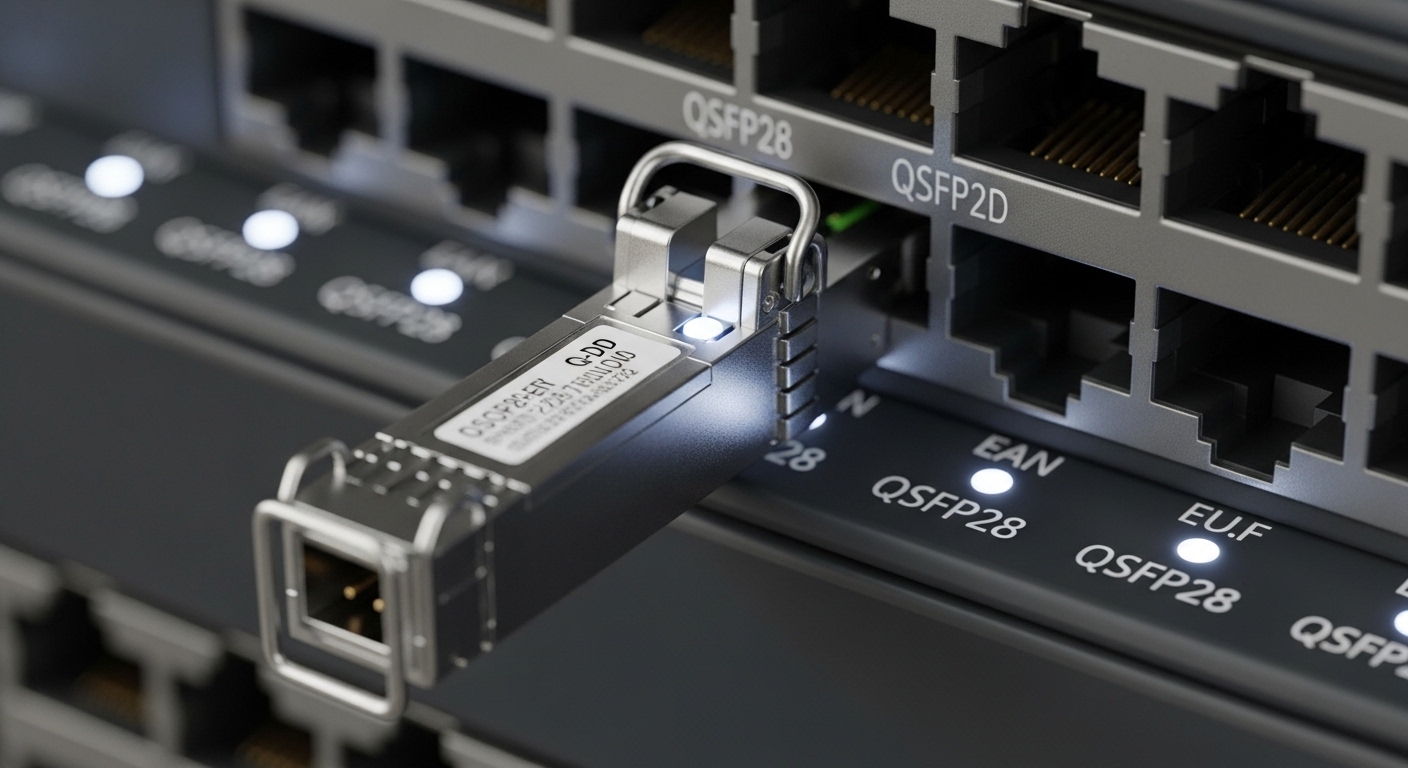
QSFP-DD and QSFP28 share a family resemblance, but the mechanical envelope and latch behavior can differ. You must ensure the host cage tolerances and latch design match the module form factor. A partially seated module can still “look connected” while producing intermittent receiver failures.
Check firmware and transceiver compatibility lists
Switch vendors often maintain “supported optics” tables tied to specific firmware releases. If your switch is on an older image, it may not recognize QSFP-DD module IDs or may not implement the correct backward-compatible mode selection. Update firmware within your change-control process, then retest link stability.
Reference notes: IEEE 802.3 defines Ethernet PHY requirements, while vendor datasheets define module capabilities and host compatibility. For baseline Ethernet behavior, see [Source: IEEE 802.3] and for module and host specifics, consult the transceiver and switch datasheets.
What “backward compatible” really means at the electrical lane level
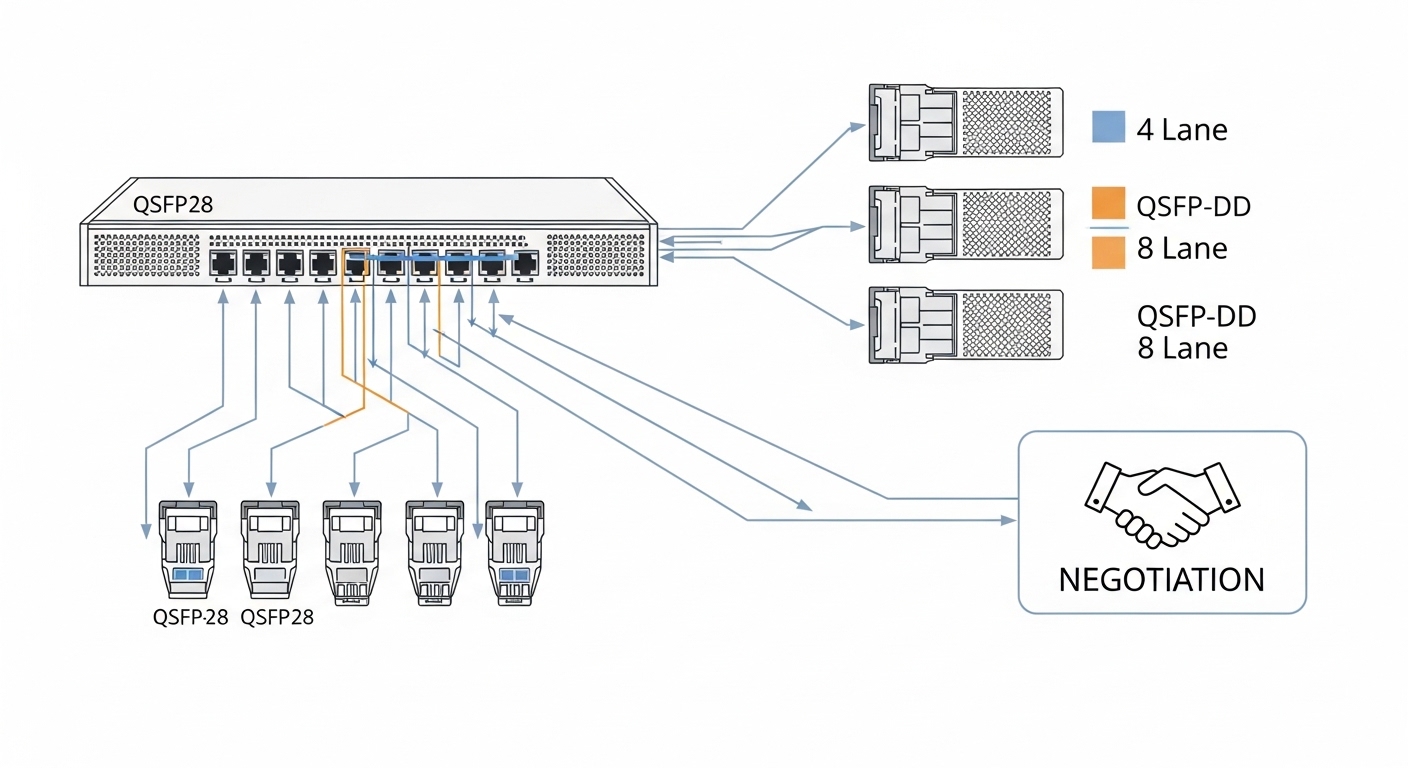
In the field, backward compatibility is less about magic and more about negotiation. The host and module exchange information (via management interfaces and standardized identifiers) and then select a supported operating mode. If the host only supports a subset of the module’s capabilities—such as 4-lane operation—it may still work, but only at the negotiated speed and optics profile.
Lane mapping and reach: the usual story
QSFP28-based 100G commonly uses 4x25G lane operation. A QSFP-DD module internally may support more lanes (depending on design), but when inserted into a QSFP28 port, it must present an interface that the host can drive. If the host can only do 4-lane optics, the module may downshift to that mode. That can work well, but you must verify reach and power budgets match the intended fiber type.
Budget math that prevents “mystery link drops”
For multimode SR optics, link budget depends on fiber bandwidth, patch cord loss, connector insertion loss, and aging. For single-mode LR optics, it depends on optical power, receiver sensitivity, and end-to-end attenuation. Use the vendor’s optical power specs and your measured link loss to confirm margin—because a “compatible” module cannot compensate for a broken patch panel.
| Spec category | Typical QSFP28 expectation | QSFP-DD module capability (varies by vendor) | Why it matters for backward compatibility |
|---|---|---|---|
| Common Ethernet rate | 100G via 4x25G (often SR4/LR4 style) | May support higher rates (implementation-dependent) | Host may downshift to 100G only |
| Wavelength | SR: 850 nm (MMF); LR: 1310 nm (SMF) | Often same wavelength families, but confirm exact SKU | Wrong optics type can be detected yet fail link |
| Reach | SR: tens to a few hundred meters on OM3/OM4 (SKU-dependent) | May list longer or different reach; confirm downshift behavior | Negotiated mode may have different effective reach |
| Connector | LC duplex (most common for optics in this class) | Often LC duplex, but verify mechanical and fiber mapping | Patch cord mapping errors cause swapped lanes |
| DOM/monitoring | DOM supported with vendor-defined thresholds | DOM supported; host expects certain diagnostics | DOM mismatch can trigger “unsupported” state |
| Operating temperature | Commercial or extended grade (SKU-dependent) | May be rated higher, but airflow still controls actual risk | Thermal margin affects error rate and alarms |
Pro Tip: In lab bring-up, watch both link state and physical-layer error counters (BER/FEC or vendor equivalents). A module can “link up” while quietly accumulating receive errors, and the host will only start flapping once temperature or dust increases. This is how “it worked yesterday” becomes “why is it failing during peak hours?”
Authority references: [Source: IEEE 802.3] for Ethernet PHY concepts; [Source: vendor transceiver datasheets] and [Source: switch vendor optics compatibility guides] for real-world negotiation behavior.
Top 7 QSFP-DD backward compatible deployment patterns that actually work
Not every upgrade path is equal. The success rate depends on what you’re trying to achieve: new optics inventory, higher density, or a staged migration without downtime. Below are seven patterns field teams commonly use, with the typical “best-fit” conditions and trade-offs.
Staged optics refresh for 100G SR lanes
If your QSFP28 ports are running 100G over multimode SR, you can often introduce QSFP-DD modules that downshift to the same 4-lane mode. Best-fit scenario: stable OM4 links with known insertion loss and clean patching. Pros: fewer link changes, simpler inventory consolidation. Cons: you still must verify the exact module SKU and host firmware support.
Same-fiber, same-speed, different vendor module strategy
Teams sometimes swap to third-party or OEM modules to reduce cost. Backward compatibility can still hold, but only when the module’s DOM behavior matches the host’s expectations. Pros: potential TCO reduction. Cons: increased risk of vendor-specific quirks and RMA rates if optics tuning differs.
Migration from older QSFP28 optics to newer QSFP-DD-capable supply chain
When supply constraints hit, QSFP-DD modules might be the only available stock for the needed wavelength and reach. Best-fit scenario: you have a test rack running the same switch model and firmware. Pros: keep operations moving. Cons: you may need a change window for firmware alignment.
Limited-scope pilot in one row of a leaf-spine fabric
In a leaf-spine topology, you can pilot one ToR row first. Example: 48-port leaf switches with 36 active 100G uplinks. Use a pilot with a controlled patch panel so you can measure bit-error-rate behavior and link stability across 2-4 weeks. Pros: measurable risk reduction. Cons: you still need a rollback plan and spare optics.
Mixed-mode environment with strict change-control
Some networks run both QSFP28 and QSFP-DD capable hosts side-by-side. If you’re doing a mixed environment, ensure the module is supported in both host types or segregate inventory by port type. Pros: flexibility. Cons: operational mistakes happen when someone grabs the wrong box from the cabinet.
Use case: 100G to 200G roadmap where QSFP-DD modules are future-proofed
Even if today’s host only supports 100G, you might be preparing for a future switch upgrade. Best-fit scenario: the QSFP-DD modules you buy are explicitly supported for the current host in 100G mode. Pros: reduces future forklift upgrades. Cons: you pay for capability you cannot use until hardware changes.
Thermal management as a first-class compatibility requirement
In high-density racks, airflow can be the limiting factor more than the electrical interface. Best-fit scenario: you instrument temperatures at the switch intake and monitor optic DOM temperature. Pros: fewer “mystery” receiver errors. Cons: you must coordinate with facilities and airflow tuning.
Technical specs snapshot: QSFP-DD backward compatible optics you should compare
Engineers often compare optics using marketing reach, but the operational difference comes from wavelength, connector type, DOM support, power budgets, and temperature grade. Below is a practical comparison frame you can use when evaluating candidate optics for QSFP28 hosts.
Example comparison table (use as a template, confirm SKU details)
Because exact values vary by manufacturer and SKU, treat this as a structured checklist rather than a universal spec. Still, the categories are exactly what you need to reduce surprises.
| Optics profile | Wavelength | Connector | Typical target reach | DOM monitoring | Temperature grade | Compatibility risk with QSFP28 |
|---|---|---|---|---|---|---|
| SR4-style (MMF) | 850 nm | LC duplex | OM4: often up to a few hundred meters (SKU-dependent) | Yes (RX power, bias, temp) | 0 to 70 C or -5 to 85 C | Medium if downshift mode and DOM thresholds differ |
| LR4-style (SMF) | 1310 nm | LC duplex | Up to tens of km (SKU-dependent) | Yes | SKU-dependent | Lower for mode negotiation, higher for fiber cleanliness |
| Vendor-specific QSFP-DD SKU | Varies | Varies (often LC) | Varies | Varies | Varies | High unless switch compatibility is explicitly stated |
If you want concrete examples to anchor your procurement conversation, common optics families referenced in industry include Cisco and Finisar and comparable third-party equivalents such as Cisco SFP-10G-SR style optics for other form factors, and QSFP-era SR/LR SKUs from vendors like Finisar/FS. For QSFP-DD specifically, always use the exact QSFP-DD part number and the switch’s optics matrix.
Selection criteria checklist for QSFP-DD backward compatible purchases
Use this ordered list like a field engineer’s pre-flight checklist. The goal is to prevent a “works in one slot” scenario and to ensure you can predict link behavior across the fleet.
- Distance and fiber type: Confirm MMF vs SMF, OM3/OM4/OS2, and measured insertion loss across the full link.
- Target Ethernet rate: Determine what your QSFP28 ports can negotiate (often 100G via 4x25G).
- Switch model and firmware: Check the vendor’s supported optics list for your exact switch and software version.
- Transceiver SKU match: Use the exact QSFP-DD part number; do not assume “same wavelength” equals “same behavior.”
- DOM support and alarms: Verify that DOM events and thresholds are compatible with the host’s optics monitoring.
- Operating temperature and airflow: Choose the correct grade; measure intake temps and ensure margins for peak loads.
- Vendor lock-in risk: For OEM vs third-party, evaluate RMA rates, lead times, and whether the host treats third-party modules as unsupported.
- Change-control and rollback: Plan a pilot and keep known-good QSFP28 optics on hand for immediate rollback.
Common mistakes and troubleshooting steps for QSFP-DD backward compatible links
Let’s talk about the stuff that bites people—often right after the “we saved time by not testing” decision. Below are concrete failure modes with root causes and fixes.
Module detects, but link never comes up
Root cause: The host cannot negotiate the module’s presented mode (speed/lane mapping) or the module ID is not recognized by that firmware. Solution: confirm firmware version supports the module class; try a known-good QSFP28 optics profile in the same port; validate the QSFP-DD SKU is explicitly listed for that switch model and software release.
Link flaps under load, then stabilizes briefly
Root cause: Optical power margin is thin, patch cords are marginal, or receiver sensitivity is being approached as temperature rises. Solution: measure DOM RX power and check for alarms; clean connectors (proper lint-free technique), replace patch cords, and verify end-to-end loss with an OTDR or calibrated test equipment.
One direction works, the other fails (asymmetric behavior)
Root cause: Lane mapping or fiber polarity mismatch on duplex connectors can cause one direction to be effectively “off.” Solution: confirm correct polarity and patch mapping; re-seat the module; verify that the patch panel labeling matches the transceiver’s expected lane order.
Excessive CRC/FEC errors even though the link is “up”
Root cause: Dirty optics, marginal fiber bandwidth (for MMF), or a patch cord type mismatch (for example, wrong OM profile). Solution: verify fiber type, replace patch cords with the correct spec, and monitor error counters and FEC status over temperature cycles.
Thermal warnings and early degradation
Root cause: Insufficient airflow or module grade mismatch for the environment. Solution: improve airflow, confirm cage fan operation, and select extended-temperature optics if your intake temps exceed commercial-grade assumptions.
For general Ethernet PHY behavior and error metrics, see [Source: IEEE 802.3]. For DOM interpretation and alarms, rely on the transceiver datasheet and switch diagnostics documentation.
Cost and ROI: what QSFP-DD backward compatible typically changes in TCO
Pricing varies widely by vendor, speed grade, and optics reach, but in many procurement cycles you can expect third-party QSFP-class optics to land roughly in the tens to low hundreds of dollars per module for short-reach, and higher for longer-reach or higher-speed variants. OEM modules often cost more but may have lower operational risk due to tighter compatibility testing.
ROI comes from three places: reduced downtime during upgrades, inventory consolidation, and avoiding emergency purchases. However, the TCO can rise if you experience higher RMA rates, link instability, or frequent troubleshooting. In a realistic operations model, even a small failure-rate increase can outweigh a modest unit price savings when you factor in labor time and potential incident response.
FAQ: QSFP-DD backward compatible questions engineers ask before rollout
Q1: Does QSFP-DD backward compatible mean my QSFP28 switch will always run at full QSFP-DD capability?
No. Backward compatibility usually means the host can detect the module and negotiate a supported mode—often a downshift to what the QSFP28 port supports (commonly 100G using 4x25G). Always confirm the negotiated speed and lane mapping in switch diagnostics and vendor documentation.
Q2: Will DOM monitoring work correctly when using QSFP-DD modules in QSFP28 ports?
Often yes, but not guaranteed. DOM is standardized in spirit, yet threshold behavior and alarm semantics can differ by host implementation. Validate by checking DOM readings (temperature, bias, RX power) and verifying alarms behave as expected.
Q3: What fiber type should I assume for backward-compatible SR optics?
If you are using SR-family optics, assume multimode fiber profiles like OM3 or OM4 depending on the module SKU and vendor reach specs. Do not assume patch cords are the right OM grade—measure and verify insertion loss end-to-end.
Q4: Can I mix QSFP28 and QSFP-DD modules on the same switch?
Yes in many cases, but operational mistakes happen. Segregate inventory, label ports clearly, and rely on the switch’s supported optics guidance for each module type and firmware version.
Q5: What is the fastest way to troubleshoot a flapping link?
Check link state and error counters first, then verify DOM RX power and temperature. Next, clean and re-seat connectors, replace patch cords, and confirm polarity and patch mapping before you blame the transceiver.
Q6: Are third-party QSFP-DD modules safe to use with QSFP28?
They can be, but only after validation. Evaluate compatibility lists, run a pilot, monitor errors over temperature cycles, and keep a rollback plan with known-good optics.
Sources and authority: IEEE 802.3 for Ethernet PHY fundamentals; vendor transceiver datasheets for DOM and optical specs; switch vendor optics compatibility matrices for real negotiation behavior. External authority links: IEEE 802.3 standard and Optical Internetworking Forum and industry guidance (general optical practices).
If you want the next step, read How to validate fiber link budgets before installing optics to avoid “compatible” modules meeting incompatible fibers. In the meantime, treat every QSFP-DD backward compatible rollout like a controlled pilot: verify negotiation, confirm reach budgets, and watch error counters before you declare victory.
Author bio: I am a clinician-turned-network reliability writer who has done hands-on optics validation in real server rooms, chasing link flaps with the same stubbornness I reserve for stubborn fevers. I cite peer-reviewed standards and vendor documentation, and I do not promise miracles—only safer engineering decisions.