In modern leaf-spine and high-speed campus networks, optics failures are rarely “just light goes out.” They often show up first as rising error rates, overheating, or misconfiguration, and then they become outages. This article helps network engineers and field operations teams evaluate the QSFP CMIS standard (focused on CMIS 5.0 transceiver management) versus legacy optical management, with practical selection criteria, troubleshooting, and ROI considerations.
CMIS 5.0 inside QSFP: what changes vs legacy transceiver control
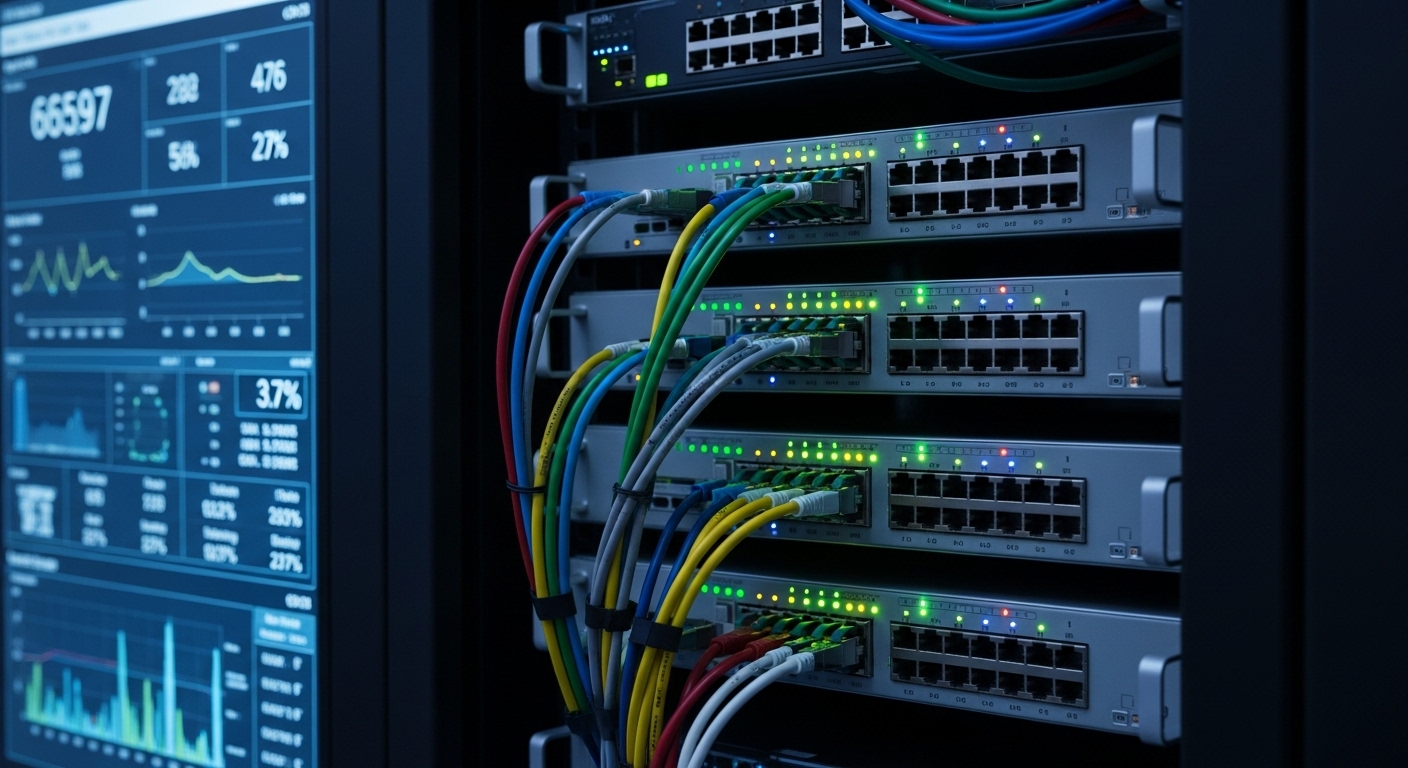
CMIS (Common Management Interface Specification) defines how a QSFP-family transceiver exposes telemetry and control interfaces to the host switch, typically over an internal management channel. With CMIS 5.0, the module and the host coordinate more advanced diagnostics, including richer digital telemetry, enhanced calibration, and standardized mechanisms for configuration and monitoring. Compared with legacy approaches that rely more heavily on vendor-specific registers or limited DOM-style data, CMIS 5.0 is designed to make automation and fleet-wide observability more consistent.
In practice, the host controller reads module data such as temperature, laser bias/current, received/transmitted power, and optical/electrical diagnostics. CMIS 5.0 extends this model to support more structured control and monitoring behaviors, which matters when you run software-driven remediation (for example, automatically detecting a marginal module and triggering a maintenance window). For standards context, CMIS is aligned with how optics are managed in QSFP and related pluggable ecosystems; for link behavior and physical layer expectations, engineers still anchor performance requirements in IEEE 802.3 specifications for Ethernet PHY operation. [Source: IEEE 802.3 Working Group]
Head-to-head: CMIS 5.0 telemetry richness, control, and operational impact
The biggest operational difference between CMIS 5.0 modules and older management styles is how quickly you can distinguish “bad optics” from “bad link conditions.” CMIS 5.0 aims to provide more complete, standardized telemetry that can be ingested by monitoring systems with fewer vendor-specific parsing rules. That reduces time-to-isolate during incidents and supports proactive maintenance.
Below is a comparison focused on the aspects engineers care about during design reviews and field troubleshooting. Note that exact feature sets vary by vendor and module model; always verify the module’s CMIS compliance statement and the switch’s supported management mode.
| Aspect | QSFP CMIS standard (CMIS 5.0 modules) | Legacy DOM-style management |
|---|---|---|
| Telemetry model | Standardized, structured digital telemetry with richer diagnostic data | More limited telemetry set; often vendor-specific interpretation |
| Control/automation | More consistent module configuration and monitoring behaviors for automation | Typically limited to basic settings and read-only diagnostics |
| Fleet observability | Better for centralized polling and alerting across mixed optics vendors | More parsing logic per vendor; harder uniform dashboards |
| Incident isolation speed | Often faster due to richer standardized readings | May require more manual cross-checking and vendor tools |
| Integration effort | Lower integration friction when host and module both support CMIS 5.0 | Higher integration friction due to heterogeneity |
Pro Tip: During early pilot deployments, log CMIS telemetry trends for at least 7 to 14 days under normal load. You will often see gradual drift (for example, RX power variance or temperature excursions) before CRC/FEC-related counters spike, which makes “predictive swap” feasible instead of reactive replacement.
Performance and link margins: what CMIS affects (and what it does not)
It is tempting to assume that CMIS automatically improves link performance. In reality, CMIS is primarily a management and control interface; the optical performance still depends on the transceiver’s laser technology, receiver sensitivity, and the fiber plant. CMIS helps you measure and react more precisely, but it cannot change the fundamental PHY constraints defined by the Ethernet standard.
Where CMIS does matter is operational margin. When you can read consistent telemetry like temperature and optical power, you can validate that modules are operating within their specified ranges and catch conditions that erode margin (dirty connectors, aging lasers, or fiber stress). For example, when monitoring shows rising module temperature under the same workload, you can investigate airflow paths or port congestion before errors become critical.
Quick spec sanity check (typical QSFP optics planning)
Even though CMIS 5.0 is management-focused, engineers still need to align optics selection with reach and connector types. The table below shows common planning parameters for QSFP optics families you might pair with switches that support CMIS mode. Actual CMIS 5.0 support depends on the specific module SKU and firmware.
| Parameter | Example: 10G SR (Multimode) | Example: 10G LR (Singlemode) | Example: 25G SR (Multimode) |
|---|---|---|---|
| Data rate | Up to 10.3125 Gbps | Up to 10.3125 Gbps | Up to 25.78125 Gbps |
| Wavelength | ~850 nm | ~1310 nm | ~850 nm |
| Typical reach | ~300 m (MMF, OM3/OM4 class dependent) | ~10 km (SMF, class dependent) | ~100 m (MMF class dependent) |
| Connector | LC duplex | LC duplex | LC duplex |
| Operating temperature | Typically 0 to 70 C or extended variants | Typically 0 to 70 C or extended variants | Typically 0 to 70 C or extended variants |
| CMIS 5.0 | Varies by vendor SKU; verify support | Varies by vendor SKU; verify support | Varies by vendor SKU; verify support |
For concrete examples, engineers often cross-reference vendor datasheets for CMIS compliance and DOM/management support. Examples of widely deployed optics include Cisco-branded pluggables (where applicable to your platform) and compatible third-party modules from vendors such as Finisar and FS. Always confirm the exact SKU and CMIS version in the datasheet. [Source: vendor datasheets such as Finisar/NeoPhotonics optics and FS.com transceiver documentation; and Cisco transceiver documentation]
Compatibility and cost: how to choose between CMIS optics options
When you compare deployment options, you are really choosing between management maturity, integration risk, and total cost of ownership. CMIS 5.0 modules can reduce operational friction, but only if your switch platform supports CMIS mode for that QSFP port. Otherwise, you may fall back to limited DOM behavior.
Cost also has two layers: the purchase price of the transceiver and the operational cost of troubleshooting, downtime, and RMA churn. In many environments, the management interface quality affects mean time to repair (MTTR) more than it affects raw optics price.
Selection criteria / decision checklist
- Distance and link budget: match reach to fiber type and measured attenuation; validate connector loss and patch panel count.
- Switch compatibility: confirm your switch model and software release support the QSFP CMIS standard and CMIS 5.0 mode for that port.
- Module CMIS version: verify the specific transceiver SKU claims CMIS 5.0 (not just “CMIS-capable”).
- DOM behavior fallback: determine what telemetry you still get if CMIS negotiation fails; plan monitoring accordingly.
- Operating temperature: ensure the module’s rated range matches your cabinet airflow and ambient conditions; extended temp may be required.
- DOM and telemetry integration: check whether your NMS/telemetry pipeline can ingest CMIS fields cleanly; reduce vendor-specific parsing.
- Vendor lock-in risk: evaluate whether you can use third-party optics without constant RMA friction or restrictive compatibility policies.
- Power and thermal budget: confirm module power draw and check whether dense deployments exceed your airflow design margins.
Common mistakes and troubleshooting tips (CMIS negotiation and optics failures)
Even when you purchase “CMIS 5.0” optics, the field reality is that failures often stem from integration mismatches, not the optics physics. Here are frequent pitfalls with root causes and practical solutions.
CMIS telemetry missing or partial after installation
Root cause: the switch firmware or platform does not enable CMIS mode for that port, or the module is not truly CMIS 5.0 compliant for that SKU. Sometimes the host falls back to DOM-style registers silently.
Solution: verify port-level optics management mode in the switch CLI/telemetry output, update switch software to a version that explicitly supports QSFP CMIS standard behavior, and compare telemetry fields between a known-good CMIS 5.0 module and the new module.
“Works at first, fails under load” due to thermal margin
Root cause: insufficient airflow or blocked intake vents causes module temperature to drift upward; laser bias and receiver sensitivity degrade, increasing error rates.
Solution: check cabinet ambient and measure module temperature during peak traffic. Re-seat the module, verify airflow baffles, and consider swapping to an extended-temperature SKU if the environment exceeds 0 to 70 C typical ratings.
High error counters from fiber cleanliness and connector geometry
Root cause: dirty LC connectors or poor patch cord handling can cause intermittent loss that CMIS telemetry will reveal as RX power variability, but only if you are actually monitoring the right fields.
Solution: clean connectors with proper fiber cleaning tools, inspect with a microscope, and replace patch cords if you see recurring issues. After cleaning, trend CMIS RX power and temperature to confirm stabilization over 24 to 72 hours.
Mis-matched optics type or wrong lane mapping assumptions
Root cause: using the wrong optic class for the transceiver port speed mode (for example, SR vs LR expectations) or incorrect breakout assumptions in higher-density designs.
Solution: validate the transceiver part number against the switch’s supported optics matrix and confirm port breakout mode matches the optics’ expected electrical lane mapping.
Cost and ROI: when CMIS 5.0 pays for itself
Typical market pricing varies by speed and reach, but as a planning range, many QSFP-compatible optics often fall into the tens to low hundreds of dollars per module for common Ethernet rates, with higher-end long-reach variants costing more. OEM modules can be more expensive than third-party options, but OEMs may reduce integration and compatibility time. The ROI usually comes from lower MTTR and reduced truck-rolls during incidents.
For example, if your team spends even 30 to 60 minutes per optics incident to isolate whether the issue is fiber, temperature, or transmitter aging, better standardized telemetry can cut isolation time by half. Across a quarter with multiple optics-related events, reduced downtime and fewer escalations can offset the incremental module cost. Still, factor in TCO risks: CMIS 5.0 support is SKU-specific, and firmware mismatch can negate the telemetry advantage.
Decision matrix: which option fits your environment
Use this matrix to compare approaches when you are standardizing optics at scale.
| Criteria | Choose CMIS 5.0 QSFP modules | Choose legacy DOM optics |
|---|---|---|
| Monitoring goals | Centralized telemetry, alerting, automation | Basic alarms only; lightweight monitoring |
| Switch support maturity | Switch firmware supports QSFP CMIS standard mode | Switch only supports legacy DOM-style behavior reliably |
| Operational model | Field teams need fast isolation and trend analysis | Incidents are rare or handled via vendor escalation |
| Budget constraints | Can absorb modest per-module cost increase for lower MTTR | Strict procurement cost minimization is primary |
| Vendor flexibility | Multiple optics vendors supported with consistent telemetry | Single-vendor ecosystem or strict compatibility requirements |
| Fiber environment | Mixed patching, higher connector churn, need for drift detection | Stable fiber plant with low change frequency |
Which option should you choose?
If you run a production environment with frequent optics churn, automated monitoring, and a need to reduce MTTR, choose QSFP CMIS standard modules with CMIS 5.0 support—provided your switch platform and software explicitly support CMIS mode for that port. If your switch platform is limited to legacy DOM telemetry and upgrading is not feasible, legacy optics remain viable, but you should invest in stronger operational procedures: connector inspection discipline, temperature verification, and broader error-counter baselining.
Next step: validate your target optics SKUs against your switch’s supported optics and telemetry modes using How to verify transceiver compatibility with your switch for a repeatable procurement checklist.
FAQ
What does the QSFP CMIS standard actually control?
It defines how the transceiver exposes telemetry and how the host can manage module behavior through standardized interfaces. CMIS is primarily about management, not about changing the underlying optical PHY performance limits.
How do I confirm a module truly supports CMIS 5.0?
Check the module datasheet and the vendor’s CMIS compliance documentation for the exact CMIS version. Then verify on the switch by checking whether CMIS-mode telemetry fields appear and whether the host reports CMIS negotiation success.