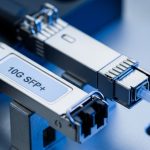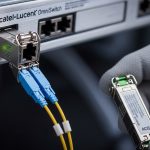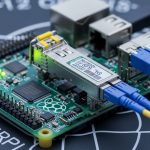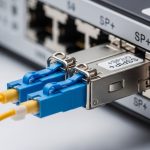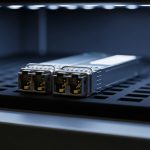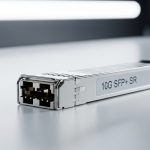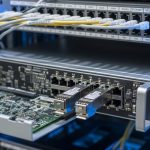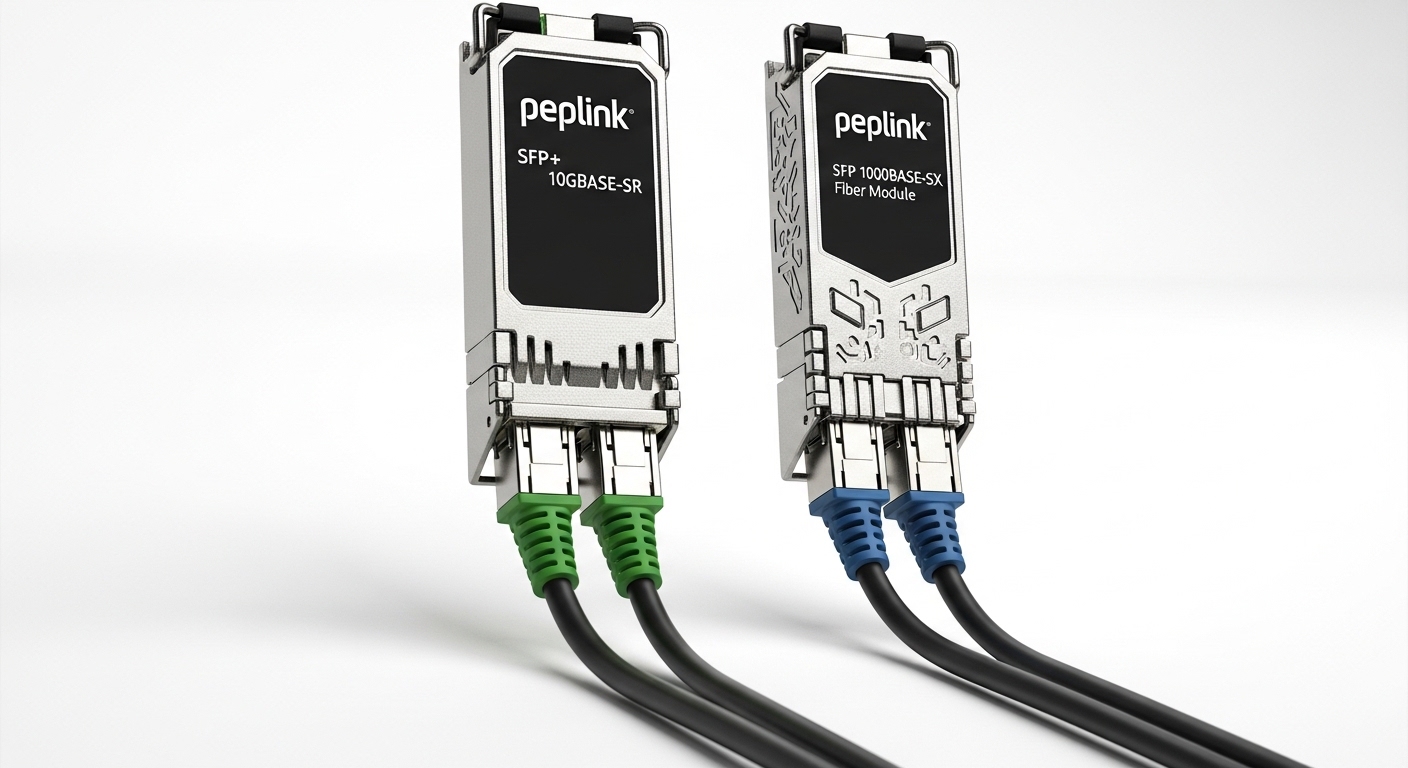
If your Peplink Balance router’s WAN fiber link keeps flapping like a bad drum solo, the culprit is often the SFP choice: wrong wavelength, incompatible optics, missing DOM support, or a connector mismatch. This article helps network engineers and field techs select the right optics for a Peplink fiber WAN using SFP modules, with real deployment constraints like distance budgets and temperature derating. You also get a ranked top-list, a spec comparison table, and troubleshooting that actually maps to what you see in the rack at 2 a.m.
Top 8 SFP fiber WAN module picks for Peplink Balance routers
Peplink Balance routers typically use SFP (not SFP+) ports for fiber WAN in many models, so the practical job is picking the correct optical standard (wavelength and data rate), the reach, and the transceiver compatibility including DOM handling. Below are eight common WAN SFP options engineers deploy, ranked by real-world fit for typical metro access and enterprise WAN runs. Expect tradeoffs: longer reach usually costs more, and “compatible” sometimes means “works until the temperature drops.”
1G SX (850 nm, multimode) for short LAN-to-WAN handoffs
Key specs to watch: 850 nm wavelength, multimode fiber (MMF), LC connector, and a reach typically around 300 m to 550 m depending on OM3 vs OM4 and link budget. Best-fit scenario is a campus edge where you transition from a building switch to a router and the fiber run is short enough to stay in MMF. Pros: inexpensive optics, easy to source, forgiving alignment. Cons: doesn’t play nicely over long distances; MMF bandwidth and attenuation still matter.
- Best-fit: MMF runs under a few hundred meters
- Connector: LC
- Data rate: usually 1G Ethernet compatible
In the field, SX is the “it should work” module when someone reuses older OM2/OM3 fiber without telling you. If you measure and confirm fiber grade, it’s a solid WAN handoff choice.
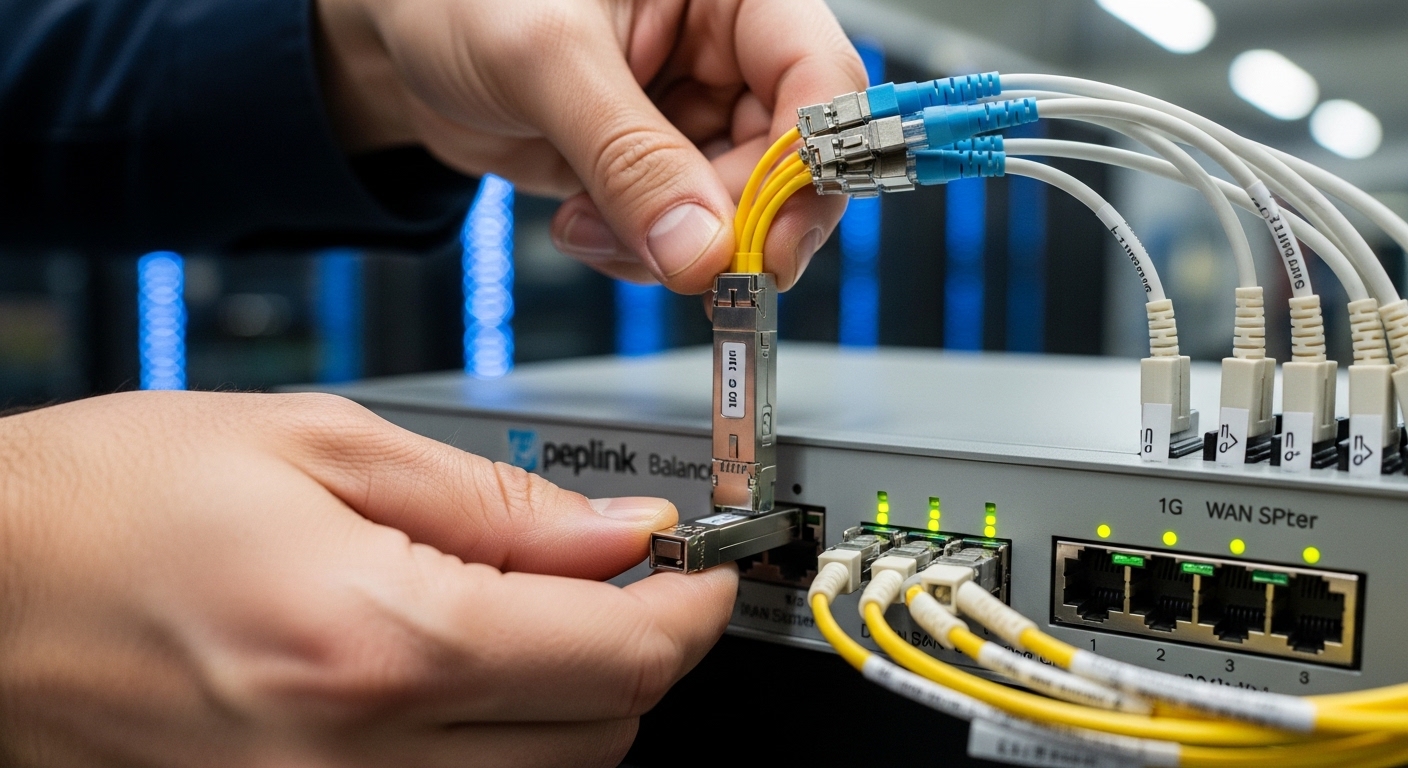
1G LX (1310 nm, single-mode) for most enterprise WAN runs
Key specs to watch: 1310 nm wavelength, single-mode fiber (SMF), LC connector, and reach often around 10 km for standard “LX” optics. This is the default workhorse for a lot of Peplink fiber WAN designs where the carrier handoff or partner demarc is within a metro radius. Pros: SMF is more future-proof than MMF for upgrades; LX optics are widely available. Cons: you must match SMF patch type and budget; a dirty LC can still ruin your day.
- Best-fit: SMF WAN links up to about 10 km
- Wavelength: 1310 nm
- DOM: commonly supported, but verify
When I’ve deployed these at branch sites, the biggest failure wasn’t “bad optics,” it was a connector that looked clean to the naked eye but had microscopic contamination. Yes, fiber can be petty.
1G Bidi (BiDi 1550/1310 nm) for saving fiber pairs
Key specs to watch: BiDi transceivers use a single fiber for both directions, typically pairing wavelengths like TX 1550 / RX 1310 or the reverse depending on model. Best-fit scenario is when you have only one spare fiber in an existing sheath and you cannot pull a new pair. Pros: saves fiber strands, reduces civil work. Cons: you must use the correct complementary pair and get polarity right; mixing the wrong BiDi types leads to total silence.
- Best-fit: one spare fiber in a trench or duct
- Connector: LC
- Operational caution: correct TX/RX wavelength pairing
2G/3G/4G-class optics are rare, so choose by router port spec
Some Peplink Balance deployments involve higher-speed media depending on model and licensing, but many SFP WAN ports are effectively 1G-class. The selection rule is boring but effective: confirm the router’s supported SFP data rate and line coding before buying optics. Pros: if your port supports it, higher speed optics can reduce bottlenecks. Cons: mismatched optics can negotiate down or fail completely.
- Best-fit: only when your router model explicitly supports the higher rate
- Action: verify port capability in the Peplink platform documentation
10G SR (850 nm, MMF) when your WAN is actually a fat pipe
Key specs to watch: 850 nm, MMF, LC, and typical reach of 300 m (OM3) or 400 m to 550 m (OM4). Pros: huge throughput for short runs; great for data center interconnects and edge aggregation. Cons: MMF distance quickly becomes a link-budget exercise; also, ensure your Peplink WAN SFP port is truly 10G-capable.
- Best-fit: short metro runs on OM3/OM4
- Speed: 10G Ethernet
If you’re using 10G SR for a Peplink WAN, treat it like a data-center decision: measure fiber attenuation and confirm patch cord quality.
10G LR (1310 nm, SMF) for longer reach without drama
Key specs to watch: 1310 nm, SMF, LC, and reach commonly around 10 km for standard LR optics. Pros: balanced reach and cost; SMF is generally easier to scale for future upgrades. Cons: LR optics are less forgiving if the link budget is already tight due to extra connectors, splitters, or aging fiber.
- Best-fit: SMF links around 10 km with predictable loss
- Compatibility: ensure DOM and data rate match router expectations
10G ER (1550 nm, SMF) for extended metro and partner links
Key specs to watch: 1550 nm wavelength, SMF, LC, and reach often 40 km for ER optics depending on vendor and class. Pros: handle longer partner spans without intermediate optics. Cons: higher cost; more sensitive to dispersion and budget errors; requires careful cleaning and stable power.
- Best-fit: 20 km to 40 km SMF partner links
- Watch: link budget and real measured loss, not optimistic datasheet numbers
“Compatible” third-party SFPs with DOM: pick models that publish details
Engineers often consider third-party transceivers to reduce cost, and sometimes it works great. For Peplink fiber WAN stability, though, I recommend choosing third-party optics that clearly document DOM behavior and meet the relevant IEEE electrical/optical specs. Pros: lower price and availability. Cons: vendor lock-in risk and DOM quirks that can cause alarms or disablement depending on router firmware handling.
- Best-fit: when OEM cost is painful and you can validate in a pilot
- Strategy: buy from suppliers with test reports and known compatibility lists
Specs that matter: wavelength, reach, DOM, connector, and temperature
Engineers love to compare reach charts, but the practical differences that break WAN links are wavelength selection, fiber type, DOM support, and optical power class. Below is a comparison of common SFP types you’ll encounter when designing a Peplink fiber WAN. Always verify the Peplink router’s exact SFP port capability and supported data rate before you commit.
| Module type (typical) | Wavelength | Fiber type | Typical reach | Connector | DOM | Operating temp |
|---|---|---|---|---|---|---|
| 1G SX | 850 nm | MMF (OM3/OM4) | 300 m to 550 m | LC | Often supported | Commercial or Industrial variants |
| 1G LX | 1310 nm | SMF | Up to 10 km | LC | Often supported | Commercial or Industrial variants |
| 10G SR | 850 nm | MMF (OM3/OM4) | 300 m to 550 m | LC | Often supported | Commercial or Industrial variants |
| 10G LR | 1310 nm | SMF | Up to 10 km | LC | Often supported | Commercial or Industrial variants |
| 10G ER | 1550 nm | SMF | Up to 40 km | LC | Often supported | Industrial recommended |
Standards to keep in mind: SFP optics generally follow the SFF-8472 digital diagnostic interface for DOM over the I2C bus, and the Ethernet PHY behavior aligns with IEEE 802.3 for optical Ethernet interfaces. For connector hygiene and safe handling, use manufacturer guidance for optical cleaning and dust caps. [Source: [EXT:https://standards.ieee.org/standard/802_3-2022.html|IEEE 802.3 Standard]] [Source: [EXT:https://www.snia.org/sites/default/files/2021-04/SFF-8472.pdf|SFF-8472 DOM reference]]
Pro Tip: In field audits, the fastest way to prevent “mystery link down” is to read the DOM optical power and compare it to the vendor’s threshold ranges. If TX power is near the low end and RX power is near sensitivity, you likely have connector contamination or excess loss from an extra patch or mis-mated adapter. DOM won’t fix bad fiber, but it will tell you where the pain lives.
Selection criteria checklist for Peplink fiber WAN SFP purchases
Before you order, run this checklist like you are about to sign for a forklift: distance, budget, compatibility, and environment all matter. This is the difference between “works on the bench” and “stays up through winter.”
- Distance vs reach budget: Use measured fiber loss (dB) including splice and connector losses; do not rely on “typical” reach. Add margin for aging and patch cord changes.
- Wavelength and fiber type: Match MMF vs SMF and pick the correct wavelength family (850 nm, 1310 nm, 1550 nm).
- Router port data rate: Confirm the Peplink Balance router’s WAN SFP port supports the transceiver data rate (for example, 1G vs 10G behavior).
- DOM support and thresholds: Prefer modules that implement SFF-8472 DOM cleanly; verify that the router reads diagnostics without raising alarms.
- Connector and cleanliness: LC is common; ensure you have compatible adapters (especially when moving between patch panels and demarc pigtails).
- Operating temperature: If the site is an outdoor hut or hot MDF, choose an industrial temperature range module.
- Vendor lock-in risk: OEM is predictable; third-party can save money but validate with a pilot and capture DOM logs.
- Optical pair correctness: For BiDi and ER/LR variants, ensure TX/RX wavelength pairing matches the remote end.
Common mistakes and troubleshooting tips that actually work
When a Peplink fiber WAN link fails, the logs may look like a crime scene. Here are common pitfalls I’ve seen, with root cause and fixes.
Wrong wavelength family (1310 vs 1550) or mixed BiDi types
Root cause: The transceiver is physically identical in size, but the optical wavelengths are incompatible. With BiDi, the remote side must be the complementary TX/RX configuration.
Fix: Verify wavelength labels on both ends, confirm whether the pair is “A” and “B” style BiDi, and re-seat with correct orientation. Use a power meter and visual inspection of fiber type.
Connector contamination masquerading as bad optics
Root cause: Dust on LC endfaces can add enough loss to push RX below sensitivity, especially on longer reaches like LR/ER.
Fix: Clean with proper fiber cleaning tools (not “air duster”), inspect with a scope, then re-test. After cleaning, re-check DOM RX power and link stability.
Exceeding link budget with “short” extra patching
Root cause: Engineers plan for a 10 km span but forget about additional patch panels, splitters, or extra connectors during turn-up. Each connector/splice adds loss and uncertainty.
Fix: Perform a real loss calculation using measured values. Replace high-loss jumpers with known-good patch cords and reduce unnecessary adapters.
Temperature derating causing intermittent link flaps
Root cause: Commercial-grade optics can degrade under high ambient conditions, leading to intermittent failures and DOM threshold crossings.
Fix: Move to an industrial temperature module and improve ventilation. Capture event timestamps and correlate with ambient temperature cycles.
Cost and ROI: what to budget for SFP WAN optics
Typical pricing varies by vendor, reach class, and DOM quality, but a realistic ballpark for SFP optics is: 1G SX often in the tens of dollars, 1G LX slightly higher, and 10G SR/LR often in the higher tens to low hundreds. 10G ER can cost meaningfully more, and industrial variants add a premium. Over a 3 to 5 year lifecycle, TCO is driven by failure rates, downtime cost, and labor time for truck rolls.
OEM optics tend to be more predictable for compatibility and warranty handling, while third-party optics can reduce BOM cost but increase validation effort. My recommendation: pilot third-party modules on a single site, log DOM values, and only then scale. [Source: [EXT:https://www.fs.com|FS.com optics catalog and datasheet access]]
Summary ranking table: best SFP picks by WAN constraint
Here’s a practical ranking based on the constraints engineers usually face: distance, fiber availability, and operational risk. Treat this as a starting point; your measured link loss and router port capability always win.
| Rank | Module type | Best constraint | Risk level | Typical use |
|---|---|---|---|---|
| 1 | 1G LX (1310 nm, SMF) | Balanced distance and cost | Low to Medium | Enterprise WAN up to about 10 km |
| 2 | 10G LR (1310 nm, SMF) | Higher throughput on SMF | Medium | 10G WAN over ~10 km |
| 3 | 10G ER (1550 nm, SMF) | Long reach when fiber is scarce | Medium to High | 20 km to 40 km partner links |
| 4 | 1G SX (850 nm, MMF) | Short runs in campuses | Low | MMF transitions under a few hundred meters |
| 5 | 10G SR (850 nm, MMF) | Short high-bandwidth links | Medium | Data center edge on OM3/OM4 |
| 6 | 1G BiDi | Save fiber pairs | Medium to High | One spare fiber in an existing sheath |
| 7 | Higher-rate SFPs (only if router supports) | When port capability is confirmed | High if guessed | Special cases by model |