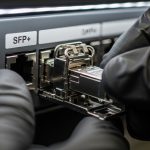
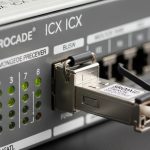
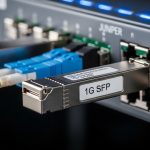
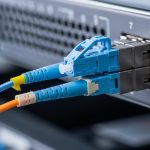
If your Palo Alto Networks firewall ports are down due to optics issues, you do not just lose connectivity—you risk delayed security changes. This guide helps network engineers and field technicians choose the right PA firewall transceiver, validate optical and electrical health, and avoid common interoperability failures. You will get an implementation checklist, troubleshooting steps, and an ROI view for OEM versus third-party modules.
Prerequisites before you touch the optics
Before swapping any optics, confirm the firewall model, port speed, and fiber type so you do not introduce a silent mismatch. You should also gather the transceiver part number currently installed and the optics vendor listed in the Palo Alto Networks compatibility guidance. Finally, plan for optics handling discipline: ESD precautions and clean connectors are mandatory to avoid link flaps.
Expected outcome: You can identify the exact transceiver family required by the firewall and avoid incompatible wavelength and reach combinations.
- Inventory your hardware: Firewall model, interface name (for example, ethernet1/1), and configured speed.
- Identify fiber plant: Use OTDR results or documented run lengths; confirm OM3/OM4 multimode or OS2 single-mode and connector type (LC vs SC).
- Get optics baseline: Record current transceiver model, wavelength, and DOM availability (Digital Optical Monitoring).
- Prepare test tools: Fiber inspection scope, lint-free wipes, proper cleaning solution, and a known-good patch cable.
Step-by-step: select the correct PA firewall transceiver
Selection is mostly about matching the physical layer: data rate, connector, wavelength, reach, and thermal/optical parameters. Palo Alto Networks firewalls typically support standard SFP/SFP+/QSFP form factors at specific port speeds, but not every third-party module behaves identically with DOM and optics thresholds. Use vendor datasheets plus the firewall optics compatibility list to reduce surprises.
Match speed and form factor to the firewall port
Confirm whether the port expects SFP (1G), SFP+ (10G), or QSFP+ (40G) style optics. If the port is 10G, do not install a 1G module; if it is 40G, do not install a 10G QSFP+ module. The transceiver must also fit the exact cage type (for example, LC duplex on most 10G SR/LR modules).
Match wavelength and fiber type
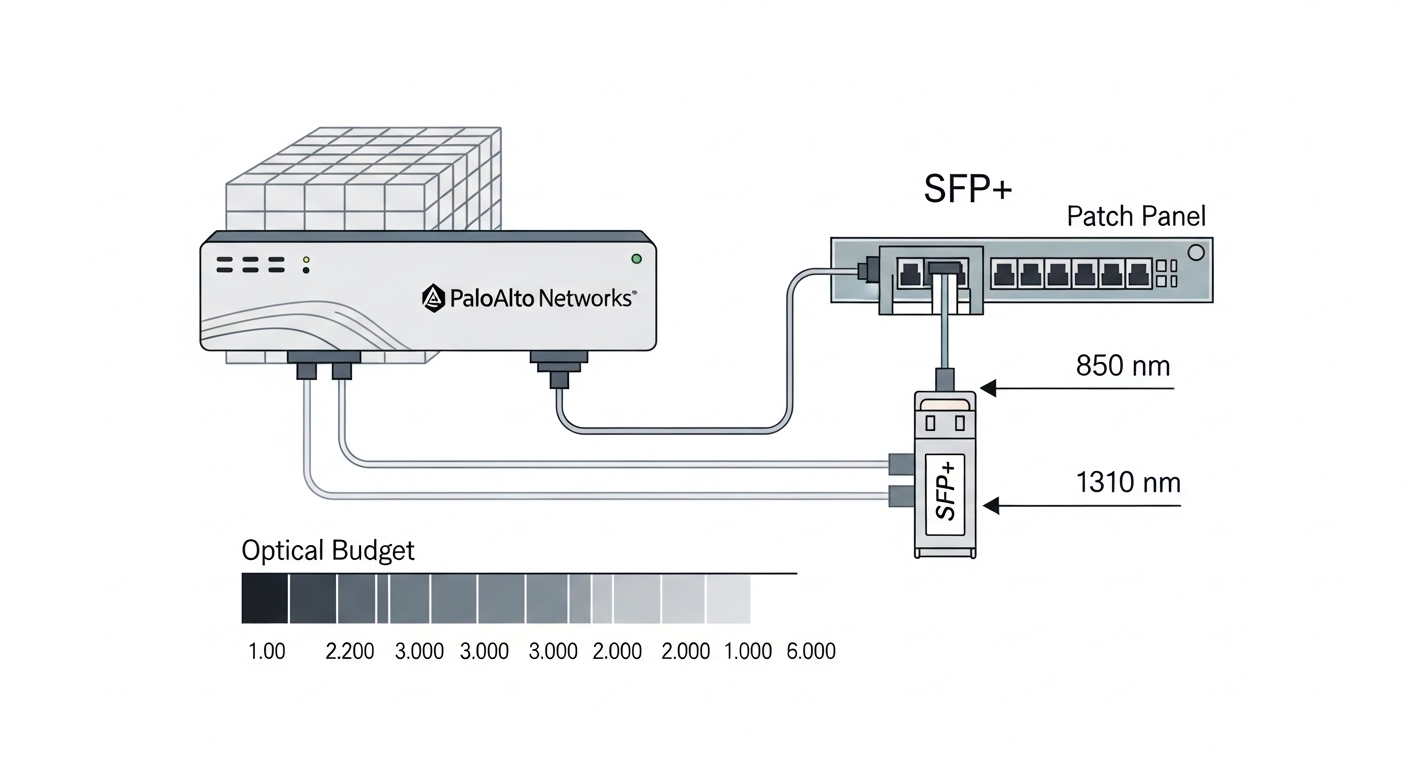
For multimode (OM3/OM4), common choices are 850 nm (10G SR). For single-mode (OS2), common choices are 1310 nm (10G LR) or 1550 nm (10G ER, depending on portfolio). A wrong wavelength can still “light up” briefly, but it will fail intermittently due to insufficient optical budget.
Validate reach with an optical budget model
Do not rely only on “rated reach.” Account for fiber attenuation, splice loss, connector loss, and patch panel losses. For example, if your link budget allows 2.0 dB but your run includes 6 connectors at roughly 0.5 dB each plus splices, you will exceed the margin and see CRC errors or link drops.
| PA firewall transceiver target | Typical module example | Wavelength | Reach (typical) | Connector | Data rate | DOM | Operating temp |
|---|---|---|---|---|---|---|---|
| 10G SR (multimode) | Cisco SFP-10G-SR, Finisar FTLX8571D3BCL, FS.com SFP-10GSR-85 | 850 nm | 300 m (OM3) / 400-500 m (OM4, varies) | LC duplex | 10GBASE-SR | Often supported | 0 to 70 C or extended (module dependent) |
| 10G LR (single-mode) | Finisar FTLX1471D3BCL, Cisco SFP-10G-LR-S | 1310 nm | 10 km (typical) | LC duplex | 10GBASE-LR | Often supported | -5 to 70 C or extended (module dependent) |
Expected outcome: You select a transceiver family aligned to port speed, wavelength, fiber type, and realistic optical budget.
Step-by-step: install and validate link health
Installation success is as much procedure as it is hardware. After insertion, you must confirm link negotiation, errors, and optics health. If your environment uses automation, schedule the change window because optics resets can cause brief traffic interruption.
Perform a clean, verified connection
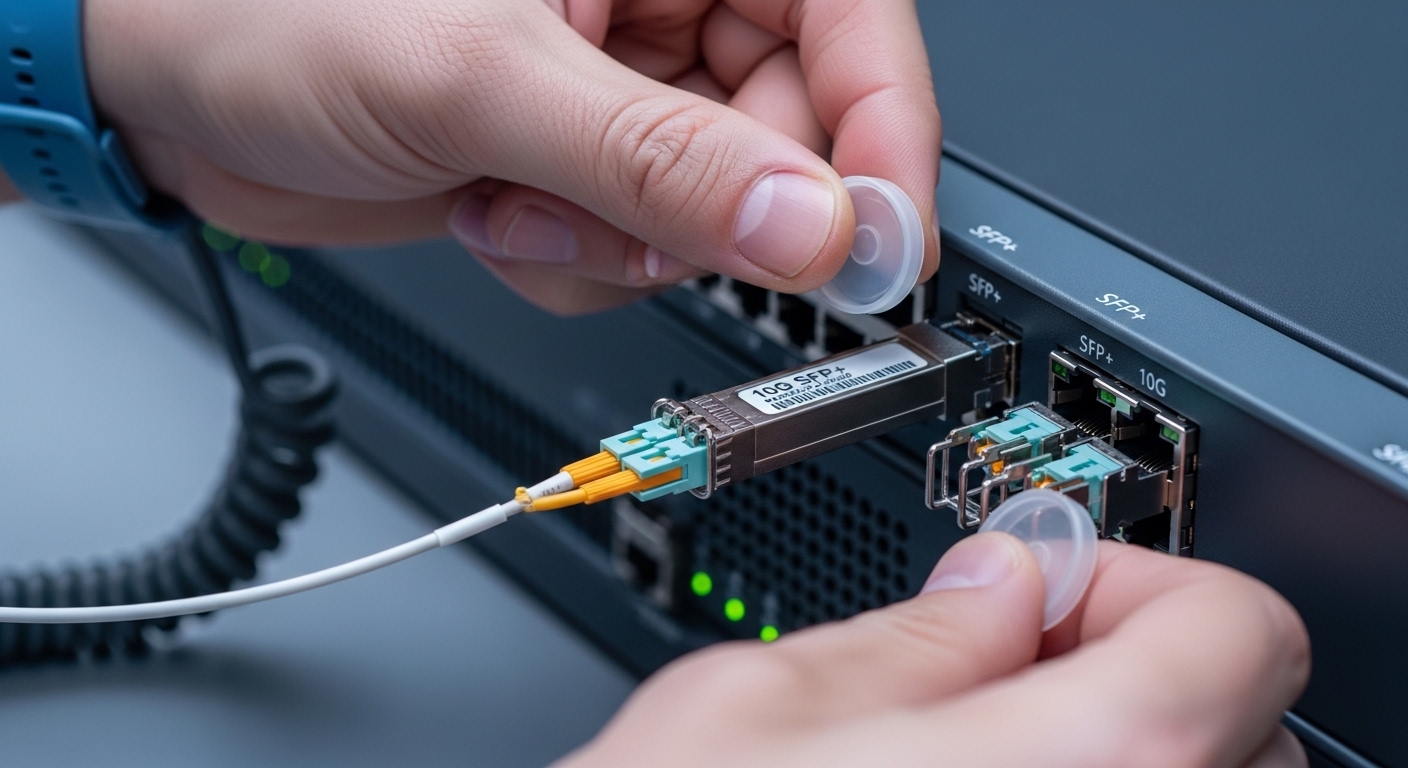
Inspect connectors with a scope, clean both ends, and verify polarity on duplex LC cabling. Then insert the module fully until the latch clicks and attach the fibers without twisting the patch cords.
Bring the interface up and verify negotiated speed
On the firewall CLI, confirm the interface state and speed. If your platform supports it, enable operational logging for link events so you can correlate failures to optics insertion time.
Check optics telemetry (DOM) and error counters
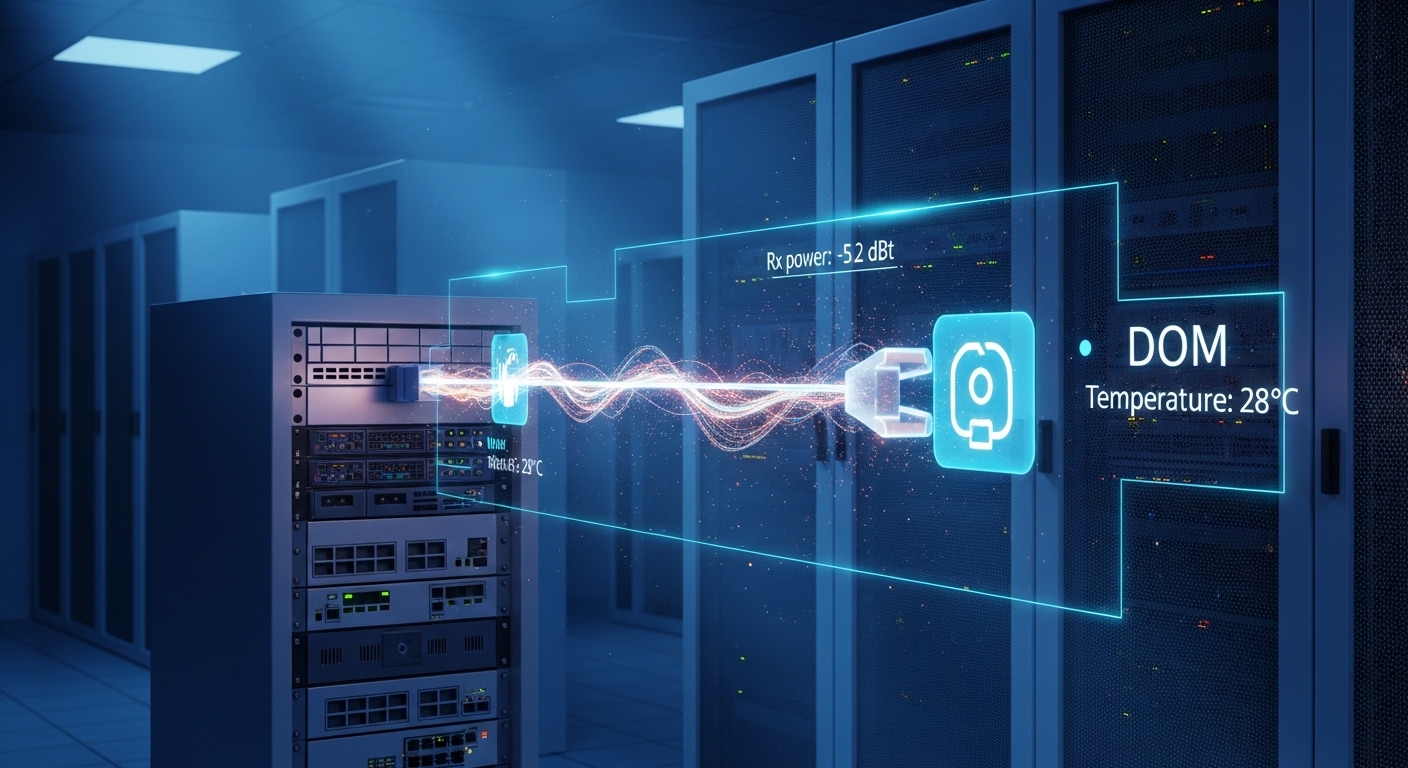
Use the firewall interface and optics diagnostics to confirm DOM fields such as receive power and transceiver temperature. Then check counters for CRC, FCS, and link flaps. Persistent receive power below module thresholds often indicates a dirty connector or a budget problem.
Pro Tip: In field deployments, the fastest path to root cause is correlating DOM receive power dips with the exact time of connector cleaning or patch cable swaps; if only one side shows low Rx power, the issue is usually connector cleanliness or polarity, not the transceiver itself.
Expected outcome: The firewall shows stable link, correct speed, acceptable optics telemetry, and low error rates.
Step-by-step: operational hardening and change control
Even a correct transceiver can fail early if the environment is hostile. Protect against thermal stress, cable strain, and repeated hot swapping. Keep spares with matching part numbers and document which modules are approved for each interface type.
- Lock optics configuration: Document the transceiver part number per interface speed and fiber type.
- Monitor continuously: Set alerts for link down/up frequency and optics telemetry thresholds if supported.
- Use controlled maintenance: Change one interface at a time and capture pre/post error counters.
- Maintain cleaning cadence: Re-inspect with a fiber scope after any patching activity.
Expected outcome: You reduce recurrence risk and shorten mean time to recovery when optics issues reappear.
Real-world deployment scenario: 10G leaf-spine to security edge
In a 3-tier data center leaf-spine design, a pair of Palo Alto Networks firewalls connect to dual 10G leaf switches over OM4 fiber using LC duplex. Interfaces run at 10GBASE-SR with patch panel runs totaling about 120 m plus an estimated 2.5 dB connector and splice loss. After a scheduled change, the firewall began showing intermittent CRC errors on one uplink while the other uplink remained stable. DOM telemetry showed Rx power consistently low by roughly 1 to 2 dB, and a connector re-clean plus replacement of a suspect patch cable restored stable traffic.
Selection criteria and decision checklist for engineers
Use this ordered checklist during procurement and change planning to minimize compatibility and performance risk.
- Distance and fiber type: OM3/OM4 vs OS2, and actual measured run length.
- Data rate and form factor: SFP vs SFP+ vs QSFP+ and exact port speed on the firewall.
- Wavelength: 850 nm for SR multimode, 1310 nm for LR single-mode.
- Connector and polarity: LC duplex vs other connector styles; ensure consistent Tx/Rx mapping.
- DOM support: Confirm the module provides telemetry fields your firewall expects.
- Operating temperature: Verify module spec matches enclosure thermal profile.
- Switch and firewall compatibility: Cross-check with Palo Alto Networks optics guidance and vendor datasheets.
- Vendor lock-in risk: Compare OEM versus third-party behavior under DOM and threshold checks.
Common mistakes and troubleshooting tips
If a PA firewall transceiver does not work, the failure is often procedural or budget related. Below are the most common pitfalls field teams