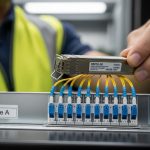
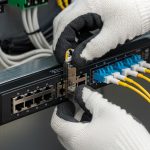
If you run VyOS or another open source router, the transceiver choice can make or break your uptime. This article helps you select the right `open source router transceiver` SFP module for real SFP-based links, with compatibility checks, DOM handling, and troubleshooting tips from field-style deployments. You will also get a practical ranking table at the end so you can decide quickly instead of ordering the wrong batch.
Top 7 open source router transceiver picks for VyOS SFP use cases
When I deploy SFP links for open source routers, the goal is boring reliability: stable link negotiation, predictable power draw, and clean optics diagnostics. Below are seven “top picks” categorized by wavelength, reach, and how they behave in typical switch and router SFP cages. I’ll include concrete models engineers commonly stock, plus what to verify before you assume “it should work.”
10G SR (850 nm) multimode SFP+ for most lab and data center runs
Key specs: 10GBASE-SR, 850 nm, typical reach depends on fiber and the SFP speed grade. For example, FS.com SFP-10GSR-85 and Finisar FTLX8571D3BCL are widely used for short-reach multimode. In practice, I’ve seen stable operation on OM3 and OM4 with patch cords that are kept under control for bend radius and cleaning.
Best-fit scenario: In a 3-tier data center leaf-spine design, you might have 10G ToR switches connecting to ToR aggregation routers over 30 to 120 m of multimode cabling. VyOS can handle the routing side; the SFP just needs to negotiate cleanly and report accurate DOM.
- Pros: Lowest cost per port in multimode environments; broad vendor availability
- Cons: Limited to multimode reach; sensitive to dirty connectors and excessive patch cord loss
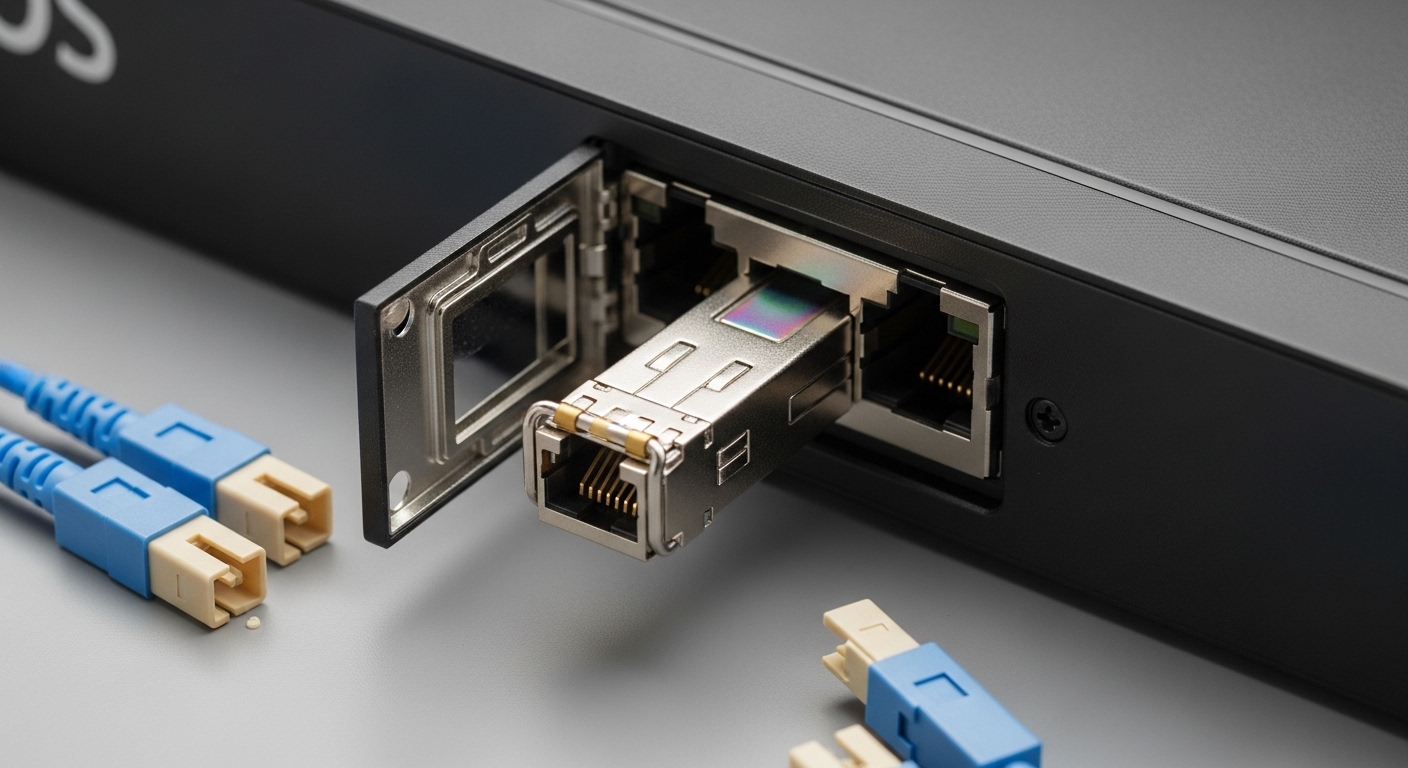
10G LR (1310 nm) single-mode SFP+ for campus and longer runs
Key specs: 10GBASE-LR at 1310 nm, typically up to 10 km on single-mode fiber depending on budget and optics class. Common examples include Cisco compatible optics and Finisar-style LR modules. Engineers like LR because it reduces the “do we have multimode?” debate when a site has mixed fiber types.
Best-fit scenario: A campus edge router running VyOS might connect to an upstream distribution switch over 2 to 6 km of single-mode fiber. LR optics are also a solid choice when you want margin against patching losses and connector aging.
- Pros: Works over longer distances; generally more forgiving than multimode
- Cons: Higher module cost than SR; requires single-mode cabling and correct fiber type
1G SX (850 nm) SFP for legacy access and low-power links
Key specs: 1000BASE-SX, 850 nm, typically 550 m on OM2 and more on OM3/OM4 depending on the spec sheet. If your open source router is bridging to older access gear or you have low bandwidth needs, SX can be a cost-effective step that still keeps your topology clean.
Best-fit scenario: A VyOS box used for branch aggregation might only need 1G uplinks to a managed switch, with 50 to 300 m of multimode fiber.
- Pros: Low power and inexpensive; easy to source
- Cons: Not suitable for 10G backhaul; mismatch on fiber type causes silent link failures
25G SR (850 nm) SFP28 for higher density without leaving SFP cages
Key specs: 25GBASE-SR, 850 nm, often compatible with OM4 distances commonly in the 70 m to 100 m class depending on optics and fiber. The SFP28 form factor is the bridge between 10G and 40G/100G for many open source deployments.
Best-fit scenario: In a mini data center or lab, you might have a VyOS router doing inter-VLAN routing at 25G to a nearby switch. The goal is fewer cables and more throughput without changing the chassis footprint.
- Pros: Higher throughput using familiar optics infrastructure
- Cons: Multimode reach is sensitive to fiber quality and patch cord condition
25G LR (1310 nm) SFP28 for single-mode upgrades
Key specs: 25GBASE-LR, 1310 nm, commonly up to 10 km class on single-mode depending on module and fiber loss. This is a frequent “upgrade path” when you have single-mode already installed and you want 25G without moving to QSFP28.
Best-fit scenario: A service provider style setup where a VyOS edge router connects to a metro aggregation switch over 3 to 8 km of single-mode fiber.
- Pros: Great for longer distances; reduces multimode dependency
- Cons: Requires correct single-mode cabling and careful power budget verification
10G ER (1550 nm) for very long single-mode runs
Key specs: 10GBASE-ER, 1550 nm, often targeting 40 km class with the right single-mode fiber and link budget. This is less common in everyday offices, but it matters in remote sites where you cannot build intermediate fiber huts.
Best-fit scenario: Two buildings separated by long distances with a single-mode plant and strict pull constraints. The open source router needs stable routing and you cannot afford repeated truck rolls.
- Pros: Long reach; can replace expensive repeaters in some designs
- Cons: Higher module cost; environmental factors and budget margins matter more
“Generic” SFP modules with DOM support for open source monitoring
Key specs: Many engineers choose vendor-agnostic modules as long as they support standard DOM (Digital Optical Monitoring) so the router or switch can read thresholds and optical power. IEEE 802.3 covers Ethernet PHY behavior, while the module’s DOM implementation depends on the manufacturer.
Best-fit scenario: You want to standardize spares across multiple open source routers and switches, and you need optical diagnostics for proactive maintenance.
- Pros: Lower inventory cost; better spare pooling
- Cons: Compatibility surprises if the platform expects specific EEPROM formats, or if DOM is partially implemented
What actually matters: wavelength, reach, power, connector, and DOM
Before you order any open source router transceiver, confirm the optics parameters match your fiber plant and your router’s SFP cage behavior. In my experience, the biggest failures come from “looks compatible” assumptions: wrong connector type, wrong fiber type, or DOM readings that trigger alarms or keep the port in a bad state.
Quick comparison table for common SFP module types
| Module type | Data rate / Standard | Wavelength | Typical reach | Connector | DOM | Operating temp (typ.) |
|---|---|---|---|---|---|---|
| 10GBASE-SR (example) | 10GBASE-SR / SFP+ | 850 nm | ~300 m to 400 m on OM3 class; ~400 m to 500 m on OM4 class (fiber and budget dependent) | LC duplex multimode | Usually supported | 0 to 70 C (often); check datasheet |
| 10GBASE-LR (example) | 10GBASE-LR / SFP+ | 1310 nm | ~10 km on single-mode | LC duplex single-mode | Usually supported | -5 to 70 C or 0 to 70 C (varies) |
| 25GBASE-SR (example) | 25GBASE-SR / SFP28 | 850 nm | ~70 m to 100 m on OM4 class (depends on module) | LC duplex multimode | Usually supported | 0 to 70 C class |
| 25GBASE-LR (example) | 25GBASE-LR / SFP28 | 1310 nm | ~10 km on single-mode | LC duplex single-mode | Usually supported | -5 to 70 C class |
| 10GBASE-ER (example) | 10GBASE-ER / SFP+ | 1550 nm | ~40 km on single-mode | LC duplex single-mode | Usually supported | -5 to 70 C class |
Sources to sanity-check: IEEE 802.3 Ethernet PHY definitions for 10GBASE-SR/LR/ER and 25GBASE-SR/LR behavior: IEEE 802.3 standard. For module DOM and optical specs, rely on the exact vendor datasheet for the part number you plan to deploy, for example Cisco or Finisar datasheets: Finisar optics product portal and vendor-specific documentation.
Pro Tip: If your open source router transceiver supports DOM, treat the optical power readings as a maintenance signal, not just a “status screen.” I routinely compare RX power trend over weeks; a slow downward drift often means fiber contamination or a failing patch cord long before the link fully drops.
Selection criteria checklist you can use before ordering
Engineers usually think “distance first,” but the real ordering success depends on a checklist that covers cage behavior, optics class, and monitoring. Use this ordered list and you will cut down on re-stocking and downtime.
- Confirm actual fiber type and distance: multimode vs single-mode, plus measured attenuation if you have it. If you only have cable labels, verify with a tester or documentation.
- Match the transceiver standard to the port: SFP vs SFP+ vs SFP28. A 25G SFP28 module will not work in a 10G-only SFP+ cage.
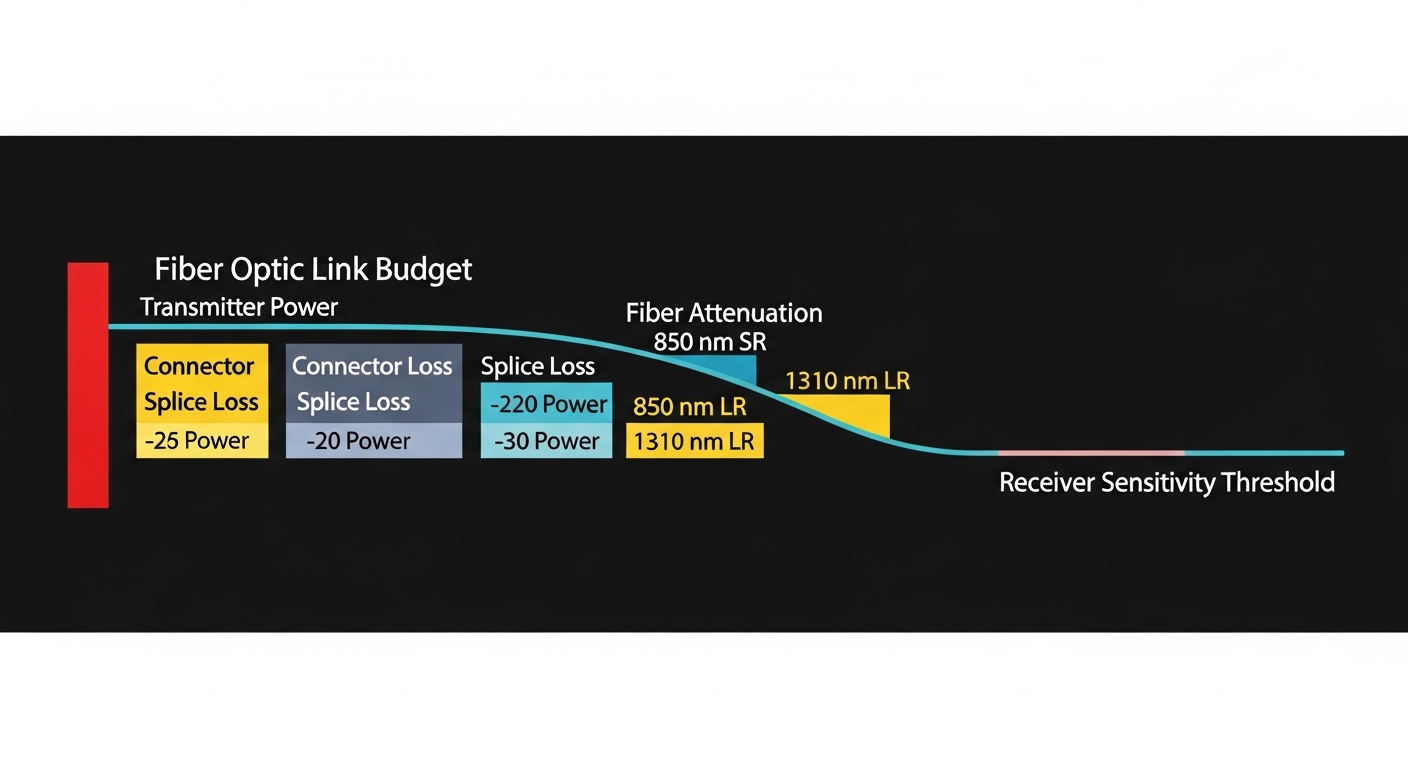
- Budget for reach with margin: plan for connector loss, patch cord aging, and temperature effects. Don’t run at the edge of the datasheet headline numbers.
- Check switch and router compatibility: some platforms are picky about EEPROM vendor IDs and DOM threshold formats. Test one module pair before rolling out a whole rack.
- Verify DOM support and monitoring expectations: ensure the module provides standard DOM fields (Tx bias/current, Tx power, Rx power, alarms/warnings) that your monitoring stack can read.
- Operating temperature range: if your cabinet runs warm, choose modules rated for the environment. Field failures often trace back to thermal stress.
- Vendor lock-in risk: decide whether you want the “known-good” OEM module or a third-party unit with proven compatibility. Keep at least one OEM spare for critical links.
Common pitfalls with SFP optics on VyOS and open source routers
Even when the module type is correct, optics can fail in ways that look like configuration issues. Here are the most common failure modes I see, with root causes and what to do next.
Pitfall 1: Wrong fiber type or connector mismatch
Root cause: Using single-mode optics on multimode fiber (or vice versa), or using the wrong connector style. The link may stay down or flap because the receiver cannot lock to the signal.
Solution: Confirm fiber type physically and with documentation. Inspect the patch cords: LC duplex should match the module and the patch panel. If you have access to an OTDR or fiber tester, use it to validate loss.
Pitfall 2: Dirty fiber ends and inconsistent patch cord cleaning
Root cause: Contamination on LC ends increases insertion loss and can push RX power below sensitivity. This often causes intermittent link drops that correlate with temperature or movement.
Solution: Clean connectors with lint-free wipes and proper alcohol or approved cleaning cartridges. Use a fiber microscope if possible. After cleaning, re-seat the patch cords and re-check link stability and DOM RX power.
Pitfall 3: DOM alarms or incomplete EEPROM implementations
Root cause: Some third-party open source router transceiver modules provide partial DOM data or use thresholds that trigger warnings. On certain platforms, this can lead to port err-disable behavior or monitoring confusion.
Solution: Test the exact module part number in your router environment. If your monitoring stack flags DOM errors, compare with a known-good OEM module and confirm what fields are missing or out of range.
Pitfall 4: Exceeding reach without margin
Root cause: Running SR or LR too close to the datasheet limit leaves no headroom for aging and extra patching loss. The link might come up initially and then degrade.
Solution: Recalculate link budget using measured connector and splice losses. Add margin for worst-case temperature and keep spare patch cord inventory clean and consistent.
Cost and ROI: what to expect for SFP module TCO
In most office and lab environments, the price difference between OEM and third-party optics is real, but the total cost of ownership depends more on failure rates and downtime than unit price. As a rough field range, many 10G SR SFP+ modules land in the $20 to $80 per unit range depending on brand, while LR modules often cost $50 to $150. For 25G SFP28 optics, expect higher pricing, commonly $60 to $250 depending on reach and vendor.
ROI angle: If the transceiver supports DOM and you can monitor RX power trends, you reduce truck rolls and can swap a degrading patch cord before a full outage. However, if you deploy third-party modules without testing compatibility, a single failed batch can wipe out the savings quickly. My rule of thumb: buy a small test quantity first, then scale once you have stable link uptime and clean DOM readings over a few days.

Summary ranking table: which open source router transceiver to choose first
Below is a practical ranking based on typical VyOS-style deployments: availability, compatibility risk, and “it just works” likelihood in common fiber setups. Use it as a starting point, then confirm with the checklist above and a quick test in your environment.
| Rank | Transceiver type | Best for | Compatibility risk | Operational confidence | Typical cost tier |
|---|---|---|---|---|---|
| 1 | 10GBASE-SR SFP+ | Multimode, short runs | Low to medium | High | Low |
| 2 | 10GBASE-LR SFP+ | Single-mode, medium to long runs | Low | High | Medium |
| 3 | 25GBASE-SR SFP28 | Higher throughput on multimode | Medium | Medium to high | Medium to high |
| 4 | 25GBASE-LR SFP28 | Higher throughput on single-mode | Low to medium | Medium to high | Medium to high |
| 5 | 1GBASE-SX SFP | Legacy access or low bandwidth | Low | Medium to high | Low |
| 6 | 10GBASE-ER SFP+ | Very long single-mode links | Medium | Medium | High |
| 7 | Generic DOM-capable SFP for pooling | Spare standardization across vendors | Medium to high | Medium | Low to medium |