Edgecore edge and aggregation switches often support open networking SFP optics, but “it fits” is not the same as “it passes diagnostics.” This article helps network engineers and field technicians verify optical compatibility, transceiver diagnostics (DOM), and fiber link stability before committing ports in production. You will get practical checks, a spec comparison table, and troubleshooting patterns seen in real deployments.
What “open networking SFP” means on Edgecore platforms
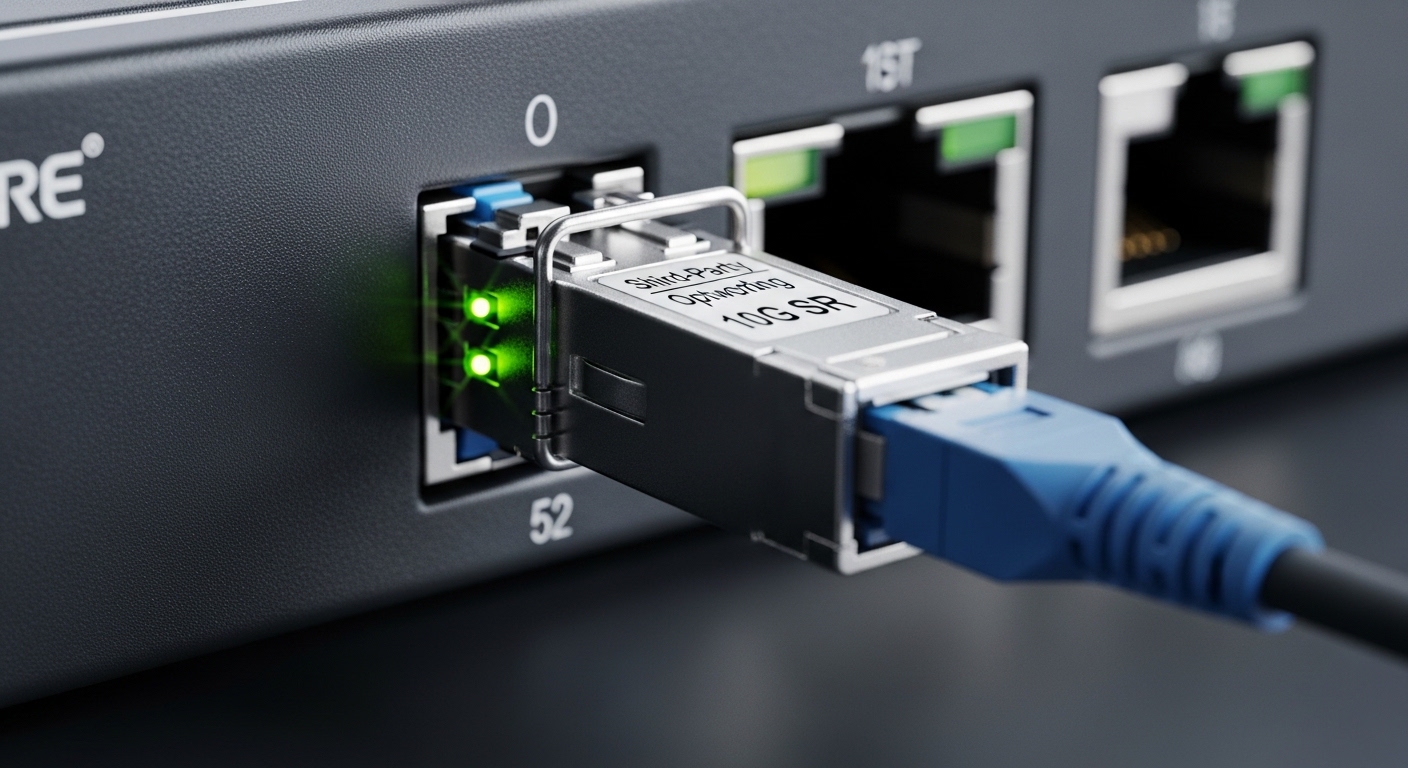
An open networking SFP is a pluggable transceiver that follows industry electrical and optical interfaces so it can operate across a wider set of switches than a single OEM. In practice, compatibility depends on more than the SFP form factor. Edgecore models typically read transceiver EEPROM parameters (including vendor ID, part number, and DOM fields) and then apply link negotiation settings.
Field teams usually validate using two layers: (1) physical and optical parameters (wavelength, reach, fiber type, link speed), and (2) management-plane signals (DOM values and vendor-specific thresholds). If the switch firmware enforces policy—common in certain software trains—you may see ports stay down even when the optical budget is technically correct.
Pro Tip: Before swapping hardware, capture the switch’s transceiver status output and log DOM readings at idle and during traffic. A “link up” that later flaps often indicates marginal receive power or a temperature-related threshold mismatch, not a connector seating issue.
Compatibility checklist: DOM, speed mode, and fiber budget
Use this ordered decision checklist for Edgecore switch onboarding of third-party open networking SFP modules. It reduces truck-rolls and prevents silent performance degradation.
- Distance and fiber type: confirm the module’s reach for the exact fiber (OM3, OM4, OS2) and expected link margin.
- Data rate and lane mapping: match the switch port mode (for example, 10G vs 1G; SR vs LR profiles).
- Optical wavelength: ensure nominal wavelength alignment (850 nm for SR, 1310/1550 nm for LR/ER).
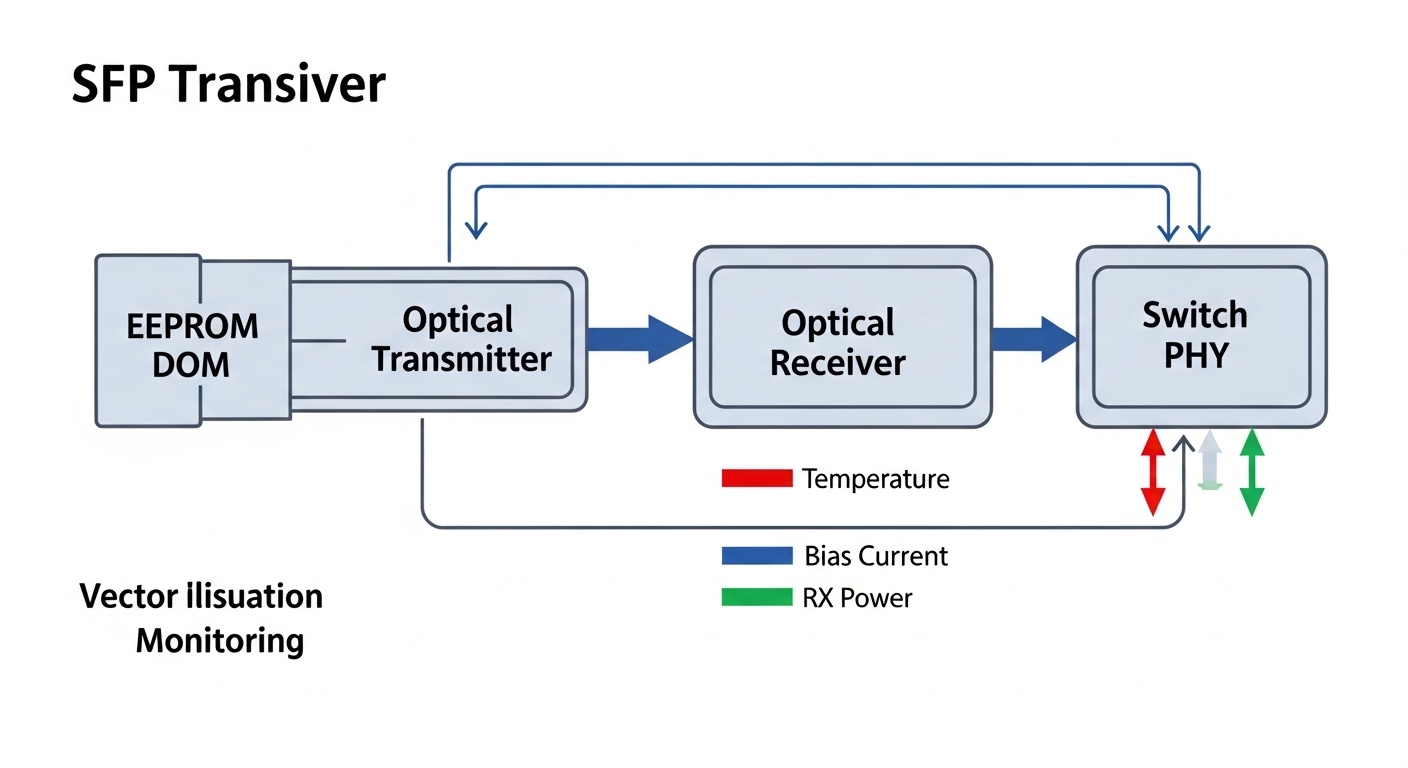
- DOM support: verify the switch can read temperature, laser bias current, and received optical power. Some optics label DOM fields but omit complete calibration data.
- Operating temperature: confirm the module is rated for your chassis environment and airflow profile.
- Switch firmware and policy: test against the exact Edgecore software version deployed in your site.
- Vendor lock-in risk: prefer modules with published specifications and consistent EEPROM behavior to reduce “works on one switch, fails on another” cases.
For standards context, the SFP electrical interface follows the industry SFF specifications and is used in IEEE Ethernet PHY deployments. For Ethernet link behavior, reference IEEE 802.3 for 10GBASE-SR/LR/LX profiles where applicable. [Source: IEEE 802.3 standard]
Key spec comparison: typical 10G SR open networking SFP options
Below is a practical comparison for common 10G short-reach optics used in data center leaf-spine links. Always cross-check the exact part number and DOM format against your Edgecore model’s documented compatibility list (if available) and your firmware revision.
| Module example | Wavelength | Reach | Data rate | Connector | DOM | Temp range |
|---|---|---|---|---|---|---|
| FS.com SFP-10GSR-85 | 850 nm | Up to 300 m (OM3) | 10G | LC | Supported (typical) | Commercial (commonly 0 to 70 C) |
| Finisar FTLX8571D3BCL | 850 nm | Up to 300 m (OM3) | 10G | LC | Supported | Commercial |
| Cisco SFP-10G-SR | 850 nm | Up to 300 m (OM3) | 10G | LC | Supported | Commercial |
Why this matters: SR optics at 850 nm typically assume multimode fiber with specific modal bandwidth. If you use OM3 vs OM4 incorrectly, you may still see link training succeed at low load but fail under real BER stress. For standards and reach expectations, use vendor datasheets and the applicable IEEE Ethernet media definitions. [Source: vendor datasheets; IEEE 802.3]
Edgecore deployment scenario: validating ports before cutover
In a 3-tier data center leaf-spine topology with 48-port 10G ToR switches, a team typically deploys 10G SR links over OM4 multimode fiber. Suppose each leaf has 40 server-facing ports and 8 uplinks, with total uplink distance averaging 70 m. Before a maintenance window, they insert candidate open networking SFP modules into two “canary” uplink ports, verify link stability for 30 minutes at steady traffic (for example, iperf3 or line-rate bursts), and confirm DOM reads remain within expected ranges (temperature stable, RX power within vendor spec).
During validation, field engineers record three metrics: (1) port operational status, (2) any transceiver alarms, and (3) observed error counters (CRC, alignment, and FCS drops). If the switch shows frequent RX LOS or a gradual increase in errors, they roll back and swap the module brand or fiber patch.
Common mistakes and troubleshooting patterns
These are frequent failure modes when mixing third-party open networking SFP modules with Edgecore switches.
Link up, then intermittent flaps under load
Root cause: marginal optical budget from fiber type mismatch (OM3 vs OM4), dirty connectors, or an aging patch cable with higher insertion loss. Solution: clean LC connectors, re-terminate if needed, and verify with an OTDR or at least measure end-to-end loss. Confirm RX power is inside the module’s datasheet limits.
Port stays down or “unsupported transceiver” behavior
Root cause: DOM EEPROM fields missing or formatted differently than what the switch expects for that firmware train. Some modules advertise DOM but do not provide complete calibration values. Solution: test the exact module SKU; upgrade Edgecore firmware if release notes mention transceiver compatibility; if policy enforcement exists, use modules explicitly validated for that model.
Wrong speed profile or mismatched optics category
Root cause: inserting an LR module where SR is expected (or mixing 1G vs 10G optics). Even if the connector fits, PHY negotiation can fail. Solution: verify port speed configuration, confirm module type (SR/LR), and ensure wavelength and reach align with the link plan.
Thermal instability inside dense fiber cassettes
Root cause: blocked airflow or high ambient temperature causing laser bias or receiver sensitivity drift. Solution: check chassis airflow, confirm module temperature stays within rated range, and compare results across ports to isolate a thermal hotspot.
Cost and ROI note: OEM vs third-party optics
In many networks, third-party open networking SFP modules reduce upfront spend, but TCO depends on failure rate, warranty terms, and the time cost of troubleshooting. Typical street pricing varies by region and volume; as a ballpark, common 10G SR optics often range from $20 to $70 per module for third-party, while OEM-branded modules can be $60 to $150+ depending on contract and availability. If a cheaper module causes even a few extra truck rolls per year, the labor cost can erase the savings.
ROI improves when you standardize on a small set of validated SKUs and keep spares sized to your mean time to repair. Also factor the cost of optical testing (cleaning kits, loss measurements) and the operational risk of firmware-related incompatibilities.

FAQ
How do I confirm DOM compatibility with an Edgecore switch?
Insert the module into a test port and check the switch’s transceiver diagnostics output. Validate temperature, laser bias current, and RX optical power values against the module datasheet. If DOM shows invalid readings or alarms, try a different SKU or upgrade Edgecore firmware. [Source: vendor datasheets; Edgecore release notes]
Will any open networking SFP work with any Edgecore port?
No. Form factor compatibility does not guarantee EEPROM/DOM behavior or firmware policy acceptance. Match data rate, wavelength, and fiber type first, then validate DOM and link stability in a canary test before scaling.
What fiber measurements matter most for 10G SR?
End-to-end insertion loss and connector cleanliness matter most. For multimode, also ensure the fiber type (OM3 vs OM4) and patch cord lengths align with reach assumptions. If available, use an OTDR or loss test set to quantify margin.
Why do third-party modules sometimes work in one switch but not another?
Differences in switch hardware revisions and firmware transceiver handling can affect EEPROM parsing and threshold enforcement. Even when both devices support “open networking,” validation is still required at the exact model and software version.
What is the safest rollout process for new SFP SKUs?
Use canary ports first, run traffic for at least 30 minutes with error counter monitoring, and record DOM stability. Then expand gradually, keeping a small spare pool of the validated SKU to reduce downtime during early life failures.
Where can I find authoritative compatibility guidance?
Start with Edgecore documentation for your specific switch model and software version, then validate with the transceiver vendor datasheet and DOM details. For Ethernet media behavior, consult IEEE 802.3. [Source: IEEE 802.3 standard; vendor datasheets]
If you