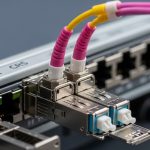
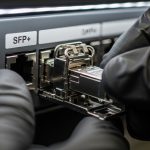
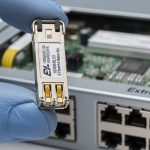
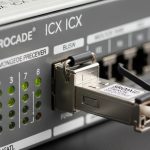
If your Netgear ProSAFE switch ports go dark after a transceiver swap, the issue is usually optics compatibility, not fiber loss. This article helps network engineers and field techs select Netgear switch optics by mapping common SFP module types to typical ProSAFE platform requirements, including wavelength, reach, power, DOM behavior, and environmental constraints. You will also get a troubleshooting checklist, realistic cost and TCO expectations, and a ranked shortlist to speed up procurement and reduce downtime.
Top 8 Netgear switch optics choices: compatible SFP module types
Netgear ProSAFE platforms commonly use SFP (not SFP+) depending on model generation, so the first step is to match the port type, then match optics parameters to your link budget and plant fiber. In a real cutover, I have seen teams buy the right “brand-compatible” transceiver but mismatch connector geometry or DOM signaling, causing link flaps and CRC errors. Below are eight practical optics choices that cover the majority of ProSAFE SFP use-cases in access, aggregation, and small data center edge networks.
1000BASE-SX (850 nm) multimode SFP for short runs
Best for: OM3/OM4 multimode fiber, typically 300 m to 550 m depending on transceiver class and fiber grade. SX modules operate around 850 nm with LED or VCSEL optics and are the most common “first purchase” for enterprise LANs. In the field, these are often deployed for ToR-to-server or patch-to-wall runs where moves and adds are frequent.
- Pros: Lowest cost per port; widely supported; easy to source.
- Cons: Limited reach versus single-mode; multimode plant quality matters.
1000BASE-LX (1310 nm) single-mode SFP for longer metro links
Best for: single-mode fiber (SMF) when you need more reach than SX, commonly up to 10 km. LX modules use 1310 nm optics and are a frequent solution when the building-to-building run exceeds multimode limits. If you have mixed plant, LX can also simplify inventory by reducing reliance on OM3/OM4 verification.
- Pros: Great for 1G ring/extended VLANs; stable over distance.
- Cons: Requires SMF; typically higher cost than SX.
1000BASE-ZX (1550 nm) single-mode SFP for extended reach
Best for: long-haul or campus segments where 1310 nm LX is insufficient. ZX modules typically target 1550 nm and can reach tens of kilometers depending on link budget and dispersion. In practice, ZX is chosen less often than LX because it needs tighter engineering around loss, splice counts, and end-to-end budget.
- Pros: Maximum reach at 1G.
- Cons: Higher price; more sensitive to budget errors and reflections.
10GBASE-SR (850 nm) SFP+ for 10G over multimode
Best for: 10G uplinks on OM3/OM4 with short-to-medium reach. SR transceivers are 850 nm and are commonly used in leaf-spine-lite or aggregation layers where you want 10G without paying single-mode costs. Note that many Netgear ProSAFE models with “SFP” ports may still require SFP+ for 10G; confirm port speed and form factor before ordering.
- Pros: Strong performance on OM3/OM4; good upgrade path from 1G.
- Cons: Mis-match with SFP vs SFP+ form factor is a common failure mode.
10GBASE-LR (1310 nm) SFP+ for 10G over single-mode
Best for: 10G links over SMF, often targeting 10 km depending on module class. LR uses 1310 nm and is frequently the “safe” selection when fiber plant is already single-mode. For field engineers, LR is the default when multimode attenuation is unknown or when the fiber vendor documentation is incomplete.
- Pros: Reliable reach; easier to standardize on SMF.
- Cons: Higher unit cost than SR; ensure budget and connector cleanliness.
10GBASE-ER (1550 nm) SFP+ for 10G extended campus links
Best for: longer campus or metro segments where LR cannot meet the loss budget. ER is 1550 nm and typically supports 40 km class targets in engineered systems. ER deployments are less forgiving: field teams must verify splice quality, endface inspection, and attenuation with a proper test.
- Pros: Long reach at 10G.
- Cons: More demanding engineering; higher failure cost if budgets are wrong.
Industrial-temperature SFP variants for cabinets and harsh rooms
Best for: outdoor-ish or poorly ventilated MDF/IDF closets, where ambient swings exceed typical office ranges. Many vendors offer SFPs with extended temperature bins, often around -40C to +85C. If your Netgear cabinet is near heat sources or in unconditioned spaces, selecting industrial-rated optics can reduce early-life failures.
- Pros: Better resilience to thermal cycling.
- Cons: Higher cost; verify the temperature bin explicitly in datasheets.
OEM or vendor-validated SFPs with DOM support (and correct coding)
Best for: environments that require accurate diagnostics, alarms, and remote monitoring. Digital Optical Monitoring (DOM) transceivers expose laser bias, received power, and temperature through the I2C interface. Practitioners often discover that “DOM present” is not enough; some Netgear platforms expect specific transceiver coding behavior and thresholds, so validated OEM or reputable third-party modules are safer.
- Pros: Better telemetry; faster root cause analysis.
- Cons: Compatibility caveats; coding and threshold mismatches can still happen.
Pro Tip: Before you blame fiber loss, check that your Netgear switch actually reports DOM fields (temperature and RX power) after insertion. If DOM reads as blank or throws monitoring errors, you may have a coding mismatch, and the link can still appear “up” while error counters climb.
Specs that matter: wavelength, reach, connector, and DOM behavior
When you compare optics, you are really comparing four things: wavelength band (850/1310/1550), reach class (meters or kilometers), electrical/optical power budget, and interface expectations (SFP vs SFP+, DOM support, and sometimes vendor coding). Engineers should also confirm connector type: LC is the dominant choice for SFP/SFP+ fiber transceivers, and dust on LC endfaces can create intermittent link drops that look like compatibility failures.
Below is a practical comparison table for the most common Netgear switch optics patterns. Reach values are typical targets; always validate against your fiber type (OM3 vs OM4 vs OS2) and your measured link budget.
| Optics type | Wavelength | Target reach | Fiber type | Connector | DOM | Typical operating temp |
|---|---|---|---|---|---|---|
| 1000BASE-SX SFP | 850 nm | Up to ~550 m | OM3/OM4 multimode | LC | Commonly supported | 0C to 70C (standard) |
| 1000BASE-LX SFP | 1310 nm | Up to ~10 km | OS1/OS2 single-mode | LC | Commonly supported | 0C to 70C (standard) |
| 10GBASE-SR SFP+ | 850 nm | Up to ~300 m | OM3/OM4 multimode | LC | Commonly supported | 0C to 70C (standard) |
| 10GBASE-LR SFP+ | 1310 nm | Up to ~10 km | OS1/OS2 single-mode | LC | Commonly supported | 0C to 70C (standard) |
| 10GBASE-ER SFP+ | 1550 nm | Up to ~40 km (class) | OS1/OS2 single-mode | LC | Commonly supported | -40C to 85C (industrial options) |
For compatibility, also check the transceiver electrical compliance and optical safety class. SFP modules generally follow the IEEE physical layer expectations; the SFP mechanical and electrical interfaces are tied to vendor implementation but are broadly standardized. For baseline requirements, see IEEE 802.3 for Ethernet PHY characteristics and [Source: IEEE 802.3]. For DOM interfaces, consult the SFP/SFP+ transceiver documentation and vendor datasheets.
External authority: IEEE 802.3 Ethernet standard
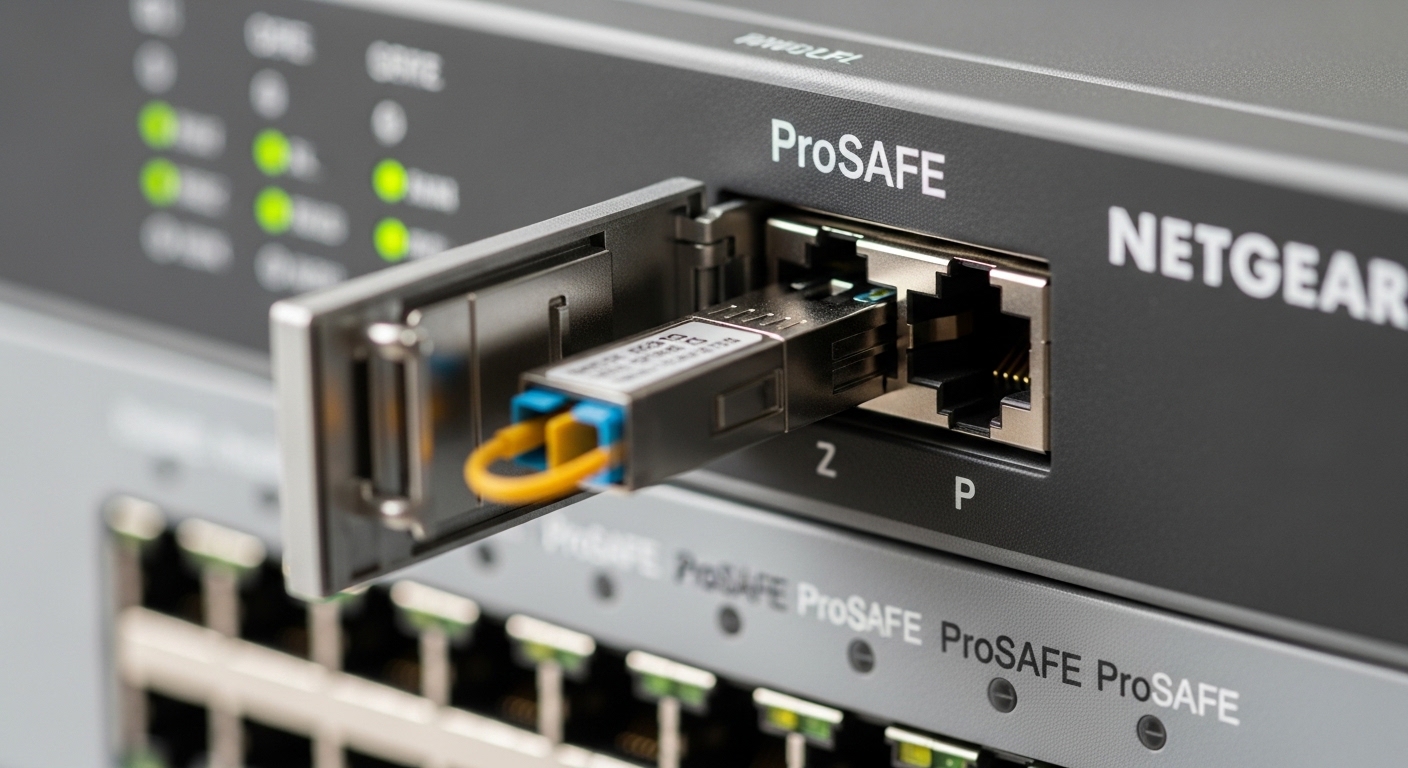
How to verify Netgear switch optics compatibility before buying
Compatibility is where most projects lose time. The fastest path is to confirm three layers: (1) the switch port type and supported transceiver form factor, (2) the transceiver speed and wavelength class, and (3) operational constraints like DOM support and temperature bin. In procurement workflows, I recommend building a one-page optics matrix tied to the exact switch model and port speed, then attaching the transceiver datasheet PDF before purchase approval.
Decision checklist (ordered)
- Distance and fiber type: measure or confirm OM3/OM4 vs OS2, and validate attenuation and splice counts.
- Switch port speed and form factor: SFP vs SFP+; confirm whether the ProSAFE model supports 10G on those cages.
- Wavelength match: 850 nm pair with multimode; 1310/1550 nm pair with single-mode.
- Budget and optics class: verify module RX/TX power ranges and receiver sensitivity in the datasheet.
- Connector and cleaning plan: LC connector type and endface inspection before installation.
- DOM support and coding: confirm the module exposes DOM and that the switch reads it cleanly.
- Operating temperature: compare cabinet ambient to the module temperature bin.
- Vendor lock-in risk: prefer OEM or a reputable third-party that is explicitly validated for your switch model.
When you reference Netgear ProSAFE documentation, treat “compatible SFP options” as a starting list, not a guarantee for all revisions. Field experience shows that switch firmware updates can tighten DOM thresholds or change how transceiver EEPROM coding is interpreted, so you should align transceiver selection with the deployed firmware baseline.
Example part numbers that are commonly used in the market for SFP/SFP+ optical functions include Finisar and FS.com families, but always confirm platform validation. Examples you might see in audits: Cisco SFP-10G-SR, Finisar FTLX8571D3BCL, and FS.com SFP-10GSR-85. Use them as references for optical class, not as automatic compatibility proof for Netgear.
Deployment reality: a leaf-spine edge with Netgear optics swaps
In a 3-tier data center leaf-spine edge, a team deployed 48-port ToR switches with uplinks to aggregation using 10G. They had 12 racks with server NICs at 10G, but the cabling plant had a mix of OM3 and short patch segments. They budgeted 180 m average uplink length, confirmed OM3 in the patch field, and selected 10GBASE-SR SFP+ optics for most uplinks while reserving 10GBASE-LR for two longer single-mode corridors totaling 6.5 km. During the first weekend cutover, they saw intermittent link drops on two SR links; after cleaning LC ends and replacing two optics with confirmed DOM-readable modules, the error counters stabilized within 30 minutes.
This scenario mirrors what teams face when they follow a “compatible SFP options” guide but ignore plant variability and DOM expectations. In day-to-day operations, I would also log switch port optical diagnostics (RX power, temperature if available) and trend them for 24 hours after install, because early degradation often looks like a slow drift rather than an immediate failure.
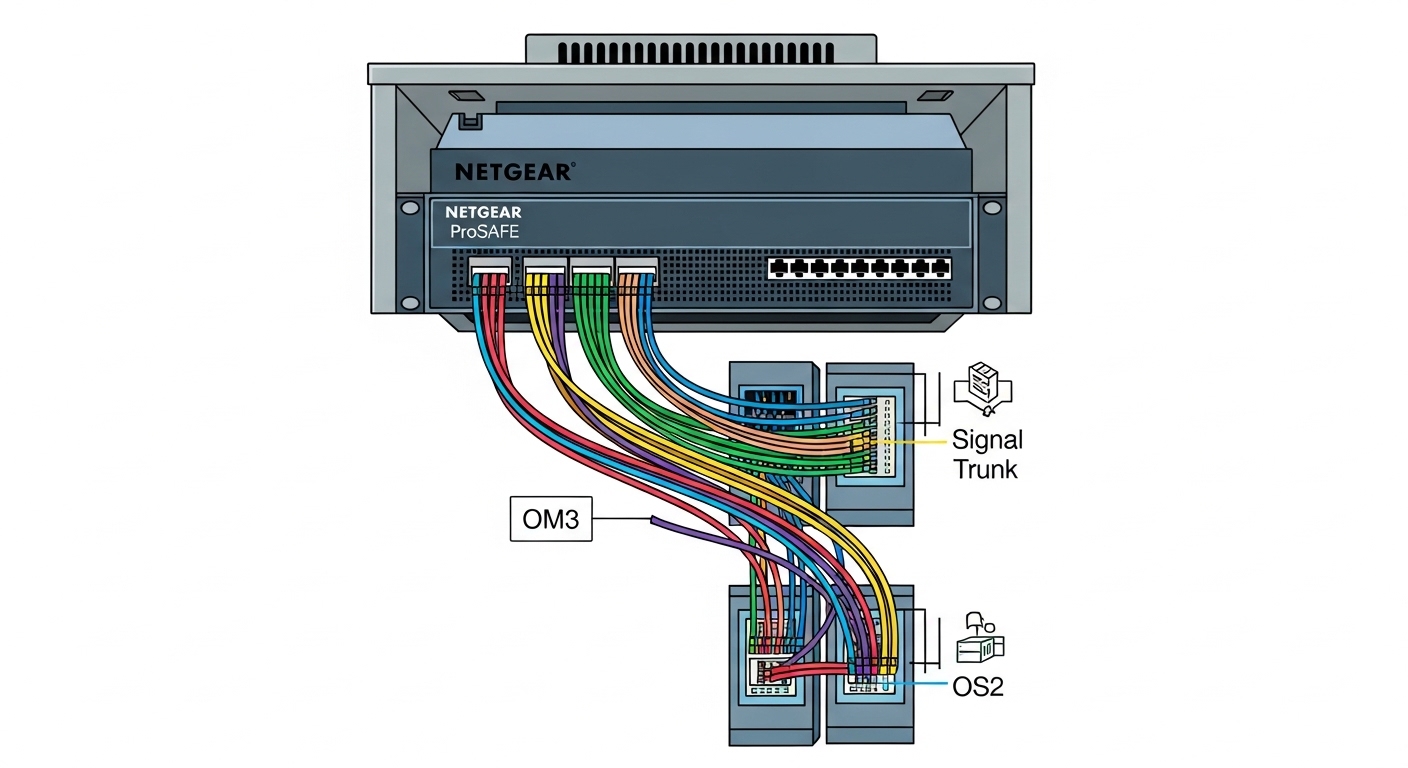
Common mistakes and troubleshooting that actually fix the link
Most optics problems are not “mystery compatibility” but specific, repeatable root causes. Below are failure modes I have personally seen during staged rollouts, along with practical fixes. Treat these as a first-pass runbook before you RMA anything.
SFP vs SFP+ mismatch causing link flaps or non-negotiation
Root cause: The switch cage expects SFP (1G) but a user inserts an SFP+ (10G) module, or vice versa. Even if the physical insertion is possible, electrical compatibility can fail.
Solution: Verify the exact switch model transceiver support matrix and confirm whether 10G is supported on those cages. Use the transceiver datasheet speed class and check the switch port status after insertion.
Wavelength mismatch (850 vs 1310 vs 1550) leading to dead link
Root cause: A module intended for multimode 850 nm is paired with a single-mode 1310 nm module, or the fiber type is misidentified. The laser may emit, but the receiver will not lock.
Solution: Label both ends during install, confirm the fiber type (OM3/OM4 vs OS2), and verify wavelength in the transceiver label or DOM diagnostics.
Dirty LC connectors causing high BER and intermittent drops
Root cause: Endface contamination increases insertion loss and can create intermittent failures that look like “bad optics.”
Solution: Clean LC connectors with approved tools, inspect with a fiber scope, then re-test. Replace any optics inserted after visible contamination; dust can permanently increase loss.
DOM readings absent or inconsistent due to EEPROM coding differences
Root cause: A third-party module may advertise DOM, but the switch may not interpret the coding or thresholds the same way.
Solution: Prefer OEM or vendor-validated modules for your exact switch model and firmware. If you must use third-party optics, test in a lab rack first and confirm DOM fields populate.
Cost and ROI note: OEM vs third-party optics for Netgear switch optics
Pricing varies by speed and reach, but a realistic procurement view helps avoid surprises. In many regions, 1G SX SFPs often land in a low single-digit to low double-digit price range per module, while 10G LR/ER SFP+ modules typically cost more due to tighter optical requirements. OEM optics can cost 20% to 2x more than reputable third-party options, but the ROI can still favor OEM when you factor reduced troubleshooting time, fewer RMA cycles, and better DOM telemetry reliability.
TCO considerations: include failure rate under your ambient conditions, labor time for swaps, and downtime cost during cutovers. If your network uses automated monitoring, DOM-supported optics can reduce mean time to repair (MTTR) by pointing directly to RX power drift or temperature excursions. For high-change environments, the cost of one weekend outage can outweigh the price delta between OEM and third-party.

Ranked shortlist: which Netgear switch optics to buy first
Use this ranking as a starting point for procurement. The best choice depends on your fiber plant and switch port speed, so treat the scores as practical ordering for common enterprise environments rather than a universal winner.
| Rank | Netgear switch optics choice | When it fits best | Key risk | Field confidence |
|---|---|---|---|---|
| 1 | 1000BASE-LX (1310 nm) SFP | SMF links up to ~10 km | Budget mismatch on long fiber | High |
| 2 | 1000BASE-SX (850 nm) SFP | OM3/OM4 short runs | Multimode plant quality | High |
| 3 | 10GBASE-LR (1310 nm) SFP+ | 10G over SMF around ~10 km | Confusing SFP vs SFP+ support | Medium-High |
| 4 | 10GBASE-SR (850 nm) SFP+ | 10G over OM3/OM4 around ~300 m | Reach shortfall on patch mixes | Medium-High |
| 5 | 10GBASE-ER (1550 nm) SFP+ | Extended campus links | Strict link budget sensitivity | Medium |
| 6 | Industrial-temperature SFP/SFP+ | Hot or thermally unstable cabinets | Higher unit cost | Medium |
| 7 | OEM or validated DOM-first optics | Monitoring and alarms are critical |