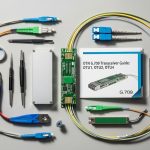
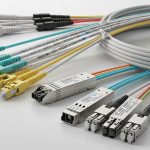
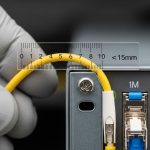
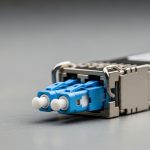
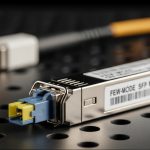
SCADA networks fail in ways that look like “random” telemetry gaps: link flaps, CRC bursts, or stale register reads. This page helps field engineers and automation leads choose the right Modbus fiber SFP for Modbus TCP over fiber so the plant stays observable under real temperature, power, and connector constraints. You will also get a selection checklist, a troubleshooting playbook, and a practical deployment scenario tied to typical leaf-spine and ring topologies.
Why fiber SFPs matter for Modbus TCP in SCADA
For Modbus TCP, the payload is small and periodic, but the control loop depends on deterministic-ish reachability and stable latency under load. A weak optical budget, marginal connector geometry, or a mis-matched transceiver can create micro-outages that the SCADA master interprets as device offline. Fiber SFPs (e.g., 10GBASE-SR or 1GBASE-LX) typically improve EMI immunity and reduce susceptibility to ground noise versus copper runs.
In practice, the dominant failure modes are rarely “Modbus bugs.” They are optics and link management: wrong wavelength class, dirty LC ends, incompatible DOM handling, or switch optics policy that refuses certain third-party modules. IEEE 802.3 defines the PHY behavior and link signaling for Ethernet transceivers, and vendor datasheets define the supported optics ranges and operating margins. See [Source: IEEE 802.3] and [Source: Cisco SFP documentation] for baseline compatibility expectations.
Pro Tip: If your SCADA master uses a watchdog that marks devices offline after N seconds without a successful TCP transaction, treat optical link stability as a first-class control parameter. In one brownfield retrofit, we reduced “phantom offline” events by cleaning LC connectors and verifying Rx power at the switch—before touching any Modbus timeouts.
Key SFP specs for Modbus fiber links (what actually changes outcomes)
Most teams compare only reach, but SCADA reliability hinges on wavelength, optical budget, connector type, and temperature derating. Below is a compact comparison of common SFP families used in SCADA backbones and edge media conversions. Even if your network runs at 1G or 10G, the same selection logic applies: verify PHY mode, optics class, and DOM support.
| Transceiver example | Data rate / standard | Wavelength | Typical reach (multimode) | Connector | DOM / monitoring | Operating temp |
|---|---|---|---|---|---|---|
| Cisco SFP-10G-SR | 10GBASE-SR | 850 nm | ~300 m (MMF, OM3) | LC | Supported | ~0 to 70 C (platform dependent) |
| Finisar FTLX8571D3BCL | 10GBASE-SR | 850 nm | ~300 m (OM3), less on OM2 | LC | Supported (varies by SKU) | ~0 to 70 C typical |
| FS.com SFP-10GSR-85 (example) | 10GBASE-SR | 850 nm | ~300 m class (OM3) | LC | Supported | 0 to 70 C typical |
| Generic 1000BASE-LX SFP (example class) | 1GBASE-LX | 1310 nm | ~10 km (SMF) | LC | Supported | -40 to 85 C (some industrial SKUs) |
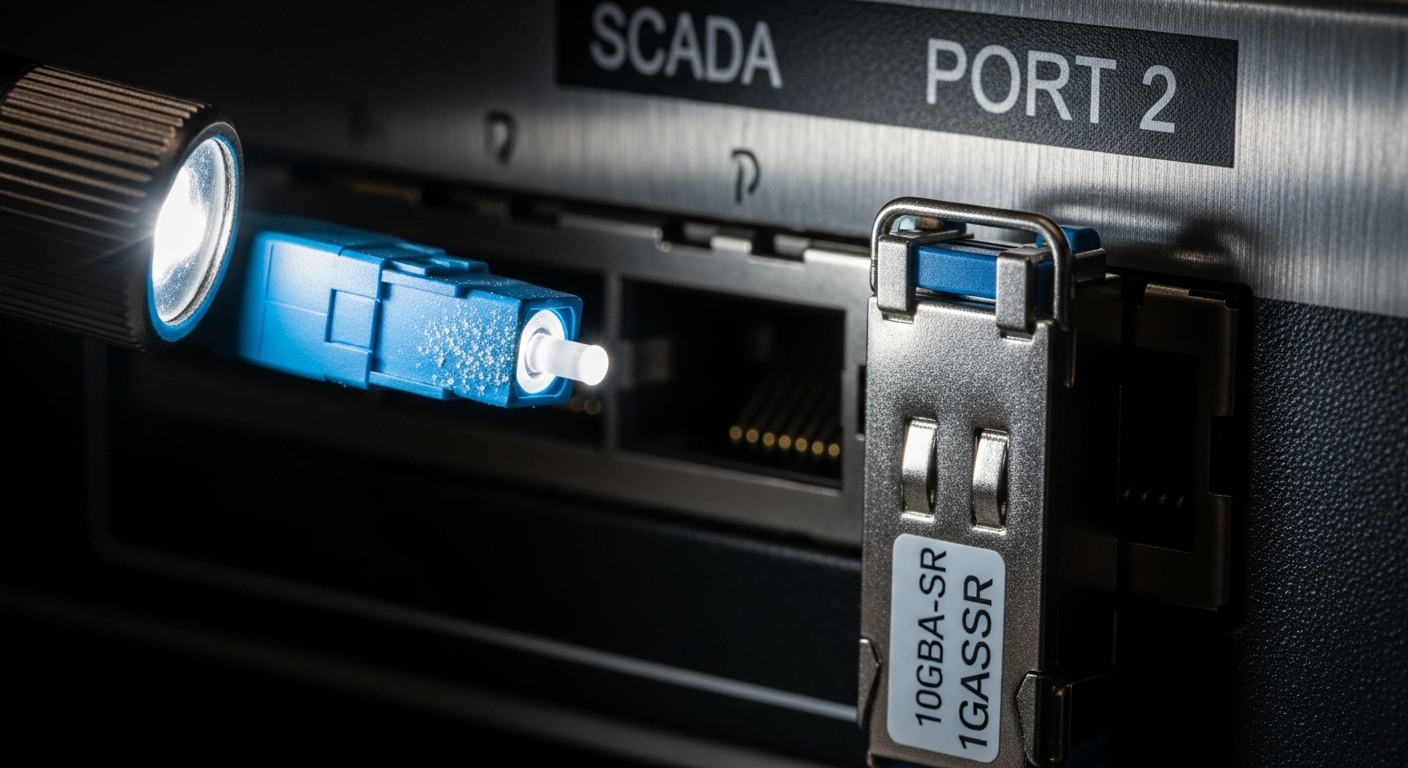
When you validate, do not stop at “it links.” Measure or read DOM values where possible: Tx bias current, laser temperature, and Rx optical power. If your switch exposes these via CLI/telemetry, set alert thresholds for low Rx power and high temperature. If it does not, plan an out-of-band test with a fiber tester and a handheld optical power meter.
SCADA deployment scenario: Modbus TCP over a fiber ring
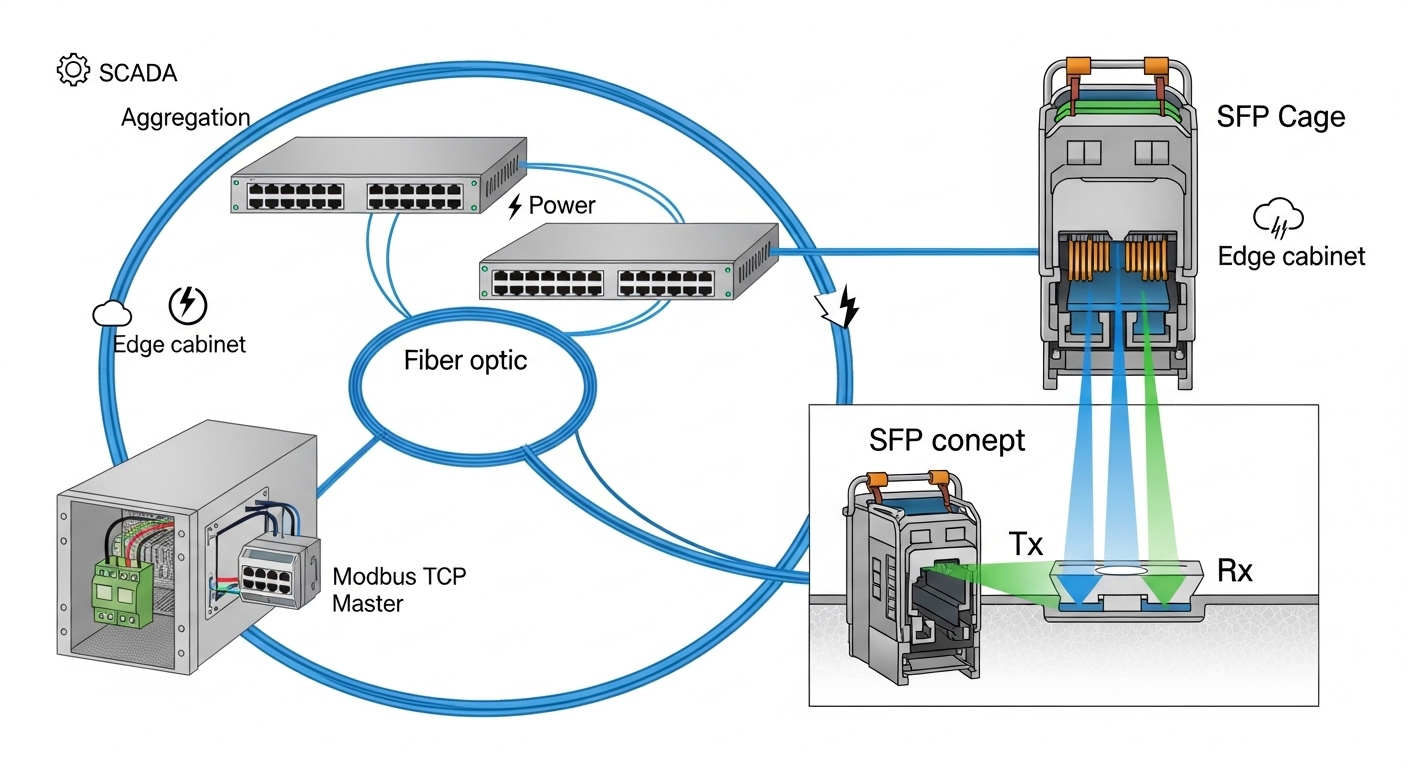
Consider a process plant with a 3-tier layout: edge I/O cabinets connect to two redundant aggregation switches in a fiber ring, then uplink to a control VLAN where the SCADA master polls. The edge switches are configured for 10G uplinks using 10GBASE-SR SFPs over OM3 multimode fiber with LC connectors. Each uplink runs 180 m, and the cabinets sit in ambient conditions that swing from 5 C to 55 C over a day. The SCADA master polls Modbus TCP registers every 250 ms and marks devices offline after 3 failed polls.
In this environment, the correct Modbus fiber SFP is not only about reach. It is about consistent optical power and connector cleanliness across repeated maintenance cycles. We typically enforce: (1) optics matched to the fiber type (850 nm SR for OM3), (2) a conservative optical budget margin by targeting Rx power in the mid-range, and (3) DOM monitoring enabled so the NOC can detect aging lasers before they cross a failure threshold.
Selection criteria checklist (ordered for fast decisions)
Use this ordered checklist when choosing a Modbus fiber SFP for SCADA communication. If you can answer these in under 10 minutes, you will avoid most field failures.
- Distance vs fiber type: pick wavelength class first (850 nm SR for OM3/OM4 multimode; 1310/1550 nm for SMF). Confirm connector type: LC vs other.
- Switch compatibility: verify the switch model’s supported optics list and whether it enforces vendor lock-in. If you use third-party SFPs, confirm platform behavior with that exact SKU.
- Data rate and PHY mode: ensure the SFP matches the port speed (1G vs 10G) and that the switch does not downshift unexpectedly under link training.
- DOM and telemetry: confirm the platform reads DOM (Tx/Rx power, temperature, bias). SCADA ops benefit from alerting, not blind “link up/down.”
- Operating temperature: validate against enclosure ambient and airflow. For industrial sites, prefer SKUs with wider temperature ratings when available.
- Optical budget margin: target conservative margins. If you cannot measure Rx power, use a validated fiber plant loss estimate and keep connectors clean.
- Failure mode risk: consider mean time to failure expectations from vendor warranties. Track replacements by serial number and DOM drift, not just “it failed.”
- Procurement strategy: OEM modules often cost more but reduce compatibility variance; third-party can be fine if you standardize SKUs and test them on the exact switch.
Common pitfalls and troubleshooting tips (field-tested)
Below are common failure modes that present as Modbus TCP issues, along with root causes and fixes.
-
Pitfall: Link “up” but Modbus polls intermittently fail.
Root cause: marginal optical power due to dirty connectors or fiber micro-bends causing transient errors.
Solution: clean LC ends with lint-free swabs and appropriate cleaning solvent, then inspect with an optical microscope. Re-check Rx optical power via switch DOM; if low, test the fiber with a loss meter and re-terminate as needed. -
Pitfall: Frequent TCP timeouts after a maintenance visit.
Root cause: SFP inserted into the wrong port type or mixed optics (e.g., 850 nm SR module connected to SMF span).
Solution: label fibers and ports, verify wavelength/fiber type mapping, and confirm that the far end uses the matching optics standard. Validate with link negotiation counters and error counters on both ends. -
Pitfall: Works in the lab, fails in the cabinet under heat.
Root cause: transceiver operating beyond temperature or power supply noise tolerance; laser bias drift increases BER.
Solution: check the enclosure ambient, confirm the module temperature range, and ensure proper airflow. If available, trend DOM temperature and bias over time and set alerts before BER rises. -
Pitfall: Third-party module “mostly works,” then gets disabled after reboot.
Root cause: switch optics policy rejects modules or misreads DOM fields after firmware changes.
Solution: standardize on a tested SKU, verify after switch firmware upgrades, and keep one OEM module on-site as a known-good comparator.
Operationally, collect evidence in this order: (1) Ethernet interface error counters, (2) optical DOM readings, (3) fiber plant loss verification, (4) SCADA TCP logs for timeout correlation. This prevents chasing Modbus parameters while the physical layer is the real culprit.

Cost, TCO, and ROI for SCADA optics
Typical street pricing for 10GBASE-SR SFPs varies widely by vendor and temperature grade. In many markets, you will see rough ranges like $60 to $150 per module for standard commercial-temperature optics, and $120 to $300+ for industrial or extended-temperature variants. OEM parts can be higher, but the ROI shows up when you reduce compatibility incidents and speed up mean time to repair.
TCO is driven by downtime cost and spares strategy. If one failed link can delay commissioning or production, the cheapest module is rarely the cheapest outcome. Track failure rates by serial number and correlate with DOM drift; if you can trend Rx power and temperature, you can schedule proactive swaps and reduce unplanned outages.
FAQ
What wavelength should I pick for a Modbus fiber SFP in a plant?
Match wavelength to your fiber type: 850 nm SR is usually for OM3/OM4 multimode short runs; 1310 nm LX is common for single-mode longer spans. If you do not know the fiber type, verify the cable jacket marking and run a fiber test before ordering.
Do I need DOM support for SCADA reliability?
DOM is strongly recommended. It enables proactive alerting on Rx power and module temperature, which often precede link errors. Without DOM, you will mostly react to link down events and SCADA timeouts.
Will third-party Modbus fiber SFPs work on managed switches?
Often yes, but you must validate on the exact switch model and firmware. Some platforms enforce an optics policy or behave differently with DOM fields. Test a small batch and keep an OEM spare if you cannot afford compatibility risk.
How do I confirm the fiber link is safe before blaming Modbus TCP?
Check interface error counters, then read DOM values (Tx bias, temperature, Rx power). If errors exist with link up, clean connectors and re-check optical power; if DOM is unavailable, use a loss meter and an OTDR to validate the fiber plant.
What is the most common cause of “offline” devices in SCADA over fiber?
Dirty connectors or marginal optical budget that creates transient packet loss. SCADA masters with short polling intervals and strict offline thresholds can interpret brief micro-outages as device failure.
Where should I start if my Modbus TCP timeouts correlate with heat?
Trend DOM temperature and bias over time and compare against module operating limits. Then verify enclosure airflow and power stability; optics performance degradation under heat is a known failure accelerator.
If you want the fastest next step, pick your SFP standard based